
 CZ
CZ SK
SK HU
HU AT
AT DE
DE ES
ES SI
SI HR
HR
Nothing in the basket.

- Search
-
Login

-
0
Comparison
Add products to compare, then they will appear here and you can compare parameters.
-
0
0 €
Blackmagic Design DaVinci Resolve Studio + camera
SKU: KAT-41387
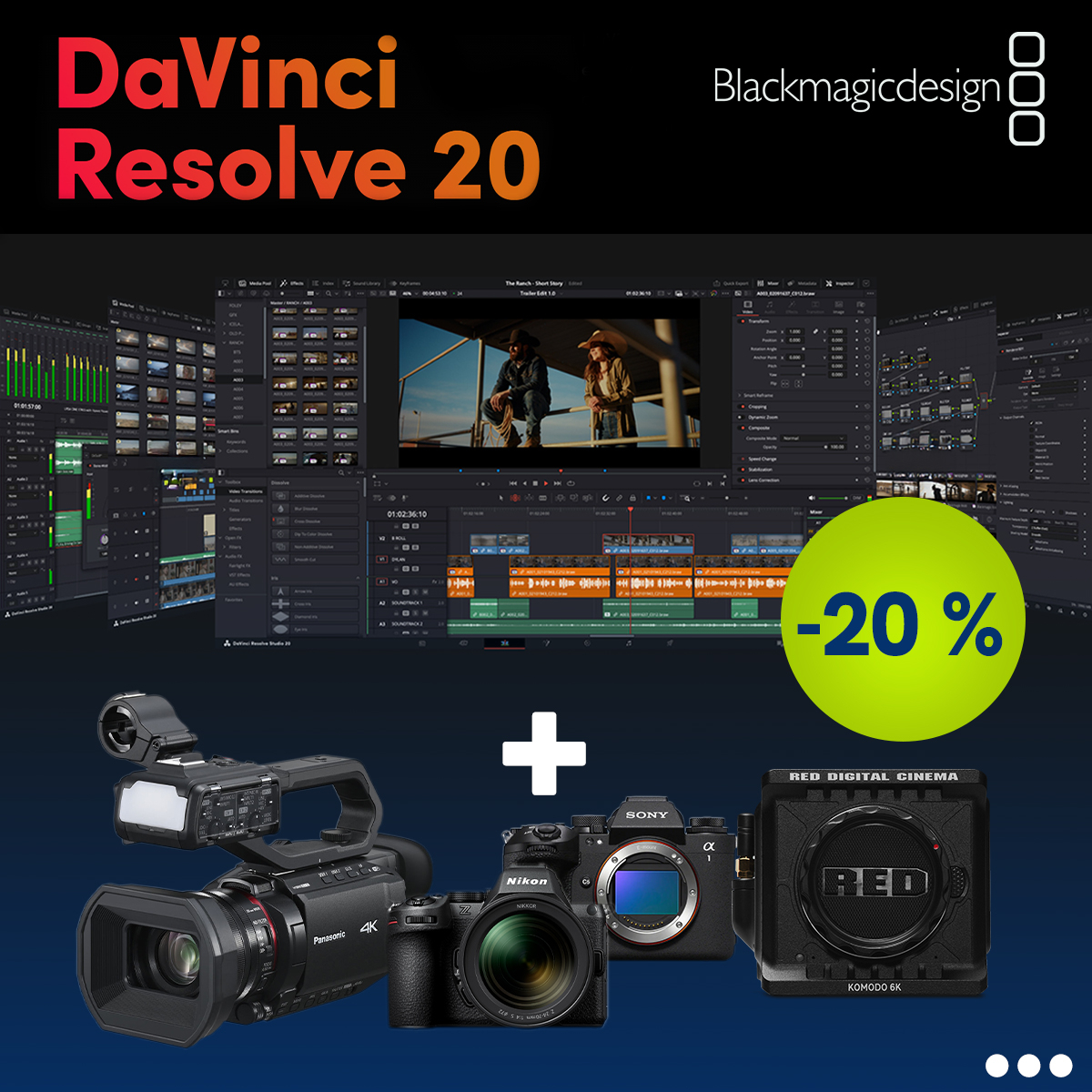
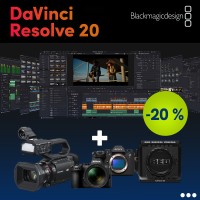
A set of Blackmagic Design DaVinci Resolve Studio and a camera of your choice: ordered as a set, the DaVinci Resolve Studio licence is 20% cheaper. You can choose from Sony, Nikon and Panasonic mirrorless and compact cameras as well as Sony and Panasonic camcorders and cinema cameras. DaVinci Resolve Studio is a professional application for editing, colour…
Availability
on request
0 € with VAT
0 € without VAT
Build your set, buy it as a set, and save on individual products!
SKU:
KAT-41387
Add to Compare
KAT-41387
Product description
ARTICLES
SPECIFICATIONS
PACKAGE CONTENT

Product description
A set of Blackmagic Design DaVinci Resolve Studio and a camera of your choice: ordered as a set, the DaVinci Resolve Studio licence is 20% cheaper. You can choose from Sony, Nikon and Panasonic mirrorless and compact cameras as well as Sony and Panasonic camcorders and cinema cameras. DaVinci Resolve Studio is a professional application for editing, colour correction, visual effects and audio post production on macOS, Windows and Linux.
DaVinci Resolve Studio 20% off with a camera
Add a full DaVinci Resolve Studio licence at 20% off to your chosen Sony, Nikon or Panasonic camera – professional editing, colour correction, effects and audio for footage from your new camera.
DaVinci Resolve Studio −20%Sony · Nikon · PanasonicEdit · Color · Fusion · Fairlightup to 32K / 120 fpsDaVinci Neural EngineCard or download
One application from edit to master
Editing, colour correction, visual effects, motion graphics and audio post production in one project – with no exports or conversions between programs.
macOS, Windows and Linux
On a Mac, Studio uses Metal and Apple Silicon unified memory; on Windows and Linux it uses OpenCL and CUDA.
Collaboration via Blackmagic Cloud
Shared projects let several users work on the same project – editors, colourists and audio engineers at the same time.
How the set is put together
When ordering, you choose the form of the DaVinci Resolve Studio licence – a printed card with the activation key or the download version – and one camera from the Sony, Nikon and Panasonic range. The 20% discount in the set applies to the price of DaVinci Resolve Studio; the camera is priced as when bought separately.
Performance from the graphics card
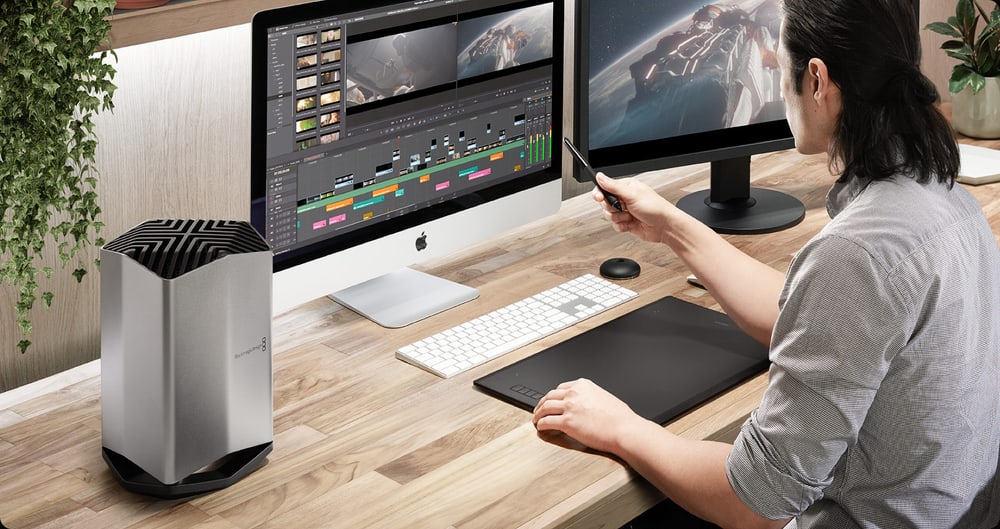
DaVinci Resolve Studio takes full advantage of the GPU and gets faster with every additional graphics card, so even demanding projects in professional 10-bit formats play back in real time. Hardware H.264 and H.265 decoding and encoding speed up editing and export.
DaVinci Neural Engine
AI features found only in the Studio version: facial recognition for sorting shots into bins, Super Scale for turning HD material into 4K and 8K, Speed Warp retiming, automatic region tracking, voice isolation, music remixing and dialogue separation.
Noise reduction and lens correction
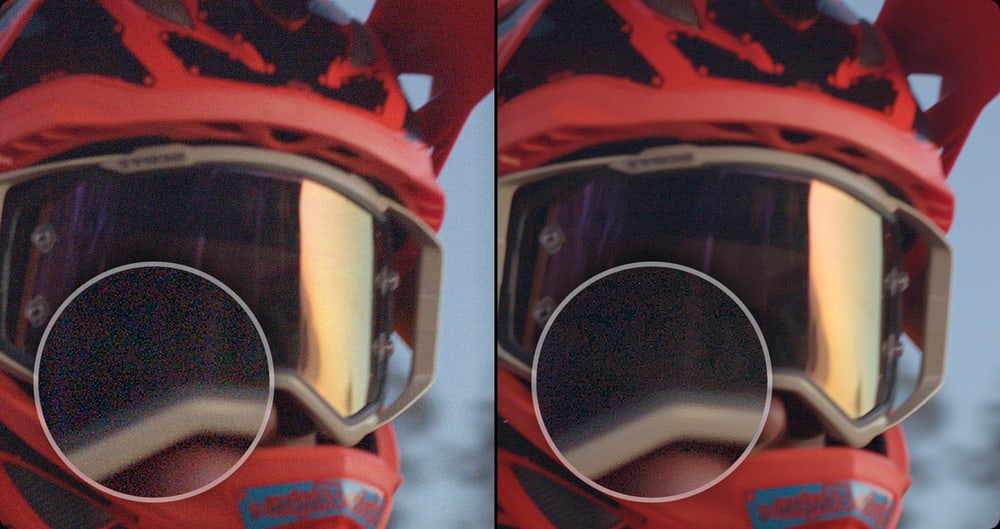
Temporal and AI spatial noise reduction can be used separately or together and clean up the image from virtually any source. Lens correction analyses a clip and uses optical flow to remove spherical distortion and other aberrations.
HDR, Dolby Vision and HDR10+
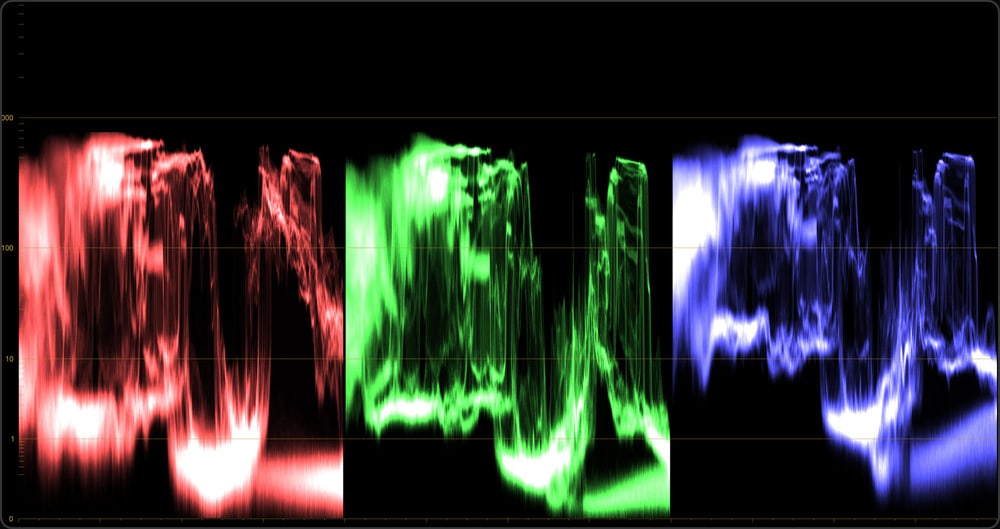
HDR scopes measure ST.2084 and HLG images and show values in nits (cd/m²) instead of a 10-bit scale. Studio includes a GPU accelerated version of the Dolby Vision CMU and HDR10+ support; advanced Dolby Vision trim controls require a separate Dolby licence.
Immersive audio and Dolby Atmos
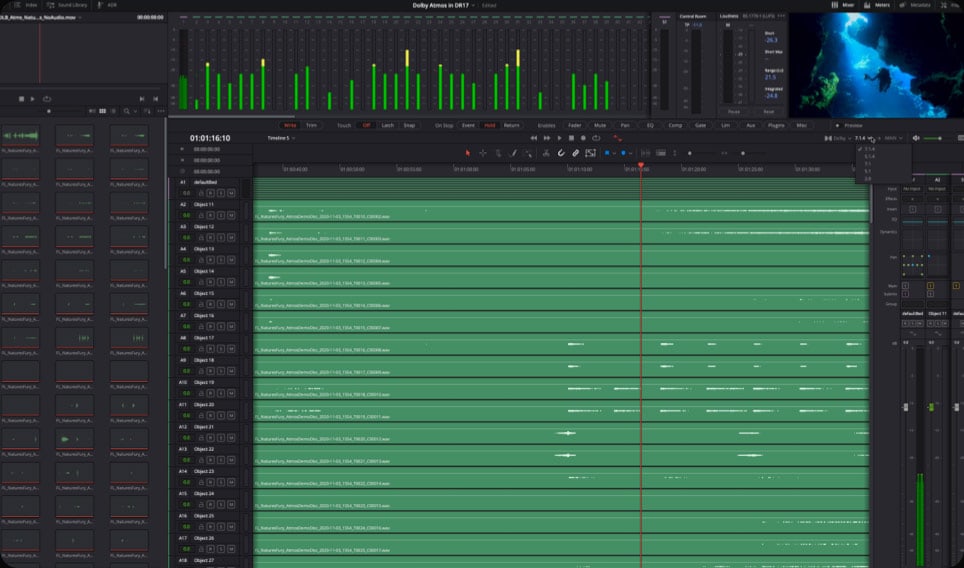
Fairlight in the Studio version works with immersive 3D audio from 5.1.2 to 9.1.6, imports and exports IAB and ADM files and supports object based formats such as Dolby Atmos and MPEG-H. A Dolby Atmos master can be imported with its original tracks and panning metadata.
Professional formats and delivery
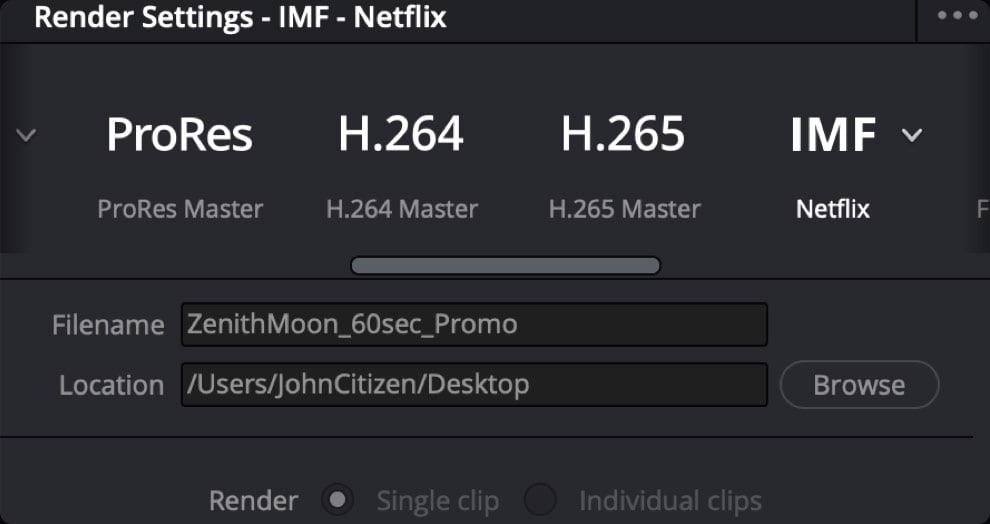
Studio works with resolutions up to 32K and frame rates up to 120 fps, supports professional formats including 10-bit H.264, AVC-Intra and AVCHD, and creates IMF packages to SMPTE ST.2067 as well as unencrypted DCPs. Python and Lua scripting connects Resolve to your own workflow.
Two forms of the licence in the set
Both forms contain the same full DaVinci Resolve Studio software; they differ only in how we deliver the licence.
- Download version – We send the electronic activation key by e-mail during business hours (orders placed after business hours are processed the next business day). The licence can be activated on two computers at the same time.
- Standard version (printed card) – The activation key is printed on a card that we ship by courier. It is the same licence as the download version, only with a printed key; it can also be activated on two computers at the same time.
AI tools in DaVinci Resolve
The current DaVinci Resolve 21 builds on version 20, which brought more than 100 new features and AI-powered tools. AI IntelliScript builds a timeline from a text script, AI Animated Subtitles animate words as they are spoken, AI Multicam SmartSwitch assembles a cut that switches cameras according to who is speaking, and AI Audio Assistant helps with the sound. AI Fairlight IntelliCut removes silence and splits checkerboarded dialogue between speakers. Version 20 also improves Magic Mask and Depth Map, adds a dedicated keyframe editor and a voice over palette to the Cut and Edit pages, and brings vector tools for optical flow and multi-layer compositing to the Fusion page. There is also an improved Text+ layout, a safe trimming mode, grading with the Chroma Warp tool and the new MultiText tool.
PACKAGE CONTENT
- DaVinci Resolve Studio in the chosen form: printed card with the activation key, or electronic activation key sent by e-mail
- Perpetual DaVinci Resolve Studio licence for activation on up to 2 computers
- The chosen camera with the contents listed on its product page
SPECIFICATIONS
- Set composition: DaVinci Resolve Studio + 1 camera of your choice
- Discount: 20% off the price of DaVinci Resolve Studio when ordered as a set
- Licence forms in the set: printed card with activation key or download version
- Camera choice: Sony, Nikon and Panasonic mirrorless and compact cameras, Sony and Panasonic camcorders and cinema cameras
- Platforms: macOS, Windows and Linux
- Main pages: Cut, Edit, Color, Fusion and Fairlight
- Acceleration: GPU (Metal and Apple Silicon on Mac, OpenCL and CUDA on Windows and Linux); multiple GPU support depending on configuration
- Resolution and frame rate: up to 32K, up to 120 fps
- Encoding: hardware H.264 and H.265 decoding and encoding, professional 10-bit formats
- HDR: HDR scopes for ST.2084 and HLG, Dolby Vision, HDR10+
- Delivery: IMF (SMPTE ST.2067), unencrypted DCP
- Audio: immersive 3D audio 5.1.2 to 9.1.6, Dolby Atmos, IAB and ADM
- Scripting: Python and Lua, developer APIs
ARTICLES
Parameters
![]()
![]()
Parameters
| Manufacturer: | Blackmagic Design |
| Category: | Compact cameras |
Main parameters
| Operating system | Windows · macOS |
| Software type | Full version |
| Operating system | Linux |
Blog and news
Date: 10. 09. 2026, Category: DaVinci Resolve
DaVinci Resolve Online Seminars
Blackmagic Design has just announced a new series of free online seminars on DaVinci Resolve 21, which kicks off this month! The latest version of…

Date: 01. 12. 2025, Category: Blog
DaVinci Resolve 20.3
Blackmagic Design today releasedDaVinci Resolve 20.3, which adds support for importing, editing, and exporting video at resolutions up to 32K on…
ACCESSORIES (4)
ACCESSORIES (4)
Blackmagic Design DaVinci Resolve Speed Editor
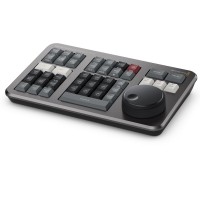
DaVinci Resolve Speed Editor is a compact editing keyboard for DaVinci Resolve with
429 €
In stock 3 pcs
Davinci Resolve Classic PC Slim Line UK
This Logickeyboard is your number one choice when editing in DaVinci Resolve. The
157 €
To be sent 2 pcs
DaVinci Resolve TITAN Wireless Backlit Keyboard - Mac UK English
This Logickeyboard is your number one choice when editing in DaVinci Resolve. The
169 €
on request
DaVinci Resolve TITAN Wireless Backlit Keyboard - Windows UK English
This Logickeyboard is your number one choice when editing in DaVinci Resolve. The
169 €
on request
News, training, and discounts from Syntex
Special offers and discounts for subscribers only · Free audio & video workshops · News and tips from the world of filmmaking
- Show all
Blackmagic Design DaVinci Resolve Studio + camera
A set of Blackmagic Design DaVinci Resolve Studio and a camera of your choice: orderedPrice from 909 €on requestConfiguration