
 CZ
CZ SK
SK HU
HU AT
AT DE
DE ES
ES SI
SI HR
HR
Nothing in the basket.

- Search
-
Login

-
0
Comparison
Add products to compare, then they will appear here and you can compare parameters.
-
0
0 €
DaVinci Resolve 20.3
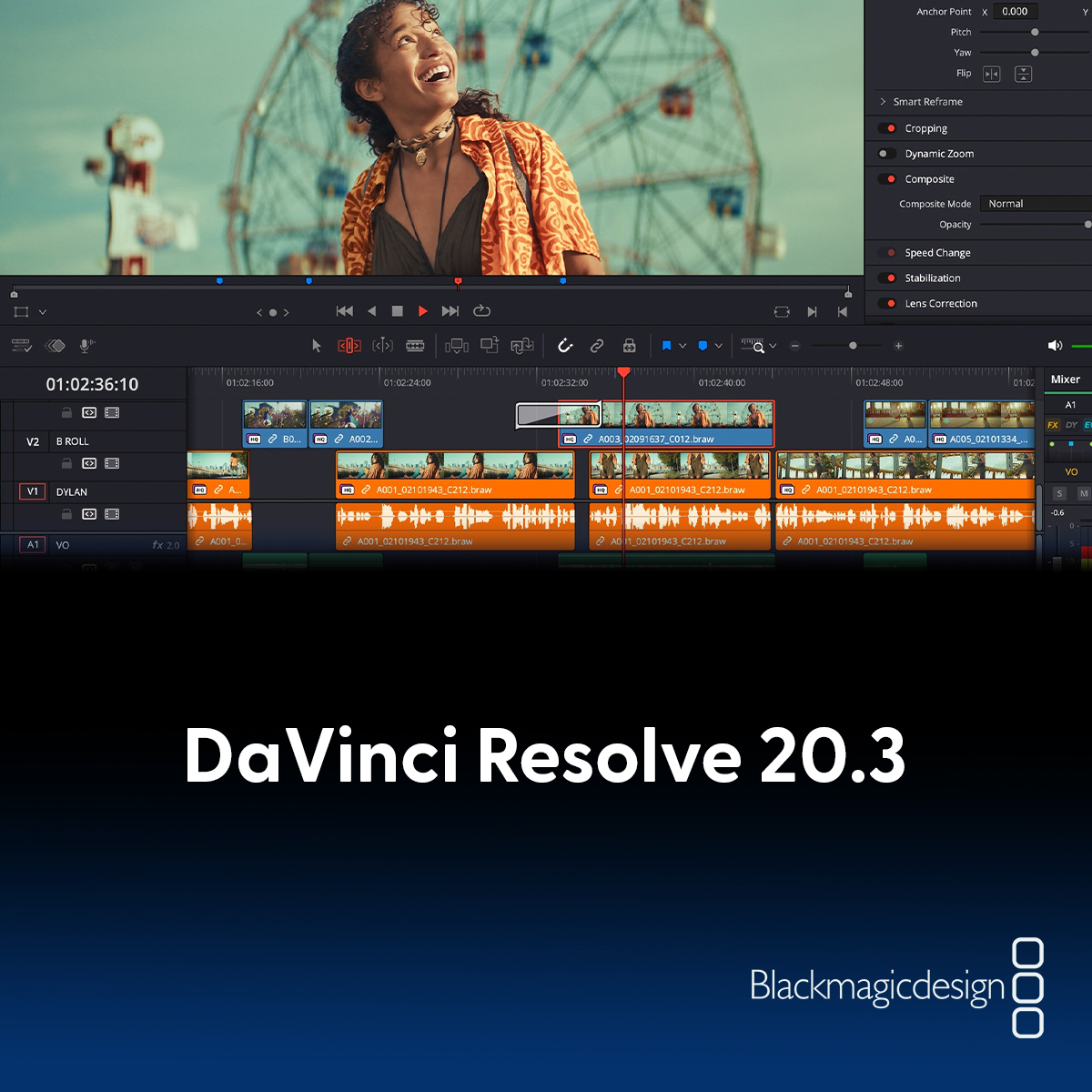
Blackmagic Design today releasedDaVinci Resolve 20.3, which adds support for importing, editing, and exporting video at resolutions up to 32K on Apple M5 computers. This allows you to work with video from the Blackmagic URSA Cine 17K 65 camera and create content for large-format displays, high-resolution VR or immersive projects, and projects with extensive visual effects.
Timeline backup management has also been improved —you can now create custom names for individual versions. You can have one timeline in your media pool while generating clearly labeled backup versions, making it easy to find previous revisions.
Several improvements have been added for editing, including the ability to insert a custom gap at the player position. In addition, there is access to an improved context menu for titles for faster actions such as cutting, copying, pasting, or deleting, as well as easier clip color editing. DaVinci Resolve now remembers the source timeline selection and provides more accurate frame matching results for clips with negative speed.
With a number of metadata feature enhancements, you can now add metadata as columns to the media pool, import and export custom metadata fields, import ALE (Avid Log Exchange) media files, and more, speeding up media organization, search, and management in large projects.
For DaVinci Resolve users on iPad, background rendering is now available on iPad OS 26. This means you can start rendering and then switch to another app, so you can continue working on other tasks while the export runs in the background.
The DaVinci Resolve 20.3 update is now available for free download HERE.
Date: 01. 12. 2025,
Category: Blog
Related products
Blackmagic Design DaVinci Resolve Studio
DaVinci Resolve Studio by Blackmagic Design is a professional application for editing,
309 €
In stock > 5 pcs
Blackmagic Design DaVinci Resolve Studio USB dongle version
DaVinci Resolve Studio by Blackmagic Design is a professional application for editing,
309 €
To be sent 2 pcs
Blackmagic Design DaVinci Resolve Studio - download only
DaVinci Resolve Studio by Blackmagic Design is a professional application for editing,
309 €
In stock > 5 pcs
Blackmagic Design DaVinci Resolve Studio + camera
A set of Blackmagic Design DaVinci Resolve Studio and a camera of your choice: ordered
Price from 909 €
on request
Configuration