
 CZ
CZ SK
SK HU
HU AT
AT DE
DE ES
ES SI
SI HR
HR
Nothing in the basket.

- Search
-
Login

-
0
Comparison
Add products to compare, then they will appear here and you can compare parameters.
-
0
0 €
Blog
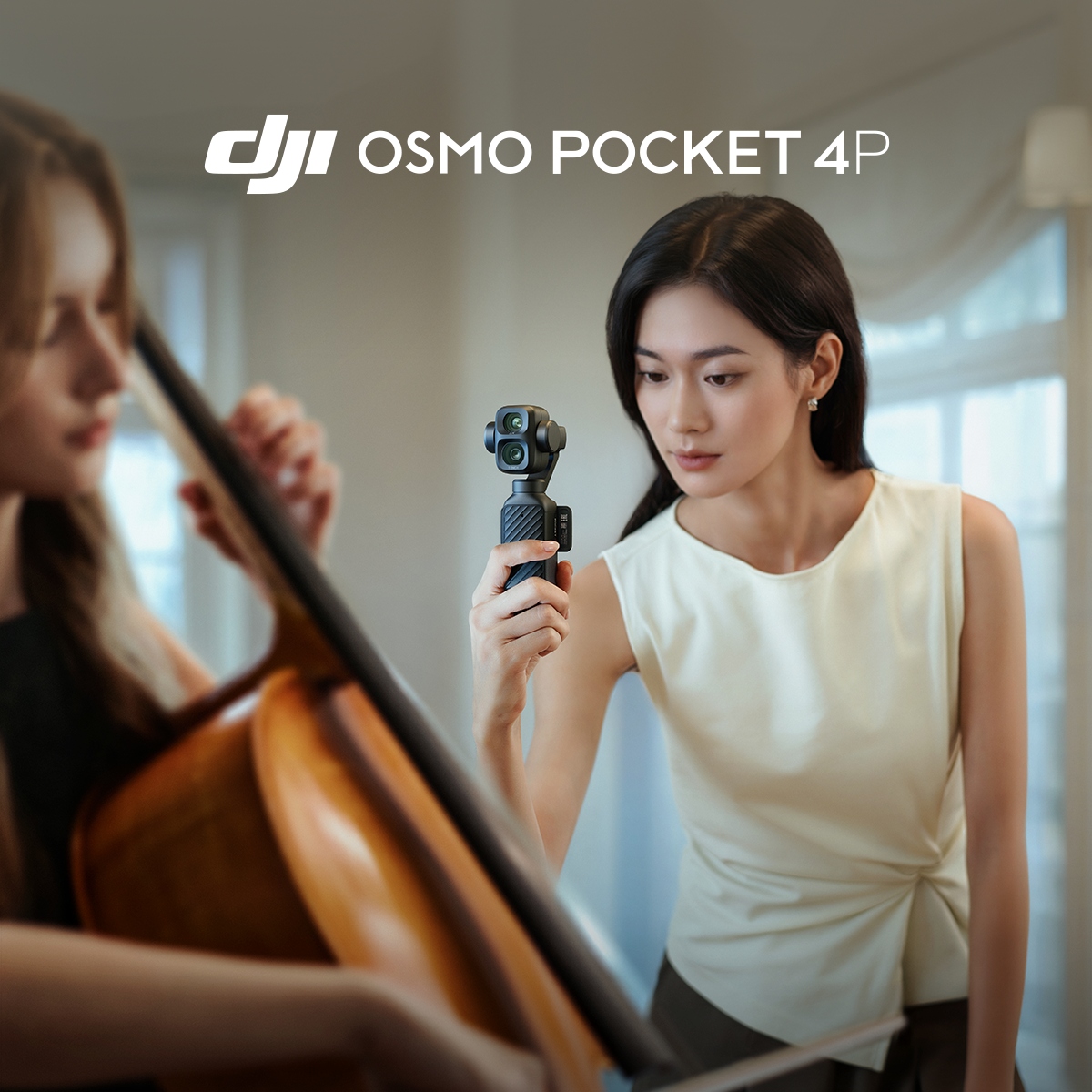
DJI has just unveiled the Osmo Pocket 4P — a new compact camera with two lenses and a gimbal for cinematic footage. The Osmo Pocket 4P features a wide-angle camera with a 1″ sensor, a dynamic range of 17 EV, and the D-Log 2 profile for stunning rendering of both highlights and shadows. The 60 mm f/1.8 lens ensures natural-looking portraits. With three-axis stabilization, ActiveTrack 8.0, and up to 8× slow-motion in Ultra HD, 4K video is always within reach.
Key Features:
- Two lenses for close-up and long-distance shots
- New 1-inch CMOS sensor, 17 EV dynamic range
- Classic 60 mm focal length for portraits
- New D-Log 2
- 4K/240 fps slow-motion footage
- In-Camera Live Photo support
- Two models
- Three-axis stabilization and ActiveTrack up to 12× zoom
You can choose between the Standard Combo and the Vlog Combo, which comes with additional accessories.
Date: 20. 08. 2026,
Category: News
FULL ARTICLE
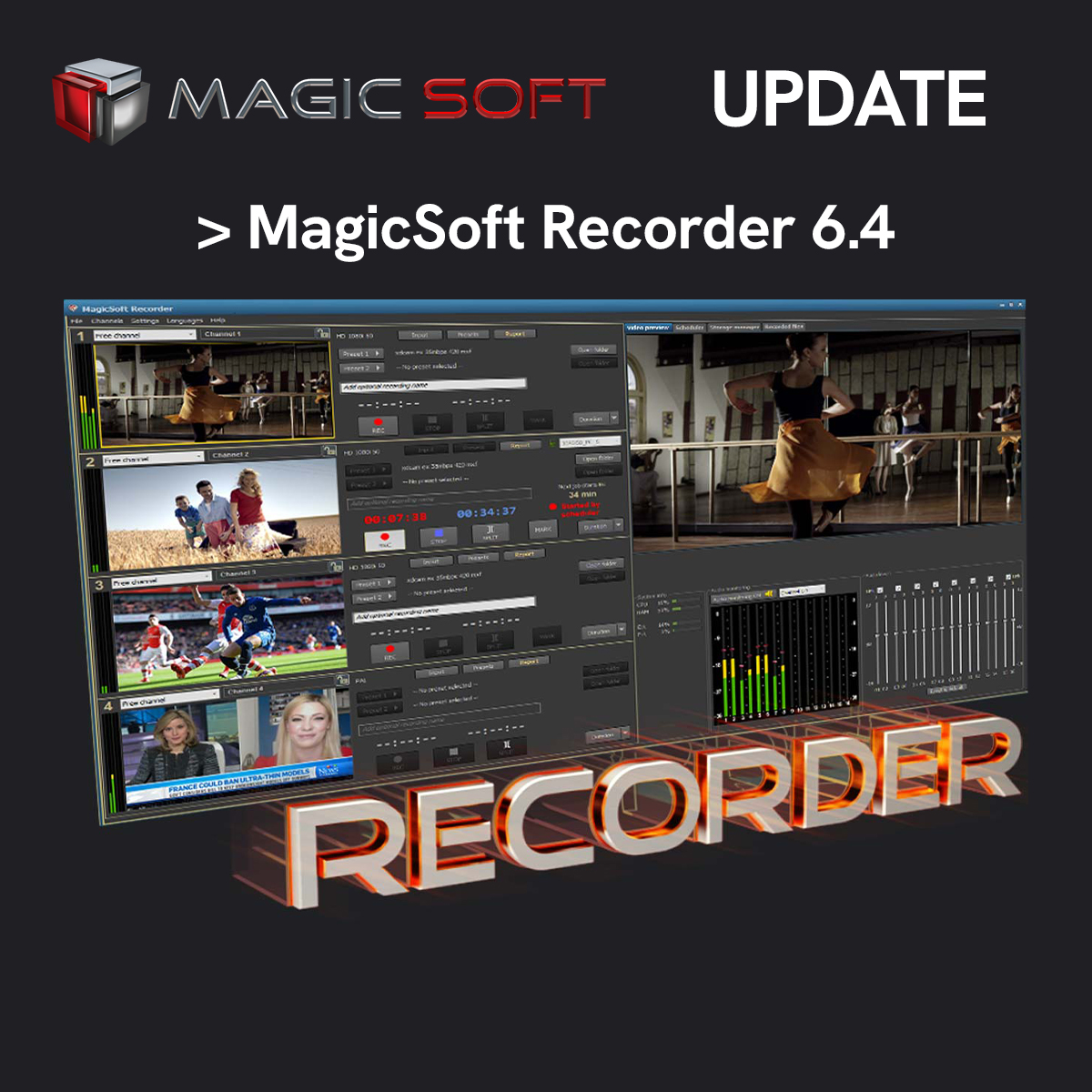
MagicSofthas releaseda new version of itsRecorder app!
What's new in MagicSoft Recorder 6.4:
-
Improved stability
-
Support for the latest DeckLink and Intensity drivers
-
Expanded logging options
A freetrial version is available for downloadhere. It includes all the features of the full version; the only limitation is a watermark superimposed on the video.
Date: 19. 08. 2026,
Category: Blog
FULL ARTICLE
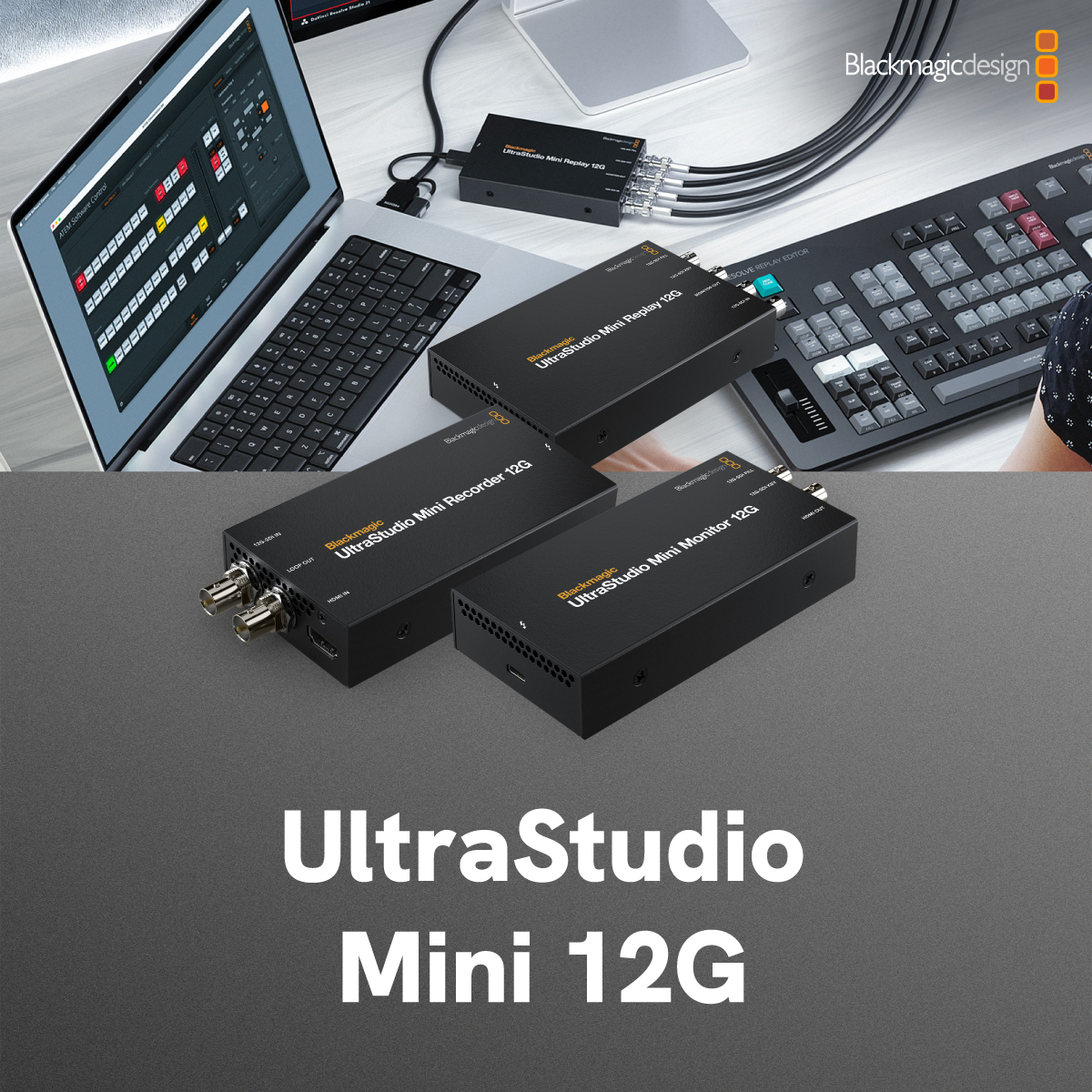
Blackmagic Design has introduced the new UltraStudioMini 12G product line! These are compact solutions for video recording and playback designed for computers with a Thunderbolt interface. Each of the three models is designed for professional broadcasting at exceptionally high quality. All three new products are currently in stock!
The UltraStudio Mini Recorder 12G allows you to record signals from 12G-SDI and HDMI interfaces in SD, HD, and Ultra HD resolutions. It’s ideal for live streaming using software such as Open Broadcaster. It can also be used to archive older recordings from professional broadcast decks into your favorite editing software or into the free bundled Media Express software. Recording from game consoles is also supported.
The UltraStudio Mini Monitor 12G enables playback via 12G-SDI and HDMI in SD, HD, and Ultra HD resolutions. It is the ideal solution for monitoring playback from your favorite editing software. The two 12G-SDI outputs support fill and key signals for broadcast graphics and automatically convert the graphics’ alpha channel to the key output.
The UltraStudio Mini Replay 12G uses 12G-SDI exclusively and enables simultaneous recording and playback. This makes it ideal for using computers as real-time AI processing devices or for live replay of footage using DaVinci Resolve. By connecting the input to the multiview output of a video switcher, you can use instant replays with automatic editing transitions (stingers) via the fill and key outputs.
Date: 18. 08. 2026,
Category: Blackmagic Design
FULL ARTICLE
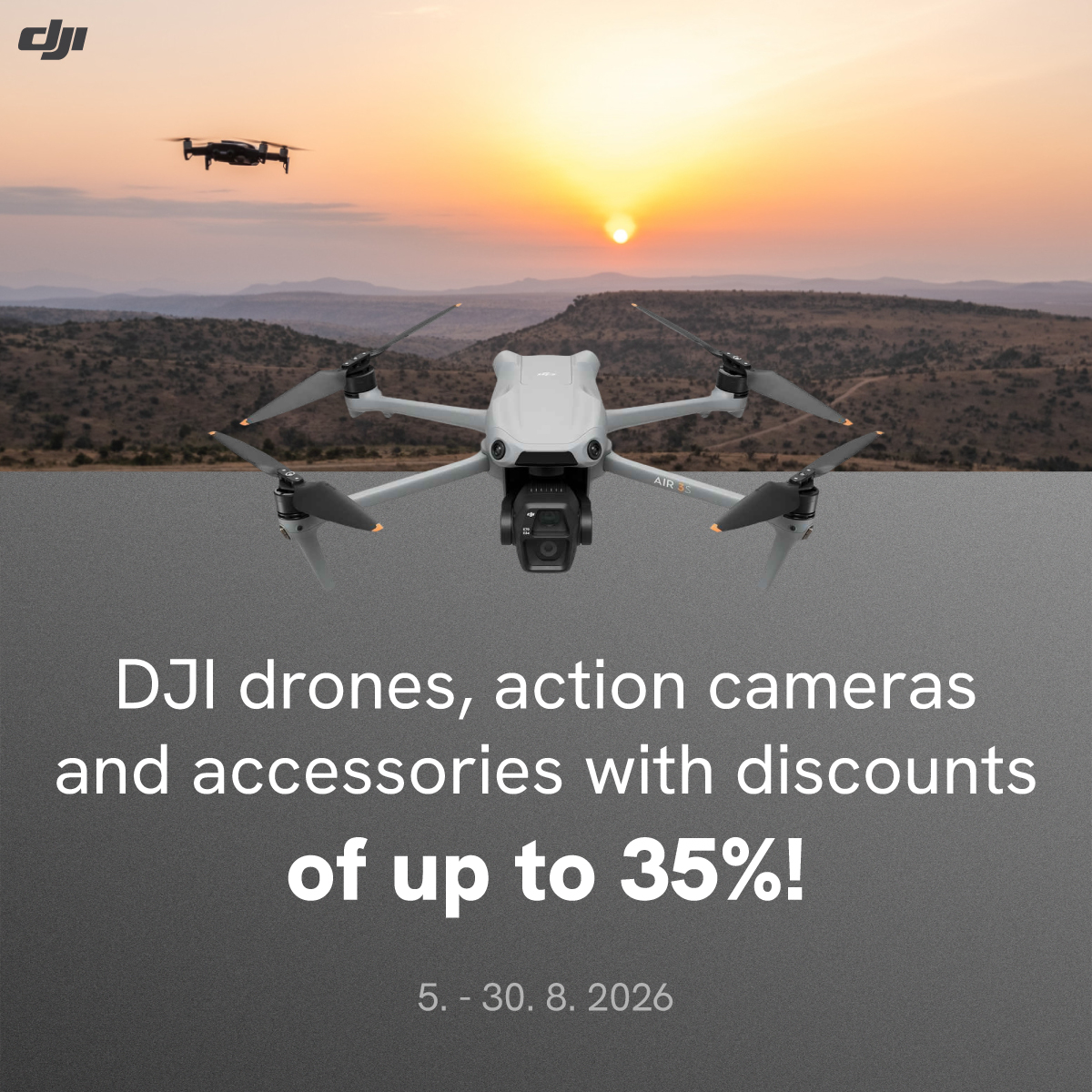
Enjoy the summer with DJI and save money at the same time!
From August 5 to 30, 2026,you canget selectDJIdrones, action cameras, mobile gimbals, and wireless microphones atup to 35% off!
The DJI Osmo Action 6 Adventure Combo is on sale from August 5 through August 18.
You can look forward to the discounted DJI Osmo 360 Standard Combo from August 3–9 and then from August 24–30.
Other products will be on sale from August 10 through August 23.
Date: 14. 08. 2026,
Category: Blog
FULL ARTICLE
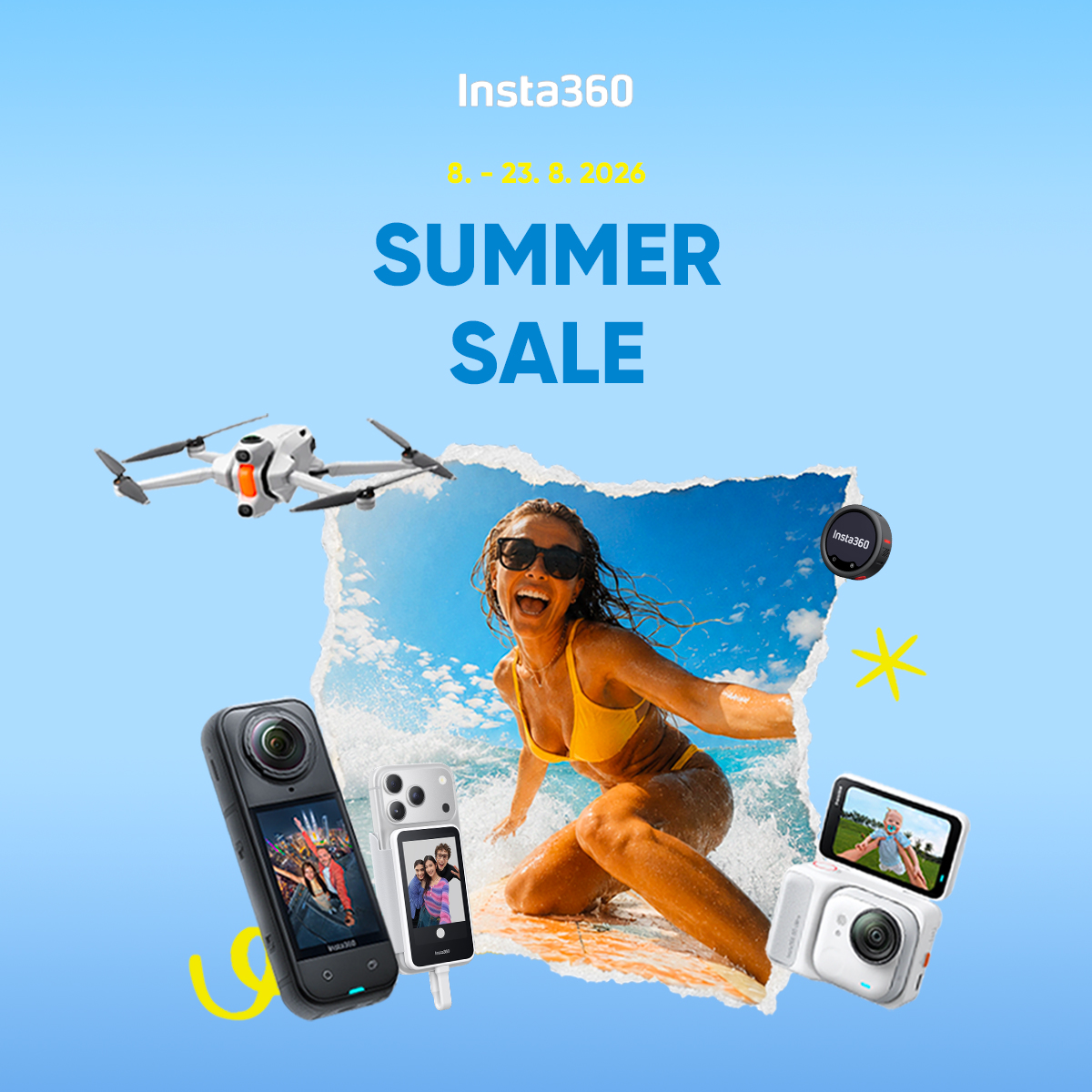
Insta360 August Sales: August 8–23, 2026
Summer is in full swing, and with it comes a special promotion on Insta360 products.From August 8–23, 2026, you can take advantage of greatdiscounts on select products —from action cameras (including 360° models) to mobile gimbals, an innovative 360° drone, and other accessories.
Date: 11. 08. 2026,
Category: Blog
FULL ARTICLE