
 CZ
 SK
 HU
 AT
 DE
 ES
 SI
 HR

Nothing in the basket.

- Search
-
Login

-
0
Comparison
Add products to compare, then they will appear here and you can compare parameters.
-
0
0 €
DaVinci Resolve Studio vs free: when the paid version is worth it
DaVinci Resolve Studio or the free version? What Studio adds, how the licence works, and the Speed Editor.
The confusing thing about DaVinci Resolve is that it is excellent even for free. So plenty of people wonder whether DaVinci Resolve Studio is worth paying for at all – and the answer depends less on how “professional” you are than on what you shoot and which computer you edit on.
Below we go through what the paid version adds according to Blackmagic Design's current overview (DaVinci Resolve 21), how the licence works and how the download differs from the activation card. At the end we add two controllers that speed things up: the Speed Editor for editing and the Micro Color Panel for grading.
 1 / 8
What the free version can do
The free version is not a cut-down trial. It includes every page – Cut, Edit, Fusion, Color, Fairlight and Deliver – and, according to the maker, edits and exports up to Ultra HD 3840 × 2160 at 60 fps with virtually all 8-bit formats. You still get keyers, the colour warper, HDR tools and multi-user collaboration on one project.
For a holiday vlog, a YouTube video shot on a phone or a corporate interview recorded in 8 bit, that is often enough. A classic beginner's mistake is buying Studio “just in case” on day one. It makes more sense to edit for free and upgrade once you hit a specific wall – and those walls are described below.
 2 / 8
10-bit, higher frame rates and GPU power
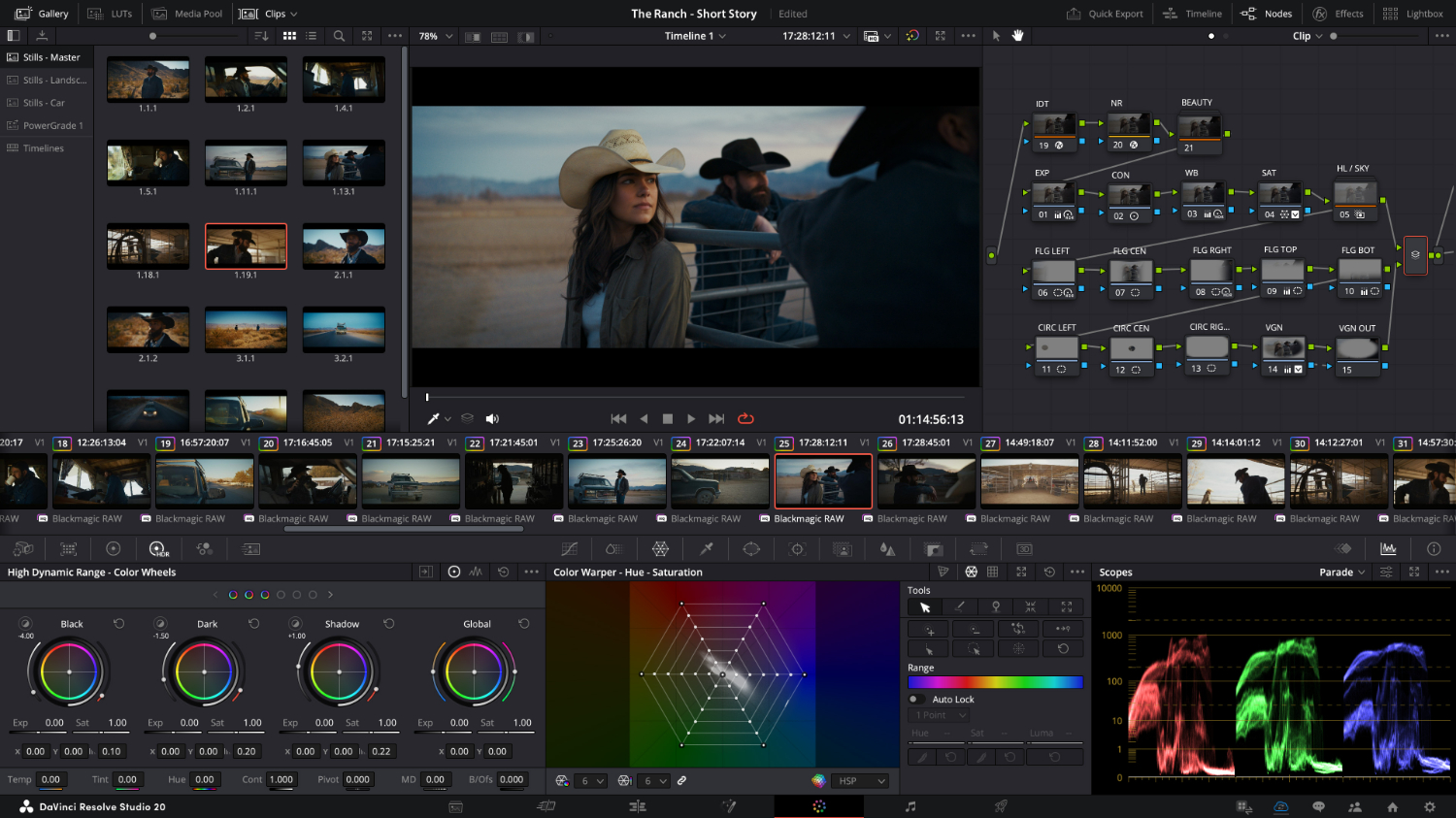
The most common practical reason to upgrade is not AI but camera footage. According to Blackmagic Design, Studio works with professional 10-bit formats and resolutions up to 32K at up to 120 fps, and adds support for AVC-Intra, AVCHD and all-I H.264 camera formats.
The second factor is performance: Studio uses multiple graphics cards and adds hardware-accelerated H.264 and H.265 decoding and encoding. If you shoot log on a mirrorless camera or 4K/120p slow motion and the timeline stutters in playback, this is where the difference usually shows most. On a Mac, Studio uses Metal and Apple Silicon unified memory; on Windows and Linux, OpenCL and CUDA.
 3 / 8
DaVinci Neural Engine and extra effects
The AI features powered by the DaVinci Neural Engine are, according to the maker, exclusive to Studio: facial recognition that sorts clips into bins by person, Super Scale for upscaling HD to 4K or 8K, Speed Warp retiming, Magic Mask for isolating and tracking objects, Smart Reframe, object removal and scene cut detection. Studio also offers text-based editing.
On top of that come more than 45 extra Resolve FX – including Film Look Creator, face retouching tools, dust removal and de-flicker – plus temporal and AI spatial noise reduction with UltraNR. Anyone filming indoors in the evening at high ISO will appreciate that one most.
 4 / 8
HDR, audio and client deliverables
For commissioned work there is another layer. Studio handles Dolby Vision and HDR10+ grading and rendering, HDR scopes with a nit scale, stereoscopic 3D tools, and remote monitoring and grading for clients. Advanced Dolby Vision trim controls, however, require a separate Dolby licence.
In Fairlight, Studio adds immersive audio including Dolby Atmos mastering (5.1.2 to 9.1.6), voice isolation, dialogue separation and a music remixer. For delivery it creates IMF packages and unencrypted DCPs, and offers Python and Lua scripting plus full-screen playback on a second monitor. When a broadcaster or streaming service sends you its technical specs, the answer is usually here.
 5 / 8
Licence: download, card or dongle
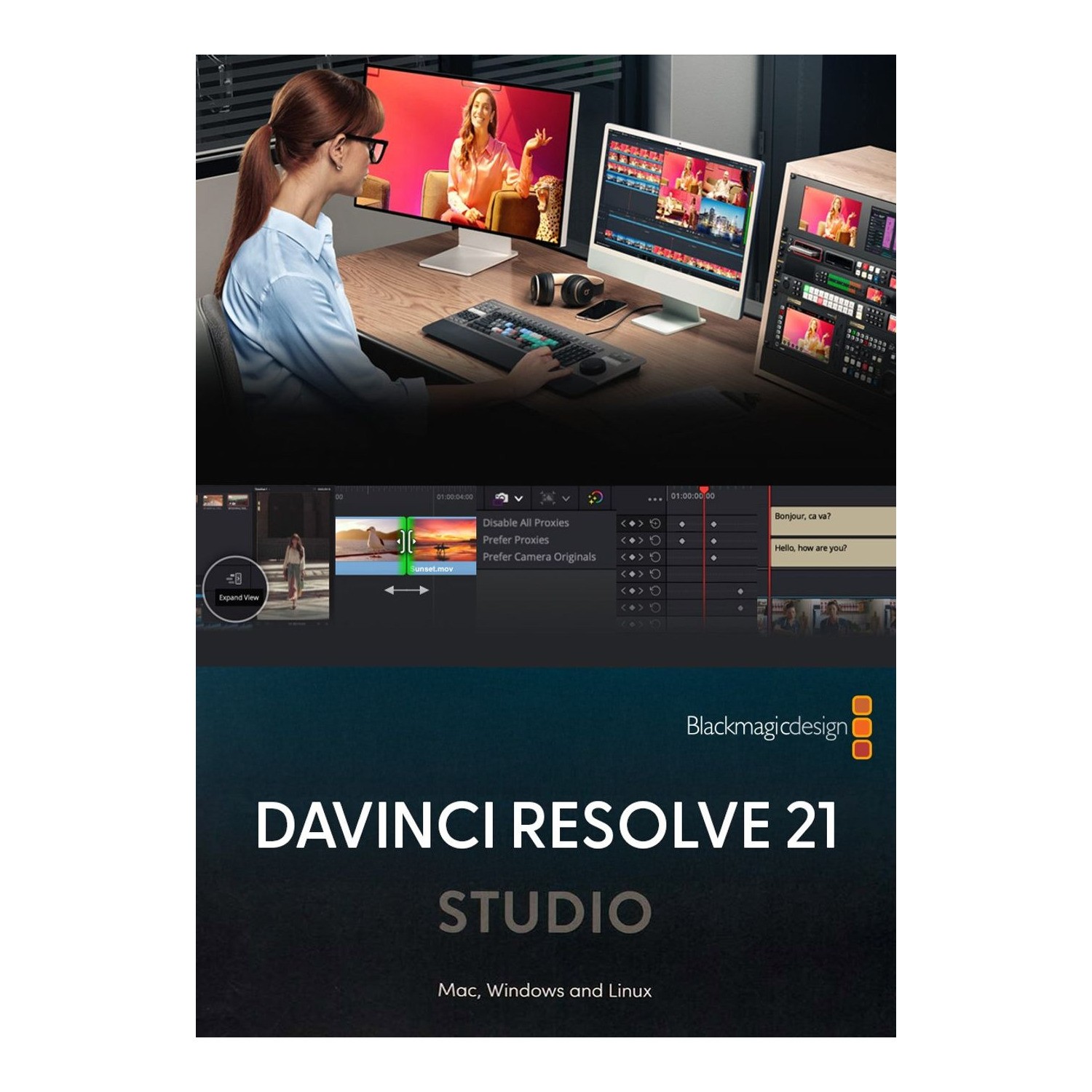
The standard Studio licence is a one-off purchase with no subscription (licence rental via Blackmagic Cloud is aimed mainly at companies). The download and the printed-card version contain the same software and the same licence; they differ only in delivery – the key arrives by email or on a card sent by courier. The card version is often chosen by people giving the licence as a gift.
The activation key can be used on two computers at the same time, for example a desktop in the edit suite and a laptop for travel. When replacing a computer, release the licence first via Help → Deactivate License. The USB dongle version always works on whichever computer the dongle is plugged into.
 6 / 8
Speed Editor with Studio in the box
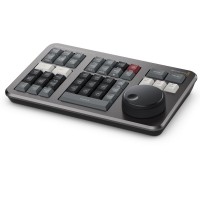
The DaVinci Resolve Speed Editor is an editing keyboard built around the Cut page. A large search dial with Shuttle, Jog and Scroll modes, In/Out keys you can find by touch, and smart functions such as Smart Insert and Ripple Overwrite mean your left hand edits while your right hand finds the shot. In multicam – say a two-camera interview – you switch cameras with keys 1–9 during playback.
The main reason to consider it when buying the licence: according to the maker, the box includes a DaVinci Resolve Studio activation key. If you want Studio anyway, a slightly higher price point gets you the controller too. Bluetooth and a built-in battery make it a good match for a laptop.
 7 / 8
Micro Color Panel for grading
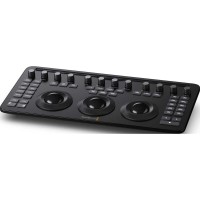
The DaVinci Resolve Micro Color Panel is for people who spend more time on the Color page than in the edit. Three trackballs with rings control Lift, Gamma and Gain simultaneously – with a mouse you only ever move one wheel at a time. Twelve knobs along the top give direct access to Contrast, Pivot, Saturation, Hue and other primary corrections, and each one resets with a press. It also adjusts Power Windows.
It has a battery, USB-C, Bluetooth and a slot for an iPad, so you can grade on a cart right on set. Note: unlike the Speed Editor (and the older Micro Panel), it does not include a Studio licence and requires DaVinci Resolve 19 or later.
 8 / 8
What to buy, and for whom
Starting out, editing phone or 8-bit camera footage up to 4K/60p: stick with the free version – you are not missing anything.
Shooting 10-bit, in log, at 4K/120p, or needing noise reduction and AI tools: buy DaVinci Resolve Studio – quickest as a download with the key by email.
Editing a lot without Studio yet: consider the Speed Editor straight away, as the Studio key is in the box.
Grading for clients: Studio plus the Micro Color Panel.
And before buying anything: Blackmagic cameras such as the Pocket Cinema Camera 4K/6K, Cinema Camera 6K, PYXIS or URSA Cine already include a Studio key, according to the maker.
Who it makes sense for
The free version covers most 8-bit footage up to Ultra HD and 60 fps. DaVinci Resolve Studio pays off once you shoot 10-bit or need higher frame rates, multi-GPU performance, noise reduction or AI tools. If you are only now buying a licence and edit a lot, the Speed Editor comes with a Studio key as well.
What we like about the design: A one-off Studio licence unlocks 10-bit formats, 120 fps, multiple GPUs and Neural Engine tools, and can be activated on two computers at once.
What to bear in mind: Before buying, check whether you already have a Studio key from a Blackmagic camera or controller; unlike the Speed Editor, the Micro Color Panel does not include one.
View Blackmagic Design DaVinci Resolve Studio - download only — current price and availability →
Syntex.
Syntex editorial team. This comparison is based on Blackmagic Design technical specifications and documentation (DaVinci Resolve 21); we did not test the products ourselves for this article.
Date: 05. 11. 2026,
Category: Reviews
Related products
Blackmagic Design DaVinci Resolve Studio
Promotion: -20% ends in: 14d: 08h: 58m
DaVinci Resolve Studio by Blackmagic Design is a professional application for editing,
246.84 €
308.55 €
Backordered > 5 pcs
Blackmagic Design DaVinci Resolve Speed Editor
Promotion: -20% ends in: 14d: 08h: 58m
DaVinci Resolve Speed Editor is a compact editing keyboard for DaVinci Resolve with
337.83 €
422.29 €
Backordered > 5 pcs
Blackmagic Design DaVinci Resolve Studio - download only
Promotion: -20%
DaVinci Resolve Studio by Blackmagic Design is a professional application for editing,
246.84 €
308.55 €
Backordered 1 pcs
Blackmagic Design DaVinci Resolve Micro Color Panel
Promotion: -20% ends in: 14d: 08h: 44m
DaVinci Resolve Micro Color Panel is a compact control panel for colour grading in
434.63 €
543.29 €
Backordered > 5 pcs