
 CZ
CZ SK
SK HU
HU AT
AT DE
DE ES
ES SI
SI HR
HR
Nothing in the basket.

- Search
-
Login

-
0
Comparison
Add products to compare, then they will appear here and you can compare parameters.
-
0
0 €
Blackmagic Design DaVinci Resolve Micro Color Panel


SKU: DV/RES/AAAPNLMIC/EN
DaVinci Resolve Micro Color Panel is a compact control panel for colour grading in DaVinci Resolve 19 or later. Three trackballs with rings, twelve primary correction knobs, transport and navigation keys, a built-in battery and a USB-C or Bluetooth connection give colourists direct control over the image. The slot at the top holds an Apple iPad, so you can…
549 € with VAT
453.72 € without VAT
Personal pickup: Tomorrow from 09:00
Shipment day: Tomorrow
Shipment day: Tomorrow
In stock 2 pcs
Praha 2 pcs, Bratislava 1 pcs
Praha 2 pcs, Bratislava 1 pcs
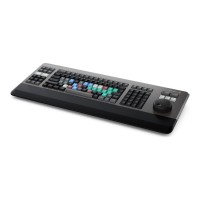
Blackmagic Design DaVinci Resolve Editor Keyboard
In stock 2 pcs649 €without VAT 536.36 €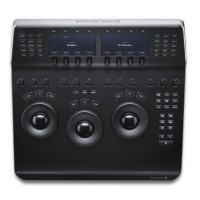
Blackmagic Design DaVinci Resolve Mini Panel
2 239 €without VAT 1 850.41 €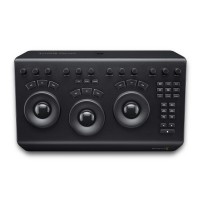
Blackmagic Design DaVinci Resolve Micro Panel
919 €without VAT 759.5 €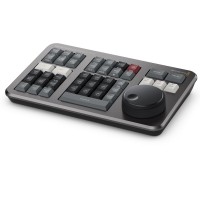
Blackmagic Design DaVinci Resolve Speed Editor
In stock > 5 pcs429 €without VAT 354.55 €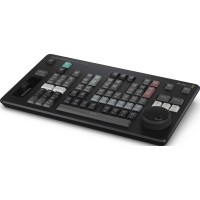
Blackmagic Design DaVinci Resolve Replay Editor
To be sent 2 pcs539 €without VAT 445.45 €Top accessories for Blackmagic Design DaVinci Resolve Micro Color Panel
Blackmagic Design DaVinci Resolve Studio - download only
DaVinci Resolve Studio by Blackmagic Design is a professional application for editing,
309 €
In stock > 5 pcs
Blackmagic Design DaVinci Resolve Studio
DaVinci Resolve Studio by Blackmagic Design is a professional application for editing,
309 €
In stock > 5 pcs
PremiumCord USB-C cable (USB 3.2 generation 2x2, 5A, 20Gbit/s) black, 2m
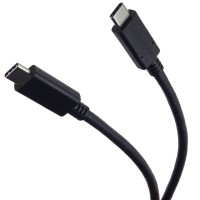
PremiumCord USB-C cable (USB 3.2 generation 2x2, 5A, 20Gbit/s) black, 2m
11 €
In stock 5 pcs
Blackmagic Design DaVinci Resolve Studio USB dongle version
DaVinci Resolve Studio by Blackmagic Design is a professional application for editing,
309 €
To be sent 2 pcs
Product description
ARTICLES
SPECIFICATIONS
PACKAGE CONTENT

Product description
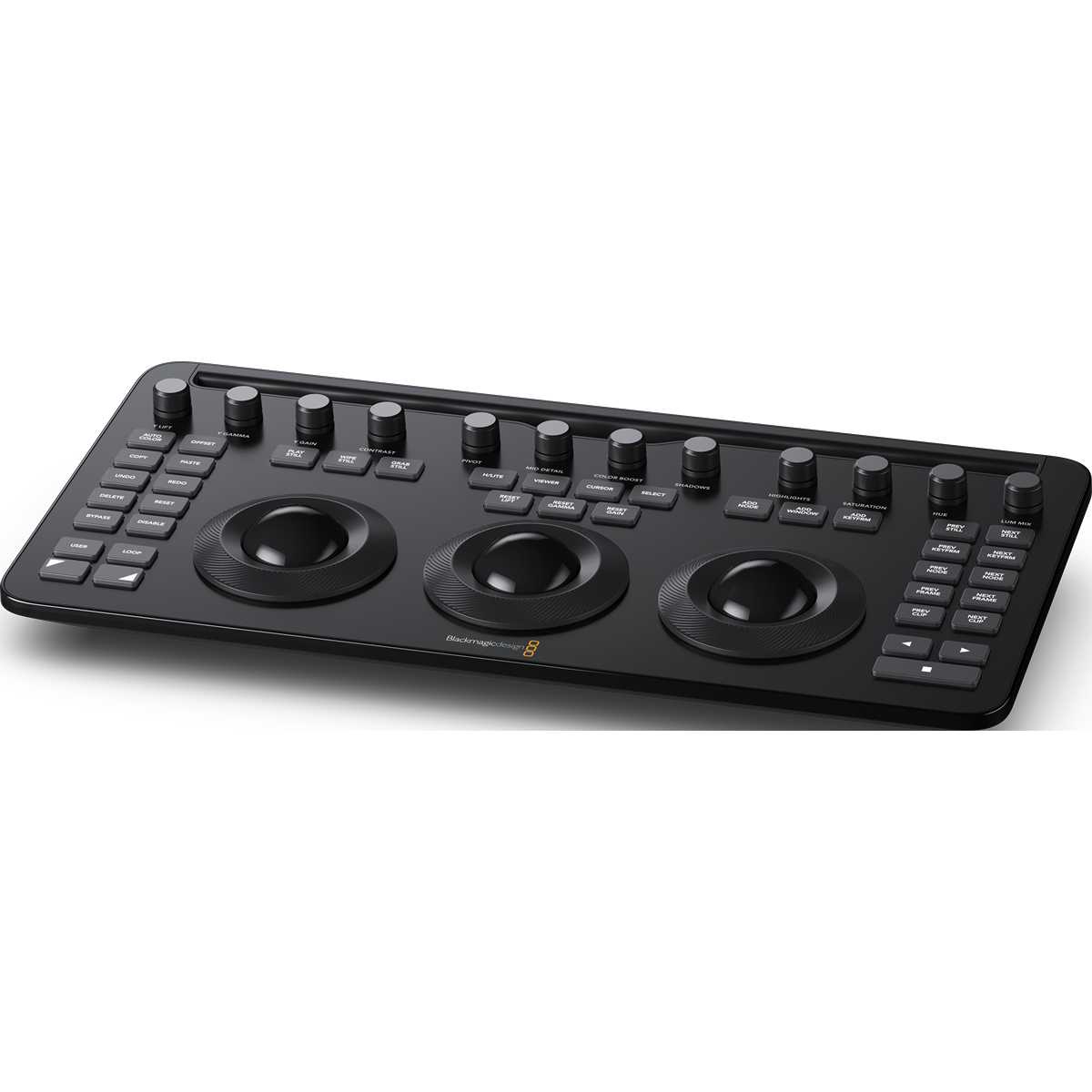
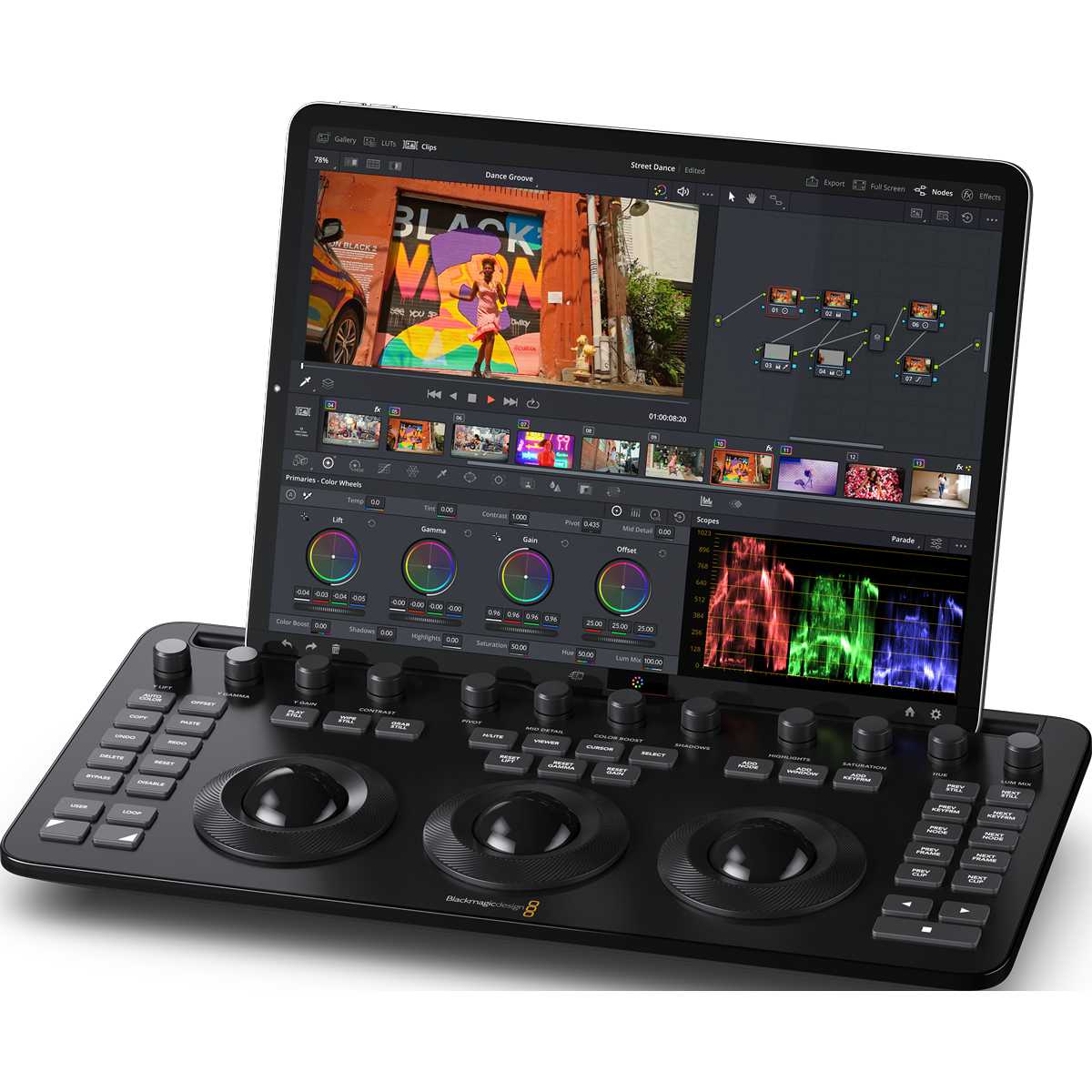
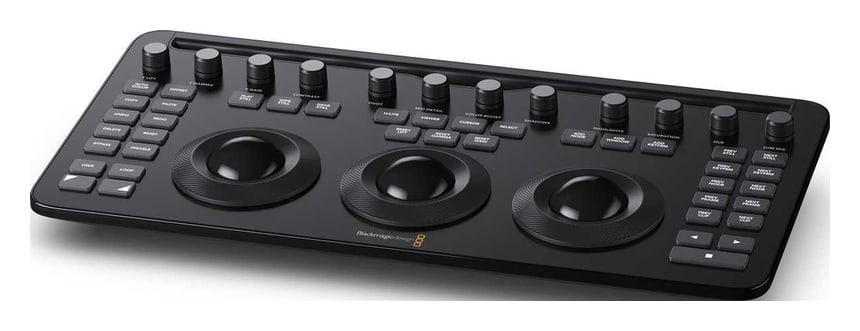
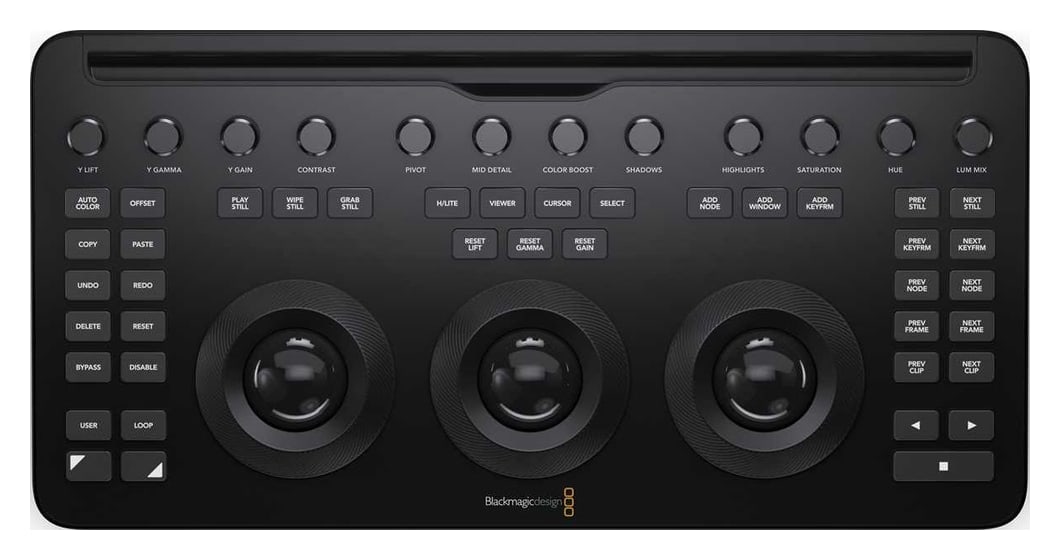
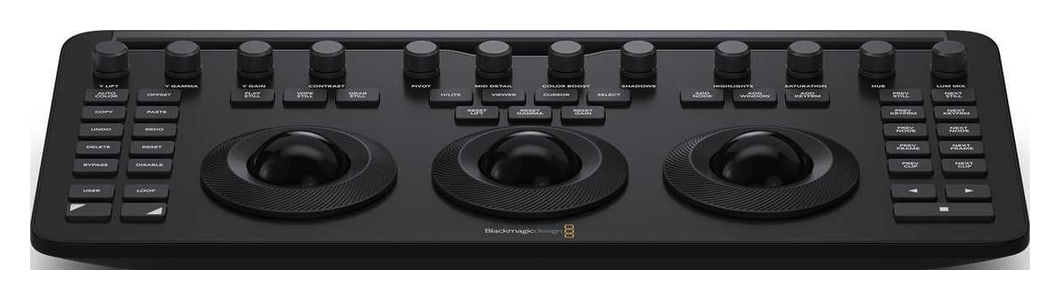
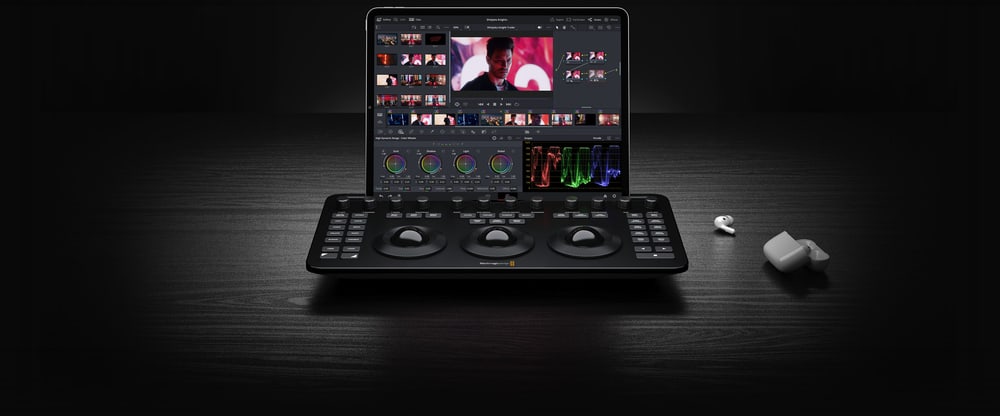
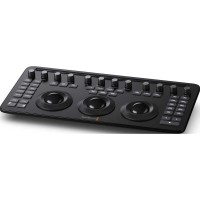
DaVinci Resolve Micro Color Panel is a compact control panel for colour grading in DaVinci Resolve 19 or later. Three trackballs with rings, twelve primary correction knobs, transport and navigation keys, a built-in battery and a USB-C or Bluetooth connection give colourists direct control over the image. The slot at the top holds an Apple iPad, so you can grade with a tablet or laptop right on set.
Precise colour grading in a portable panel
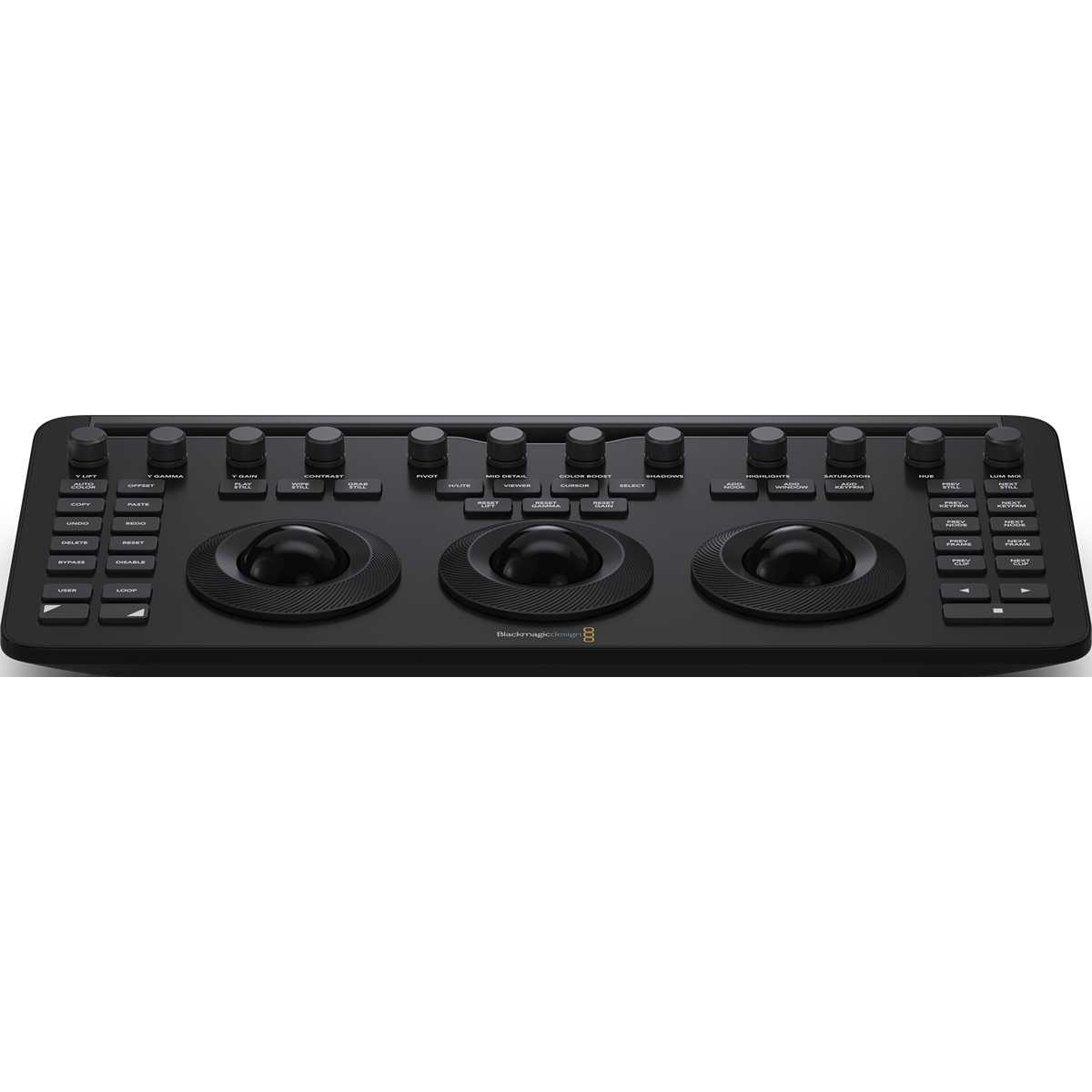
Micro Color Panel combines three professional trackballs, twelve knobs and transport keys for fast work in DaVinci Resolve.
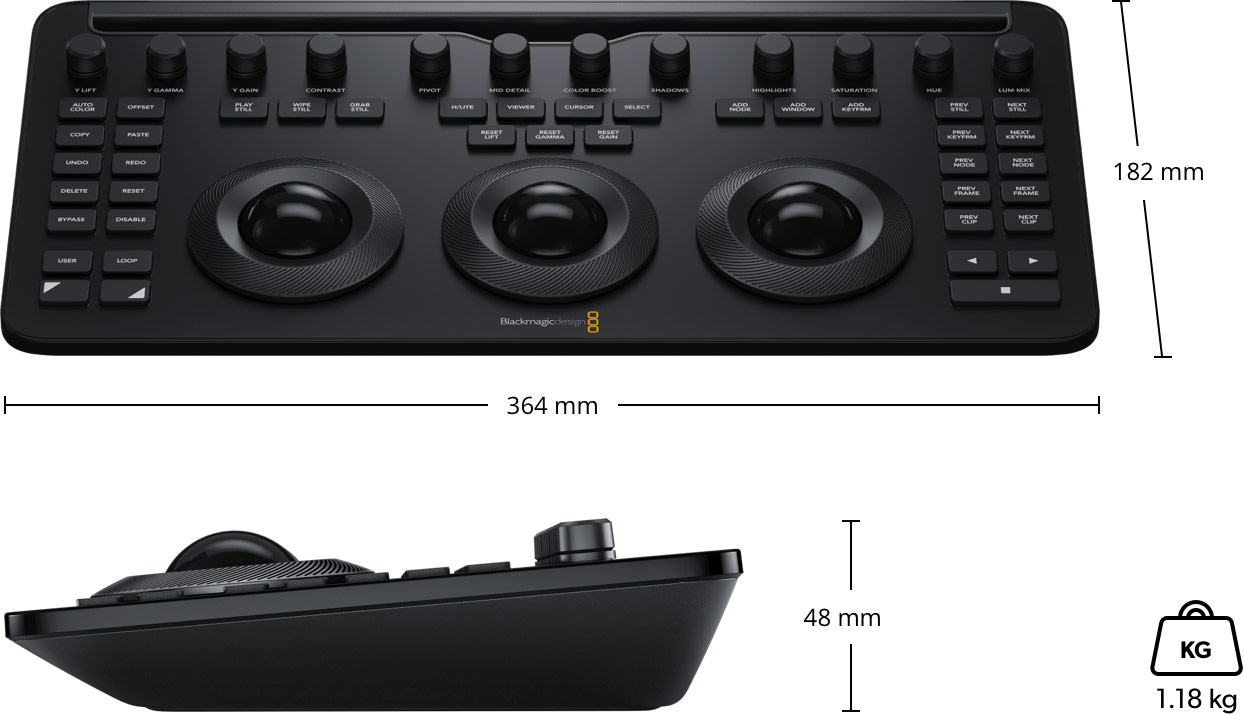
3 trackballs12 knobsUSB-C · BluetoothBuilt-in batteryiPad slot364 × 182 × 48 mm
The same logic as the larger panels
The control layout follows the DaVinci Resolve Mini and Advanced panels, so moving up to a larger panel is easy.
Windows under control
The panel includes controls for refined colour grading, including adding windows (Power Window).
Press to reset
Every knob can be pressed to reset the adjustment instantly – experimenting with new looks is safe.
Three trackballs with rings
The trackballs adjust colour in the lift, gamma and gain tonal ranges and, unlike a mouse, several can be used at once. The smooth gliding rings set levels and contrast, and the keys above each trackball reset the colour adjustment, the level adjustment or both.
Twelve primary correction knobs
The row of knobs at the top gives direct access to Y Lift, Y Gamma, Y Gain, Contrast, Pivot, Mid Detail, Color Boost, Shadows, Highlights, Saturation, Hue and Lum Mix. Pressing any knob resets it to its default value.
iPad slot and grading on set
The slot at the top of the panel is designed to hold an Apple iPad, so panel and tablet form a compact grading station. Without a tablet it fits next to a laptop keyboard and is ideal for grading on a cart while shooting.
Battery or USB-C power
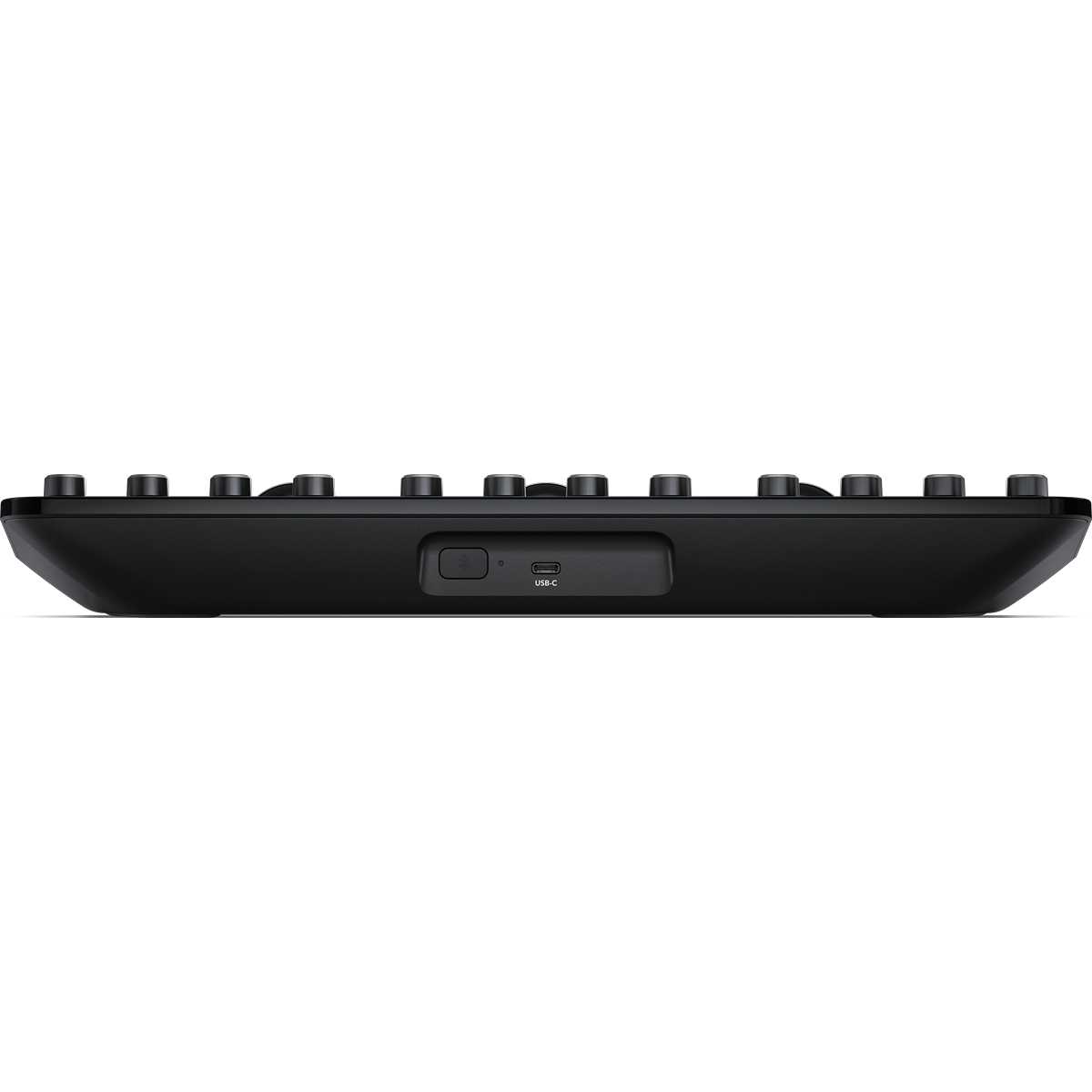
The panel runs on a built-in battery with a power switch; the USB-C port connects it to the computer and provides power and charging. It can also connect to DaVinci Resolve wirelessly via Bluetooth.
Dimensions and weight
Micro Color Panel measures 364 × 182 mm, is 48 mm high and weighs 1.18 kg.
More information
Grading control without compromise
Whether users are just starting out or are professional colorists, the DaVinci Resolve Micro Color Panel lets them work faster and more creatively. The panel enables smooth and practical control of multiple parameters at once, opening up more creative possibilities. Users can work much faster than is possible with a mouse. All knobs, dials, and buttons are high-quality and custom-designed to provide the perfect amount of resistance, allowing users to fine-tune any parameter with precision.
The new DaVinci Resolve Micro Color Panel features three balanced, high-resolution trackballs and 12 precision-engineered control knobs that provide direct access to the most powerful primary correction functions, making it easy to experiment and try new combinations. The primary knobs can be used to control Y Lift, Y Gamma, Y Gain, Contrast, Pivot, Mid-tone Detail, Color Boost, Shadow, Highlight, Saturation, Hue Rotation, and Luminance Mix.
The DaVinci Resolve Micro Color panel is not much larger than a computer keyboard and is powered by battery or USB-C. It connects to the DaVinci Resolve app via Bluetooth or USB-C. When not used with an iPad, it’s ideal for placement next to a laptop or computer keyboard, allowing editors and colorists to easily switch between the keyboard and the control panel while editing, enabling simultaneous color grading.
In addition, the DaVinci Resolve Micro Color Panel features a series of transport and grading control buttons on the left, top, and right sides of the panel, putting the most important and frequently used commands within easy reach so users can work faster. Many of these controls, such as Wipe Still, Cursor, and Select, were previously available only on the much larger Mini or Advanced panels.
Users who have used the DaVinci Resolve Advanced panel will find the Shift keys on the DaVinci Resolve Micro Color panels familiar. Many controls are in the same locations, and the trackballs are designed with a similar professional build quality, so existing DaVinci Resolve colorists can feel more comfortable with the new panel. The up and down keys greatly expand the panel’s functionality. The DaVinci Resolve Micro Color Panel even allows customers to adjust the shape, size, and position of the Power Window—including its blending—or resize the input image, all using the same trackballs and rings that users employ during grading.
PACKAGE CONTENT
- DaVinci Resolve Micro Color Panel
- Welcome wallet with QR code for software download
SPECIFICATIONS
- Compatibility: DaVinci Resolve 19 or later
- Controls: 3 trackballs with rings, 12 primary correction knobs, transport and navigation keys
- Connection: USB-C
- Bluetooth: Bluetooth 4.2
- Power: built-in battery with power switch; external power and charging via USB-C
- Maximum power usage: 3 W
- Key labels: English
- Tablet: slot for Apple iPad
- Operating systems: macOS 14.3 Sonoma or later; Windows 11; Rocky Linux 8.6
- Dimensions: 364 × 182 × 48 mm
- Weight: 1.18 kg
- Operating temperature: 0 to 40 °C
- Storage temperature: −20 to 60 °C
- Relative humidity: 0–90 %, non-condensing
- Warranty: 1 year limited manufacturer warranty
ARTICLES
Parameters
![]()
![]()
Parameters
| Manufacturer: | Blackmagic Design |
| Category: | Drivers for software |
Main parameters
| Number of control dials | 12 |
| Integrated display | No |
| Colour | Black |
| Connection | USB Type-C · Bluetooth |
| Compatible operating system | Windows · macOS · Rocky Linux |
Other parameters
| Compatibility | Resolve |
Blog and news
Date: 06. 09. 2024, Category: Blog
DaVinci Resolve Studio 19.0.1
First update for the recently released DaVinci Resolve 19 speeds up timeline work for complex projects, optimizes preview playback, and improves…
Date: 06. 05. 2024, Category: Blog
DaVinci Resolve Studio 19 Public Beta 2
Second public beta Blackmagic Design DaVinci Resolve 19 offers a number of fixes and improvements including displaying safe zone guides during…
ACCESSORIES (4)
ACCESSORIES (4)
Blackmagic Design DaVinci Resolve Studio - download only
DaVinci Resolve Studio by Blackmagic Design is a professional application for editing,
309 €
In stock > 5 pcs
Blackmagic Design DaVinci Resolve Studio
DaVinci Resolve Studio by Blackmagic Design is a professional application for editing,
309 €
In stock > 5 pcs
PremiumCord USB-C cable (USB 3.2 generation 2x2, 5A, 20Gbit/s) black, 2m
PremiumCord USB-C cable (USB 3.2 generation 2x2, 5A, 20Gbit/s) black, 2m
11 €
In stock 5 pcs
Blackmagic Design DaVinci Resolve Studio USB dongle version
DaVinci Resolve Studio by Blackmagic Design is a professional application for editing,
309 €
To be sent 2 pcs
Alternative (6)
Alternative (6)
Blackmagic Design DaVinci Resolve Speed Editor
DaVinci Resolve Speed Editor is a compact editing keyboard for DaVinci Resolve with
429 €
In stock 2 pcs
Blackmagic Design DaVinci Resolve Replay Editor
DaVinci Resolve Replay Editor is a control panel for multicam editing and instant
539 €
To be sent 2 pcs
Blackmagic Design DaVinci Resolve Editor Keyboard
DaVinci Resolve Editor Keyboard is a full-size editing keyboard with a metal body,
649 €
In stock 2 pcs
Blackmagic Design DaVinci Resolve Micro Panel
DaVinci Resolve Micro Panel is a compact control panel for edit suites and for processing
919 €
on request
Blackmagic Design DaVinci Resolve Mini Panel
DaVinci Resolve Mini Panel is a portable control panel for colour grading in DaVinci
2 239 €
on request
Blackmagic Design DaVinci Resolve Advanced Panel
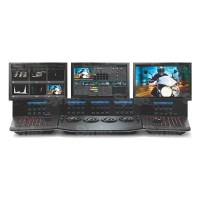
DaVinci Resolve Advanced Panel is a top end control panel for professional color
29 409 €
on request
News, training, and discounts from Syntex
Special offers and discounts for subscribers only · Free audio & video workshops · News and tips from the world of filmmaking
- Show all
Blackmagic Design DaVinci Resolve Micro Color Panel
DaVinci Resolve Micro Color Panel is a compact control panel for colour grading in549 €In stock 2 pcs