
 CZ
CZ SK
SK HU
HU AT
AT DE
DE ES
ES SI
SI HR
HR
Nothing in the basket.

- Search
-
Login

-
0
Comparison
Add products to compare, then they will appear here and you can compare parameters.
-
0
0 €
Blackmagic Design DaVinci Resolve Mini Panel
SKU: DV/RES/BBPNLMINI
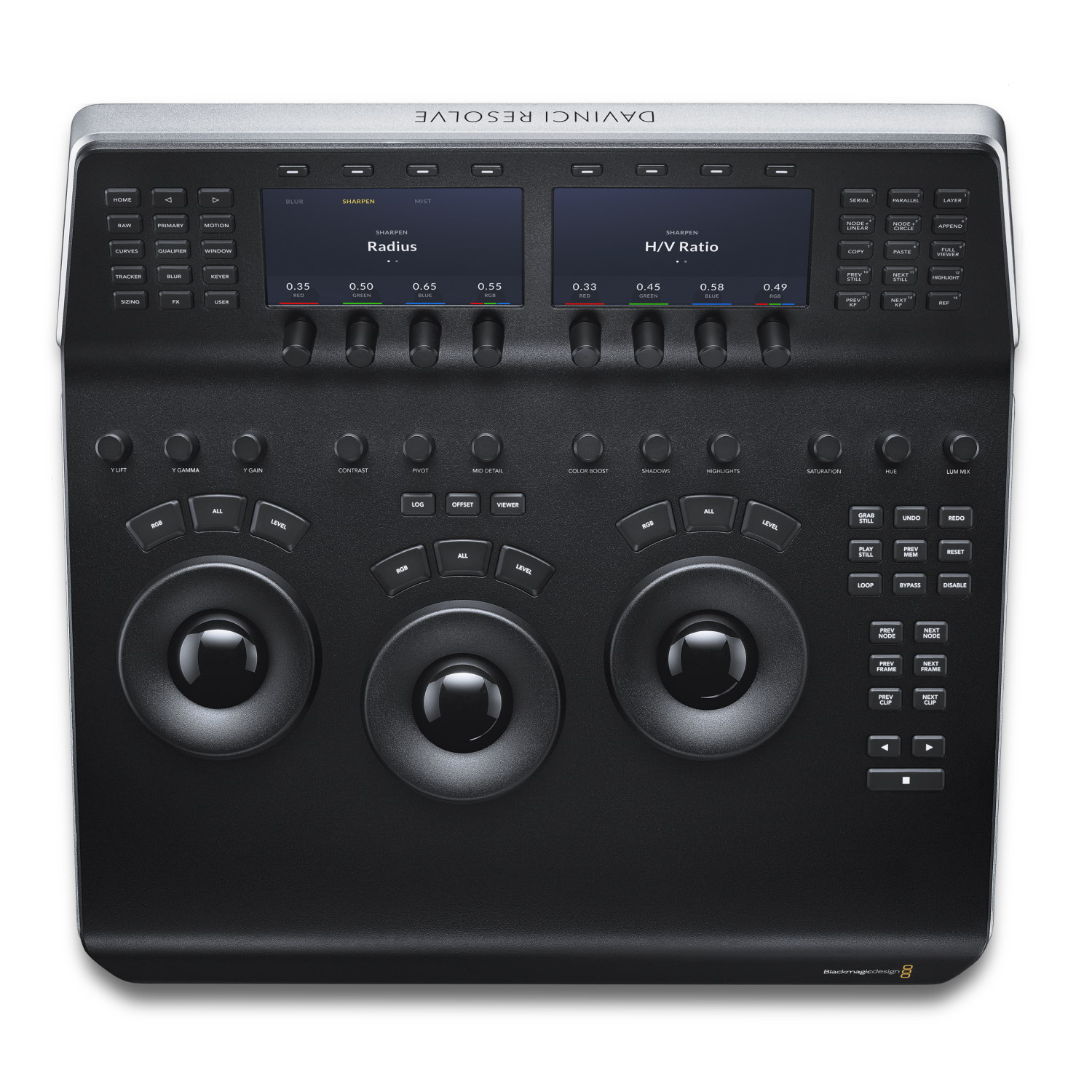
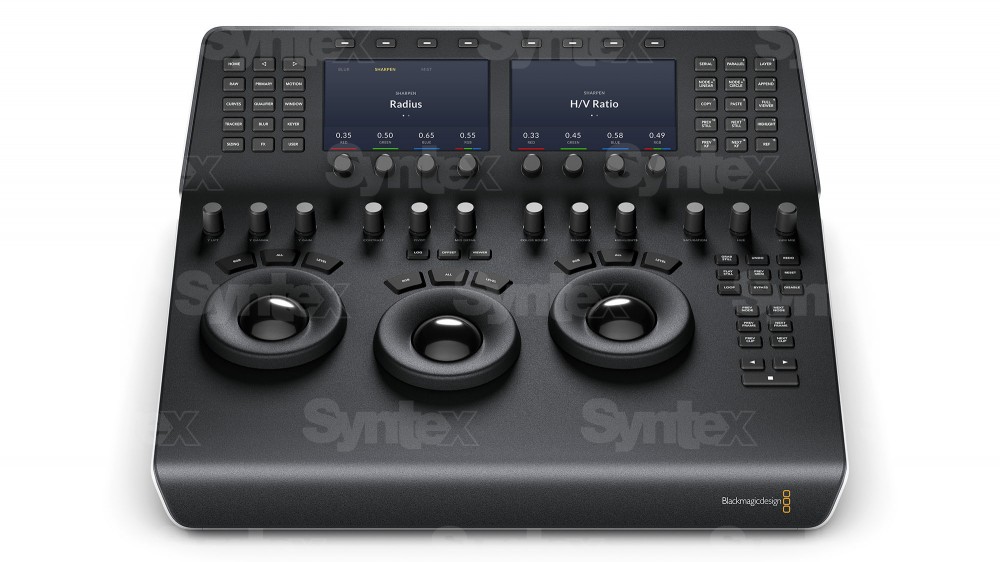
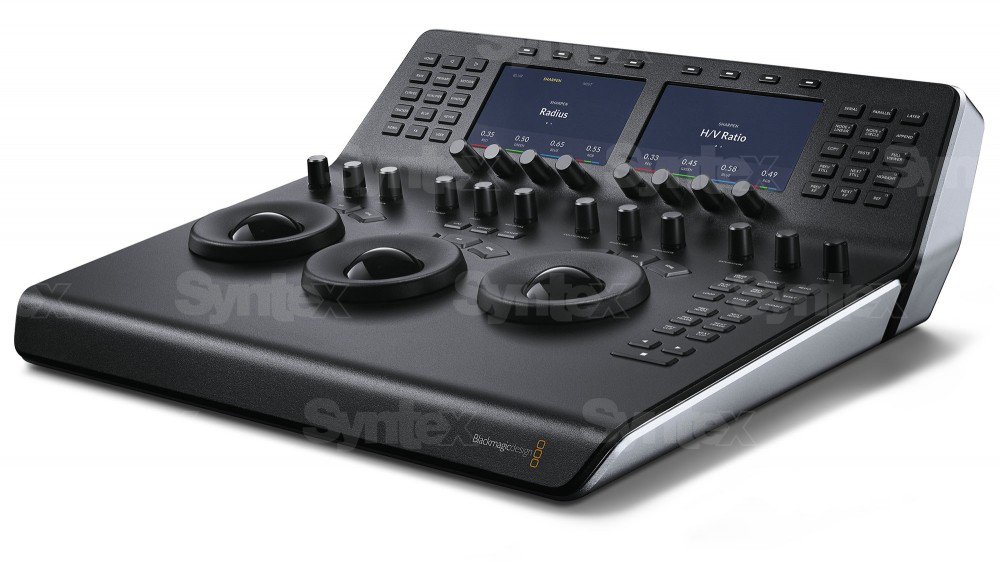
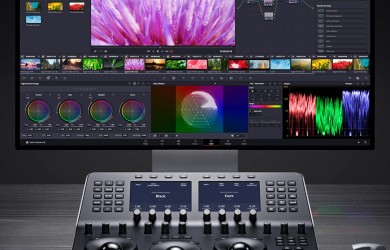
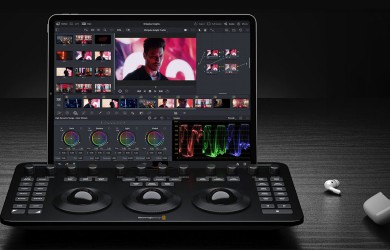
DaVinci Resolve Mini Panel is a portable control panel for colour grading in DaVinci Resolve. Three balanced high resolution trackballs, twelve primary correction knobs and an upper deck with two 5" displays, eight soft knobs and eight soft buttons give the colorist direct access to the tools of the Color page without constantly switching to the mouse.…
Promotion: -20% ends in: 26d: 06h: 15m
2 237.29 €
1 789.83 € with VAT
1 479.2 € without VAT
Personal pickup: Tomorrow from 09:00
Shipment day: Tomorrow
Shipment day: Tomorrow
In stock 1 pcs
Praha 1 pcs
Praha 1 pcs
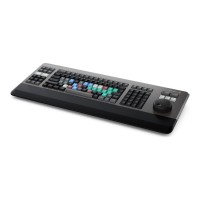
Blackmagic Design DaVinci Resolve Editor Keyboard
In stock 3 pcs518.85 €without VAT 428.8 €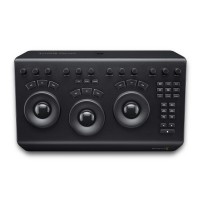
Blackmagic Design DaVinci Resolve Micro Panel
919 €without VAT 759.5 €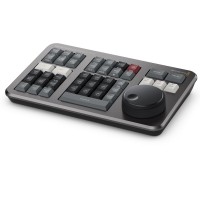
Blackmagic Design DaVinci Resolve Speed Editor
Backordered > 5 pcs337.83 €without VAT 279.2 €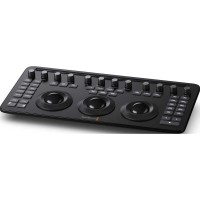
Blackmagic Design DaVinci Resolve Micro Color Panel
Backordered 5 pcs434.63 €without VAT 359.2 €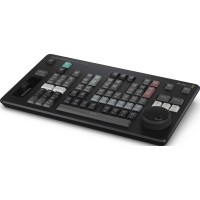
Blackmagic Design DaVinci Resolve Replay Editor
In stock 3 pcs424.95 €without VAT 351.2 €Top accessories for Blackmagic Design DaVinci Resolve Mini Panel
PremiumCord USB-C cable (USB 3.2 generation 2x2, 5A, 20Gbit/s) black, 2m
PremiumCord USB-C cable (USB 3.2 generation 2x2, 5A, 20Gbit/s) black, 2m
11 €
In stock 5 pcs
PremiumCord USB-C cable (USB 3.2 generation 2x2, 5A, 20Gbit/s) black, 0.5m
PremiumCord USB-C cable (USB 3.2 generation 2x2, 5A, 20Gbit/s) black, 0.5m
8.1 €
In stock 5 pcs
PremiumCord USB-C cable (USB 3.2 generation 2x2, 5A, 20Gbit/s) black, 1m
PremiumCord USB-C cable (USB 3.2 generation 2x2, 5A, 20Gbit/s) black, 1m
9.3 €
In stock > 5 pcs
PremiumCord CAT6 UTP patch cable RJ45-RJ45, 5 m, blue
A category 6 UTP network patch cable with RJ45 connectors at both ends and straight-through
3 €
In stock 1 pcs
Product description
ARTICLES
SPECIFICATIONS
PACKAGE CONTENT
Product description
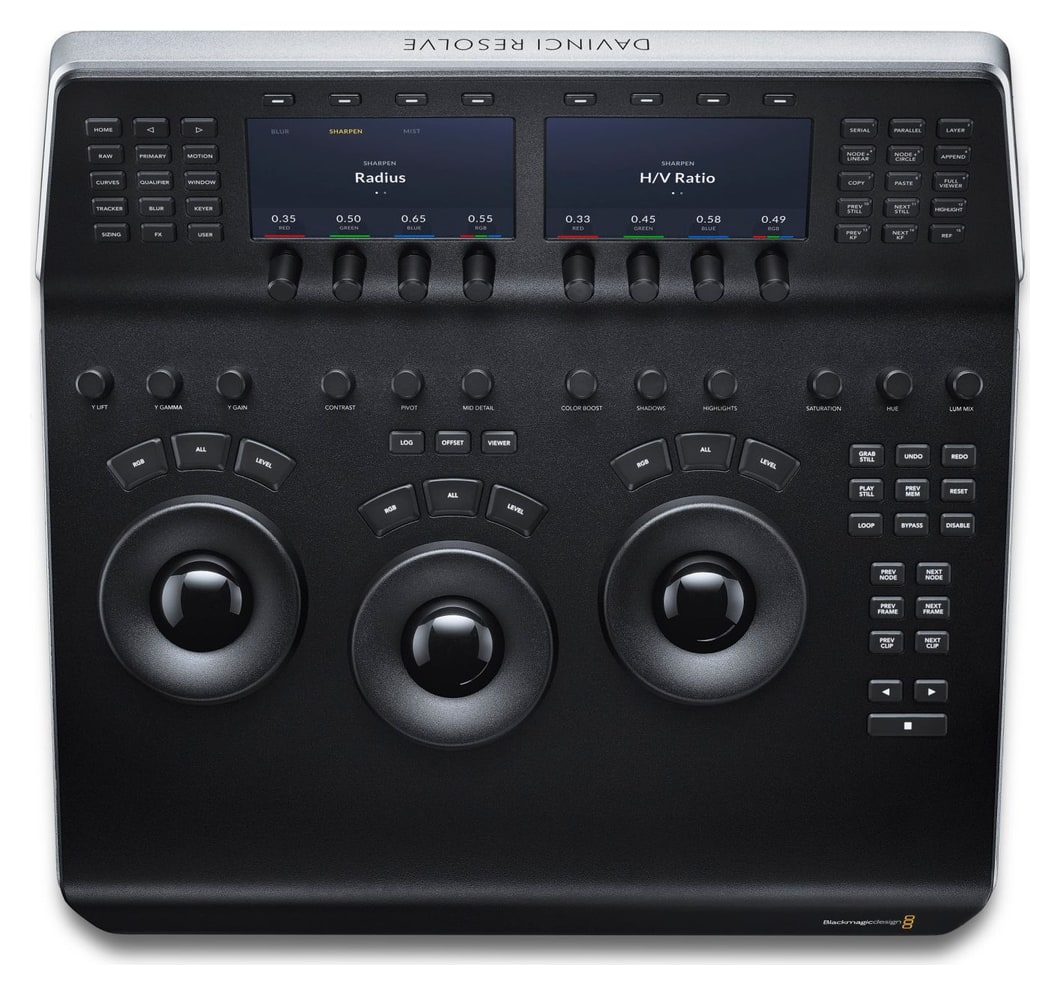
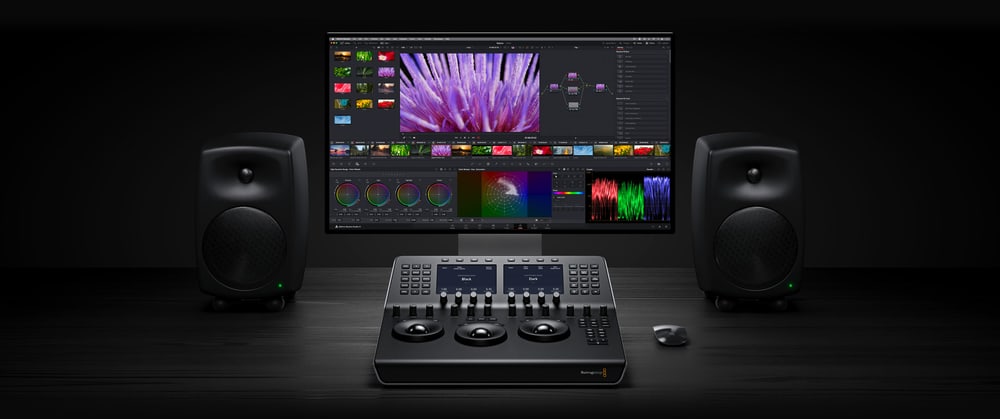
DaVinci Resolve Mini Panel is a portable control panel for colour grading in DaVinci Resolve. Three balanced high resolution trackballs, twelve primary correction knobs and an upper deck with two 5" displays, eight soft knobs and eight soft buttons give the colorist direct access to the tools of the Color page without constantly switching to the mouse. It connects via USB-C or Ethernet, offers PoE power and the DaVinci Resolve Studio licence is included.
Tactile control over every color decision
A portable panel with three trackballs, twelve knobs and two 5" displays speeds up grading in the suite, at home and on the road.
3 trackballs12 primary correction knobs2 × 5" displaysUSB-C · Ethernet PoE17 W maxResolve Studio licence included
Resolve tools without reaching for the mouse
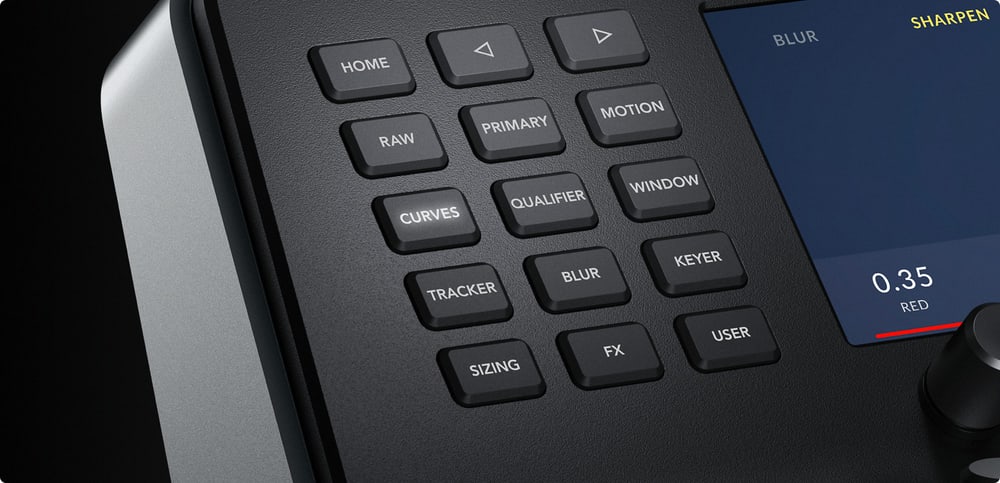
Dedicated keys open the palettes of the Color page – RAW, primary correctors, curves, qualifiers, windows and tracker – and the displays show the interface of the selected palette. Every change is visible on the Color page right away.
Illuminated keys and knobs
Keys and soft knobs light up when selected, so they stay visible in the dim light of a grading room; the key backlight is adjustable.
Reset with a push
Pushing a knob returns the parameter to its default value at once.
Power over the network
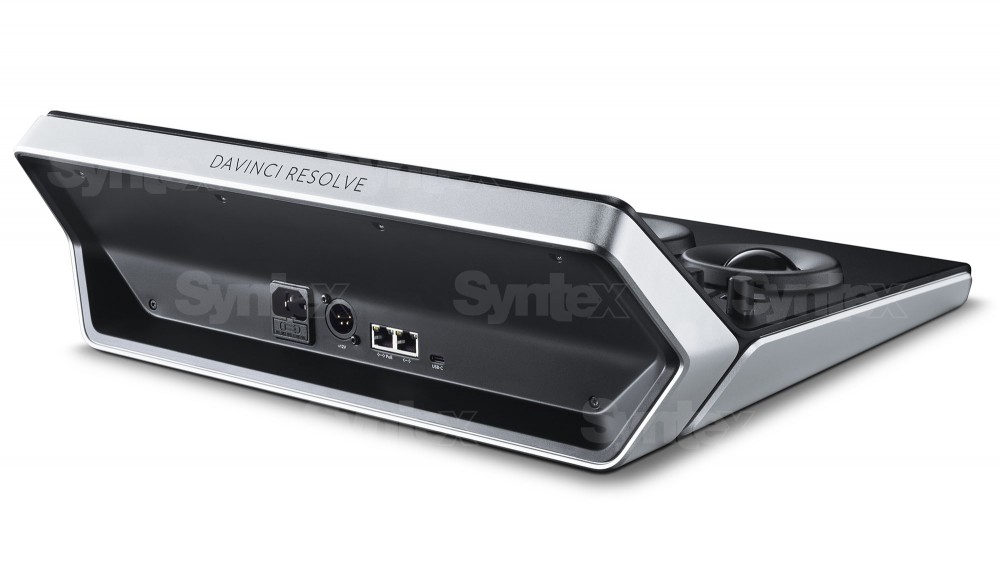
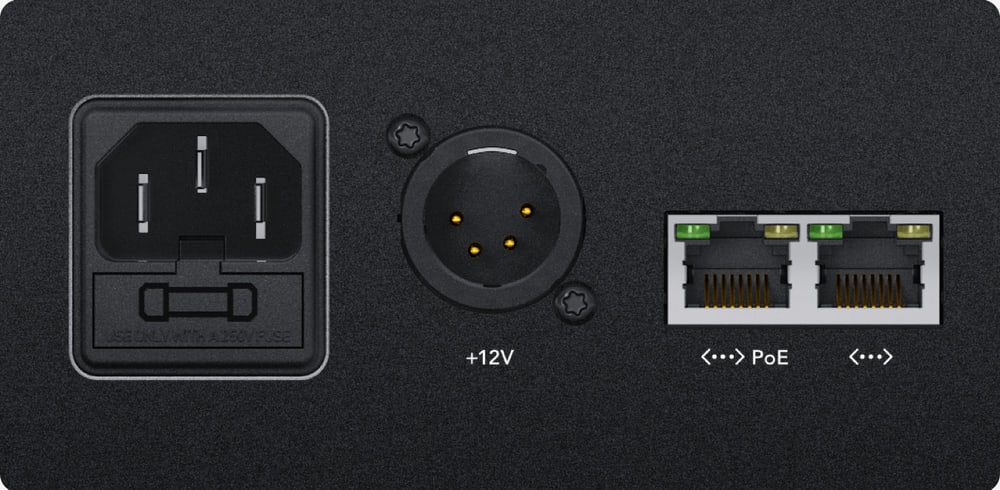
The panel can be powered over Ethernet with PoE; an internal 100–240 V power supply and a 12 V 4-pin XLR input are available too.
Two Ethernet ports
Two 10/100/1000BaseT Ethernet ports, one of them supporting PoE, connect the panel to your network.
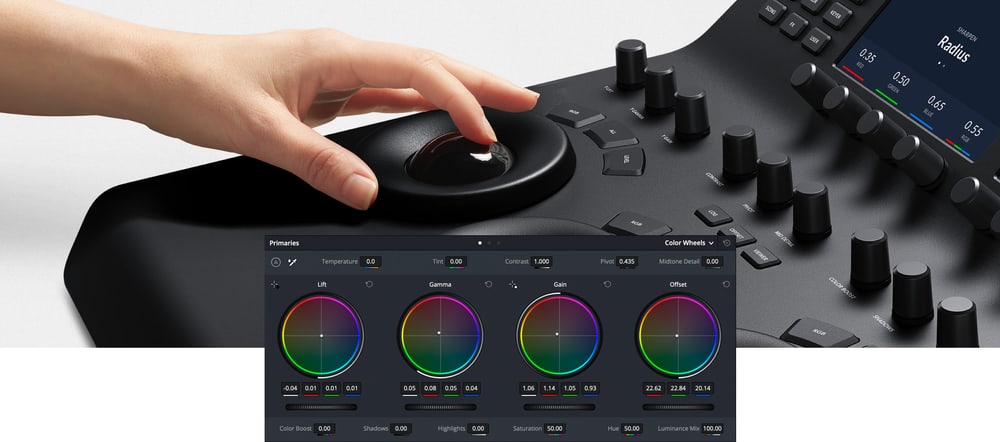
Trackballs for lift, gamma and gain
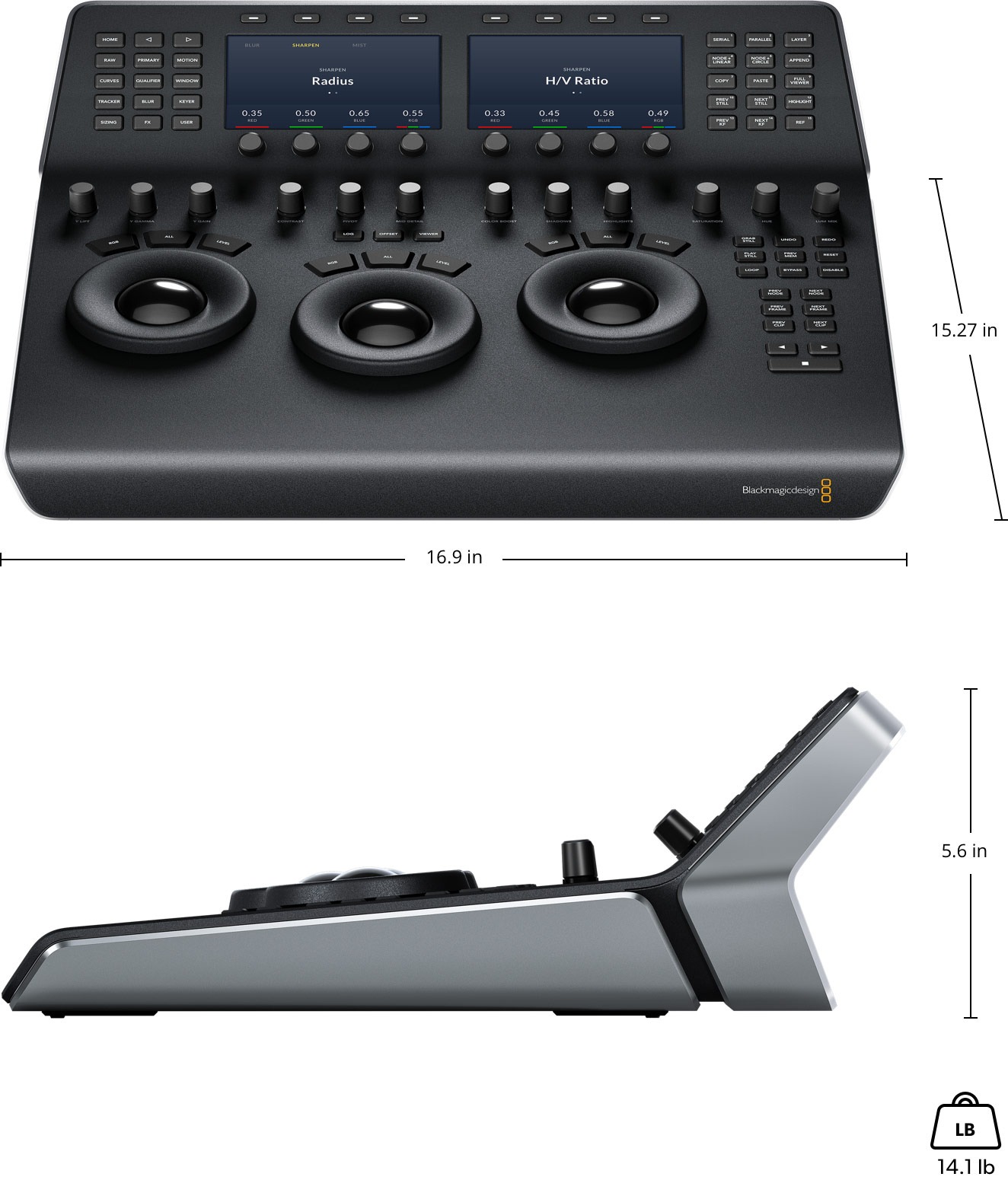
The trackballs adjust colors by lift, gamma and gain tonal ranges, and the rings around them set master levels and dynamic contrast. Several trackballs can be operated at the same time. Keys above each trackball reset the color, the level or both.
Twelve primary correction knobs
The primary correction knobs adjust the luminance and chrominance of the whole image: contrast, pivot, saturation, hue, temperature, tint, midtone detail, color boost, shadows and highlights. They include the Y Lift, Y Gamma and Y Gain knobs for the brightness of shadows, midtones and highlights and the luminance mix.
Displays and soft knobs
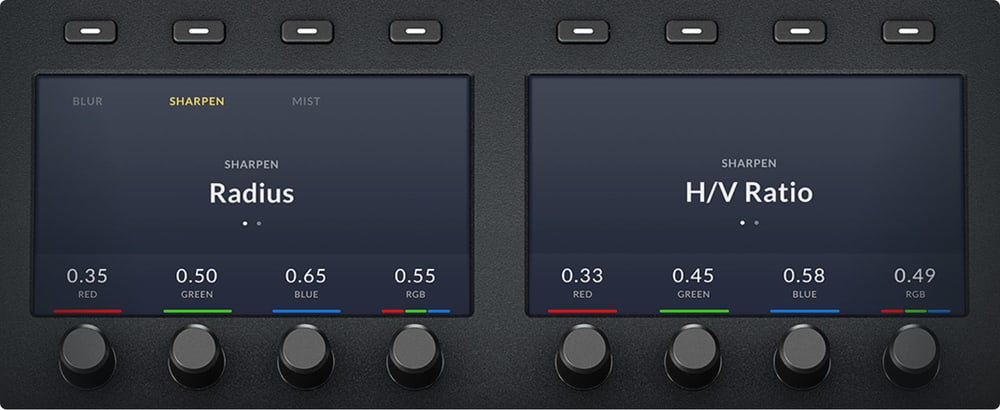
Two 5" color displays show the interface and settings of the selected palette. The arrow keys move between the modes and pages of a palette, the soft buttons above the displays choose channels or presets and the eight soft knobs below set parameters. Preset Power Window shapes can be created and tracked without the mouse.
Quick tool switching
Dedicated keys open the palettes of the Color page – RAW, primary correctors, curves, qualifiers, windows, tracker and more. Navigation and transport keys to the right of the trackballs move between clips, frames and nodes and control playback; the panel also saves and recalls stills from the gallery.
Power and connections
The Mini Panel has a built-in power supply, so there is no bulky external adapter, and it supports PoE power over Ethernet. It connects to the computer via USB-C or over the network, with all ports on the rear.
For freelancers and mobile suites
A fully featured portable panel suits independent colorists who set it up at home and carry it from job to job; the DaVinci Resolve Studio licence is part of the package.
Dimensions and weight
The panel measures 16.9 × 15.27 in, is 5.6 in high and weighs 14.1 lb.
PACKAGE CONTENT
- DaVinci Resolve Mini Panel
- DaVinci Resolve Studio activation key
SPECIFICATIONS
- Purpose: control panel for colour grading in DaVinci Resolve
- Trackballs: 3 high precision balanced trackballs with rings
- Knobs: 12 primary correction knobs and 8 soft knobs
- Soft buttons: 8
- Displays: 2 × 5" color display
- Navigation and transport keys: 18
- Computer connection: USB-C
- Ethernet: 2 × 10/100/1000BaseT, one port with PoE
- Power: internal 100–240 V AC, 1.5 A, 50/60 Hz power supply (IEC C14 inlet); 12 V DC 4-pin XLR; PoE over Ethernet
- Max. power usage: 17 W
- Operating systems: macOS 13 Ventura, macOS 14 Sonoma or later; Windows 10 Creators Update, Windows 11; Rocky Linux 8.6
- Dimensions (w × d × h): 16.9 × 15.27 × 5.6 in (429 × 388 × 142 mm)
- Weight: 14.1 lb (6.40 kg)
- Operating temperature: 0 to 40 °C
- Storage temperature: −20 to 60 °C
- Relative humidity: 0–90 %, non-condensing
- Warranty: 1 year limited manufacturer warranty
ARTICLES
Parameters
![]()
![]()
Parameters
| Manufacturer: | Blackmagic Design |
| Category: | Drivers for software |
Main parameters
| Number of LCD keys | 8 |
| Number of control dials | 20 |
| Integrated display | Yes |
| Colour | Black |
| Connection | USB Type-C · Ethernet |
| Compatible operating system | Windows · macOS · Rocky Linux |
Other parameters
| Compatibility | Resolve |
Blog and news
Date: 06. 09. 2024, Category: Blog
DaVinci Resolve Studio 19.0.1
First update for the recently released DaVinci Resolve 19 speeds up timeline work for complex projects, optimizes preview playback, and improves…
Date: 06. 05. 2024, Category: Blog
DaVinci Resolve Studio 19 Public Beta 2
Second public beta Blackmagic Design DaVinci Resolve 19 offers a number of fixes and improvements including displaying safe zone guides during…
ACCESSORIES (4)
ACCESSORIES (4)
PremiumCord USB-C cable (USB 3.2 generation 2x2, 5A, 20Gbit/s) black, 2m
PremiumCord USB-C cable (USB 3.2 generation 2x2, 5A, 20Gbit/s) black, 2m
11 €
In stock 5 pcs
PremiumCord USB-C cable (USB 3.2 generation 2x2, 5A, 20Gbit/s) black, 0.5m
PremiumCord USB-C cable (USB 3.2 generation 2x2, 5A, 20Gbit/s) black, 0.5m
8.1 €
In stock 5 pcs
PremiumCord USB-C cable (USB 3.2 generation 2x2, 5A, 20Gbit/s) black, 1m
PremiumCord USB-C cable (USB 3.2 generation 2x2, 5A, 20Gbit/s) black, 1m
9.3 €
In stock > 5 pcs
PremiumCord CAT6 UTP patch cable RJ45-RJ45, 5 m, blue
A category 6 UTP network patch cable with RJ45 connectors at both ends and straight-through
3 €
In stock 1 pcs
Alternative (6)
Alternative (6)
Blackmagic Design DaVinci Resolve Speed Editor
Promotion: -20% ends in: 26d: 06h: 22m
DaVinci Resolve Speed Editor is a compact editing keyboard for DaVinci Resolve with
337.83 €
422.29 €
Backordered > 5 pcs
Blackmagic Design DaVinci Resolve Replay Editor
Promotion: -20% ends in: 26d: 06h: 42m
DaVinci Resolve Replay Editor is a control panel for multicam editing and instant
424.95 €
531.19 €
In stock 1 pcs
Blackmagic Design DaVinci Resolve Micro Color Panel
Promotion: -20% ends in: 26d: 06h: 42m
DaVinci Resolve Micro Color Panel is a compact control panel for colour grading in
434.63 €
543.29 €
Backordered 5 pcs
Blackmagic Design DaVinci Resolve Editor Keyboard
Promotion: -20% ends in: 26d: 06h: 16m
DaVinci Resolve Editor Keyboard is a full-size editing keyboard with a metal body,
518.85 €
648.56 €
In stock 3 pcs
Blackmagic Design DaVinci Resolve Micro Panel
DaVinci Resolve Micro Panel is a compact control panel for edit suites and for processing
919 €
on request
Blackmagic Design DaVinci Resolve Advanced Panel
DaVinci Resolve Advanced Panel is a top end control panel for professional color
29 409 €
on request
News, training, and discounts from Syntex
Special offers and discounts for subscribers only · Free audio & video workshops · News and tips from the world of filmmaking
- Show all
Blackmagic Design DaVinci Resolve Mini Panel
Promotion: -20% ends in: 26d: 06h: 42mDaVinci Resolve Mini Panel is a portable control panel for colour grading in DaVinci1 789.83 €2 237.29 €In stock 1 pcs