
 CZ
 SK
 HU
 AT
 DE
 ES
 SI
 HR

Nothing in the basket.

- Search
-
Login

-
0
Comparison
Add products to compare, then they will appear here and you can compare parameters.
-
0
0 €
How to choose an SD card for video: V30, V60, V90 and CFexpress
SD card for video: SDHC vs SDXC, V30–V90 classes, UHS-I and UHS-II, CFexpress and readers. What to buy.
The card is the cheapest part of the kit, yet it can ruin a whole shoot: the camera stops recording halfway through an interview with a “card too slow” warning, or a wedding clip will not play back. Usually nothing is broken – the card simply cannot keep up with the bitrate of the chosen format. For demanding 4K codecs a V90 card is the safe choice, such as the Exascend Catalyst UHS-II V90 128 GB with a guaranteed 90 MB/s write.
Below we cover how to read the markings on a card, how to work out the class you need from the bitrate, when to move to CFexpress and why the reader is not the place to save money.
 1 / 8
SDHC vs SDXC: it is about capacity
The letters after “SD” say nothing about speed, only capacity and file system. Per the SD Association, SDHC covers over 2 GB up to 32 GB with FAT32, SDXC over 32 GB up to 2 TB with exFAT, and SDUC over 2 TB up to 128 TB, also exFAT.
FAT32 limits a single file to 4 GB, which is why older devices split long recordings into chunks. And note: an SDXC card will not work in a device that only supports SDHC. The reverse is fine.
What about “micro SD vs SDXC”? They are not opposites: microSD is simply a smaller form factor with the same logic and capacity classes (microSDXC). For a camera with an SD slot buy the full size; microSD belongs in drones, action cameras and phones.
 2 / 8
V30, V60, V90: a guaranteed minimum
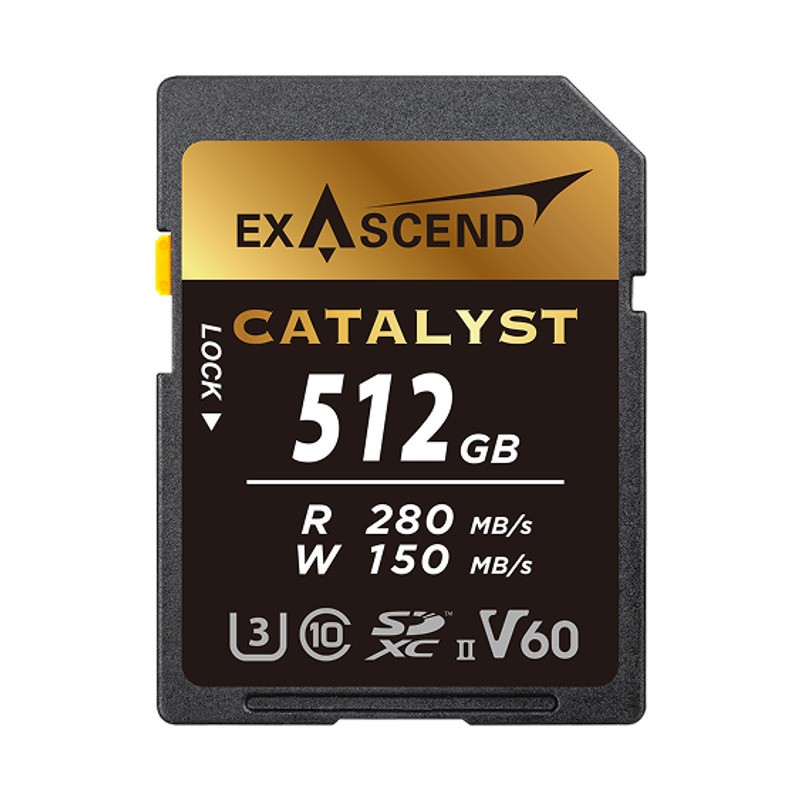
The number after the V is the minimum sustained write speed in MB/s: V30 guarantees 30 MB/s, V60 60 MB/s and V90 90 MB/s. That is exactly what a camera needs – a steady stream of data for the whole take, not a short burst. The big “300 MB/s” on the label is the maximum read speed and says little about recording.
Work out the class from the bitrate: divide megabits per second by eight. According to its manual, the Sony α7 IV records XAVC S 4K at 200 Mb/s (25 MB/s) to a U3/V30 card, but XAVC S-I 4K at 600 Mb/s (75 MB/s) needs SDXC V90 or CFexpress Type A with VPG200. Leave some headroom and always check the class in your camera’s manual.
 3 / 8
UHS-I vs UHS-II: a second row of pins
UHS is the bus – the path between the card and the device. UHS-I has one row of pins and tops out at 104 MB/s. UHS-II adds a second row and, according to the SD Association, handles 156 MB/s in full duplex or 312 MB/s in half duplex. You can spot it by the Roman numeral II on the label. The V60 and V90 classes exist only on UHS-II and faster cards.
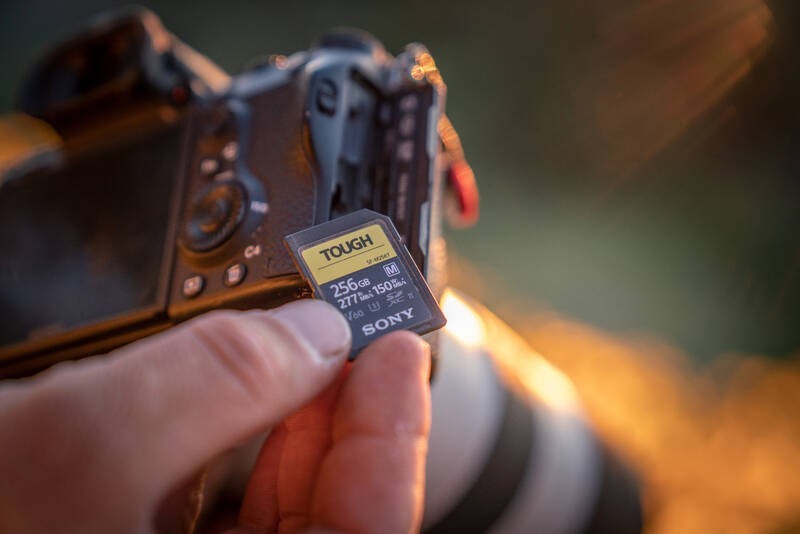
A UHS-II card also works in a UHS-I slot, but only at that slot’s speed – the manufacturer says the Sony TOUGH SF-M 256 GB reads up to 95 MB/s there instead of 277 MB/s. Before paying for UHS-II, check what your slot supports; some bodies have one UHS-II slot and a second that is UHS-I only.
 4 / 8
When SD is not enough: CFexpress A and B
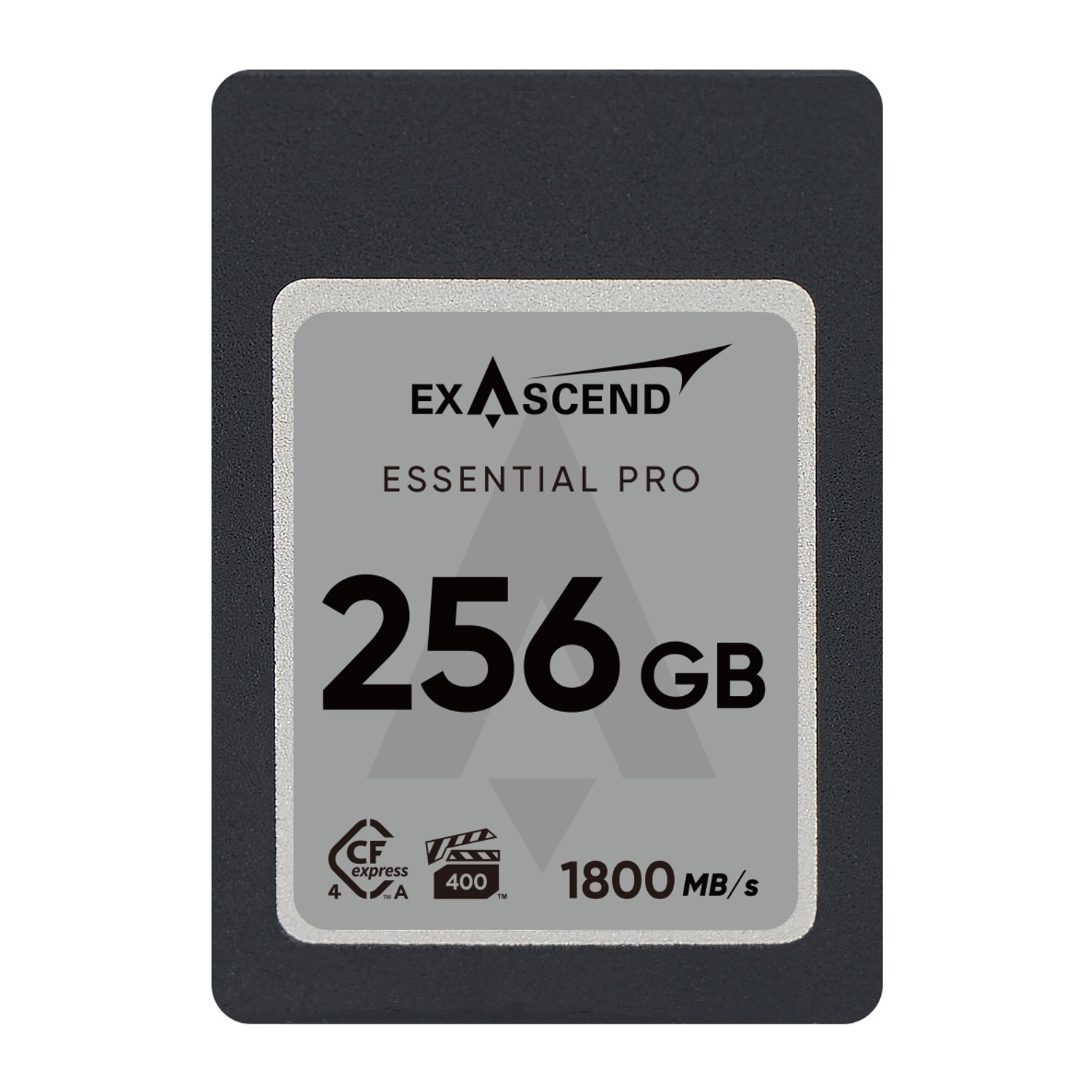
CFexpress talks over PCIe, like an SSD in a computer. In version 4.0 the Exascend Essential Pro Type A reads up to 1,800 MB/s and the Element Pro Type B 1 TB up to 3,500 MB/s. But you mainly buy one because your camera demands it for top codecs, RAW video or long bursts.
Type A is smaller and uses one PCIe lane; according to the CompactFlash Association only selected Sony cameras use it so far, and their slot often takes SD too. Type B uses two lanes and the XQD form factor; it appears in selected Canon, Nikon, Fujifilm, Panasonic and Sony bodies. The types are not interchangeable, so buy for your slot. For video, check the VPG mark – VPG 400 guarantees a 400 MB/s write.
 5 / 8
The reader: the forgotten bottleneck
A fast card in a slow reader is like a sports car in a traffic jam. Cheap readers and built-in laptop slots are often UHS-I only, so they read a UHS-II card at around 100 MB/s. Offloading a full 128 GB card then takes roughly 21 minutes instead of about 7 at 300 MB/s – a theoretical figure, but after a long day you will feel it.
The Exascend UHS-II SD/microSD is a pocket reader with a UHS-II SD slot of up to 300 MB/s and a microSD slot (UHS-I). It weighs 12 g and connects over USB 3.2 Gen 1 with a USB-A plug built into the body, no cable needed. Do not skimp on the reader: while copying, your footage still exists in only one place.
 6 / 8
Reader and case for CFexpress B
If you shoot on CFexpress Type B and also carry SD and microSD cards from a drone, you will appreciate the SmallRig 4532. It is a reader and a case in one: slots for CFexpress Type B, SD and microSD (both UHS-II, up to 312 MB/s) and a USB 3.2 Gen 2 interface at up to 1,250 MB/s. The cards show up on the computer as separate drives, so there is no need to swap them.
Bear in mind that USB 3.2 Gen 2 holds back the fastest CFexpress 4.0 cards – for their full speed you need a USB4 reader. For most laptops it is a sensible compromise. The case has a USB-C cable tucked into the body, a separate power port, an aluminium heatsink and an AirTag slot.
 7 / 8
Fake cards, formatting and rotation
A fake card reports, say, 256 GB but actually holds a fraction; once full it starts overwriting data, and you only find out in the edit. Buy from authorised dealers, do not trust a suspiciously low price, and before a real job fill the whole new card with a checking tool such as H2testw or F3.
Format the card in the camera you will shoot with, and only after backing up; do not delete files from it on the computer. For a longer job, several smaller cards are safer than one huge one, and on a body with two slots record a backup to both. In the SmallRig case every slot has a sliding empty/full marker, so a full card never goes back into the camera by mistake.
 8 / 8
What to buy for whom
Vlogs, family videos, Full HD and 4K up to 200 Mb/s: a V30 card and a decent reader are enough.
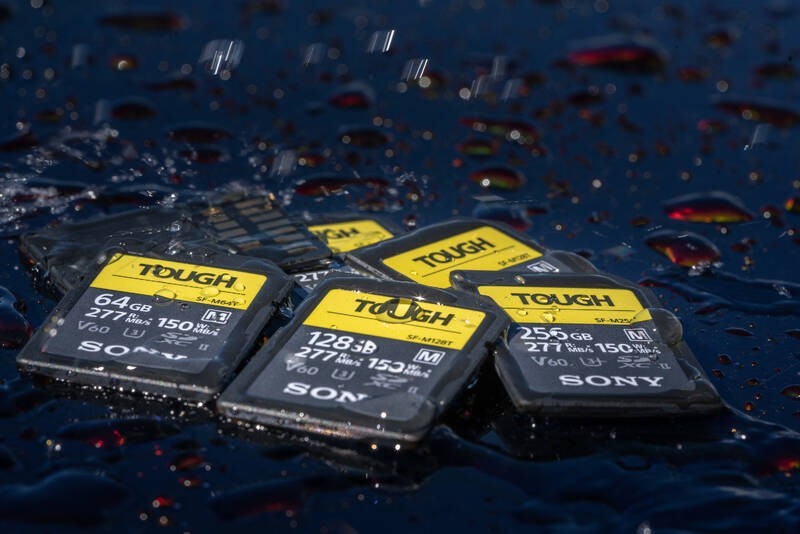
Long 4K recordings, slow motion, hybrid stills and video: the Exascend Catalyst V60 512 GB, or the rugged Sony TOUGH V60 if you shoot outdoors in dust and rain. Pair it with a UHS-II reader.
Intraframe codecs around 600 Mb/s on SD: the Exascend Catalyst V90.
A body with a CFexpress slot: Type A for selected Sony models, Type B for Canon, Nikon and others – plus a reader that does not waste its speed. One rule always applies: camera manual first, card second.
Who it makes sense for
For most 4K shooting a V30 or V60 card is enough; for demanding intraframe codecs go for the Exascend Catalyst V90. If your body has a CFexpress slot and you shoot RAW or the top codecs, choose CFexpress Type A or Type B – and in both cases a reader that does not slow the card down, such as the Exascend UHS-II.
What we like about the design: The V90 class guarantees a sustained 90 MB/s write, so the Catalyst V90 handles even 4K intraframe codecs around 600 Mb/s that ordinary cards cannot keep up with.
What to bear in mind: UHS-II speed only shows in a UHS-II slot and reader, and the card class you need must always be checked in your specific camera’s manual.
View Exascend Catalyst UHS-II SD card, V90,128GB — current price and availability →
Syntex.
Syntex editorial team. This comparison is based on manufacturers’ specifications and documentation (SD Association, CompactFlash Association, Sony, Exascend, SmallRig); we have not tested these products ourselves for this article. Copy times are approximate calculations, not measurements.
Date: 05. 11. 2026,
Category: Reviews
Related products
Exascend UHS-II SDXC/microSDXC Card Reader
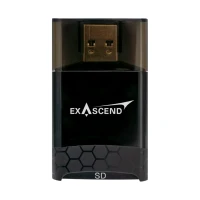
The Exascend SD / microSD UHS-II card reader with USB 3.2 (USB 3.2 · 300 MB/s) offloads
32 €
In stock 1 pcs
Exascend Catalyst UHS-II SD card, V90,128GB

The Catalyst SDXC UHS-II memory card with V90 speed class reads at up to 300 MB/s
172 €
No longer available
Exascend Catalyst UHS-II SD Card V60 512GB
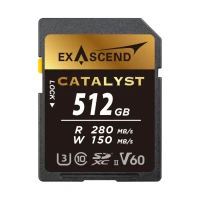
The Catalyst SDXC UHS-II memory card with V60 speed class reads at up to 280 MB/s
275 €
To be sent 1 pcs
Exascend Essential Pro CFexpress 4.0 Type A 256GB
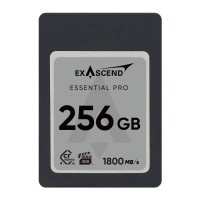
The Essential Pro CFexpress 4.0 Type A card doubles the throughput: up to 1,800 MB/s
308 €
In stock 3 pcs
Exascend CFexpress 4.0 Type B Element Pro Series 1TB
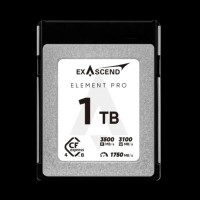
The Element Pro CFexpress 4.0 Type B card reads at up to 3,500 MB/s and writes at
579 €
In stock 4 pcs
SmallRig Multifunctional Card Reader & Storage Case (CFexpress Type B) 4532
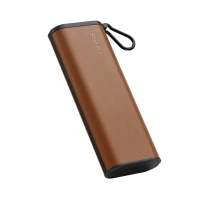
SmallRig Multifunctional Card Reader & Storage Case (CFexpress Type B) 4532 –
118 €
In stock > 5 pcs
Sony TOUGH SF-M256T 256 GB SDXC UHS-II V60
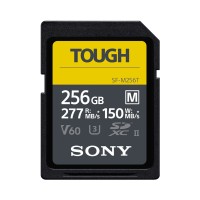
The Sony SDXC TOUGH SF-M256T memory card with 256 GB capacity, UHS-II interface and
169 €
on request