
 CZ
CZ SK
SK HU
HU AT
AT DE
DE ES
ES SI
SI HR
HR
Nothing in the basket.

- Search
-
Login

-
0
Comparison
Add products to compare, then they will appear here and you can compare parameters.
-
0
0 €
News
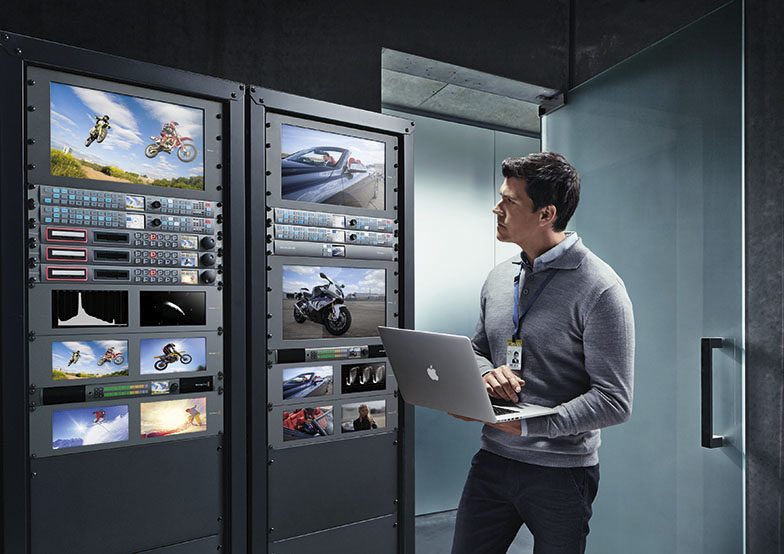
This update fixes a bug for 3:2 removal conversions, adds improved algorithms for power usage on Teranex Express, as well as better connection stability for Teranex Setup Utility and more. Recommended for all Teranex models.
What's new in Teranex Utility 4.4
- Bug fix for 3:2 removal conversions on Teranex Express.
- Algorithm optimizations to decrease power usage on Teranex Express.
- Miscellaneous bug fixes for Teranex Express.
- Improvements to connection reliability for the Teranex Setup utility affecting Teranex 2D, 3D and Express.
Date: 09. 02. 2016,
Category: News
FULL ARTICLE
Press Release
Blackmagic Design announced that Nagoya Broadcasting Network has built a new 4K editing and grading suite with DaVinci Resolve Studio and Blackmagic Smart Videohub routers. The suite is one of the first 4K editing and grading suites in Japan’s Tokai region that’s able to handle HDR workflows.
Nagoya Broadcasting Network (Nagoya TV) joined Japan’s All Nippon News Network (ANN), broadcasting original TV programs as well as ANN's nationwide TV programs. Nagoya TV produces various content, including news, talk shows and music shows, and has been creating 4K content since 2014.
The new suite, which has been built in Nagoya TV’s main production and post facility, is built around DaVinci Resolve Studio to provide color grading for the station’s new 4K and HDR content. Smart Videohub 40x40 and Videohub Smart Control are used to route media to and from the suite and to manage the various feeds in the suite.
Minoru Murata, manager of the technology strategy department at Nagoya TV, spoke about the recent installation of DaVinci Resolve Studio,”We are encouraged to create more 4K content, so building infrastructure for 4K production has been requested. This suite is compatible with our 2K edit suite and is equipped with 4K ready equipment. We also installed DaVinci Resolve Studio and a 4K master monitor to offer grading services. The DaVinci Resolve Studio is not only for grading. It also supports various kinds of format such as OpenEXR and HDRx, so we can rely on DaVinci Resolve Studio to ingest any footage brought to us."
"We installed Smart Videohub, which has 40 inputs and outputs, allowing us to route 4K and HD flexibly and increase efficiency in editing," said Murata. “The suite receives mixed video feeds of both HD and 4K, and the SmartVideohub is used to ensure efficient and easily manage control over the workflow. Once editing starts, we can easily switch five inputs of quad-Link 4K feed and three HD inputs with little awareness of us handling 4K material, reducing the operators' burden to handle complicated video sources.”
DaVinci Resolve Studio is integral to Nagoya TV’s work with new HDR content as well. ”We are working on content creation using HDR material, which many people in this industry are interested in,” said Murata. “DaVinci Resolve Studio supporting HDR means a lot to our new agenda for HDR and I think it can make HDR production more efficient. We are making HDR content for the NexTV F (Next Generation Television & Broadcasting Promotion Forum) to verify and evaluate technical specifications related to next generation broadcasting service, and we used DaVinci Resolve Studio for it's grading."
Nagoya TV also uses a number of other Blackmagic Design products, such as Smart Videohub CleanSwich 12 x 12. "We purchased the CleanSwitch for outdoor events and location shooting. For example, we used it for our autumn festival 2015 event to switch 4K cameras and 4K players, CGs in real time and project it to mobile 4K multi monitors. The CleanSwitch allowed us to make the system very simple.
"Blackmagic products are affordable and well designed. I like its simple set up and easy to see front panel design," concluded Murata.

Press Photography
Product photos of DaVinci Resolve Studio, Smart Videohub, Smart Control and Smart Videohub CleanSwitch are available at www.blackmagicdesign.com/press/images.
About Blackmagic Design
Blackmagic Design creates the world’s highest quality video editing products, digital film cameras, color correctors, video converters, video monitoring, routers, live production switchers, disk recorders, waveform monitors and real time film scanners for the feature film, post production and television broadcast industries. Blackmagic Design’s DeckLink capture cards launched a revolution in quality and affordability in post production, while the company’s Emmy™ award winning DaVinci color correction products have dominated the television and film industry since 1984. Blackmagic Design continues ground breaking innovations including 6G-SDI and 12G-SDI products and stereoscopic 3D and Ultra HD workflows. Founded by world leading post production editors and engineers, Blackmagic Design has offices in the USA, UK, Japan, Singapore and Australia. For more information, please go to www.blackmagicdesign.com.
Date: 08. 02. 2016,
Category: News
FULL ARTICLE
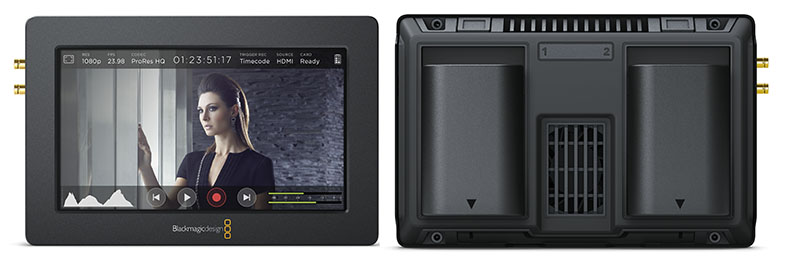
This update adds DNxHD recording, automatic start/stop recording trigger for HDMI cameras, timecode support for Canon 5D Mk. III, enhanced overlays including time remaining status and clip information on playback, support for SDI Level A signals, extended Zebra range and more. Before installing the software, Blackmagic Design recommends that you run "Uninstall Video Assist” first.
What's new in Blackmagic Video Assist 1.2
- Adds DNxHD codec
- Adds extended Zebra range
- Adds SD card record time remaining on status overlays
- Adds clip playback information panel
- Adds HDMI record trigger
Date: 05. 02. 2016,
Category: News
FULL ARTICLE
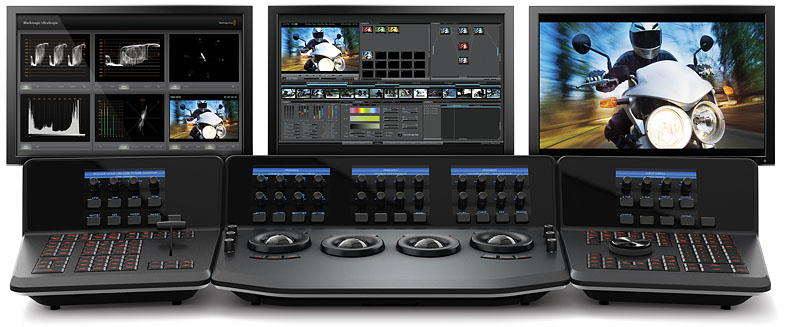
Blackmagic Design has released a new update for DaVinci Resolve 12 Studio. This software update improves the performance of H.264, H.265, OpenEXR, VariCam, MPEG-4 and AVC on both Mac and Windows. It also adds new options for smaller font sizes on burn-ins, ARRI RAW sharpness, RED SDK v6.1 and more.
What's new in DaVinci Resolve 12.3
- Decode support for HEVC/H.265 QuickTime video in DaVinci Resolve Studio on Windows
- Added Media Storage context menu option to directly add storage locations without opening Preferences on Mac and Windows
- Ability to add Media Storage locations without restarting Resolve on Mac and Windows
- Added support for reading Reel Names in OpenEXR media
- Added decode support for Sony MPEG2 video files
- Added support for ARRI RAW sharpness when using the ARRI Full Res Debayer
- Added support for smaller font sizes on burn-ins
- Added support for keyboard shortcut for loop on the Edit Page
- Improved HEVC/H.265 decode performance on Mac in DaVinci Resolve Studio
- Improved H.264 decode performance on Windows
- Improved Varicam, MPEG4, AVC and AVC-Intra MXF decode performance on Mac and Windows
- Improved compressed OpenEXR decode performance
- Added support for RED SDK v6.1
- General performance and stability improvements
Date: 04. 02. 2016,
Category: News
FULL ARTICLE
RED Digital Cinema and Avid announced that Avid DNxHR and Avid DNxHD recording formats will be coming to RED's DSMC2 line of professional cameras -- WEAPON, SCARLET-W and RED RAVEN. This addition will bring yet another powerful and intuitive workflow option to professionals shooting on this latest generation of RED cameras. Avid DNxHR and Avid DNxHD are renowned for their ability to reduce storage and bandwidth requirements, and Avid DNxHD has been accepted by the Society of Motion Picture and Television Engineers as the foundation format for the VC-3 standard. Additionally, these formats offer seamless direct-to-edit experiences for professionals looking to keep the highest image quality possible, while leveraging the investments they've made in Avid in-house production systems. The Avid DNxHR and Avid DNxHD formats will be added to the already impressive simultaneous recording capability that RED's DSMC2 cameras currently offer via REDCODE RAW and Apple ProRes formats. Avid DNxHR and Avid DNxHD will be made available via a firmware upgrade in mid-2016.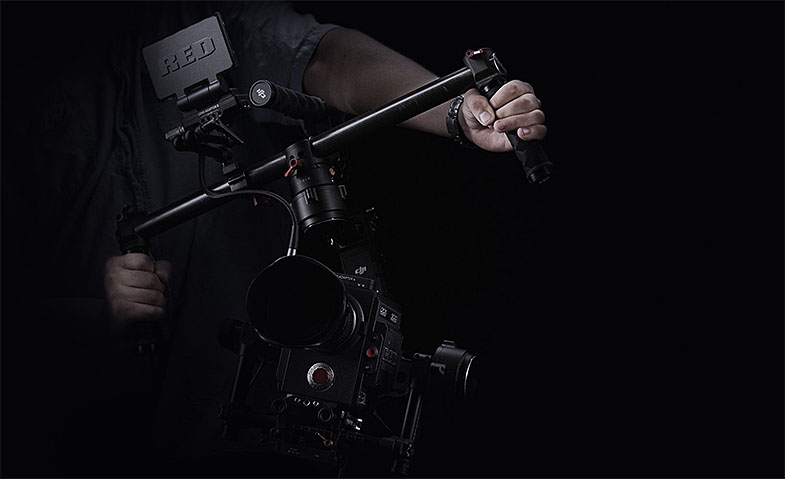
Date: 03. 02. 2016,
Category: News
FULL ARTICLE