
 CZ
CZ SK
SK HU
HU AT
AT DE
DE ES
ES SI
SI HR
HR
Nothing in the basket.

- Search
-
Login

-
0
Comparison
Add products to compare, then they will appear here and you can compare parameters.
-
0
0 €
News
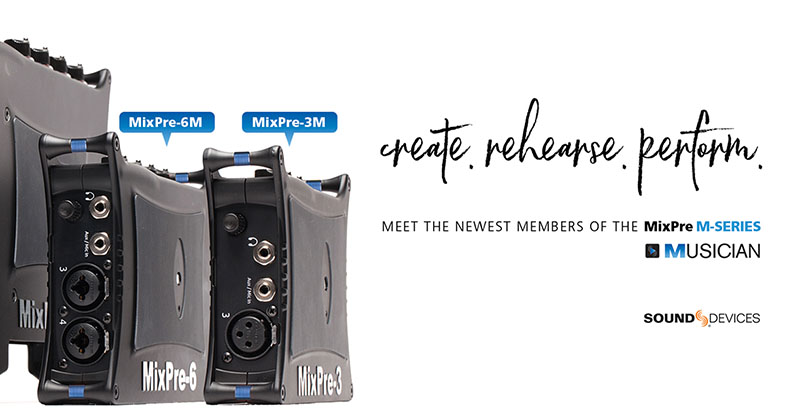
Sound Devices has expanded its groundbreaking MixPre Series to introduce two new models – the MixPre-3M and MixPre-6M – powerful multitrack audio recorders with built-in USB audio interface. Designed specifically for musicians, the ultra-portable M-Series record up to 12-tracks of studio-grade audio (up to 96kHz/24-bit) and integrate features like overdub, track laying, punch in/out, bounce, reverb, vocal air, and metronome.
Available now, the MixPre-3M and MixPre-6M are the newest members of the versatile MixPre M-Series for music creators and performers. The M-Series models feature Sound Devices’ world-class Kashmir™ mic preamps and ultra-low-noise A-to-D architecture — offering the tone and warmth of analog recordings desired by all musicians and audiophiles. The M-Series can also stream multiple channels of audio via USB to a computer, which is ideal for music composers working with a DAW.
Although musicians can find countless ways to use a MixPre-3M or MixPre-6M, a few of the common uses include:
- Track-laying and overdubbing a multi-layered song without a DAW
- Premium-quality USB audio interface for any DAW and "DAWless" setup
- Streamlined tracking-to-editing workflow in a DAW
- Mixing and recording small ensemble live performance
- Playback of multichannel pre-recorded backing tracks
- Recording live events, concerts, and band rehearsals
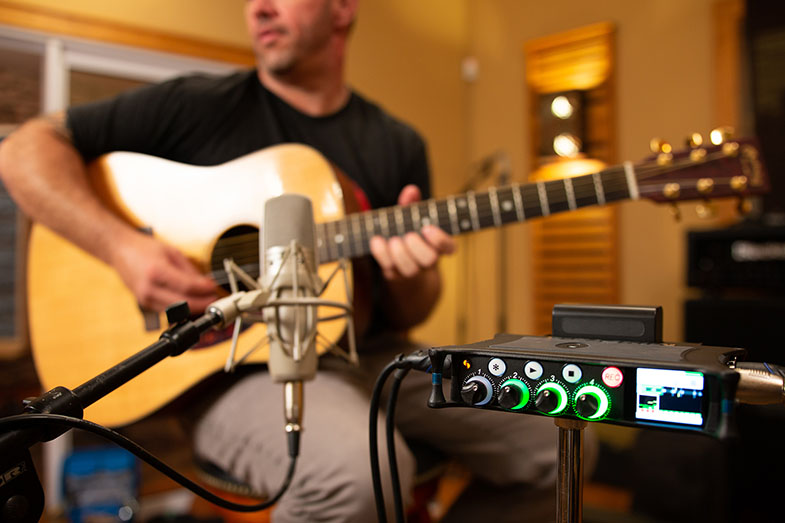
The M-Series’ musician-friendly, touch-screen interface lets musicians quickly get vocal melodies, instrumental hooks, and rhythms down. Use the built-in reverb and vocal air effects to easily add character to the sound of instruments and vocals. The bounce feature can be used to free up tracks to allow the layering of more instruments or for rendering in effects. After laying and overdubbing tracks, musicians can mix their song using dedicated knobs to control levels, pans, solos, and mutes. Render recordings for uploading to website/social media, sharing with band members or exporting to a DAW for further production.
Connect instruments and/or mics via the XLR/TRS inputs or the Aux in connector. Featuring a digital patchbay, any of the physical inputs, including USB, can be conveniently routed to any track, eliminating the need to plug and re-plug inputs just to record to a different track. The built-in metronome can also be selected as an input, so users can record its click to a discrete track.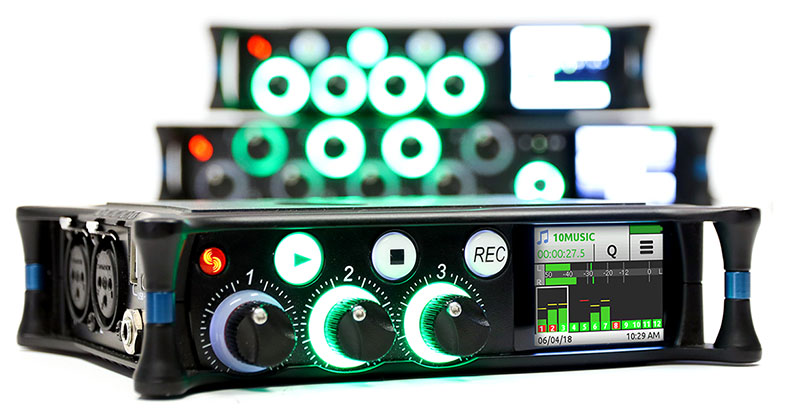
Sound Devices has also released a Musician Plugin: for 99 USD, the Musician Plugin adds all the musician-inspired features of the M-Series, including overdub, punch in/out, track laying, bounce, reverb, vocal air, and metronome. The plugin can be purchased from Sound Devices’ new online store (store.sounddevices.com) and applied to MixPre-3, MixPre-6 and MixPre-10T models.
Date: 15. 06. 2018,
Category: News
FULL ARTICLE
This update adds initial support for OpenFX plugins on the Fusion page, improves resizing of images with an alpha channel and adds support for tint, temperature and exposure controls for Canon RAW clips, as well as the ability to add filters to clips with Fusion effects. DaVinci Resolve 15 Public Studio Beta 5 adds new Python scripting APIs, addresses issues with automatic audio synchronization, loss of the first frame of audio playback, dynamic trimming reliability, video output from the Fusion page, LUT browser refreshes and dozens of additional stability and performance improvements.
Date: 14. 06. 2018,
Category: News
FULL ARTICLE
Panasonic’s next-generation PTZ camera supports high-quality video production in stadium, lecture halls and other venues. Smooth and high-quality UHD (3840 x 2160) 60p/50p, high-magnification zoom and a wide shooting angle expand the range of the PTZ camera’s applications. The camera is equipped with a variety of interfaces (incl. 12G-SDI and Optical Fiber) and supports simultaneous 4K/HD operation which allows for versatility in current and future production systems. Available Q4/218.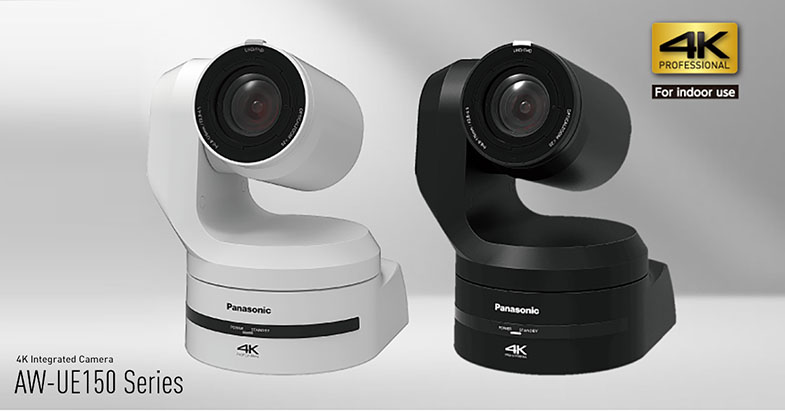
Date: 12. 06. 2018,
Category: News
FULL ARTICLE
The meaning behind the M is simple -- it's designed by Musicians for Musicians. The MixPre-10M combines the ease of dedicated hardware recording with the essence of computer-based music production software into a lightweight, portable multitrack recorder and USB audio interface. Ideal for song creation or live performances, you can now focus on your art rather than your gear! Compared to 10T, this version does not feature TC (incl. the HDMI TC Input), 192 kHz sampling rate (max. 96) or metadata editing. In addition to the basic MixPre functionality, the M version features Reverb and Air effects, Metronome, bouncing, overdub and other music recording-oriented features. Other MixPre models can feature the same functionality with the optional “Musician Plug-in” upgrade.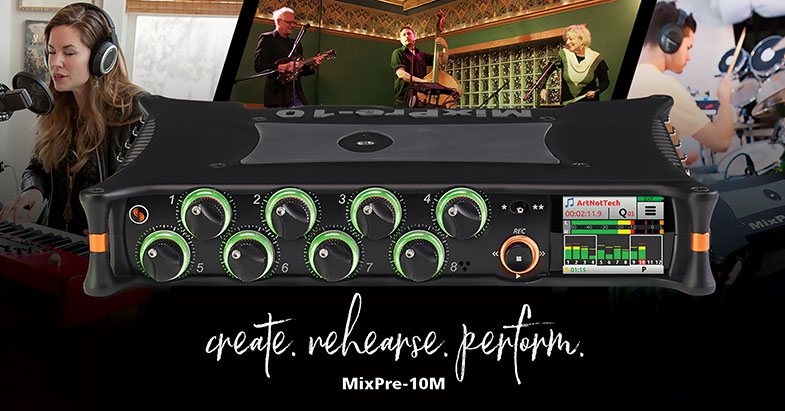
Date: 08. 06. 2018,
Category: News
FULL ARTICLE
This software update supports the release of the new ATEM Camera Control Panel. For ATEM Television Studio Pro 4K, this update also adds improved audio support in LCD menus and enhanced audio dynamics monitoring when using ATEM Software Control.
What's new in ATEM 7.5
Support for the new ATEM Camera Control Panel.
Enhanced audio support in the LCD menus for the ATEM Television Studio Pro 4K.
Enhanced audio dynamics monitoring in software control for the ATEM Television Studio Pro 4K.
General performance and stability updates.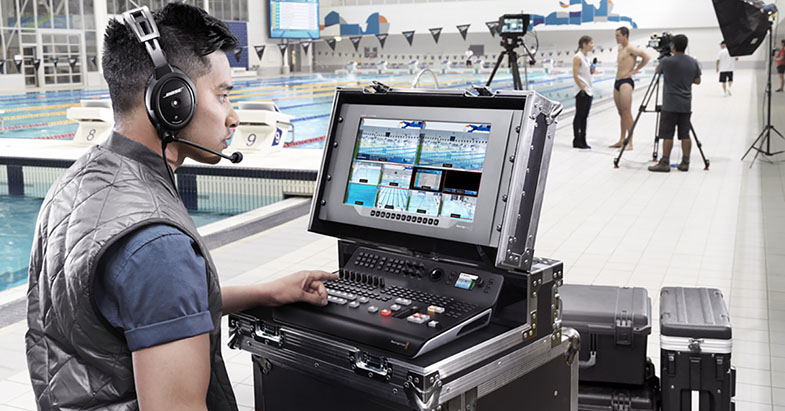
Date: 07. 06. 2018,
Category: News
FULL ARTICLE