
 CZ
CZ SK
SK HU
HU AT
AT DE
DE ES
ES SI
SI HR
HR
Nothing in the basket.

- Search
-
Login

-
0
Comparison
Add products to compare, then they will appear here and you can compare parameters.
-
0
0 €
News
The Serv platform brings high definition real-time video monitoring to iPhones and iPads over Wi-Fi. At approx. 2 frames of delay, every critical member of your crew can view what is being shot without crowding around video village or requiring a heavy director’s monitor kit. Serv and Serv Pro can be mounted on-camera or at video village and offer up to 100m of range using their built-in Wi-Fi access points. The HDMI-only Serv model supports up to 4 iOS devices at one time, while the dual input Serv Pro can stream to more than 8 iOS devices in high definition.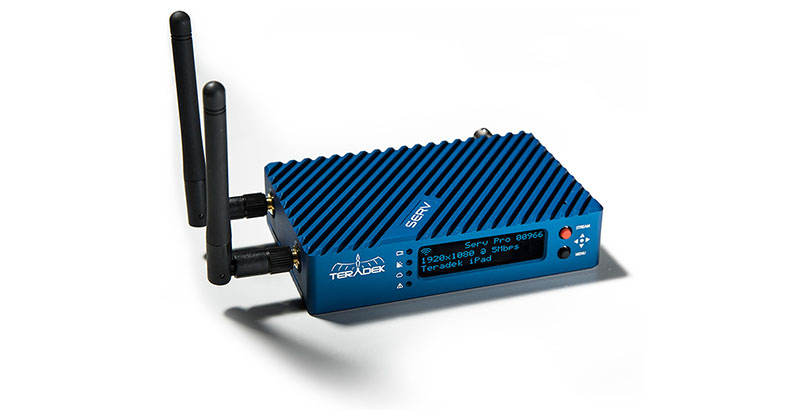
Date: 26. 06. 2018,
Category: News
FULL ARTICLE
This software update adds general performance and stability improvements for SmartView 4K, Blackmagic Design’s UltraHD LCD monitor.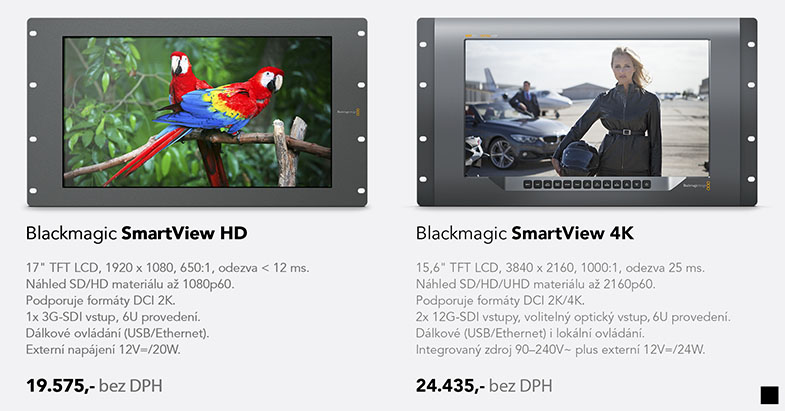
Date: 25. 06. 2018,
Category: News
FULL ARTICLE
Atomos announced the release AtomOS 9.1 for the Shogun Inferno 7” HDR monitor recorder. This update enables 5.7K ProRes RAW recording at up to 30 fps with the Panasonic EVA1, over 6G-SDI. Record the camera’s maximum resolution and dynamic range onto qualified SATA-based SSD’s, removing the need for expensive proprietary media required for other RAW cameras. The EVA1 and Atomos together provide unprecedented levels of resolution and flexibility at the combination’s price point. The EVA1 supports 5.7K frame rates of 23.98/24/25/29.97/30p. In addition to 5.7k, the EVA1 with Shogun Inferno can also record ProRes or Avid DNxHR up to 4kp60, or 2kp240. This offers great flexibility in frame rates. RAW Windows users can opt for a CinemaDNG RAW workflow with recording up to 4kp30 or 2kp120.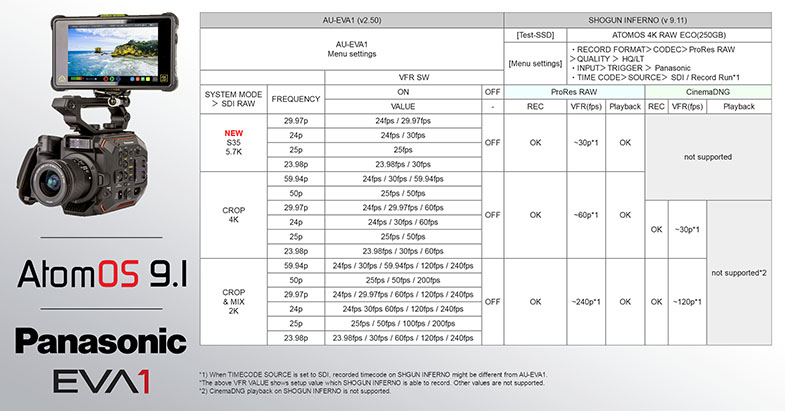
Date: 21. 06. 2018,
Category: News
FULL ARTICLE
Press Release
Blackmagic Design announced that Sky News UK has integrated a series of Ultimatte 12 compositing processors and an Ultimatte Smart Remote 4 to produce dynamic virtual studio segments for its award winning 24 hour rolling news cycle, in particular for its ‘Sunrise’ breakfast programming.
The installation forms part of a major relocation project, which saw the news broadcaster move to new, state of the art studio facilities within Sky Campus in West London. “Our key aim was not only to retain the extremely high quality production values that Sky News is renown for, but also to ensure that we were able to create depth, scale and variety when presenting news output,” explains Ben Wickham, head of studio output, Sky News.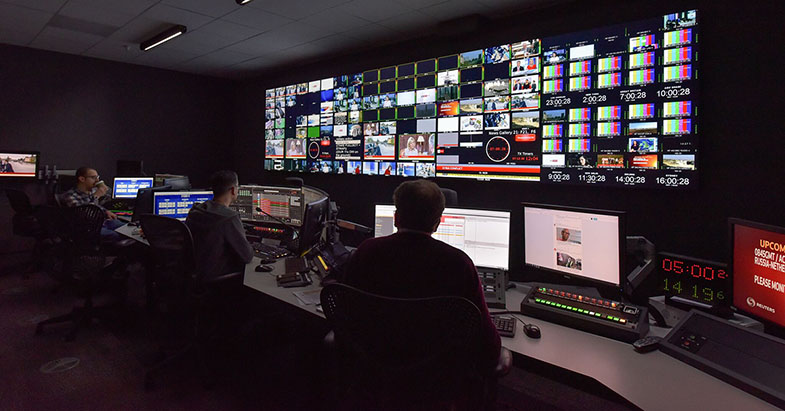
The three walled greenscreen takes up around half of the studio, and is predominantly used for Sky News’ virtual news studio, built within a highly realistic 3D VR environment. Within the virtual set, a video wall can be deployed for welcome sequences, lead item discussions, correspondent reports, sports bulletins and weather forecasts.
Ben explains that this is where the cleanness of Ultimatte’s keying and spill suppression come into their own: “As well as a range of different presenters’ hair colors, skin tones and clothing, it has to deal with changes in camera angle, and greenspill from the three walls on presenters’ heads and shoes. The Ultimatte’s real time edge handling and color separation means that we can always be confident of the results on screen, no matter how many different VR studio slots we have in the running order.”
News programming in the studio is captured by five cameras, including two dedicated VR units; one on a jib and a pedestal unit operated remotely from the gallery. “Our VR elements have to be as flexible as possible, so we can cut between our VR camera signals and also transition between the virtual set and the presenters’ desk in the other half of the studio,” continues Ben. “The integration between studio set and VR cameras has to be seamless.”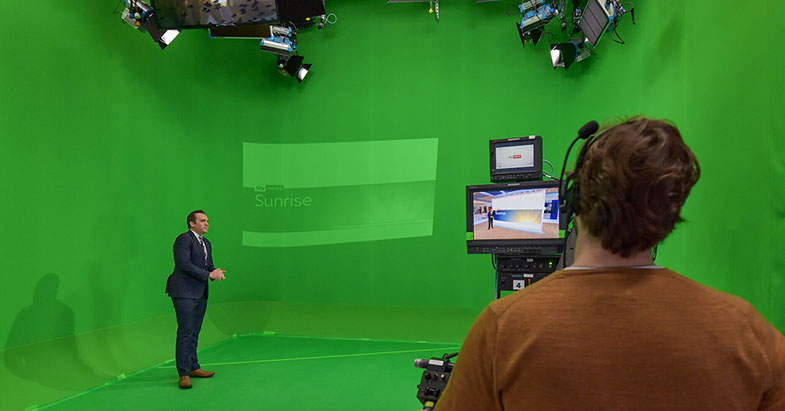
Sky News is already expanding its use of VR with Ultimatte 12 with enhancements to its editorial news elements, for example, creating a series of real life locations to recreate timelines of key news events. “Often we simply can’t film in these locations live, as they may still be an active crime scene, however by constructing a virtual recreation, we can have a presenter walk through the scene, giving the story an added dimension,” explains Ben.
“We chose Ultimatte 12 primarily because its precision, wide color space and real time image processing would match Sky News’ rigorous demands for production excellence at all times,” Ben concludes. “It’s critical that any VR elements we introduce into our studio productions retain as much authenticity as possible. Ultimatte’s flexibility, combined with high quality VR builds ensures that viewers will continue to turn to the channel as a reliable and information news source.”
Press Photography
Product photos of all Blackmagic Design products, are available at www.blackmagicdesign.com/press/images.
About Blackmagic Design
Blackmagic Design creates the world’s highest quality video editing products, digital film cameras, color correctors, video converters, video monitoring, routers, live production switchers, disk recorders, waveform monitors and real time film scanners for the feature film, post production and television broadcast industries. Blackmagic Design’s DeckLink capture cards launched a revolution in quality and affordability in post production, while the company’s Emmy™ award winning DaVinci color correction products have dominated the television and film industry since 1984. Blackmagic Design continues ground breaking innovations including 6G-SDI and 12G-SDI products and stereoscopic 3D and Ultra HD workflows. Founded by world leading post production editors and engineers, Blackmagic Design has offices in the USA, UK, Japan, Singapore and Australia. For more information, please go to www.blackmagicdesign.com.
Date: 20. 06. 2018,
Category: News
FULL ARTICLE
This software update improves performance of the redundant inputs for Mini Converter SDI to HDMI 6G as well as general performance and stability improvements for a range of Mini Converter models.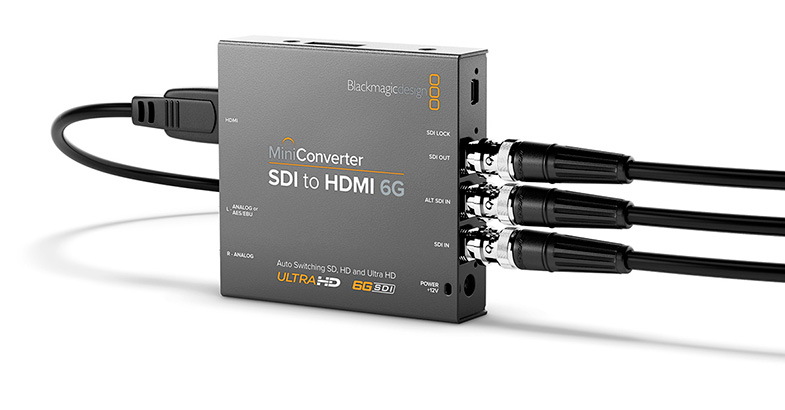
Date: 18. 06. 2018,
Category: News
FULL ARTICLE
- Show all
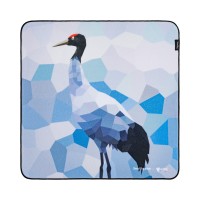
SmallRig Wild China Film Series Camera Wrap (Black-Necked Crane Pattern) 6042
The SmallRig 6042 wrap measures 450 × 450 mm and folds around a camera, a lens, a21 €In stock > 5 pcs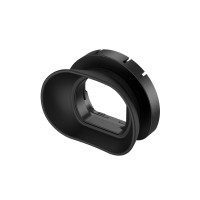
SmallRig Horizontal-to-Vertical Camera Viewfinder Eyecup for Sony FX2 5713
The SmallRig 5713 silicone eyecup for the Sony FX2 viewfinder shades stray sunlight18 €Backordered > 5 pcs