
 CZ
 SK
 HU
 AT
 DE
 ES
 SI
 HR

Nothing in the basket.

- Search
-
Login

-
0
Comparison
Add products to compare, then they will appear here and you can compare parameters.
-
0
0 €
How to choose a Joyusing document camera: V500S to V2XP
Joyusing document camera: zoom, USB or HDMI, power, webcam mode. Which of the six models to pick.
Joyusing products here are not flatbed scanners but document cameras: a camera on a folding arm above the desk captures a document, a book or an object and sends the picture to a computer over USB or straight to a TV or projector. The Joyusing V1XS-4K and its siblings look similar, but you only notice the differences once you work with them.
This guide does not rank the cameras by price but by the questions buyers actually ask: do I need optical zoom, will I connect it to a computer or straight to a projector, and what if I also use it for video calls? At the end you will find a simple recommendation for four typical situations.
 1 / 7
Optical or digital zoom
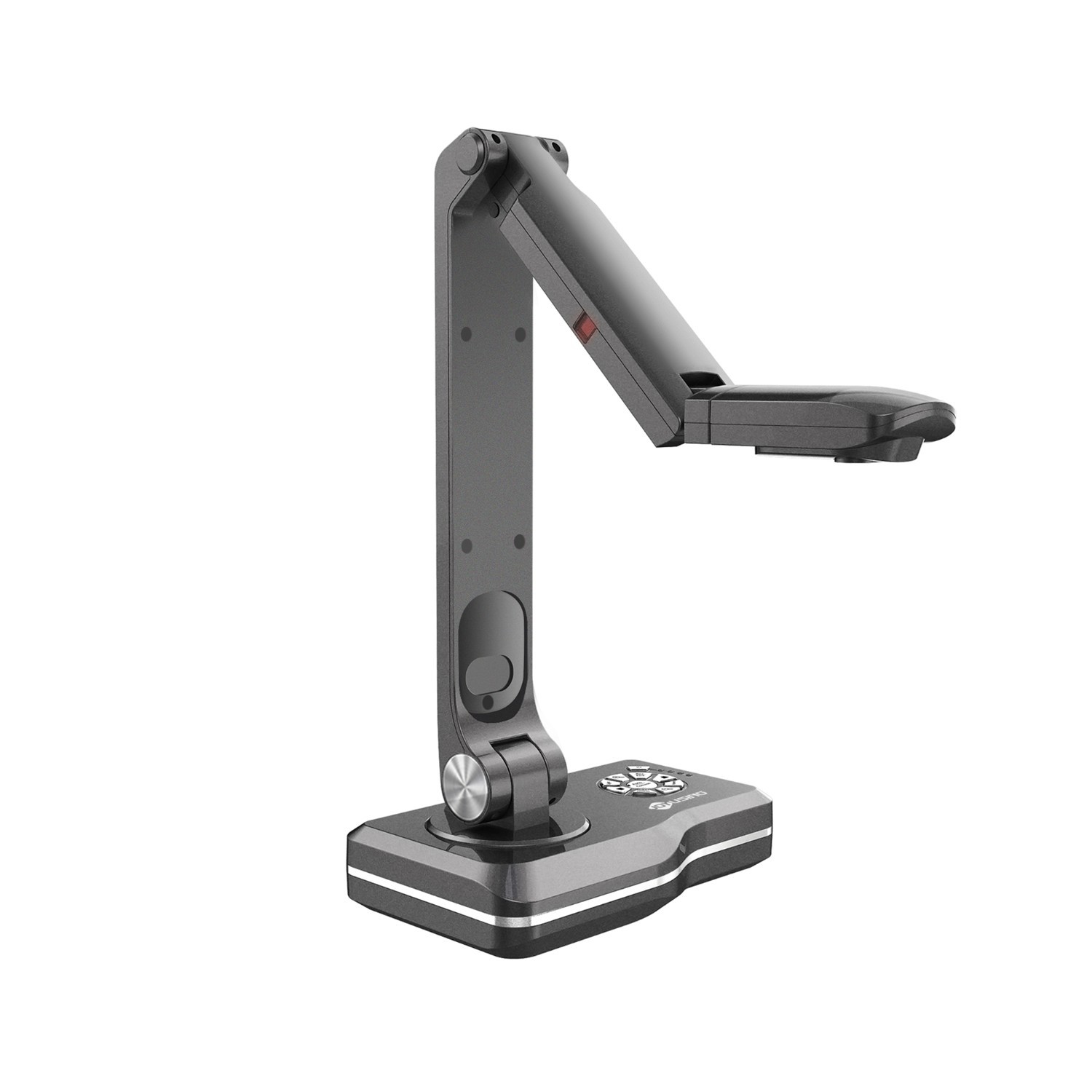
Zoom is the first thing that sets document cameras apart. Digital zoom simply crops and enlarges part of the image, so sharpness drops with every step. With optical zoom the lens does the magnifying and the detail stays. The Joyusing V1XS-4K offers 12× optical zoom and the Joyusing V2XP even 14× optical, both with an extra 10× digital.
The V500, V500S and V513 have digital zoom up to 100×. The figure sounds impressive, but in practice it is a crop of a single frame: fine for text and pictures in a book, less so for tiny components or a map with fine labels. If you often show small objects, models or experiments, go for optics.
 2 / 7
With a computer or straight to a projector
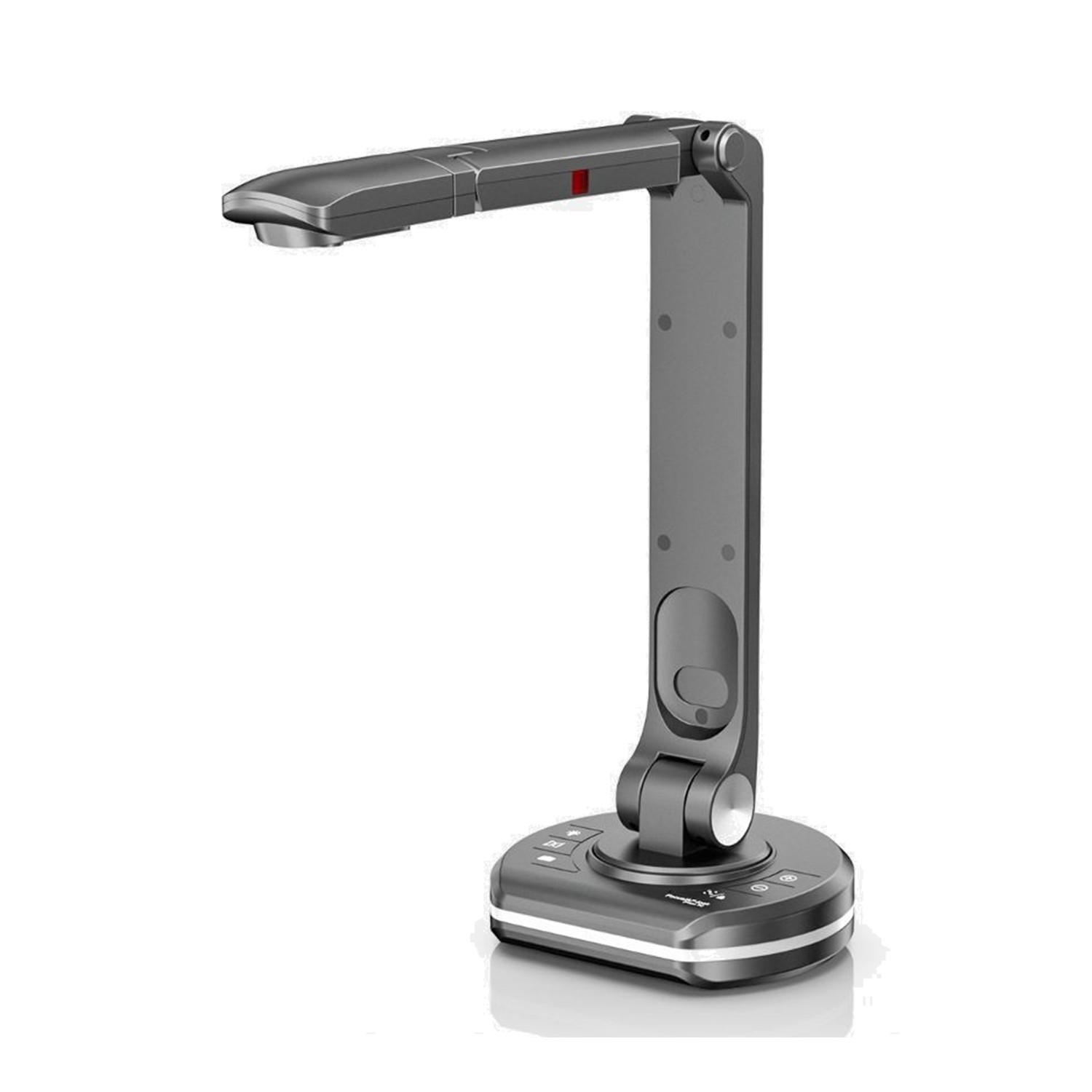
A document camera works in two ways. Over USB with a computer and the Joyusing Visualizer software, which handles snapshots, video, OCR and PDF export. Or without a computer (PC-free): the camera connects by HDMI cable directly to a TV or projector, which you will appreciate in a classroom where you do not want to unpack a laptop every lesson.
PC-free is offered by the Joyusing V500-4K, the Joyusing V513, the V1XS and the V2XP; the V1XS and V2XP also have a built-in 5″ LCD preview, so you can see the shot even without a projector. For the V500S the manufacturer does not reliably promise PC-free, so treat it as a camera for use with a computer.
 3 / 7
Power: one cable or an adapter
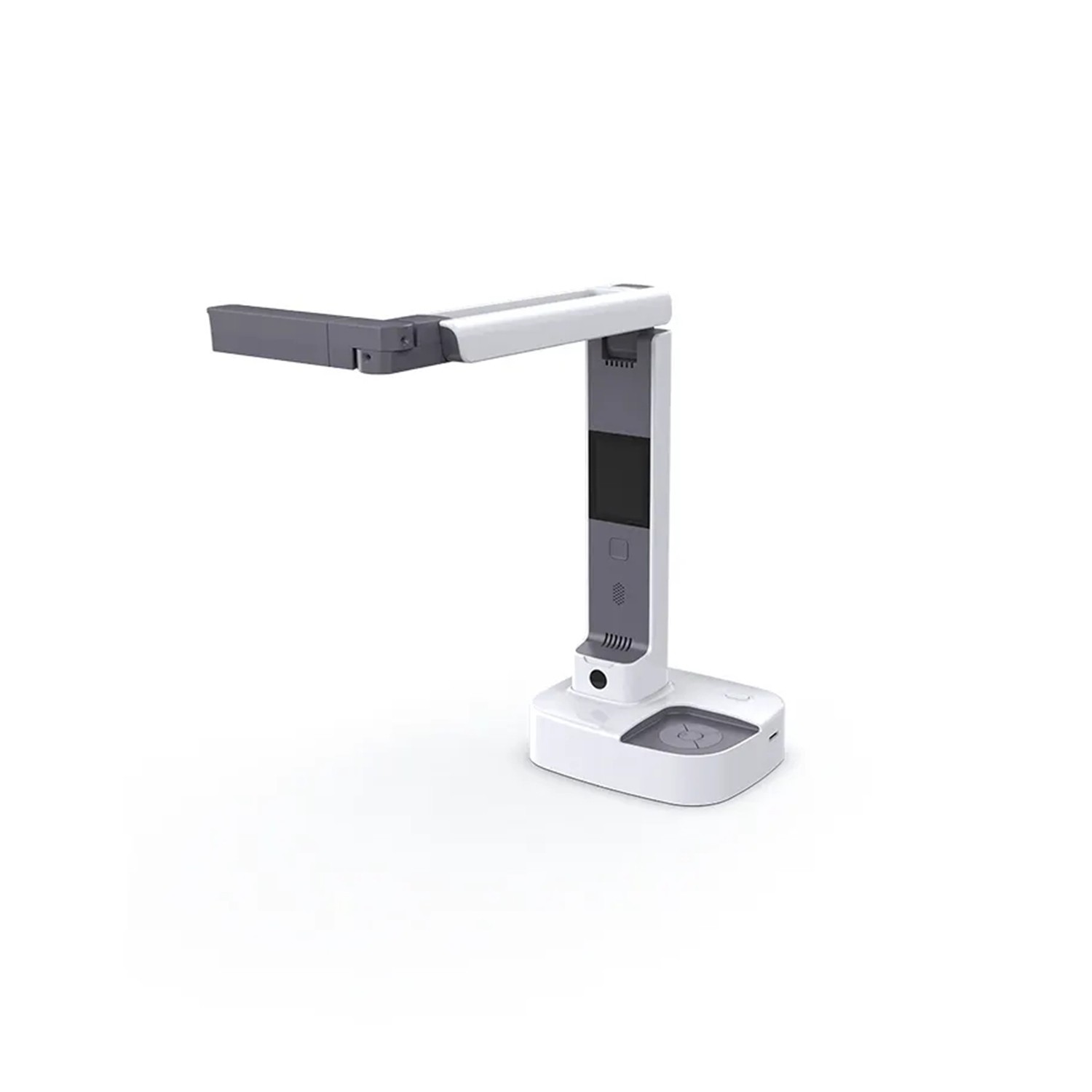
The practical difference shows up on the desk. The Joyusing V500S-4K makes do with a single USB cable, draws its power from it and needs no external adapter or spare socket. For a teacher's bag or a café table it is the most convenient option. Similarly, the Joyusing V600 takes both power and data over USB-C.
The Joyusing V500-4K, the Joyusing V513 and the V1XS, by contrast, use a 12 V / 1 A adapter: an extra cable and a socket nearby. In a fixed classroom that does not matter, with a portable camera it does. One tip for every model: connect the camera directly to the computer, as it may not work properly through a USB hub.
 4 / 7
2-in-1: document camera and webcam
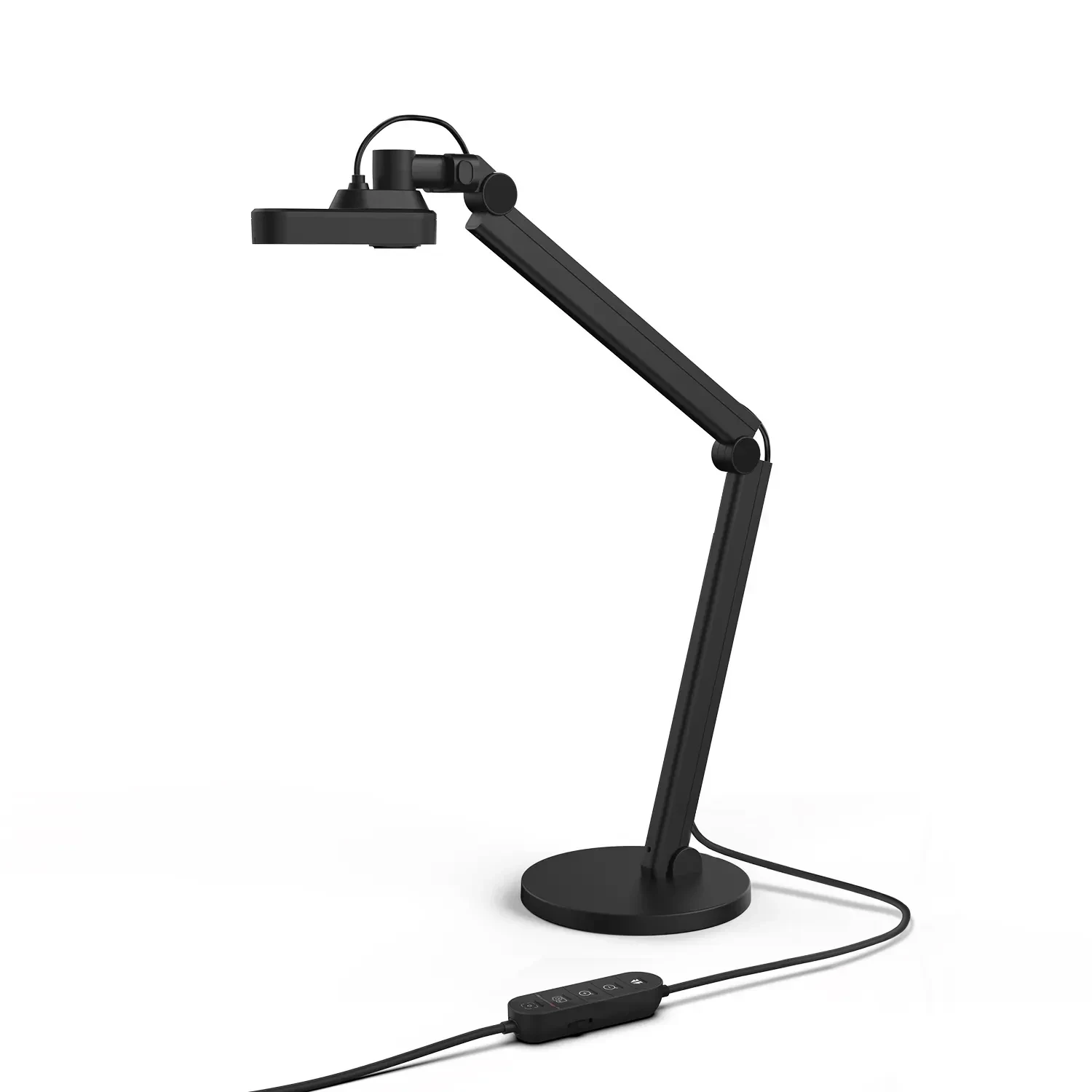
If you will also use the camera for video calls, look for a 2-in-1 model. The Joyusing V513 and the Joyusing V600 can work as a document camera (arm pointing at the desk) and as a webcam (head turned towards you). In Teams, Zoom or Meet you show a document and go straight back to your face, with no second camera on the monitor. The manufacturer states compatibility with Zoom, Google Meet, Microsoft Teams, Skype and OBS Studio.
The Joyusing V500S-4K goes in a similar direction: it has a flip-over head that you turn between documents and a face-to-face video call. The V600 also comes with a monitor clip in the box.
 5 / 7
Resolution, speed and light
Resolution decides how much detail you see; frames per second decide how smoothly the picture moves. The Joyusing V513 and the V1XS manage 1080p at 60 fps, which shows when a hand or object is moving; the V500 and V500S record 1080p at 30 fps. The Joyusing V600 has a 12 Mpx sensor and 4K at 30 fps.
Focus and light are often more practical. The V600 has fast PDAF phase-detection autofocus and 40 LEDs dimmable smoothly from 0 to 100%, so glossy paper and glare are easier to handle. Be careful with megapixels: for the V500-4K the manufacturer quotes both 8 Mpx and "up to 13 Mpx", so go by video resolution instead.
 6 / 7
When the basic V500S and V500 are enough
The Joyusing V500S-4K and the Joyusing V500-4K are a simple foundation: capture area up to A3, 100× digital zoom, a microphone, LED light and the Visualizer software. For reading from paper in front of a class, scanning books and documents to PDF and everyday teaching, that is plenty. They have neither optical zoom nor an LCD.
Move up to the Joyusing V1XS-4K or the Joyusing V2XP when you show small objects, models, maps or experiments, or when you want an LCD preview and a picture on the projector without a computer. A rule of thumb: if you show sheets of paper, the V500S will do; if you show things, you will appreciate optics.
 7 / 7
What to buy for whom
Teacher and classroom: the Joyusing V1XS-4K or the Joyusing V2XP for experiments and detail, with PC-free operation on a projector; the Joyusing V500-4K as a simpler PC-free foundation.
Home office and hybrid work: the Joyusing V513 or the Joyusing V600 when you need both documents and a webcam; the Joyusing V500S-4K if one cable and working with a laptop is enough.
Digitising books and documents: the V500S or the V600; the book does not have to be opened onto glass or have its spine taken apart, and the Visualizer offers OCR and PDF export.
Detailed demonstrations: the V2XP or the V1XS with optical zoom and a 5″ LCD preview.
Who it makes sense for
If you want a camera for a classroom or for showing detail, choose the Joyusing V1XS-4K or the Joyusing V2XP with optical zoom. For a home office and video calls the Joyusing V513 or the Joyusing V600 fit, for simple work with a laptop and a single USB cable the Joyusing V500S-4K; the Joyusing V500-4K is the basic PC-free choice.
What we like about the design: The 12× optical zoom of the V1XS and 14× of the V2XP keep the detail that the digital zoom up to 100× of the V500, V500S and V513 merely enlarges.
What to bear in mind: The manufacturer's pages disagree on PC-free for the V500S and on megapixels for the V500-4K, so check both before buying.
View Joyusing V1XS Optical Zoom Document Camera — current price and availability →
Syntex.
Syntex editorial team. This comparison is based on technical data and documentation from the manufacturer Joyusing (website and user manuals) and on the product pages; we did not test the products ourselves for this article.
Date: 18. 11. 2026,
Category: Reviews
Related products
Joyusing V2XP optical document camera

The Joyusing V2XP is an 8 MP document camera with a Sony 1/3.2-inch sensor, 14× optical
1 259 €
In stock > 5 pcs
Joyusing V1XS Optical Zoom Document Camera
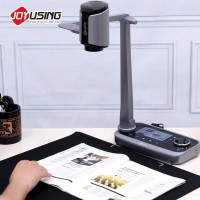
The Joyusing V1XS document camera uses an 8 MP Sony 1/3.2-inch CMOS sensor and captures
549 €
In stock > 5 pcs
Joyusing V500S-4K USB Document Camera
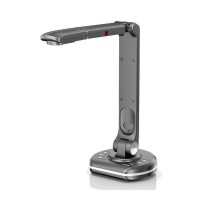
The Joyusing V500S-4K captures documents and objects up to A3 with its 13 MP CMOS
131 €
Backordered 4 pcs
Joyusing V500-4K Document Camera
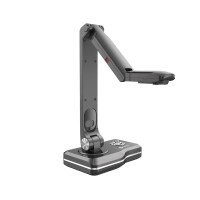
The Joyusing V500-4K is a PC-free document camera for presenting pages and objects
241 €
Backordered > 5 pcs
Joyusing V513 4K 2-in-1 Document Camera
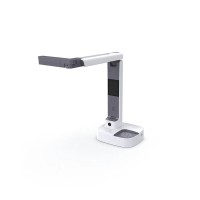
The Joyusing V513 combines document capture and webcam use for remote teaching, presentations
241 €
In stock 2 pcs
Joyusing V600 2-in-1 Document Camera
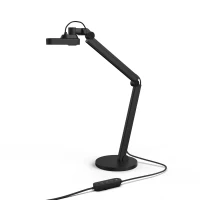
The Joyusing V600 captures documents and objects up to A3 size in 4K at 30 fps using
142 €
on request