
 CZ
 SK
 HU
 AT
 DE
 ES
 SI
 HR

Nothing in the basket.

- Search
-
Login

-
0
Comparison
Add products to compare, then they will appear here and you can compare parameters.
-
0
0 €
Document camera: what it is, how it works and what it is for
Joyusing document camera: how it works, how it scans books and documents, and which model to pick.
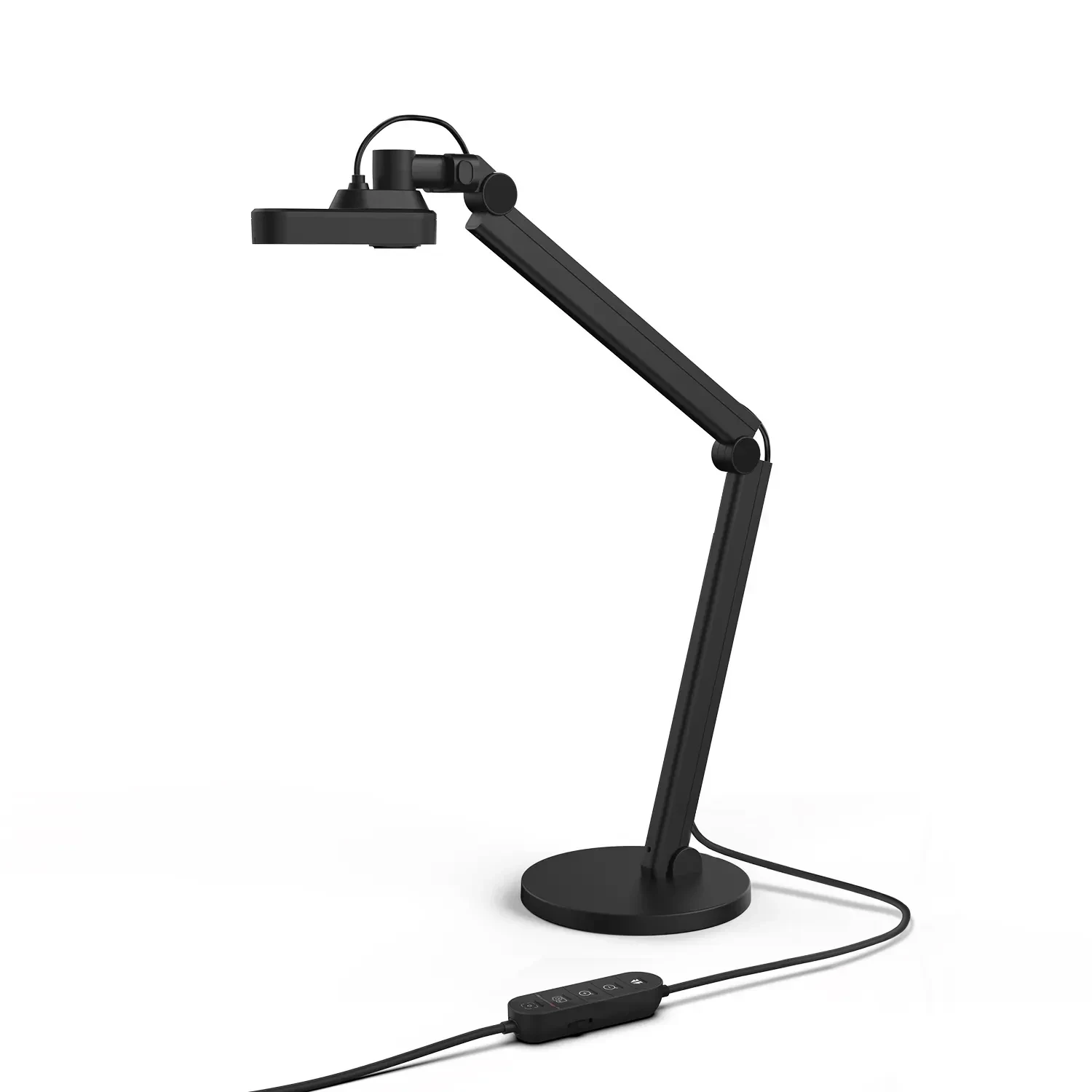
Anyone searching the web for a “document scanner” may stumble on a device that is not really a scanner: a document camera, also called a visualiser. It is a camera on a folding arm above your desk. The document, book or object lies beneath it and is captured from above, so nothing goes under glass and you never have to flatten a book. A typical example is the Joyusing V600.
Honest warning first: for hundreds of sheets from a feeder, a classic scanner is better. A document camera shines with books, notebooks and single sheets, with objects, with live demonstrations in class and in video calls. This guide explains how it all works and ends with a recommendation by use.
 1 / 8
What a document camera is and how it differs from a scanner
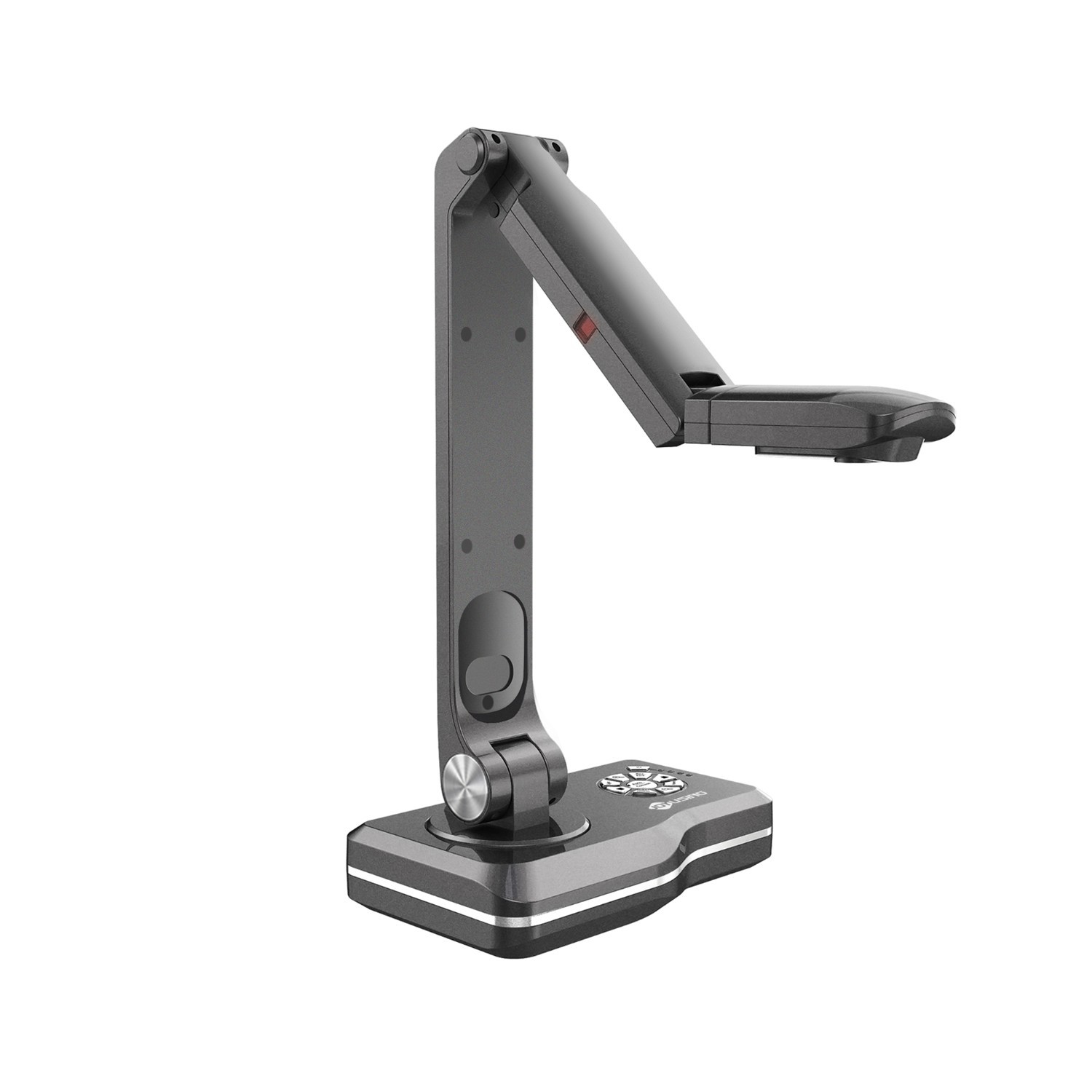
A document camera is a camera on an arm that captures the desk surface up to A3 (297 × 420 mm). The image is live: you see it at once on a computer or projector and take a snapshot with a click or a button.
Unlike a flatbed scanner, nothing is pressed onto glass, so the book stays in its natural position and the spine is spared. You can also capture objects, models or handicrafts, which scanner glass cannot do. The price is a dependence on light and on how flat the page lies, and slower handling of big batches.
Compared with a phone on a tripod you get a rigid arm, its own LED light, buttons and software with OCR and PDF export. One example is the Joyusing V600.
 2 / 8
How it works and how to connect it
The basics are simple: a USB cable to the computer, start the Joyusing Visualizer software and the image appears in a window. The camera doubles as a webcam for Zoom, Google Meet, Teams or OBS Studio.
The second route is without a computer (PC-free): HDMI or VGA straight to a TV or projector, handy in a classroom or meeting room. The Joyusing V500-4K works this way, for example: no display, but buttons and a remote control.
Watch the power supply. The V500-4K, V1XS and V513 need a 12 V adapter, the Joyusing V600 is powered over USB-C and the Joyusing V500S-4K from a single USB cable. Plug it straight into the computer, not a USB hub, as the manufacturer’s manual advises. With a touchscreen, calibrate touch after connecting.
 3 / 8
Scanning documents and books step by step
The Visualizer workflow is similar on every model. Place the sheet or book under the camera, switch on the light and let it focus. Then press Snap: you can capture the full screen or just a selected part, in black and white or greyscale. When you need both hands for page turning, use the timed snapshot or time-lapse.
In the gallery, run OCR: choose the recognition language in Visualizer for better accuracy, then export the text. Snapshots can also be saved as PDF. This set of functions is described in the manual for the Joyusing V500S-4K; on other models check the menu in your version.
For small print and maps, higher resolution helps, for instance 13 MP on the Joyusing V1XS-4K.
 4 / 8
Live annotation and recording lessons
Visualizer can draw straight on the live image: pen, text, shapes, eraser and colours. A teacher underlines a sentence in a textbook or circles a detail in a diagram and the students see it at once. The image can be frozen, rotated by 90°, magnified or compared in a split window.
A lesson can be recorded as video, screen included, giving a recording for those who missed it.
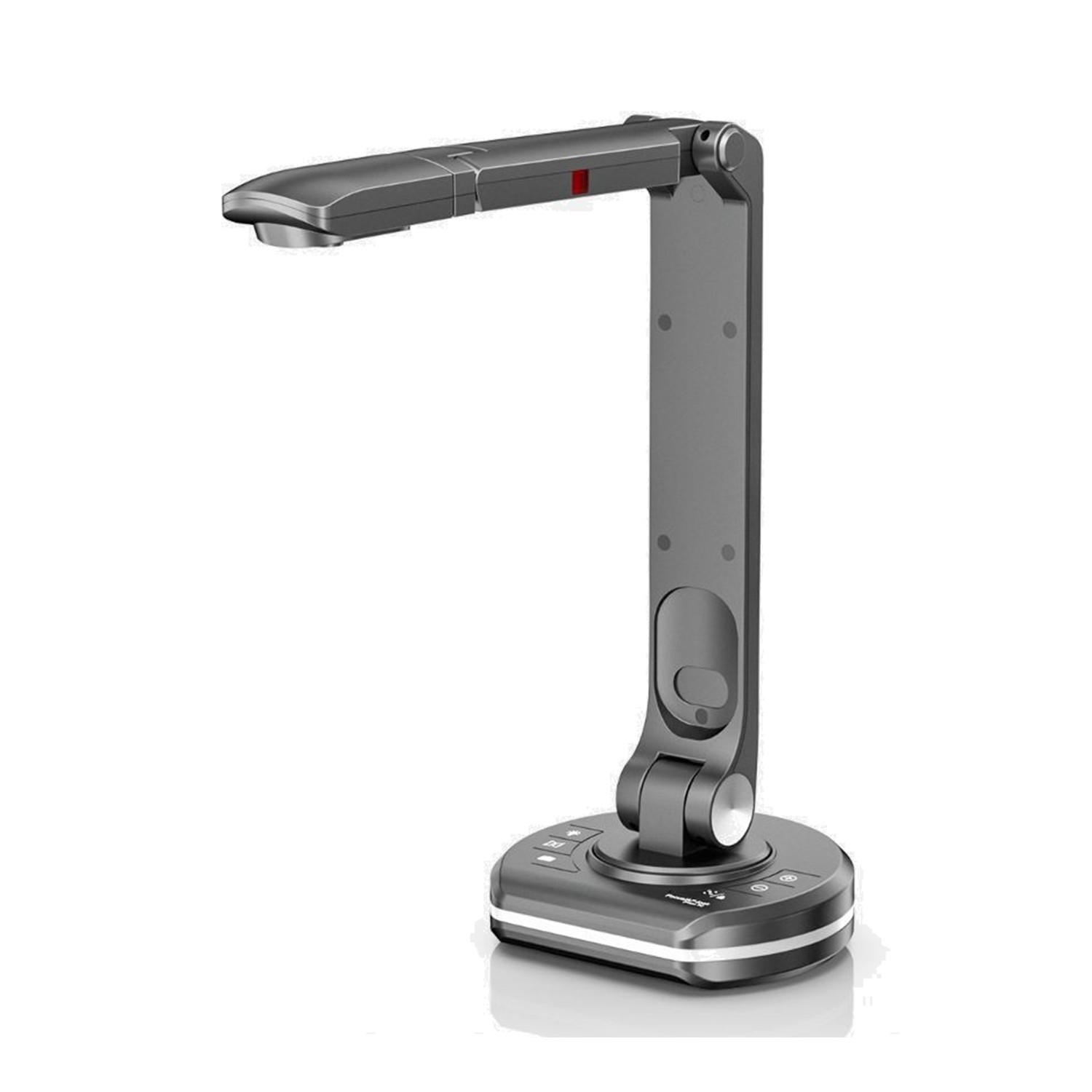
For a classroom without a computer the Joyusing V2XP is interesting: the manufacturer lists 14× optical zoom, 10× digital zoom and a built-in 5″ LCD preview. Optical zoom brings a detail closer without the loss of sharpness of purely digital magnification, and the display shows the presenter what the audience sees. The image goes out over HDMI or VGA.
 5 / 8
Objects, macro and 3D demonstrations
Because the camera looks down from above, you can show what a scanner cannot cope with: a model, a component, a coin, a tool or a handicraft. The A3 area takes a large sheet or a whole book spread.
For small things choose optical zoom. The Joyusing V1XS-4K offers 12× optical and 10× digital zoom, and the manufacturer recommends it for maps, experiments, models and small objects. The Joyusing V500-4K focuses up close from roughly 5 cm (the manufacturer says “about 2 inches”), so it suits macro detail.
Light three-dimensional objects from the side and adjust the LED brightness so shiny surfaces do not vanish in reflections. A matt mat under the object helps contrast and focus.
 6 / 8
Video calls and hybrid work
Joyusing sends its image to Zoom, Google Meet, Microsoft Teams, Skype and OBS Studio, according to the manufacturer’s FAQ. Colleagues can see a drawing, a signature on a contract or a paper draft straight from your desk.
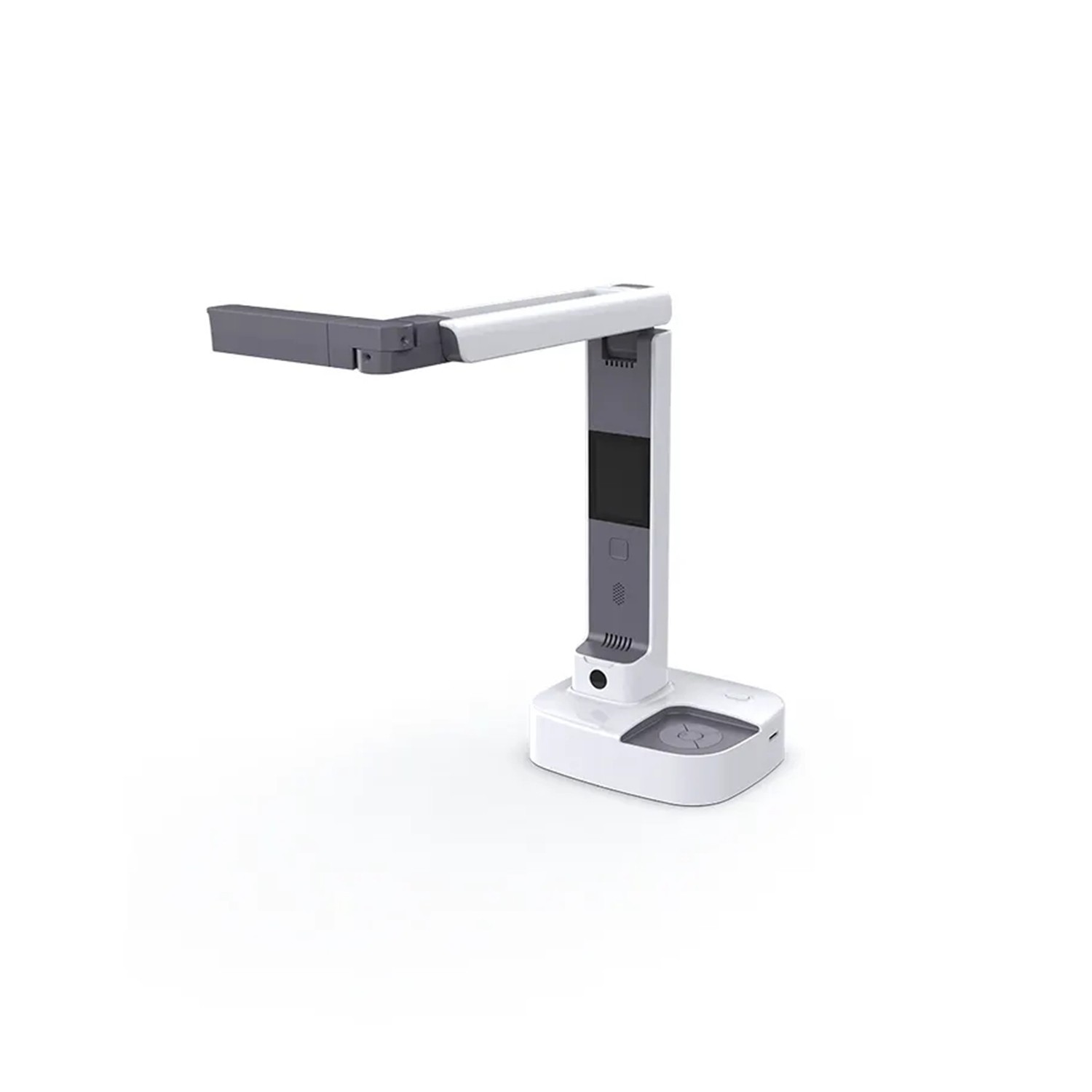
The 2-in-1 models are the most practical. The Joyusing V513 and Joyusing V600 work either as a document camera (arm pointing down at the desk) or as a webcam (head turned towards you). On the Joyusing V500S-4K the head flips between documents and a face-to-face video call, and a single USB cable is enough.
Both the V513 and V600 have a mirror button for the image close at hand, and the microphone is built in. For a hybrid office that is one device instead of a scanner, a webcam and a visualiser.
 7 / 8
Practical tips: light, mat, focus, care
Light. Switch on the built-in LED and avoid direct sun and glare on glossy paper; on the Joyusing V600 a dial dims the 40 LEDs from 0 to 100%. Mat. A matt mat raises contrast. Focus. Autofocus is fine for flat sheets; for tall objects try manual focus.
From the V1XS manual: do not carry the camera by the arm or head but by the base with both hands; do not place it in sunlight or near a heater; operating temperature is 0–40 °C, humidity 30–85%. Do not point the lens at the sun or look into the LED. Back up data from the SD card. The Kensington lock secures the camera at a shared workstation.
 8 / 8
What to buy for whom
Joyusing V600: all-rounder 2-in-1, 12 MP, fast phase-detection autofocus, USB-C power. Home office, teaching, calls.
Joyusing V513: also 2-in-1, 13 MP, USB-A and USB-C, HDMI, remote control.
Joyusing V500S-4K: simplest set-up, one USB cable and a flip-over head; no PC-free mode.
Joyusing V500-4K: PC-free over HDMI to a TV or projector, no display; classroom and meeting room.
Joyusing V1XS-4K: 12× optical zoom, 5″ LCD, detail work and workshops.
Joyusing V2XP: top model, 14× optical zoom, 5″ LCD; demanding teaching and presentations.
Who it makes sense for
For home work and calls choose the Joyusing V600 or Joyusing V513, for the simplest set-up the Joyusing V500S-4K, and for a classroom without a computer the Joyusing V500-4K, Joyusing V1XS-4K or Joyusing V2XP. For hundreds of sheets from a feeder, still consider a classic scanner.
What we like about the design: One device replaces a book scanner, a classroom visualiser and a webcam, and captures objects a scanner cannot.
What to bear in mind: For large batches of sheets a classic scanner is faster and results depend on lighting; per the manual Visualizer runs on Windows and Mac, so check joyusing.com for newer macOS.
View Joyusing V600 2-in-1 Document Camera — current price and availability →
Syntex.
Syntex editorial team. This guide draws on the manufacturer’s Joyusing documentation (website, V1XS and V500S manuals, FAQ) and on product pages; we did not test the products ourselves for this article. Software features may differ by model and version.
Date: 19. 11. 2026,
Category: Reviews
Related products
Joyusing V2XP optical document camera

The Joyusing V2XP is an 8 MP document camera with a Sony 1/3.2-inch sensor, 14× optical
1 259 €
In stock > 5 pcs
Joyusing V1XS-4K Optical Zoom Document Camera
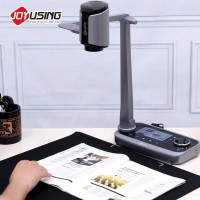
The Joyusing V1XS-4K document camera uses a 13 MP 1/3.0-inch CMOS sensor and captures
549 €
In stock > 5 pcs
Joyusing V500S-4K USB Document Camera
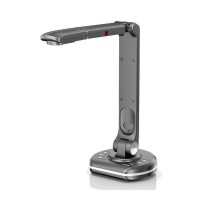
The Joyusing V500S-4K captures documents and objects up to A3 with its 13 MP CMOS
131 €
Backordered 4 pcs
Joyusing V500-4K Document Camera
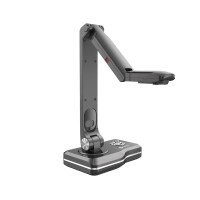
The Joyusing V500-4K is a PC-free document camera for presenting pages and objects
241 €
Backordered > 5 pcs
Joyusing V513 4K 2-in-1 Document Camera
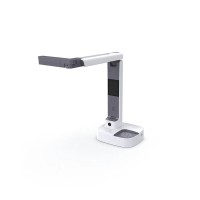
The Joyusing V513 combines document capture and webcam use for remote teaching, presentations
241 €
In stock 2 pcs
Joyusing V600 2-in-1 Document Camera
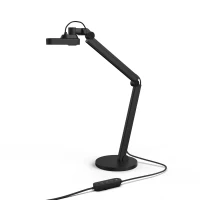
The Joyusing V600 captures documents and objects up to A3 size in 4K at 30 fps using
142 €
on request