
 CZ
CZ SK
SK HU
HU AT
AT DE
DE ES
ES SI
SI HR
HR
Nothing in the basket.

- Search
-
Login

-
0
Comparison
Add products to compare, then they will appear here and you can compare parameters.
-
0
0 €
Blog
The new 1920 x 1080 resolution PTZ camera features wide dynamic range with backlight compensation. The camera's image mirror and image rotation functions allow you to electronically orient the image to adjust for the position in which the PTZ has been located. 16 programmable position presets including pan, tilt and zoom positions, allow the camera to quickly move between predetermined camera positions using the remote, or an available PTZ controller. For multi-camera shoots, the built-in tally light can identify when it is the active camera. The camera features a built-in IR cut filter for low light shooting. PTC-150 supports real time position reporting by per frame, providing useful information for virtual studio applications.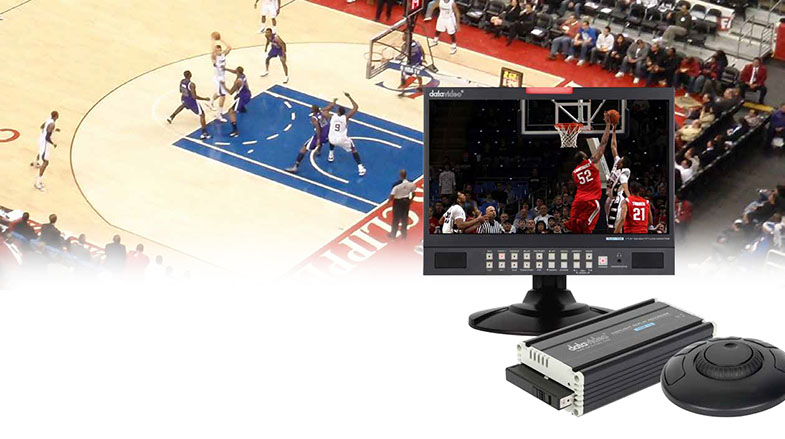
Date: 29. 02. 2016,
Category: News
FULL ARTICLE
Whether you are filming a seminar or conference, conducting a live outside broadcast or shooting inside a production studio, the Datavideo SE-1200MU HD video switcher enables you to switch seamlessly between video sources and blend high-quality digital content on the fly. SE-1200MU a small, portable computer controlled 1RU rack mountable switcher. It features a 6-Channel HD video input that is incredibly reliable, unlike PC-based systems that are prone to crashing mid production.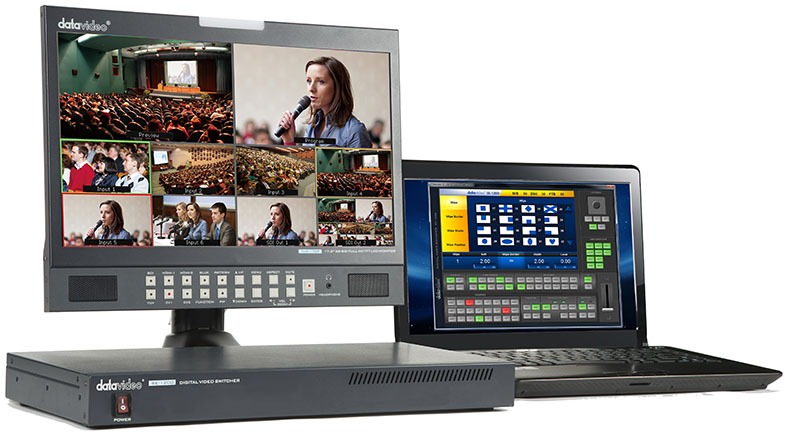
Date: 26. 02. 2016,
Category: News
FULL ARTICLE
Panasonic's LUMIX G VARIO 12-60mm lens (35mm camera equivalent – 24-120mm) is a versatile lens offering high performance and durability. It is built to the Micro Four Thirds System standard, and provides a maximum aperture opening of F3.5 at the wide angle and F5.6 at the tele end, as well as Panasonic’s POWER O.I.S. (Optical Image Stabiliser). Splash and dust-proof. Optimal performance of autofocus in fast shooting and 4K video modes.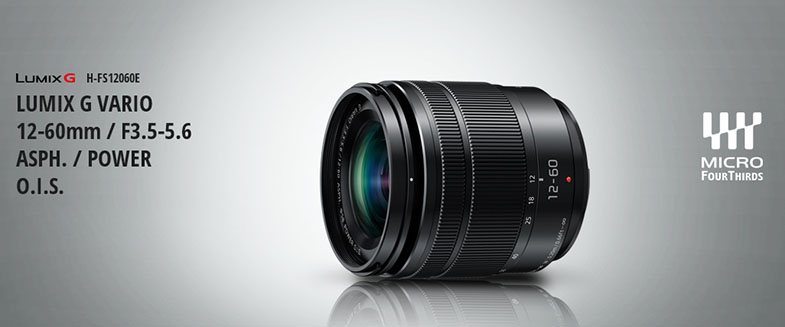
Date: 25. 02. 2016,
Category: News
FULL ARTICLE
Sony PXW-Z150 is the latest addition to its XDCAM range of lightweight, easy to use professional camcorders with new functionality to enable wireless operation and 4K (3840x2160 up to 30p) high quality shooting. The camera features a 1.0 type stacked Exmor RS CMOS image sensor, providing users with spectacular 4K recording and impressive 5x slow motion in Full HD - essential functionality for content creators looking to deliver corporate or personal productions to the highest quality.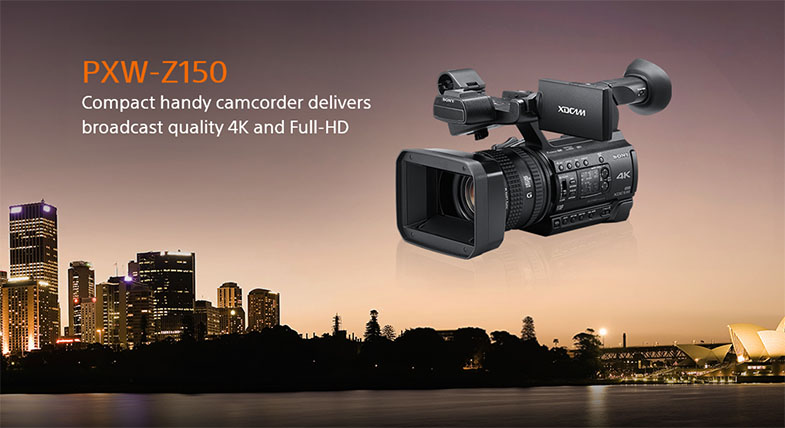
Date: 24. 02. 2016,
Category: News
FULL ARTICLE
Press Release
Blackmagic Design has announced that Mumford and Sons six show tour of South Africa, directed by Steve Price, featured a live to screen fiber optic workflow incorporating Blackmagic’s studio cameras, ATEM 1 M/E Production Studio 4K and HyperDeck Studio Pro.
For the band’s first ever tour of South Africa, promoter Hilltop Live approached local specialists Militia Broadcast, with nearly 150 live shows under their belt, about supplying the IMAG projection, PPU, camera packages and crew during the band’s Cape Town, Durban and Pretoria gigs.
Armed with the tour’s technical rider, Eban Olivier and the Militia Broadcast team specced out the tour’s production requirements. “We spoke with Steve Price, the live show director, via Skype and ran through our workflow using a wall to wall Blackmagic solution, which reassured him that it would deliver on all his expectations, including tally, program return for monitoring in camera and remote shading to address any shifts in color when using pyrotechnics,” explains Olivier.
Coverage of the shows consisted of five ground positions, including two Blackmagic Studio Camera 4K with 400mm and 600mm long lenses, two 24-105mm pit cameras on dollies as well as an interchangeable, shoulder mounted stage camera for capturing any down the line shots and pick ups. A Micro Studio 4K was also used to capture a reverse shot of the piano, alongside two Pocket Cinema Cameras on the drum kits.
Militia Broadcast ran optical fiber feeds back into the eight channel ATEM Studio Converter and then split each ISO signal to its own HyperDeck Studio Pro for recording while also routing them to the ATEM switcher, where Price produced the live feed for the two big screens, flanking either side of the stage. A pair of 17 inch SmartView 4Ks were used for monitoring, whilst shading ran through the ATEM’s Software Control on a laptop. S1 Sennheiser Aviator Headsets were used for program audio and show calling.
“The all in one modular approach of Blackmagic’s studio cameras means they are pure utopia for a traveling tour such as this. You simply drop down one fiber cable per channel and that gives you camera control, tally and talkback as well as shading,” explains Olivier. “The cameras themselves are robust, take up a fraction of the storage space and can effectively become any shot you want, at any given time.”
Militia Broadcast was confident from the outset that a Blackmagic multicam workflow would meet the rigors and demands of a six date tour in South Africa. “Eban’s confidence and enthusiasm helped to allay any initial concerns I had coming into this leg of the tour,” explains Price. “He went out of his way to ensure that I had everything I needed to do my job well, and unimpeded.”
“Having never worked with Blackmagic’s ATEM switchers before, I found it simple and intuitive to operate, while the camera crew supplied by Eban were all first rate,” concludes Price. “Regardless of the camera system you use, it will only ever be as good as the crew you have operating them, and these guys were good.”
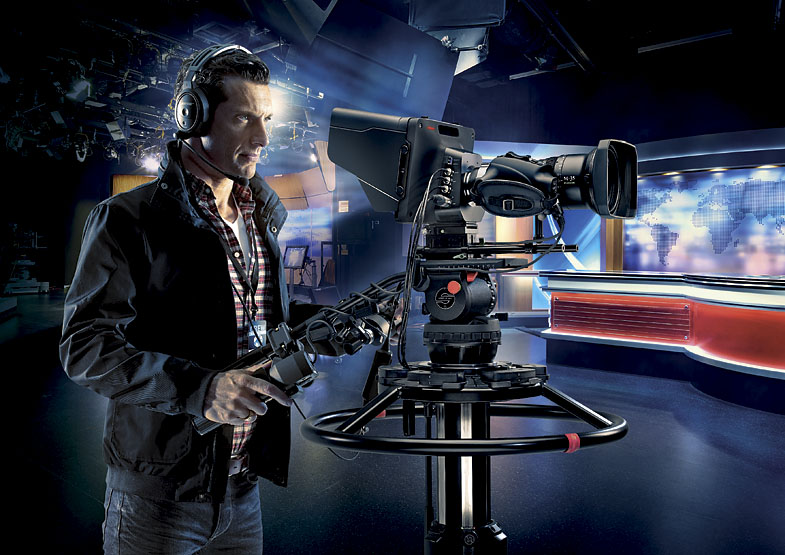
Press Photography
Product photos of the ATEM 1 M/E Production Studio 4K, ATEM Studio Converter, Blackmagic Studio Camera 4K, Micro Studio Camera 4K, Pocket Cinema Camera and HyperDeck Studio Pro are available at www.blackmagicdesign.com/press/images.
About Blackmagic Design
Blackmagic Design creates the world’s highest quality video editing products, digital film cameras, color correctors, video converters, video monitoring, routers, live production switchers, disk recorders, waveform monitors and real time film scanners for the feature film, post production and television broadcast industries. Blackmagic Design’s DeckLink capture cards launched a revolution in quality and affordability in post production, while the company’s Emmy™ award winning DaVinci color correction products have dominated the television and film industry since 1984. Blackmagic Design continues ground breaking innovations including 6G-SDI and 12G-SDI products and stereoscopic 3D and Ultra HD workflows. Founded by world leading post production editors and engineers, Blackmagic Design has offices in the USA, UK, Japan, Singapore and Australia. For more information, please go to www.blackmagicdesign.com.
Date: 23. 02. 2016,
Category: News
FULL ARTICLE
- Show all
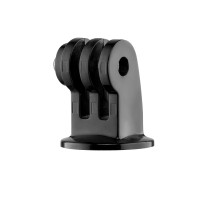
Manfrotto EXADPT Universal GoPro® Tripod Mount
A compact adapter for securely attaching a GoPro® action camera to standard photography7.9 €on request