
 CZ
CZ SK
SK HU
HU AT
AT DE
DE ES
ES SI
SI HR
HR
Nothing in the basket.

- Search
-
Login

-
0
Comparison
Add products to compare, then they will appear here and you can compare parameters.
-
0
0 €
Blog
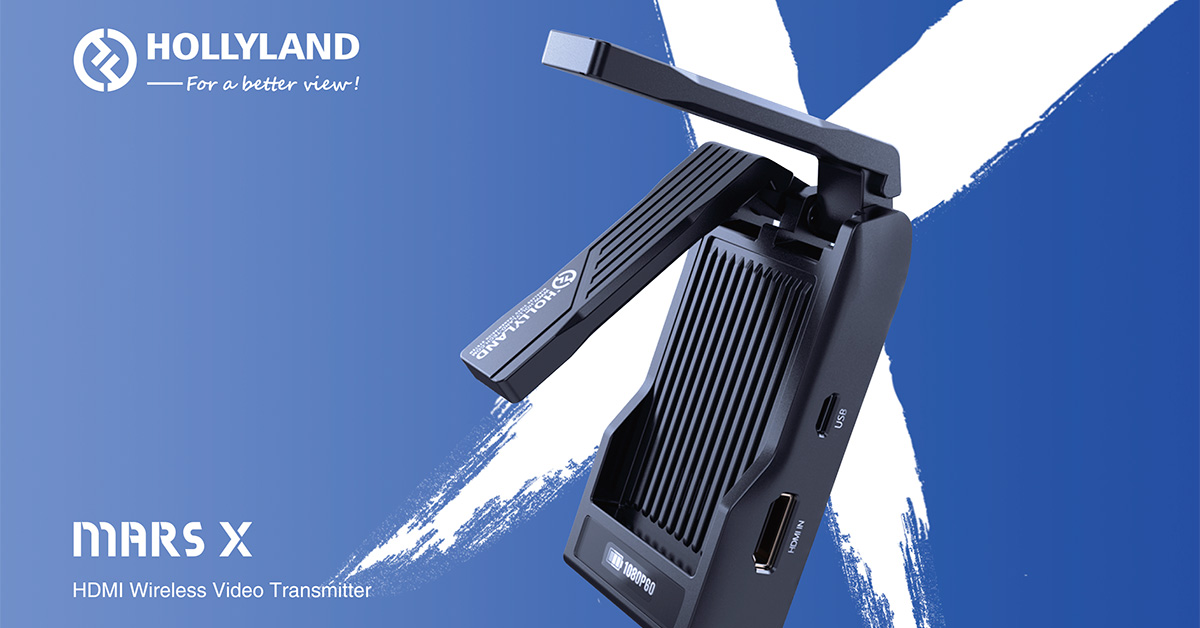
...is a new wireless system with HDMI input and support for up to 1080p resolution, allowing video preview with up to 3 mobile phones/tablets with iOS/Android at a distance of about 100 m with a latency of 70 ms! Mars X operates at 5 GHz with 40 MHz bandwidth (8 channels), OFDM modulation and 20 dBm transmit power. The Mars X transmitter weighs only 112 g, is very portable thanks to the foldable antennas, is equipped with an OLED display (to show battery status, channel/frequency, video resolution and Wi-Fi password) and comes with a mounting reducer for the flash socket.
Date: 01. 06. 2020,
Category: News
FULL ARTICLE
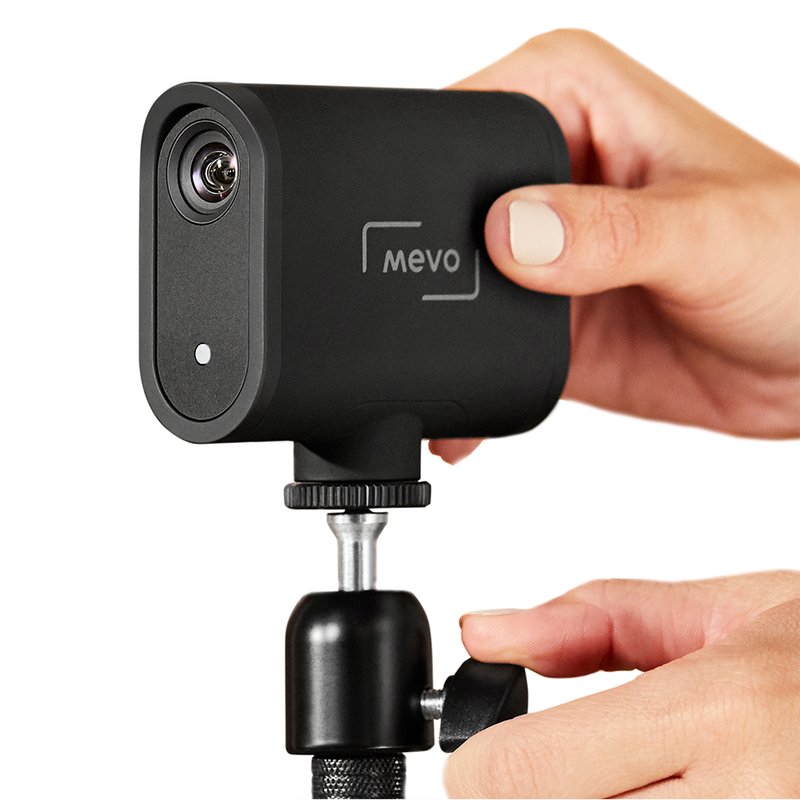
After a month delay, the new Mevo Startstreaming camera should finally be on sale! First deliveries are expected in June and we can look forward to very easy operation without cables and external batteries (internal battery life up to 6 hours!). The camera supports streaming in HD up to 1080p30 with simultaneous recording to SD card! In addition, thanks to the high quality HDR image sensor, it is able to produce very good images even in low light conditions.
Date: 29. 05. 2020,
Category: News
FULL ARTICLE

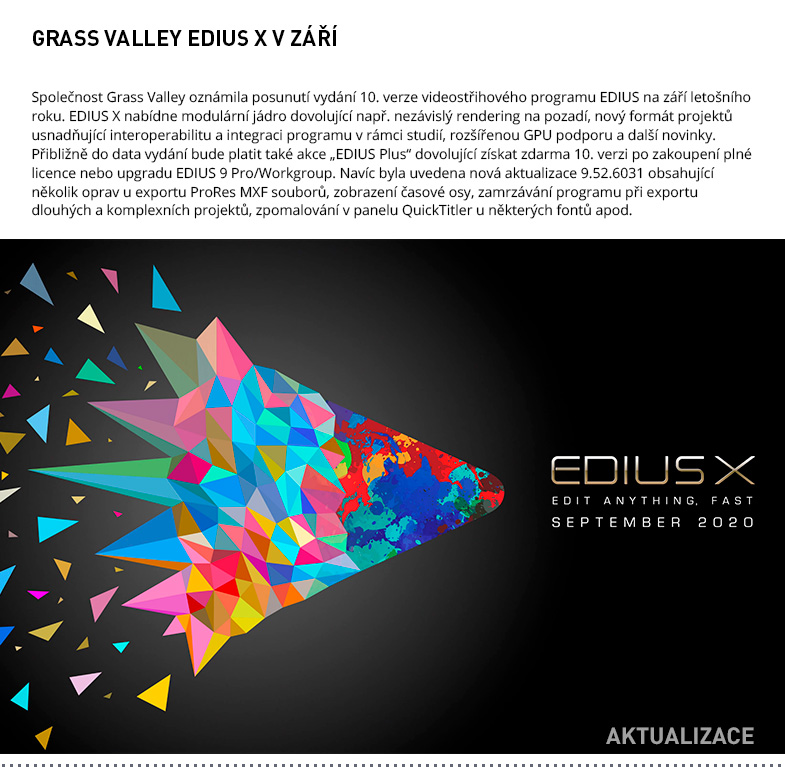
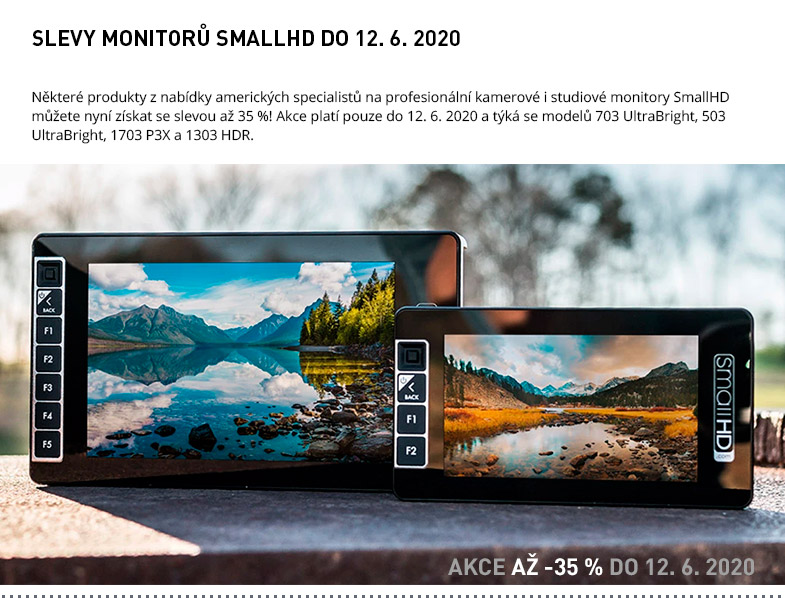

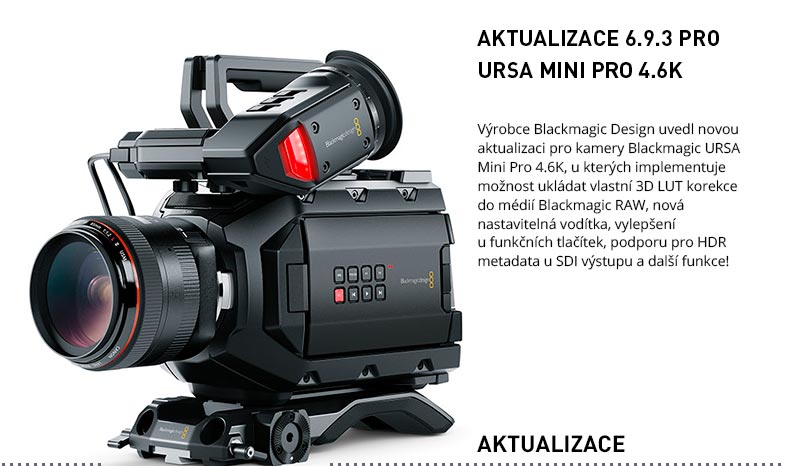






Blackmagic Design has released a new update for Blackmagic URSA Mini Pro 4.6K cameras, implementing the ability to save custom 3D LUT corrections to Blackmagic RAW media, new adjustable guides, improvements to function buttons, support for HDR metadata for SDI output, and more!
Users of the original Blackmagic URSA Mini Pro 4.6K models can now save 3D LUT correction files to Blackmagic RAW media as metadata. This allows you to more easily work with the target video appearance throughout the post/production process. The embedded 3D LUT corrections can be easily used (for color correction or preview during editing) e.g. in Davinci Resolve.
Another new feature, often requested by camera users, is the ability to deactivate the HFR button to prevent unwanted frame rate changes during camera manipulation on shooting pauses. The HFR button can also now be mapped to another, as can the VTR and Return buttons on Cine-servo lenses for PL and B4 bayonets. Also new is the ability to synchronize the timecode according to SDI input, to keep the timecode even after restarting the instrument, and to permanently display the ND filter icon in the status bar after it is activated.
Improvements in the field of audio recording include a new option to select reference meter levels (-18 or -20 dB), level settings for the communication channel and levels for line inputs with XLR connectors or improved ballistics for audio meters.
Improvements to Blackmagic OS include the ability to adjust ISO in 1/3 increments using a slider, change recording media quickly from the HUD, new 2:1, 1:1 and 5:4 guide presets, and the ability to create custom guides or an improved media formatting interface. In addition, the Blackmagic Camera 6.9.3 update
delights with a number of optimizations, including greater stability when synchronizing using an external signal and faster auto-exposure functionality.
Date: 27. 05. 2020,
Category: News
FULL ARTICLE
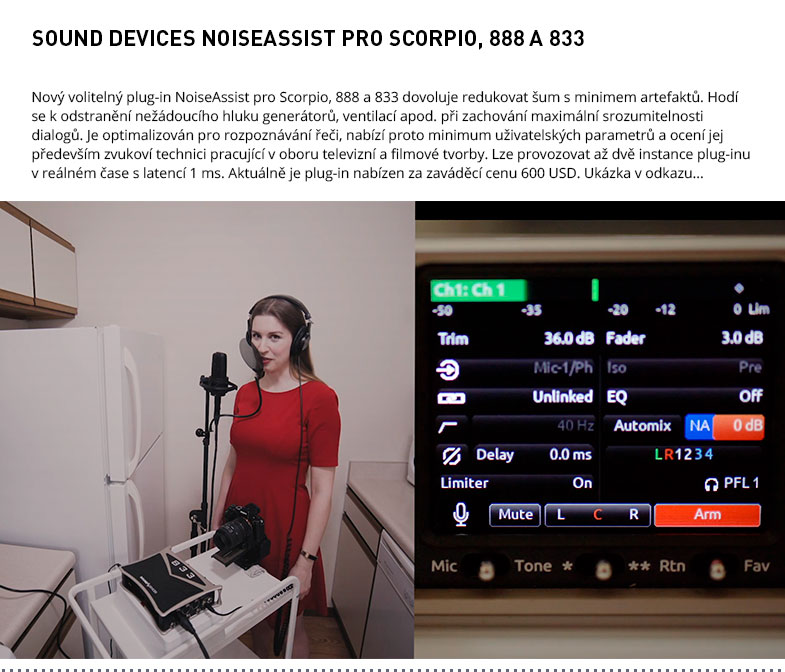
The Sound Devices Plug-in Store offers a new NoiseAssist software tool for Scorpio, 888 and 833 that allows noise reduction with minimal artifacts. It is useful for removing unwanted noise from generators, vents, etc. while maintaining maximum clarity of dialogues. Optimized for speech recognition, it offers a minimum of user parameters and will be especially appreciated by sound engineers working in the field of television and film production. Up to two instances of the plug-in can be run in real time with a latency of 1 ms. Theplug-in is currently offered at an introductory price of USD 600
Date: 26. 05. 2020,
Category: News
FULL ARTICLE