
 CZ
CZ SK
SK HU
HU AT
AT DE
DE ES
ES SI
SI HR
HR
Nothing in the basket.

- Search
-
Login

-
0
Comparison
Add products to compare, then they will appear here and you can compare parameters.
-
0
0 €
News
Panasonic released a new handbook for the new AG-UX180 and AG-UX90 cameras, describing in detail the differences between both models; available record modes and bit rates; I/O connectivity; menu structure and settings; and advanced features like HDMI 2.0 output (UX180), Focus Assist, dual memory card slots, timecode and multi-cam operation (UX180), image stabilization, Focus Transition feature, remote operation via iPads, Scene presets and Gamma Settings incl. „Film-Like” and „Cine-Like” presets. The 50Hz edition of the book can be downloaded here.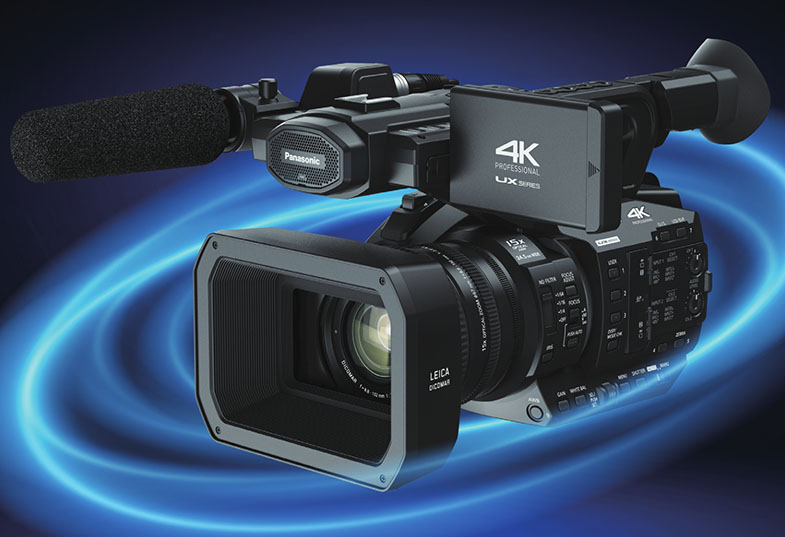
Date: 16. 12. 2016,
Category: News
FULL ARTICLE
This software update improves DNG support for consistency with DaVinci Resolve, features new animation indicator shortcuts, new expressions for non-master color wheel inputs, the ability to select multiple license servers, a save version command in the file menu, UI enhancements that improve the clarity and usability of the interface, and much more. Fusion 8.2.1 Studio requires a Fusion 7.7 dongle or higher.
What's new in Blackmagic Fusion Studio
Blackmagic Fusion Studio 8.2.1
UI and workflow improvements
General performance and stability improvements
Fixes & Improvements
Fixed Render Node crash on exit
Edit box contents are reselected after pressing enter if Auto Control Advance is disabled
Operations in range control edit boxes weren't being evaluated after pressing enter
Fixed creation of undo events for multiline text edits
Ensure bin state is saved on exit
Stop an occasional inadvertent attempt to replace a tool with itself when pasting in the flow view
Macro tools weren't available for toolbar customisation until after the Tools menu had been used
Comp file requester would always browse to Comps: rather than the path of the last loaded comp
Fixed flow group background in HiDPI/Retina
OFX plug requests for images outside of normal render processing will now get them at the current comp quality instead of always high-quality, non-proxy
Allow OFX plugins to force interactive rendering in some cases
Notes
Some features of Fusion Studio require network access, including network rendering, network licensing, shared bins, and some external scripts. To use these features, the following ports must be opened in your system’s firewall (if any):
TCP port 1144
UDP port 1144
TCP ports 49152-49159
UDP ports 49152-49159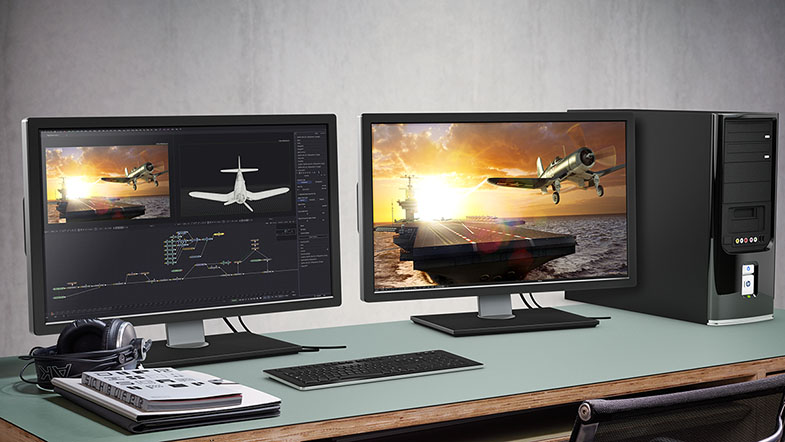
Date: 15. 12. 2016,
Category: News
FULL ARTICLE
Press Release
Blackmagic Design announced a new DaVinci Resolve 12.5.4 update for its professional editing and color correction software. DaVinci Resolve 12.5.4 features support for the new MacBook Pro Touch Bar, additional Rec. 2100 and 2020 support for high dynamic range workflows and more. DaVinci Resolve 12.5.4 update is available now for both DaVinci Resolve and DaVinci Resolve Studio customers, and can be downloaded free of charge from the Blackmagic Design website.
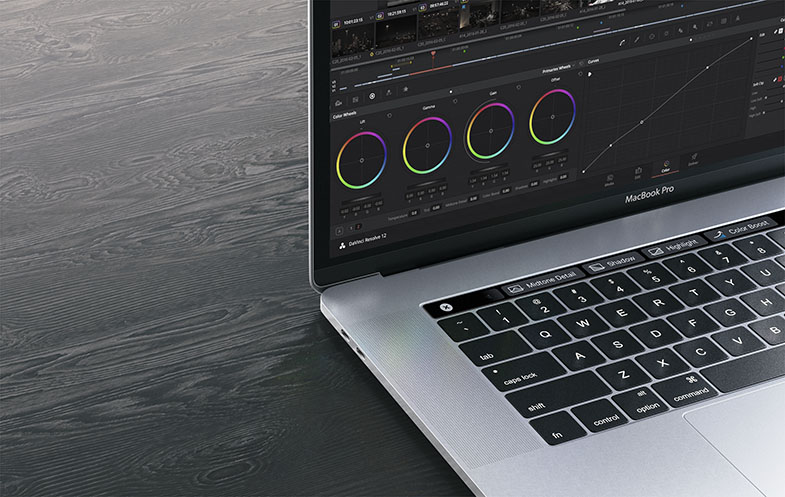
DaVinci Resolve 12.5.4 update adds compatibility with the new MacBook Pro Touch Bar from Apple. The Touch Bar is a multi touch retina display strip at the top of the new MacBook Pro keyboard that provides instant access to the most common tools the moment they are needed. While using DaVinci Resolve 12.5.4, the Touch Bar automatically changes to show context sensitive tools based on the task customers are performing. For example, on the Media page customers can instantly add the current clip to a bin, switch between icon and list view, display clip attributes, search media and show metadata simply by tapping on the Touch Bar.
When editing video, the Touch Bar is context sensitive and displays commands based on whether the media pool, source viewer or timeline are selected. Customers can quickly switch between trim modes, navigate the timeline and perform different types of edits without ever having to use the mouse or pull down menus. Colorists can use the Touch Bar to do everything from adjusting primary sliders and color wheels, to changing mid tone detail, saturation, tint and more. The Touch Bar can be used to save or wipe gallery stills, toggle viewer modes, work with split screen mode to compare shots and even use multi touch gestures to adjust multiple color parameters, such as printer lights, at the same time.
DaVinci Resolve 12.5.4 update gives customers new support for Rec. 2100 when using DaVinci Resolve Color Management. Rec. 2100 is a superset of Rec. 2020 that defines high dynamic range (HDR) formats such as SMPTE ST. 2084 (PQ) and Hybrid Log-Gamma (HLG). DaVinci Resolve 12.5.4 update also adds new sliders to control Dolby VisionTM analysis data. Customers using ACES workflows get new P3-D65 IDTs and ODTs, and a new Rec. 2020 ST. 2084 1000nit ODT that uses P3 color space.
In addition, DaVinci Resolve 12.5.4 update adds support for Grass Valley HQ and HQX codecs on Mac, Windows and Linux, preserves super white and sub black data when working with ProRes 4:4:4:4, adds MP3 decoding on Windows, better support for CR2 files from Canon 5D Mark IV cameras, and improved EXR decode and playback performance.
What’s new in DaVinci Resolve 12.5.4
- Added support for the MacBook Pro Touch Bar
- Added support for decoding MP3 files on Windows
- Added support for preserving super-white and sub-black data with ProRes 4444 codecs
- Added support for Grass Valley HQ and HQX codecs on Mac, Windows and Linux
- Added support for Rec. 2100 in DaVinci Resolve color management
- Added new sliders to control Dolby Vision analysis data
- Added P3-D65 IDTs and ODTs in ACES
- Added Rec.2020 ST.2084 1000 nits ODT clamped to P3 in ACES
- Added support for image orientation flag in DPX files
- Improved support for CR2 files from Canon 5D Mark IV
- Improved grading and playback performance when working with large node graphs
Press Photography
Product photos of all Blackmagic Design products, are available at www.blackmagicdesign.com/press/images.
About Blackmagic Design
Blackmagic Design creates the world’s highest quality video editing products, digital film cameras, color correctors, video converters, video monitoring, routers, live production switchers, disk recorders, waveform monitors and real time film scanners for the feature film, post production and television broadcast industries. Blackmagic Design’s DeckLink capture cards launched a revolution in quality and affordability in post production, while the company’s Emmy™ award winning DaVinci color correction products have dominated the television and film industry since 1984. Blackmagic Design continues ground breaking innovations including 6G-SDI and 12G-SDI products and stereoscopic 3D and Ultra HD workflows. Founded by world leading post production editors and engineers, Blackmagic Design has offices in the USA, UK, Japan, Singapore and Australia. For more information, please go to www.blackmagicdesign.com.
Date: 14. 12. 2016,
Category: News
FULL ARTICLE
Panasonic announced the joint initiative of developing the NewTek AutoLink for Panasonic PTZ, a software application allowing users to connect IP-ready Panasonic professional video cameras to a network and detect their presence automatically from NewTek TriCaster and the IP Series Video Mix Engine. With NewTek AutoLink for Panasonic PTZ, Panasonic IP cameras detected on a network become immediately available for use in NDI-based video production workflows without any addition configuration.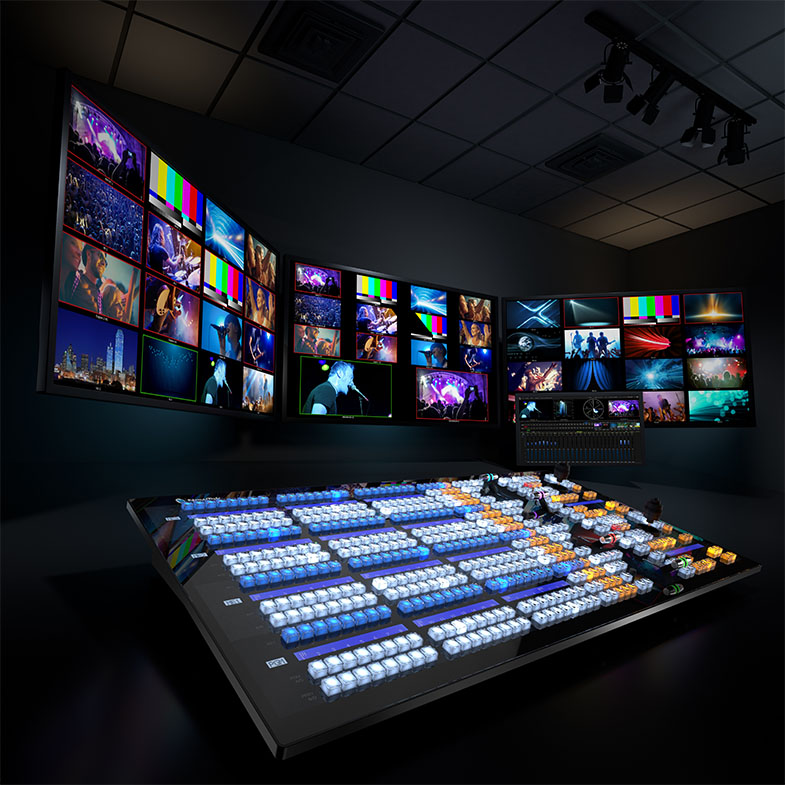
NewTek AutoLink for Panasonic PTZ was developed as the collaboration between NewTek and Panasonic. Panasonic offered its proprietary technology on detecting Panasonic PTZ cameras on the network, and NewTek made it possible to connect the Panasonic PTZ cameras to NewTek TriCaster and the IP Series Video Mix Engine. With NewTek AutoLink for Panasonic PTZ, users may have any number of Panasonic IP cameras on standby, ready to take live into production. Compatible cameras include AW-HE130, AW-HE40 and AW-UE70 models, as well as studio camera systems and AK-UB300 4K camera with streaming outputs. Once the camera is recognized as a network video source, it becomes accessible to any TriCaster or Video Mix Engine on the network. Video translation and transmission is only initiated when the camera source is selected, conserving valuable bandwidth and system resources.
NewTek AutoLink for Panasonic PTZ is also compatible with the PTZ control functionality integrated into TriCaster and the Video Mix Engine, enabling the user to manage orientation, zoom, focus and iris of supported cameras, and store and recall camera presets, directly from the user interface or a compatible controller. NewTek AutoLink for Panasonic PTZ will work with any Panasonic IP-enabled professional cameras supporting RTSP stream delivery over an Ethernet connection. This includes the AW-HE130, AW-HE40, AW-UE70 PTZ cameras, the AK-HC5000 studio camera system, the AK-UC3000 4K studio camera system, as well as AK-UB300 4K box camera. Actual performance may vary based on user-defined conditions, including but not limited to camera model and settings; selected video format, resolution, and frame rate; and network configuration.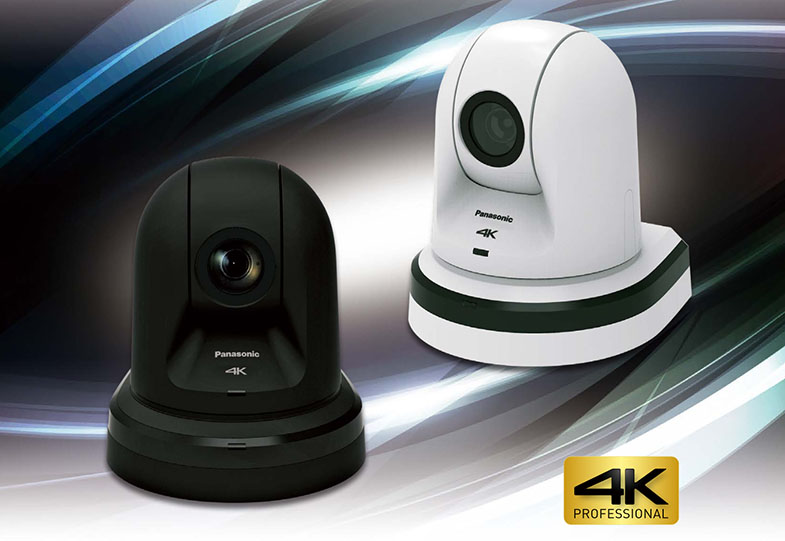
Date: 13. 12. 2016,
Category: News
FULL ARTICLE
Red Giant Software's color grading plug-ins Magic Bullet Suite has been updated to v13.0.2, adding support for high resolution displays on Windows within the Magic Bullet Looks plug-in, and support for HitFilm Pro 2017 in Magic Bullet Looks, Magic Bullet Cosmo II 2.0.1, Magic Bullet Renoiser 1.0.1, Magic Bullet Mojo II 2.0.1, and Magic Bullet Film 1.2.1.
Plug-in Compatibility (v13.0.2):
Magic Bullet Looks
- Adobe After Effects CC (2017), CC (2015.3), CC (2015), CC (2014)
- Adobe Premiere Pro CC (2017), CC (2015.3), CC (2015), CC (2014)
- Apple Final Cut Pro X 10.2.3 and up
- Apple Motion 5.2.3 and up
- Magix Vegas Pro 14
- Avid Media Composer 8.5, 8.6
- Davinci Resolve 12.5
- EDIUS 8.2
- HitFilm Pro 2015 / 2017
Magic Bullet Colorista IV
- Adobe After Effects CC (2017), CC (2015.3), CC (2015), CC (2014)
- Adobe Premiere Pro CC (2017), CC (2015.3), CC (2015), CC (2014)
- Apple Final Cut Pro X 10.2.3 and up
- Apple Motion 5.2.3 and up
Magic Bullet Film
- Adobe After Effects CC (2017), CC (2015.3), CC (2015), CC (2014)
- Adobe Premiere Pro CC (2017), CC (2015.3), CC (2015), CC (2014)
- Apple Final Cut Pro X 10.2.3 and up
- Apple Motion 5.2.3 and up
- Magix Vegas Pro 14
- Davinci Resolve 12.5
- EDIUS 8.2
- HitFilm Pro 2015 / 2017
Magic Bullet Cosmo II
- Adobe After Effects CC (2017), CC (2015.3), CC (2015), CC (2014)
- Adobe Premiere Pro CC (2017), CC (2015.3), CC (2015), CC (2014)
- Apple Final Cut Pro X 10.2.3 and up
- Apple Motion 5.2.3 and up
- Magix Vegas Pro 14
- Davinci Resolve 12.5
- EDIUS 8.2
- HitFilm Pro 2015 / 2017
Magic Bullet Denoiser III
- Adobe After Effects CC (2017), CC (2015.3), CC (2015), CC (2014)
- Adobe Premiere Pro CC (2017), CC (2015.3), CC (2015), CC (2014)
- Apple Final Cut Pro X 10.2.3 and up
- Apple Motion 5.2.3 and up
Magic Bullet Mojo II
- Adobe After Effects CC (2017), CC (2015.3), CC (2015), CC (2014)
- Adobe Premiere Pro CC (2017), CC (2015.3), CC (2015), CC (2014)
- Apple Final Cut Pro X 10.2.3 and up
- Apple Motion 5.2.3 and up
- Magix Vegas Pro 14
- Davinci Resolve 12.5
- EDIUS 8.2
- HitFilm Pro 2015 / 2017
Magic Bullet Renoiser
- Adobe After Effects CC (2017), CC (2015.3), CC (2015), CC (2014)
- Adobe Premiere Pro CC (2017), CC (2015.3), CC (2015), CC (2014)
- Apple Final Cut Pro X 10.2.3 and up
- Apple Motion 5.2.3 and up
- Magix Vegas Pro 14
- Davinci Resolve 12.5
- EDIUS 8.2
- HitFilm Pro 2015 / 2017
Date: 12. 12. 2016,
Category: News
FULL ARTICLE