
 CZ
CZ SK
SK HU
HU AT
AT DE
DE ES
ES SI
SI HR
HR
Nothing in the basket.

- Search
-
Login

-
0
Comparison
Add products to compare, then they will appear here and you can compare parameters.
-
0
0 €
Ulanzi TC001: a pixel clock that earns its place on your desk
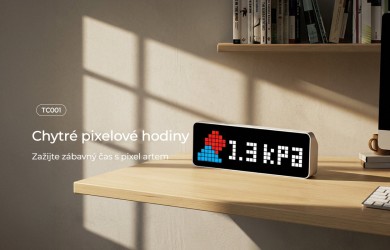
Ulanzi TC001: a pixel clock and timer for your desk. What it can do and what to expect when setting it up.
The Ulanzi TC001 combines a retro pixel look with features that can serve a concrete purpose on your desk. The display with 256 LED dots shows the time, a timer or other information, and for advanced users there are expansion options through alternative firmware. It is interesting both for content creators and for people who want to keep track of their working time outside the monitor. Before buying, it is worth separating the everyday features from the settings that already require technical work.
 1 / 4
1 / 4Information off the monitor
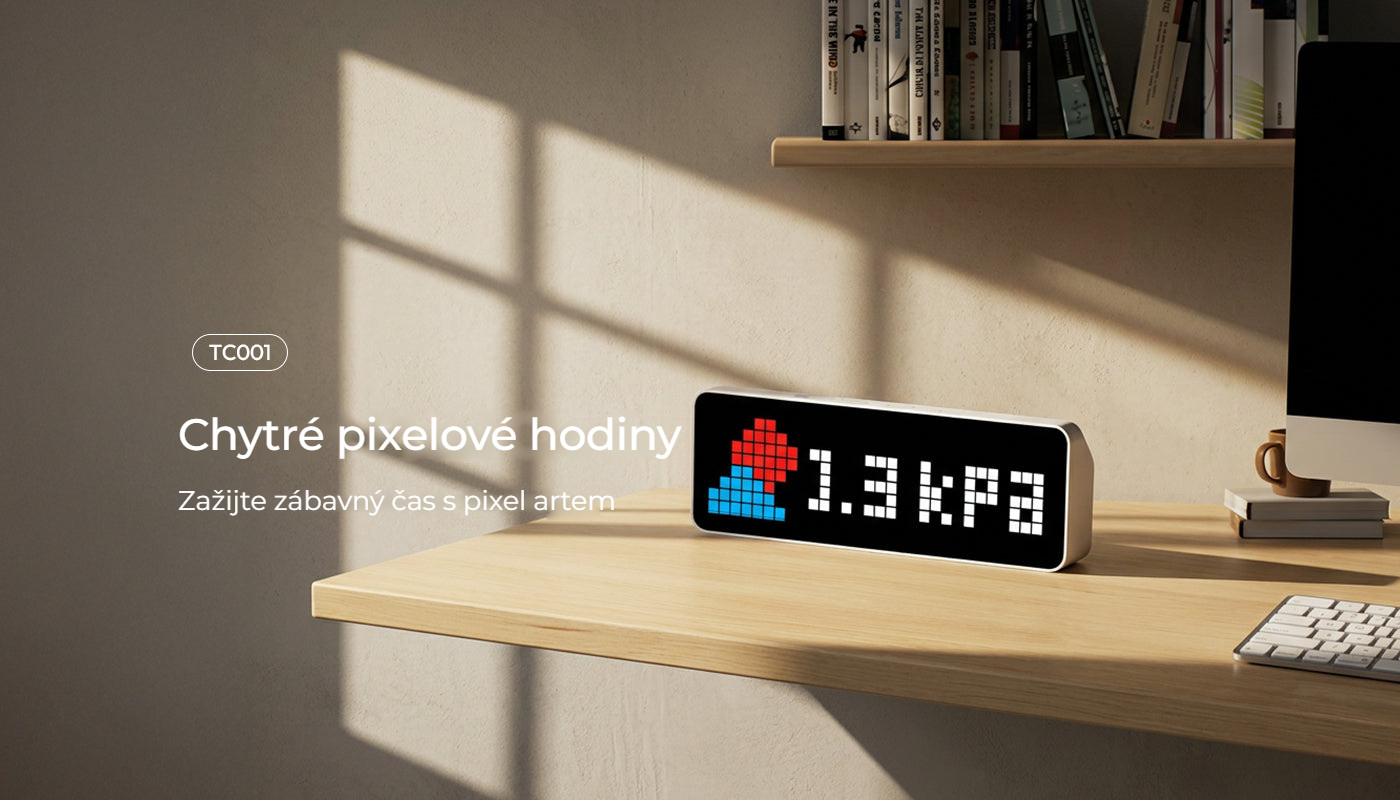
A standalone pixel display can play one clear role on your desk: showing the time or the state of a timer without yet another open window on your computer. The TC001 uses 256 LED dots in an 8 × 32 grid. This gives the clock its characteristic look but also limits the amount of text. For short readouts and icons, such a format is better suited than for long messages, which would have to scroll across the display.
 2 / 4
2 / 4Pomodoro with a clear start
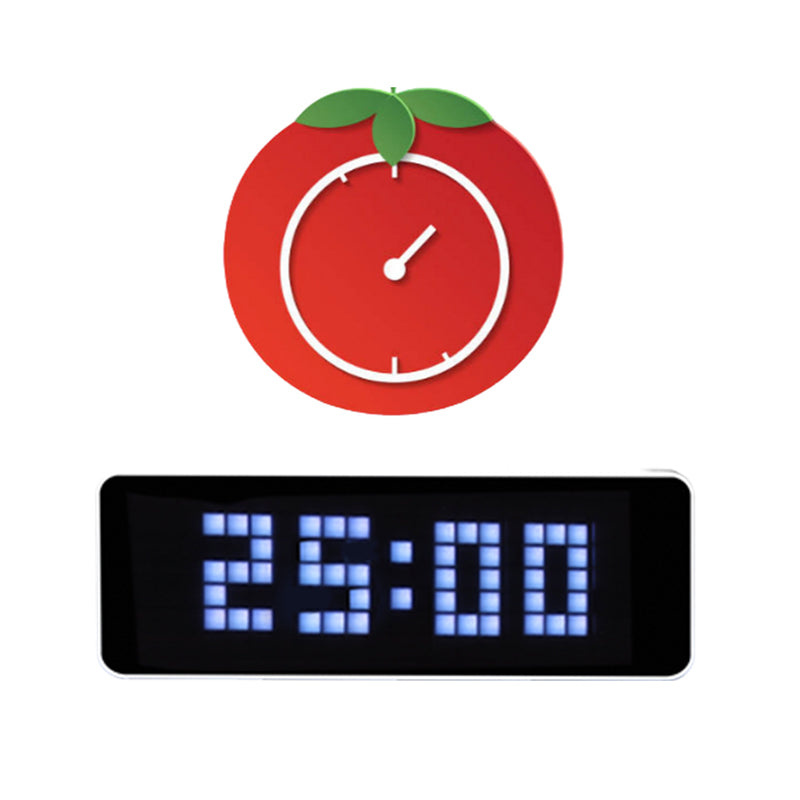
The built-in Pomodoro mode works with an interval of 25 minutes of focus and a five-minute break. The advantage of a standalone clock is that progress stays in view without taking up space on your work screen. The device itself, of course, will not replace a good working routine. It works best when you give it a specific job and do not overload it with a constant rotation of other information.
 3 / 4
3 / 4On the desk, preferably with a cable
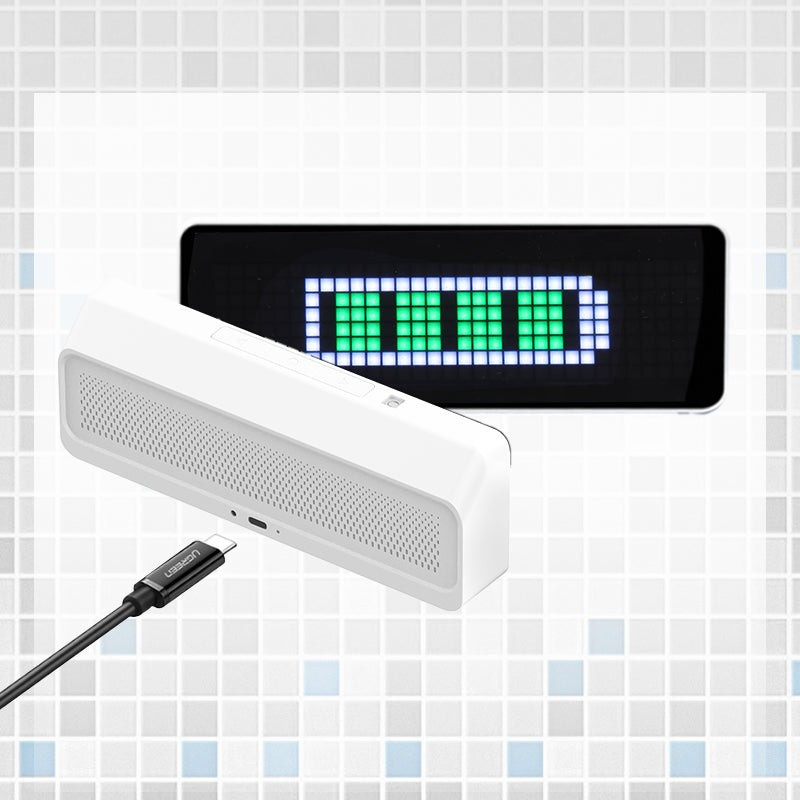
USB-C power is the most practical for regular desk use. According to the manufacturer, the built-in battery allows up to five hours of operation, and our testing confirmed this; it is better suited to testing and carrying around. This is therefore not a clock that would run for months on a single battery. When planning where to put it, consider the available power and where the cable will run on your desk.
 4 / 4
4 / 4Expansion for enthusiasts
For advanced settings, we recommend installing the alternative AWTRIX NG firmware right away, which opens up connections to a smart home, for example - you can link it with Loxone or Home Assistant and display various values. Another common use is a follower counter for social networks. If you only want a clear clock, choose by the basic functions; treat advanced modifications as a separate project.
Who it makes sense for
The TC001 makes sense if you know in advance what you want it to display on your desk. Enthusiasts will like its expansion options; for everyone else it can serve as a clear timer with an unusual look.
What we like about the design: A striking pixel display, a standalone timer and room for advanced modifications.
What to bear in mind: For everyday use, permanent power is advisable. Integrations and alternative firmware require setup and a bit of digging around online.
Syntex editorial team. The original draft of this overview was created with the help of AI from product materials. The text was then edited by the editorial team and supplemented with notes on use. The photographs are product and illustrative materials. Syntex product materials · Ulanzi manufacturer materials
Date: 28. 10. 2026,
Category: Reviews
Related products
Ulanzi TC001 Smart Pixel Clock
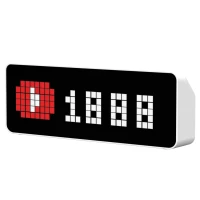
Bring a new level of style and function to your desk with the Ulanzi TC001 Smart
60 €
In stock > 5 pcs