
 CZ
CZ SK
SK HU
HU AT
AT DE
DE ES
ES SI
SI HR
HR
Nothing in the basket.

- Search
-
Login

-
0
Comparison
Add products to compare, then they will appear here and you can compare parameters.
-
0
0 €
Blog
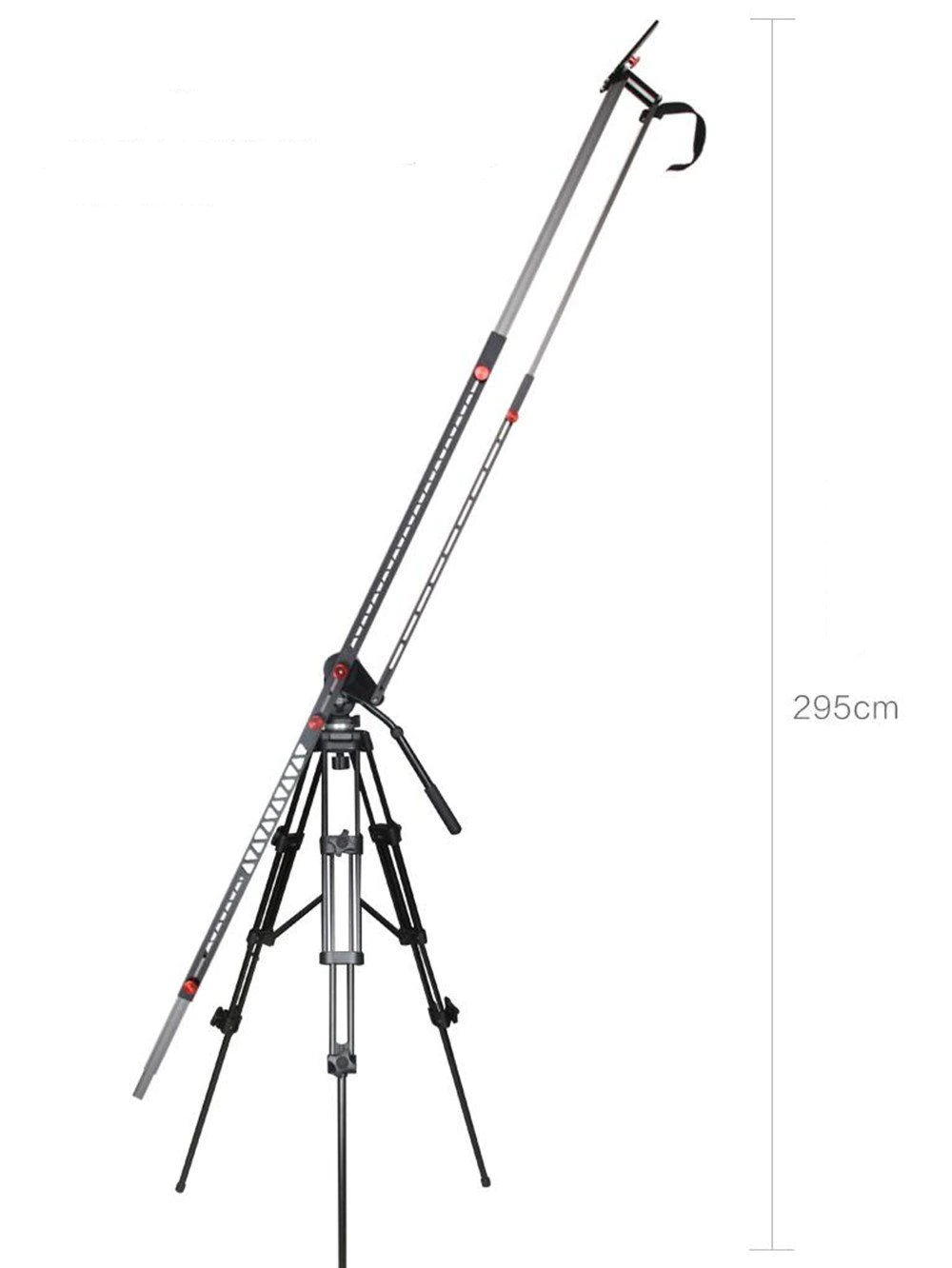
3m Professional Extendable Aluminum Alloy Strong Camera Video Crane Jib Arm Stabilizer
Date: 24. 02. 2022,
Category: News
FULL ARTICLE
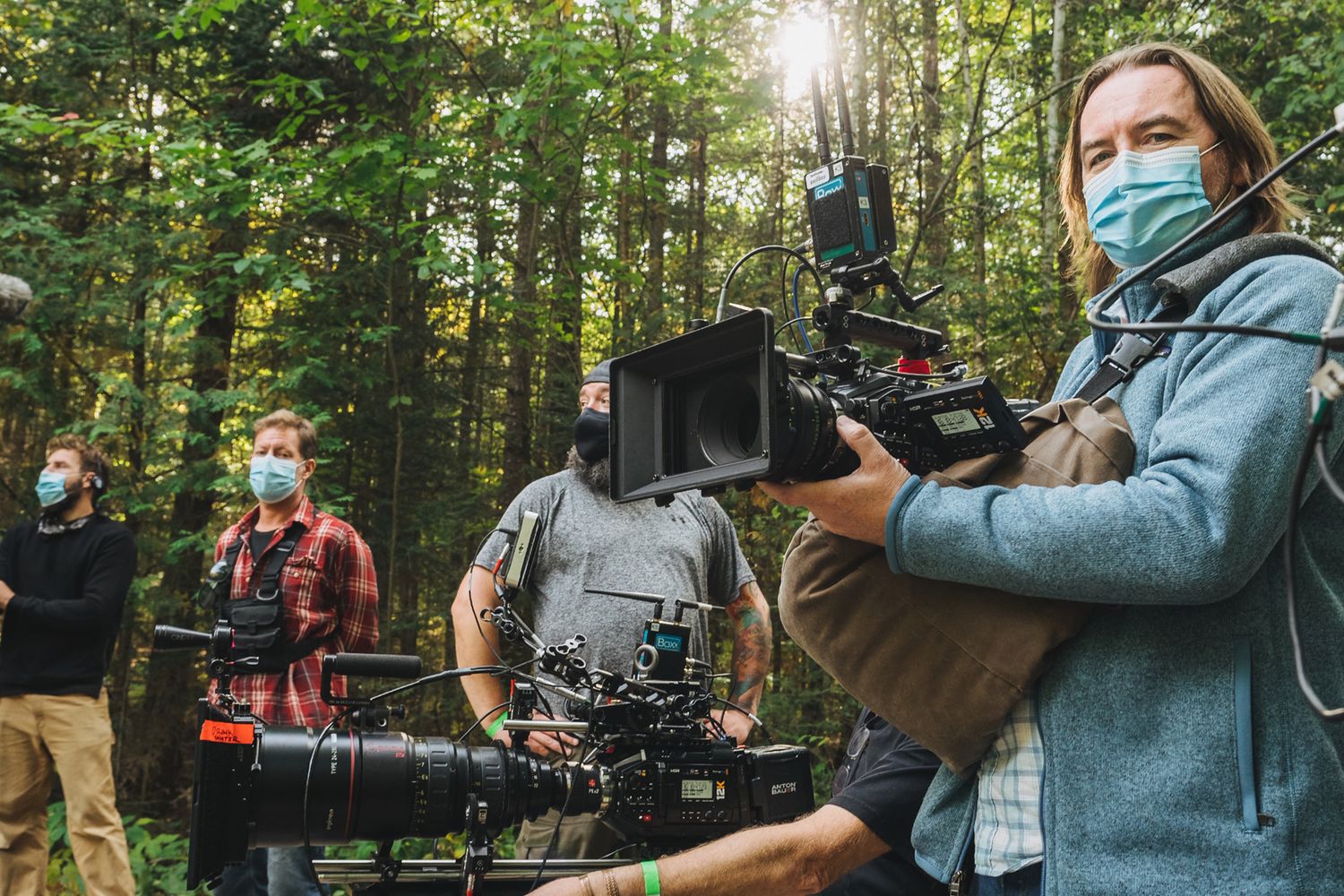
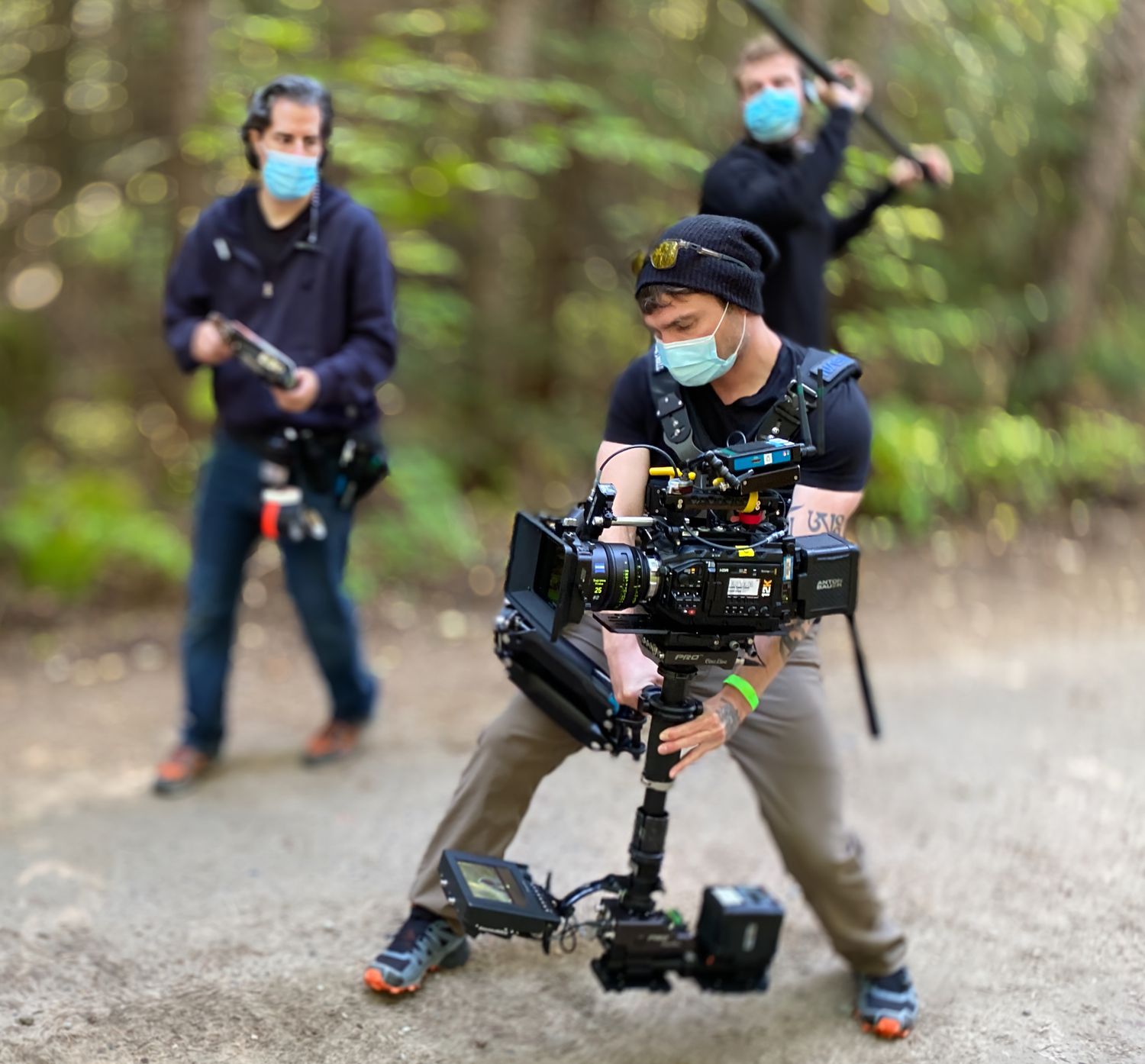
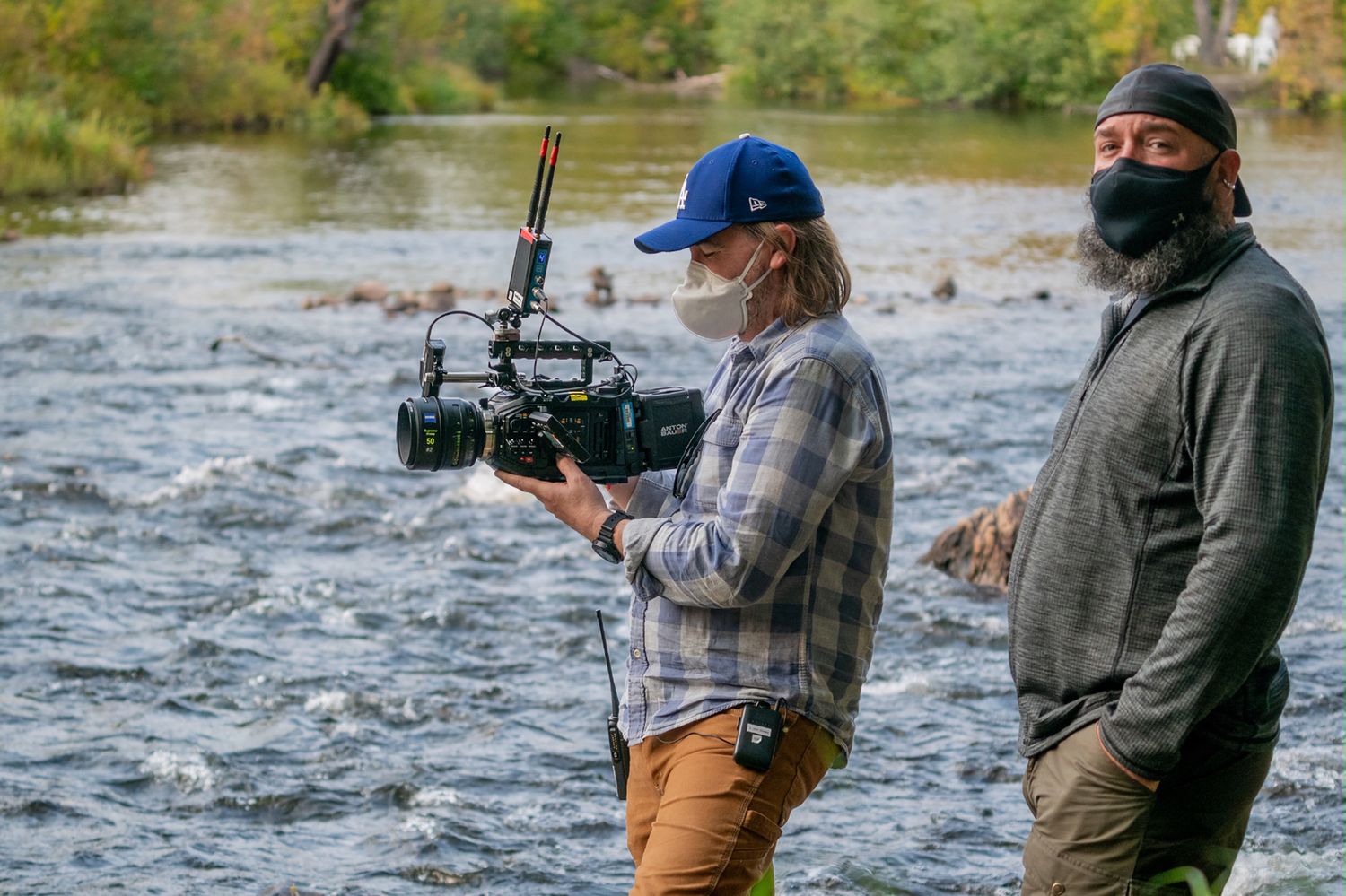
Blackmagic Design today announced that the feature film “The Desperate Hour,” directed by Phillip Noyce and starring Academy Award® nominee Naomi Watts, was shot by Cinematographer John Brawley, ACS using the Blackmagic URSA Mini Pro 12K digital film camera. The film premieres in theaters and on demand on February 25th, 2022.
Unfolding in real time, “The Desperate Hour” is a riveting and pulse pounding thriller from award winning director Phillip Noyce. Recently widowed mother Amy Carr (Watts) is doing her best to restore normalcy to the lives of her young daughter and teenage son in their small town. As she's on a jog in the woods, she finds her town thrown into chaos as a shooting takes place at her son's school. Miles away, on foot in the dense forest, Amy desperately races against time to save her son. Production happened in July 2020, during the heart of the COVID outbreak in a remote area of Northern Ontario.
Beyond the challenges of shooting during the pandemic, the story presented its own challenges for photography. Though the majority of the film involves only one actor, Watts, the premise that her character is constantly running through rugged terrain made the approach to cinematography critical. Brawley chose to shoot with the URSA Mini Pro 12K both for the small form factor and the high resolution. “The film had a lot of challenges because you've got a character who's jogging, running or walking fast for most of the film,” said Brawley. “She starts off on a road and then she's on a dirt road and then she's on two tracks and then she's on some little goat trails in the woods and then she's literally in the middle of the forest with no tracks.”
The key to production for Brawley was having a small cinema camera that could be rigged in multiple ways, ensuring they could achieve a wide range of coverage despite the challenges of the shoot. “The film kind of plays as real time, so when you start thinking about how to shoot that it really is challenging. We had to think, what are we going to use to be able to keep up with her when some of the takes are 15 minutes long and she's going to run a few miles? What are you going to use that can keep up that isn't going to make sound? It was sort of deceptively complicated and also ambitious.”

Date: 23. 02. 2022,
Category: News
FULL ARTICLE
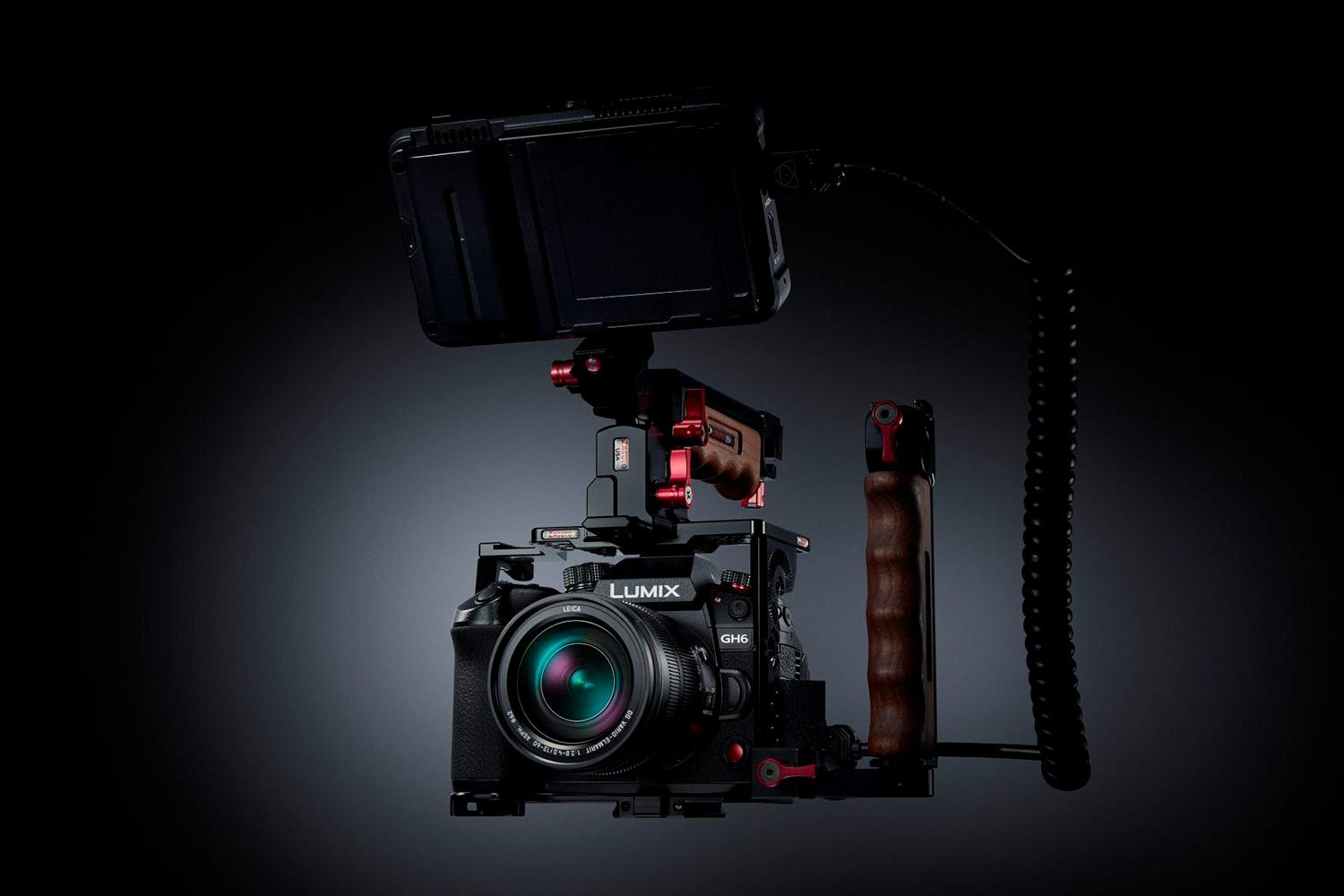
Panasonic unveils the new flagship model in the LUMIX Gseries the GH6! The new product will be launched around the first half of March and will bring an all-new 25.2MP sensor as well as a significantly more powerful (up to 2x) Venus Engine image processor for recording 10-bit 4:2:2 5.7Kp60 material or 4Kp120 (without cropping) or VFR recording of 10-bit 4:2:0 FHD video at frame rates up to 300 fps, without time limitation and without the risk of overheating electronics. It offers a dynamic range of 12+ EV V-Log/V-Gamut and 13+ EV (Dynamic Range Boost), simultaneous internal/external recording of 10-bit 4K video, CFexpress (Type B) and SD (UHS II V90) card slots, four-channel audio (24-bit, 48/96 kHz; with optional DMW-XLR1 accessory), HDMI 2.1 interface (with 4Kp120 support), USB-C PD (simultaneous power/charging), an efficient five-axis stabilizer (up to 7.5 EV), focus ring travel adjustment [Linear/Non-Linear], sequential shooting at up to 75 fps, and of course, a moisture-, dust-, and cold-resistant design (down to -10°C).
Date: 22. 02. 2022,
Category: News
FULL ARTICLE
A reminder of the ongoing sale event most discounts are only valid until the end of the month!

Date: 21. 02. 2022,
Category: News
FULL ARTICLE
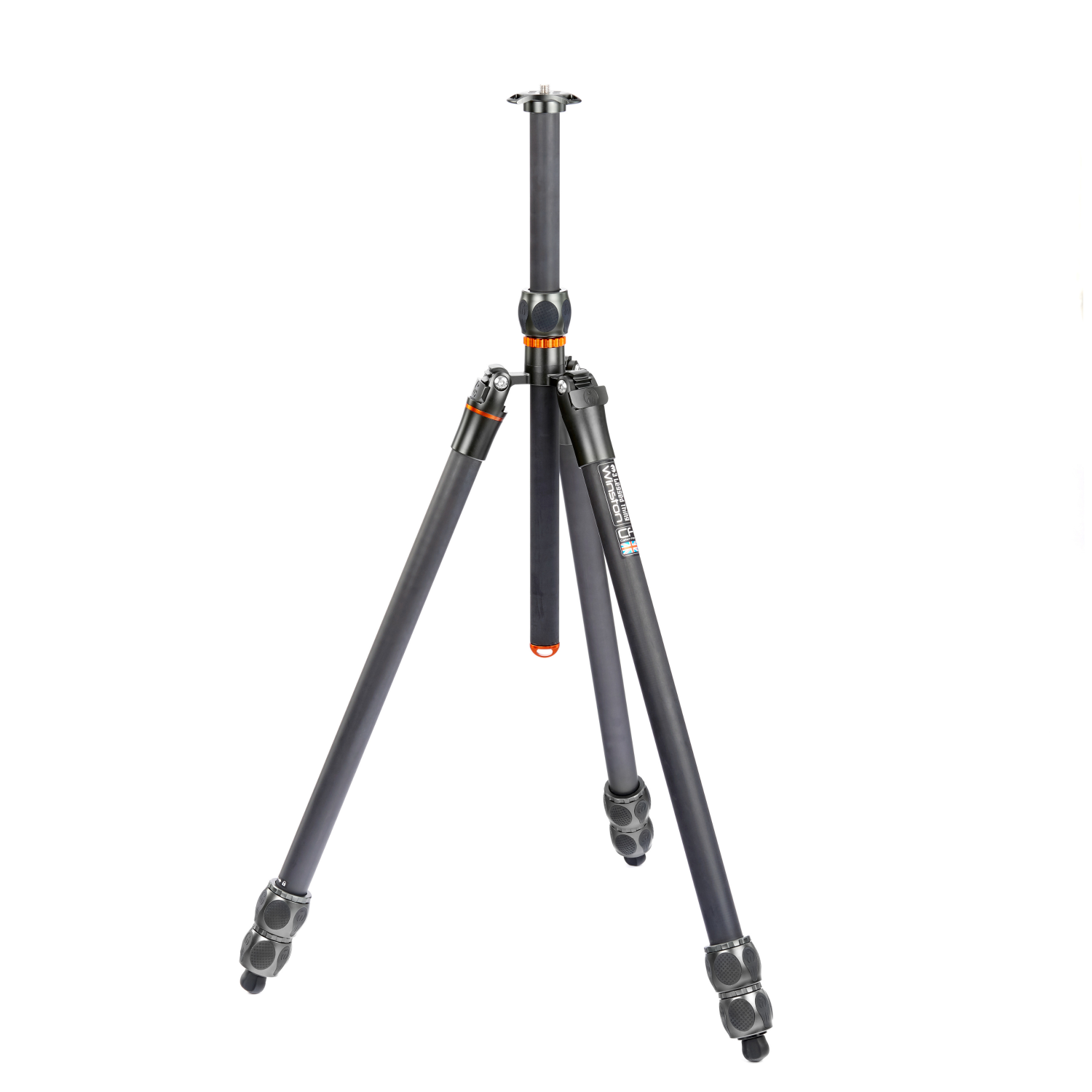
20% off stock 3 Legged Thing tripods and headsonly until 3/19/2022/cancellation !
Date: 18. 02. 2022,
Category: News
FULL ARTICLE