
 CZ
CZ SK
SK HU
HU AT
AT DE
DE ES
ES SI
SI HR
HR
Nothing in the basket.

- Search
-
Login

-
0
Comparison
Add products to compare, then they will appear here and you can compare parameters.
-
0
0 €
Blog
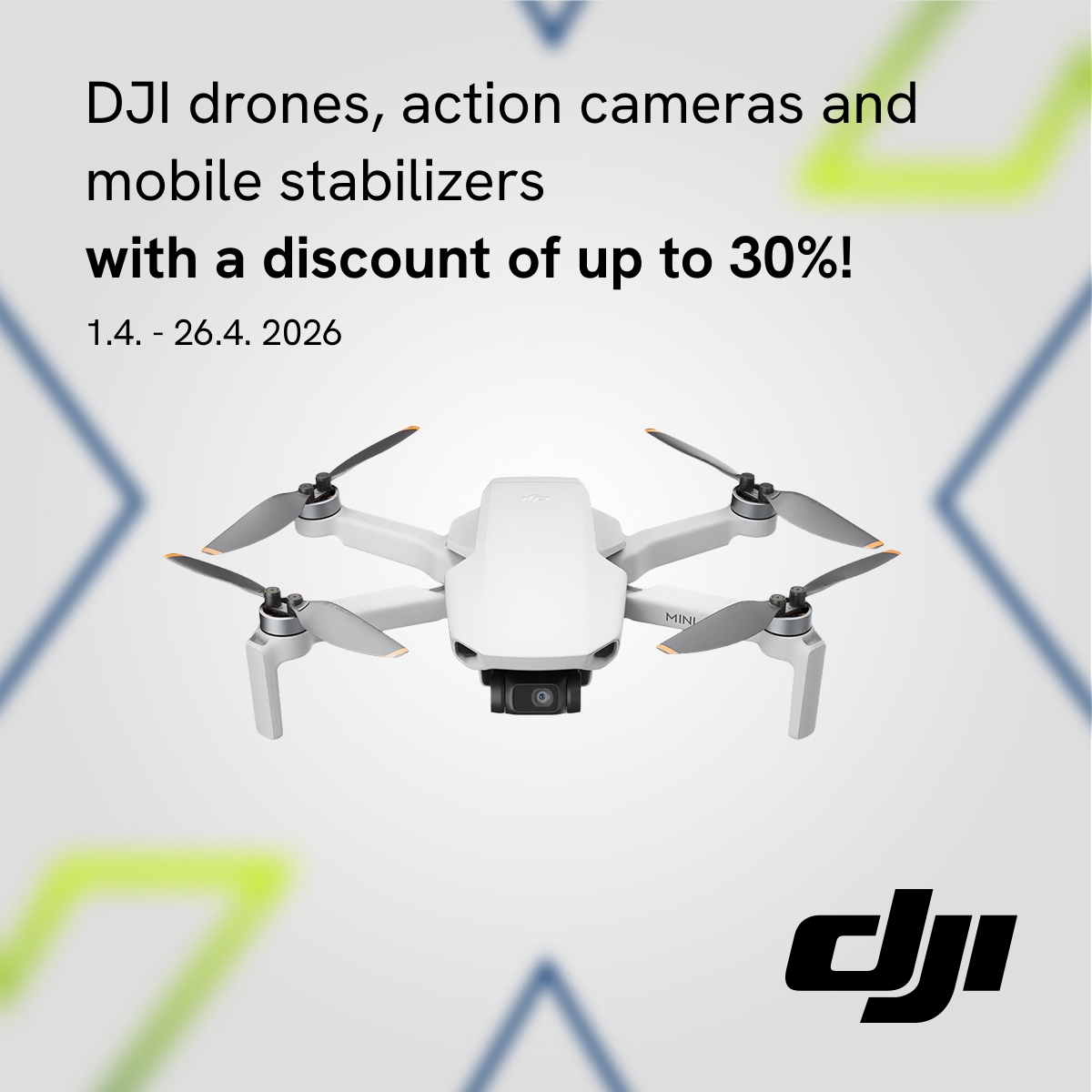
Get up to 30% off DJI products!
From April 1 to 26, 2026, we havea series ofdiscountslined upforyouon two groups of DJI products. Thanks to this promotion, you can getnot only top-of-the-linedrones a ta discount , but alsoaction cameras!
You can choose from the following products:
April 1–14, 2026
- DJI Mini 4K
April 13–26, 2026
- DJI Neo
- DJI Flip
- DJI Mini 4 Pro
- DJI Osmo Pocket 3
- DJI Osmo Action 5 Pro
- DJI Osmo 360
You can choose HERE!
Date: 01. 04. 2026,
Category: Blog
FULL ARTICLE
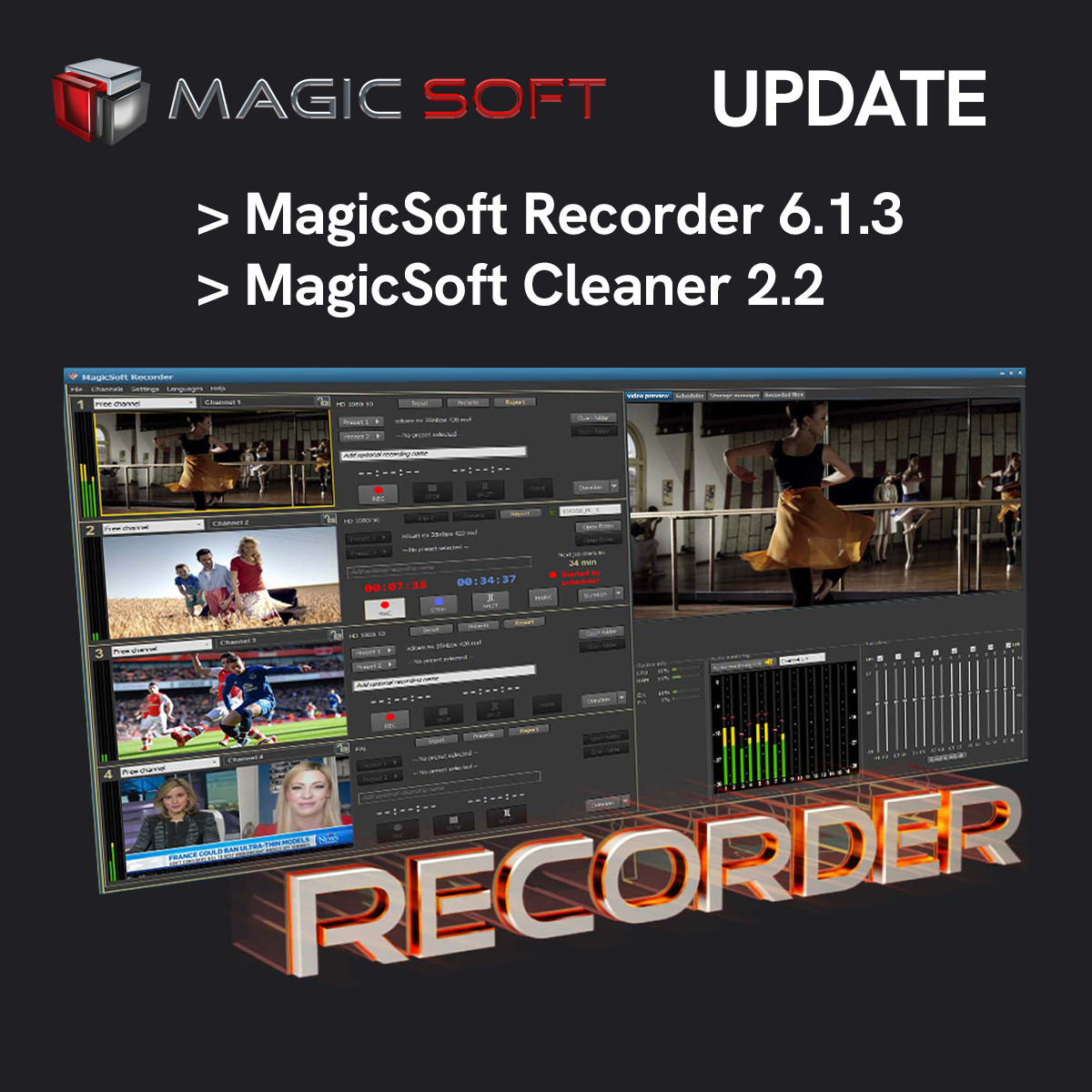
MagicSofthas releasednew versions of its Recorderand Cleanerapplications!
What's new in MagicSoft Recorder 6.1.3:
-
Improved user interface rendering in Windows 11
-
Better file licensing support (alternative to USB dongle licensing)
-
Extended logging
What's new in MagicSoft Cleaner 2.2:
-
Better support for Windows 11
-
Improved USB communication
-
Extended logging
Trial versions are available for free downloadhere. They include all the features of the full version; the only limitation is a watermark overlaid on the video.
Date: 31. 03. 2026,
Category: Blog
FULL ARTICLE
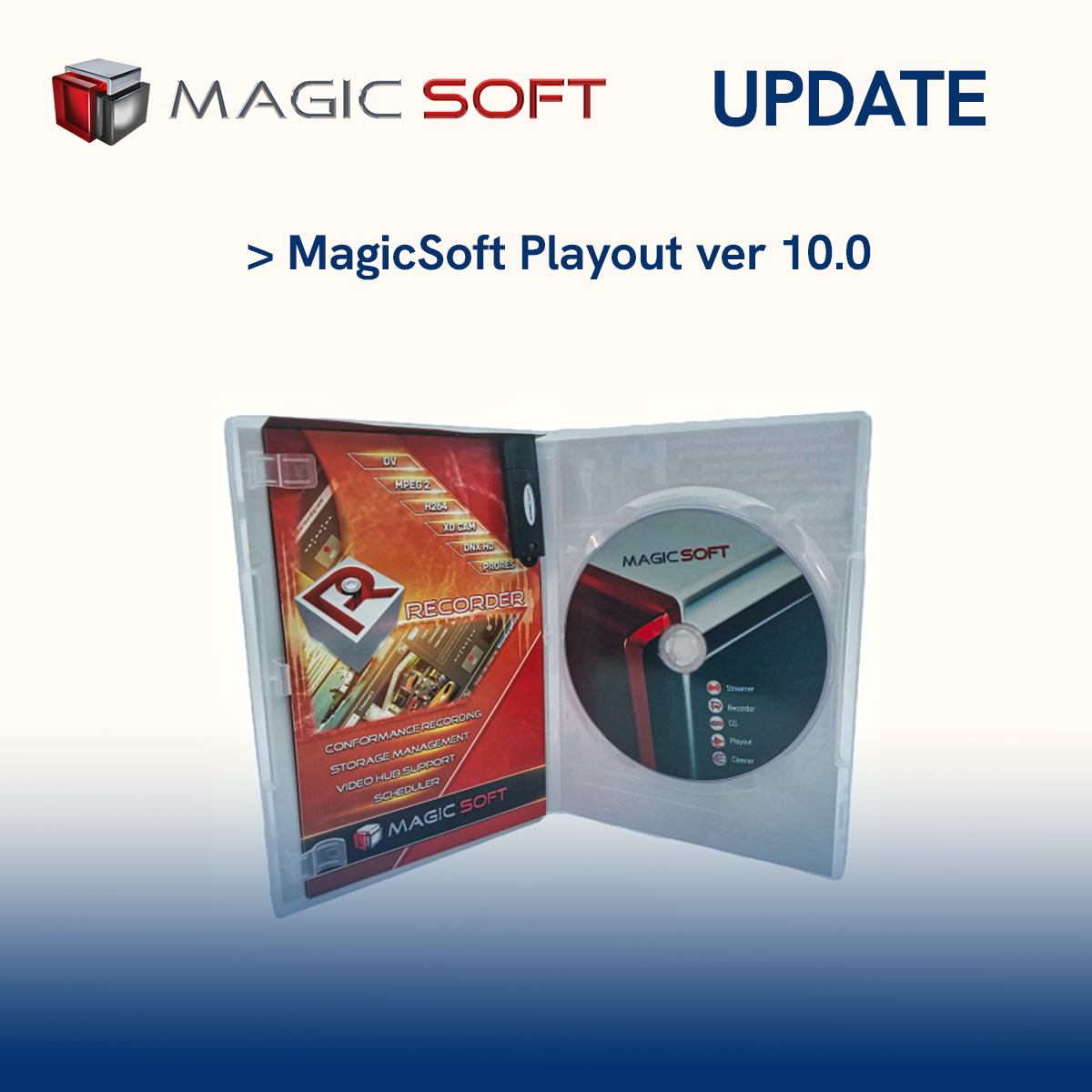
MagicSofthas releaseda new version of itsPlayoutapplication! The first release of Playout version 10 brings significant improvements in workflow flexibility and reliability.
MagicSoft Playout version 10.0 includes the following improvements and new features:
- Licensing via a file instead of a USB dongle (instant license delivery)
- New decoders, more resilient to faulty H264 and HEVC transport streams
- Integration of the latest NDI library for better handling of incoming NDI Live
- Internal workflow changes for long-term stability when running on Windows 11
A freetrial version is available for download here. It includes all the features of the full version; the only limitation is a watermark overlaid on the video.
Date: 18. 03. 2026,
Category: Blog
FULL ARTICLE

Insta360 Easter Sale: March 17 – April 7, 2026
Easter is coming, and with it, a special promotion on Insta360 products. From March 17 to April 7, 2026, you can take advantage of discounts of up to 34% on select products —from action cameras (including 360° models) and mobile gimbals to the innovative 360° drone and other accessories.
Take advantage of the Easter discounts and take your creativity to the next level. You can choose HERE!
Date: 17. 03. 2026,
Category: Blog
FULL ARTICLE

🎤 Discount promotion on selected Sennheiser products!
FromMarch1 to 31, 2026,you can take advantage of a unique offer where you have the chance to get up to 33% off Profile Wireless microphones, USB
, XS Lav mobile microphones, and IE 100 Pro BT universal headphones.
Don't miss your chance and get premium Sennheiser products at special prices today! You can choose HERE.
Date: 11. 03. 2026,
Category: Blog
FULL ARTICLE