
 CZ
CZ SK
SK HU
HU AT
AT DE
DE ES
ES SI
SI HR
HR
Nothing in the basket.

- Search
-
Login

-
0
Comparison
Add products to compare, then they will appear here and you can compare parameters.
-
0
0 €
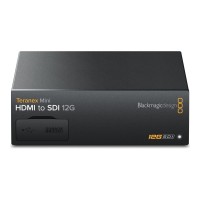
Blackmagic Design Teranex Mini HDMI to SDI 12G
SKU: CONVNTRM/AB/HSDI
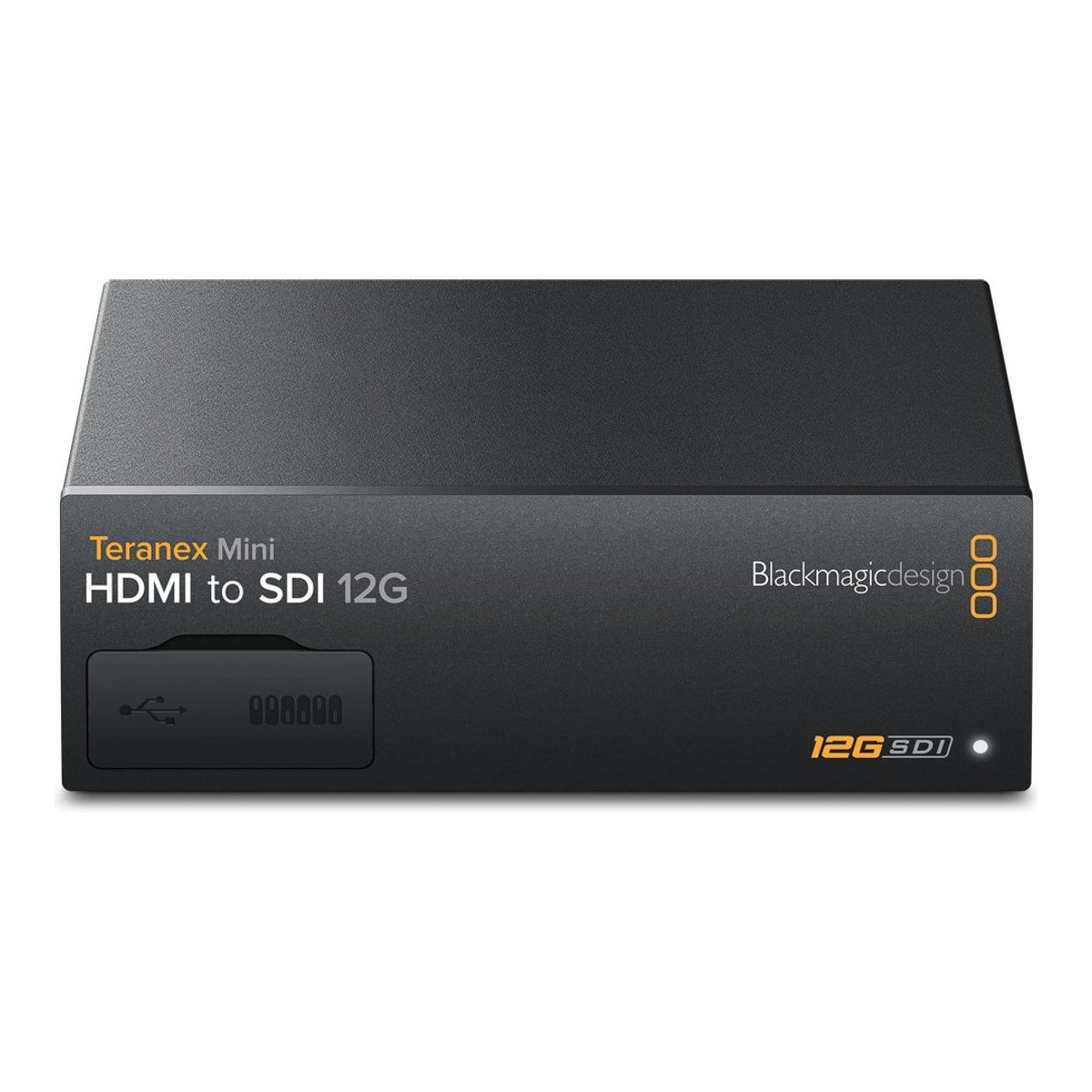
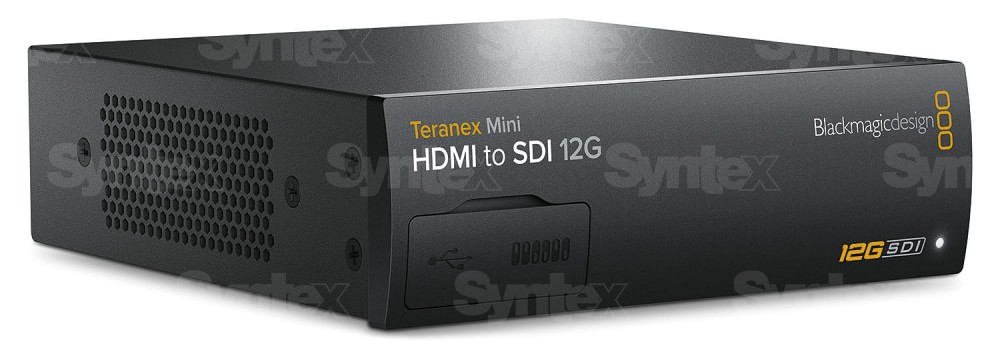
Blackmagic Teranex Mini HDMI to SDI 12G is a professional HDMI 2.0 to dual 12G-SDI converter for SD, HD and Ultra HD up to 2160p60. It offers HD up and down conversion, embedding of balanced analog or AES/EBU audio via XLR and a timecode input. It connects HDMI cameras and computers to professional SDI equipment and is powered by the built-in power supply…
689 € with VAT
569.42 € without VAT
Availability
on request
Blackmagic Design Teranex Mini SDI to Analog 12G
679 €without VAT 561.16 €
Blackmagic Design Teranex Mini Analog to SDI 12G
689 €without VAT 569.42 €
Blackmagic Design Teranex Mini SDI to Audio 12G
669 €without VAT 552.89 €
Blackmagic Design Teranex Mini Audio to SDI 12G
679 €without VAT 561.16 €
Blackmagic Design Teranex Mini Optical to HDMI 12G
In stock 1 pcs649 €without VAT 536.36 €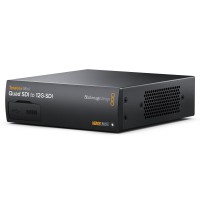
Blackmagic Design Teranex Mini Quad SDI to 12G-SDI
679 €without VAT 561.16 €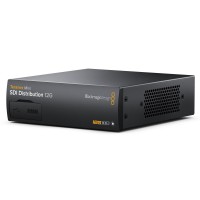
Blackmagic Design Teranex Mini SDI Distribution 12G
639 €without VAT 528.1 €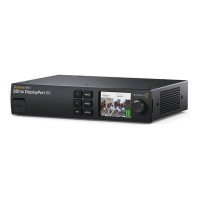
Blackmagic Design Teranex Mini SDI to DisplayPort 8K HDR
In stock 1 pcs1 669 €without VAT 1 379.34 €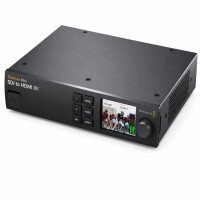
Blackmagic Design Teranex Mini SDI to HDMI 8K HDR – used
In stock 1 pcs929 €without VAT 767.77 €Top accessories for Blackmagic Design Teranex Mini HDMI to SDI 12G
Infinitek L-4.5CHWS 2m FLEX 12G-SDI cable BNC-BNC
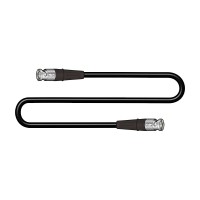
Canare L-4.5CHWS flexible and durable 75 ohm 4,2 mm "Low Loss" koaxial SD/HD/3G/12G-SDI
19 €
To be sent > 5 pcs
PremiumCord Ultra High Speed HDMI 2.1 cable 8K@60Hz, 4K@120Hz length 3m metallic gold plated connectors
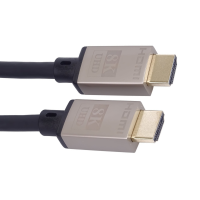
High-end ULTRA HDMI 2.1 interconnect cable for the highest resolution 8K@60Hz and
12 €
In stock 5 pcs
Blackmagic Design Universal Rack Shelf (1 RU)
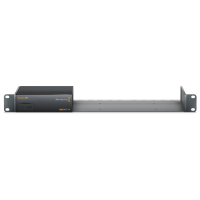
The Blackmagic Universal Rack Shelf (1 RU) is a universal shelf designed for users
117 €
In stock 1 pcs
PremiumCord power cord 230 V, CEE 7/7 straight plug / IEC C13, 2 m, black
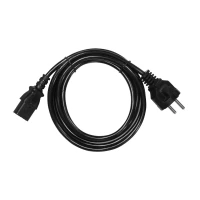
A 230 V power cord for a computer, monitor or any other device with an IEC C13 connector.
4.1 €
In stock > 5 pcs
Blackmagic Design Teranex Mini Smart Panel
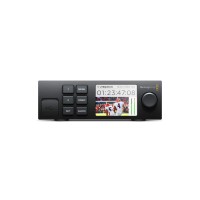
The Blackmagic Teranex Mini Smart Panel is an optional front panel with a 2.2 inch
110 €
on request
Product description
SPECIFICATIONS
PACKAGE CONTENT

Product description
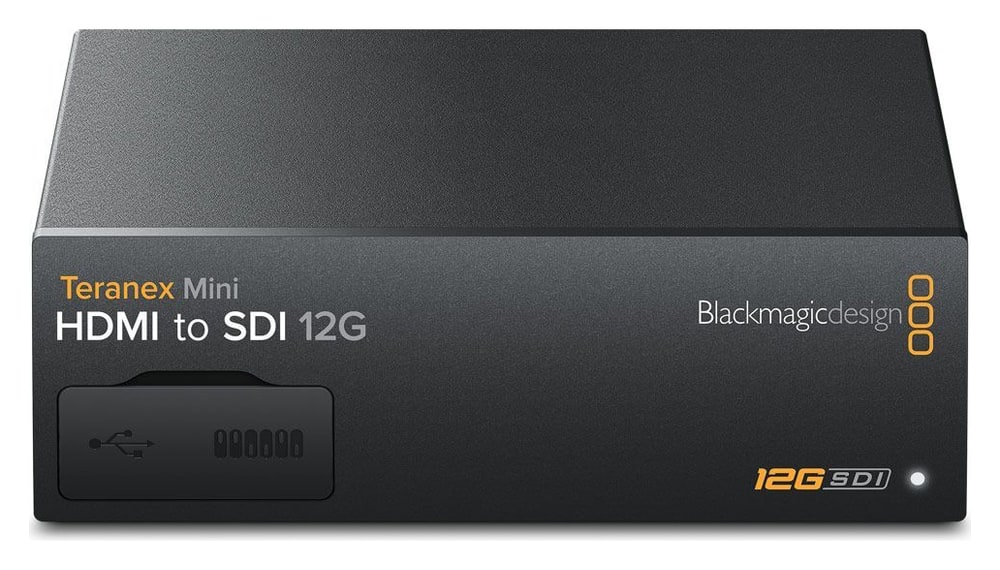
Blackmagic Teranex Mini HDMI to SDI 12G is a professional HDMI 2.0 to dual 12G-SDI converter for SD, HD and Ultra HD up to 2160p60. It offers HD up and down conversion, embedding of balanced analog or AES/EBU audio via XLR and a timecode input. It connects HDMI cameras and computers to professional SDI equipment and is powered by the built-in power supply or via PoE+.
HDMI to dual 12G-SDI
Bring cameras, computers and other HDMI devices into a robust professional SDI path for routers, control rooms, recorders and long cable runs.
HDMI 2.02× 12G-SDI2160p60Audio embeddingBuilt-in power supply
16 channels of embedded audio
The SDI signal carries up to 16 channels of embedded audio – besides HDMI audio, balanced analog or AES/EBU audio from the XLR connections can be embedded.
HDMI 2.0
Input up to 2160p60.
2× 12G-SDI
Matching professional outputs.
HD conversion
Built-in up and down conversion.
16 channels
Embedded SDI audio.
Two professional SDI outputs
The HDMI 2.0 input supports SD, HD, Ultra HD and DCI 4K. Two matching 12G-SDI outputs make it easy to feed a router and a recorder or monitor at the same time; the output format automatically follows the HDMI input.
Format conversion
Built-in HD up and down conversion adapts the signal to the needs of the path – for example converting HD to Ultra HD. The HDMI input cannot capture copy-protected content (HDCP).
Professional audio and timecode
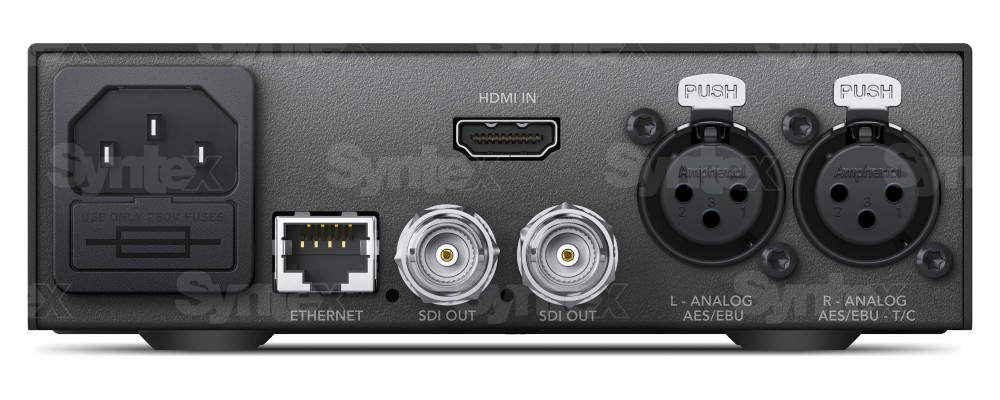
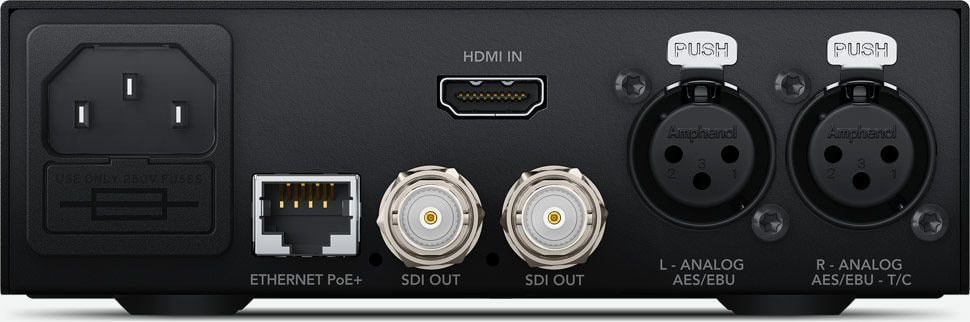
Embed two balanced analog channels or four AES/EBU channels via XLR; the right XLR can also accept timecode. Audio from the mixer travels in the SDI signal together with the picture.
12G-SDI for SD, HD and Ultra HD
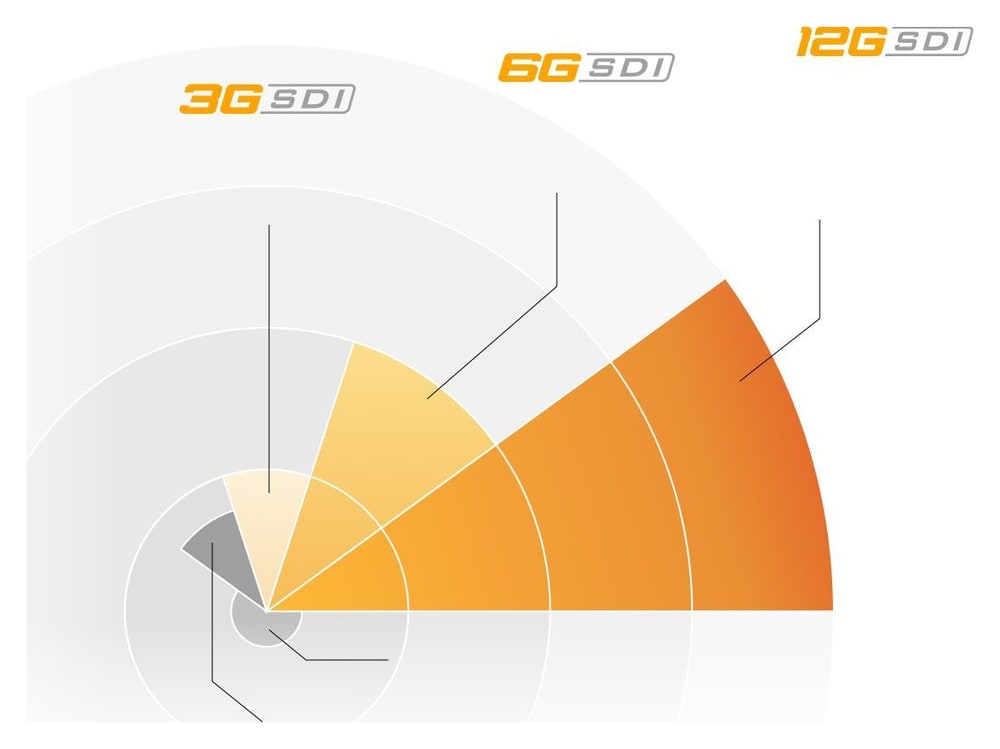
Multi-rate 12G-SDI is eight times faster than regular HD-SDI and carries high frame rate Ultra HD up to 2160p60 on a single BNC cable. It switches automatically between SD, HD and Ultra HD formats, so the converter also works with existing SD and HD equipment.
Teranex Mini Smart Panel
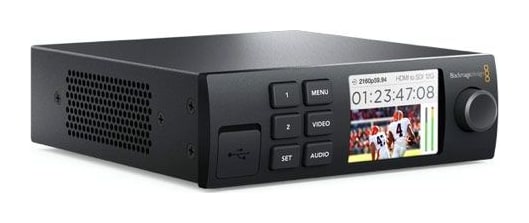
The optional Teranex Mini Smart Panel replaces the front cover of the converter: remove the two screws on each side, pull the cover off and screw the panel on. The color LCD then shows the video passing through, while the buttons and rotary knob open a settings menu right on the unit – ideal in the field without external monitors and in racks full of converters.
Settings via mini switches, USB and Ethernet
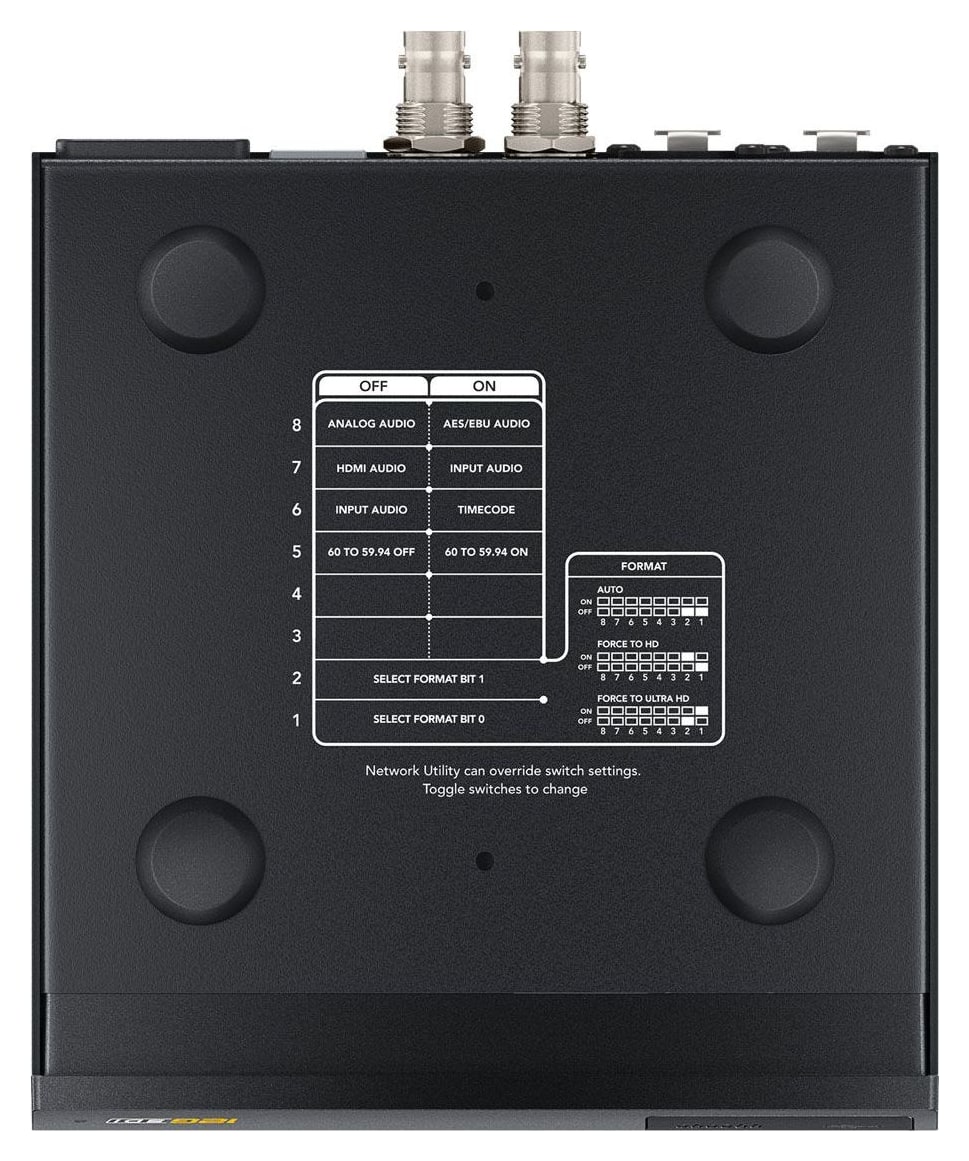
Core functions are selected with mini switches using the diagram printed on the underside of the converter. From a Mac or Windows computer, the converter can be set up and updated over USB or Ethernet with free software, so even larger installations with many converters can be managed remotely.
In the rack or on the desk
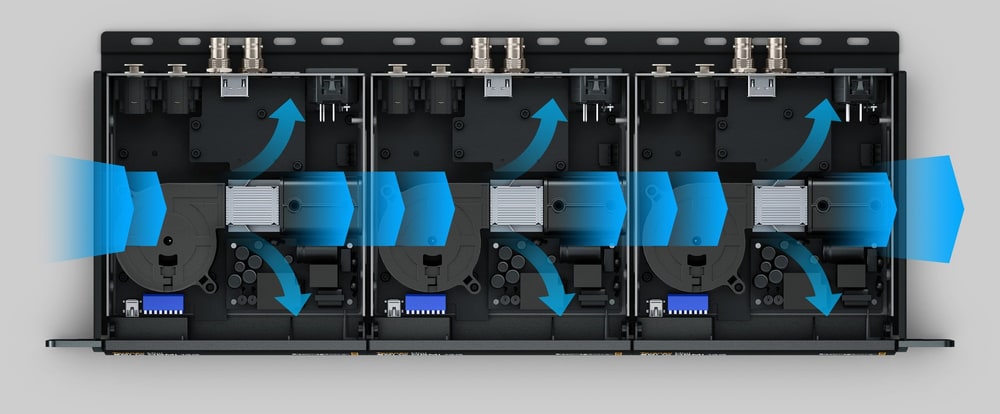
The compact converter can sit on a desk, hide behind equipment or be rack mounted – the optional Blackmagic Universal Rack Shelf (1U) holds Teranex Mini together with other 1/3 and 1/2 rack width Blackmagic products. Crossflow cooling with a heat pipe keeps the converters running even when mounted side by side.
Connections
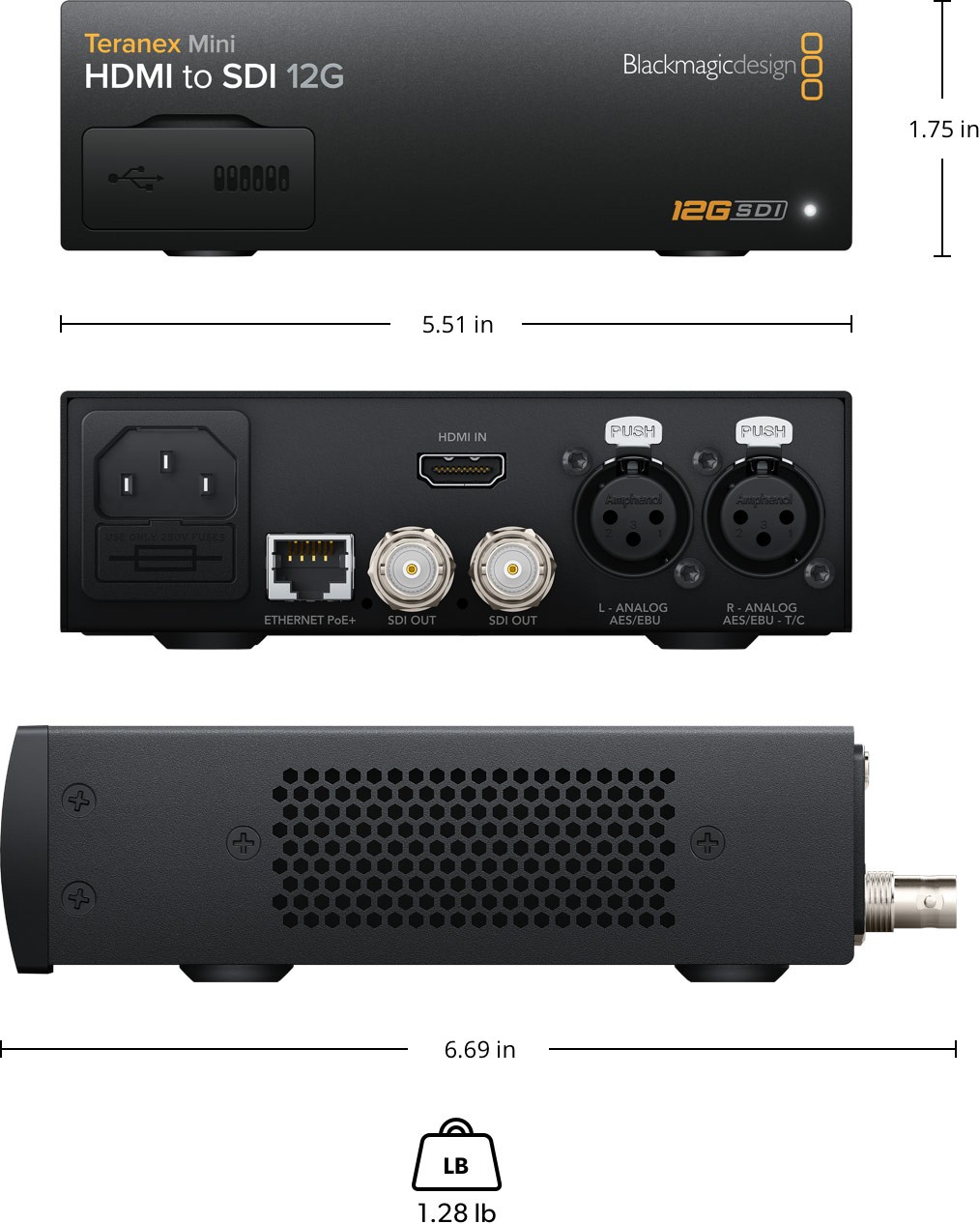
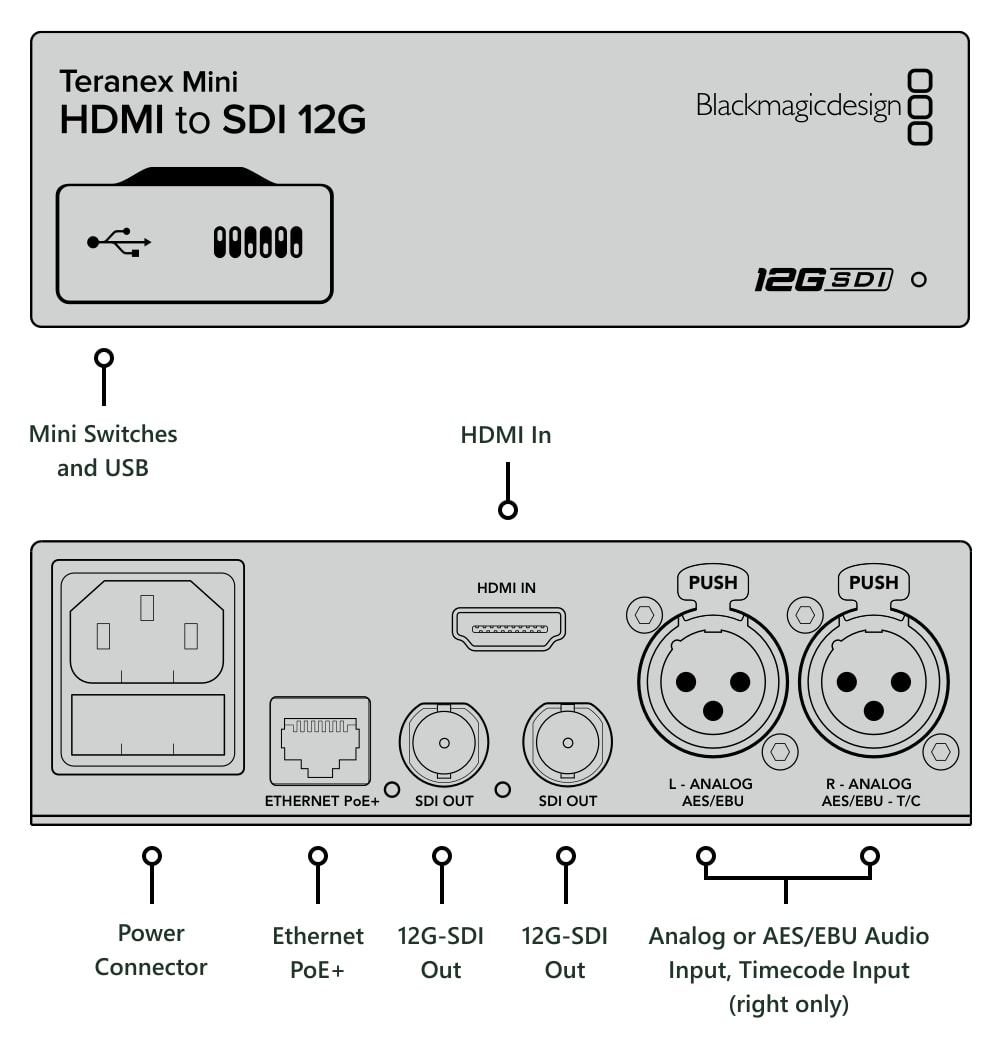
The rear has an IEC power connector, Ethernet with PoE+, two 12G-SDI outputs, an HDMI input and two XLR audio connections; the front has USB and the mini switches.
More information
About the Teranex Mini range
Teranex Mini uses an innovative crossflow cooling design with an internal heat pipe. The converters can therefore work reliably side by side in a rack, on a desk or in a mobile setup without the powerful 12G-SDI circuitry adding unnecessary noise.
The multi-rate 12G-SDI interface automatically detects SD, HD and Ultra HD formats up to 2160p60 and stays compatible with older SDI equipment. A single standard BNC cable therefore covers both current and older studio installations.
The built-in universal power supply (100–240 V AC) removes the need for an external adapter; it connects with a regular IEC power cable, which is not included. Ethernet is used for remote management and can also power the converter from a PoE+ switch. The optional Teranex Mini Smart Panel adds an LCD preview, a rotary knob and direct settings control.
PACKAGE CONTENT
- 1× Blackmagic Design Teranex Mini HDMI to SDI 12G
- 1× welcome wallet with QR code for software download
SPECIFICATIONS
- HDMI input: 1× HDMI 2.0 type A
- SDI outputs: 2× 12G-SDI, automatically matching the HDMI input
- Analog audio inputs: 2 channels of balanced analog audio, XLR; right XLR can be configured for timecode input
- Digital audio inputs: 4 channels of 110 Ω AES/EBU, XLR; right XLR can be configured for timecode input
- Embedded audio: 16 channels
- SDI rates: automatic switching between SD/HD/2K and 4K
- SD standards: 525i59.94 NTSC, 625i50 PAL
- HD standards: 720p50, 720p59.94, 720p60, 1080i50, 1080i59.94, 1080i60, 1080p23.98, 1080p24, 1080p25, 1080p29.97, 1080p30, 1080p47.95, 1080p48, 1080p50, 1080p59.94, 1080p60
- 2K standards: 2Kp23.98 DCI, 2Kp24 DCI, 2Kp25 DCI
- Ultra HD standards: 2160p23.98, 2160p24, 2160p25, 2160p29.97, 2160p30, 2160p47.95, 2160p48, 2160p50, 2160p59.94, 2160p60
- 4K DCI standards: 4Kp23.98 DCI, 4Kp24 DCI, 4Kp25 DCI
- SDI compliance: SMPTE 259M, 292M, 296M, 372M, 424M, 425M level A and B, 2081-1, 2081-10, 2082-1 and 2082-10
- SDI sampling and color space: 4:2:2, YUV
- HDMI sampling and color space: YUV 4:2:2 in HD, 2K and 4K; REC 601, REC 709
- Audio sampling: 48 kHz, 24-bit
- Copy protection: HDMI input cannot capture copy-protected sources (HDCP)
- Format conversion: HD up and down conversion
- Reclocking: yes
- Settings control: mini switches; USB and Ethernet via free software utility
- Optional front panel: Teranex Mini Smart Panel with LCD, rotary knob and six settings buttons
- Software updates: from a Mac or Windows computer via USB or Ethernet
- Operating systems: macOS 10.15 Catalina, macOS 11.1 Big Sur or later, Windows 10 (64-bit)
- Power supply: built-in international 100–240 V AC, IEC C14 inlet; IEC power cable required (not included)
- Power over Ethernet: 48 V DC via PoE+
- Power consumption: 16 W
- Operating temperature: 0 to 40 °C (32 to 104 °F)
- Storage temperature: −20 to 60 °C (−4 to 140 °F)
- Relative humidity: 0–90% non-condensing
- Dimensions (L × W × H): 6.69 × 5.51 × 1.75 in (170 × 140 × 44 mm)
- Weight: 1.28 lb (581 g)
- Warranty: 3-year limited manufacturer warranty
WE RECOMMEND
The following accessories go with the Blackmagic Design Teranex Mini HDMI to SDI 12G.
Control panel – Panel for local control of the unit.
Power cables – Cables for powering the unit from an external source.
HDMI cables – Cables for connecting HDMI inputs and outputs.
SDI cables – Coaxial cables for carrying SDI signals.
Rack mounting – Shelf for placing the unit in a rack (1 RU).
Parameters
| Manufacturer: | Blackmagic Design |
| Category: | Signal converters |
Main parameters
| Other features | Scaler · Audio input · auto format adaptation |
| Source | HDMI · Audio |
| Target | SDI · 12G SDI |
ACCESSORIES (5)
ACCESSORIES (5)
Infinitek L-4.5CHWS 2m FLEX 12G-SDI cable BNC-BNC
Canare L-4.5CHWS flexible and durable 75 ohm 4,2 mm "Low Loss" koaxial SD/HD/3G/12G-SDI
19 €
To be sent > 5 pcs
PremiumCord Ultra High Speed HDMI 2.1 cable 8K@60Hz, 4K@120Hz length 3m metallic gold plated connectors
High-end ULTRA HDMI 2.1 interconnect cable for the highest resolution 8K@60Hz and
12 €
In stock 5 pcs
Blackmagic Design Universal Rack Shelf (1 RU)
The Blackmagic Universal Rack Shelf (1 RU) is a universal shelf designed for users
117 €
In stock 1 pcs
PremiumCord power cord 230 V, CEE 7/7 straight plug / IEC C13, 2 m, black
A 230 V power cord for a computer, monitor or any other device with an IEC C13 connector.
4.1 €
In stock > 5 pcs
Blackmagic Design Teranex Mini Smart Panel
The Blackmagic Teranex Mini Smart Panel is an optional front panel with a 2.2 inch
110 €
on request
Alternative (14)
Alternative (14)
Blackmagic Design Teranex Mini SDI to HDMI 8K HDR
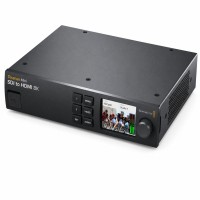
Blackmagic Teranex Mini SDI to HDMI 8K HDR is a professional converter and monitoring
1 599 €
In stock 1 pcs
Blackmagic Design Teranex Mini Optical to HDMI 12G
Blackmagic Teranex Mini Optical to HDMI 12G is a professional converter from 12G-SDI
649 €
In stock 1 pcs
Blackmagic Design Teranex Mini SDI to DisplayPort 8K HDR
Blackmagic Teranex Mini SDI to DisplayPort 8K HDR is a professional 12G-SDI to DisplayPort
1 669 €
In stock 1 pcs
Blackmagic Design Teranex Mini SDI to HDMI 8K HDR – used
A used professional monitoring converter that converts SDI signals to HDMI in all
929 €
In stock 1 pcs
Blackmagic Design Teranex Mini IP Video 12G
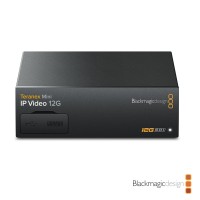
Blackmagic Teranex Mini IP Video 12G is a bi-directional SDI to IP converter with
629 €
on request
Blackmagic Design Teranex Mini SDI to Analog 12G
Blackmagic Teranex Mini SDI to Analog 12G is a professional 12G-SDI to analog video
679 €
on request
Blackmagic Design Teranex Mini Analog to SDI 12G
Blackmagic Teranex Mini Analog to SDI 12G is a professional analog video to dual
689 €
on request
Blackmagic Design Teranex Mini SDI to Audio 12G
Blackmagic Teranex Mini SDI to Audio 12G is a professional converter that de-embeds
669 €
on request
Blackmagic Design Teranex Mini Audio to SDI 12G
Blackmagic Teranex Mini Audio to SDI 12G is a professional converter that embeds
679 €
on request
Blackmagic Design Teranex Mini HDMI to Optical 12G
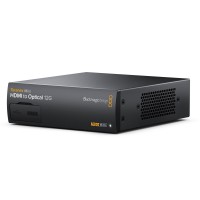
Blackmagic Teranex Mini HDMI to Optical 12G is a professional converter from HDMI
639 €
on request
Blackmagic Design Teranex Mini 12G-SDI to Quad SDI
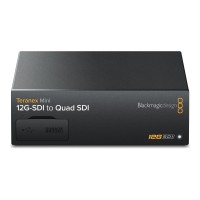
Blackmagic Teranex Mini 12G-SDI to Quad SDI converts single link 12G-SDI to Quad
669 €
on request
Blackmagic Design Teranex Mini Quad SDI to 12G-SDI
Blackmagic Teranex Mini Quad SDI to 12G-SDI converts Quad Link SDI to single link
679 €
on request
Blackmagic Design Teranex Mini SDI Distribution 12G
Blackmagic Teranex Mini SDI Distribution 12G is a professional SDI distribution amplifier
639 €
on request
Blackmagic Design Teranex Mini SDI to HDMI 12G
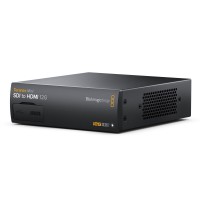
Blackmagic Teranex Mini SDI to HDMI 12G is a professional 12G-SDI to HDMI 2.0 converter
669 €
on request
News, training, and discounts from Syntex
Special offers and discounts for subscribers only · Free audio & video workshops · News and tips from the world of filmmaking
- Show all
Blackmagic Design Teranex Mini HDMI to SDI 12G
Blackmagic Teranex Mini HDMI to SDI 12G is a professional HDMI 2.0 to dual 12G-SDI689 €on request