
 CZ
CZ SK
SK HU
HU AT
AT DE
DE ES
ES SI
SI HR
HR
Nothing in the basket.

- Search
-
Login

-
0
Comparison
Add products to compare, then they will appear here and you can compare parameters.
-
0
0 €
News
HDMI Forum, Inc. announced the upcoming release of Version 2.1 of the HDMI Specification. This latest HDMI Specification supports a range of Higher Video Resolutions and refresh rates including 8K60 and 4K120, Dynamic HDR, and increased bandwidth with a new 48G cable. Version 2.1 of the HDMI Specification is backward compatible with earlier versions of the Specification, and will be available early Q2 2017.
HDMI Specification 2.1 Features Include:
- Higher Video Resolutions support a range of higher resolutions and faster refresh rates including 8K60Hz and 4K120Hz for immersive viewing and smooth fast-action detail.
- Dynamic HDR ensures every moment of a video is displayed at its ideal values for depth, detail, brightness, contrast, and wider color gamuts—on a scene-by-scene or even a frame-by-frame basis.
- 48G cables enable up to 48Gbps bandwidth for uncompressed HDMI 2.1 feature support including 8K video with HDR. The cable is backwards compatible with earlier versions of the HDMI Specification and can be used with existing HDMI devices.
- eARC supports the most advanced audio formats such as object-based audio, and enables advanced audio signal control capabilities including device auto-detect.
- Game Mode VRR features variable refresh rate, which enables a 3D graphics processor to display the image at the moment it is rendered for more fluid and better detailed gameplay, and for reducing or eliminating lag, stutter, and frame tearing.
Date: 11. 01. 2017,
Category: News
FULL ARTICLE
Convergent Design announced that RAW support in Odyssey7Q+ camera recorders/monitors will also include the new Sony PXW-FS7mkII camera. Support for the camera will be included in the Odyssey RAW Bundle at no additional charge. The FS7mkII is the eleventh camera covered in the Odyssey RAW Bundle, joining the Sony FS5, FS7 and FS700; the Arri Alexa Classic; the Canon C300mkII and C500; the Panasonic VariCam LT; the IO Industries Flare 4KSDI and 2K SDI; and the Indiecam GS2K.
The PXW-FS7mkII will offer RAW data output with the addition of the XDCA-FS7 Extension Unit. RAW data formats include DCI 4K (4096x2160) up to 60p and DCI 2K (2048x1080) up to 240p. All frame rate and resolution combinations are supported by the Odyssey RAW Bundle, with recording in CinemaDNG or Apple ProRes (HQ/422/LT/Proxy). Cropped recording of the DCI 4K and DCI 2K signals to UHD and HD are available in Apple ProRes. Convergent Design's proprietary Supersampling of the DCI 4K signal to either 2K or HD in Apple ProRes will yield a higher quality image than is available directly from the camera. The Odyssey LUT System supports both Sony S-Log2 and S-Log3 output from the camera, including several Exposure Compensation LUTs.
The FS7mkII 4K RAW output is also supported by the new Titan HD Extract option for the Odyssey7Q+ and Odyssey7Q. Titan will take the 4K RAW signal from the camera, SuperSample the full frame to HD, as well as extract up to two HD pixel-for-pixel windows from the 4K resolution. The result is three HD frames, a wide and two tights, from a single camera source. The RAW Bundle and the Titan HD Extract are available separately and one is not required for the other.
Date: 11. 01. 2017,
Category: News
FULL ARTICLE
In the new interview for Post Magazine, RED Digital Cinema's Graeme Nattress describes the new color pipeline and algorithms of the IPP2. Discussed are the new on-set HDR monitoring controls and full support for the latest HDR standards, as well as new color-processing pipeline with better enhanced management of colors, improved shadow detail, accurate mid-tones, and enhanced resolution thanks to new a new de-mosaicing algorithm. The new IPP2 software/firmware will work in-camera in the models equipped with the new Helium sensor (Weapon 8K S35, EPIC-W 8K S35). The new firmware will also support the ASC-CDL (American Society of Cinematographers' Color Decision List) for making grading decision on-set, new REDWideGamutRGB color space, and a new Log3G10 log-encoding curve (see this white paper for more information). Read the whole interview here.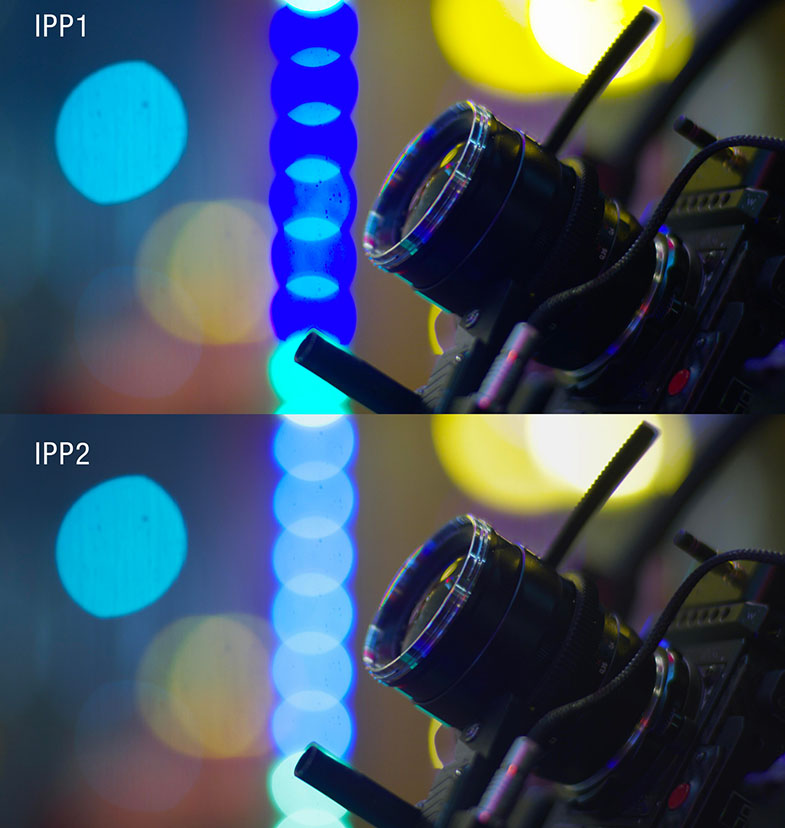
Date: 10. 01. 2017,
Category: News
FULL ARTICLE
NewTek and Wowza Media Systems present MediaDS, a revolutionary real-time media encoding and live streaming video delivery system. MediaDS is a hardware and software solution merging NewTek’s industry-leading live production technology with the powerful, proven Wowza streaming software in a 1RU footprint. The result is the industry’s first end-to-end streaming solution to allow producers to launch their own multi-channel content networks from their production site and deliver a live video stream directly to their viewers. NewTek's a partnership with Wowza means that not only users have a solution that can encode video, but MediaDS also allows them to distribute that content as well, either to local viewers or globally.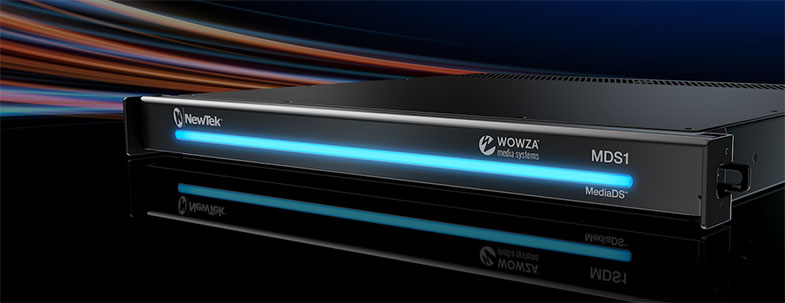
Date: 09. 01. 2017,
Category: News
FULL ARTICLE
Panasonic has officially announced the LUMIX GH5, the latest flagship model of LUMIX G DSLM cameras based on the Micro Four Thirds system standard. The new camera will be availabe in late March, delivering high-end, hybrid performance to photo enthusiasts and professional videographers looking to capture moments in 4K 60p/50p video and 6K PHOTO. Its new Digital LIVE MOS Sensor increases the pixel count by 25% compared to the GH4, from 16.05 to 20.3 megapixels, while also removing the low-pass filter and increasing the signal readout speed up to 1.7x. The camera also comes with a new image processor Venus Engine, which achieves improvement especially in natural texture expression. This realizes 4K 60p/50p ultra high-definition, smooth, video recording for the first time in a DSLM camera. It is also capable of internal 10-bit video recording with 4:2:2 sampling. Users can freely choose between MOV, MP4, AVCHD Progressive and AVCHD formats at a variety of frame rates, with no recording time limit for both FHD and 4K video. V-LogL video recording will be available as a paid option. The LUMIX GH5 also comes with a Waveform Monitor and Vector Scope, embeds SMPTE-compliant Time Code either in Rec Run or Free Run count-up methods, features the Synchro Scan mode that suppresses flicker, as well as Color Bars (SMPTE / EBU / ARIB Standard). The new camera will also feature improved autofocus functionality; an andvanced Post Focus feature enabling users to select the specific focus point even after shooting; new 6K PHOTO designed to extract photos out of 6K / 30 fps burst files; durable shutter with 200,000 releases; Bluetooth 4.2 and Wi-Fi 5GHz (IEEE-802.11ac) connectivity; new optional Battery Grip DMW-BGGH5; and more! Future firmware updates will add Full HD 4:2:2 10-bit video recording (April 2017); 400 Mbps 4:2:2 10b-it All-Intra video recording in 4K 30p/25p/24p; Full HD, high resolution video recording in Anamorphic mode; Hybrid Log Gamma in Photo Style mode which enables popular 4K HDR video recording and USB tethering (all scheduled for second half of 2017).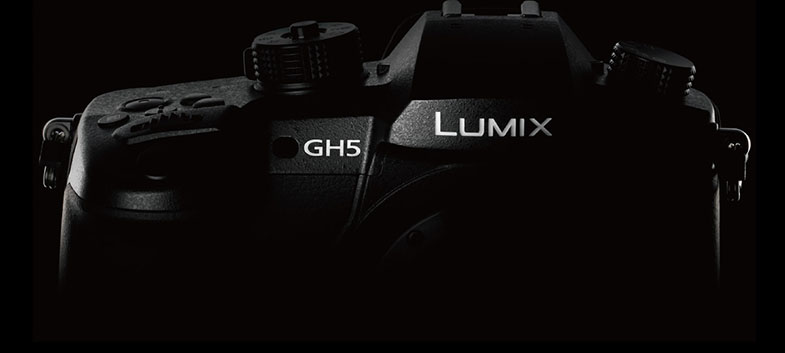
Date: 06. 01. 2017,
Category: News
FULL ARTICLE