
 CZ
 SK
 HU
 AT
 DE
 ES
 SI
 HR

Nothing in the basket.

- Search
-
Login

-
0
Comparison
Add products to compare, then they will appear here and you can compare parameters.
-
0
0 €
Document camera as a webcam: Joyusing V600, V513 and V500S
Using a document camera as a webcam: Joyusing V600, V513 and V500S for video calls and hybrid work.
Joyusing does not make flatbed scanners but document cameras: a camera on a flexible arm that looks down at a document or object on your desk. The picture reaches your computer over USB just like a webcam feed, so colleagues in a call can see it too.
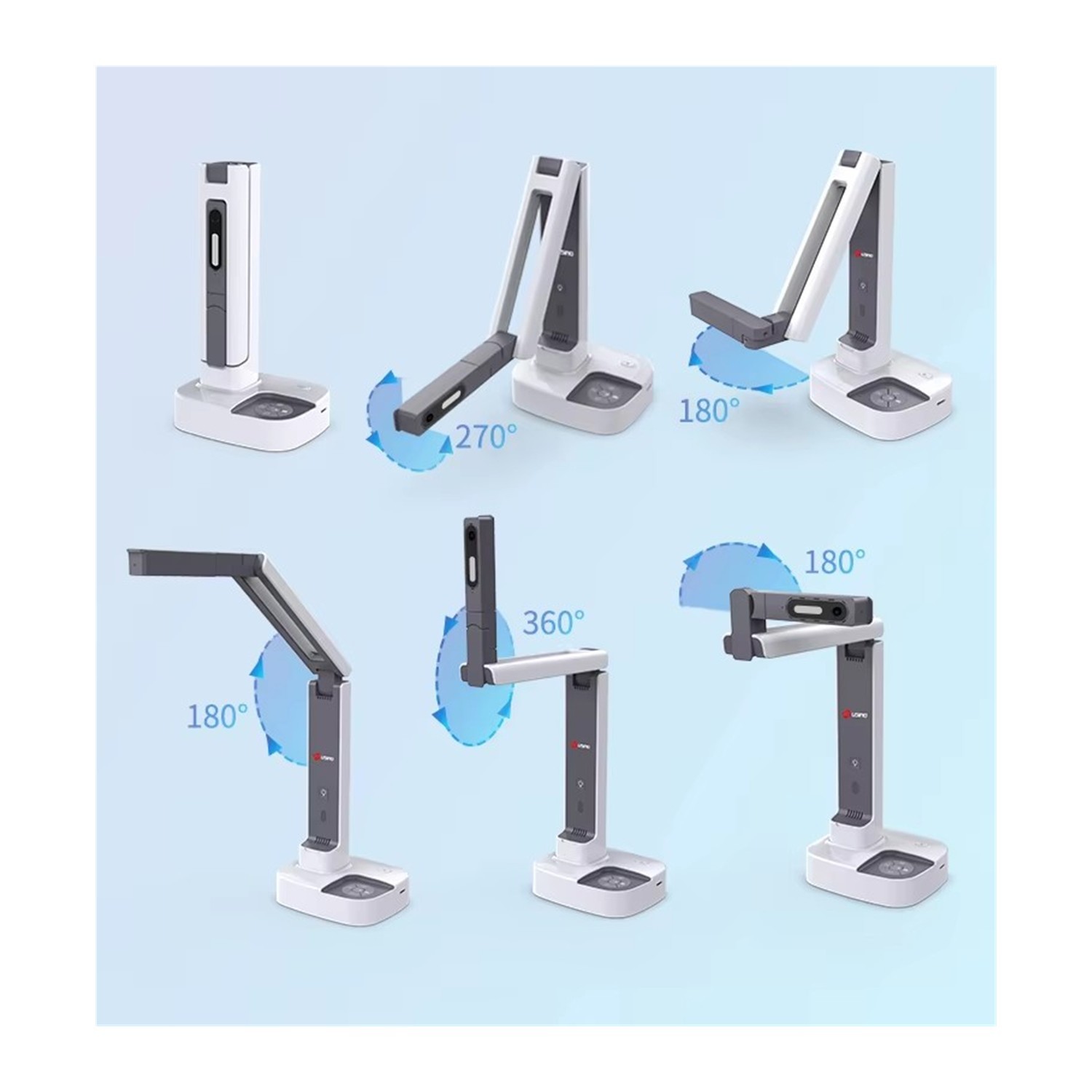
On the 2-in-1 models, led by the Joyusing V513, you simply turn the camera round and it shows you instead of the desk. The guide draws on the manufacturer's data and shows which of the three suits video calls, a home office and hybrid teaching.
 1 / 8
Why a document camera in a call
A webcam shows your face, but not the paper on your desk. The moment you need to show a sketch, a printed contract, a child's drawing or a small object in a Zoom, Teams or Meet call, the improvising starts: a phone propped on a pile of books, a book held up to the lens, blurry text.
A document camera on an arm above the desk solves this neatly. It sees the original, up to A3, from above, sharp and lit by its own LED light. And 2-in-1 models can play the opposite role as well: turn them towards you and they become webcams. A teacher, trainer or designer swaps between "I'm showing the desk" and "I'm talking to you" with one device and no re-plugging.
 2 / 8
How the 2-in-1 switch works
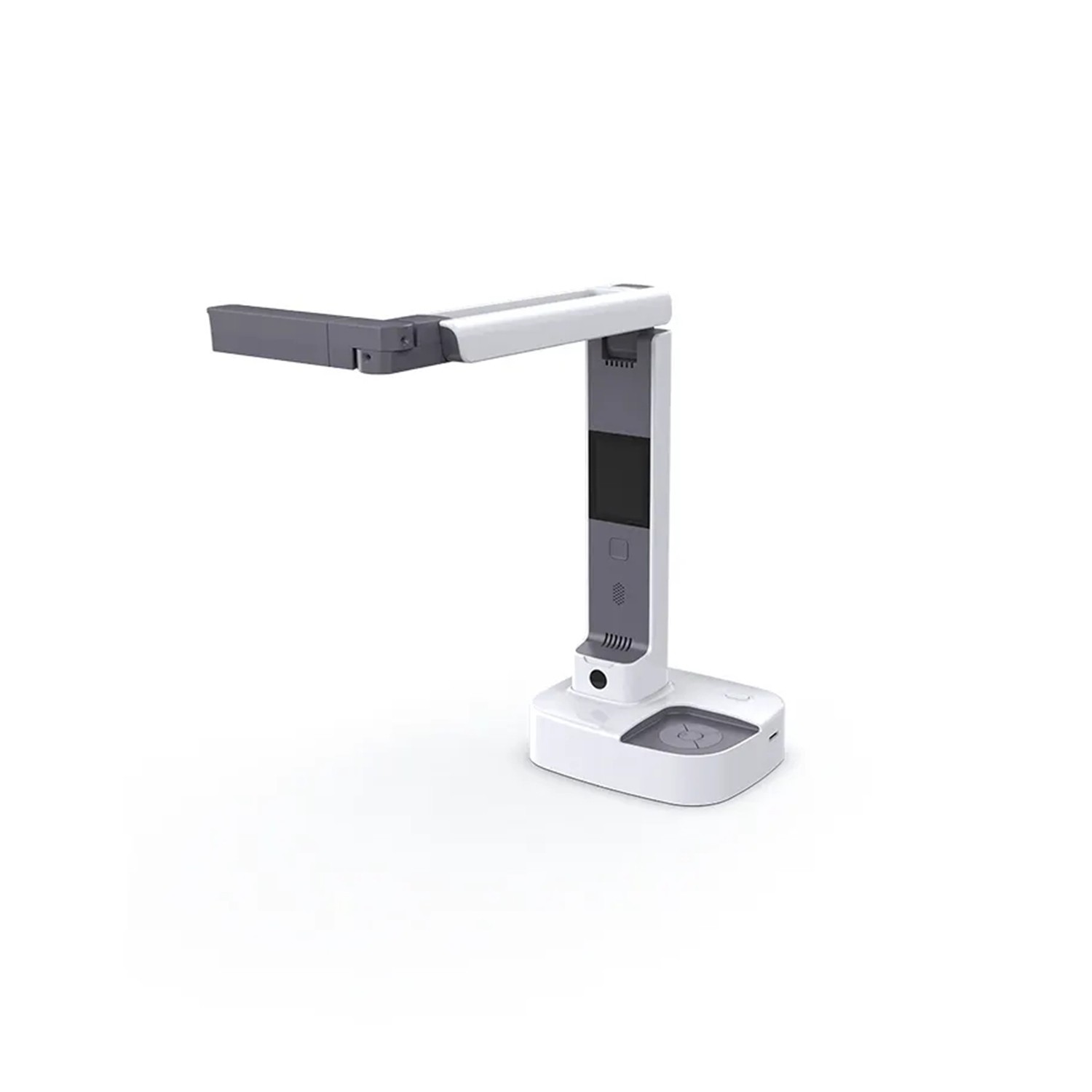
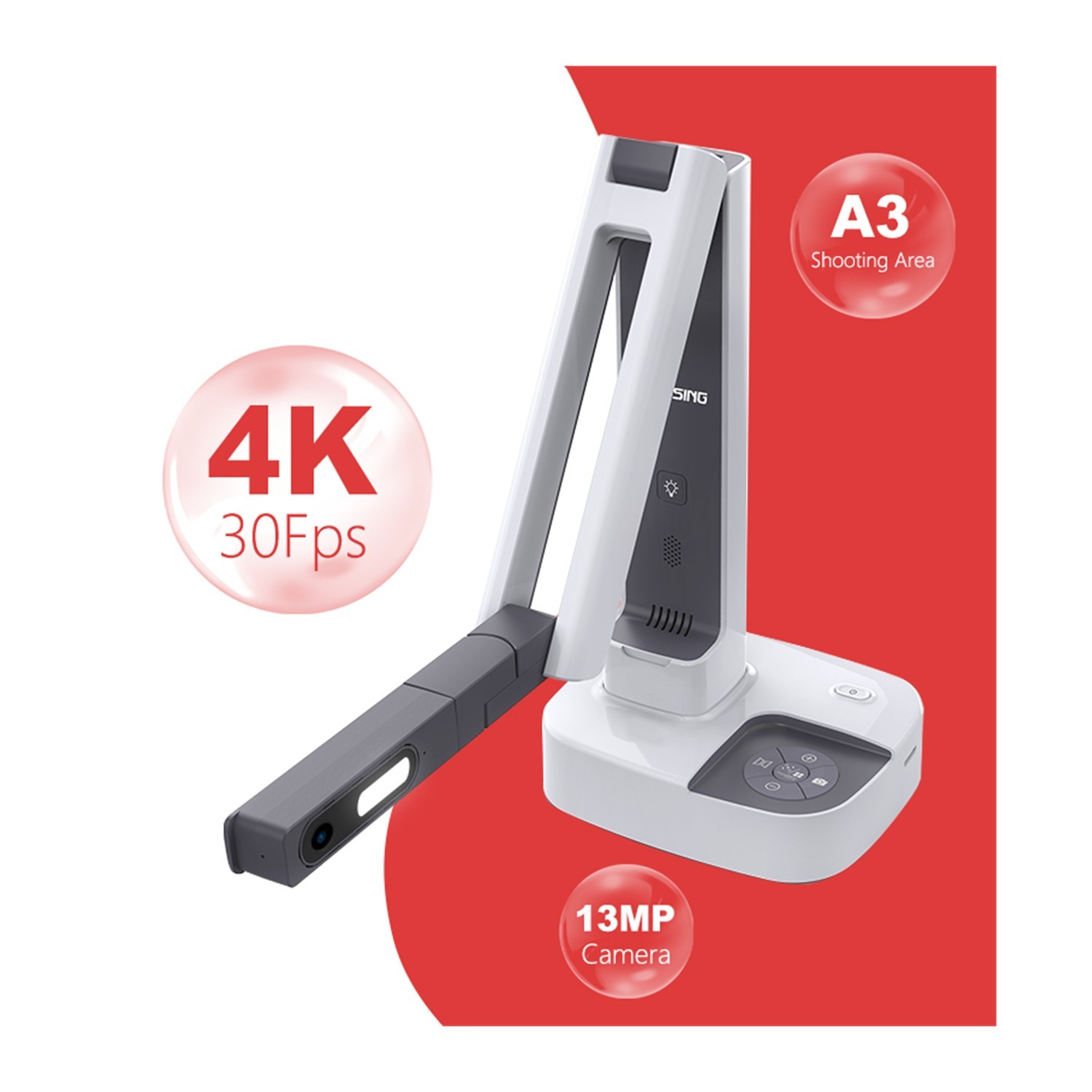
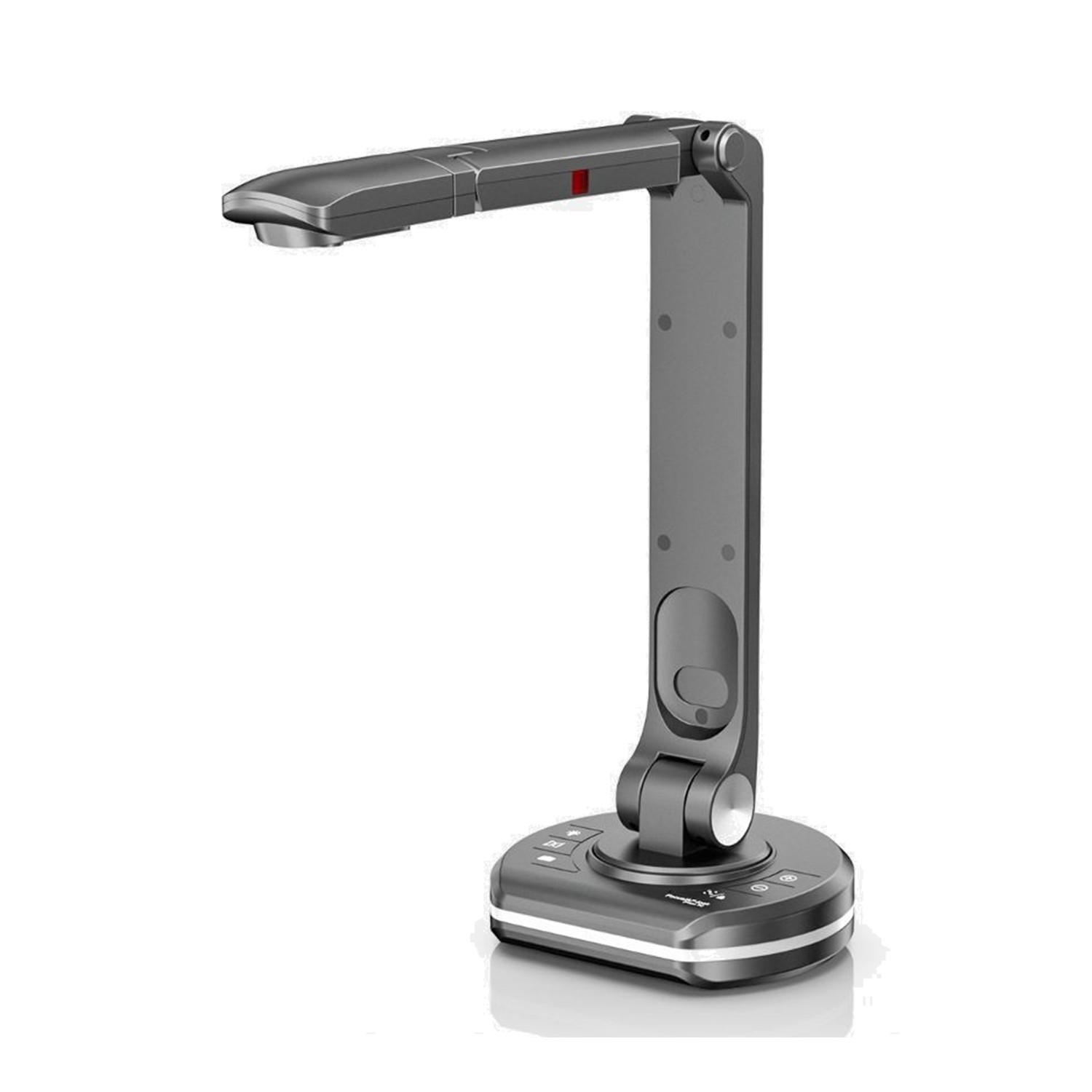
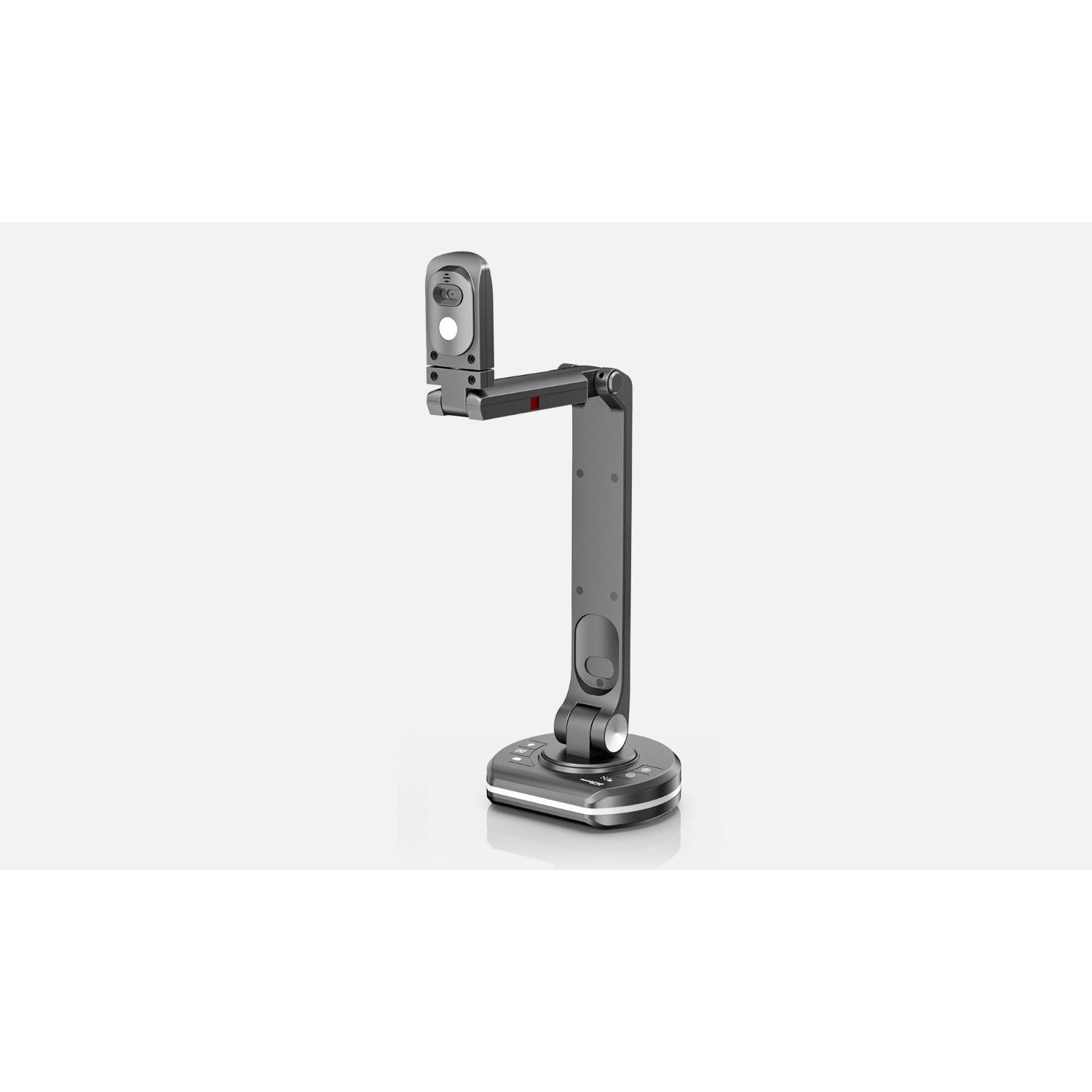
On the Joyusing V513 the position of the arm decides: pointing down at the desk it works as a document camera, turned towards the user it becomes a webcam. On the Joyusing V600 the head rotates on a multi-jointed arm, and a monitor clip comes in the box, so you can perch it like an ordinary webcam. The Joyusing V500S-4K has a flip-over head to change between documents and a face-to-face call.
The switch is mechanical, then, with no mysterious setting. In the call app it stays the same camera; only what it points at changes. If your preview looks mirrored, switch mirroring on; the V513 has a dedicated button for it.
 3 / 8
V600: best image and light
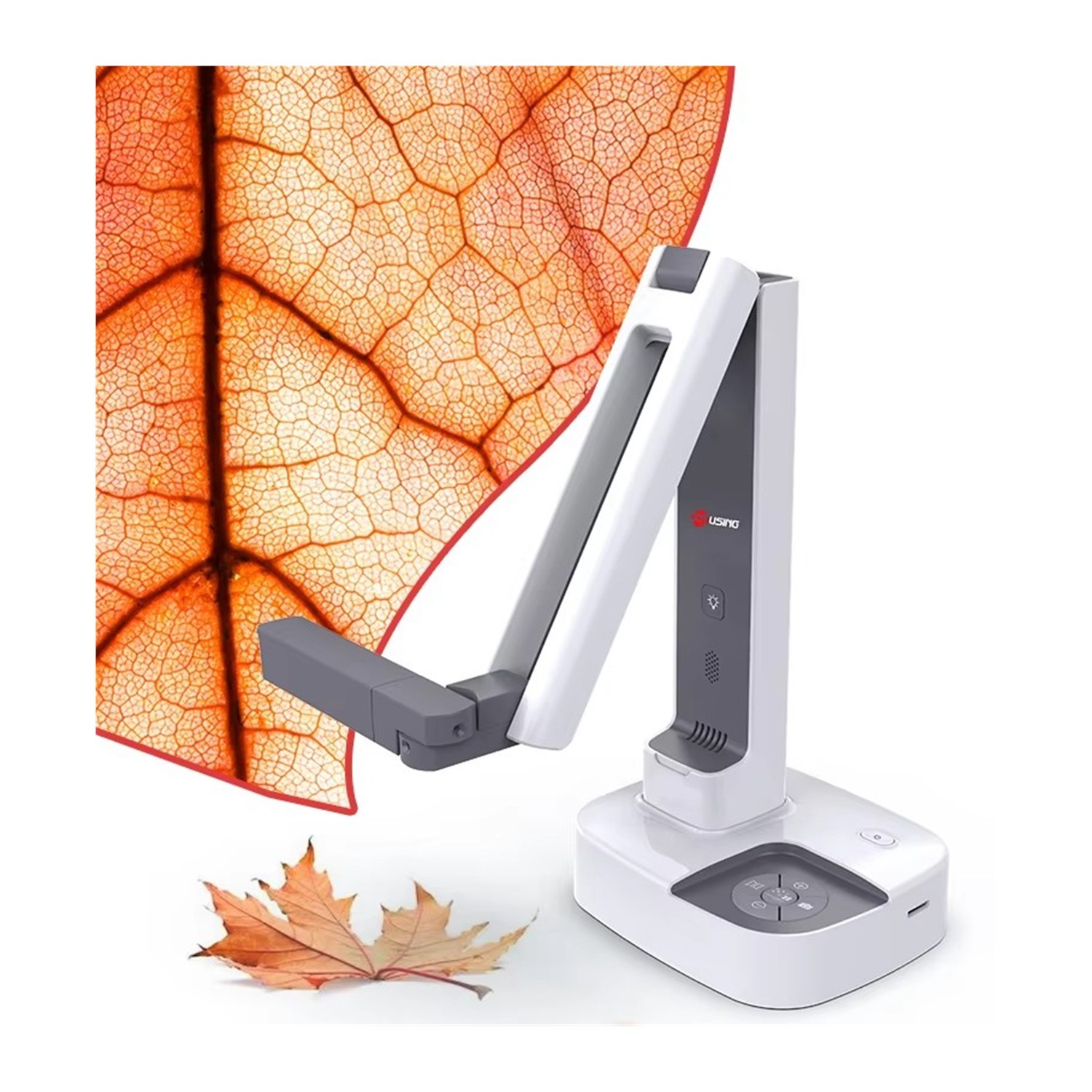
The Joyusing V600 has a 12 MP 1/2.55" CMOS sensor and shoots 4K as well as Full HD at 30 fps. What matters is the fast PDAF phase-detection autofocus: when you slide in a sheet or move an object, the camera refocuses before an awkward silence falls. Focus can also be switched to manual.
Over the desk shine 40 LEDs, smoothly dimmable from 0 to 100% with a wheel. That helps with glossy paper, where full brightness causes glare. The compact aluminium stand folds small enough for a bag, and power and data both run over USB-C. A monitor clip and a mat are in the box.
 4 / 8
V513: the all-rounder with a remote
The Joyusing V513 has a 13 MP 1/3.06" sensor, 4K at 30 fps and Full HD at 60 fps. Smooth 60 fps helps when you point a finger across a page or turn an object. The 80° field of view gives a reasonably wide shot when switched to webcam, and up to 100x digital zoom brings a page detail closer.
The equipment is the strength: USB-A and USB-C, HDMI output, a TF slot, microphone, LED light, seven buttons and a remote control. The remote is handy when you operate the camera from your chair and do not want to reach into the shot. It runs from a 12 V/1 A adapter and weighs 950 g.
 5 / 8
V500S-4K: the simplest set-up
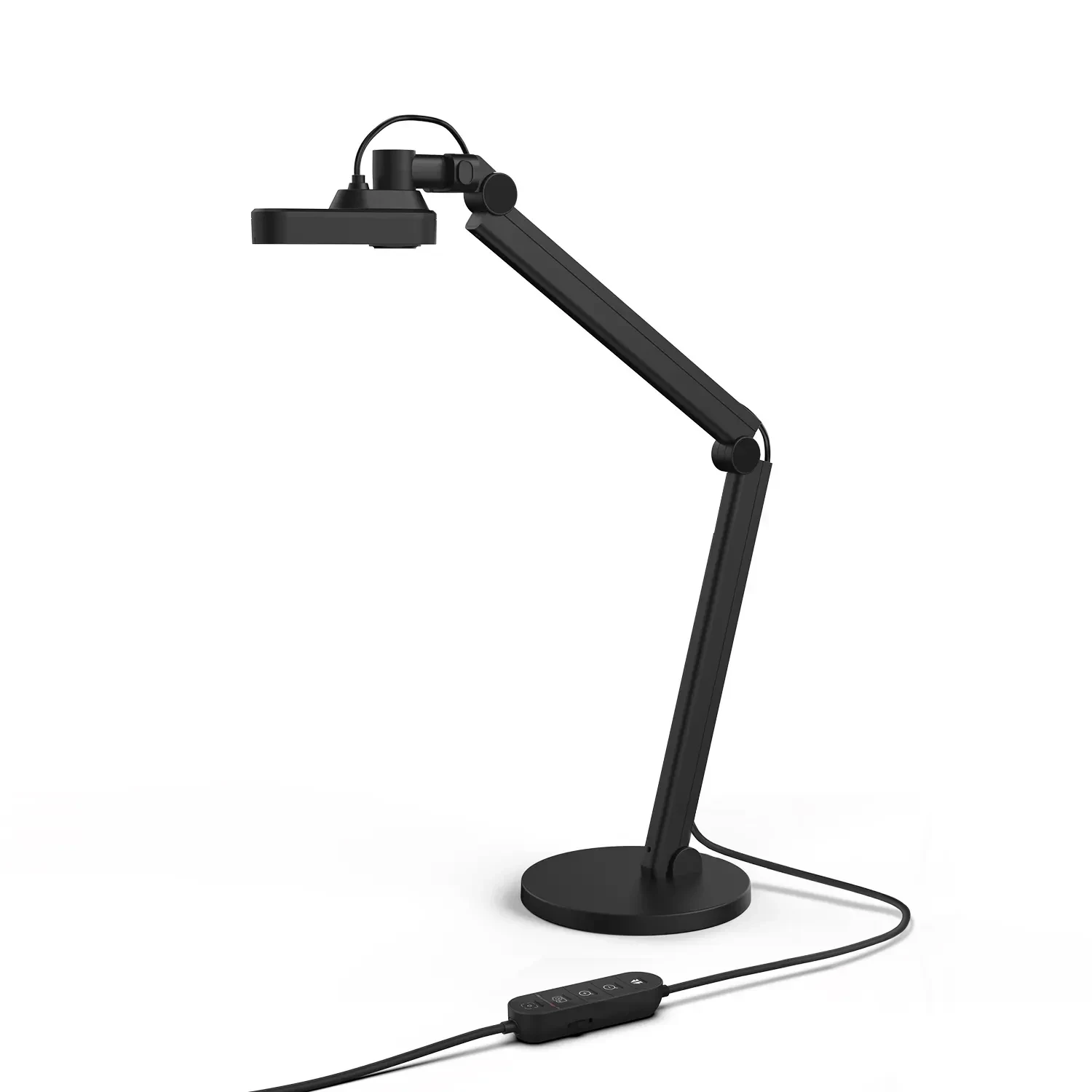
The Joyusing V500S-4K is for people who want no power supply and no cable fuss. A single USB-C cable carries both data and power, so you plug it into a laptop and go. Six touch buttons on the base handle capture, zoom, mirroring, LED and focus.
The head flips: one position for documents, another for a face-to-face call. The sensor is 13 MP with 100x zoom and up to 4K, but mind the frame rate, as explained below. With no display and no PC-free mode, it is purely a computer camera. For a home office built around a laptop it is the least complicated route.
 6 / 8
Call settings and Visualizer
In Zoom, Teams or Meet, pick the Joyusing camera in the video settings. The manufacturer states compatibility with Zoom, Meet, Teams, Skype and OBS Studio. The microphone is built in, though for longer calls a headset makes sense. Mirroring can be set in the app or with the button on the camera.
More interesting is the Joyusing Visualizer software for Windows and Mac. In the live image you can draw with a pen, type text and add shapes, freeze the picture, zoom with a magnifier, rotate by 90° and compare two documents in a split window. Picture-in-picture works too, so you see the page and yourself. Participants then see either the camera as your video source, or you share the Visualizer window.
 7 / 8
What to watch out for
The manufacturer advises connecting document cameras directly to the computer: according to the manual they may not work properly through a USB hub. So if the camera "disappears" in a call, try another port and skip the hub.
Second comes light. A strong LED glares in a call and creates reflections on glossy paper, so dim it. Do not point the camera at the sun or look into the LED.
Third is frame rate: the V500S-4K gives only 15 fps at 4K and 30 fps at Full HD, while the V600 and V513 manage 4K at 30 fps. Call apps often send a lower resolution anyway, so 4K matters mainly for stills. On newer macOS versions, check Visualizer support at joyusing.com.
 8 / 8
What to buy for whom
For most people we recommend the Joyusing V513: 4K as well as Full HD at 60 fps, a remote, USB-A/USB-C and HDMI, and clear switching by arm position. It is the most versatile camera for a home office and for teaching.
If you show glossy prints, drawings or objects and want the best image and light, take the Joyusing V600 with PDAF autofocus and dimmable 40 LEDs. For the simplest set-up with a single USB cable to a laptop there is the Joyusing V500S-4K, just with a lower frame rate at 4K.
Narrow it down with one question: how much time do you want to spend connecting things? The less, the closer to the V500S-4K; the more demanding about the image, the closer to the V600.
Who it makes sense for
The Joyusing V513 is the most versatile choice for a home office and hybrid teaching, the Joyusing V600 has the best light and autofocus, and the Joyusing V500S-4K is the easiest to connect with a single USB cable.
What we like about the design: A document camera shows paper, drawings and objects in a call, and the 2-in-1 models switch to a webcam without re-plugging.
What to bear in mind: It may not work through a USB hub, a strong LED glares during a call, and the V500S-4K gives only 15 fps at 4K.
View Joyusing V513 4K 2-in-1 Document Camera — current price and availability →
Syntex.
Syntex editorial team. The comparison draws on the technical data and documentation of the manufacturer Joyusing (website, manuals, FAQ); we did not test the products ourselves for this article.
Date: 18. 11. 2026,
Category: Reviews
Related products
Joyusing V500S-4K USB Document Camera
The Joyusing V500S-4K captures documents and objects up to A3 with its 13 MP CMOS
131 €
Backordered 4 pcs
Joyusing V513 4K 2-in-1 Document Camera
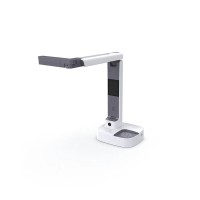
The Joyusing V513 combines document capture and webcam use for remote teaching, presentations
241 €
In stock 2 pcs
Joyusing V600 2-in-1 Document Camera
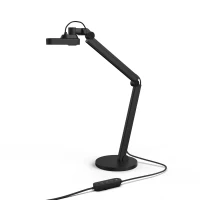
The Joyusing V600 captures documents and objects up to A3 size in 4K at 30 fps using
142 €
on request