
 CZ
CZ SK
SK HU
HU AT
AT DE
DE ES
ES SI
SI HR
HR
Nothing in the basket.

- Search
-
Login

-
0
Comparison
Add products to compare, then they will appear here and you can compare parameters.
-
0
0 €
Blog
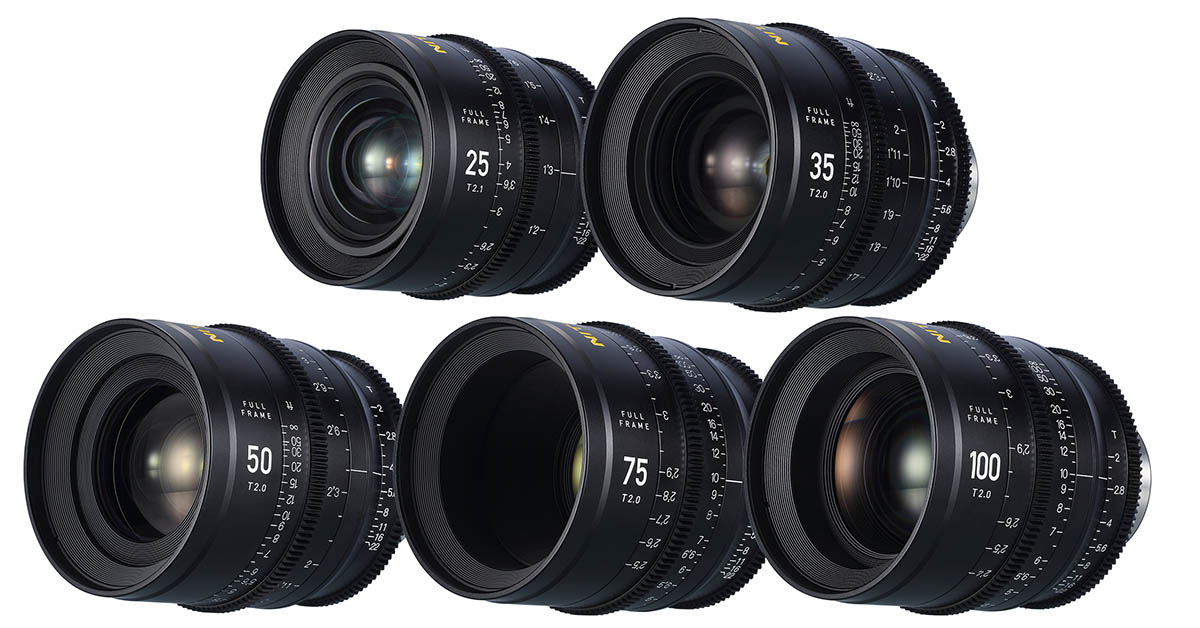
Nitecore Superior Primefilm lenses in stock! They are optimized for cameras with FF sensors (46.5 mm diameter), e.g. ARRI Alexa LF, RED Monstro VV, Panavision DXL2, Sony Venice, Canon C700 etc., and thanks to the apochromatic construction they offer a well rendered image with minimal color defects. Superior Prime lenses are equipped with PL bayonet as standard, with Canon EF and Sony E bayonets available as options. Sold individually or as a set of 25mm T2.1, 35mm T2.0, 50mm T2.0, 75mm T2.0 and 100mm T2.0 lenses including a carrying case.
Date: 12. 08. 2021,
Category: News
FULL ARTICLE
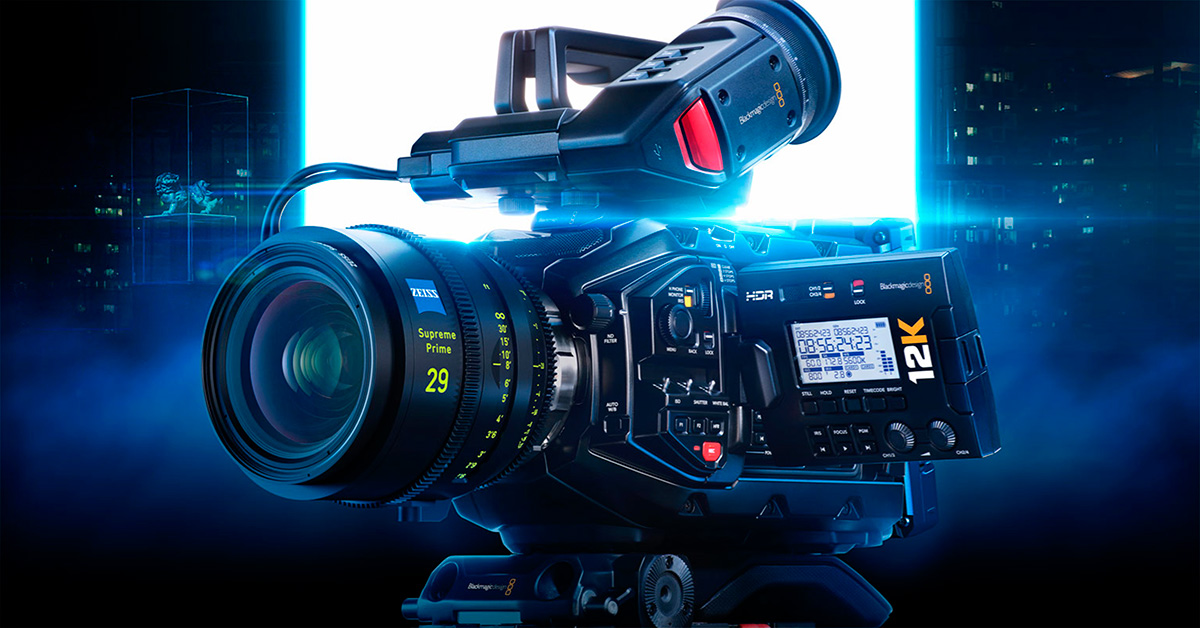
This software update improves USB performance and stability when using Blackmagic URSA Mini Recorder with Blackmagic URSA Mini Pro 12K.
What's new in Blackmagic Camera 7.4.1
Blackmagic URSA Mini Recorder
USB performance improvements.
What’s new in Blackmagic RAW 2.1
Add native support for Apple Silicon on Mac.
Add optimised CPU decoding for Blackmagic URSA Mini Pro 12K clips.
Add Blackmagic Gen 5 Color Science Technical Reference document.
Add support for Blackmagic RAW clips from Panasonic S1H, S1 and S5.
Add support for Blackmagic RAW clips from Nikon Z 6II and Z 7II.
Blackmagic RAW plugin performance improvements for Premiere Pro.
General performance and stability improvements.
Date: 11. 08. 2021,
Category: News
FULL ARTICLE
Stock Nitecore LHH82
heated lens hood for shooting in low temperatures and high humidity environments where it is essential protection against lens fogging. It completely surrounds the lens (with a filter diameter of approx. 72~82 mm) and thus provides maximum thermal protection by heating at a temperature of approx. 45°C (reaching a temperature of 10-15 min.). The nylon cover is equipped with a USB-C interface for power supply using external sources including batteries. Ideal accessory for documentary sets, astrophotography, etc.!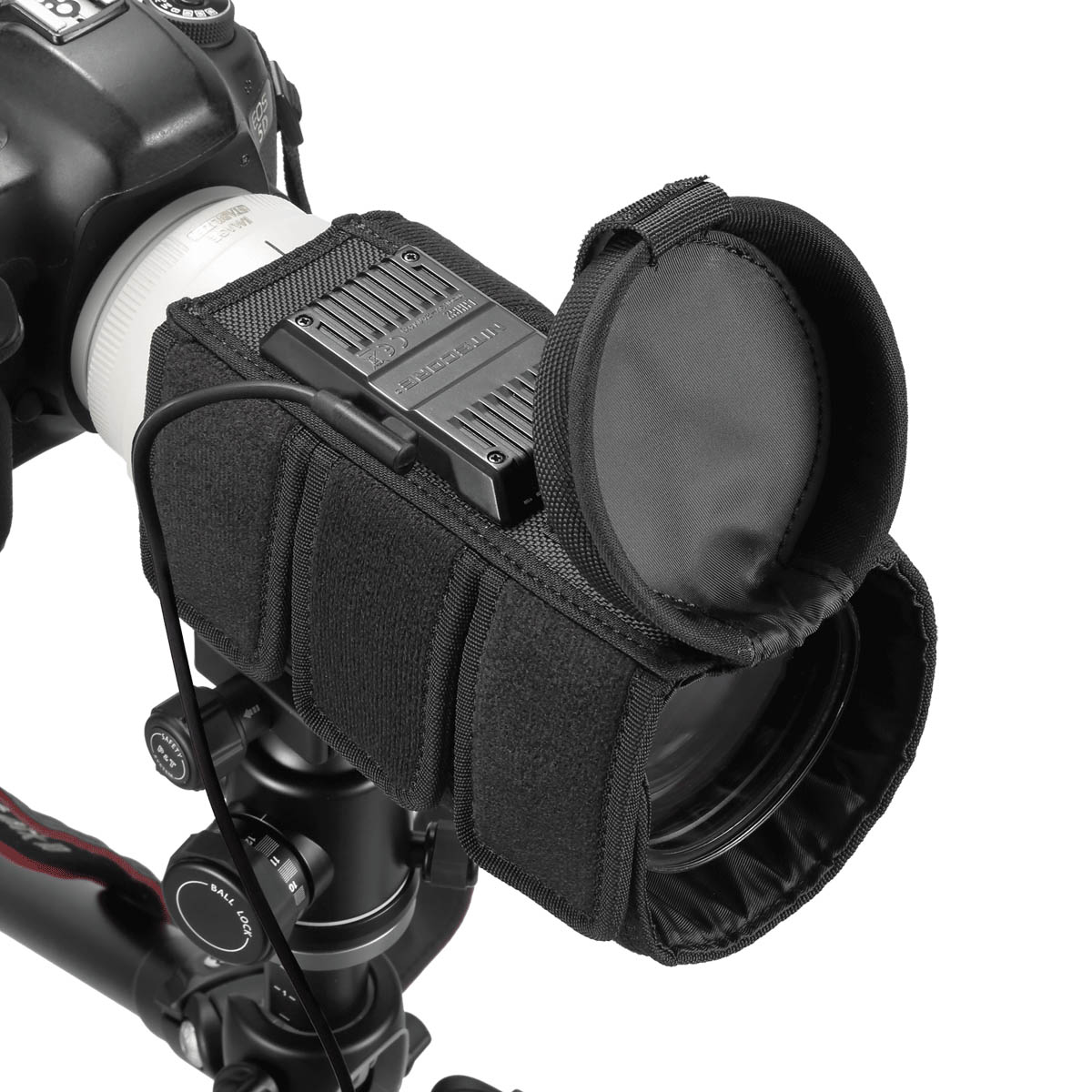
Date: 10. 08. 2021,
Category: News
FULL ARTICLE
New Nitecore smart USB chargers
for Sony NP-F (USN3 PRO) and Canon LP-E (UCN1) batteries in stock! The Nitecore USN3 PRO smart dual charger with USB input is compatible with NP-FM500H, NP-F730, NP-F750, NP-F770, NP-F970 and NP-F550 batteries and offers a fast charging mode (max. 1x 1200 mAh or 2x 800 mAh; standard charging max. 1x 1000 mA), short-circuit or polarity reversal protection, a function to activate over-discharged batteries (bad storage, etc.) and a display showing battery/charging status. The power input accepts 5V/2A or 9V/2A, making it possible to charge batteries in the field using central batteries, solar panels, etc.
Date: 09. 08. 2021,
Category: News
FULL ARTICLE
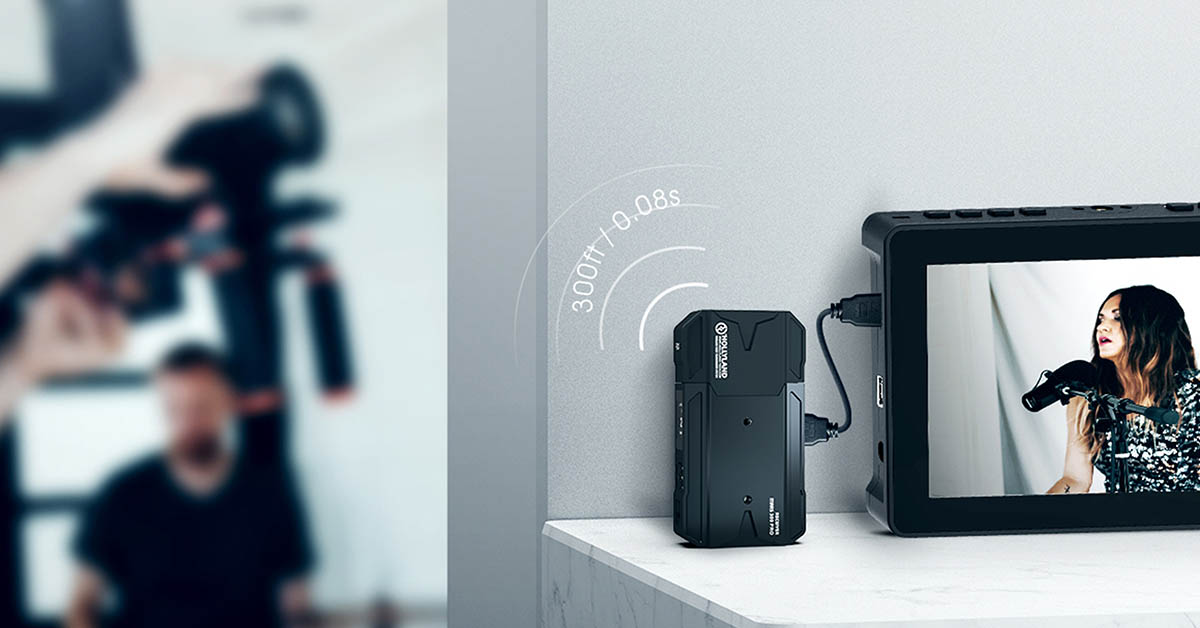
We would like to remind you about the sale of the Hollyland Mars 300 Prowireless system in the Standard variant. The discount of -10% is valid until August 15, 2021 (or while stocks last)! The Mars 300 Pro allows 1080p60 video transmission over a distance of 90-120m and offers HDMI input/output (transmitter) or 2x HDMI output (receiver), internal antennas, integrated L-Series battery slot, OLED status display, USB-C power option, Wi-Fi monitoring with up to three tablets/phones (or two mobile devices + monitor connected to the receiver), etc.
Date: 06. 08. 2021,
Category: News
FULL ARTICLE
- Show all
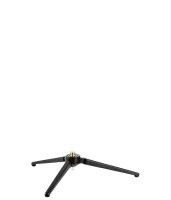
Manfrotto 209-14 Tabletop Tripod with 1/4″ Thread
The Manfrotto 209-14 is a compact aluminium tabletop tripod without a head, designed27 €To be sent 2 pcs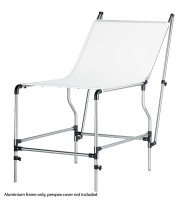
Manfrotto Mini Still Life Table without Cover
The Manfrotto 320PSL Mini Still Life Table without Cover is a compact, chrome steel599 €on request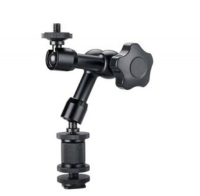
SWIT MagicArm 7inch
The SWIT MagicArm 7-inch is a versatile mounting arm for cameras and accessories,47 €on request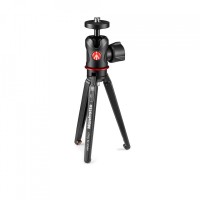
Manfrotto 209 tabletop tripod with 492 ball head and extension
Manfrotto 209,492LONG-1 is a complete aluminium tabletop support for compact cameras113 €In stock 1 pcs