
 CZ
CZ SK
SK HU
HU AT
AT DE
DE ES
ES SI
SI HR
HR
Nothing in the basket.

- Search
-
Login

-
0
Comparison
Add products to compare, then they will appear here and you can compare parameters.
-
0
0 €
News
Blackmagic Pocket Cinema Camera 4K original files now available! Now you can download a selection of camera original media files from Mark Wyatt, John Brawley and Andreas Neumann’s test shoots. These clips are available now at http://bmd.link/qNnJcK. In addition, Blackmagic Design has published two new tests: „Bugs“ from DP Peter Nearhos (https://youtu.be/OvcTDeOUCv8) shot using a Laowa Probe lens for macro filmmaking and; and „Mountain Bike“ from Joey Knox (https://youtu.be/7U_O5YBret0) testing the camera’s high speed performance.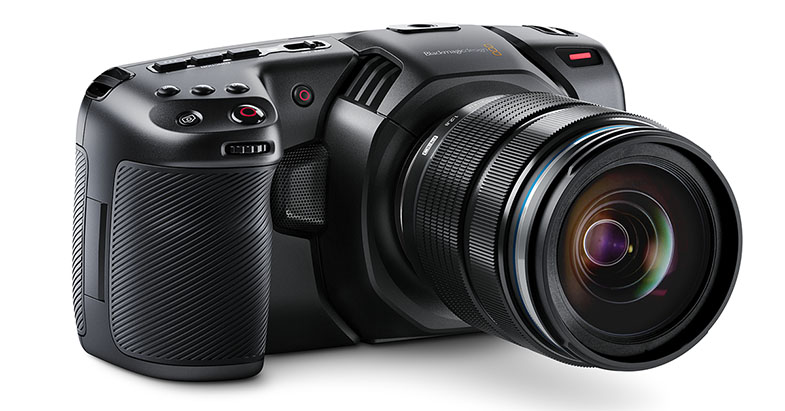
Date: 05. 09. 2018,
Category: News
FULL ARTICLE
Simply connect to any Ethernet port. That’s it. Your camera is now a source for all NDI compatible systems and software on your network! Connect, capture, and control with a single network cable. No need for extra connections, cables, and messy setups.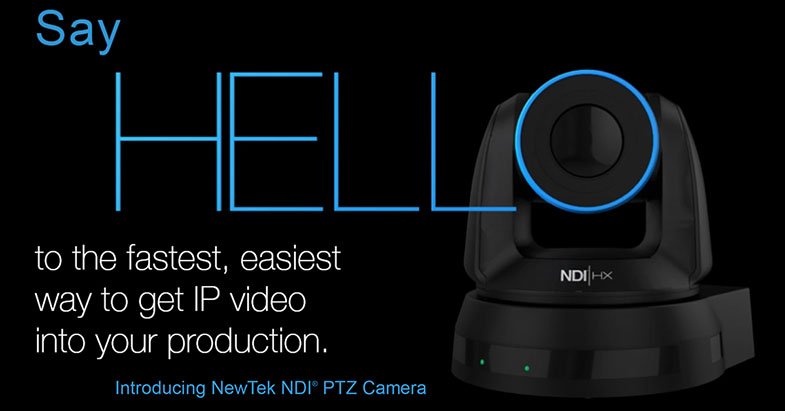
Date: 04. 09. 2018,
Category: News
FULL ARTICLE
This software update adds support for Dolby Vision certification along with fixes and improvements for dynamic project switching, faster save speeds, better text encoding for subtitles, improved RED IPP2 gamut mapping and more. DaVinci Resolve 15.0.1 update also addresses playback issues for Fusion clips with premultiplied alpha, improves HDR10+ support, makes it possible to render to unmapped drives on Windows, and includes additional general performance and stability improvements.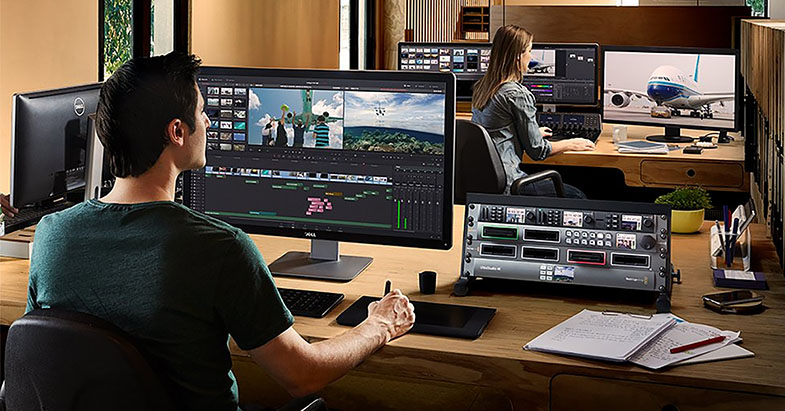
Date: 03. 09. 2018,
Category: News
FULL ARTICLE
John Brawley talks about the new Blackmagic Pocket Cinema Camera 4K. ‘Models Close up at Night’ is his third camera test where he checked out the camera’s ability to handle different skin tones in very low light conditions.
“This camera test was about shooting different skin tones in different low light conditions, so we wanted to keep it simple using the least amount of artificial lighting. We had a hotel room in Atlanta where we shot from 3pm until 11pm and got through about 70-80 shots cycling through different lighting and skin conditions. When you can get really great pictures at ISO3200 and above, things suddenly get very interesting. In this test, we were shooting two hours after sunset and you can still see blue sky around the buildings in the background! This camera can really read a long way into the shadows, which was a big surprise.”
“I see this camera as continuing the evolution that Blackmagic started with the Pocket Cinema Camera by now making it 4K. Having something that we can work with in really low light like this, means you can still get really great results with any type of ambient light.”
Blackmagic Pocket Cinema Camera 4K
Apple ProRes 422 HQ
ISO1000 and 3200
Micro Four Thirds lenses
Date: 31. 08. 2018,
Category: News
FULL ARTICLE
Andreas Neumann talks about using the new Blackmagic Pocket Cinema Camera 4K for the first time. ‘Balloons’ is Andreas’ extreme lighting test as he constantly shoots directly into the sun, wide open. ‘Balloons’ documents the camera’s performance from 5am in the morning into the height of the midday sun.
“I shot this test at Temecula in California, shooting from dawn until midday. This was a challenging environment for any camera, because I was constantly shooting into the light, or with the sun directly behind people’s faces. The detail I got was incredible. You can see everything reflecting in my wife’s Chanel glasses. You can actually see reflections off the ground, the balloon above, and the sky in the background. The camera really did capture everything I was seeing. I love shooting directly into the light wide open, and with this camera you could safely do that. I was totally amazed at what the micro four thirds sensor could handle. It seemed like the same quality as the URSA Mini Pro with the full sensor. I was also very surprised at how well the back-screen performed in bright sunlight, where I could truly see every detail.”
Blackmagic Pocket Cinema Camera 4K
Apple ProRes 422 HQ
ISO800
Rokinon 25, 50, 80 T1.5 prime lenses
Date: 30. 08. 2018,
Category: News
FULL ARTICLE