
 CZ
CZ SK
SK HU
HU AT
AT DE
DE ES
ES SI
SI HR
HR
Nothing in the basket.

- Search
-
Login

-
0
Comparison
Add products to compare, then they will appear here and you can compare parameters.
-
0
0 €
Tilta Khronos Focus PD Handle for iPhone - Space Gray with battery
SKU: TK-IP-PH-SG
The Tilta Khronos Focus PD Handle gives iPhone filming the two things it lacks most: a solid grip and smooth focus. The dial on the front pulls focus or zooms without tapping the screen, so the image never jumps to a different point. The handle clicks onto the quick-release points of the Khronos case and locks with a lever; it works in both portrait and landscape.…
180 € with VAT
148.76 € without VAT
Personal pickup within 90 minutes
Shipment day: Today
Shipment day: Today
In stock 2 pcs
Praha 2 pcs
Praha 2 pcs
Top accessories for Tilta Khronos Focus PD Handle for iPhone - Space Gray with battery
Tilta Khronos iPhone 17 Pro Max Case - Black
The Tilta Khronos case is an aluminium shell (frame of aluminium alloy) that turns
83 €
In stock 5 pcs
Tilta Khronos iPhone 17 Pro Max Case - Beige
The Tilta Khronos case is an aluminium shell (frame of aluminium alloy) that turns
83 €
In stock 4 pcs
Tilta Khronos iPhone 17 Pro Case - Black
The Tilta Khronos case is an aluminium shell (frame of aluminium alloy) that turns
83 €
In stock 4 pcs
Tilta Khronos iPhone 17 Pro Street Snap Kit - Space Gray
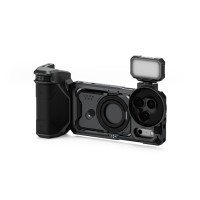
The Khronos Street Snap Kit is a stripped-down mobile filmmaking rig for the iPhone
180 €
In stock 1 pcs
Tilta Khronos iPhone 17 Pro Case - Orange
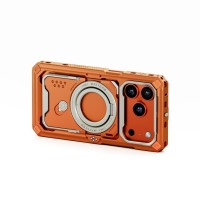
The Tilta Khronos case is an aluminium shell (frame of aluminium alloy) that turns
83 €
In stock 2 pcs
Tilta Khronos iPhone 17 Pro Ultimate Kit - Space Gray
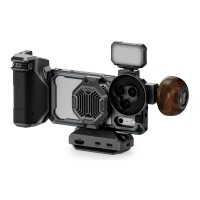
The Khronos Ultimate Kit is a complete mobile filmmaking rig for the iPhone 17 Pro:
325 €
In stock 2 pcs
Tilta Khronos iPhone 17 Pro Case - Beige
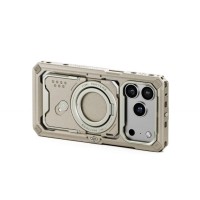
The Tilta Khronos case is an aluminium shell (frame of aluminium alloy) that turns
83 €
In stock 2 pcs
Tilta Khronos NATO Quick Release Adapter - Black
The Tilta Khronos NATO Quick Release Adapter gives the Khronos case a NATO rail and
18 €
In stock 2 pcs
Tilta Khronos iPhone 16 Pro Max Case - Lavender
Promotion: -3%
Khronos is an aluminium case (frame of aluminium alloy) for the iPhone 16 Pro Max
150.94 €
156.09 €
In stock 2 pcs
Tilta Khronos iPhone 15 Pro Max Advanced Kit - Space Gray with battery
Promotion: -9%
The Khronos Advanced Kit is an aluminium cage for the iPhone 15 Pro Max with a cooling
307.76 €
340.01 €
In stock 2 pcs
Product description
SPECIFICATIONS
PACKAGE CONTENT
Product description
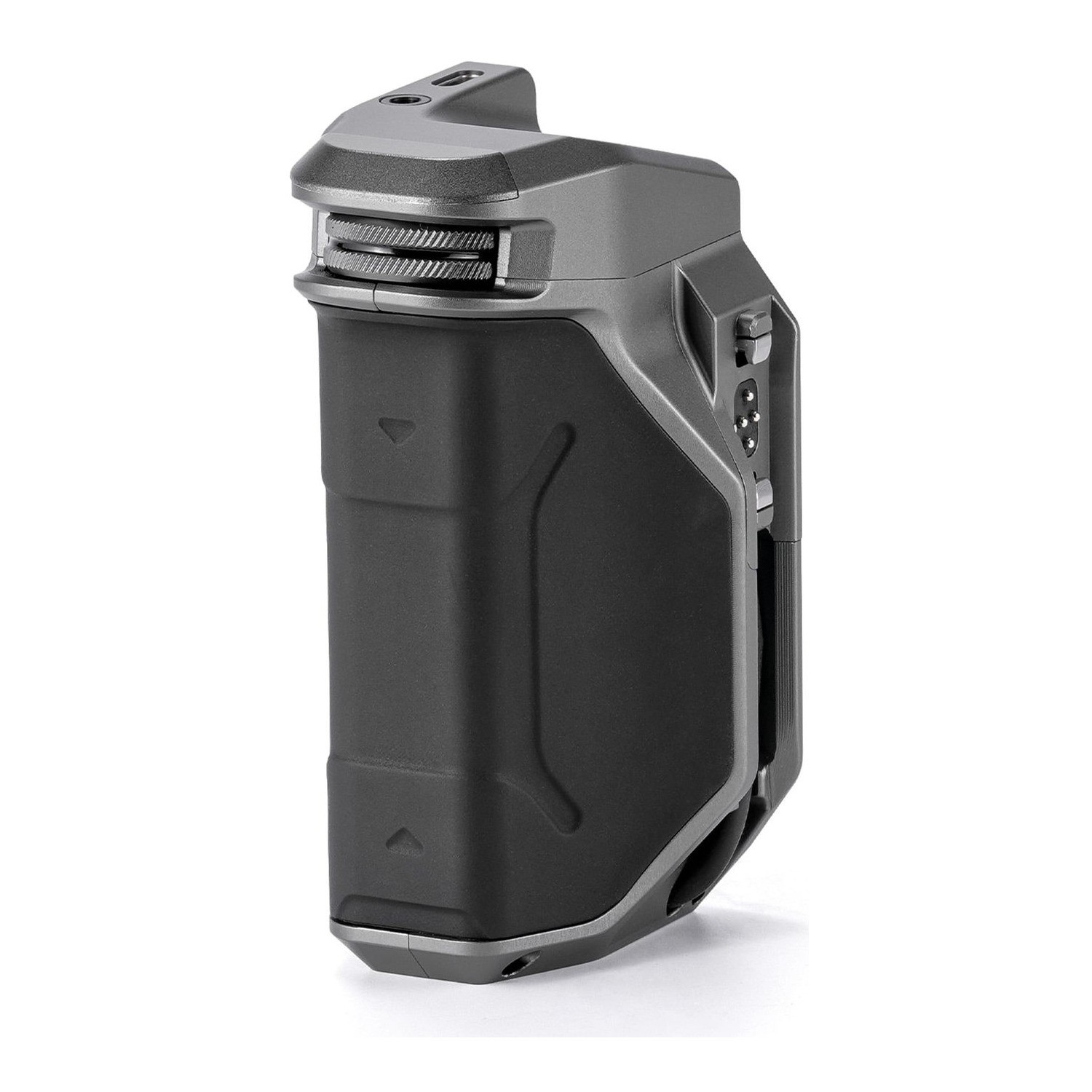
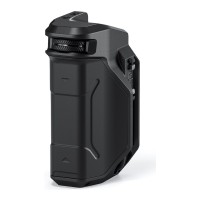
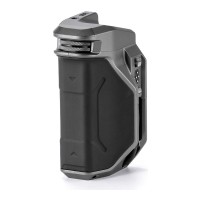
The Tilta Khronos Focus PD Handle gives iPhone filming the two things it lacks most: a solid grip and smooth focus. The dial on the front pulls focus or zooms without tapping the screen, so the image never jumps to a different point. The handle clicks onto the quick-release points of the Khronos case and locks with a lever; it works in both portrait and landscape. A built-in 7.4 V / 37 Wh (5000 mAh) battery powers the phone and the case accessories through the integrated USB-C cable. Space Gray finish.
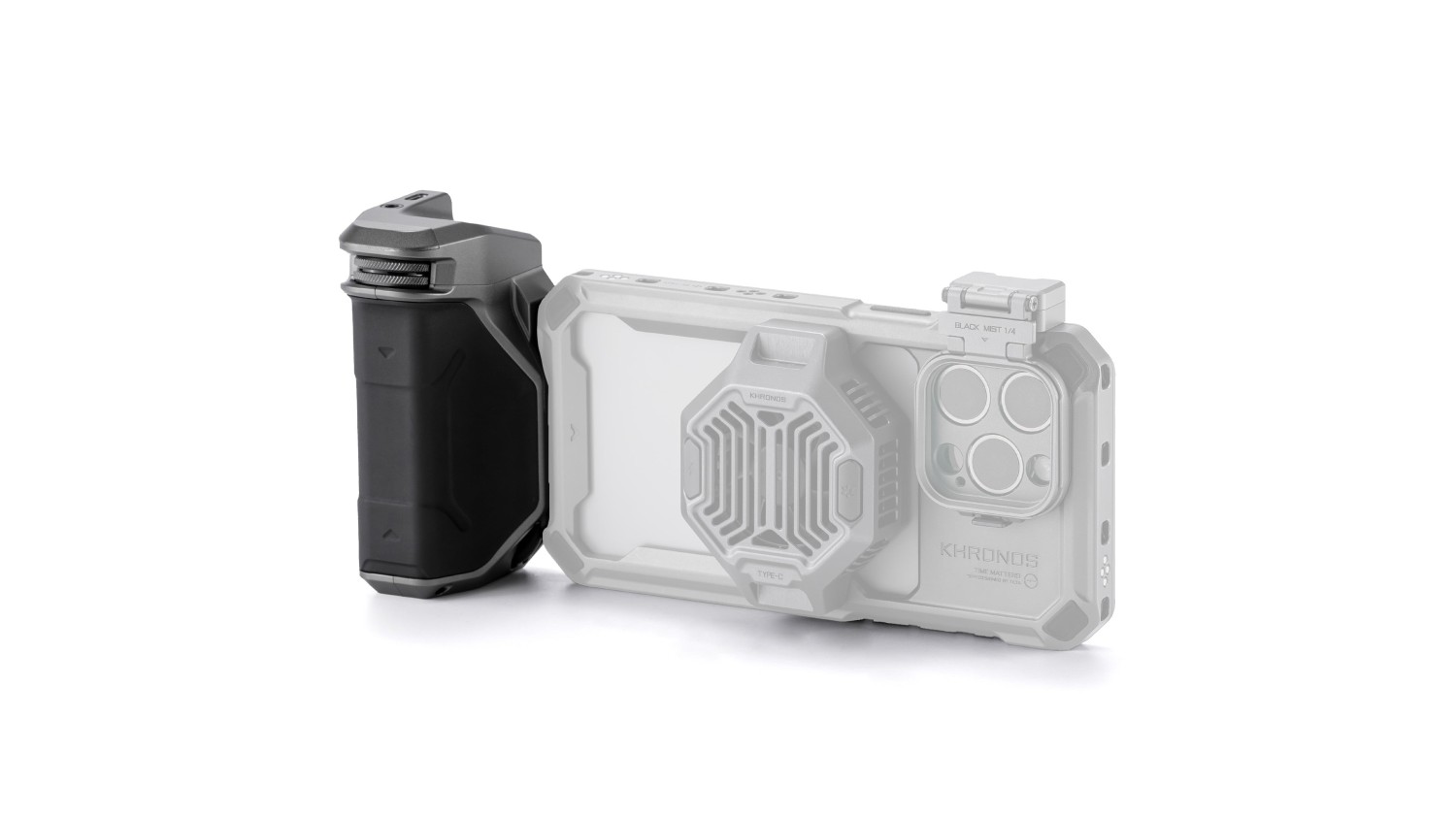
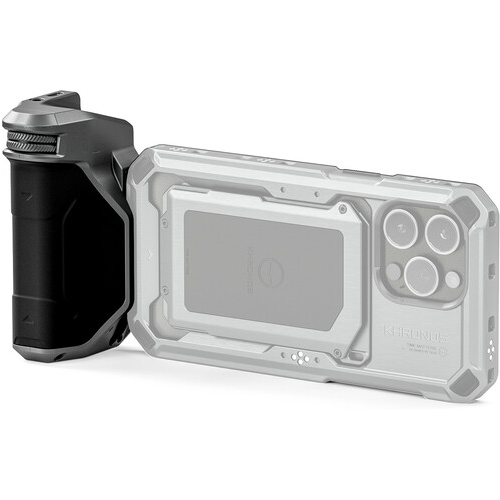
The Focus PD Handle is the most camera-like part of the whole Khronos system. It clicks onto the quick-release points of the Khronos case — press the button, line up the pins, release the button — and locks with a lever. It works in portrait and landscape, so you never have to dismantle the rig to change format.
Focus and zoom are driven by the dial on the front, connected to the phone over Bluetooth. In APP mode the dial controls focus and zoom in the Blackmagic Camera app; in HID mode it controls zoom in the native camera. The Power/Record button starts recording or takes a photo, and the function button switches modes — a long press turns phone power on or off.
The built-in battery is rated 7.4 V / 37 Wh (5000 mAh). Over USB-C it charges at up to 30 W (powered off; powered on it draws at most 5 W) and outputs up to 20 W. A short integrated USB-C cable (70 mm) feeds the phone directly — and through the Khronos case contacts it also powers accessories that have no supply of their own, such as the cooling module or the LED panel.
On the side there is a 3.5 mm port for four-pole TRRS cables, so you can connect an external microphone to the phone. Manufacturer’s note: an external audio source with a TRS output needs a 3.5 mm TRS to 3.5 mm TRRS adapter cable, which is not included. The handle works with iPhone 15, 16 and 17 and with the Samsung Galaxy S26 Ultra; firmware is updated from the Tilta website over USB-C.
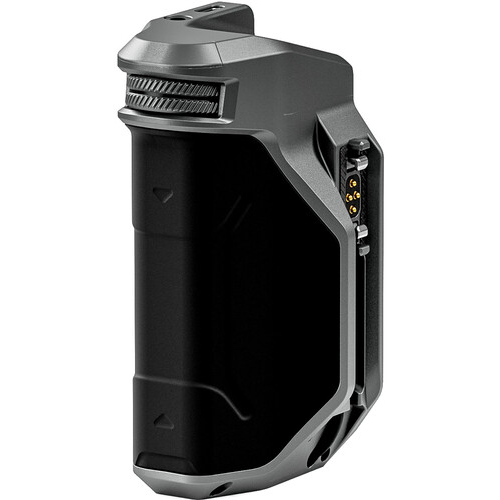
Electronic Contacts and Clamp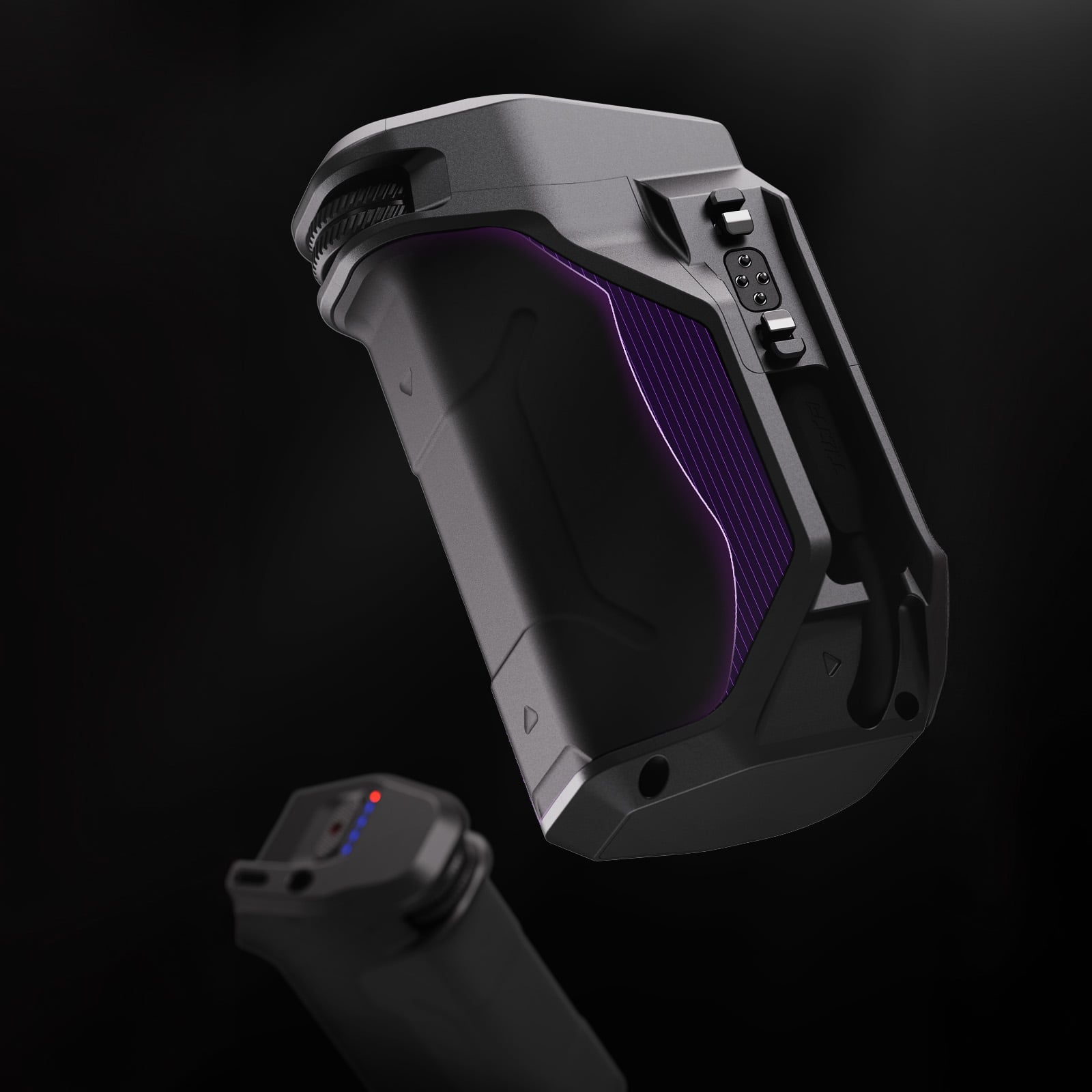 The side edge of the handle carries the electronic contact pins and the clamp screws — the connection to the Khronos case transmits not just mechanical force but also power and data for connected accessories.
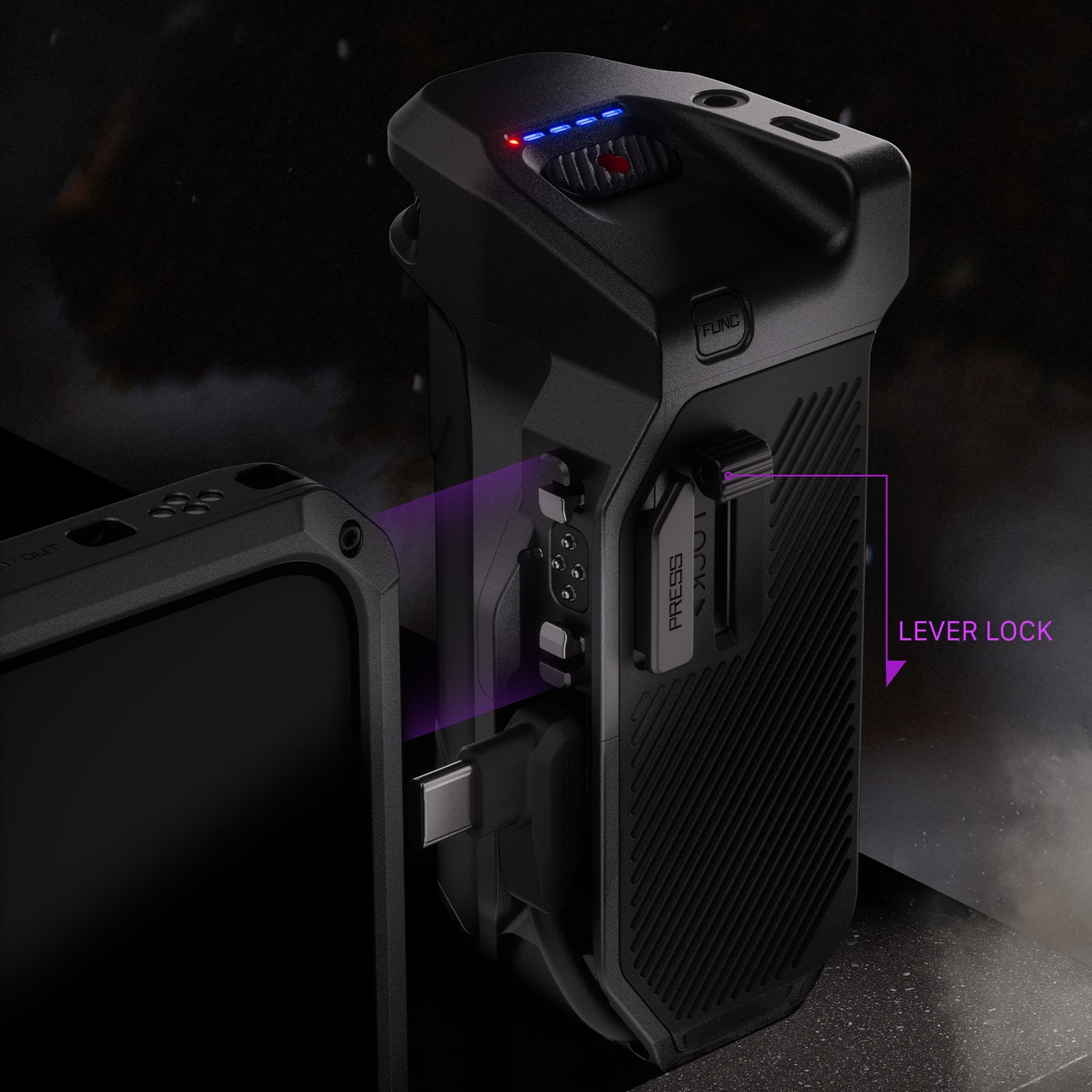
Locking Clamp with Lever
The handle attaches to the Khronos case's quick-release points by pressing the button and locks with an independent lever marked LOCK — the connection is firm and play-free, yet releases again with a single motion.
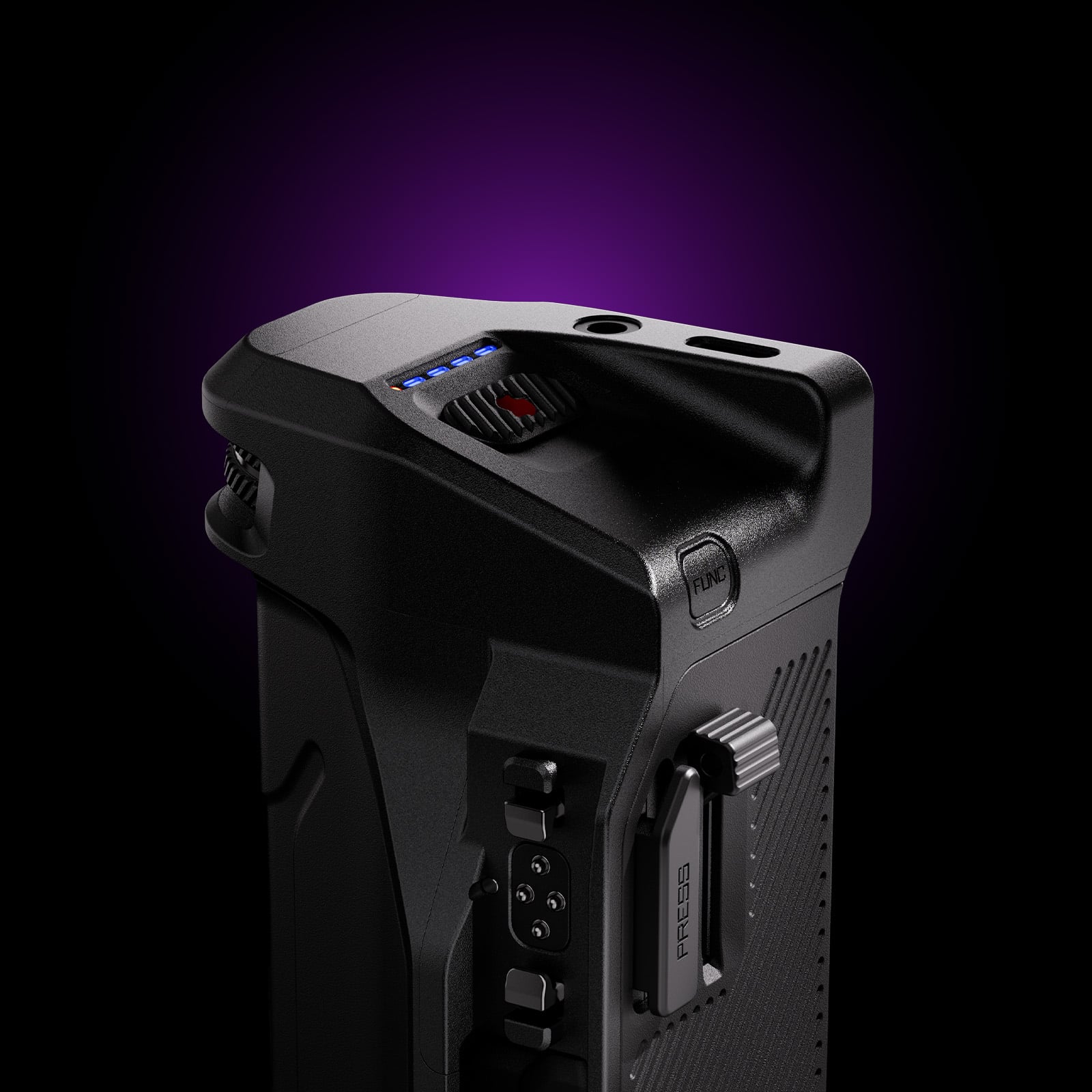
Controls and Audio Input
Grouped on top are the Power/Record button, the function button, the battery-status indicator, the USB-C port and the 3.5mm input for an external microphone — all within thumb's reach, without changing grip.
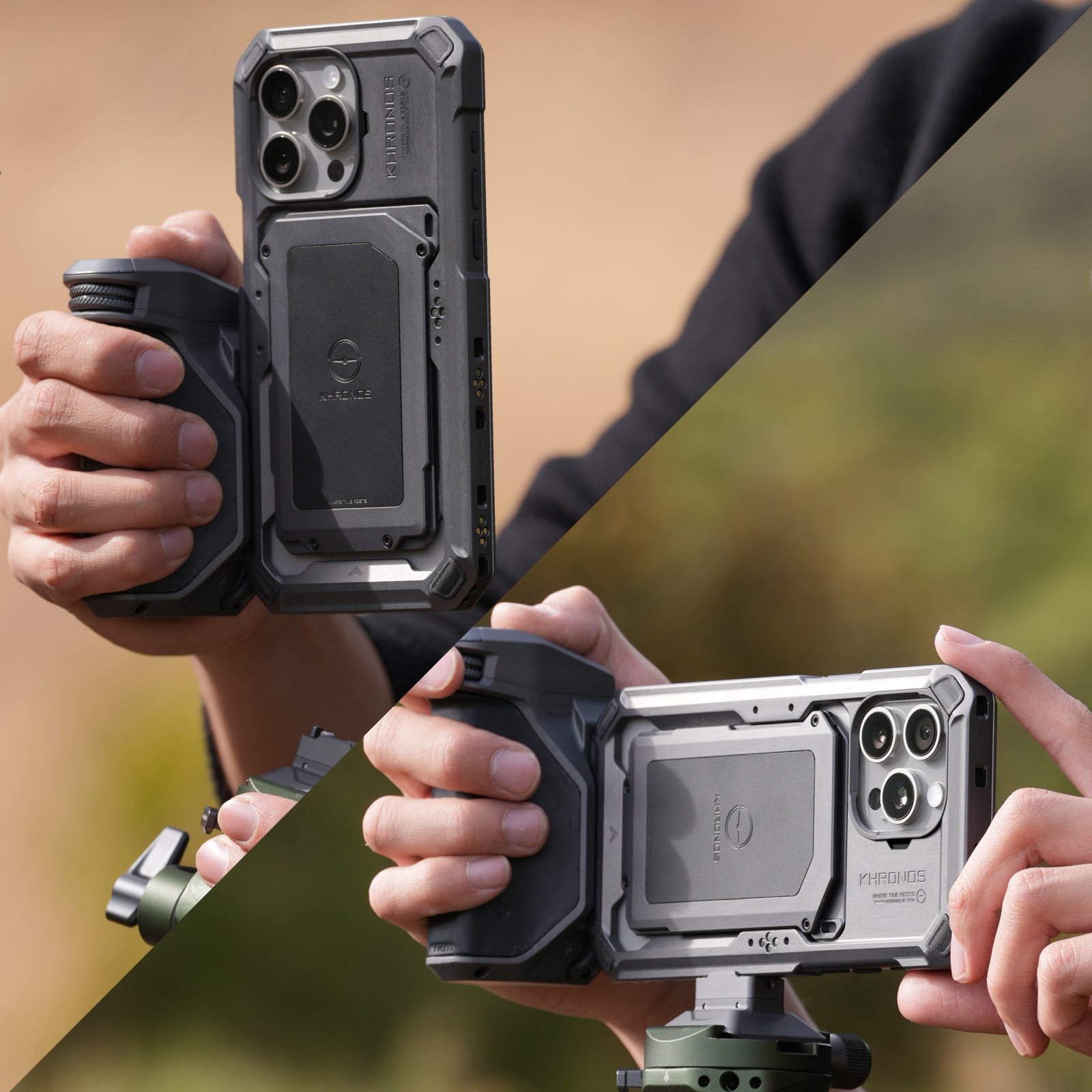
Vertical and Horizontal Orientation
The handle works in both orientations, so switching between portrait and widescreen framing does not require disassembling the rig — just rotate the phone and handle together.
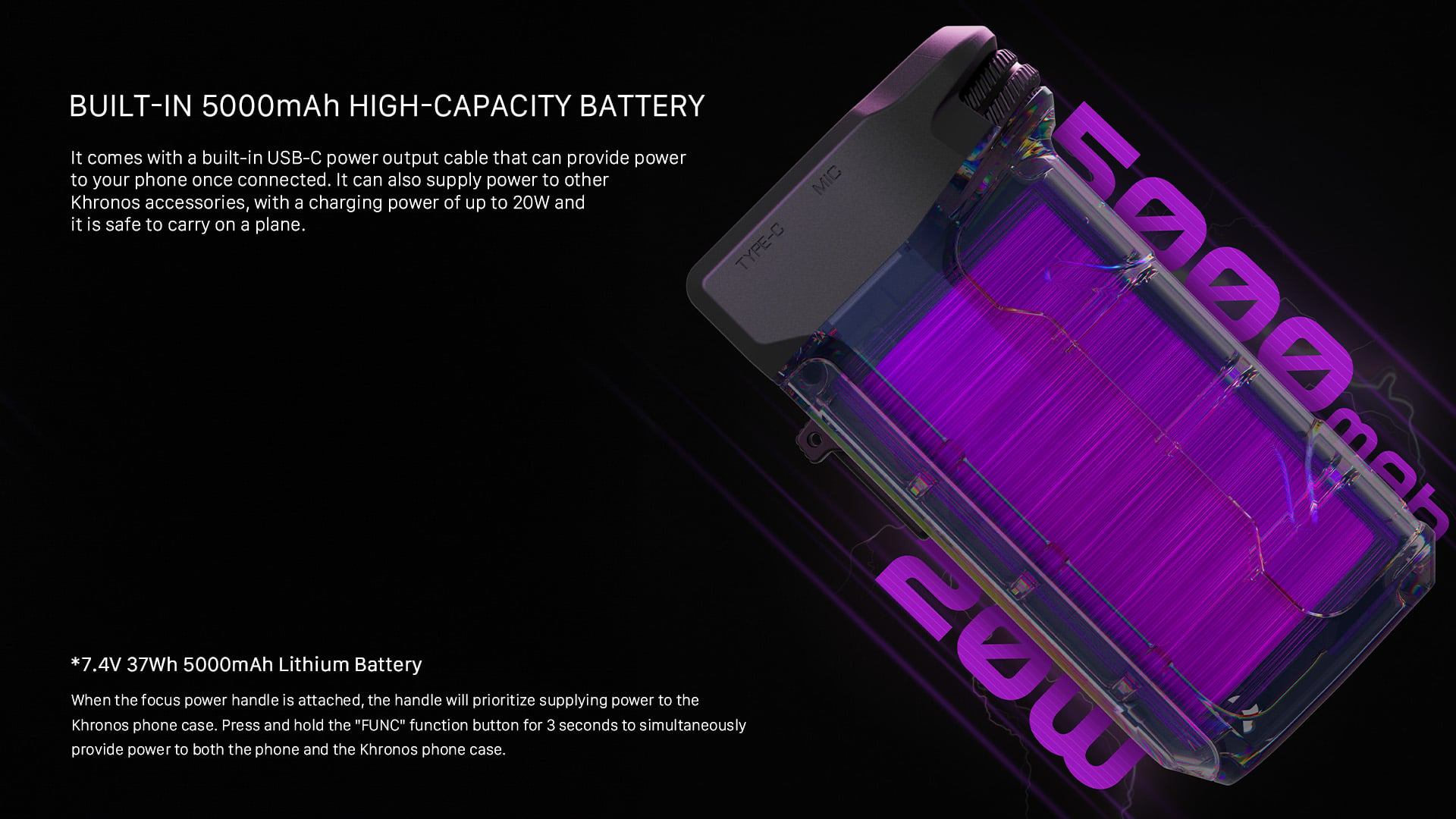
Key features
- Purpose-built for the Khronos case
- A locking clamp holds the handle on the case firmly and without play
- Focus and zoom control by dial, with no tapping on the screen
- Built-in battery powers the phone and the case accessories
- More stable rig, with the record button right under your finger
PACKAGE CONTENT
- Tilta Khronos Focus PD Handle — 1×
SPECIFICATIONS
- Model: TK-IP-PH-SG
- Battery: 7.4 V / 37 Wh (5000 mAh), built in
- Ports: USB-C (input up to 30 W, output up to 20 W), integrated 70 mm USB-C power cable (20 W output), 3.5 mm TRRS
- Control: focus/zoom dial over Bluetooth (APP and HID modes), record button, function button
- Audio: 3.5 mm input for four-pole TRRS cables (TRS to TRRS adapter not included)
- Mounting: quick-release clamp onto the Khronos case, locked with a lever
- Dimensions: 103,8 × 49 × 65,1 mm
- Weight: 300 g
- Material: aluminium alloy, SUS304, silicone, ABS, PC
- Colour: Space Gray
- Compatibility: Khronos case for iPhone 15, 16 and 17; Samsung Galaxy S26 Ultra
Parameters
Parameters
| Manufacturer: | Tilta |
| Category: | Rigs for mobiles |
Main parameters
| For phone | iPhone 17 Pro Max · iPhone 17 Pro · iPhone 15 Pro · iPhone 15 Pro Max · iPhone 16 Pro · iPhone 16 Pro Max · Samsung Galaxy S26 Ultra |
ACCESSORIES (50)
ACCESSORIES (50)
Tilta Khronos iPhone 17 Pro Max Case - Black
The Tilta Khronos case is an aluminium shell (frame of aluminium alloy) that turns
83 €
In stock 5 pcs
Tilta Khronos iPhone 17 Pro Max Case - Beige
The Tilta Khronos case is an aluminium shell (frame of aluminium alloy) that turns
83 €
In stock 4 pcs
Tilta Khronos iPhone 17 Pro Case - Black
The Tilta Khronos case is an aluminium shell (frame of aluminium alloy) that turns
83 €
In stock 4 pcs
Tilta Khronos iPhone 17 Pro Street Snap Kit - Space Gray
The Khronos Street Snap Kit is a stripped-down mobile filmmaking rig for the iPhone
180 €
In stock 1 pcs
Tilta Khronos iPhone 17 Pro Case - Orange
The Tilta Khronos case is an aluminium shell (frame of aluminium alloy) that turns
83 €
In stock 2 pcs
Tilta Khronos iPhone 17 Pro Ultimate Kit - Space Gray
The Khronos Ultimate Kit is a complete mobile filmmaking rig for the iPhone 17 Pro:
325 €
In stock 2 pcs
Tilta Khronos iPhone 17 Pro Case - Beige
The Tilta Khronos case is an aluminium shell (frame of aluminium alloy) that turns
83 €
In stock 2 pcs
Tilta Khronos NATO Quick Release Adapter - Black
The Tilta Khronos NATO Quick Release Adapter gives the Khronos case a NATO rail and
18 €
In stock 2 pcs
Tilta Khronos iPhone 16 Pro Max Case - Lavender
Promotion: -3%
Khronos is an aluminium case (frame of aluminium alloy) for the iPhone 16 Pro Max
150.94 €
156.09 €
In stock 2 pcs
Tilta Khronos iPhone 15 Pro Max Advanced Kit - Space Gray with battery
Promotion: -9%
The Khronos Advanced Kit is an aluminium cage for the iPhone 15 Pro Max with a cooling
307.76 €
340.01 €
In stock 2 pcs
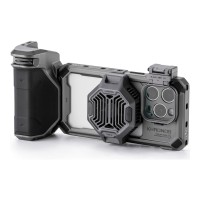
Tilta Khronos iPhone 15 Pro Advanced Kit - Space Gray with battery
Promotion: -18%
The Khronos Advanced Kit is an aluminium cage for the iPhone 15 Pro with a cooling
279.44 €
340.01 €
In stock 1 pcs
Tilta Khronos iPhone 16 Pro Ultimate Kit - Black (with Internal Batteries)

Promotion: -4%
The Ultimate Kit is the top Khronos set for the iPhone 16 Pro — it does not fit the
578.53 €
603.79 €
In stock 2 pcs
Tilta Khronos iPhone 15 Pro Basic Kit - Titanium White with battery
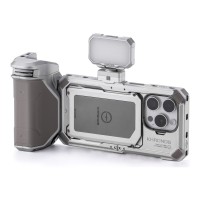
The Khronos Basic Kit is an aluminium cage for the iPhone 15 Pro with an LED panel
259 €
In stock 2 pcs
Tilta Khronos iPhone 15 Pro Lightweight Kit - Space Gray
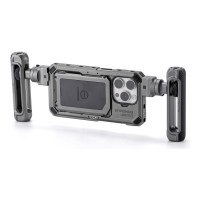
The Khronos Lightweight Kit is an aluminium cage for the iPhone 15 Pro with two adjustable
186 €
In stock 2 pcs
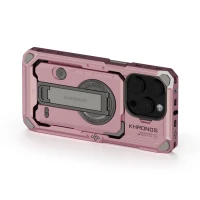
Tilta Khronos iPhone 16 Pro Case - Pink
Promotion: -3%
Khronos is an aluminium case (frame of aluminium alloy) for the iPhone 16 Pro — it
150.94 €
156.09 €
In stock 2 pcs
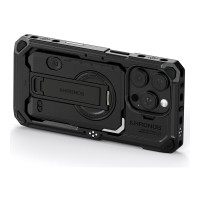
Tilta Khronos iPhone 16 Pro Case - Black
Promotion: -3%
Khronos is an aluminium case (frame of aluminium alloy) for the iPhone 16 Pro — it
150.94 €
156.09 €
In stock 2 pcs
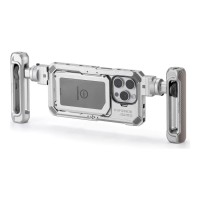
Tilta Khronos iPhone 15 Pro Lightweight Kit - Titanium White
Promotion: -25%
The Khronos Lightweight Kit is an aluminium cage for the iPhone 15 Pro with two adjustable
139.74 €
186.34 €
In stock 2 pcs
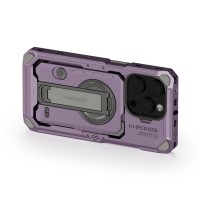
Tilta Khronos iPhone 16 Pro Case - Lavender
Promotion: -3%
Khronos is an aluminium case (frame of aluminium alloy) for the iPhone 16 Pro — it
150.94 €
156.09 €
In stock 2 pcs
Tilta Khronos iPhone 15 Pro Max Lightweight Kit - Titanium White
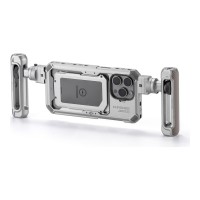
The Khronos Lightweight Kit is an aluminium cage for the iPhone 15 Pro Max with two
186 €
In stock 2 pcs
Tilta Khronos iPhone 15 Pro Basic Kit - Space Gray with battery
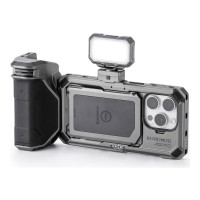
Promotion: -25%
The Khronos Basic Kit is an aluminium cage for the iPhone 15 Pro with an LED panel
195.33 €
258.94 €
In stock 2 pcs
Tilta Khronos iPhone 16 Pro Case - Space Gray
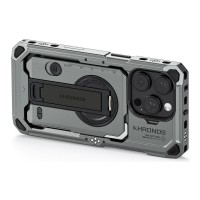
Promotion: -3%
Khronos is an aluminium case (frame of aluminium alloy) for the iPhone 16 Pro — it
150.94 €
156.09 €
In stock 2 pcs
Tilta Khronos iPhone 16 Pro Handheld Kit - Black (with Internal Batteries)
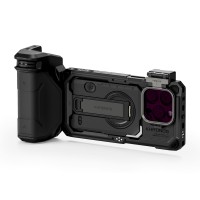
Promotion: -4%
The Handheld Kit is a ready-made handheld rig for shooting on the iPhone 16 Pro —
347.73 €
361.79 €
In stock 1 pcs
Tilta Khronos iPhone 17 Pro Max Street Snap Kit - Space Gray
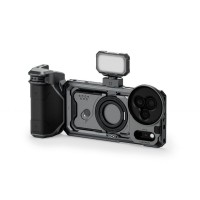
The Khronos Street Snap Kit is a stripped-down mobile filmmaking rig for the iPhone
180 €
In stock 1 pcs
Tilta Khronos iPhone 17 Pro Street Snap Kit - Black
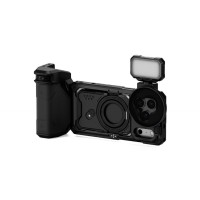
The Khronos Street Snap Kit is a stripped-down mobile filmmaking rig for the iPhone
180 €
In stock 1 pcs
Tilta Khronos iPhone 16 Pro Case - Orange
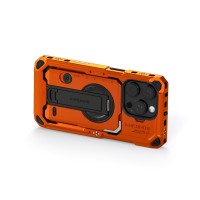
Promotion: -3%
Khronos is an aluminium case (frame of aluminium alloy) for the iPhone 16 Pro — it
150.94 €
156.09 €
In stock 1 pcs
Tilta Khronos iPhone 17 Pro Case - Space Gray
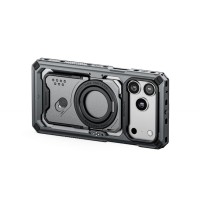
The Tilta Khronos case is an aluminium shell (frame of aluminium alloy) that turns
83 €
In stock 1 pcs
Tilta Khronos iPhone 16 Pro Max Case - Forest Green
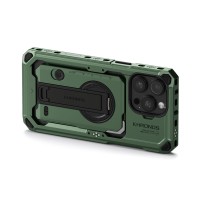
Khronos is an aluminium case (frame of aluminium alloy) for the iPhone 16 Pro Max
156 €
In stock 1 pcs
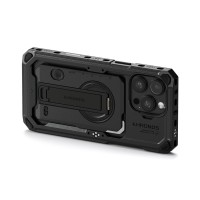
Tilta Khronos iPhone 16 Pro Max Case - Black
Promotion: -3%
Khronos is an aluminium case (frame of aluminium alloy) for the iPhone 16 Pro Max
150.94 €
156.09 €
In stock 1 pcs
Tilta Khronos iPhone 17 Pro Ultimate Kit - Black
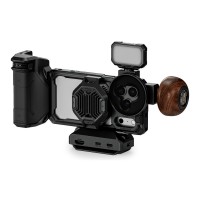
The Khronos Ultimate Kit is a complete mobile filmmaking rig for the iPhone 17 Pro:
325 €
In stock 1 pcs
Tilta Khronos iPhone 16 Pro Max Case - Orange
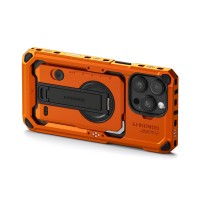
Khronos is an aluminium case (frame of aluminium alloy) for the iPhone 16 Pro Max
156 €
To be sent 1 pcs
Tilta Khronos iPhone 15 Pro Max Lightweight Kit - Space Gray
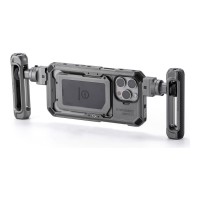
The Khronos Lightweight Kit is an aluminium cage for the iPhone 15 Pro Max with two
186 €
In stock 1 pcs
Tilta Khronos iPhone 15 Pro Max Advanced Kit - Titanium White with battery
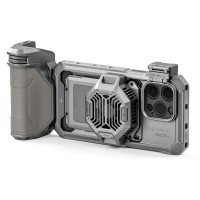
Promotion: -24%
The Khronos Advanced Kit is an aluminium cage for the iPhone 15 Pro Max with a cooling
258.81 €
340.01 €
To be sent 1 pcs
Tilta Khronos iPhone 16 Pro Case - Forest Green
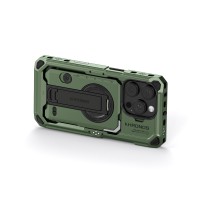
Promotion: -3%
Khronos is an aluminium case (frame of aluminium alloy) for the iPhone 16 Pro — it
150.94 €
156.09 €
In stock 1 pcs
Tilta Khronos iPhone 15 Pro Advanced Kit - Titanium White with battery
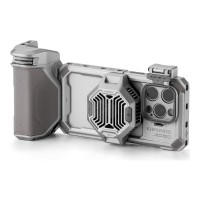
Promotion: -24%
The Khronos Advanced Kit is an aluminium cage for the iPhone 15 Pro with a cooling
258.81 €
340.01 €
In stock 1 pcs
Tilta Khronos iPhone 16 Pro Handheld Kit - Space Gray (with Internal Batteries)
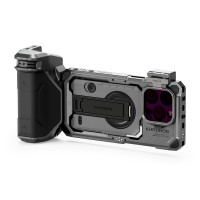
Promotion: -4%
The Handheld Kit is a ready-made handheld rig for shooting on the iPhone 16 Pro —
347.73 €
361.79 €
In stock 1 pcs
Tilta Khronos iPhone 15 Pro Max Ultimate Kit - Space Gray with battery
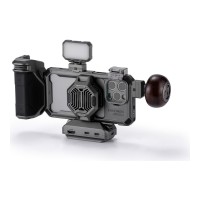
Promotion: -5%
The Khronos Ultimate Kit is an aluminium cage for the iPhone 15 Pro Max with the
502.94 €
527.56 €
In stock 1 pcs
Tilta Khronos iPhone 17 Pro Max Case - Orange
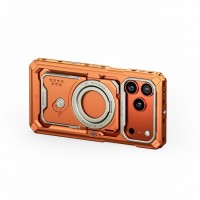
The Tilta Khronos case is an aluminium shell (frame of aluminium alloy) that turns
83 €
Backordered 1 pcs
Tilta Ring Grip Handle Attachment (1/4"-20)
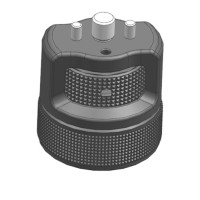
The Tilta TGA-ARG-HA1 Ring Grip Handle Attachment is a compact and lightweight accessory
18 €
on request
Tilta Khronos iPhone 18 Pro Ultimate Kit - Black
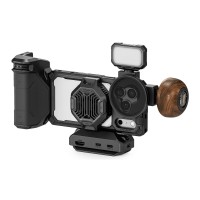
The Khronos Ultimate Kit is a complete mobile filmmaking rig for the iPhone 18 Pro
729 €
on request
Tilta Khronos iPhone 18 Pro Case - Space Gray
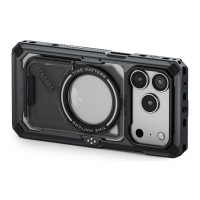
The Tilta Khronos case is an aluminium case (frame of aluminium alloy) that turns
132 €
on request
Tilta Khronos iPhone 18 Pro Street Snap Kit - Black
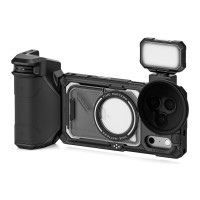
The Khronos Street Snap Kit is a stripped-down mobile filmmaking rig for the iPhone
429 €
on request
Tilta Khronos iPhone 18 Pro Max Street Snap Kit - Space Gray
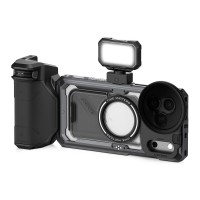
The Khronos Street Snap Kit is a stripped-down mobile filmmaking rig for the iPhone
429 €
on request
Tilta Khronos iPhone 18 Pro Max Street Snap Kit - Black
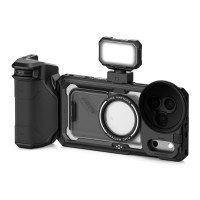
The Khronos Street Snap Kit is a stripped-down mobile filmmaking rig for the iPhone
429 €
on request
Tilta Khronos iPhone 18 Pro Max Case - Space Gray
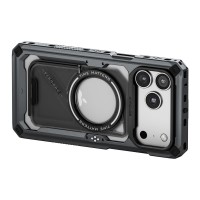
The Tilta Khronos case is an aluminium case (frame of aluminium alloy) that turns
132 €
on request
Tilta Khronos iPhone 18 Pro Max Case - Black
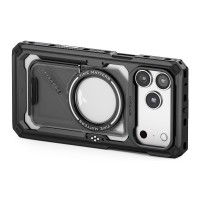
The Tilta Khronos case is an aluminium case (frame of aluminium alloy) that turns
132 €
on request
Tilta Khronos iPhone 18 Pro Street Snap Kit - Space Gray
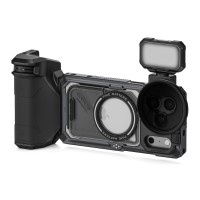
The Khronos Street Snap Kit is a stripped-down mobile filmmaking rig for the iPhone
429 €
on request
Tilta Khronos iPhone 18 Pro Case - Black
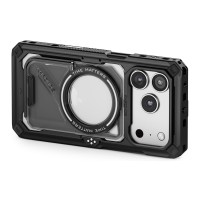
The Tilta Khronos case is an aluminium case (frame of aluminium alloy) that turns
132 €
on request
Tilta Khronos iPhone 18 Pro Ultimate Kit - Space Gray
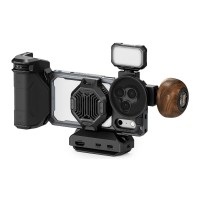
The Khronos Ultimate Kit is a complete mobile filmmaking rig for the iPhone 18 Pro
729 €
on request
Tilta Khronos iPhone 18 Pro Max Ultimate Kit - Black
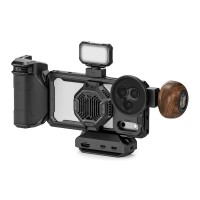
The Khronos Ultimate Kit is a complete mobile filmmaking rig for the iPhone 18 Pro
729 €
on request
Tilta Khronos iPhone 18 Pro Max Ultimate Kit - Space Gray
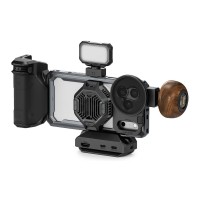
The Khronos Ultimate Kit is a complete mobile filmmaking rig for the iPhone 18 Pro
729 €
on request
Alternative (5)
Alternative (5)
Tilta Khronos Lite x On the Roam iPhone 17 Pro Max Creator Kit - Gold
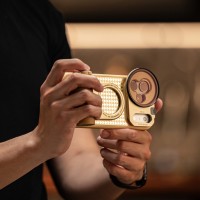
The Tilta Khronos Lite x On the Roam Creator Kit for the iPhone 17 Pro Max is a limited
156 €
In stock 5 pcs
Tilta Khronos Universal Smartphone Case Creator Kit - Space Gray
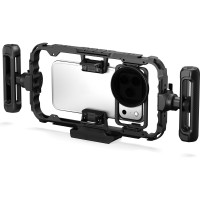
The Tilta Khronos Universal Smartphone Case Creator Kit is a phone cage with a 70–90
241 €
In stock 3 pcs
Tilta Khronos Lite Galaxy S26 Ultra Creator Kit - Silver (with Internal Batteries)
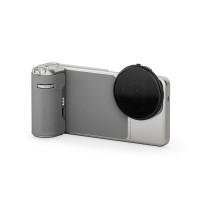
The Tilta Khronos Lite Creator Kit is a slimmed-down four-piece set for the Samsung
120 €
In stock 1 pcs
Tilta Khronos Galaxy S26 Ultra Case - Space Gray
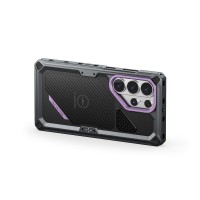
The Tilta Khronos is an aluminium case for the Samsung Galaxy S26 Ultra that turns
120 €
In stock 1 pcs
Tilta Khronos Foc PD Handle for iPhone - Black (with Internal Batteries)
The Tilta Khronos Focus PD Handle gives iPhone filming the two things it lacks most:
180 €
on request

News, training, and discounts from Syntex
Special offers and discounts for subscribers only · Free audio & video workshops · News and tips from the world of filmmaking
- Show all
Tilta Khronos Focus PD Handle for iPhone - Space Gray with battery
The Tilta Khronos Focus PD Handle gives iPhone filming the two things it lacks most:180 €In stock 2 pcs