
 CZ
CZ SK
SK HU
HU AT
AT DE
DE ES
ES SI
SI HR
HR
Nothing in the basket.

- Search
-
Login

-
0
Comparison
Add products to compare, then they will appear here and you can compare parameters.
-
0
0 €
PIX-E Series Adds New Video Assist Features
Video Devices announced the addition of a new set of features to the PIX-E Series of 4K-compatible recording monitors with the release of firmware 3.50. With this firmware update the PIX-E Series offers key playback functionality, including the ability to add, delete, and locate to cue markers, create a custom playlist, loop playback of individual recordings, regions or playlists, and more. These features, which are available as a free download for PIX-E5, PIX-E5H, and PIX-E7 owners, work with or without the optional PIX-LR audio interface accessory.
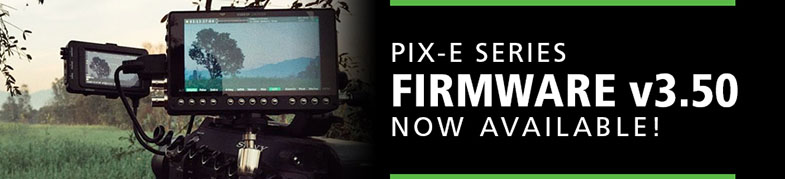
Reviewing regions within a recorded file becomes easy and efficient with the use of the new cue markers feature. Users can add cue markers both while recording and during playback. When combined with existing features such as pause and jog, users can now also set frame-accurate cue markers and later navigate to them with a quick press of the Fast Forward or Rewind buttons.
Another new playback tool is looping, which lets a user loop sections of a recording, the entire recording, or even an entire playlist of recorded files. You can loop forward, in reverse, in slow motion, or at high speed. A unique PIX-E7 only feature is an SDI In button that toggles monitoring and recording between separate video signals fed to the monitor's two SDI inputs. This is ideal for switching back and forth between dual camera shots. This feature is perfect for video assist and digital imaging technicians (DITs), so they can quickly compare framing and color balance on both cameras. The director can then view both shots from one device. Click the following link to the v3.50 download page.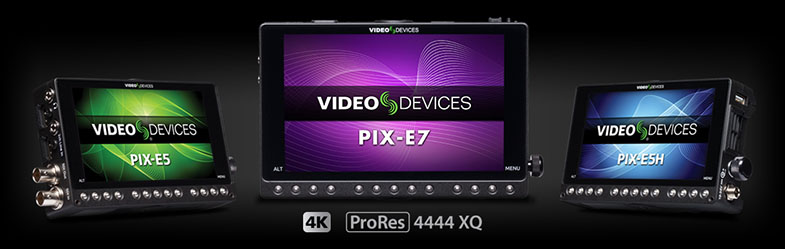
Date: 31. 10. 2016,
Category: News