
 CZ
CZ SK
SK HU
HU AT
AT DE
DE ES
ES SI
SI HR
HR
Nothing in the basket.

- Search
-
Login

-
0
Comparison
Add products to compare, then they will appear here and you can compare parameters.
-
0
0 €
Blackmagic Design ATEM 2 M/E Advanced Panel 40
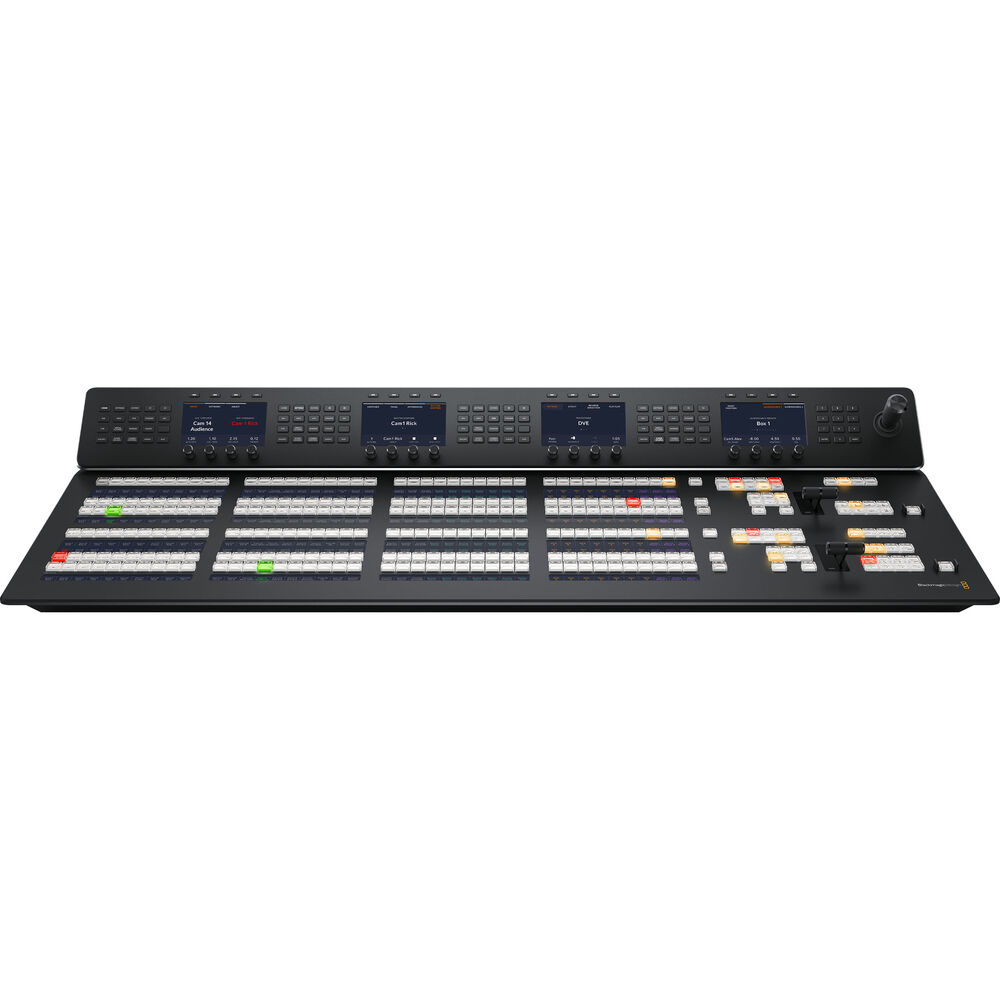
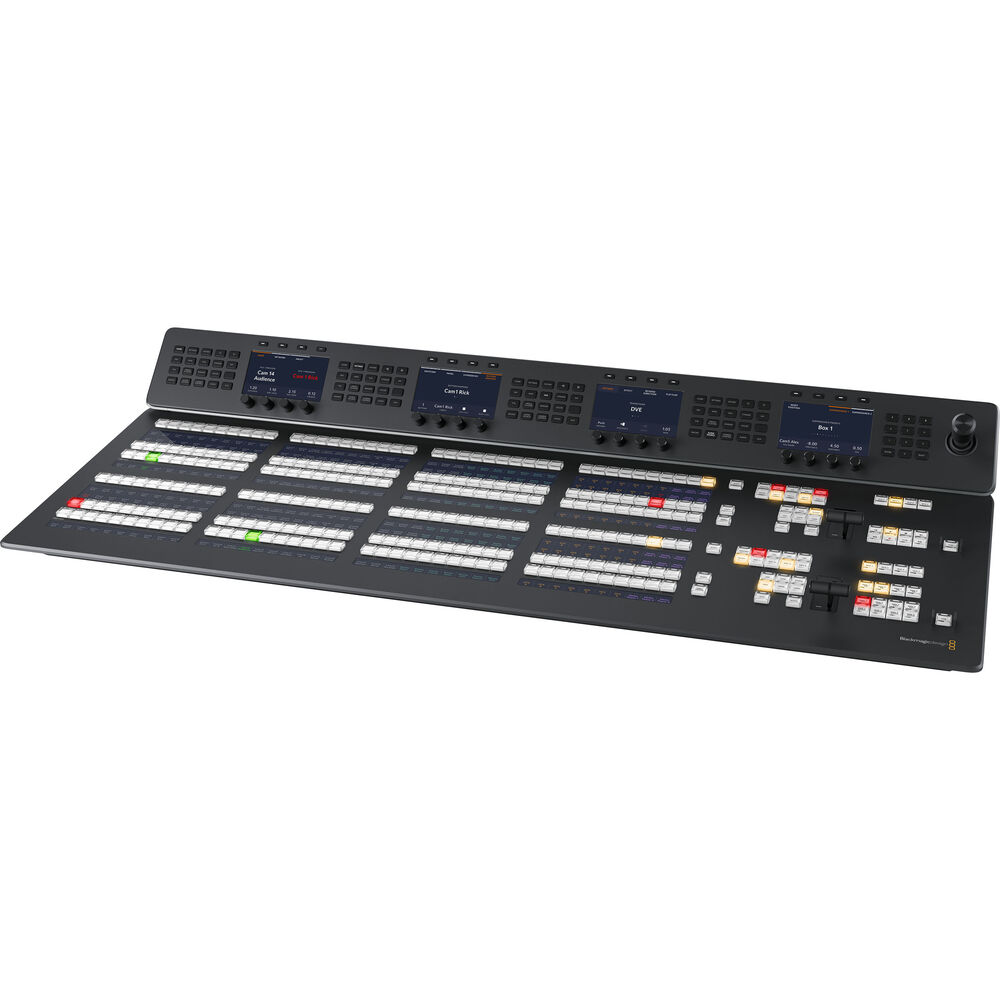
SKU: SWPANELADV2ME40
ATEM 2 M/E Advanced Panel 40 is a hardware control panel for ATEM switchers that moves your work from software to broadcast buttons, a T-bar and a joystick. It offers 2 M/E rows with 40 direct source buttons (up to 80 sources with Shift), 4 system control LCDs with a function keypad, a 3-axis joystick for DVEs, macros and an Ethernet connection. It is ideal…
10 529 € with VAT
8 701.65 € without VAT
Availability
on request
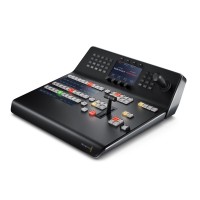
Blackmagic Design ATEM 1 M/E Advanced Panel 10
3 529 €without VAT 2 916.53 €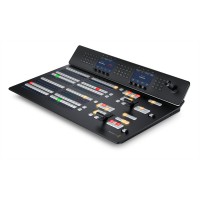
Blackmagic Design ATEM 2 M/E Advanced Panel 20
6 899 €without VAT 5 701.65 €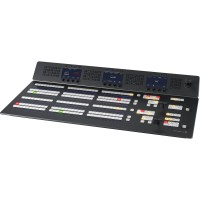
Blackmagic Design ATEM 2 M/E Advanced Panel 30
8 229 €without VAT 6 800.83 €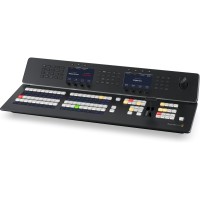
Blackmagic Design ATEM 1 M/E Advanced Panel 20
4 199 €without VAT 3 470.25 €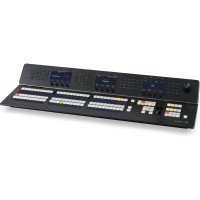
Blackmagic Design ATEM 1 M/E Advanced Panel 30
6 049 €without VAT 4 999.17 €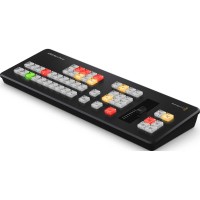
Blackmagic Design ATEM Micro Panel
In stock > 5 pcs749 €without VAT 619.01 €Top accessories for Blackmagic Design ATEM 2 M/E Advanced Panel 40
AVMATRIX Wireless Multi-Camera Tally Light System (4 x Tally Lamps)
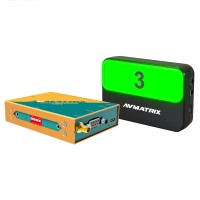
AVMATRIX TS3019-4 is a wireless tally system with a base unit and four tally lamps.
489 €
In stock 5 pcs
Blackmagic Design ATEM 4 M/E Constellation 4K
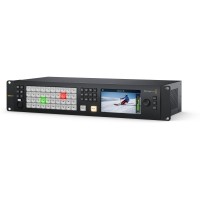
ATEM 4 M/E Constellation 4K is a professional 4 M/E live production switcher for
10 469 €
In stock 2 pcs
Blackmagic Design ATEM 2 M/E Constellation HD
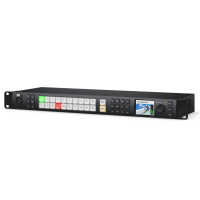
ATEM 2 M/E Constellation HD is a professional 2 M/E live production switcher for
1 989 €
In stock 1 pcs
Blackmagic Design ATEM 1 M/E Constellation HD
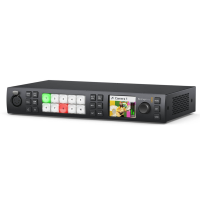
ATEM 1 M/E Constellation HD is a professional 1 M/E live production switcher for
1 169 €
To be sent 1 pcs
Blackmagic Design ATEM 4 M/E Constellation IP
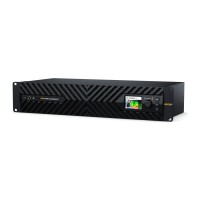
ATEM 4 M/E Constellation IP is a native SMPTE-2110 live production switcher with
12 149 €
on request
Blackmagic Design ATEM 2 M/E Constellation 4K
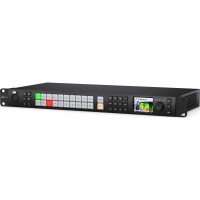
ATEM 2 M/E Constellation 4K is a professional 2 M/E live production switcher for
5 649 €
on request
Blackmagic Design ATEM 1 M/E Constellation 4K
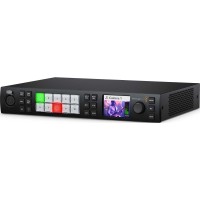
ATEM 1 M/E Constellation 4K is a professional 1 M/E live production switcher for
3 189 €
on request
Blackmagic Design ATEM 4 M/E Constellation IP Plus
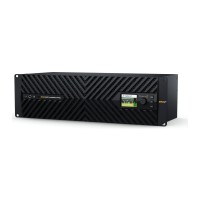
ATEM 4 M/E Constellation IP Plus is a native SMPTE-2110 live production switcher
22 329 €
on request
Blackmagic Design ATEM 4 M/E Constellation 4K Plus
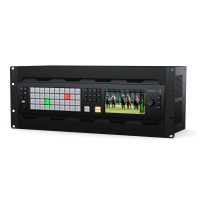
ATEM 4 M/E Constellation 4K Plus is a professional 4 M/E live production switcher
14 459 €
on request
Blackmagic Design ATEM 4 M/E Constellation HD
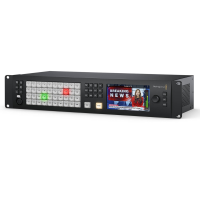
ATEM 4 M/E Constellation HD is a professional 4 M/E live production switcher for
4 429 €
on request
Product description
SPECIFICATIONS
PACKAGE CONTENT

Product description
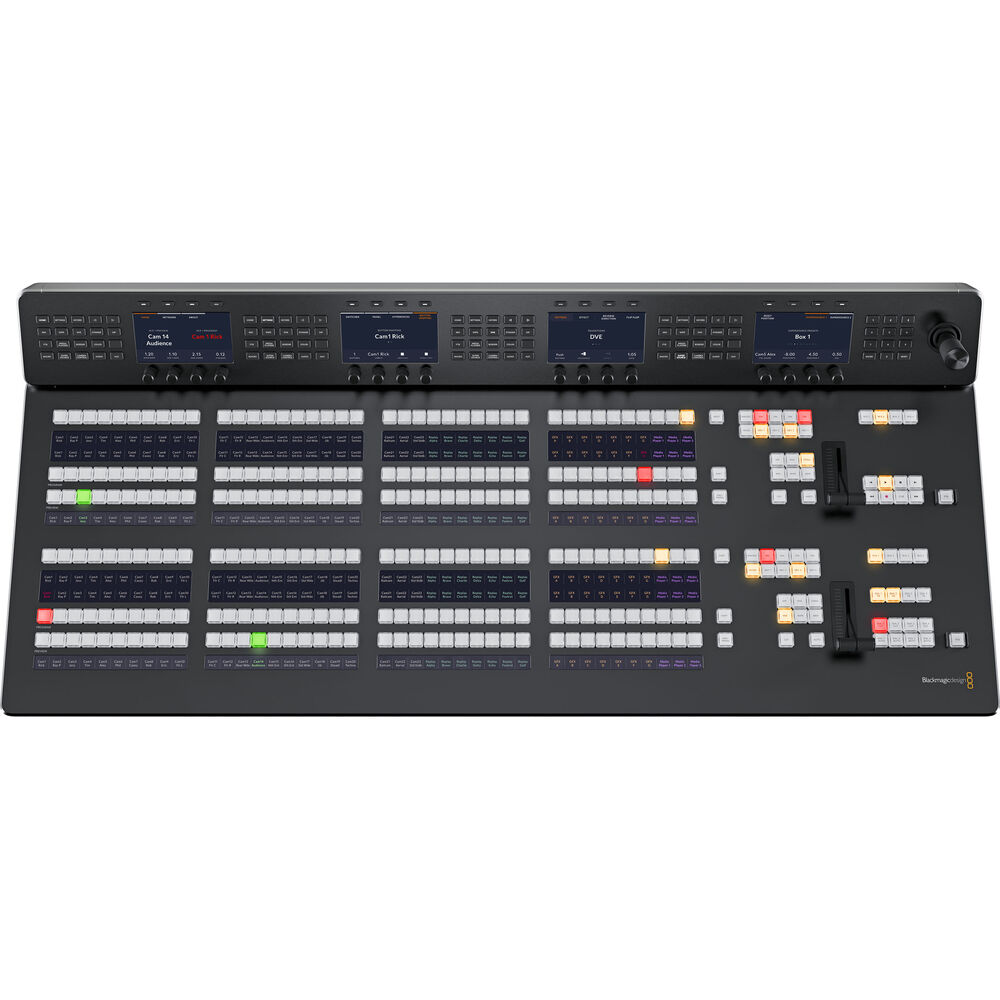
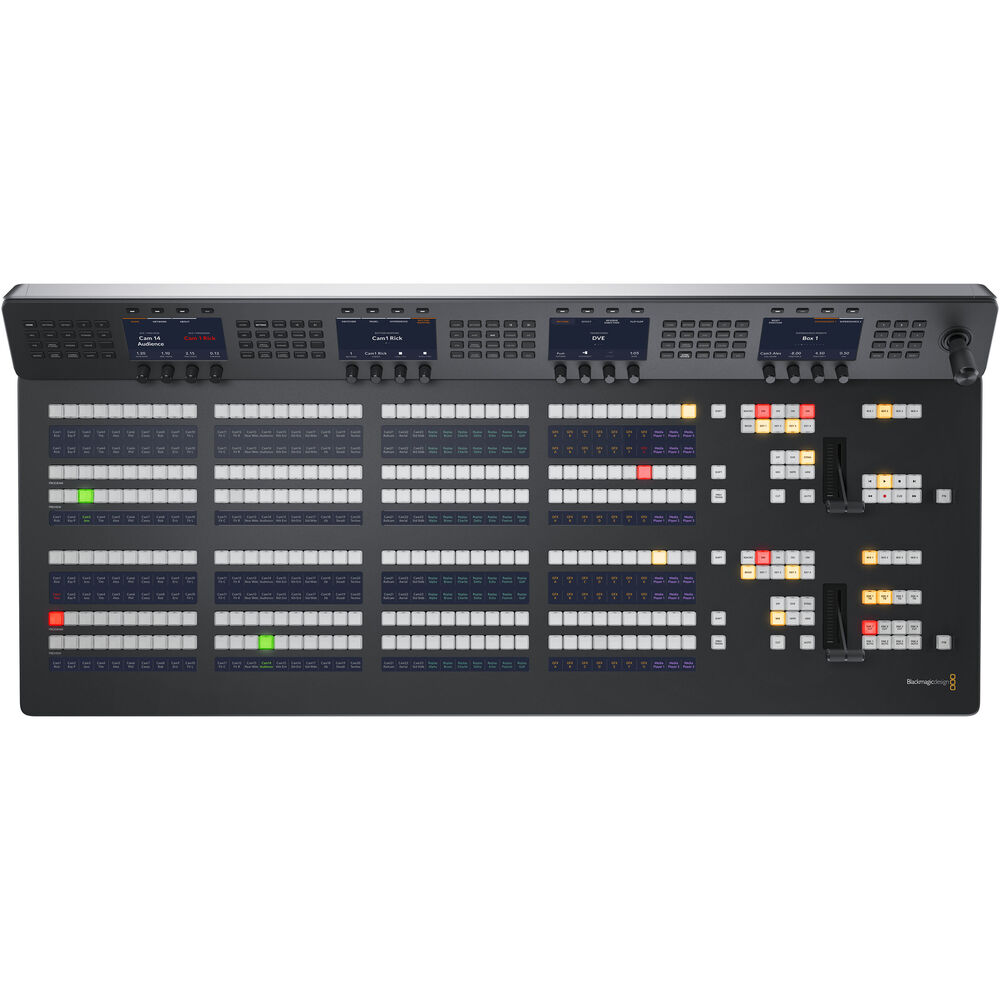
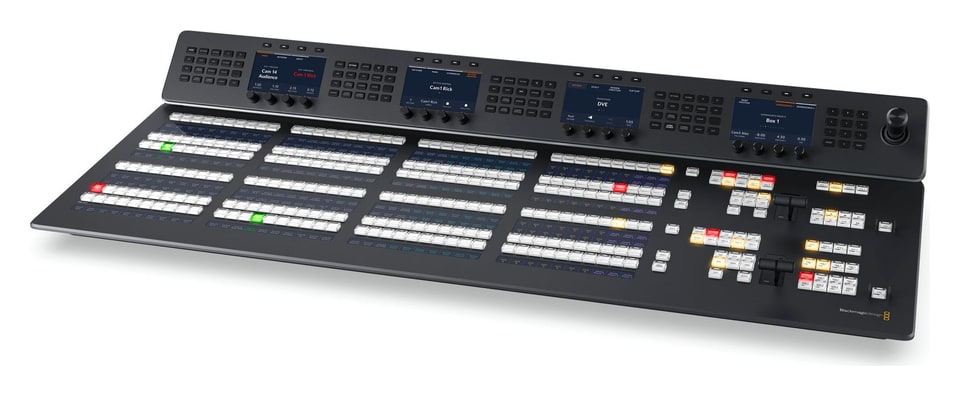
ATEM 2 M/E Advanced Panel 40 is a hardware control panel for ATEM switchers that moves your work from software to broadcast buttons, a T-bar and a joystick. It offers 2 M/E rows with 40 direct source buttons (up to 80 sources with Shift), 4 system control LCDs with a function keypad, a 3-axis joystick for DVEs, macros and an Ethernet connection. It is ideal for ATEM Constellation and other ATEM switchers.
Two M/E rows with 40 buttons each and four system control LCDs
ATEM 2 M/E Advanced Panel 40 brings a broadcast workflow to your ATEM switcher: you set up the source on the preview bus, check it on an output or the multiview and take it to air with the CUT or AUTO button or the T-bar. Physical buttons, knobs and the joystick give you access to all switcher features at the same time.
2 M/E rows40 buttons · Shift 804× system LCD3-axis joystick2× T-bar4× Ethernet
Direct control without menu diving
Every transition type has its own button and the system control LCD shows its parameters right away. The panel stores 10 custom setups and triggers macros with a single press because they are stored in the switcher; each button row can control any of the four M/E rows of a larger switcher.
Custom labels and colors
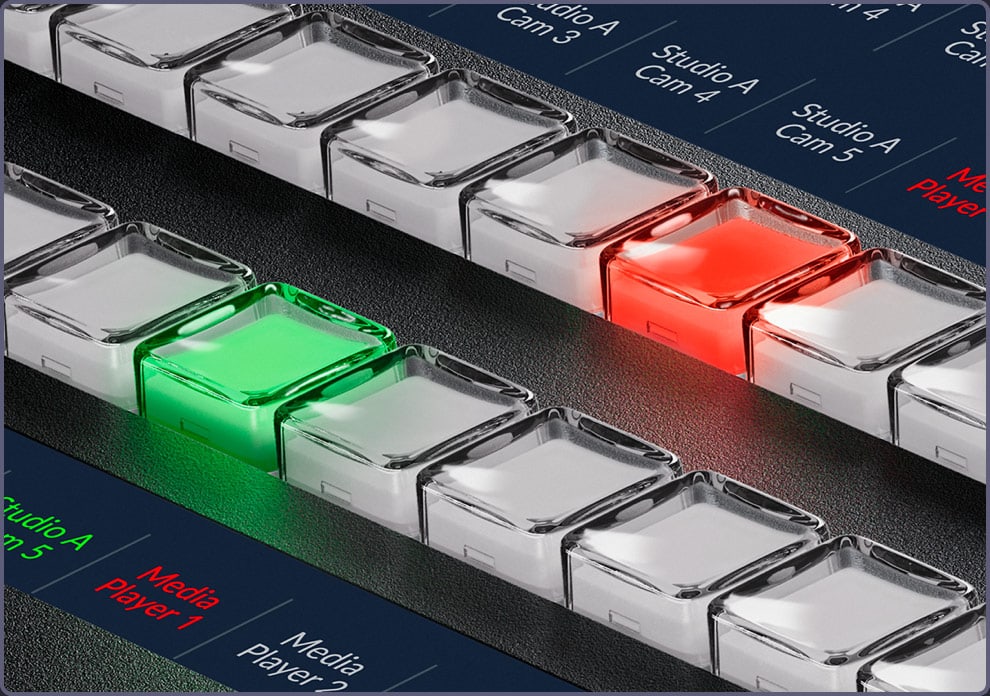
LCDs at the buttons show source names and the button backlighting can be color customized, so the operator finds their way quickly even in large productions.
Dual power
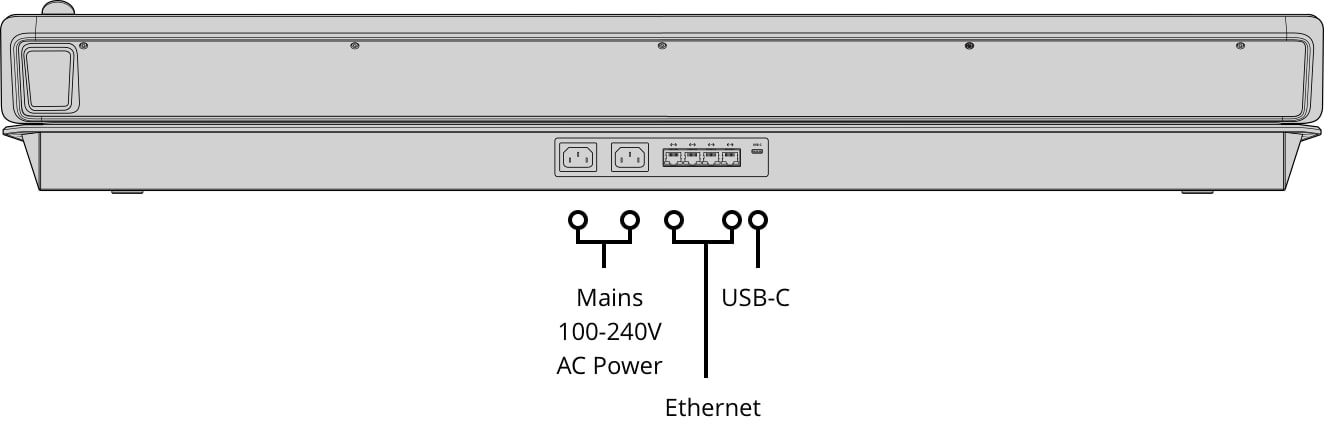
Two internal 100–240 V power supplies and a built-in 4-port Ethernet switch – no extra network equipment is needed.
Source buttons with LCD labels
Each M/E row has 40 direct source buttons and gives access to 80 sources with Shift. You see the source set up on the preview bus on an aux output or the multiview before taking it to air; if needed you can also cut directly on the program bus.
Select bus and aux outputs
Each M/E row has its own select bus for routing sources to the aux outputs and into internal processing such as the keyers and DVE. You change the source on an output with a single button press, just like on an SDI router.
Transitions at the touch of a button
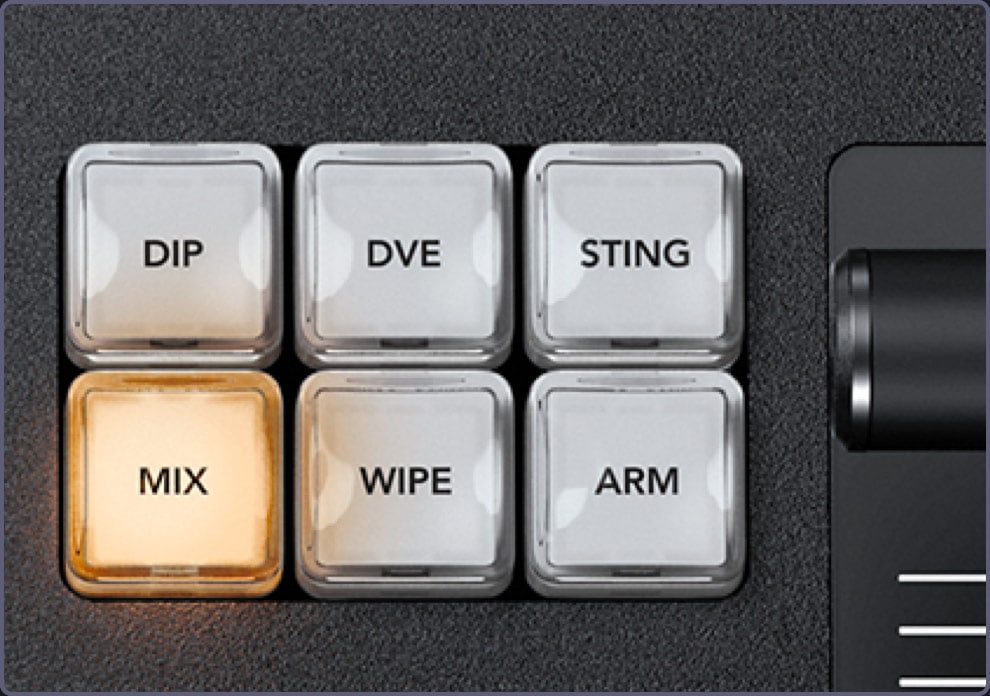
Mix, dip, wipe, DVE and stinger each have their own button and the system control LCD shows the parameters of the selected transition. Auto transitions can be set from 1 to 250 frames so they stay consistent throughout the program, and the preview transition button (PREV TRANS) lets you try a transition on the preview output before it goes to air.
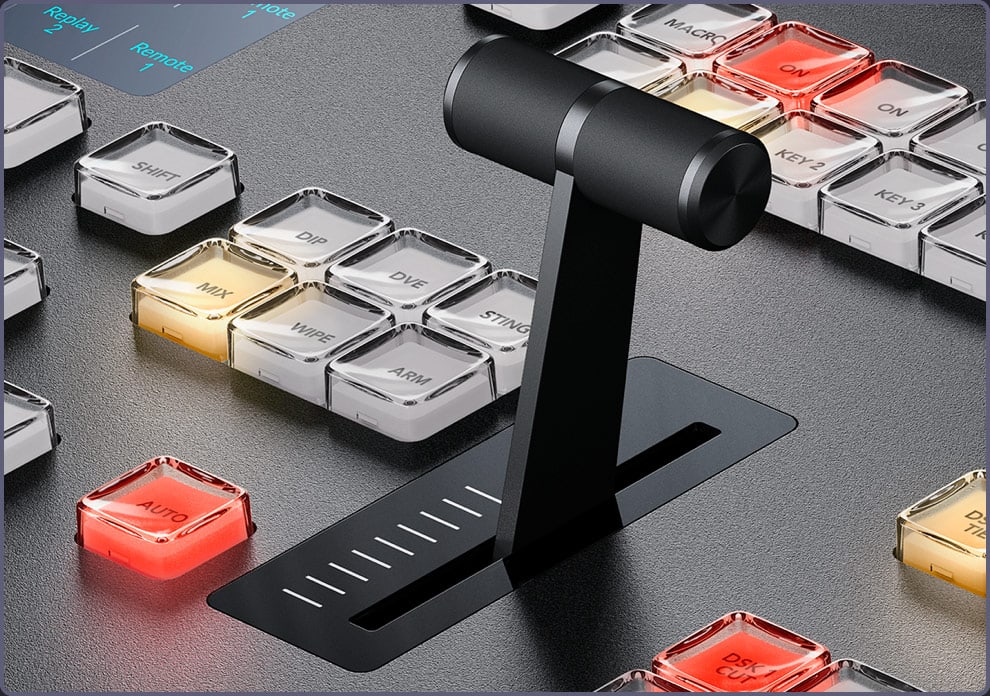
T-bar and fade to black
The ergonomic T-bar lets you ride a transition manually in time with a live performance. The FTB button fades the whole switcher output to black – optionally with the audio – and is guarded against accidental presses.
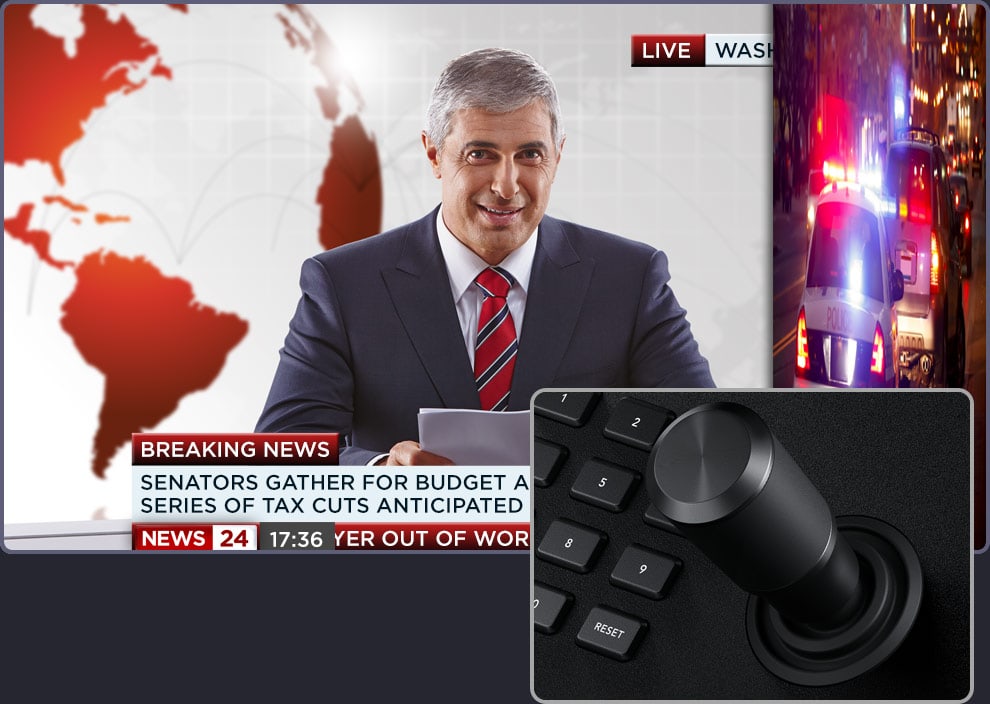
3-axis joystick for DVEs
The joystick positions picture in picture up, down and sideways and rotating it changes the size; it places the center of a wipe transition just as precisely. You can also use the joystick to enter start and end positions for custom animated DVE moves.
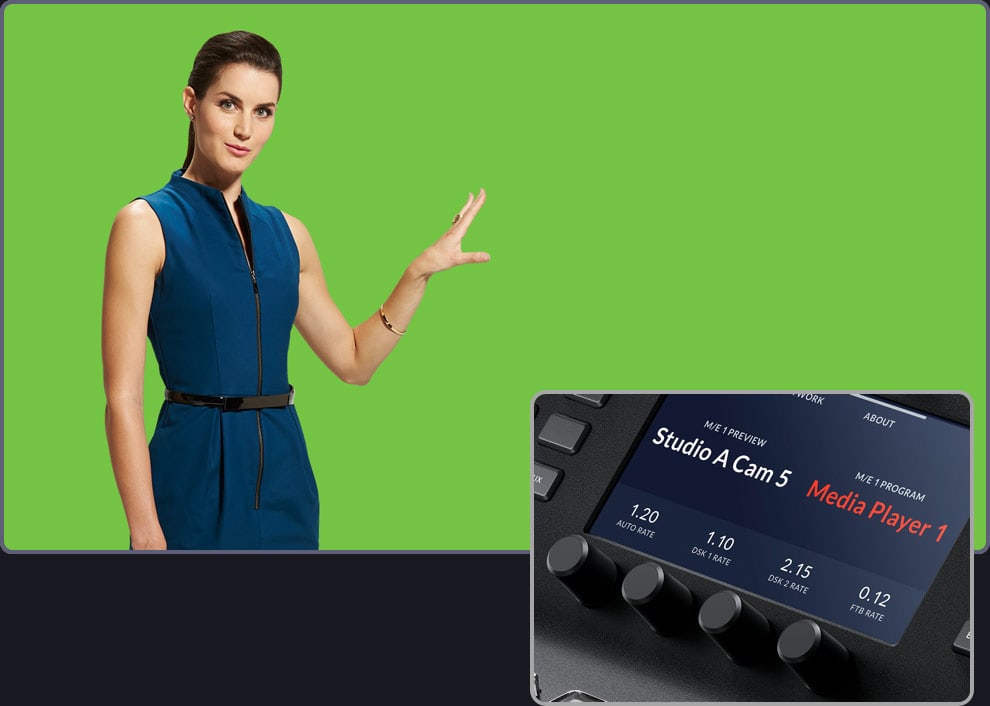
Keyers and system control LCDs
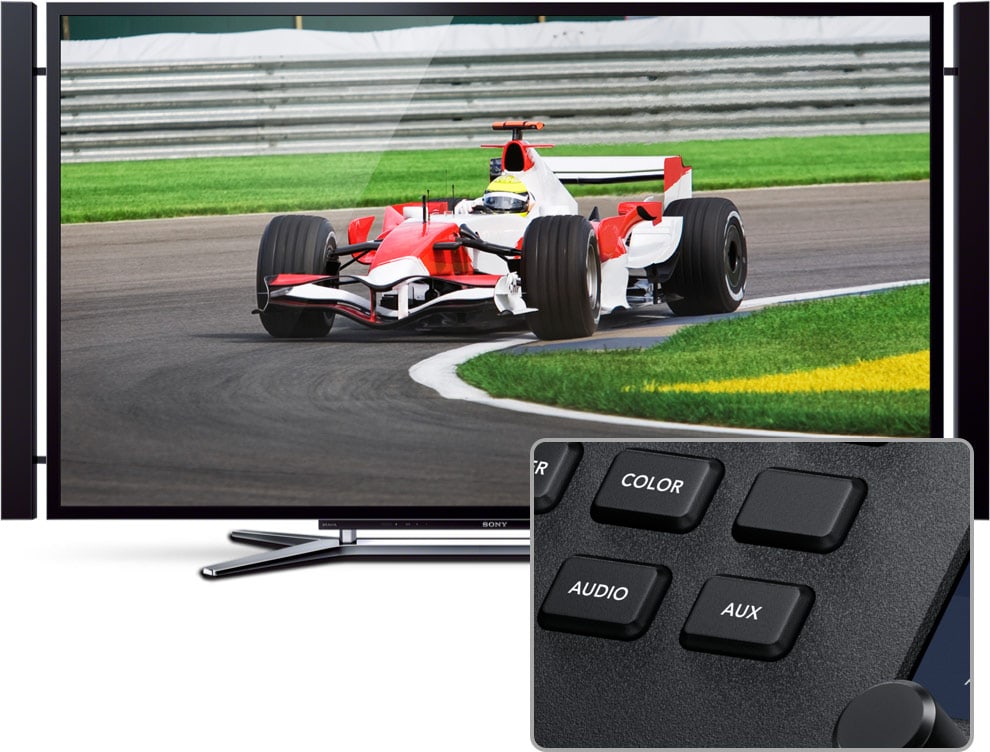
4 system control LCDs with a function keypad, knobs and buttons give access to hundreds of parameters – keyers, transitions, DVE, color generators, video standard, multiview and button remapping. For chroma keying you hold the knobs and fine-tune parameters while watching the output.
Macros and media players
Macro buttons (2 × 40) trigger custom macros stored in the switcher, so a change appears on all connected panels. From the panel you can also select stills from the media pool for the media players and play clips.
Ethernet connection
The panel connects to the switcher via Ethernet (4× 10/100/1000 BASE-T with loop through for further panels or computers), directly or over a network. Several hardware panels, ATEM Camera Control Panel and ATEM Software Control can be used at the same time and the switcher can be controlled remotely; firmware is updated via USB-C.
Rear side and connectors
The rear side has two 100–240 V power inputs, 4 Ethernet ports with loop through and USB-C for firmware updates.
Dimensions
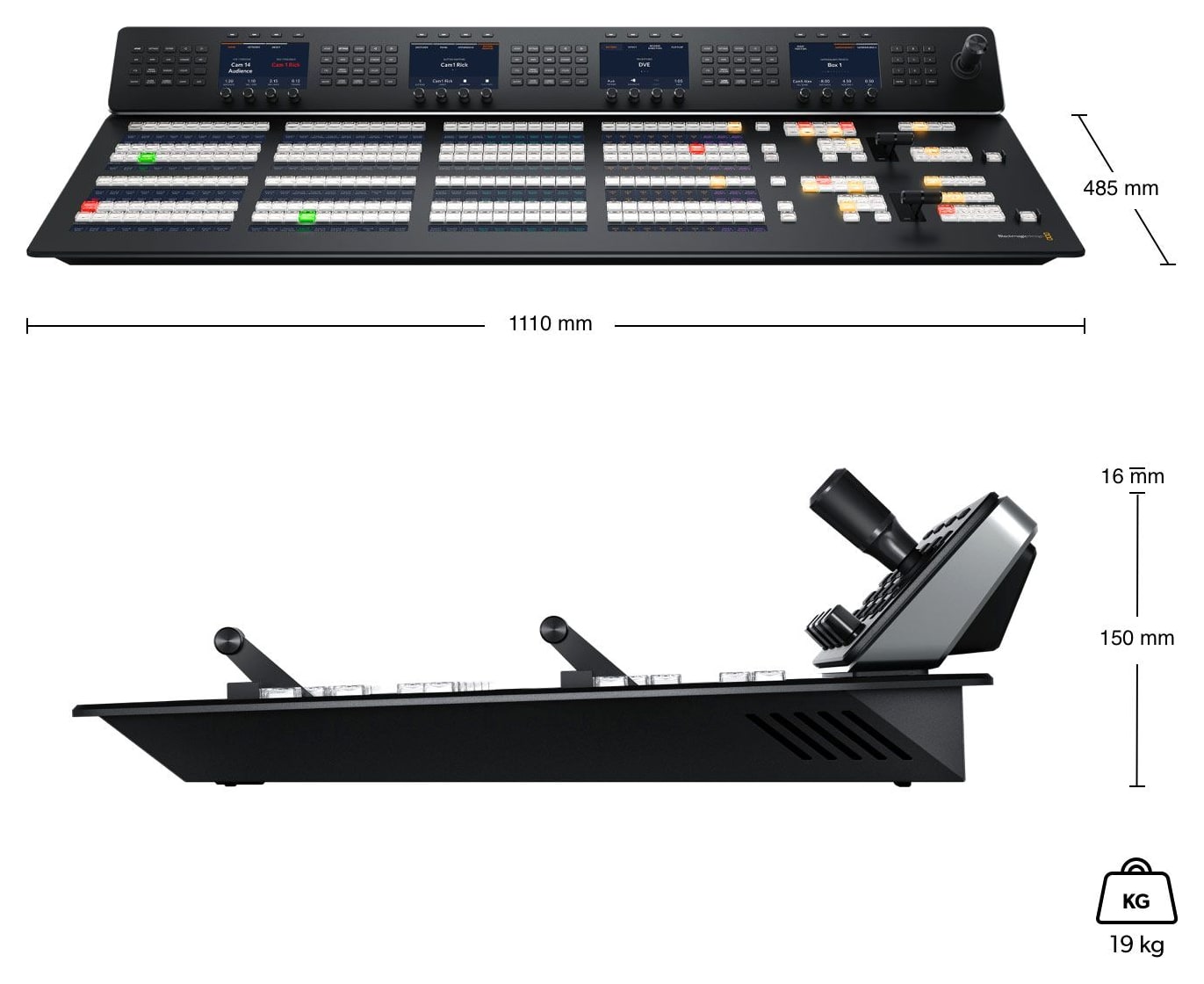
Width 1110 mm, depth 485 mm, weight 19 kg.
More information
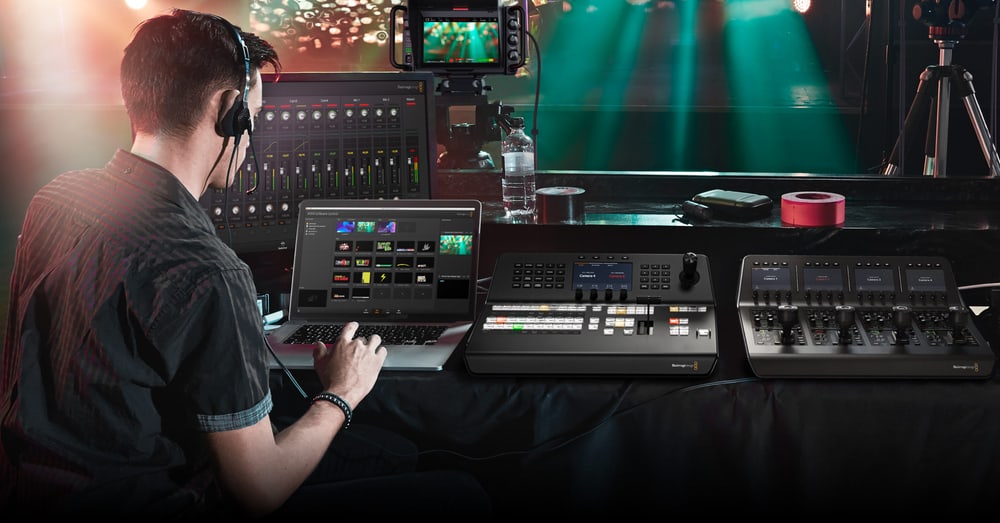
The ATEM Workflow
The control panel unlocks the full power of a compatible ATEM production switcher, including direct cuts on the Program bus, preparing the next shot on the Preview bus, selecting transitions, and working with upstream and downstream keyers. Effect parameters are displayed on the system LCDs, so the operator doesn’t have to leave the main workspace during a live broadcast.
Macros allow you to record a sequence of commands and recall it with a single button press. Custom source names, configurable button colors, and a dedicated select bus keep large-scale productions organized even during fast-paced operations.
PACKAGE CONTENT
- ATEM 2 M/E Advanced Panel 40
- Welcome wallet with QR code for software download
SPECIFICATIONS
- M/E rows: 2 (each can control up to 4 M/Es of a larger switcher)
- Source buttons: 40 direct, 80 with Shift; tri-color LED
- Button LCD labels: 6 rows of 24 characters
- On-air indicators: 12
- System control LCDs: 4; menu control 4 × 20 buttons
- Macro buttons: 2 × 40
- Transport control buttons: 8
- DSK transition selectors: 4× Auto, Cut, Tie/Preview
- Preview transition: 2
- Destination and source select bus: 2 and 2
- T-bar: 2
- 3-axis joystick: 1
- Numeric keypad: 1
- Ethernet: 4× 10/100/1000 BASE-T with loop through for further panels or computers
- Updates: USB-C
- Software: ATEM Software Control (macOS 14 Sonoma, macOS 15 Sequoia or later, Windows 10 and 11)
- Power: 2× internal 100–240 V AC supply (redundant)
- Power usage: 160 W
- Dimensions: 1110 × 485 mm (width × depth)
- Weight: 19 kg
- Operating temperature: 0 to 40 °C
- Storage temperature: −20 to 60 °C
- Relative humidity: up to 95 %
- Warranty: 1 year limited manufacturer warranty
WE RECOMMEND
The ATEM 2 M/E Advanced Panel 40 is a hardware control panel for ATEM switchers. It works with ATEM Constellation switchers, connecting via Ethernet; Blackmagic cameras in the same system can be controlled with the ATEM Camera Control Panel.
ATEM Constellation switchers - The panel connects to the switcher via Ethernet and controls its M/E rows, keyers, transitions and macros.
- Blackmagic Design ATEM 1 M/E Constellation HD
- Blackmagic Design ATEM 2 M/E Constellation HD
- Blackmagic Design ATEM 4 M/E Constellation HD
- Blackmagic Design ATEM 1 M/E Constellation 4K
- Blackmagic Design ATEM 2 M/E Constellation 4K
- Blackmagic Design ATEM 4 M/E Constellation 4K
Camera control - A dedicated operator sets iris, white balance, gain and color correction of Blackmagic cameras from a camera control unit.
Connections - Cat6 patch cables to connect the panel to the switcher and loop through to further panels.
Parameters
| Manufacturer: | Blackmagic Design |
| Category: | Control panels |
Main parameters
| Interface | LAN · USB |
| Controls | T-bar · programmable buttons |
| Display | LCD |
ACCESSORIES (10)
ACCESSORIES (10)
AVMATRIX Wireless Multi-Camera Tally Light System (4 x Tally Lamps)
AVMATRIX TS3019-4 is a wireless tally system with a base unit and four tally lamps.
489 €
In stock 5 pcs
Blackmagic Design ATEM 4 M/E Constellation 4K
ATEM 4 M/E Constellation 4K is a professional 4 M/E live production switcher for
10 469 €
In stock 2 pcs
Blackmagic Design ATEM 2 M/E Constellation HD
ATEM 2 M/E Constellation HD is a professional 2 M/E live production switcher for
1 989 €
In stock 1 pcs
Blackmagic Design ATEM 1 M/E Constellation HD
ATEM 1 M/E Constellation HD is a professional 1 M/E live production switcher for
1 169 €
To be sent 1 pcs
Blackmagic Design ATEM 4 M/E Constellation IP
ATEM 4 M/E Constellation IP is a native SMPTE-2110 live production switcher with
12 149 €
on request
Blackmagic Design ATEM 2 M/E Constellation 4K
ATEM 2 M/E Constellation 4K is a professional 2 M/E live production switcher for
5 649 €
on request
Blackmagic Design ATEM 1 M/E Constellation 4K
ATEM 1 M/E Constellation 4K is a professional 1 M/E live production switcher for
3 189 €
on request
Blackmagic Design ATEM 4 M/E Constellation IP Plus
ATEM 4 M/E Constellation IP Plus is a native SMPTE-2110 live production switcher
22 329 €
on request
Blackmagic Design ATEM 4 M/E Constellation 4K Plus
ATEM 4 M/E Constellation 4K Plus is a professional 4 M/E live production switcher
14 459 €
on request
Blackmagic Design ATEM 4 M/E Constellation HD
ATEM 4 M/E Constellation HD is a professional 4 M/E live production switcher for
4 429 €
on request
Alternative (7)
Alternative (7)
Blackmagic Design ATEM Micro Panel
ATEM Micro Panel is an affordable hardware control panel for ATEM Software Control,
749 €
In stock > 5 pcs
Blackmagic Design ATEM 1 M/E Advanced Panel 10
ATEM 1 M/E Advanced Panel 10 is a hardware control panel for ATEM switchers that
3 529 €
on request
Blackmagic Design ATEM 1 M/E Advanced Panel 20
ATEM 1 M/E Advanced Panel 20 is a hardware control panel for ATEM switchers that
4 199 €
on request
Blackmagic Design ATEM 2 M/E Advanced Panel 20
ATEM 2 M/E Advanced Panel 20 is a hardware control panel for ATEM switchers that
6 899 €
on request
Blackmagic Design ATEM 4 M/E Advanced Panel 40
ATEM 4 M/E Advanced Panel 40 is a hardware control panel for ATEM switchers that
20 569 €
on request
Blackmagic Design ATEM 2 M/E Advanced Panel 30
ATEM 2 M/E Advanced Panel 30 is a hardware control panel for ATEM switchers that
8 229 €
on request
Blackmagic Design ATEM 1 M/E Advanced Panel 30
ATEM 1 M/E Advanced Panel 30 is a hardware control panel for ATEM switchers that
6 049 €
on request
News, training, and discounts from Syntex
Special offers and discounts for subscribers only · Free audio & video workshops · News and tips from the world of filmmaking
- Show all
Blackmagic Design ATEM 2 M/E Advanced Panel 40
ATEM 2 M/E Advanced Panel 40 is a hardware control panel for ATEM switchers that10 529 €on request