
 CZ
CZ SK
SK HU
HU AT
AT DE
DE ES
ES SI
SI HR
HR
Nothing in the basket.

- Search
-
Login

-
0
Comparison
Add products to compare, then they will appear here and you can compare parameters.
-
0
0 €
Tilta Monitor Support Handles
SKU: TGA-MSH
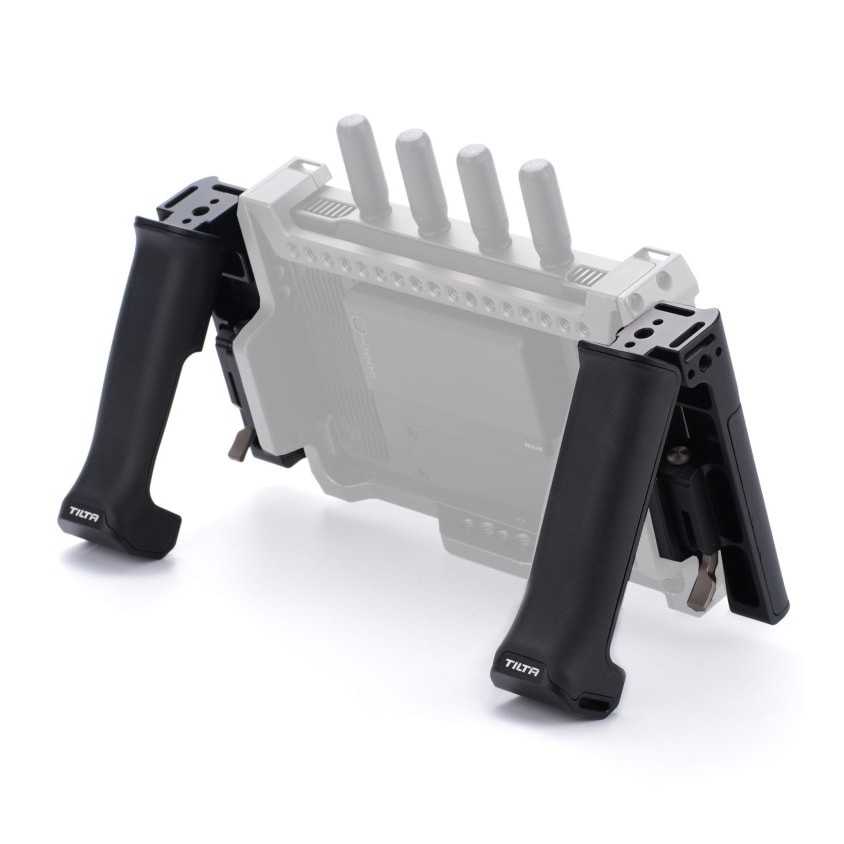
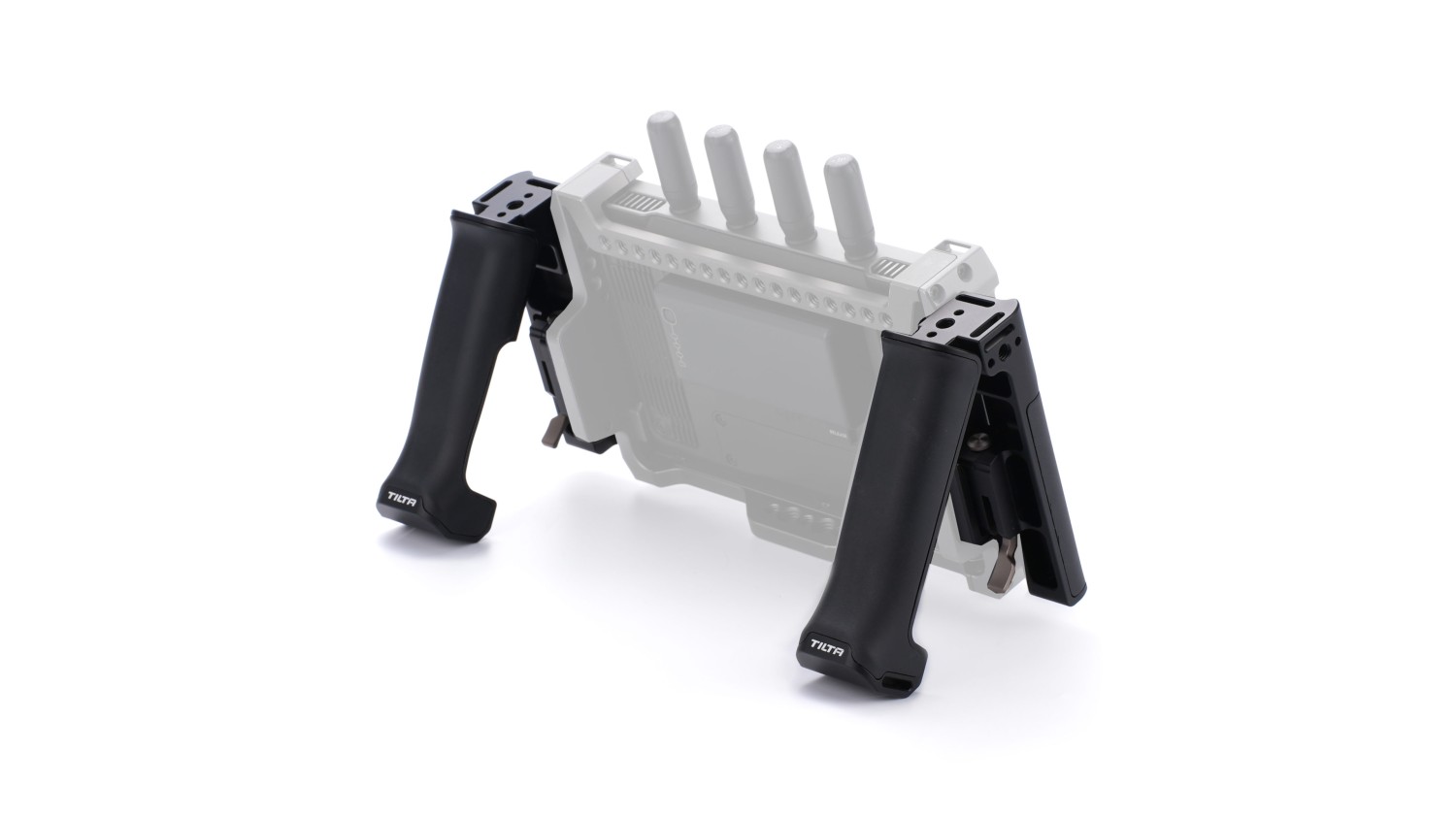
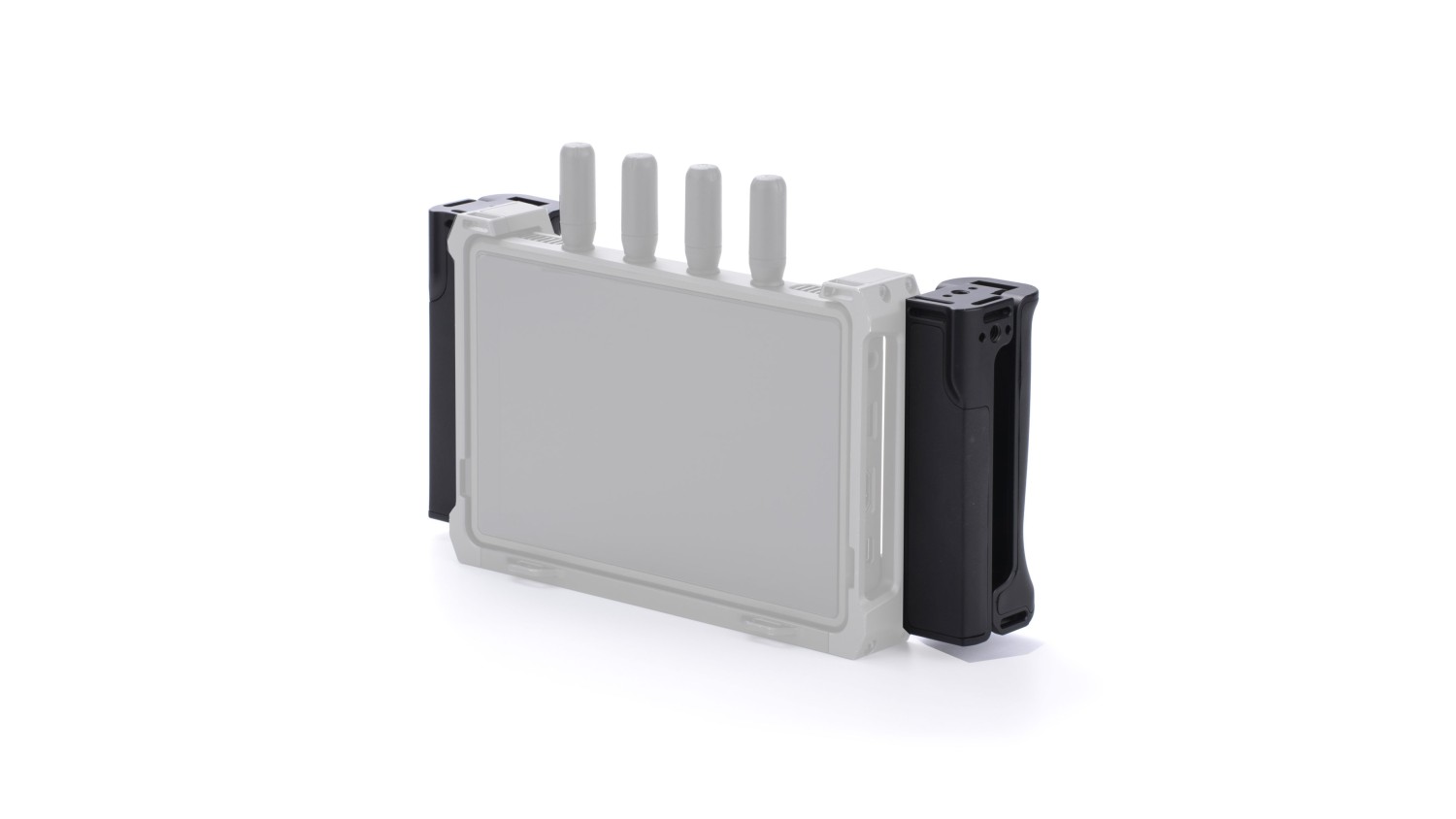
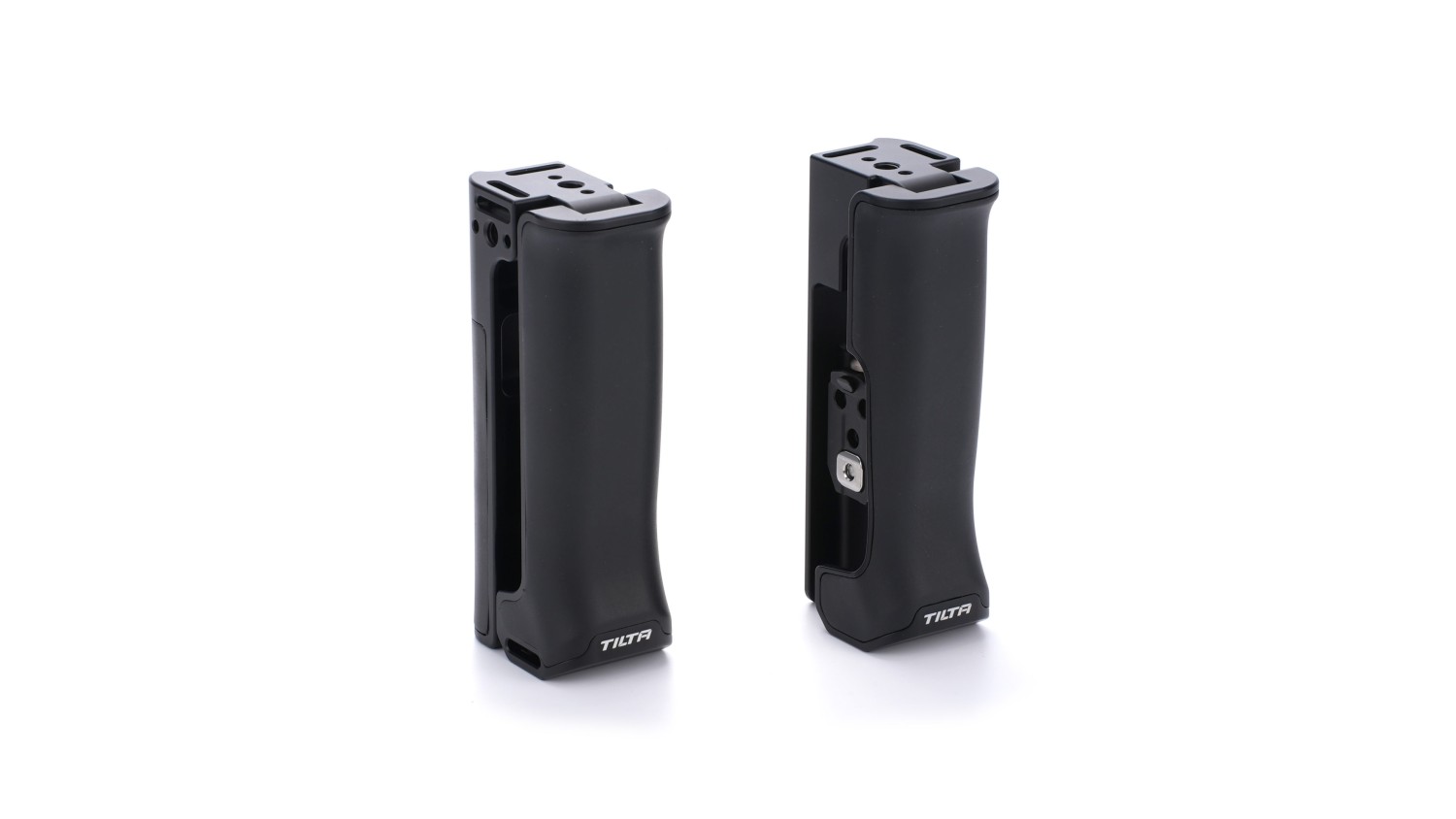
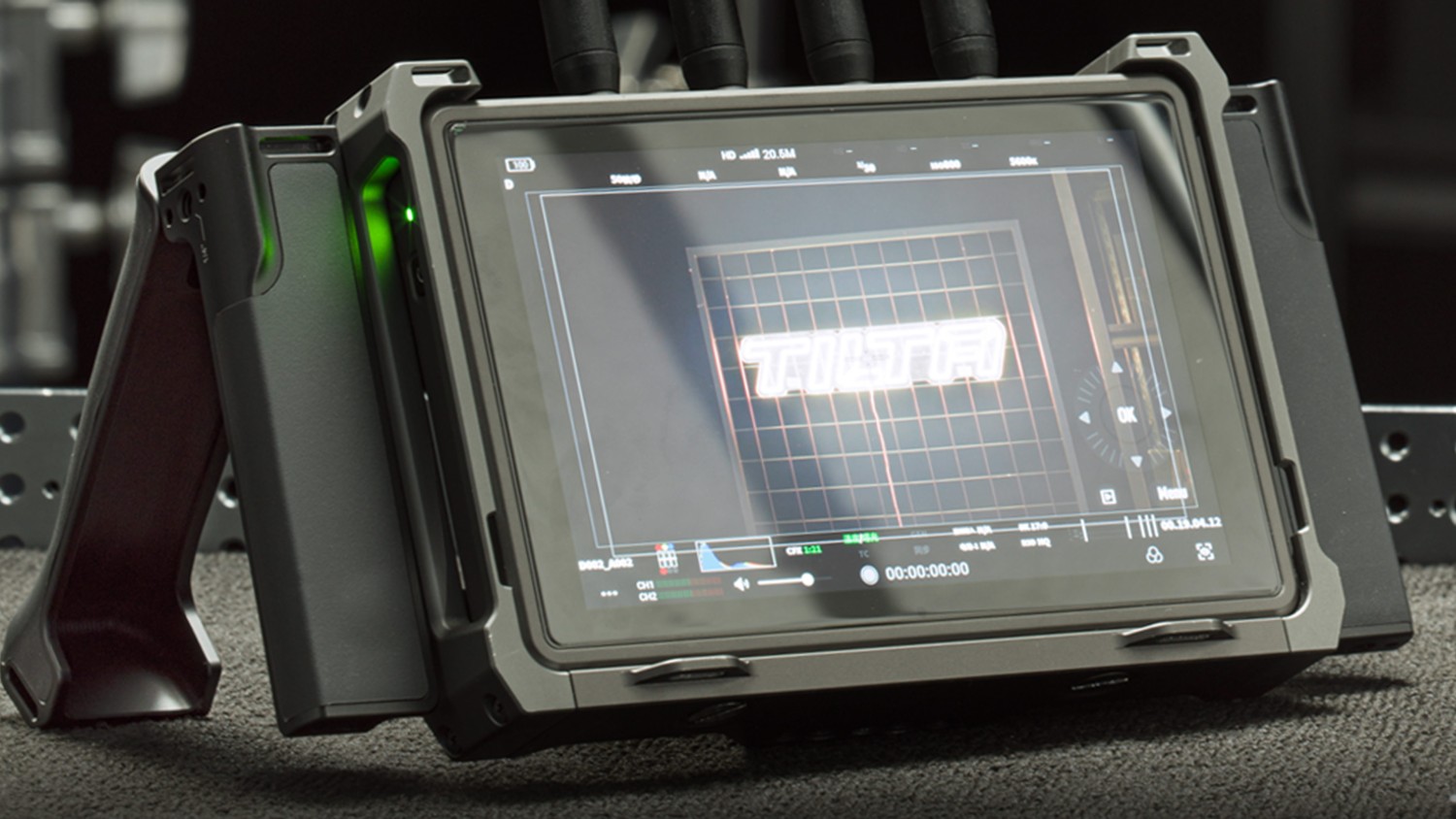
Tilta support handles for the DJI High-Bright Remote Monitor. The mounting attachments bolt to the sides of the monitor cage through its 1/4″-20 threads and the handles clip into them. They fold through 90°: down they are grips for both hands, turned back they become a kickstand and the monitor stands on any flat surface. The grip is covered in anti-slip silicone…
120 € with VAT
99.17 € without VAT
Availability
Backordered 1 pcs - 06.11.2026
Top accessories for Tilta Monitor Support Handles
Tilta Battery Plate for DJI High-Bright Remote Monitor - V-Mount
A Tilta battery plate for the DJI High-Bright Remote Monitor with a V-Mount battery
96 €
To be sent 3 pcs
Tiltaing Mini Articulating Arm
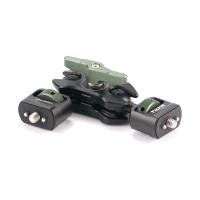
This Mini Articulating Arm is the perfect option for mounting various accessories
35 €
Backordered 4 pcs
DJI Remote Monitor Expansion Plate (SDI/HDMI/DC-IN)
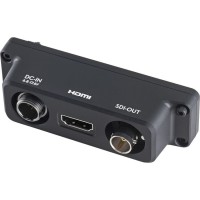
The DJI Remote Monitor Expansion Plate (SDI/HDMI/DC-IN) adds professional video output
385 €
on request
Tilta Battery Plate for DJI High-Bright Remote Monitor - Gold Mount
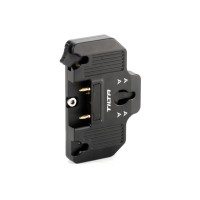
A Tilta battery plate for the DJI High-Bright Remote Monitor with a Gold Mount battery
96 €
on request
Product description
SPECIFICATIONS
PACKAGE CONTENT
Product description
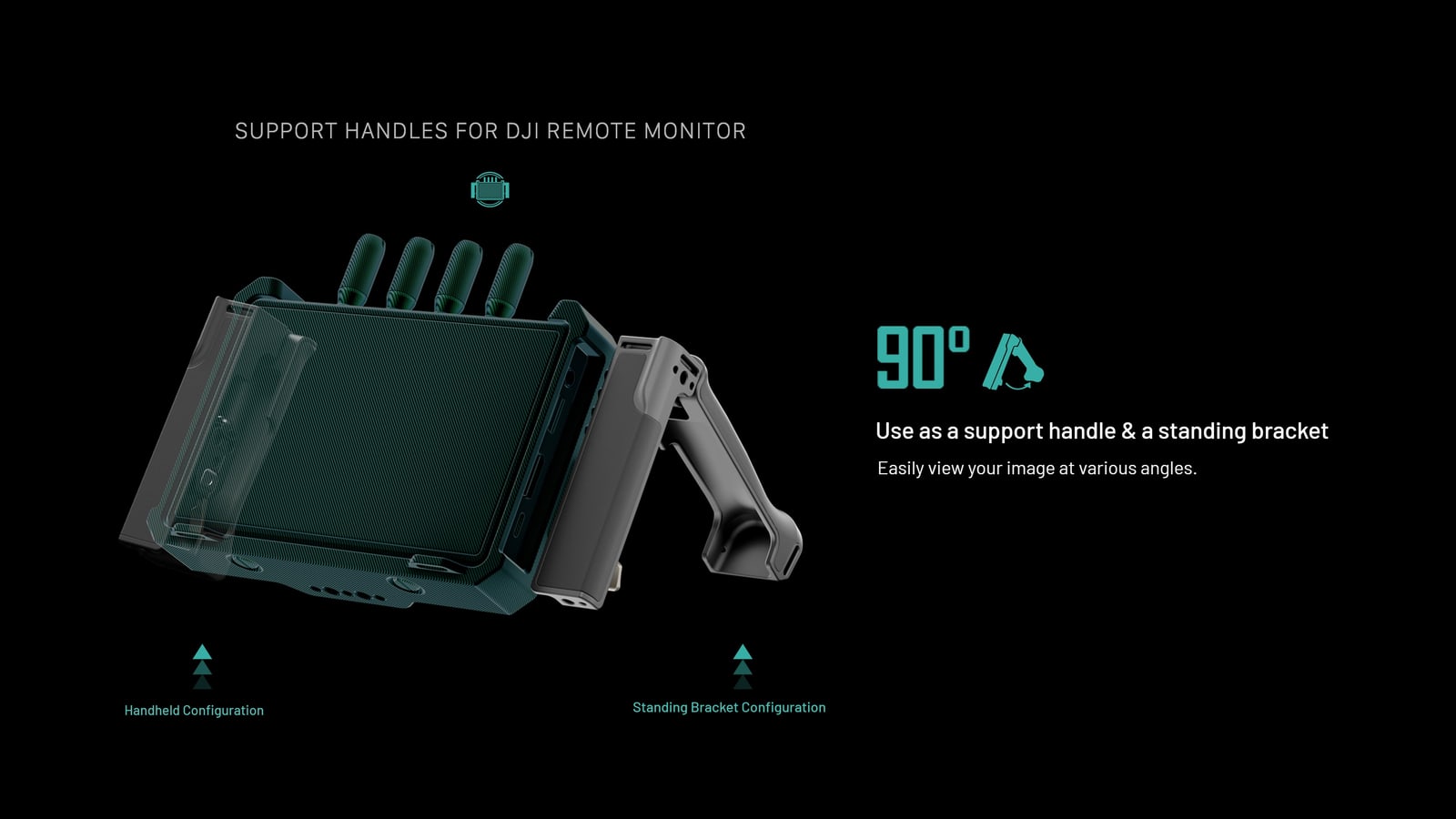
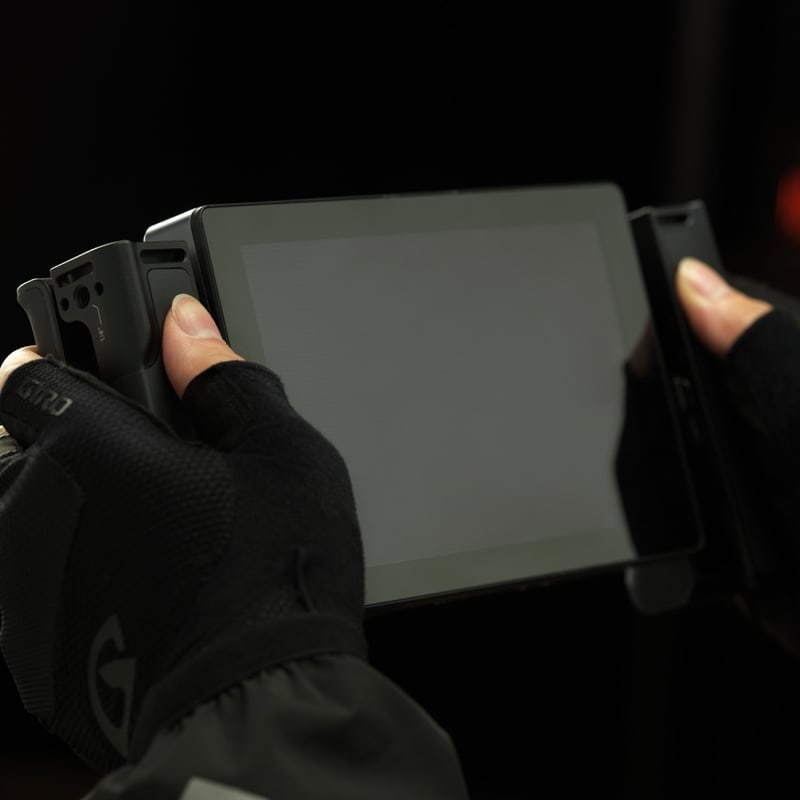
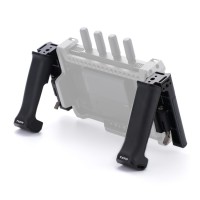
Tilta support handles for the DJI High-Bright Remote Monitor. The mounting attachments bolt to the sides of the monitor cage through its 1/4″-20 threads and the handles clip into them. They fold through 90°: down they are grips for both hands, turned back they become a kickstand and the monitor stands on any flat surface. The grip is covered in anti-slip silicone along its whole length, and each handle carries strap ports and 1/4″-20 threads.
A handle and a kickstand in one
The handles fold through 90°. Folded down they work as grips and you carry the DJI High-Bright Remote Monitor in both hands; turned back they become a kickstand and the monitor stands on a table, a car bonnet or a case. Switching between the two takes one movement — nothing to unscrew, nothing to reconfigure.
Two hands on the monitor
Without handles a big monitor is held by the bare edges of its cage, and after a few minutes that hurts. The handles give both hands somewhere to hold, the weight spreads out and the image stops bouncing. On set that means you can show the director or the client a shot without first looking for somewhere to put the monitor down.
Anti-slip silicone the whole length
The grip area is covered with anti-slip silicone along its whole length. It holds in gloves and in the wet, where bare aluminium slides, and the softer surface takes the edges off so you can carry the monitor for a long time without sore hands. The ergonomic shape and low weight are there for exactly that — a full day of work.
A monitor that stands up on its own
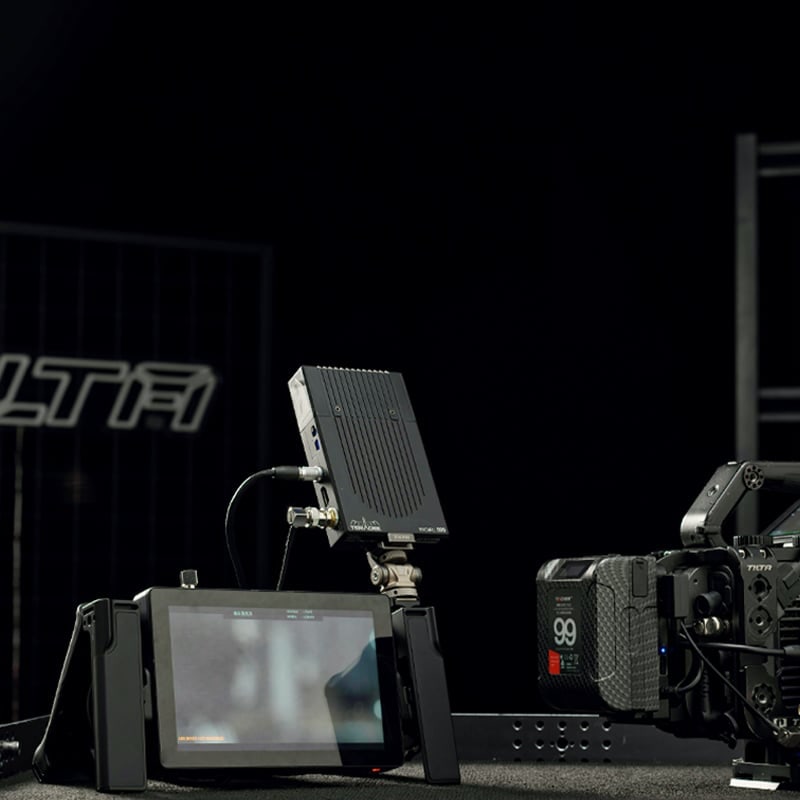
Folded out, the handles hold the monitor at an angle on any flat surface. On a video village table, on a battery case or on a car bonnet you get a monitoring position with nothing else to buy. They also stand the screen off the cage — if the monitor falls face down it lands on the handles, not on the glass.
Strap ports, threads and a safety pin
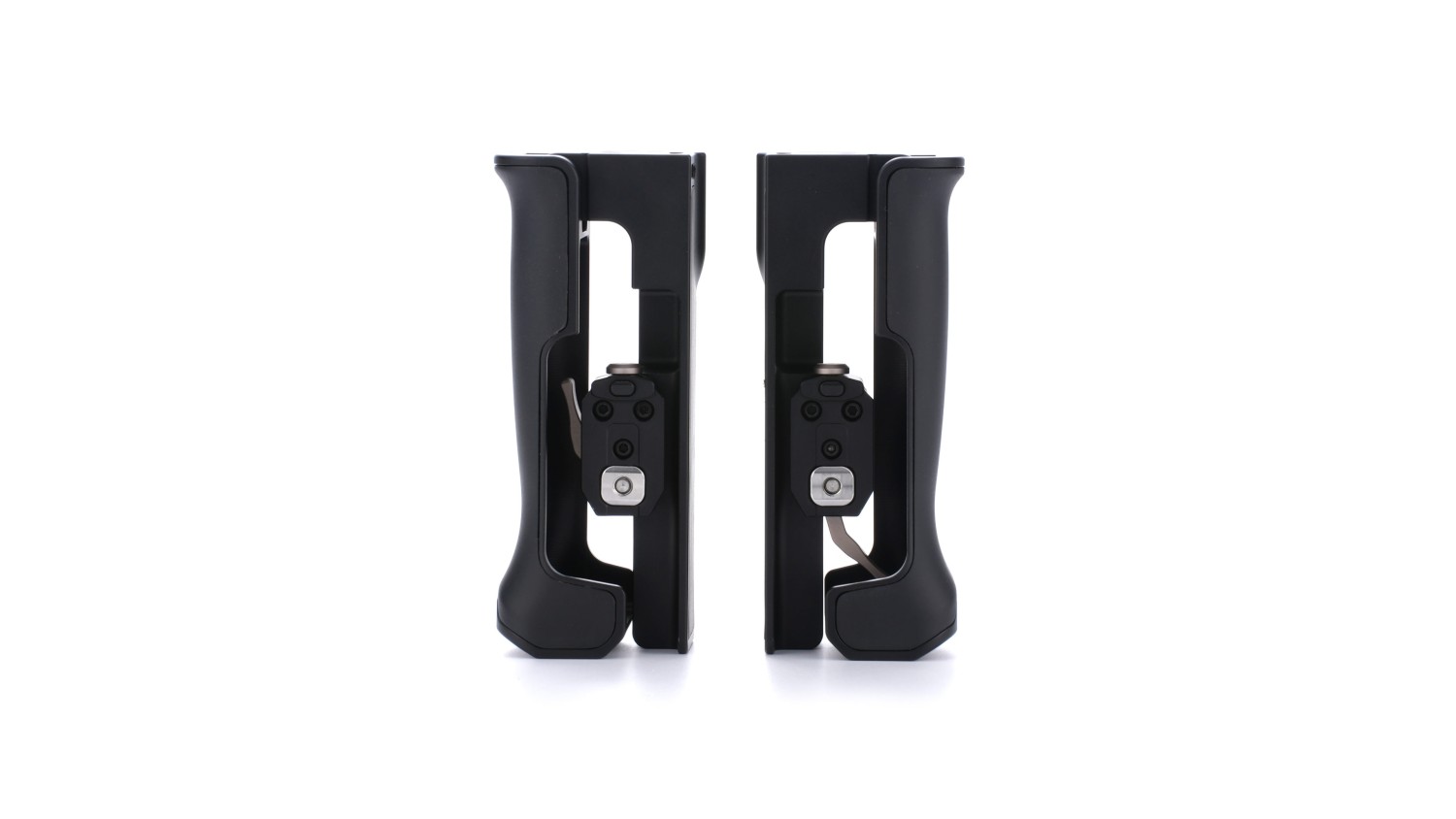
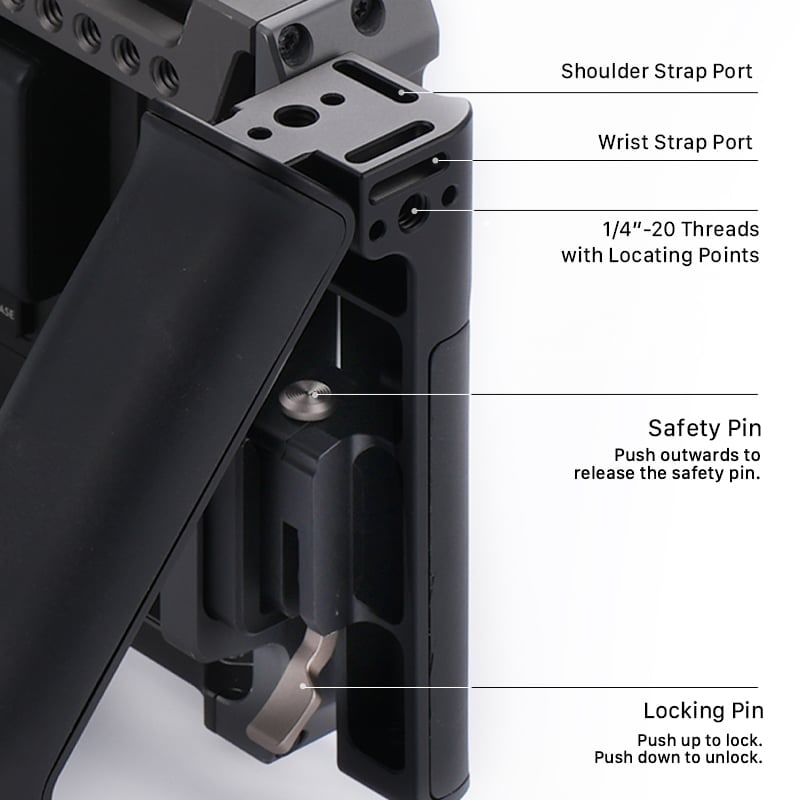
Each handle carries a shoulder strap port, a wrist strap port and 1/4″-20 threads with locating points for further accessories. Two pins control the folding: the safety pin is pushed outwards to release the handle, the locking pin is pushed up to lock it in position. The handle therefore cannot fold under the weight of the monitor.
Left, right and two mounting attachments
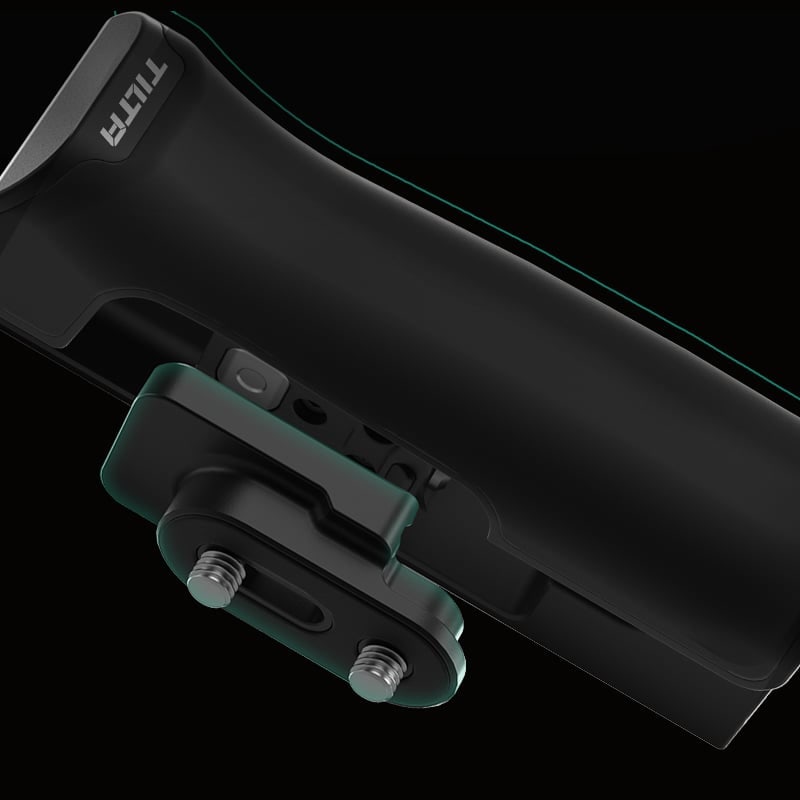
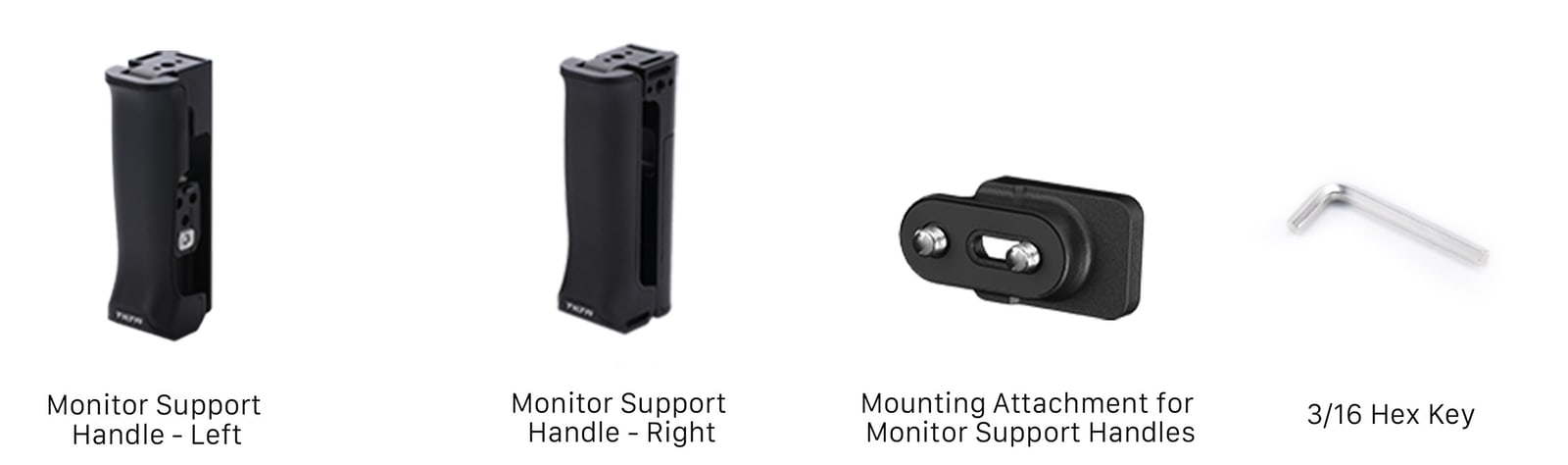
The box holds a left and a right handle, two mounting attachments and a 3/16″ hex key. The attachments bolt to the sides of the monitor cage through its 1/4″-20 threads and the handles clip into them — nothing is drilled and nothing is glued to the monitor. There is nothing else to buy; the set is complete.
What to watch out for
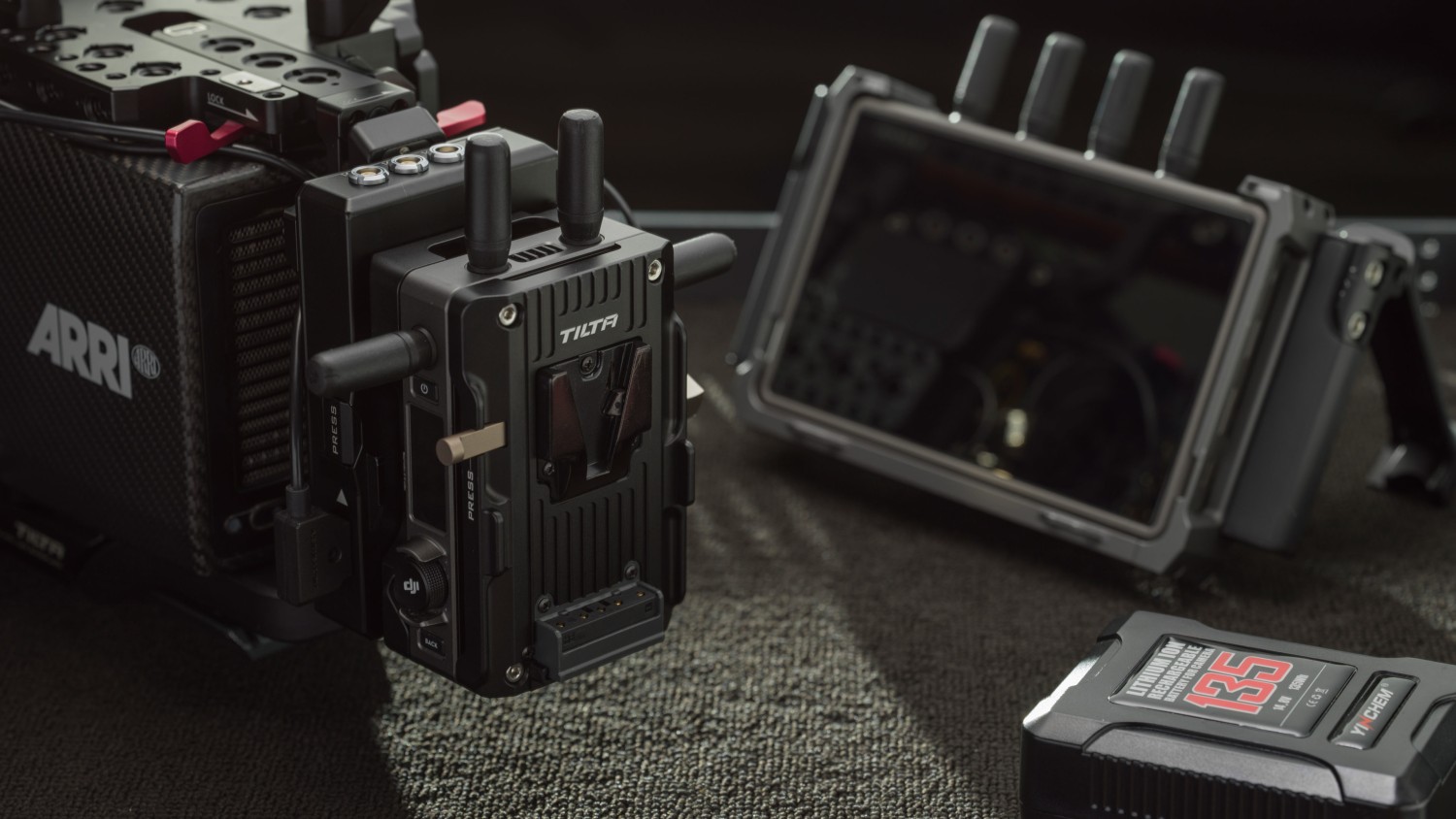
The handles are designed for the DJI High-Bright Remote Monitor and mount on the monitor cage. The mounting attachment needs 1/4″-20 threads with locating points, so it will fit other monitors with the same interface — check your particular unit though. The handles carry no power and no signal; they do not replace the monitor or its battery.
PACKAGE CONTENT
- Monitor Support Handle – Left (TGA-MSH-L) — 1×
- Monitor Support Handle – Right (TGA-MSH-R) — 1×
- Mounting Attachment for Monitor Support Handles (TGA-MSH-MA-LR) — 2×
- 3/16″ hex key (4.04.TGA-BHB-005.00) — 1×
SPECIFICATIONS
- Type: monitor support handles
- Designed for: DJI High-Bright Remote Monitor
- Dimensions: 123 × 49 × 37 mm (one handle)
- Net weight: 169 g
- Material: aluminium, silicone
- Colour: black
- Pieces in the box: 2 (a left and a right handle)
- Adjustment range: 90° (handle fold)
- Mounting to the monitor: 1/4″-20 threads with locating points (mounting attachment)
- Accessory mounts: 1/4″-20 threads, a shoulder strap port and a wrist strap port
Parameters
Parameters
ACCESSORIES (4)
ACCESSORIES (4)
Tilta Battery Plate for DJI High-Bright Remote Monitor - V-Mount
A Tilta battery plate for the DJI High-Bright Remote Monitor with a V-Mount battery
96 €
To be sent 3 pcs
Tiltaing Mini Articulating Arm
This Mini Articulating Arm is the perfect option for mounting various accessories
35 €
Backordered 4 pcs
DJI Remote Monitor Expansion Plate (SDI/HDMI/DC-IN)
The DJI Remote Monitor Expansion Plate (SDI/HDMI/DC-IN) adds professional video output
385 €
on request
Tilta Battery Plate for DJI High-Bright Remote Monitor - Gold Mount
A Tilta battery plate for the DJI High-Bright Remote Monitor with a Gold Mount battery
96 €
on request
Alternative (4)
Alternative (4)
Tilta Dual Handle Bracket for DJI Ronin
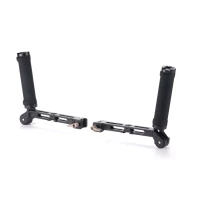
The Dual Handle Bracket for DJI Ronin connects to the NATO mount of your DJI RS2,
120 €
In stock 1 pcs
Tilta Adjustable Top Handle for Sony FX6
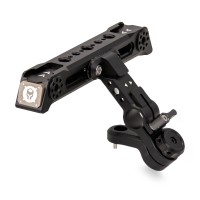
The Tilta Adjustable Top Handle ES-T20-TH2 rotates 180°, so it still holds the camera
120 €
on request
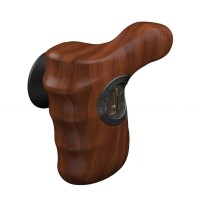
Tiltaing Advanced Right Side Wooden Handle - Black
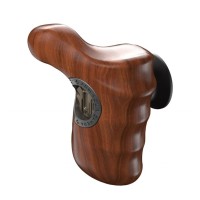
These Wooden Handles feature an ergonomic design in order to provide maximum comfort
120 €
on request
Tiltaing Advanced Left Side Wooden Handle - Black
These Wooden Handles feature an ergonomic design in order to provide maximum comfort
120 €
on request

News, training, and discounts from Syntex
Special offers and discounts for subscribers only · Free audio & video workshops · News and tips from the world of filmmaking
- Show all
Tilta Monitor Support Handles
Tilta support handles for the DJI High-Bright Remote Monitor. The mounting attachments120 €Backordered 1 pcs