
 CZ
CZ SK
SK HU
HU AT
AT DE
DE ES
ES SI
SI HR
HR
Nothing in the basket.

- Search
-
Login

-
0
Comparison
Add products to compare, then they will appear here and you can compare parameters.
-
0
0 €
EdelKrone Add-ons for HeadPLUS v3 Bundle
SKU: Add-ons for HeadPLUS Bundle
The Edelkrone Add-ons for HeadPLUS v3 Bundle combines three add-on modules for the HeadPLUS v3 and HeadPLUS PRO v3 motorized heads: Vision Module, Focus/Zoom Module v3 and Laser Module. Vision Module tracks faces and objects over HDMI and sends the image to the edelkrone App, Focus/Zoom Module v3 turns the lens focus or zoom ring, and Laser Module measures…
1 209 € with VAT
999.17 € without VAT
Personal pickup: Tomorrow from 09:00
Shipment day: Tomorrow
Shipment day: Tomorrow
In stock 2 pcs
Praha 2 pcs
Praha 2 pcs
Top accessories for EdelKrone Add-ons for HeadPLUS v3 Bundle
EdelKrone Lens Gear PRO v1 (3 - pack)
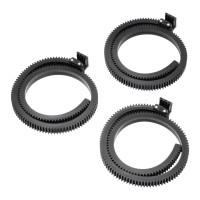
The Edelkrone Lens Gear PRO v1 pack extends what you can do with lenses whose focus
70 €
In stock > 5 pcs
EdelKrone HeadPLUS PRO v3
The Edelkrone HeadPLUS PRO v3 is a motorized pan & tilt head for professional
2 809 €
In stock > 5 pcs
EdelKrone Lens Gear PRO v1
The Edelkrone Lens Gear PRO v1 is a non-slip rubber strap with a 0.8 pitch gear that
43 €
In stock > 5 pcs
EdelKrone HeadPLUS v3
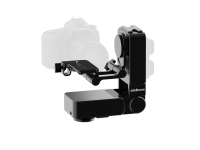
The Edelkrone HeadPLUS v3 features enhanced capabilities for professional filmmaking.
2 079 €
on request
Product description
SPECIFICATIONS
PACKAGE CONTENT
Product description
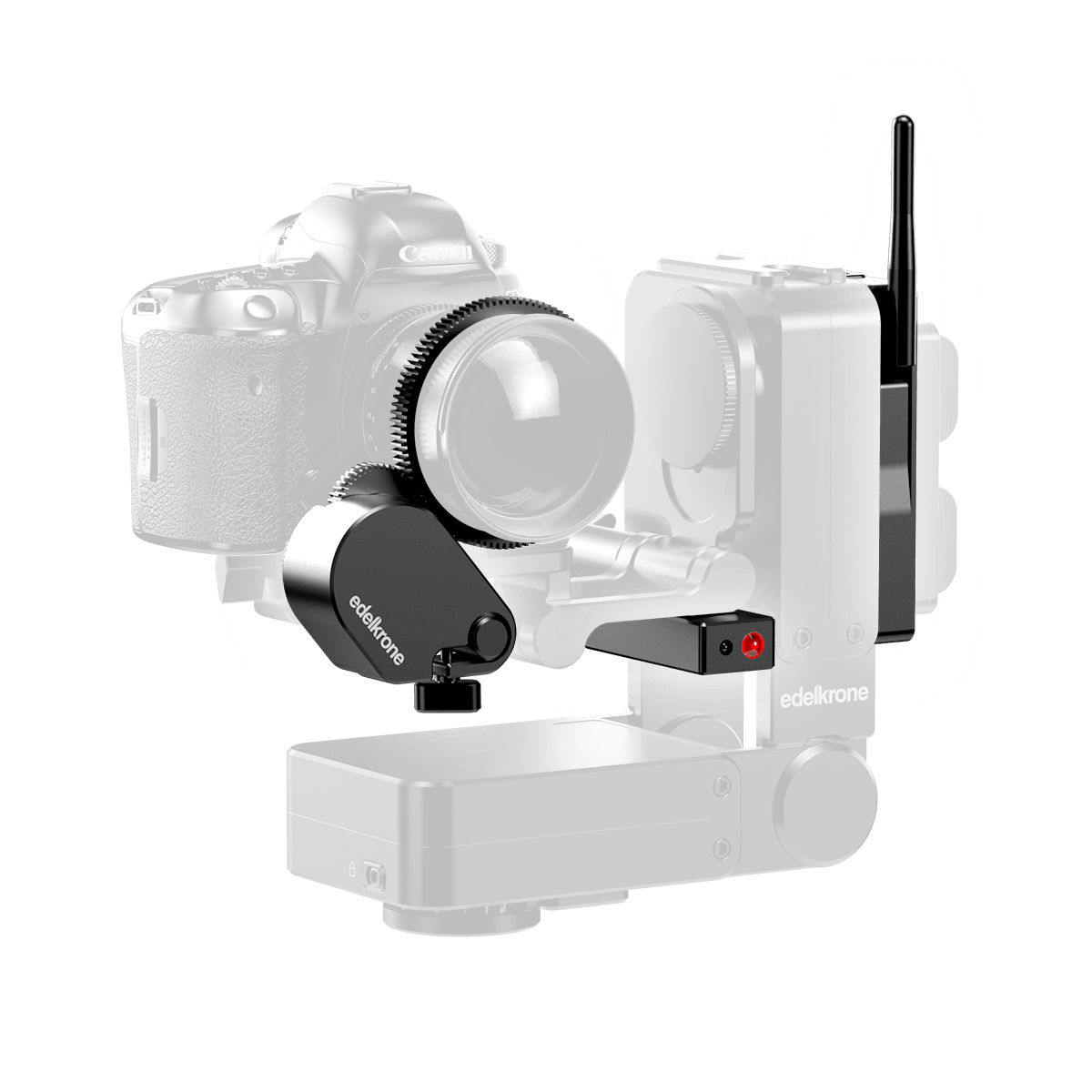
The Edelkrone Add-ons for HeadPLUS v3 Bundle combines three add-on modules for the HeadPLUS v3 and HeadPLUS PRO v3 motorized heads: Vision Module, Focus/Zoom Module v3 and Laser Module. Vision Module tracks faces and objects over HDMI and sends the image to the edelkrone App, Focus/Zoom Module v3 turns the lens focus or zoom ring, and Laser Module measures the distance to the target for instant point teaching. HeadPLUS itself is not included in the bundle.
Three add-ons for HeadPLUS in one bundle
Vision Module tracks faces and objects, Focus/Zoom Module v3 controls focus or zoom, and Laser Module measures the distance to a point at a single press.
Important: this bundle does not include HeadPLUS. All three add-ons attach to HeadPLUS or HeadPLUS PRO v3 and give it features it does not have on its own: automatic face tracking, lens control and instant point teaching for Point Tracking. In the bundle they cost less than buying the modules separately.
What the bundle includes
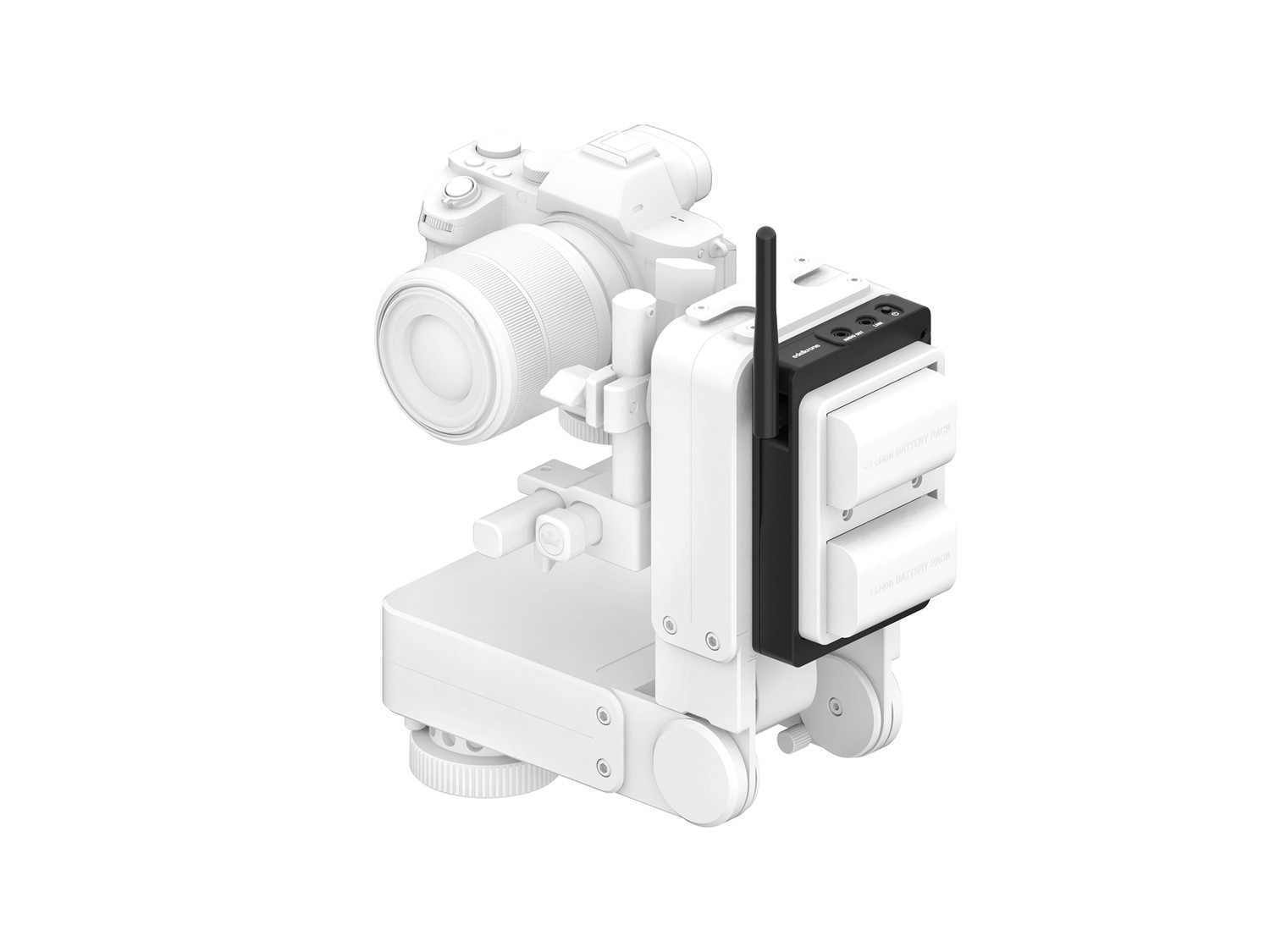
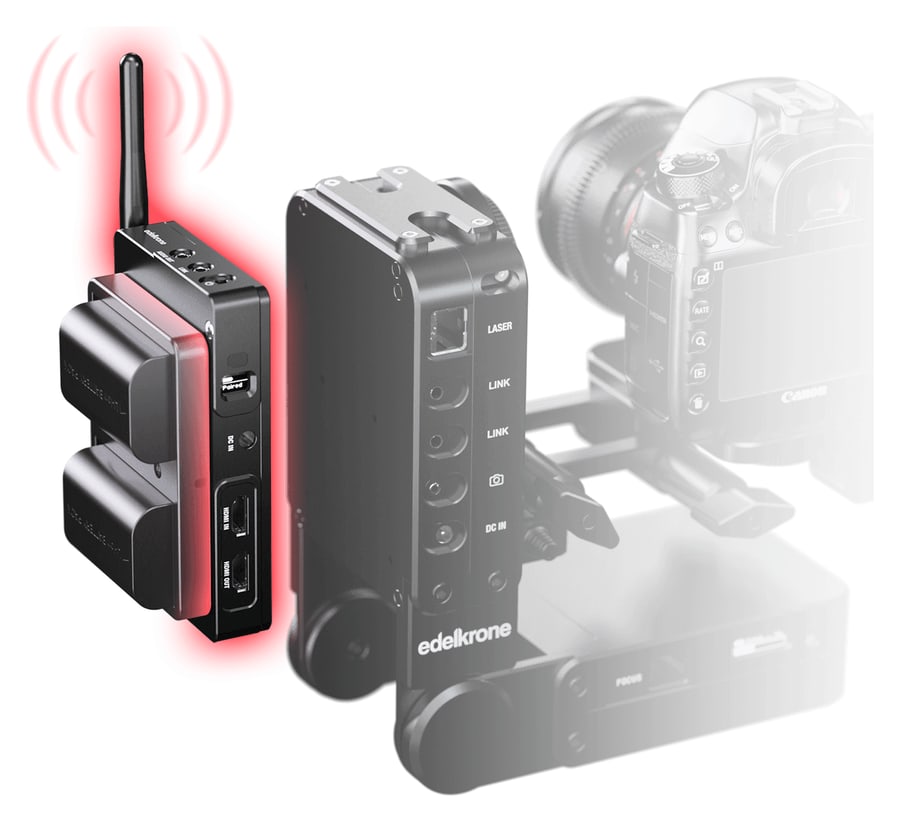
- Vision Module — tracks faces and objects in the camera image from the HDMI output and sends a live view wirelessly to the edelkrone App.
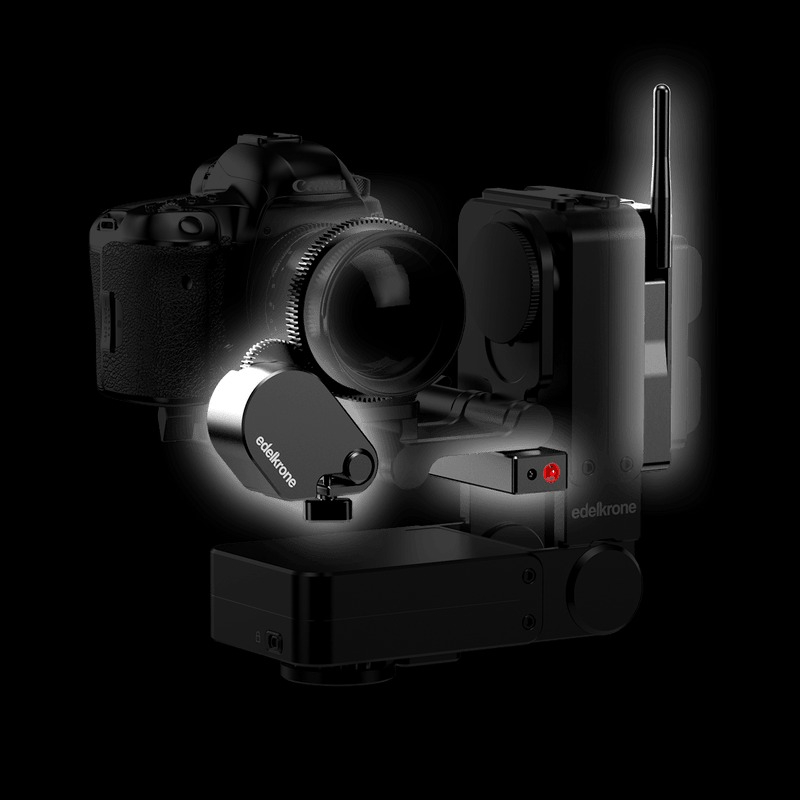
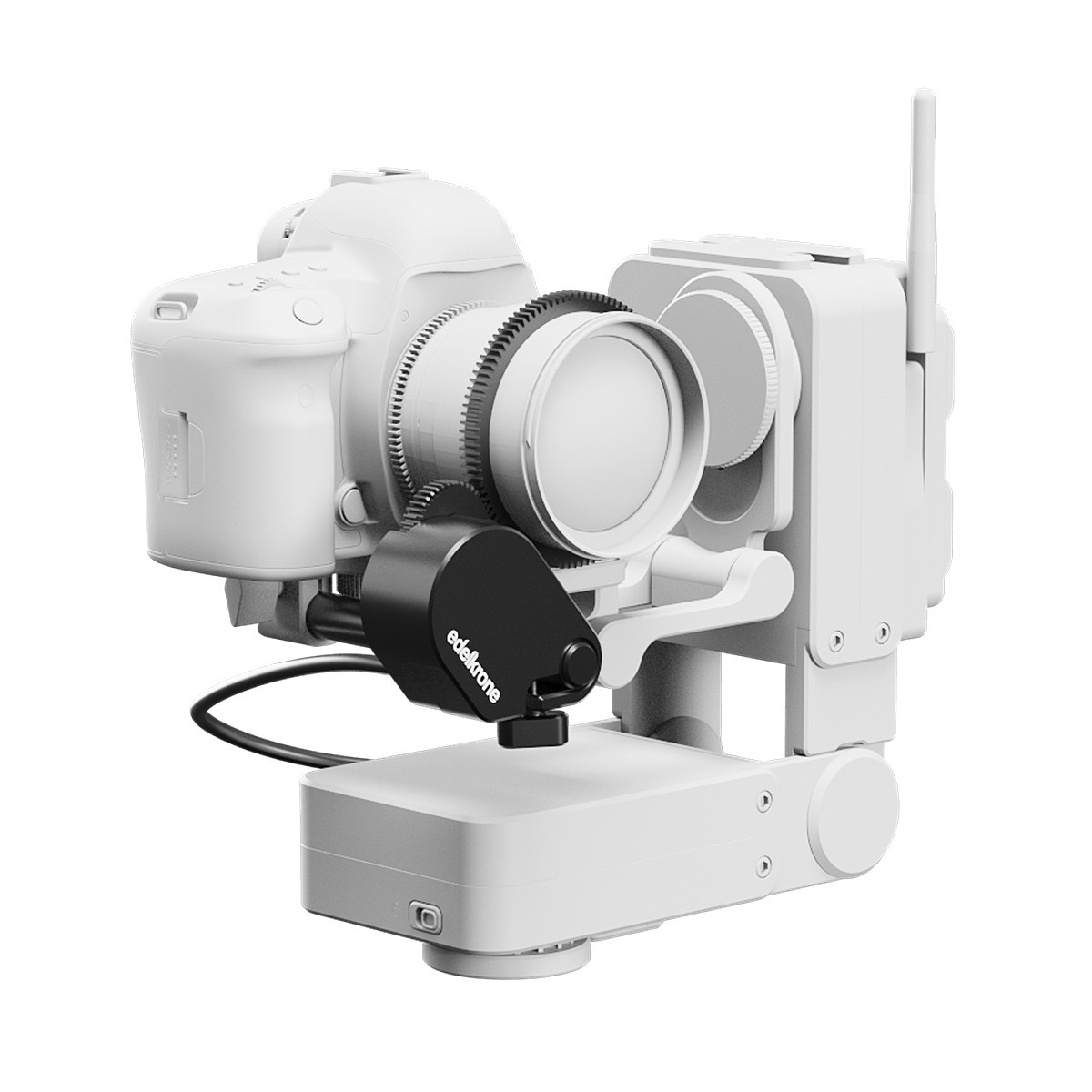
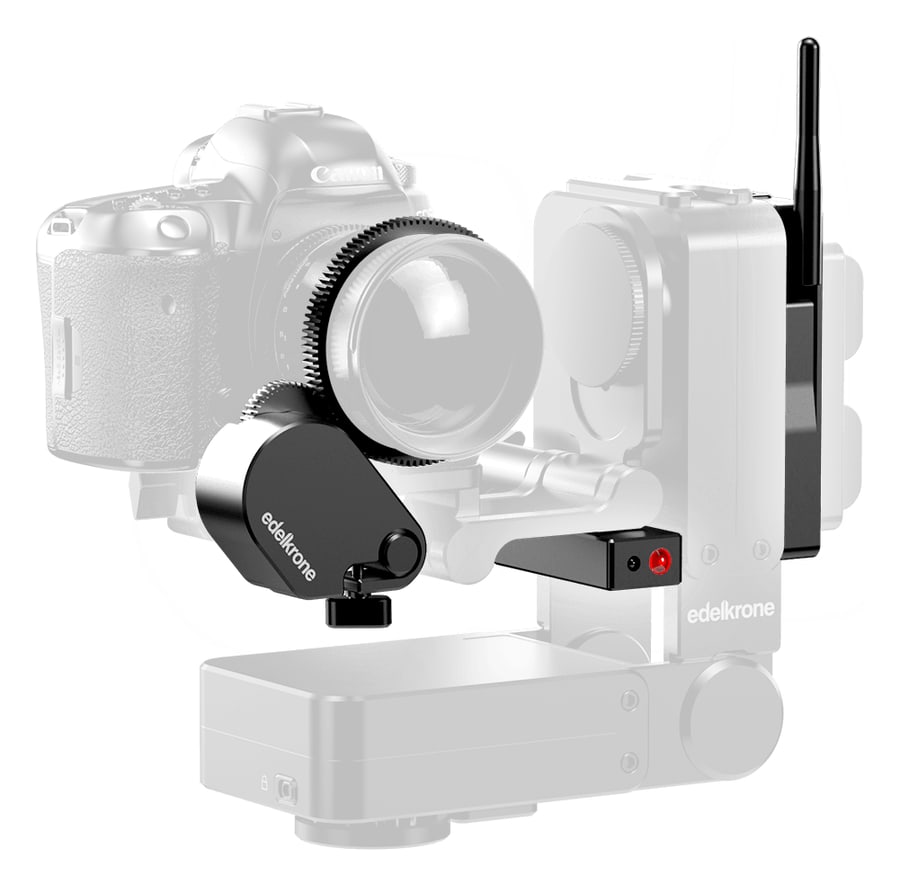
- Focus/Zoom Module v3 — a geared motor turns the lens focus or zoom ring and stores its positions together with the movement of the head.
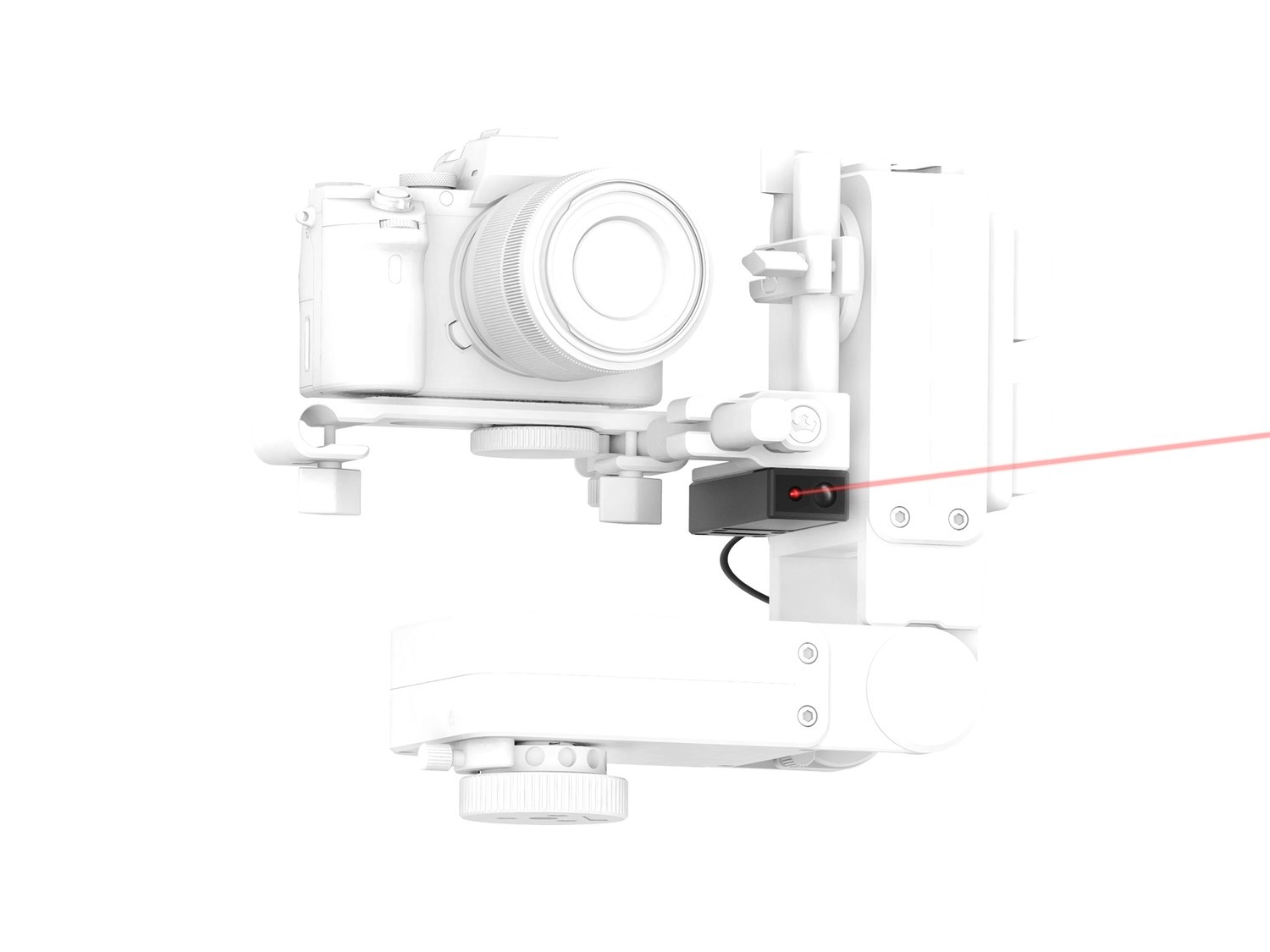
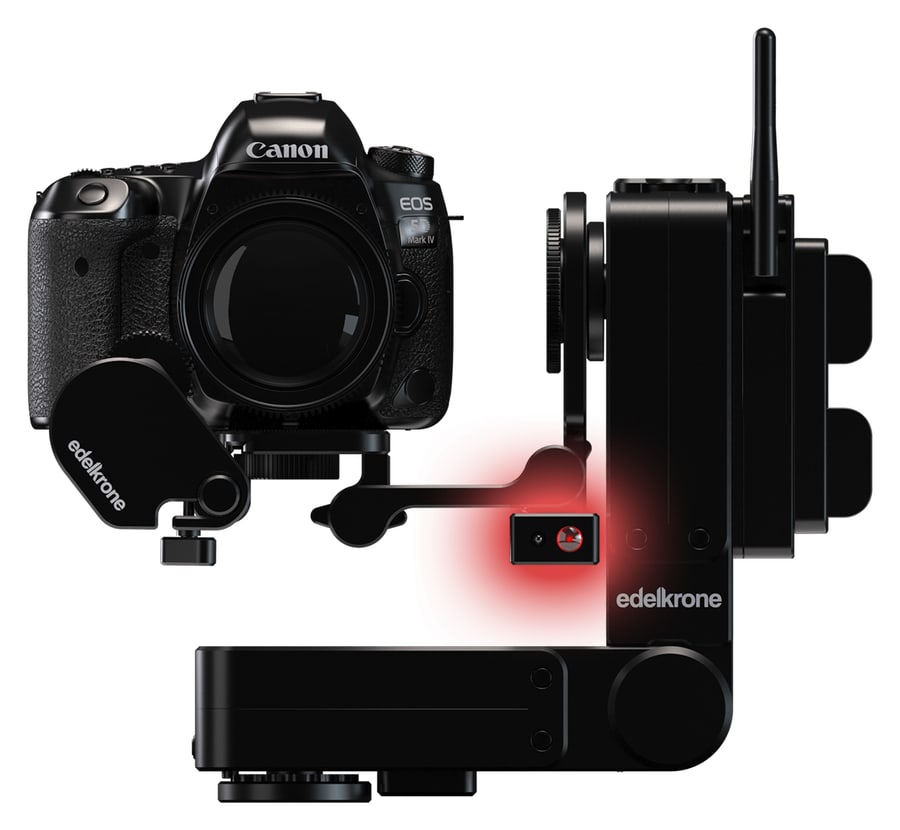
- Laser Module — a laser rangefinder measures the distance from the camera to the target, so you set a Point Tracking point at a single press.
Batteries are not included.
Vision Module
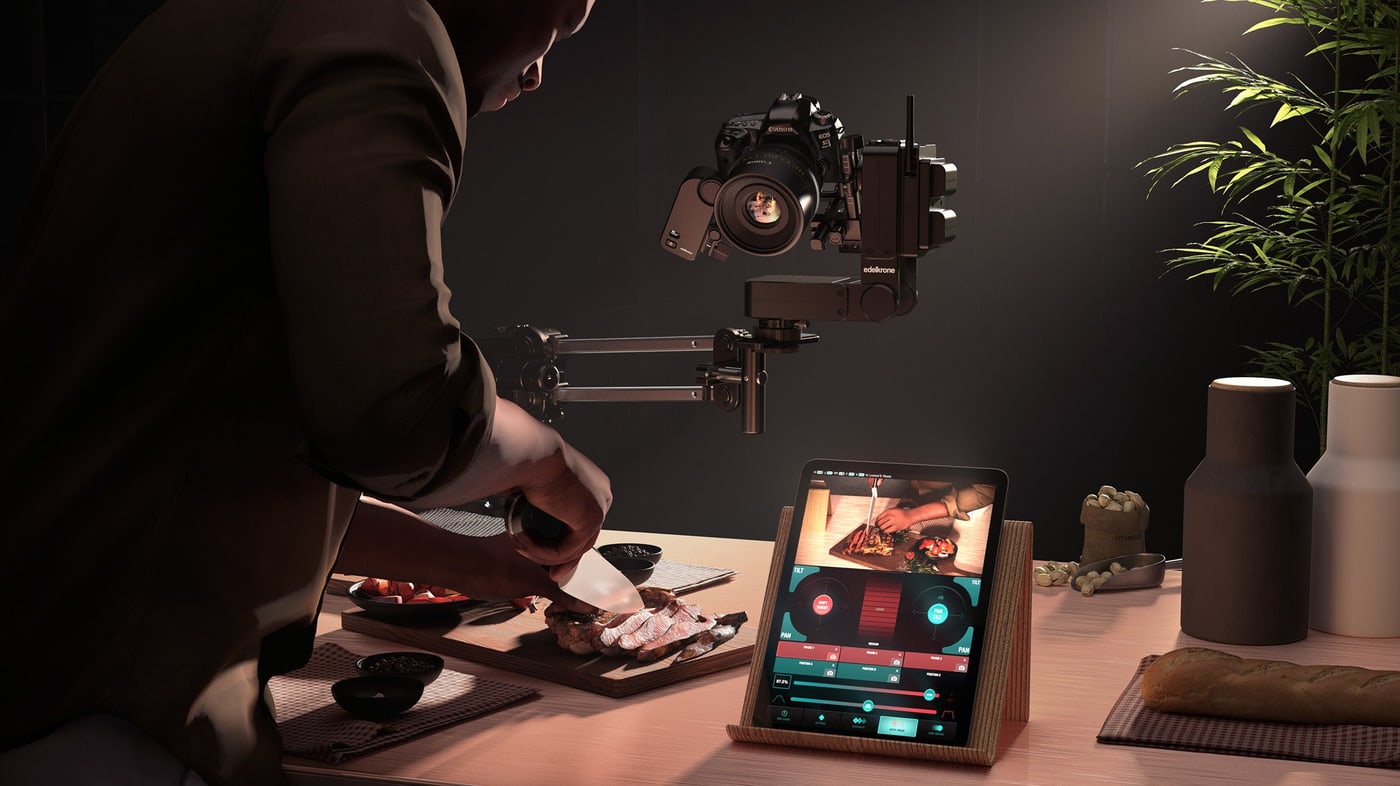
The Vision Module sees what your camera sees (HDMI Connection) and takes control of HeadPLUS to follow moving faces or objects in your video. Vision Module also wirelessly streams your video feed to any edelkrone App with almost no delay.
Face & Object Tracking
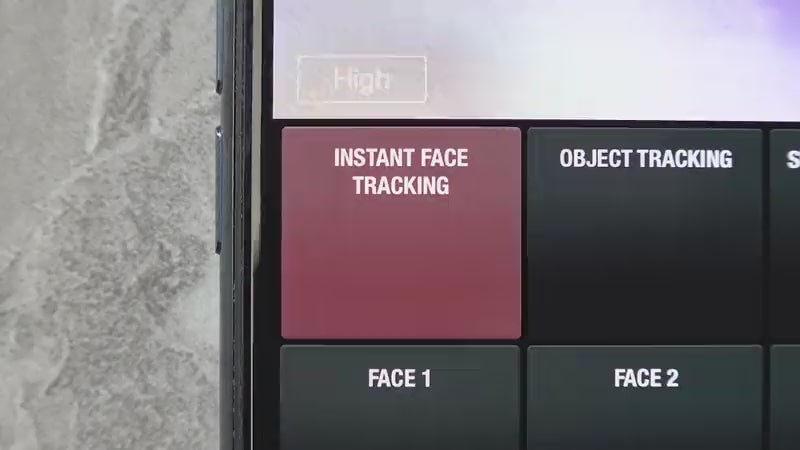
You can start Face Tracking whenever a face is in the frame. Once activated, HeadPLUS will automatically pan and tilt to keep the face centered in the upper third of the frame.
Tap anywhere on screen to reposition the face
During face tracking, you have the flexibility to reposition the face within the frame by tapping anywhere on the screen. The system will keep the face there.
Search for a new face
Additionally, you can use the left and right direction buttons to switch to a different face in that direction. Once pressed, Vision Module will search for the next face in that direction. If no faces are currently present within the frame, HeadPLUS will pan until a new face is located, at which point it will automatically initiate tracking for that face.
Object tracking
Object Tracking can be triggered any time by pressing the object tracking button. Once pressed, you need to drag-select the object you want and then press DONE. Object tracking starts immediately.
Face tracking is only compatible with PAL cameras and only works on horizontal video setups; vertical video is not supported.
Focus/Zoom Module
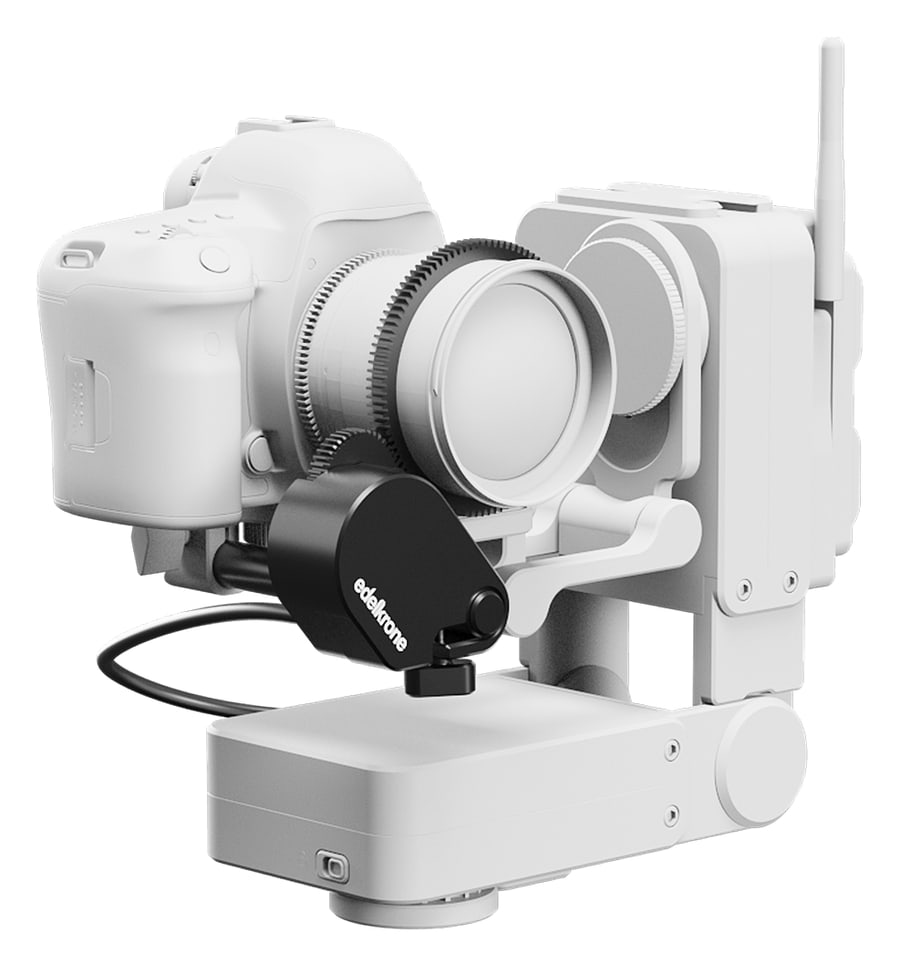
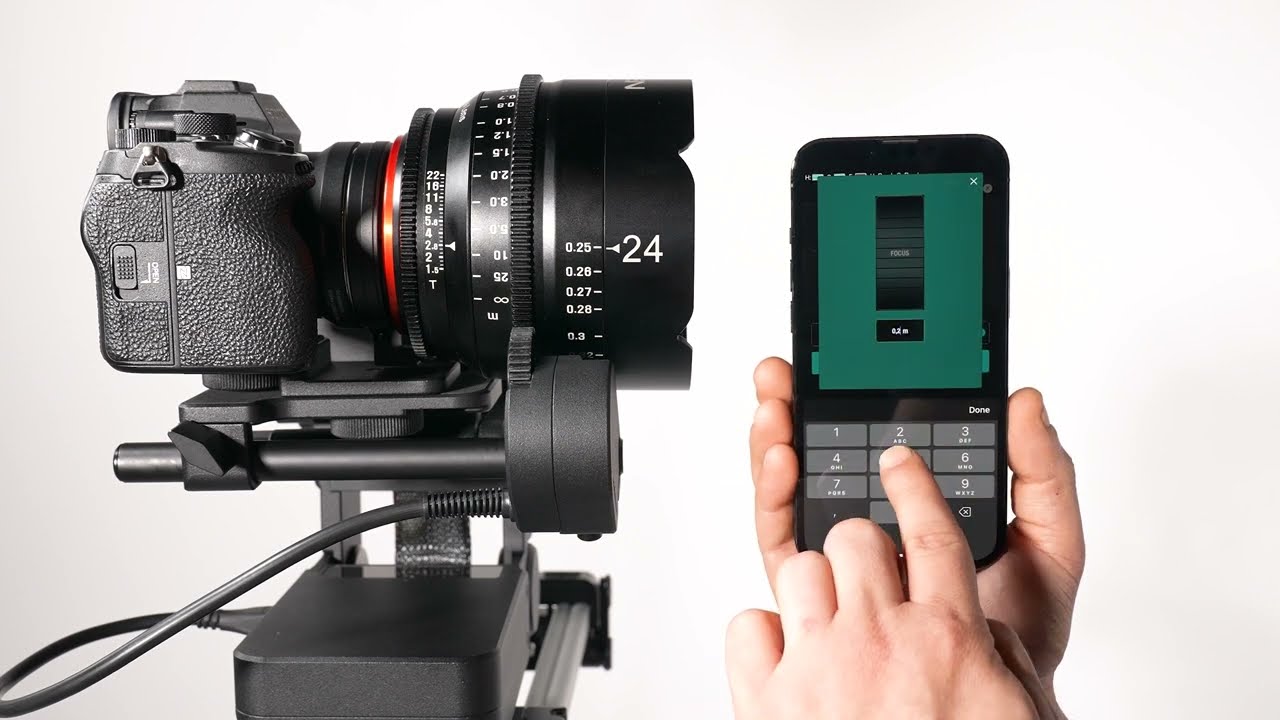
The module attaches to the rods next to the lens, meshes with the focus or zoom ring and HeadPLUS controls it just like its own pan and tilt axes. Lens positions are stored on the Keypose and Point buttons and always return to exactly the same place.
Focus and zoom in Keypose and Point Track modes
Benefits in Keypose Mode
Allows you to switch focus between two keyposes.
Enables zoom transitions between two keyposes.
Benefits in Point Track Mode
Keeps the tracked point in focus throughout the tracking (thanks to lens mapping for autofocusing).
Lets you set different zoom levels for each point during transitions.
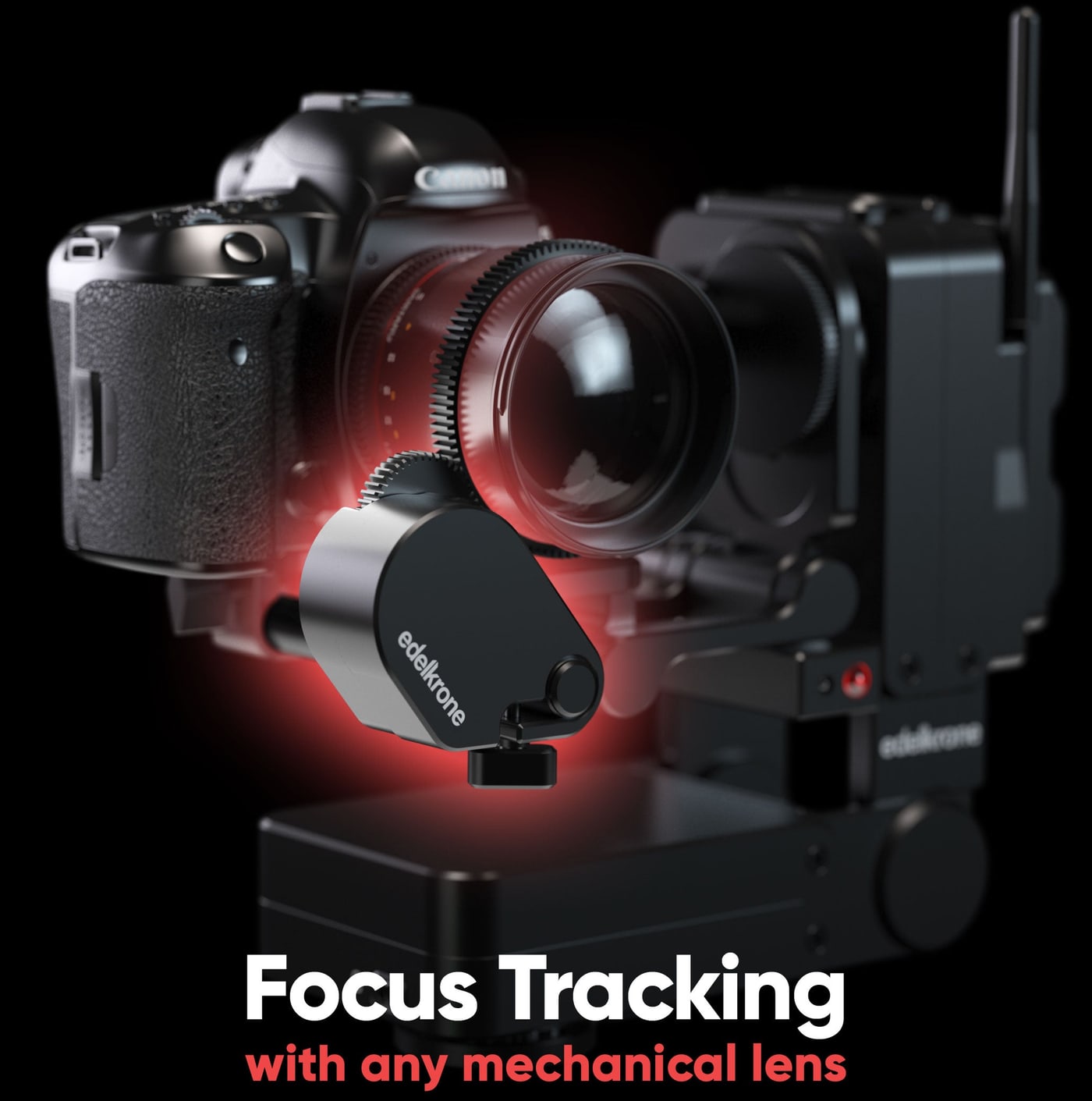
Set a point to track by simply focusing on it!
You can now aim your camera and focus on the point to quickly teach its position to the system.
Zoom Control
If you attach Focus/Zoom Module to the zoom ring of your lens, you can assign different zoom amounts to each Keypose and Point Button.
Lens mapping
If your lens is not in the list, you can easily teach your lens in a minute (ONE-TIME) and save for future use.
Just choose your lens model from the Lens Community and you are ready to autofocus.
Laser Module
Instant Point Teaching
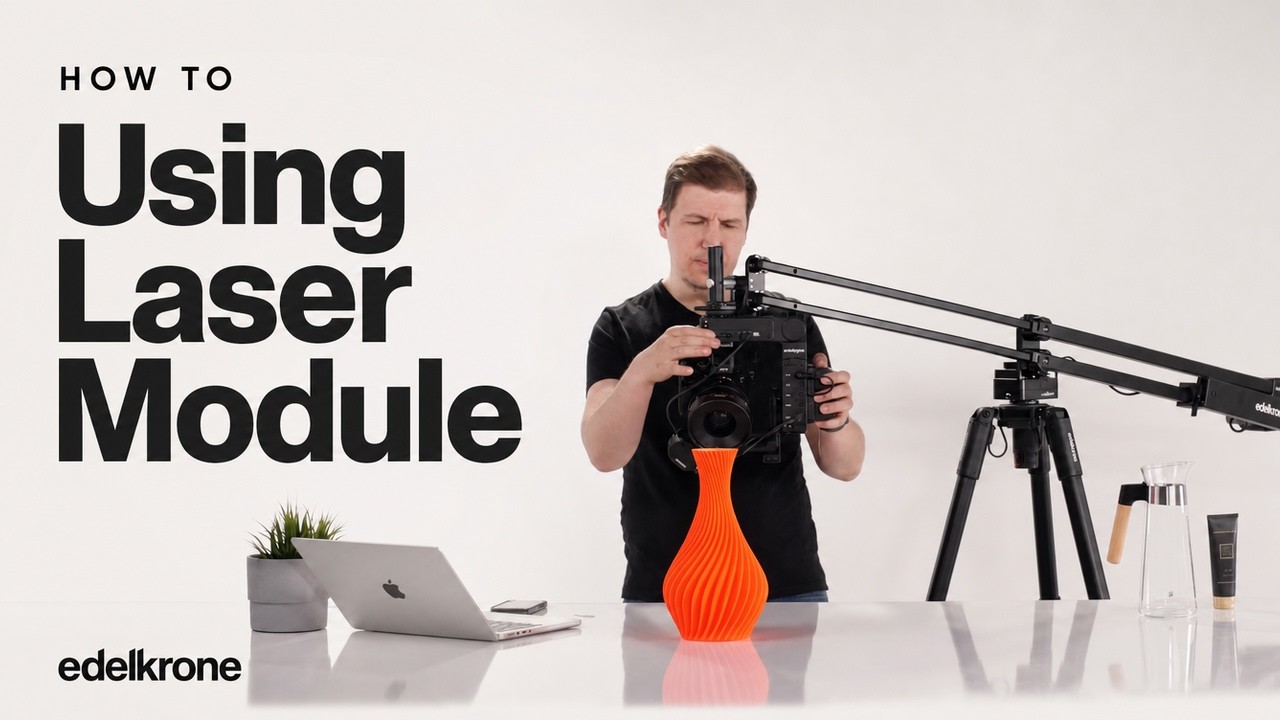
Without the module, you teach a point by aiming at it with your camera from two separate angles while the App guides you step by step. The Laser Module measures the distance from the camera to the target itself, so HeadPLUS knows where the point is right after the first aim.
Automatic Point Tracking
With the edelkrone exclusive Point Tracking Feature, you can lock on to any point in 3D space while your camera is moving on edelkrone sliders, jibs or dollies.
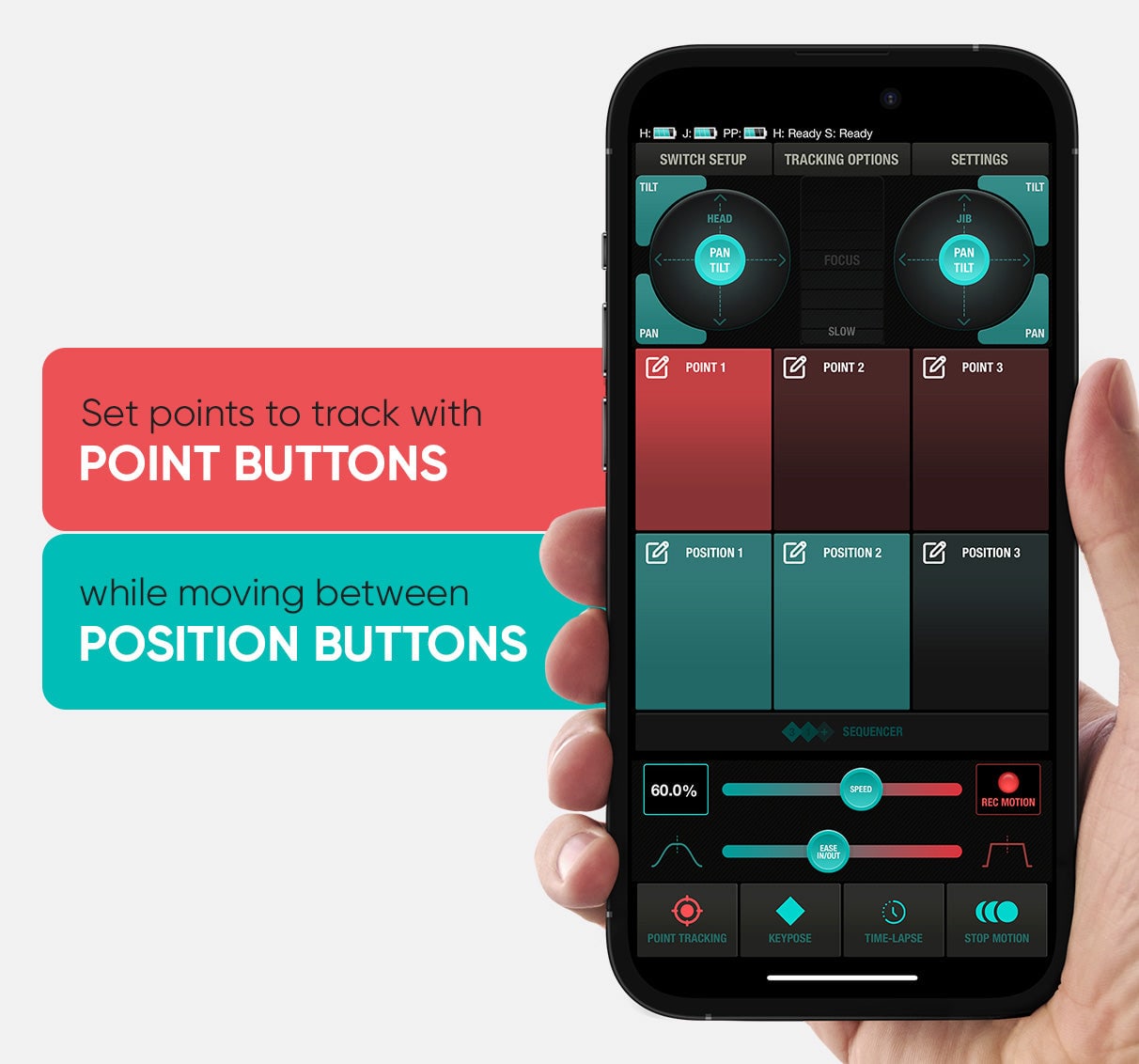
Point Buttons make the HeadPLUS lock on a target point so once you trigger body motion by using any of the position buttons, HeadPLUS will adjust itself in realtime keeping the frame locked on the point.
Controlling options
edelkrone App
The edelkrone App is a comprehensive and intuitive control platform for wireless control of all edelkrone devices from both Apple and Android devices. The Android app delivers a smooth experience, while certain advanced features are optimized for iOS.
PACKAGE CONTENT
- Vision Module — 1×
- Focus/Zoom Module v3 — 1×
- Laser Module — 1×
SPECIFICATIONS
- Bundle contents: Vision Module, Focus/Zoom Module v3, Laser Module
- Compatibility: HeadPLUS v3 and HeadPLUS PRO v3 (head not included)
- Module weights: Focus/Zoom Module 0.26 kg, Vision Module 0.3 kg, Laser Module 0.1 kg
- Vision Module: HDMI input from the camera (frame rate must be a whole number, 29.97 fps not compatible), HDMI out with unprocessed signal, face and object tracking, wireless video transmission to up to 5 devices
- Focus/Zoom Module v3: single axis (focus or zoom), brushless motor with ultra high-res encoder, 0.8 mm pitch gear, 120 × 55 × 31 mm (rod clamp and battery not included)
- Laser Module: laser measurement of the distance from the camera to the target for instant point teaching (Point Tracking)
- Batteries: not included
ACCESSORIES (4)
ACCESSORIES (4)
EdelKrone Lens Gear PRO v1 (3 - pack)
The Edelkrone Lens Gear PRO v1 pack extends what you can do with lenses whose focus
70 €
In stock > 5 pcs
EdelKrone HeadPLUS PRO v3
The Edelkrone HeadPLUS PRO v3 is a motorized pan & tilt head for professional
2 809 €
In stock > 5 pcs
EdelKrone Lens Gear PRO v1
The Edelkrone Lens Gear PRO v1 is a non-slip rubber strap with a 0.8 pitch gear that
43 €
In stock > 5 pcs
EdelKrone HeadPLUS v3
The Edelkrone HeadPLUS v3 features enhanced capabilities for professional filmmaking.
2 079 €
on request

News, training, and discounts from Syntex
Special offers and discounts for subscribers only · Free audio & video workshops · News and tips from the world of filmmaking
- Show all
EdelKrone Add-ons for HeadPLUS v3 Bundle
The Edelkrone Add-ons for HeadPLUS v3 Bundle combines three add-on modules for the1 209 €In stock 2 pcs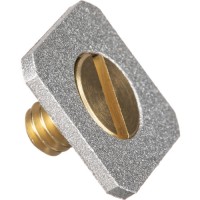
Manfrotto Adapter For Nikon Flash
The Manfrotto 262 is a tiny, precision-machined aluminum adapter that converts any7.8 €on request
Datavideo HDR-70 HD/SD-SDI Digital Video Recorder for 19-inch Rack
The Datavideo HDR-70 is a 1U HD/SD-SDI video recorder designed for installation in2 659 €14-30 days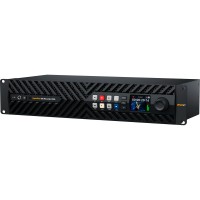
HyperDeck ISO Recorder 100G
HyperDeck ISO Recorder 100G is a 2RU recorder for live production: it records up6 529 €on request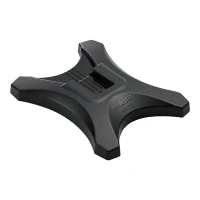
Nikon Flash Stand AS-23
The Nikon AS-23 Flash Stand is a compact holder for the SB-500 Speedlight, enabling16 €on request