
 CZ
CZ SK
SK HU
HU AT
AT DE
DE ES
ES SI
SI HR
HR
Nothing in the basket.

- Search
-
Login

-
0
Comparison
Add products to compare, then they will appear here and you can compare parameters.
-
0
0 €
Logic Keyboard Blender 3D TITAN MAC UK
SKU: LKB-BLEN-TM-UK
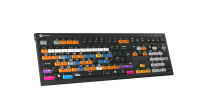
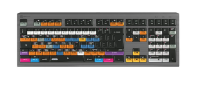
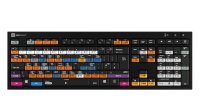
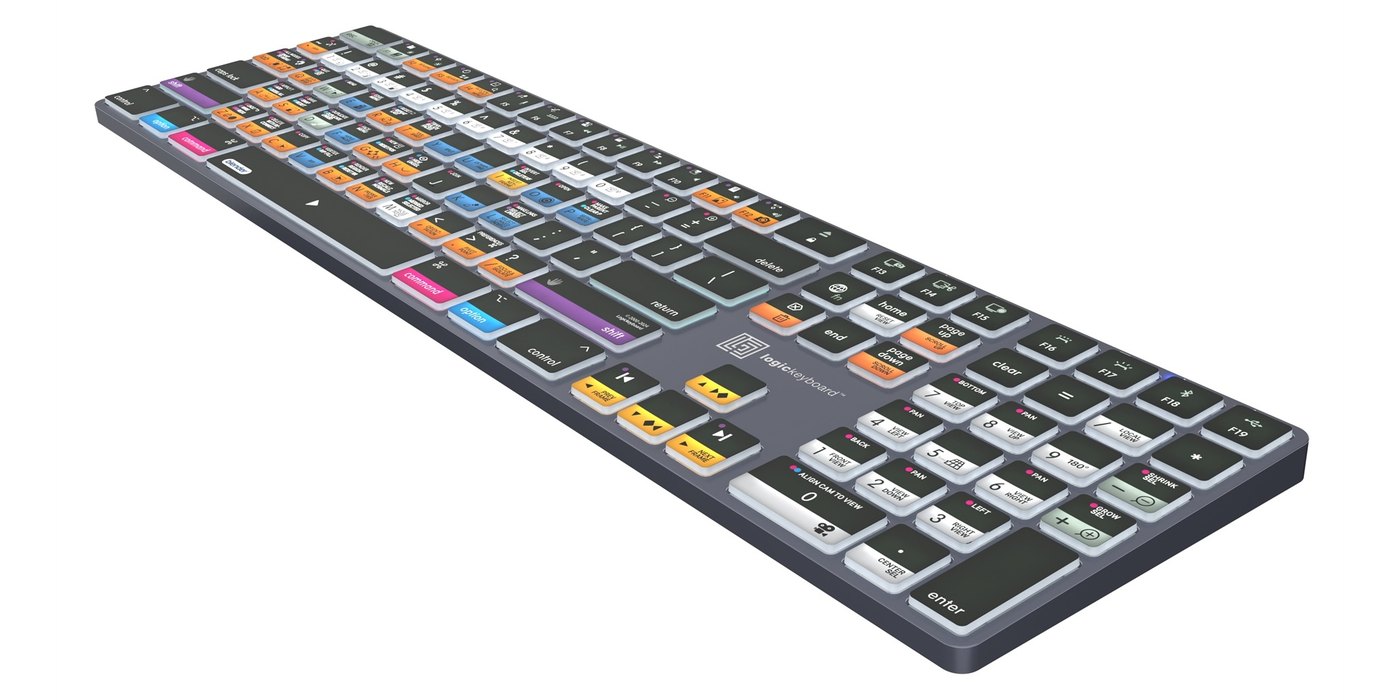
This Logickeyboard is your number one choice when editing in Blender. The shortcut commands labeled on the keys, and their color-coded definitions makes you a Master of controlling Blender in no time. The Logickeyboard is ideal for 3D modeling studios, professional graphics environments, and everyone else working diligently with Blender.
169 € with VAT
139.67 € without VAT
Availability
on request
Product description
SPECIFICATIONS
PACKAGE CONTENT
Product description
This Logickeyboard is your number one choice when editing in Blender. The shortcut commands labeled on the keys, and their color-coded definitions makes you a Master of controlling Blender in no time. The Logickeyboard is ideal for 3D modeling studios, professional graphics environments, and everyone else working diligently with Blender.
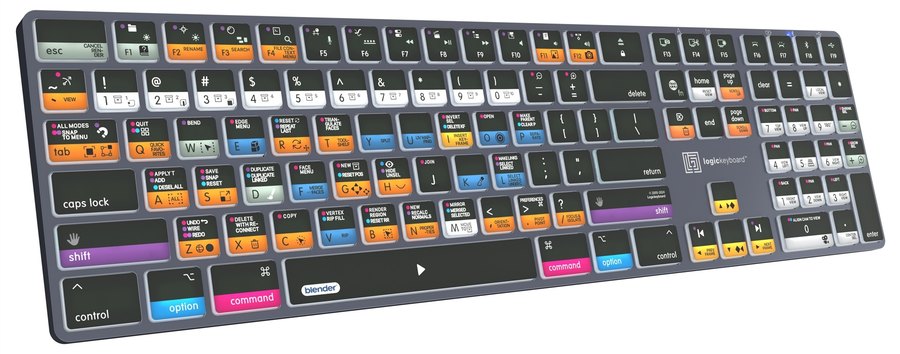
The Logickeyboard TITAN for Blender (Mac) has the program's shortcuts printed right on the keys, with colour-coded definitions. It is ideal for 3D modelling studios, professional graphics environments and everyone who works in the software every day. TITAN is a slim backlit keyboard that connects wirelessly via Bluetooth 5.1 or with a USB-C cable.
Every shortcut in sight
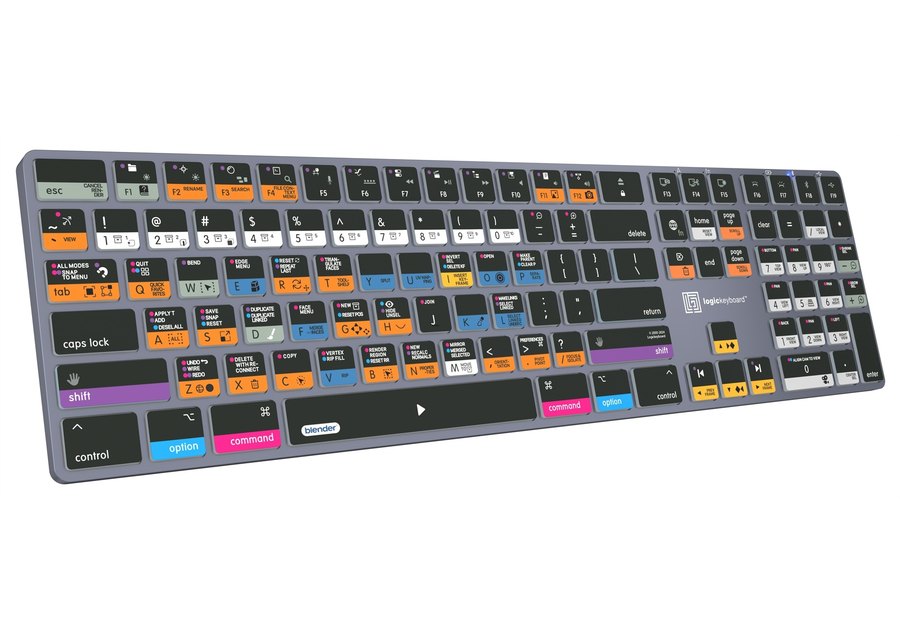
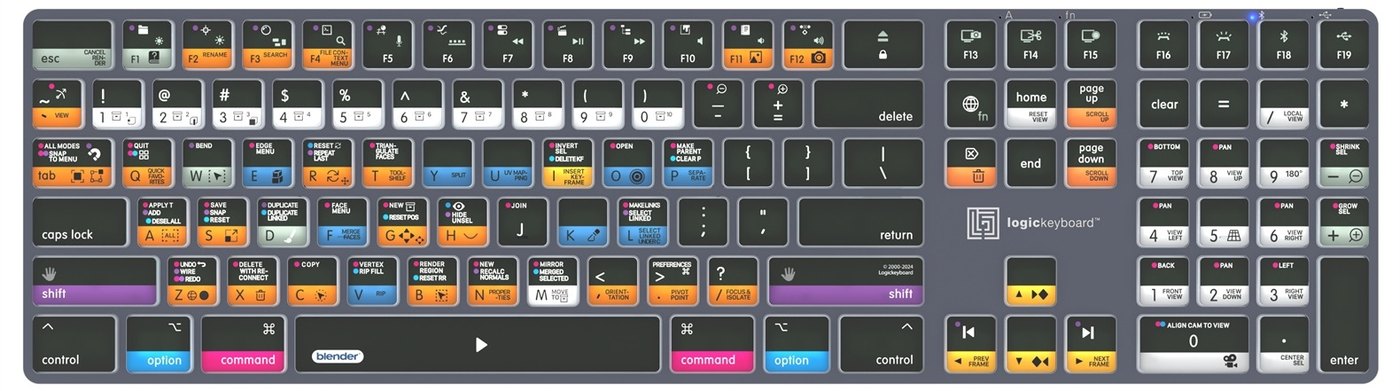
Colour-coded, labelled keys show 140+ shortcuts for Blender. No more hunting through menus or memorising commands.
140+ shortcutsBluetooth 5.1 + USB-C5-level backlightUp to 300 h batterymacOS · iPadOS · iOS
Why a shortcut keyboard?
Skip the time-consuming menu navigation and stop memorising commands. Every shortcut you need is right at your fingertips – more productivity, more time for creativity.
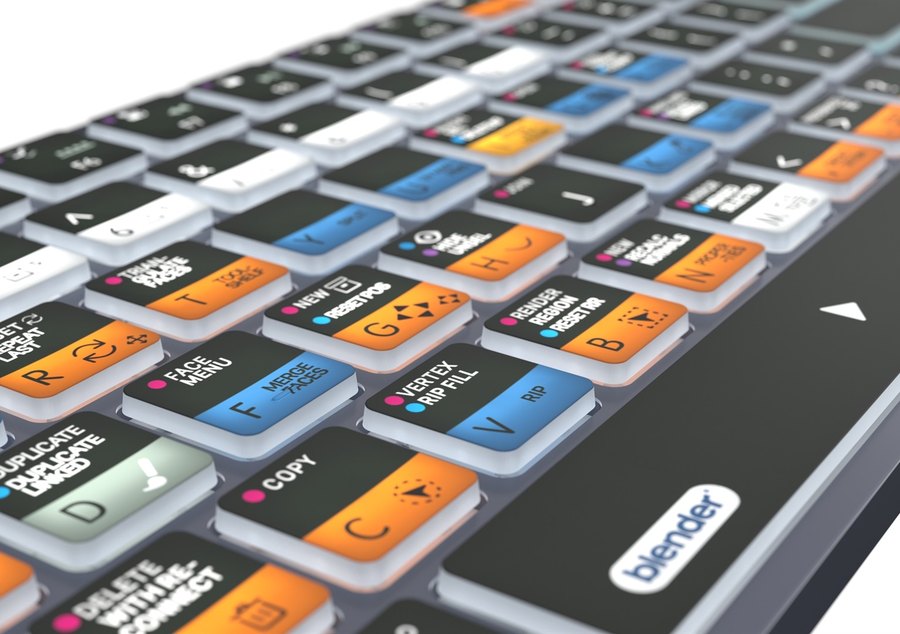
Wireless and wired
Switch between Bluetooth and USB-C with a single keystroke. That makes it easy to master two workstations – one connected by cable, the other wirelessly.
Backlit and battery powered
The key backlight dims in five levels for work in low light. The 1500 mAh battery lasts up to 300 hours without backlight and recharges in 4.5 hours.
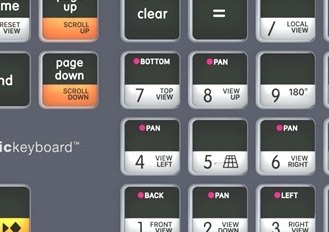
Less clicking, more creating
With the Blender shortcuts on the keys you master the program in no time – whether you are just starting out or have used it for years.
Low profile
Chiclet keys with scissor switches and superior tactile feedback in a chassis just 13 mm thin.
5 LED indicators
Caps Lock, fn Lock, battery status and the active Bluetooth or USB connection are always in view.
10 metre range
Bluetooth 5.1 keeps the connection up to 10 m away from the computer.
Titanium grey chassis
High quality, robust build for professional use; 430 × 119 × 13 mm, 580 g.
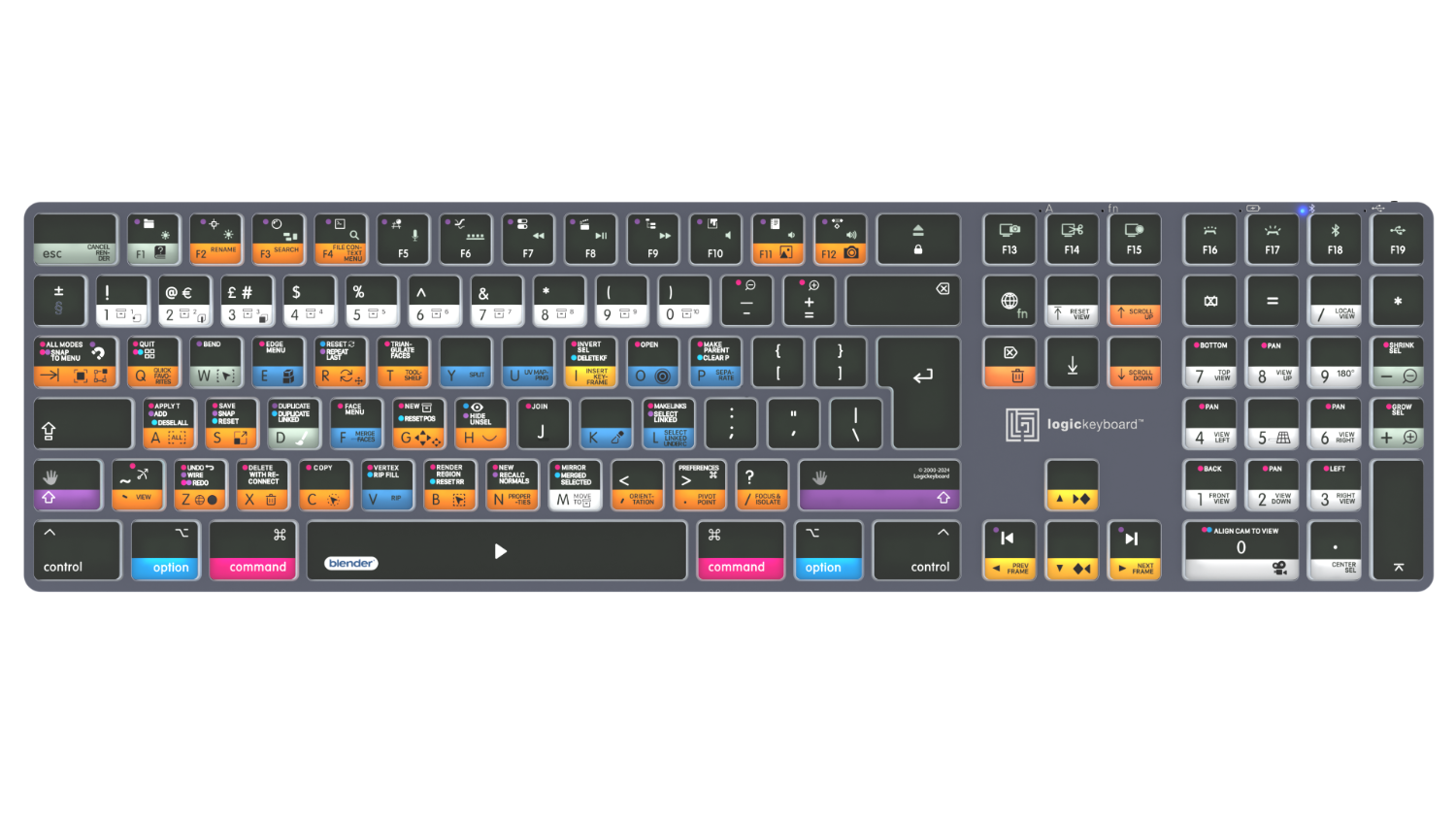
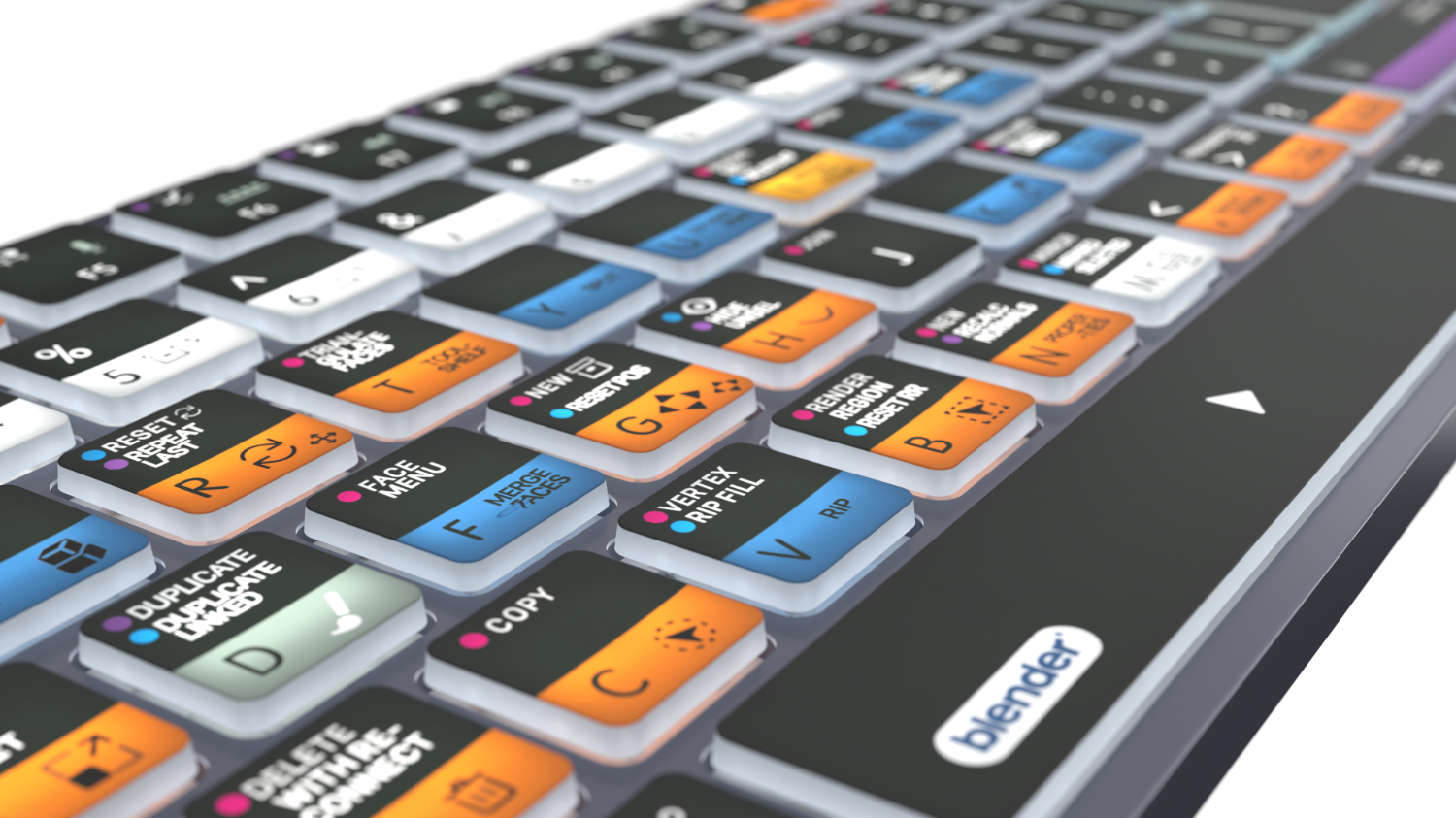
Blender shortcut layout. Key colours group related commands, and icons with labels show what each shortcut does.
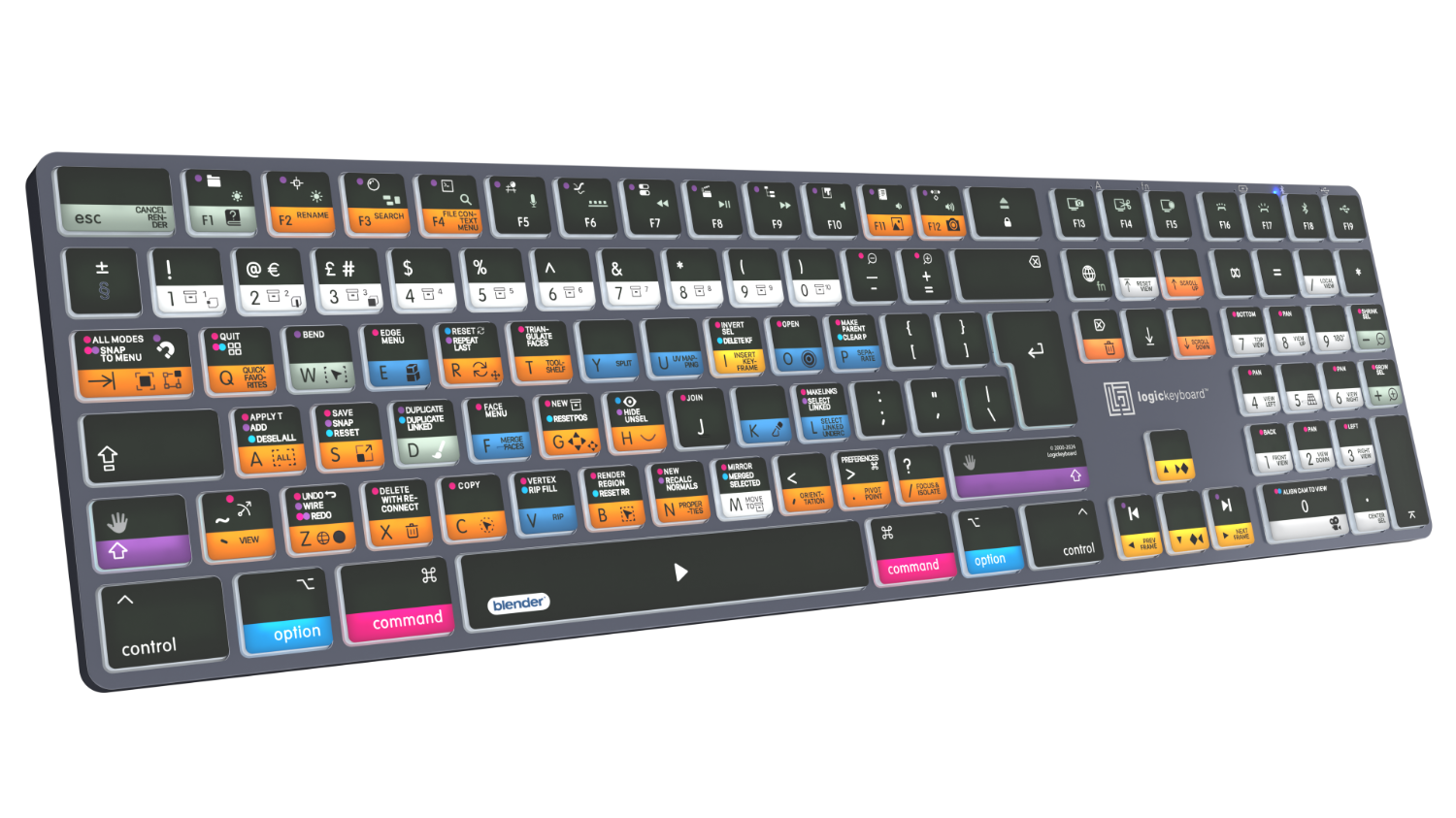
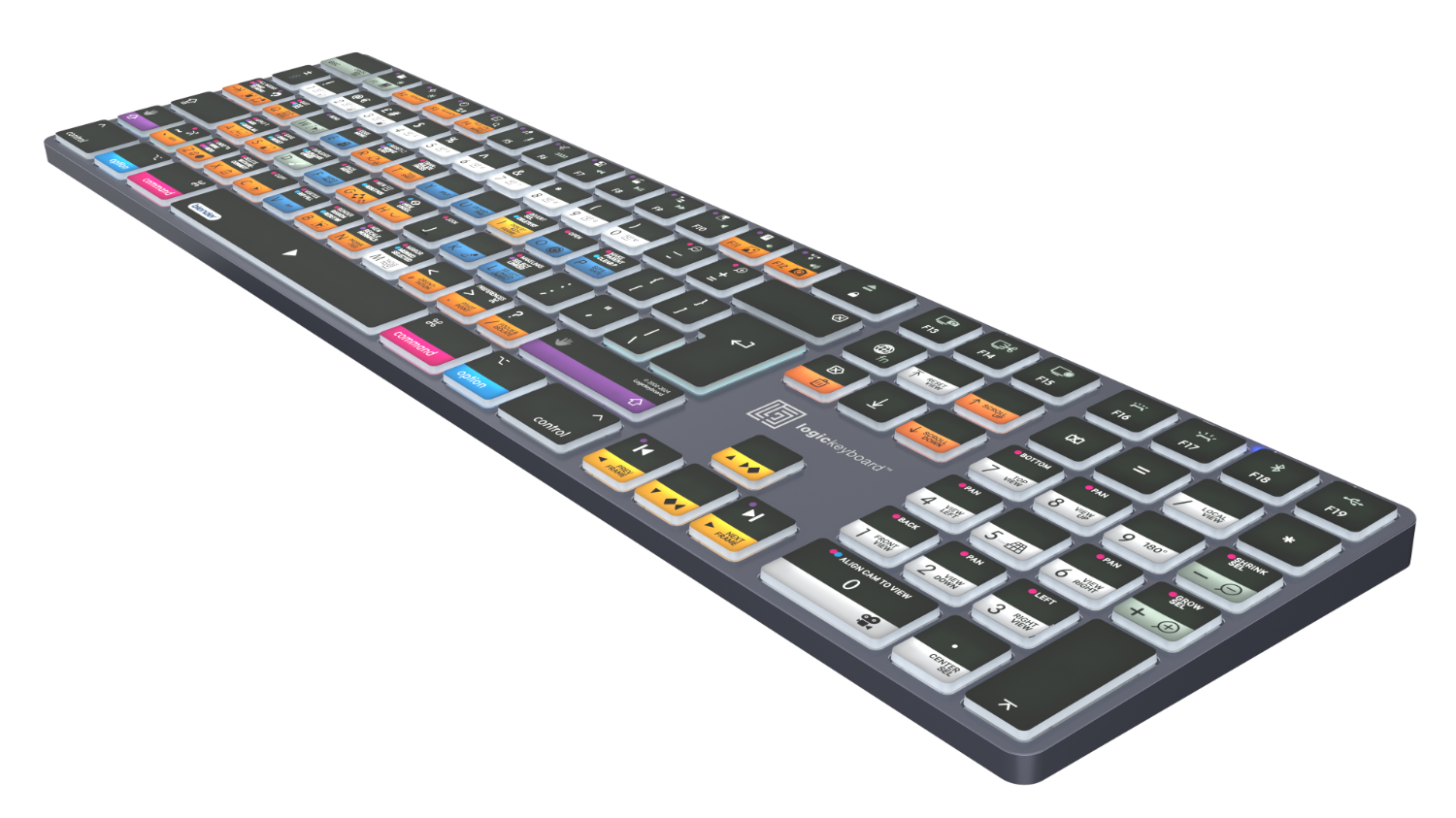
Slim and elegant. The titanium grey chassis measures 430 × 119 × 13 mm and weighs 580 g.
Do you know all the shortcuts? Find the Blender cheat sheet (PDF) from the manufacturer.
PACKAGE CONTENT
- Logickeyboard TITAN backlit Bluetooth keyboard
- USB-C to USB-C cable
- user guide
SPECIFICATIONS
- Brand: Logickeyboard
- Model: Blender 3D TITAN Wireless Backlit Keyboard - Mac
- Manufacturer code: LKB-BLEN-TM-UK
- Key layout: British English (UK, ISO)
- Designed for: Blender
- Shortcuts: 140+ intuitive shortcuts
- Connection: Bluetooth wireless and USB-C wired
- Battery: rechargeable lithium, 1500 mAh
- Backlight: backlit keys, 5 brightness levels
- Keys: low-profile chiclet keys, scissor switches with superior tactile feedback
- Bluetooth range: up to 10 m
- Number of keys: 110 (ISO)
- Dimensions: 430 × 119 × 13 mm
- Net weight: 580 g
- LED indicators: 5 – Caps Lock, fn Lock, battery, Bluetooth and USB connection
- Build: high quality, robustly built for professional use
- Chassis colour: titanium grey
- Compatibility: macOS, iPadOS and iOS
- Bluetooth: 5.1
- Battery life: up to 300 h without backlight, up to 40 h with backlight at the lowest level
- Charging time: 4.5 h
- Certifications: FCC ID, CE-RED, UKCA, RoHS
Alternative (3)
Alternative (3)
Logic Keyboard Blender 3D PC Nero Line UK
Promotion: -4%
Slimline Logickeyboard designed for Blender. Made for Windows PC. This Logickeyboard
150.78 €
157.18 €
In stock 1 pcs
Logic Keyboard Blender 3D ASTRA 2 PC UK
ASTRA 2 keyboard for Blender 3D.The ASTRA 2 backlit keyboard features an elegant,
169 €
on request
Logickeyboard Blender 3D ASTRA 2 MAC UK
The Logickeyboard Blender 3D ASTRA 2 Mac UK is a professional backlit keyboard designed
169 €
3-5 days
News, training, and discounts from Syntex
Special offers and discounts for subscribers only · Free audio & video workshops · News and tips from the world of filmmaking
- Show all
Logic Keyboard Blender 3D TITAN MAC UK
This Logickeyboard is your number one choice when editing in Blender. The shortcut169 €on request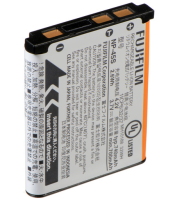
Fujifilm NP-45S Lithium-Ion Rechargeable Battery
The Fujifilm NP-45S is a reliable lithium-ion rechargeable battery designed to power40 €on request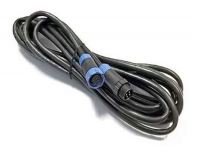
SWIT PA-UC10 | 10m extension cable for S-2630
The SWIT PA-UC10 is a 10-meter extension cable designed for the S-2630 lighting system,71 €on request
Sony Vlog-Camera ZV-1 II von Sony DSC
Promotion: -24% ends in: 7d: 18h: 09mThe Sony ZV-1 II is a compact vlogging camera designed for content creators, featuring759 €999 €on request
SKAARHOJ Air Fly Pro w/Blue Pill Inside
Air Fly Pro is SKAARHOJ’s most popular live switching controller: 12-channel Program/Preview4 539 €Backordered 2 pcs
PTZ View w/Blue Pill Inside - Slim Enclosure Black
PTZ View is a compact modular PTZ camera controller with a Hall effect joystick,4 039 €on request
SWIT PA-UC06 | 6m extension cable for S-2630
The SWIT PA-UC06 is a 6-meter extension cable designed specifically for the SWIT59 €on request
Gudsen MOZA iFocus Wireless Follow Focus Motor
The MOZA iFocus wireless focus motor weighs 198 g and has a built-in battery that47 €In stock 1 pcs