
 CZ
CZ SK
SK HU
HU AT
AT DE
DE ES
ES SI
SI HR
HR
Nothing in the basket.

- Search
-
Login

-
0
Comparison
Add products to compare, then they will appear here and you can compare parameters.
-
0
0 €
Logic Keyboard Blender 3D ASTRA 2 PC UK
SKU: LKB-BLEN-A2PC-UK
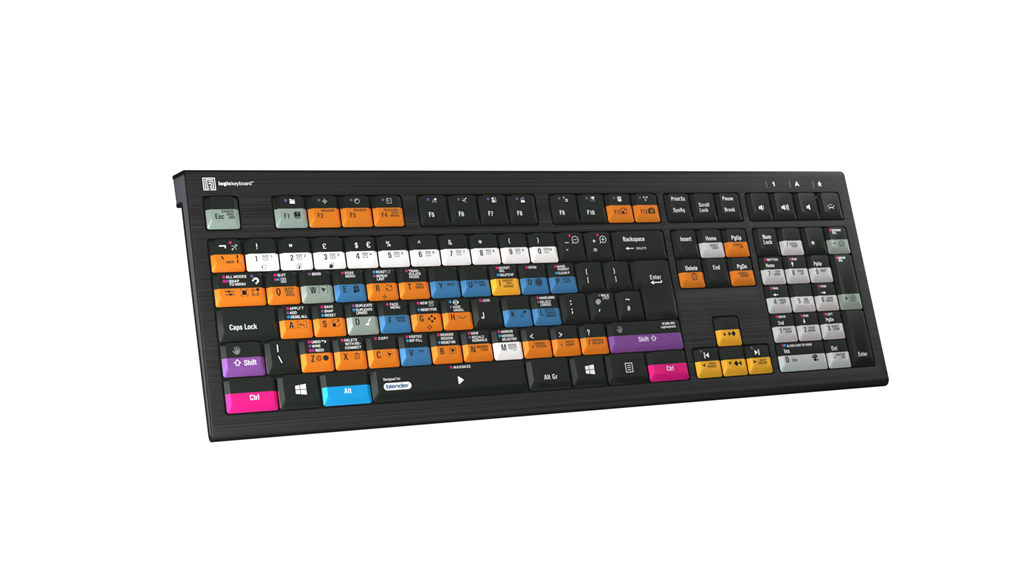
ASTRA 2 keyboard for Blender 3D.
169 € with VAT
139.67 € without VAT
Availability
on request
Top accessories for Logic Keyboard Blender 3D ASTRA 2 PC UK
Logickeyboard LogicLight v2 Black, Retail Pack
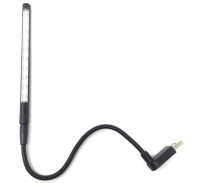
The Logickeyboard LogicLight v2 Lamp (Black) is an LED keyboard lamp designed to
36 €
3-5 days
Product description
SPECIFICATIONS
PACKAGE CONTENT
Product description
ASTRA 2 keyboard for Blender 3D.
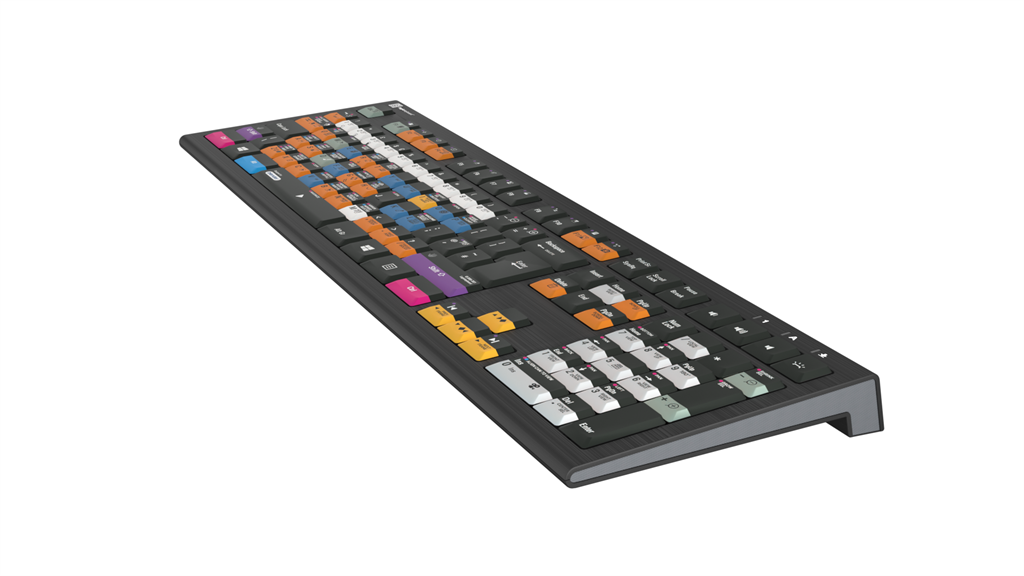
The ASTRA 2 backlit keyboard features an elegant, black keyboard with low-profile scissor-switch keys for a light, yet responsive feel. With five selectable light levels, the ASTRA 2 is the perfect choice for any lighting conditions. The keyboard features a USB 3.0* hub to enable you to connect e.g. mouse, phone, contour shuttle or a USB-dongle.
The ASTRA 2 keyboard is developed with two USB cables; a grey one for the keyboard itself, and a black one for the USB hub to avoid problems with installations, that require a KVM extender.
In addition, the ASTRA 2 has a full-sized F-row and multimedia keys to provide full control and effectiveness.
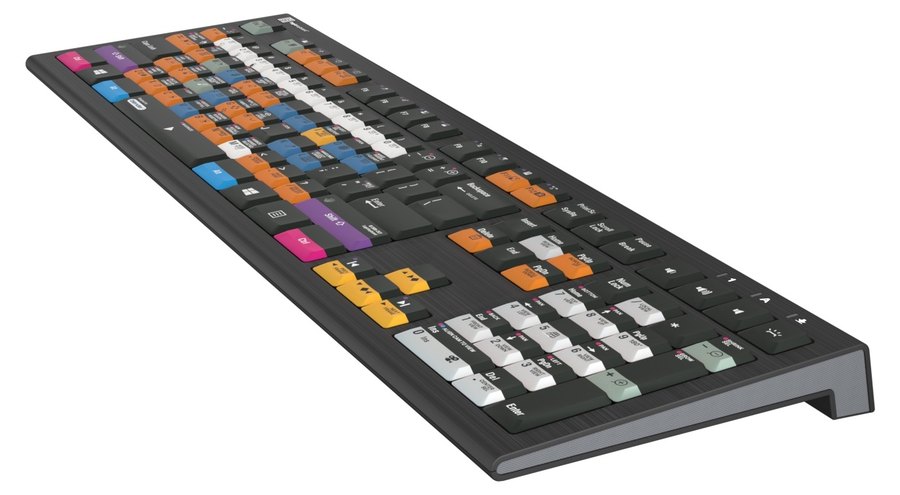
The Logickeyboard ASTRA 2 for Blender (Windows) has the program's shortcuts printed right on the keys, with colour-coded definitions. It is ideal for 3D modelling studios, professional graphics environments and everyone who works in the software every day. ASTRA 2 is a robust backlit keyboard with a built-in USB 3.0 hub; it connects via USB-A and a USB-C adapter is included.
Every shortcut in sight
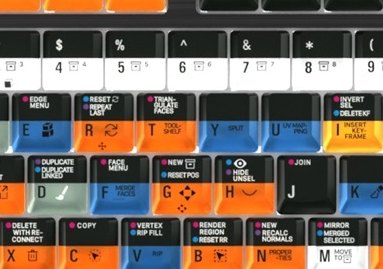
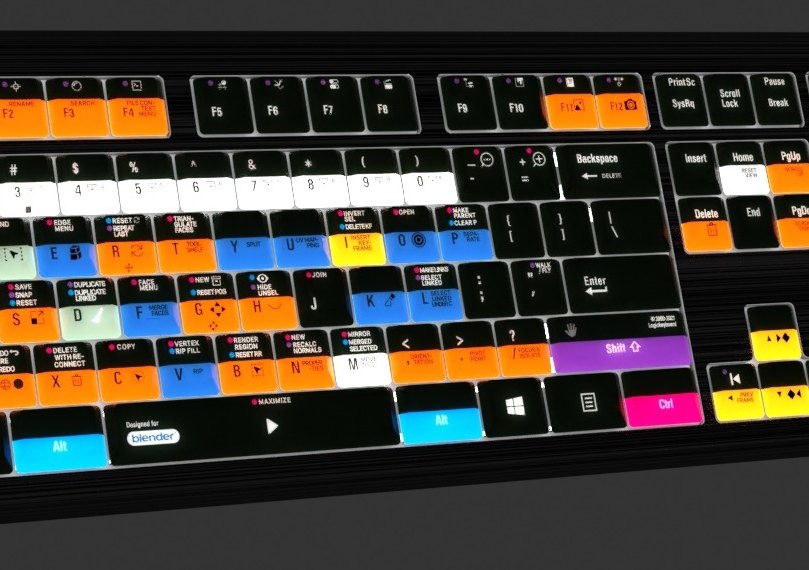
Colour-coded, labelled keys show 140+ shortcuts for Blender. No more hunting through menus or memorising commands.
140+ shortcuts5-level backlightUSB 3.0 hubUSB-C adapterWindows 10/11
Why a shortcut keyboard?
Skip the time-consuming menu navigation and stop memorising commands. Every shortcut you need is right at your fingertips – more productivity, more time for creativity.
Powerful backlight
The key backlight dims in five levels, so the labels stay readable even in a darkened room. The maker calls it the industry's most powerful backlit keyboard.
Built-in USB 3.0 hub
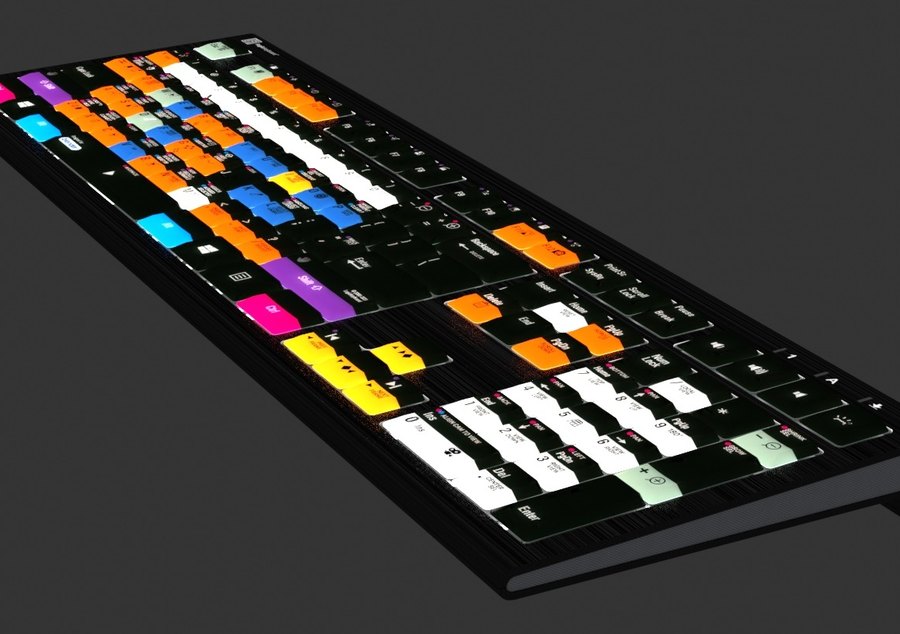
Plug peripherals such as an external SSD straight into the USB 3.0 SuperSpeed hub in the keyboard. A USB-C adapter for the USB-A cable is included.
Less clicking, more creating
With the Blender shortcuts on the keys you master the program in no time – whether you are just starting out or have used it for years.
Scissor switches
Keys with superior tactile feedback for fast, accurate typing.
3 LED indicators
Num Lock, Caps Lock and Scroll Lock.
Robust build
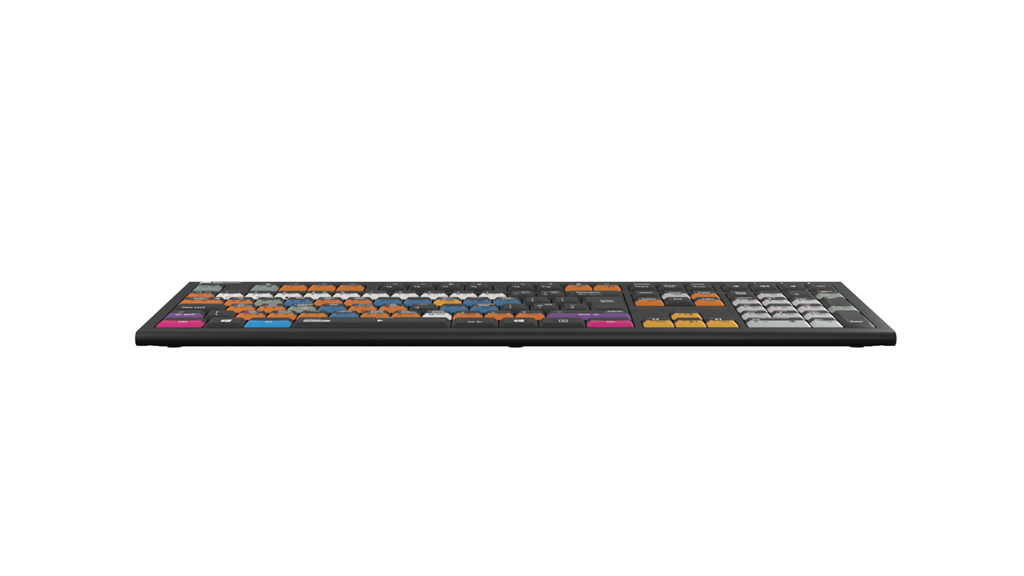
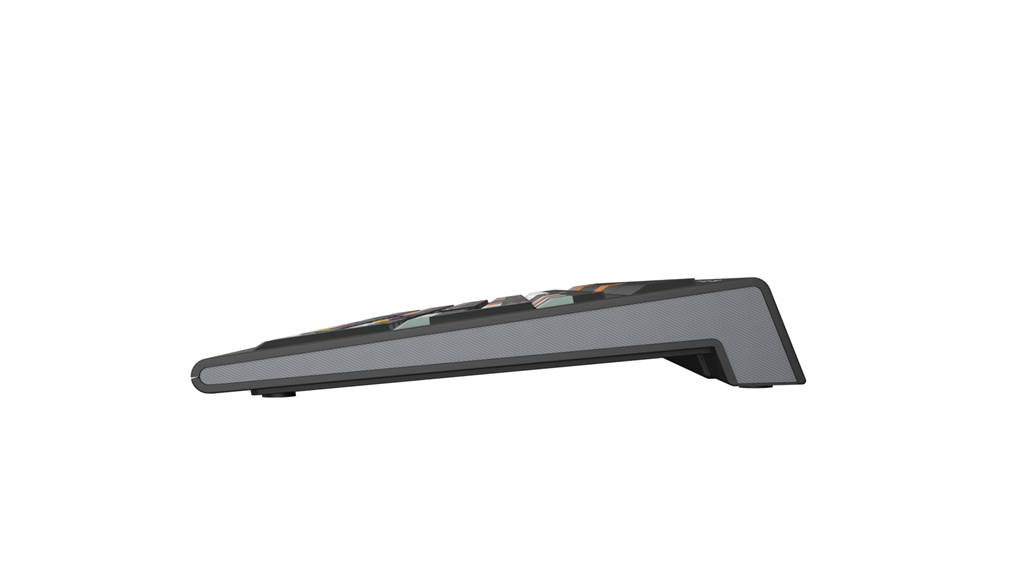
High quality chassis for professional use; 446 × 150 × 30 mm, 950 g.
Plug-and-play
Works without drivers – Windows 10/11 (plug-and-play).
Blender shortcut layout. Key colours group related commands, and icons with labels show what each shortcut does.
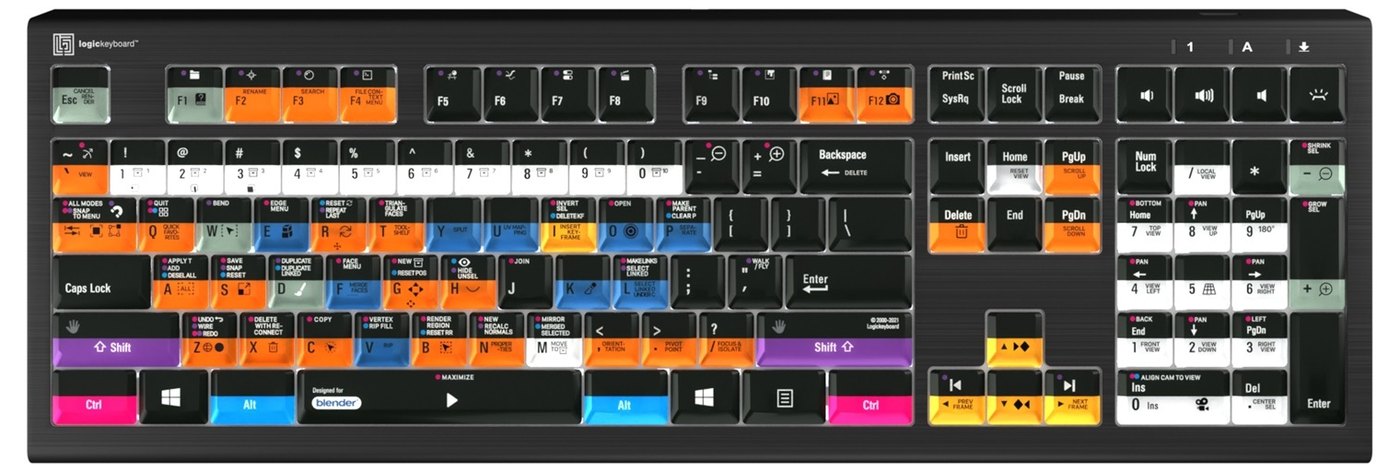
Robust chassis. The black chassis measures 446 × 150 × 30 mm and weighs 950 g.
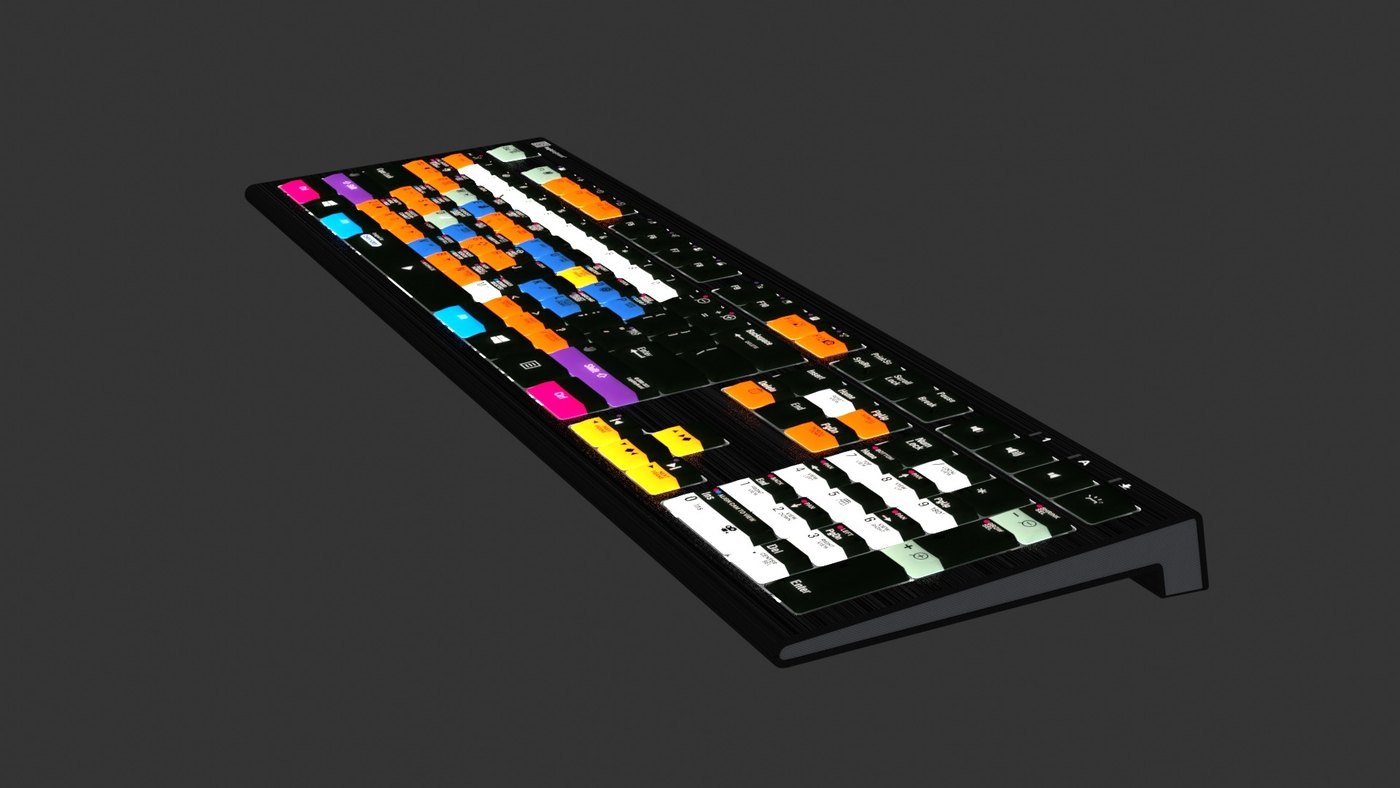
Do you know all the shortcuts? Find the Blender cheat sheet (PDF) from the manufacturer.
PACKAGE CONTENT
- Logickeyboard ASTRA 2 backlit keyboard
- USB-C to USB-A 3.0 adapter
- product and warranty information
SPECIFICATIONS
- Brand: Logickeyboard
- Model: Blender 3D ASTRA2 Backlit Keyboard – Windows
- Manufacturer code: LKB-BLEN-A2PC-UK
- Key layout: British English (UK, ISO)
- Designed for: Blender
- Shortcuts: 140+ intuitive shortcuts
- Backlight: backlit keys, 5 brightness levels
- USB hub: built-in USB 3.0 SuperSpeed
- Connection: USB-A wired
- Keys: scissor switches with superior tactile feedback
- Number of keys: 109 (ISO)
- Dimensions: 446 × 150 × 30 mm
- Net weight: 950 g
- LED indicators: 3 – Num Lock, Caps Lock and Scroll Lock
- Build: high quality, robustly built for professional use
- Chassis colour: black
- Compatibility: Windows 10/11 (plug-and-play)
Parameters
Parameters
ACCESSORIES (1)
ACCESSORIES (1)
Logickeyboard LogicLight v2 Black, Retail Pack
The Logickeyboard LogicLight v2 Lamp (Black) is an LED keyboard lamp designed to
36 €
3-5 days
Alternative (2)
Alternative (2)
Logic Keyboard Blender 3D TITAN MAC UK
This Logickeyboard is your number one choice when editing in Blender. The shortcut
169 €
on request
Logickeyboard Blender 3D ASTRA 2 MAC UK
The Logickeyboard Blender 3D ASTRA 2 Mac UK is a professional backlit keyboard designed
169 €
3-5 days
News, training, and discounts from Syntex
Special offers and discounts for subscribers only · Free audio & video workshops · News and tips from the world of filmmaking
- Show all
Logic Keyboard Blender 3D ASTRA 2 PC UK
ASTRA 2 keyboard for Blender 3D.The ASTRA 2 backlit keyboard features an elegant,169 €on request
Roland RMC-B15
The Roland RMC-B15 is a 4.5 m (15 ft) Black Series balanced microphone cable with29 €In stock 2 pcs
PremiumCord Slim HDMI 2.0 High Speed + Ethernet Cable, Gold-Plated, 0.5 m
PremiumCord Slim HDMI High Speed + Ethernet cable, gold-plated connectors, 0.5m5 €on request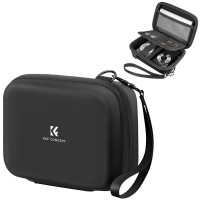
K&F Concept EVA Hard Case for Compact Cameras
Promotion: -12%The K&F Concept hard case with an EVA shell protects a compact camera from knocks,13.48 €15.39 €To be sent 1 pcs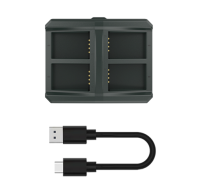
Hollyland Solidcom C1 4-slot Battery Charging Case
Hollyland Solidcom C1 4-slot Battery Charging Case HL-C1-CH04 is a four-slot battery78 €on request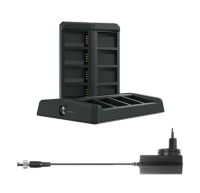
Hollyland Solidcom C1 8-slot Battery Charging Case
Hollyland Solidcom C1 8-Slot Battery Charging Case with DC power interface, designed119 €on request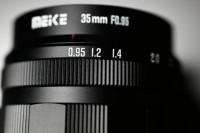
Meike 35mm F0.95 APS-C (E-mount)
Promotion: -9%Extremely fast, manual focus lens for cameras with APS-C/S35 sensors. Min Focal Dist:263.36 €287.98 €In stock 1 pcs