
 CZ
CZ SK
SK HU
HU AT
AT DE
DE ES
ES SI
SI HR
HR
Nothing in the basket.

- Search
-
Login

-
0
Comparison
Add products to compare, then they will appear here and you can compare parameters.
-
0
0 €
Blackmagic Design VideoHub 12G 40x40
SKU: VHUBSMAS12G040040
Blackmagic Videohub 40x40 12G is a professional zero latency video router with 40 12G-SDI inputs and 40 12G-SDI outputs. It handles any combination of SD, HD, 2K and Ultra HD signals up to 2160p60 at the same time, with automatic standard detection, SDI reclocking and remote control via Ethernet. In two rack units it gives you a front panel with a 5 inch LCD…
4 419 € with VAT
3 652.07 € without VAT
Personal pickup: 26. 10. from 09:00
Shipment day: 26. 10.
Shipment day: 26. 10.
In stock 1 pcs
Praha 1 pcs
Praha 1 pcs
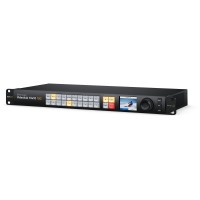
Blackmagic Design VideoHub 12G 10x10
1 479 €without VAT 1 222.31 €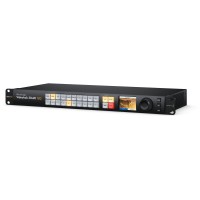
Blackmagic Design VideoHub 12G 20x20
In stock 1 pcs2 629 €without VAT 2 172.73 €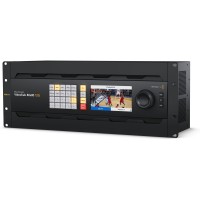
Blackmagic Design Videohub 80x80 12G
11 339 €without VAT 9 371.07 €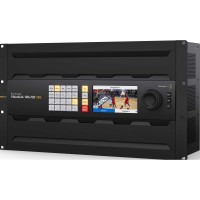
Blackmagic Design VideoHub 120x120 12G
14 279 €without VAT 11 800.83 €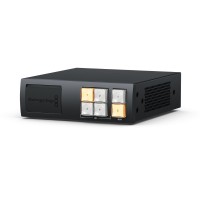
Blackmagic Design Videohub Mini 4x2 12G
759 €without VAT 627.27 €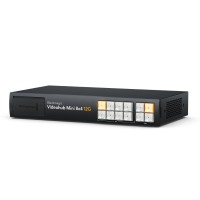
Blackmagic Design Videohub Mini 8x4 12G
In stock 2 pcs1 149 €without VAT 949.59 €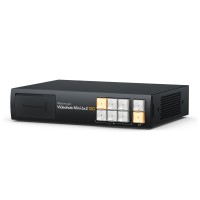
Blackmagic Design Videohub Mini 6x2 12G
859 €without VAT 709.92 €Top accessories for Blackmagic Design VideoHub 12G 40x40
Infinitek L-4.5CHWS 5m FLEX 12G-SDI cable BNC-BNC
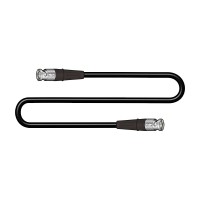
Canare L-4.5CHWS flexible and durable 75 ohm 4,2 mm "Low Loss" koaxial SD/HD/3G/12G-SDI
31 €
To be sent > 5 pcs
Infinitek L-4.5CHWS 15m FLEX 12G-SDI cable BNC-BNC
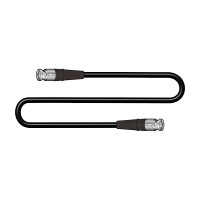
Canare L-4.5CHWS flexible and durable 75 ohm 4,2 mm "Low Loss" koaxial SD/HD/3G/12G-SDI
70 €
In stock 5 pcs
Blackmagic Design Videohub Smart Control Pro
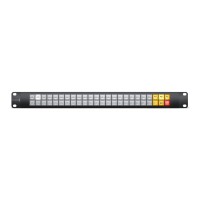
Blackmagic Design Videohub Smart Control Pro is a 1U network control panel with 48
849 €
To be sent 1 pcs
Blackmagic Design Videohub Master Control Pro
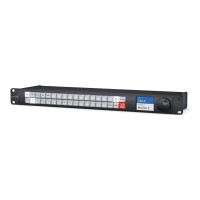
Blackmagic Design Videohub Master Control Pro is a 1U network panel for fast access
859 €
on request
Product description
SPECIFICATIONS
PACKAGE CONTENT
Product description
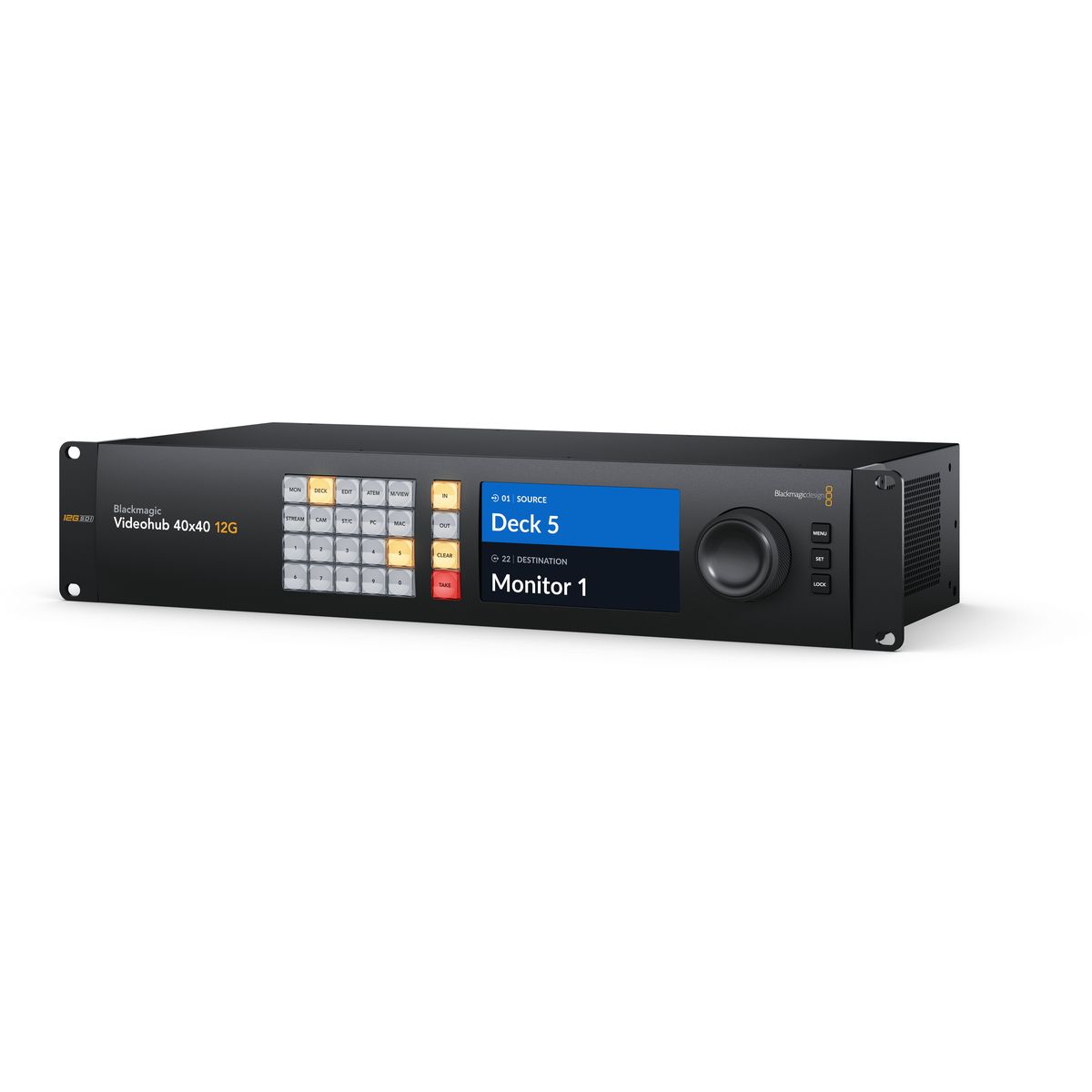
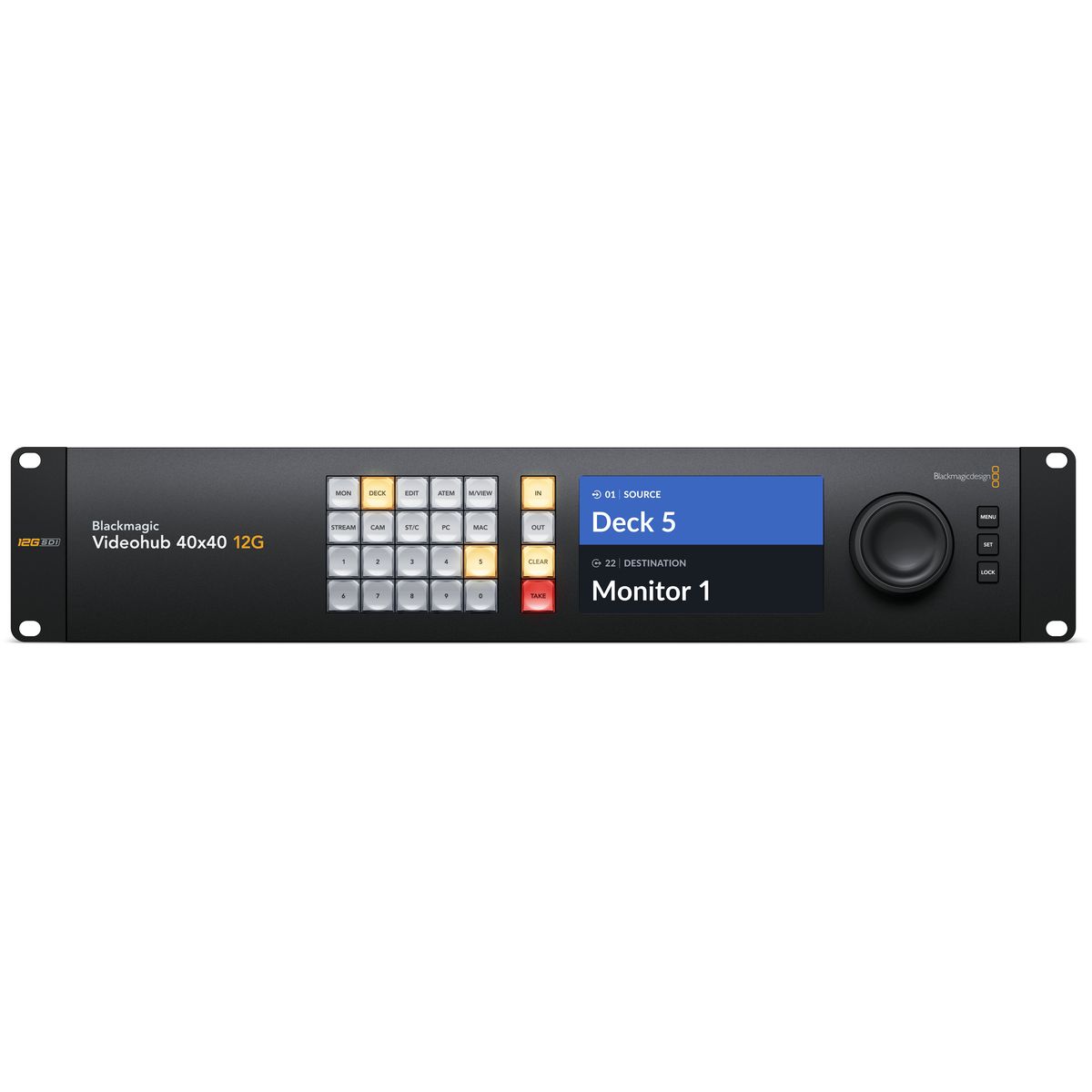
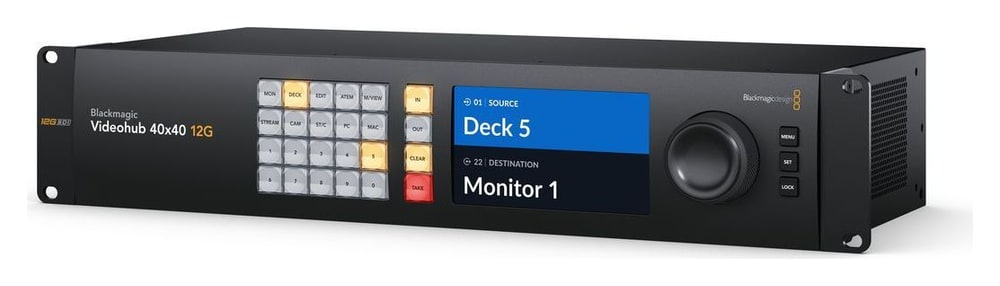
Blackmagic Videohub 40x40 12G is a professional zero latency video router with 40 12G-SDI inputs and 40 12G-SDI outputs. It handles any combination of SD, HD, 2K and Ultra HD signals up to 2160p60 at the same time, with automatic standard detection, SDI reclocking and remote control via Ethernet. In two rack units it gives you a front panel with a 5 inch LCD for labels and live video, a metal spin knob, a reference input and redundant power.
Your whole studio on one router
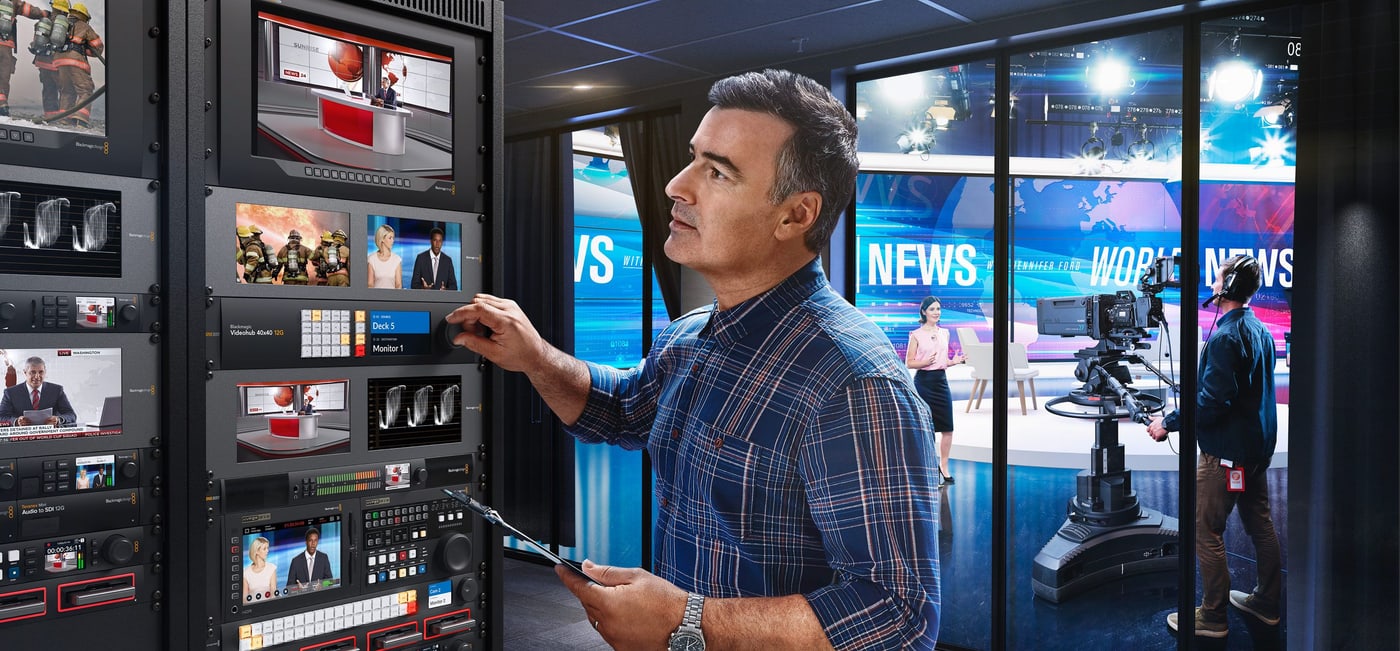
Videohub 40x40 12G connects 40 sources to 40 destinations over 12G-SDI. Any input can go to any output or to several outputs at once, in SD, HD and Ultra HD at the same time.
40× 12G-SDI input40× 12G-SDI outputzero latency5 inch LCD2 RUredundant power
Zero latency for live broadcast
The router adds no delay, so it belongs in live production and broadcast – from adding inputs to an ATEM switcher to redundant recording on several HyperDeck recorders.
Control right on the router
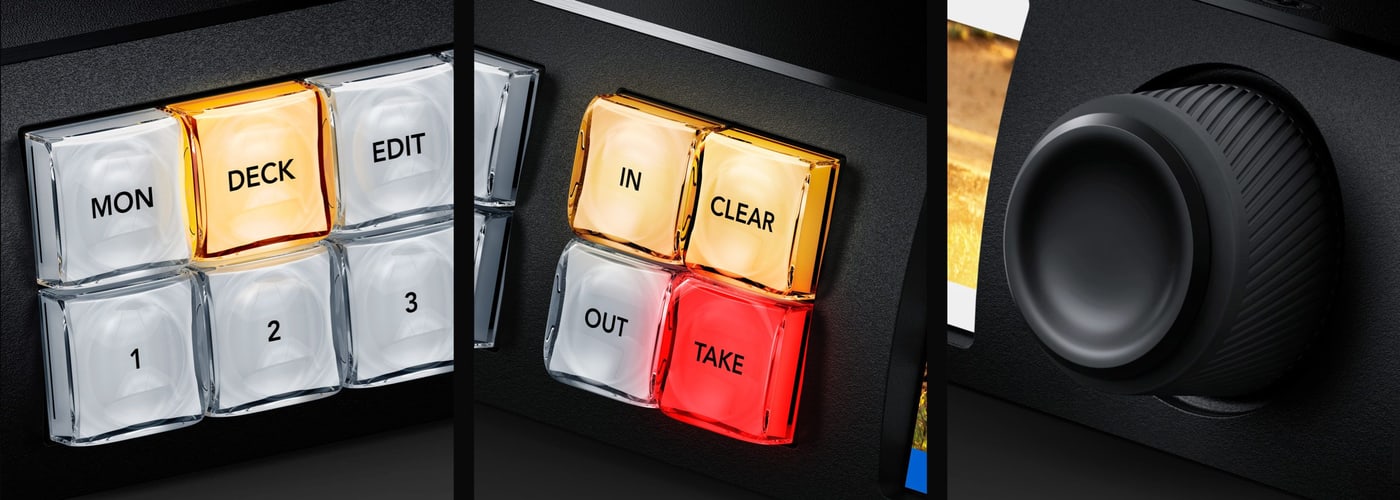
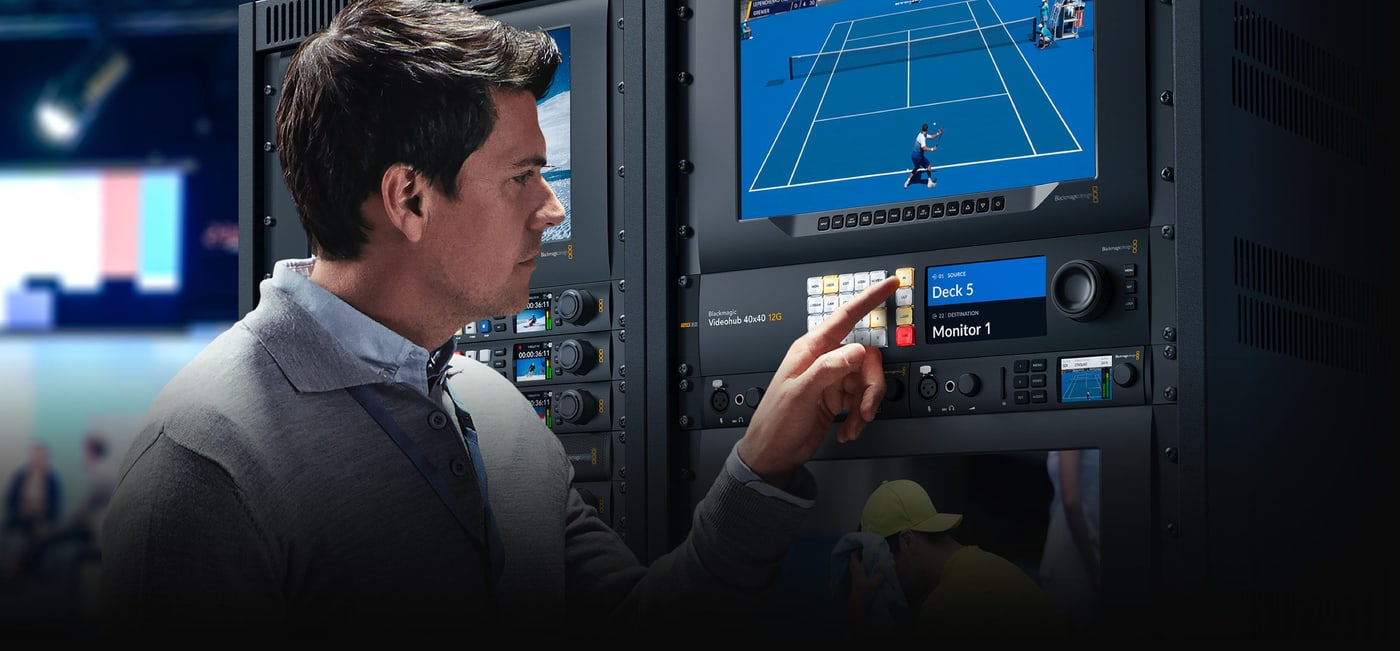
Direct entry buttons, a spin knob with an electronic clutch and an LCD with labels and live video – routing without a computer or an extra panel.
External panels and software
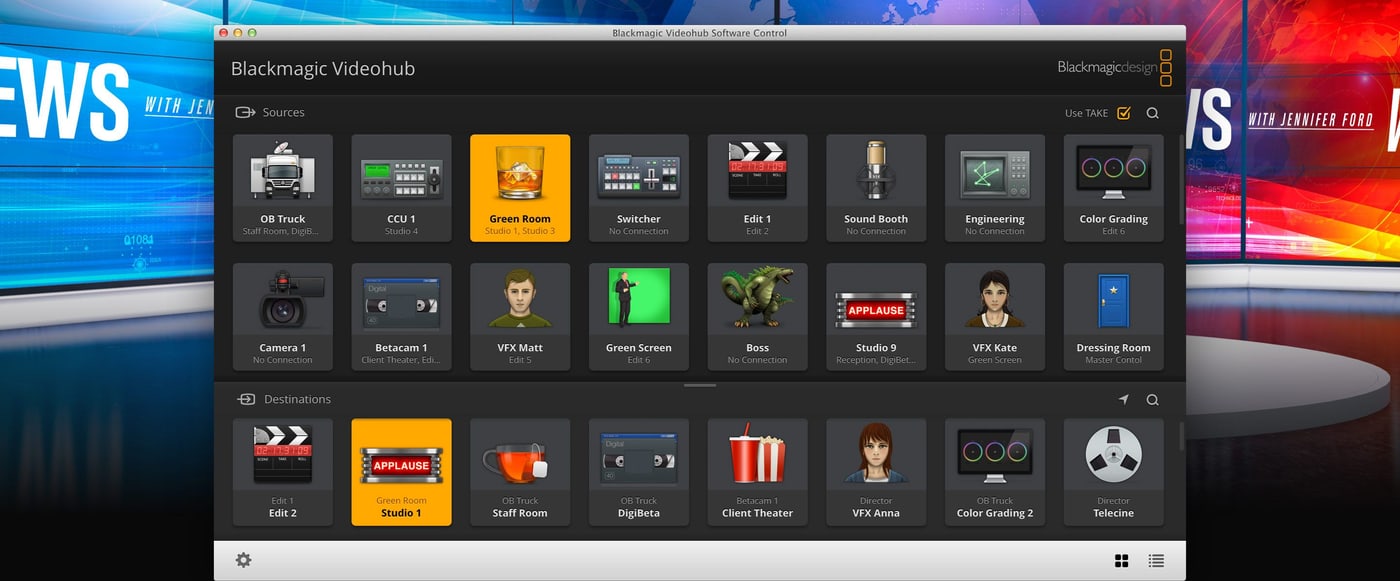
Via Ethernet the router can be controlled from the Videohub Smart Control Pro and Videohub Master Control Pro panels and from the free Videohub Software Control app for Mac, Windows and iPad.
Open protocol
The free Videohub SDK and a simple text based protocol make it easy to integrate with broadcast automation or build your own control.
Routing without re-patching cables
You plug all your SDI equipment into the router and then make connections electronically – no complex system diagrams. Any input can go to any output or to several outputs at once, so every monitor can view any source in the studio. The router handles redundant recording on several HyperDeck recorders, feeding multiple streaming encoders and adding inputs to an ATEM switcher.
Elegant front control panel
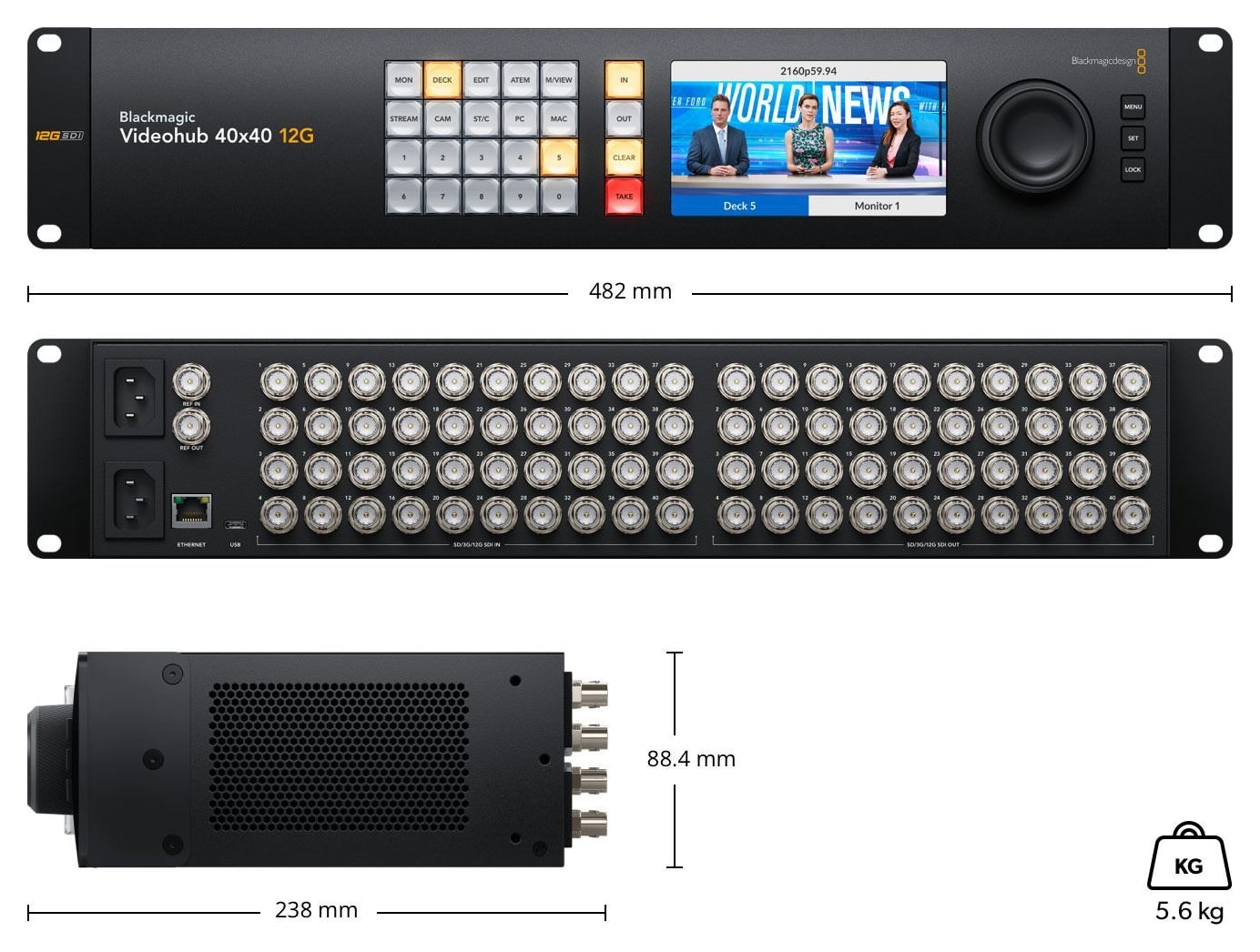
The built in control panel suits live production racks with no space for an extra panel. Like the Videohub Master Control Pro it has a spin knob for browsing, direct entry buttons and an LCD with labels. The IN and OUT buttons switch between selecting a source and a destination, TAKE confirms the new route and CLEAR cancels it; the numeric keypad helps with labels such as Mon 1, Mon 2.
Live video on the LCD before you switch
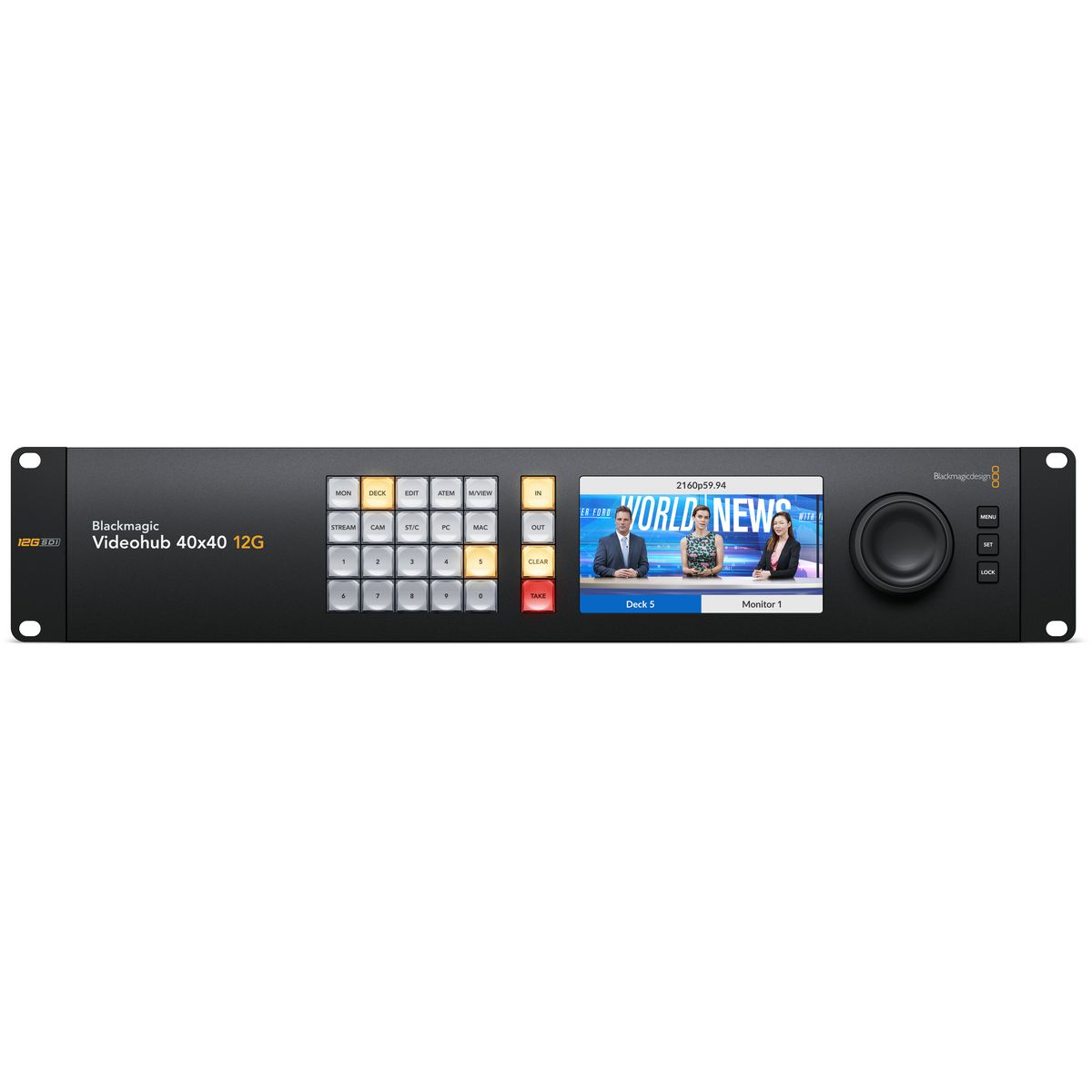
The 5 inch LCD shows live video of the inputs with labels below, so you scroll through sources alphabetically with the spin knob and see them before you change a route – even if each runs a different standard. In portable racks this saves an external SDI monitor. The LCD also has menus for router settings.
Advanced 12G-SDI for SD, HD and Ultra HD
All connections are multi rate 12G-SDI, so the router works with all SD, HD and Ultra HD formats up to 2160p60 and connects to SD, HD-SDI, 3G-SDI, 6G-SDI and 12G-SDI equipment. Each channel can run a different standard, so the 40×40 model routes up to 40 different signals to 40 outputs at the same time.
SDI reclocking on all outputs
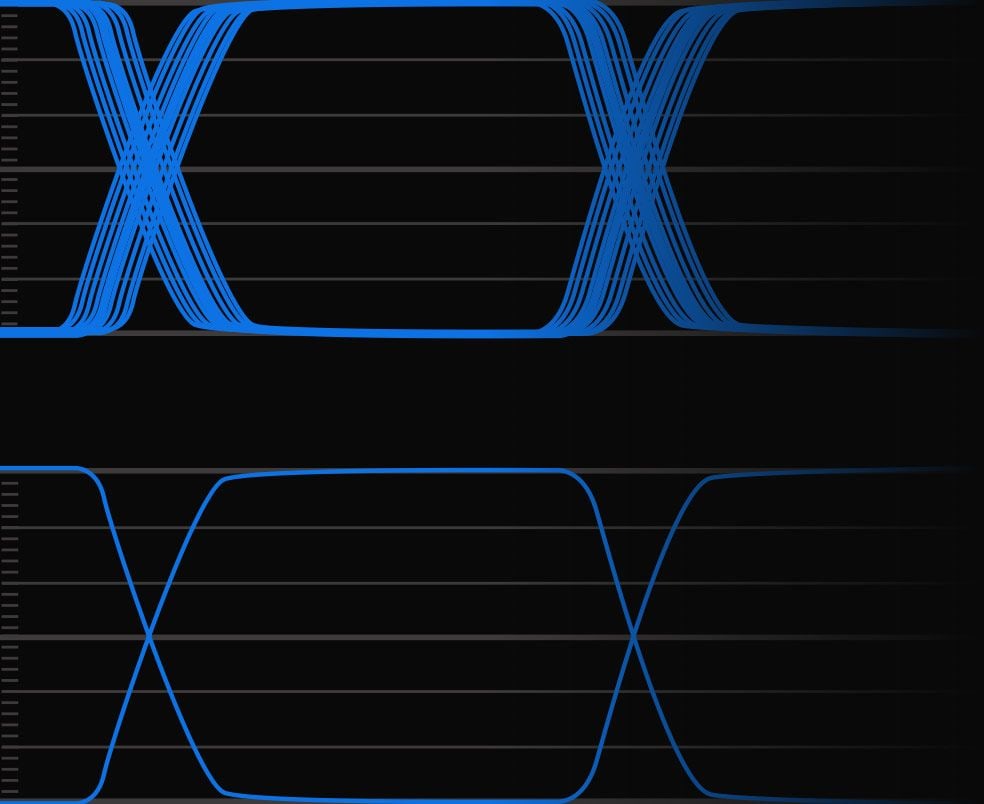
Reclocking regenerates the SDI signal for maximum image quality. Longer cables degrade the signal and even expensive "digital" cables cannot fully eliminate the loss – with reclocking, connected equipment receives a regenerated signal with lower jitter, so you can use longer cables without video dropouts.
External hardware panels
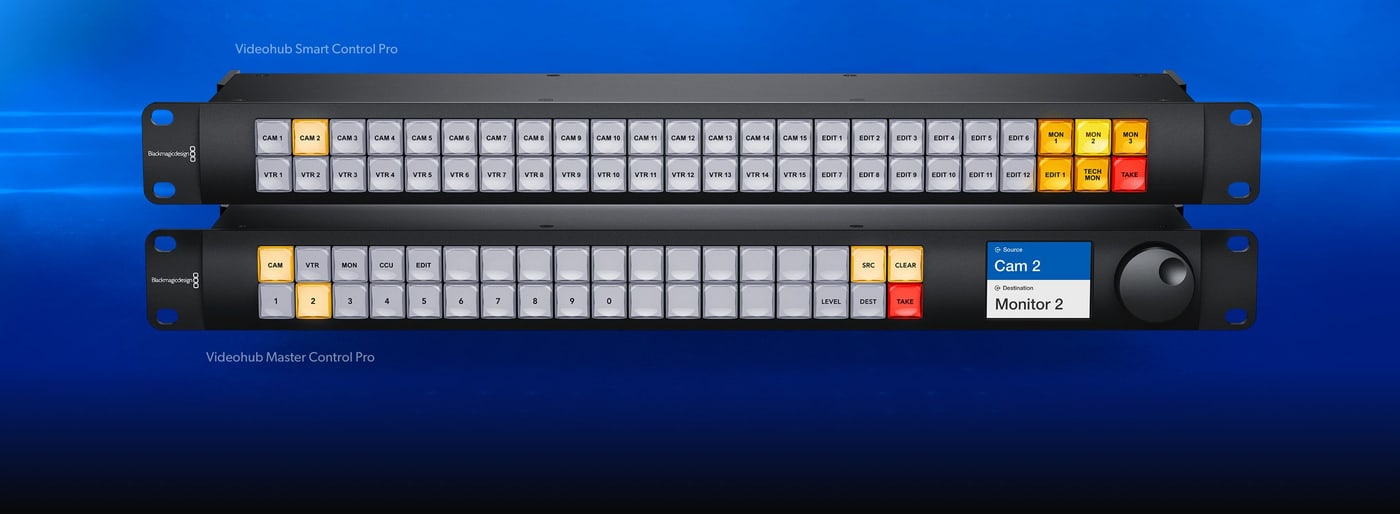
All Videohub routers can be controlled remotely, which matters in large studios where equipment is spread around the building. Videohub Master Control Pro has a spin knob, an LCD and shortcut buttons; Videohub Smart Control Pro has buttons only and usually controls one output – it works best installed below each monitor.
Control from Mac, Windows and iPad
The free Videohub Software Control app runs on Mac and Windows, so you control the router from the computers you already have in the studio. Its large buttons can be assigned to inputs or outputs and given icons; on a touchscreen computer the app becomes a large screen XY control panel. There is also a version for Apple iPad.
Videohub Setup
When first switched on, inputs and outputs have simple default labels; in the Videohub Setup app for Mac and Windows (via Ethernet or USB) you rename them to match the connected equipment. It also lets you enable the TAKE button for specific outputs, program the front panel buttons, update the router software and configure external panels.
Custom control with the Videohub SDK
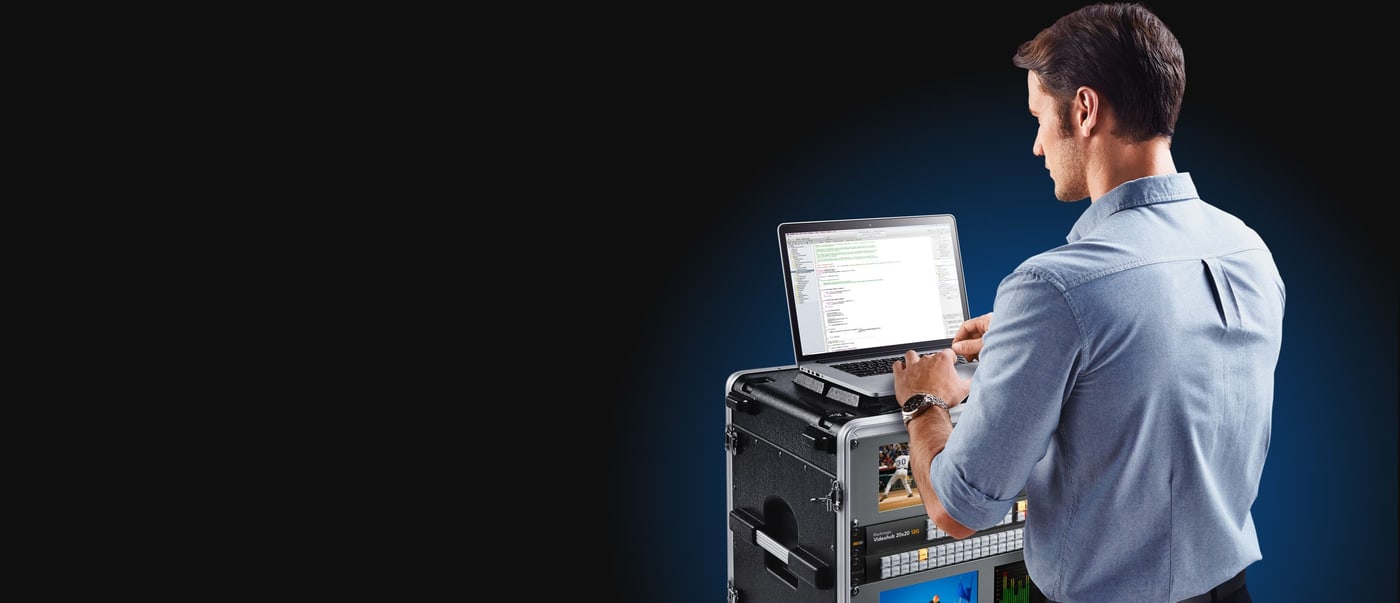
The free software development kit lets integrators add router support to broadcast automation systems. The simple text based protocol works from any platform, even from a Raspberry Pi or Arduino, and you can try it over Telnet before you start coding – it is the same protocol Videohub Software Control uses.
Menus in 13 languages
You can switch the router menus and display to English, Chinese, Japanese, Korean, Spanish, German, French, Russian, Italian, Portuguese, Turkish, Polish or Ukrainian. Input and output labels are always Unicode, so you can even mix several languages.
Redundant power
Two built in 100–240 V AC power supplies, each with its own IEC cable, keep the router running even if one of them fails. After a power cut the router preserves its crosspoints and restores them instantly at power on.
Connections
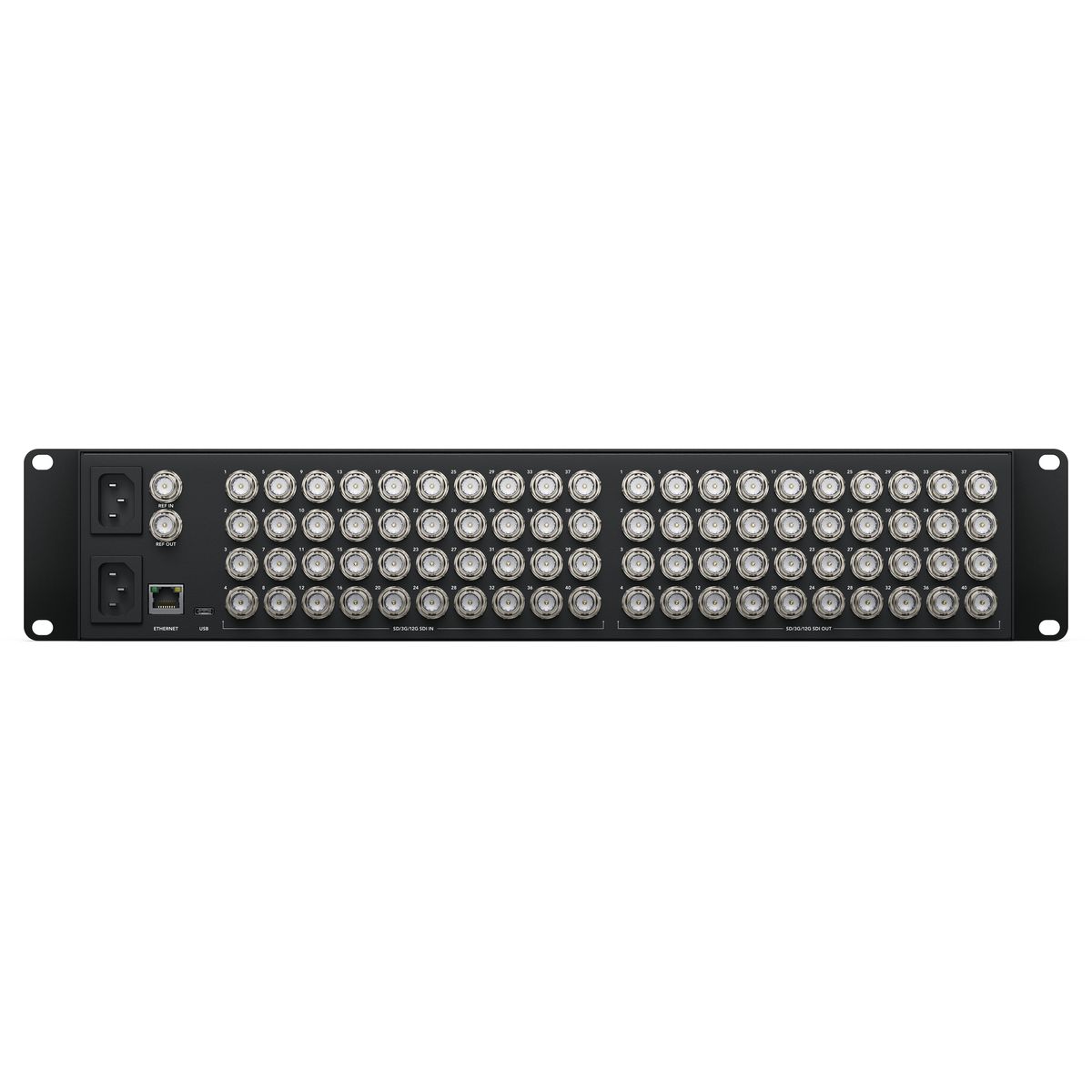
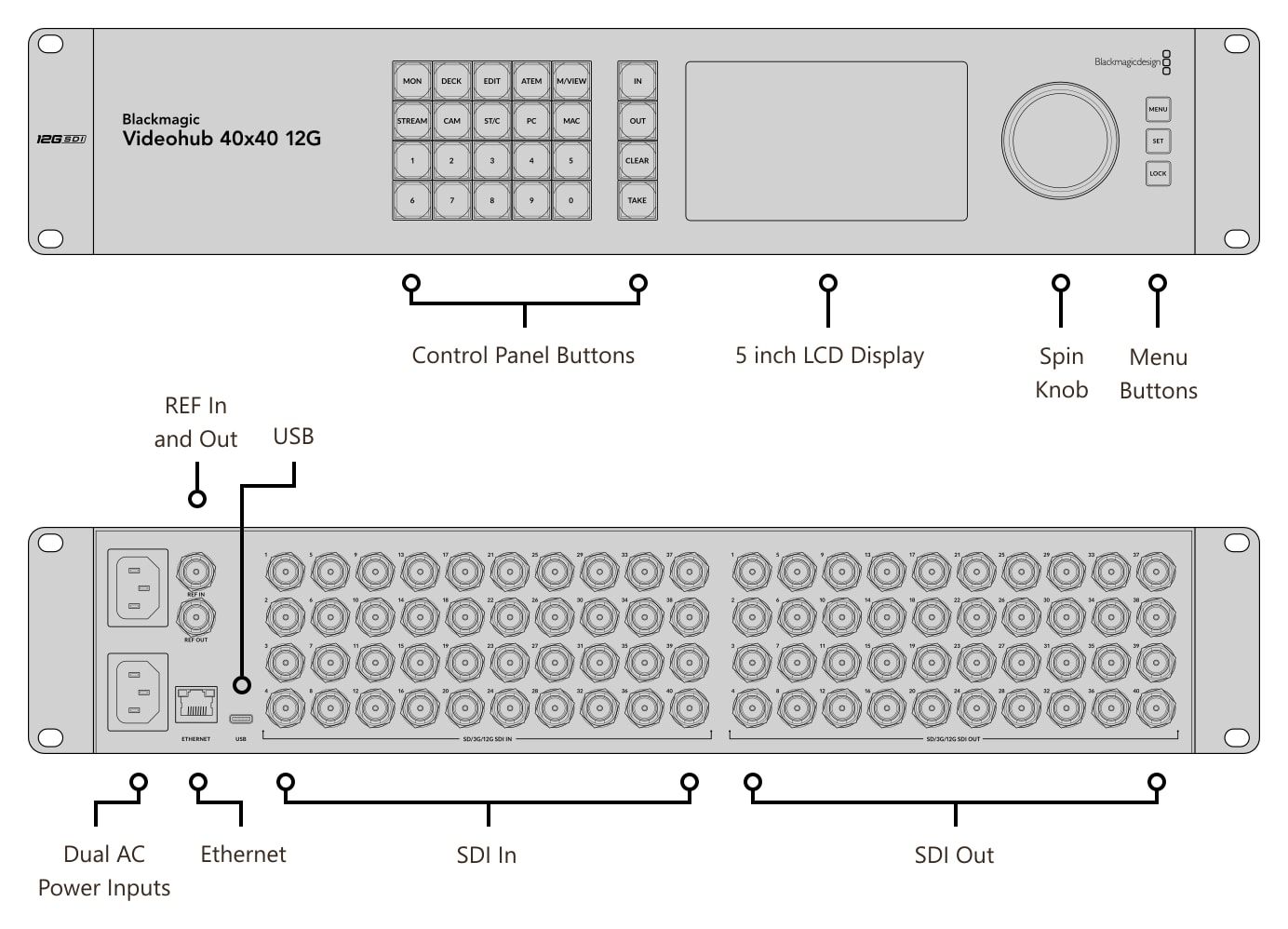
On the front there are the control panel buttons, the 5 inch LCD, the spin knob and the menu buttons; on the rear the SDI inputs and outputs, REF in and out, Ethernet, USB and two AC power inputs.
Dimensions and weight
Dimensions 482 × 238 × 88.4 mm (W × D × H), weight 5.6 kg. It occupies 2 RU in a 19″ rack.
More information
Details for 40×40 SDI infrastructure
The Blackmagic Videohub 12G range of 12G-SDI routers includes the 10×10, 20×20, 40×40, 80×80, 120×120 models. They offer zero latency SD, HD and Ultra HD up to 2160p60, a built in control panel, an LCD with video preview and channel labels, SDI reclocking and compatibility with the Videohub Master Control Pro and Videohub Smart Control Pro panels and the free Videohub Software Control app for Mac, Windows and iPad.
The router eliminates cable mess: you connect any input to any output, or one input to several outputs, without extensive system planning. It makes it easy to check sources in the studio, change ATEM switcher connections quickly, record redundantly on several HyperDeck recorders and feed multiple streaming encoders for all broadcast platforms. You get total flexibility for constant change and emergencies.
The built in control panel with a spin knob, buttons and LCD allows fast routing, label display and alphabetical browsing of connected sources. Live preview is especially handy in compact setups and outside broadcast trucks, where it saves a separate rack monitor; the LCD also has settings menus.
The multi rate 12G-SDI interface supports SD-SDI, HD-SDI, 3G-SDI, 6G-SDI and 12G-SDI and carries Ultra HD over a single cable with backward compatibility with older equipment. Each channel can run a different standard, so the 40×40 model routes up to 40 different signals to 40 outputs at the same time. SDI reclocking regenerates the signal, reduces jitter and allows longer cables without dropped frames.
Remote control comes from the Videohub Master Control Pro (spin knob, LCD and shortcut buttons) and Videohub Smart Control Pro (all buttons, usually programmed so the panel controls one output and each button selects one input). An affordable alternative is the free Videohub Software Control app for Mac, Windows and Apple iPad with a clear interface and icons for quick device identification.
Blackmagic Videohub 12G router features
- Zero latency SD, HD and Ultra HD up to 2160p60
- Built in control panel with direct entry buttons and spin knob
- LCD with live video and labels for easy source identification
- SDI reclocking on all 12G-SDI outputs
- Works with Videohub Master Control Pro and Videohub Smart Control Pro panels
- Videohub Software Control for Mac, Windows and iPad (Ethernet)
- Free developer tools for integration into studio infrastructure
- 2× 100–240 V AC power inputs for redundancy
- Ethernet for remote control from hardware and software panels
PACKAGE CONTENT
- Blackmagic Videohub 40x40 12G
- Welcome wallet with QR code for software download
SPECIFICATIONS
- SDI inputs: 40× 12G-SDI
- SDI outputs: 40× 12G-SDI
- SDI rates: DVB-ASI, 270 Mb/s, 1.5G, 3G, 6G, 12G
- Latency: zero
- SDI reclocking: on all SDI outputs
- Reference: Tri-Sync or Black Burst input, terminating loop output
- Ethernet: 10/100/1000 BASE-T
- Computer interface: USB-C
- SD standards: 525i59.94 NTSC, 625i50 PAL
- HD standards: 720p50–60, 1080i50–60, 1080p23.98–60, 1080PsF23.98–30
- 2K DCI standards: 2Kp23.98–60, 2KPsF23.98–30
- Ultra HD standards: 2160p23.98–60
- 4K DCI standards: 4Kp23.98–60
- SDI compliance: SMPTE 259M, 292M, 296M, 372M, 424M, 425M (level A and B), 2081-1, 2081-10, 2082-10, ITU-R BT.656, ITU-R BT.601
- SDI audio sampling: 48 kHz, 24-bit
- SDI video sampling: YUV 4:2:2, RGB 4:4:4
- Color precision: 10/12-bit RGB 4:4:4 in all HD and 2K modes, Ultra HD up to 2160p30 and 4K DCI up to 4Kp30; 10-bit YUV 4:2:2 in all modes
- Color space: Rec. 601, Rec. 709, Rec. 2020
- SDI auto switching: each input detects SD, HD, 3G (level A and B), 6G and 12G-SDI independently, so inputs can run different standards
- SDI metadata: video payload identification as per SMPTE 352M
- Built in control panel: 24 buttons, 3 menu buttons and a spin knob
- Display: 5 inch color LCD for video and menus
- External control: Videohub Software Control (Mac, Windows), Videohub Smart Control Pro and Videohub Master Control Pro panels via Ethernet, Videohub SDK and Videohub Ethernet Control Protocol
- Software: macOS 13 Ventura, macOS 14 Sonoma or later, Windows 10 (64-bit), Windows 11
- Power: 2× internal 100–240 V AC, 50/60 Hz power supply (IEC cable)
- Power fail protection: crosspoints preserved and restored instantly at power on
- Power usage: 46.5 W max.
- Rack installation: 2 RU
- Dimensions (W × D × H): 482 × 238 × 88.4 mm
- Weight: 5.6 kg
- Operating temperature: 0 to 40 °C
- Storage temperature: −20 to 60 °C
- Relative humidity: 0–90 % non-condensing
- Warranty: 3 year limited manufacturer warranty
Parameters
Parameters
ACCESSORIES (4)
ACCESSORIES (4)
Infinitek L-4.5CHWS 5m FLEX 12G-SDI cable BNC-BNC
Canare L-4.5CHWS flexible and durable 75 ohm 4,2 mm "Low Loss" koaxial SD/HD/3G/12G-SDI
31 €
To be sent > 5 pcs
Infinitek L-4.5CHWS 15m FLEX 12G-SDI cable BNC-BNC
Canare L-4.5CHWS flexible and durable 75 ohm 4,2 mm "Low Loss" koaxial SD/HD/3G/12G-SDI
70 €
In stock 5 pcs
Blackmagic Design Videohub Smart Control Pro
Blackmagic Design Videohub Smart Control Pro is a 1U network control panel with 48
849 €
To be sent 1 pcs
Blackmagic Design Videohub Master Control Pro
Blackmagic Design Videohub Master Control Pro is a 1U network panel for fast access
859 €
on request
Alternative (7)
Alternative (7)
Blackmagic Design Videohub Mini 8x4 12G
Blackmagic Videohub Mini 8x4 12G is a professional zero latency video router with
1 149 €
In stock 2 pcs
Blackmagic Design VideoHub 12G 20x20
Blackmagic Videohub 20x20 12G is a professional zero latency video router with 20
2 629 €
In stock 1 pcs
Blackmagic Design VideoHub 12G 10x10
Blackmagic Videohub 10x10 12G is a professional zero latency video router with 10
1 479 €
on request
Blackmagic Design VideoHub 120x120 12G
Blackmagic Videohub 120x120 12G is a professional zero latency video router with
14 279 €
on request
Blackmagic Design Videohub 80x80 12G
Blackmagic Videohub 80x80 12G is a professional zero latency video router with 80
11 339 €
on request
Blackmagic Design Videohub Mini 4x2 12G
Blackmagic Videohub Mini 4x2 12G is a professional zero latency video router with
759 €
on request
Blackmagic Design Videohub Mini 6x2 12G
Blackmagic Videohub Mini 6x2 12G is a professional zero latency video router with
859 €
on request
News, training, and discounts from Syntex
Special offers and discounts for subscribers only · Free audio & video workshops · News and tips from the world of filmmaking
- Show all
Blackmagic Design VideoHub 12G 40x40
Blackmagic Videohub 40x40 12G is a professional zero latency video router with 404 419 €In stock 1 pcs