
 CZ
CZ SK
SK HU
HU AT
AT DE
DE ES
ES SI
SI HR
HR
Nothing in the basket.

- Search
-
Login

-
0
Comparison
Add products to compare, then they will appear here and you can compare parameters.
-
0
0 €
Insta360 X4 Air Single-Lens Replacement Kit
SKU: INST760-14
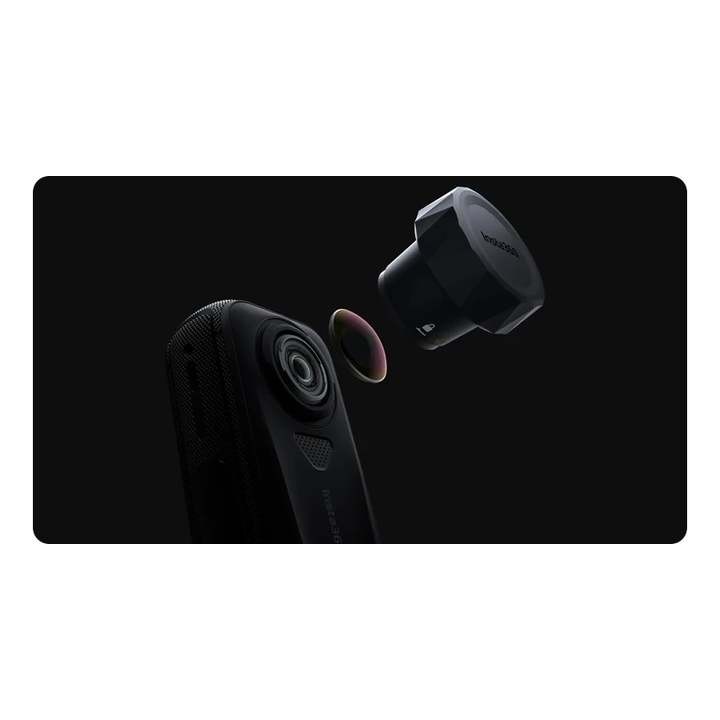
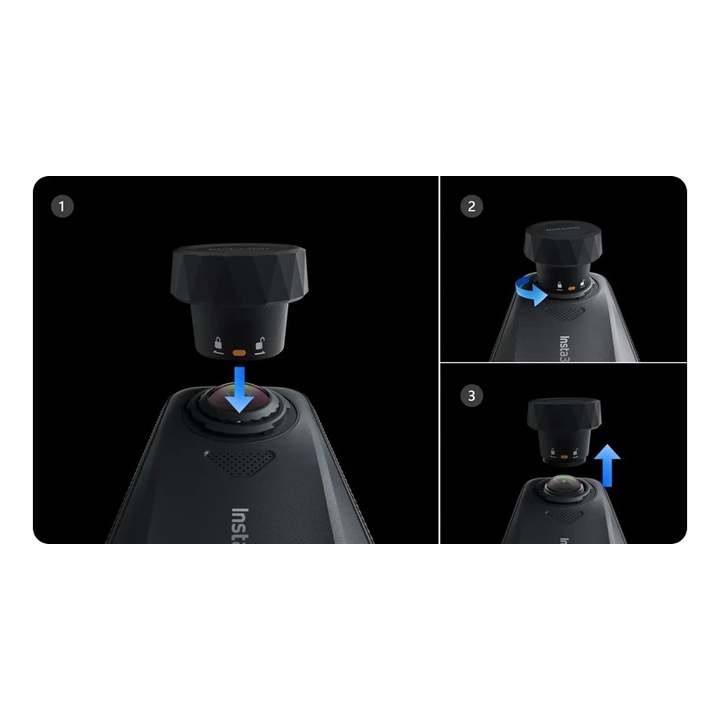
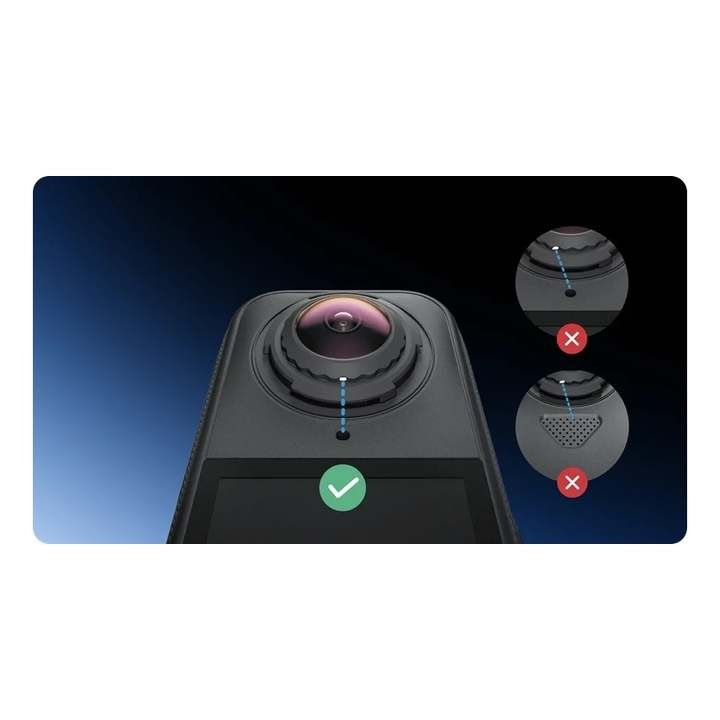
Use this single-lens kit to replace one damaged outer lens on the Insta360 X4 Air. Insta360 recommends working indoors in a clean, dust-free environment below 60% humidity and following the exact procedure in the manual. Align the marks carefully after fitting the new lens, then run stitching calibration. Designed only for the Insta360 X4 Air.
28 € with VAT
23.14 € without VAT
Availability
on request

Top accessories for Insta360 X4 Air Single-Lens Replacement Kit
Insta360 Standard Lens Protectors for X4 Air
Standard lens guards for the Insta360 X4 Air cover both lenses against scratches
28 €
on request
Insta360 X4 Air Lens Cap
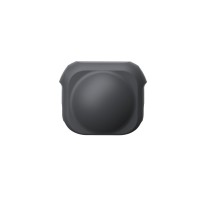
Protect your Insta360 X4 Air camera lenses from scratches, dust, and everyday wear
8 €
on request
Insta360 X4 Air Premium Lens Guards
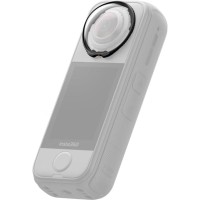
Insta360 X4 Air Premium Lens Guards protect both lenses from bumps and scratches.
40 €
on request
Product description
SPECIFICATIONS
PACKAGE CONTENT
Product description
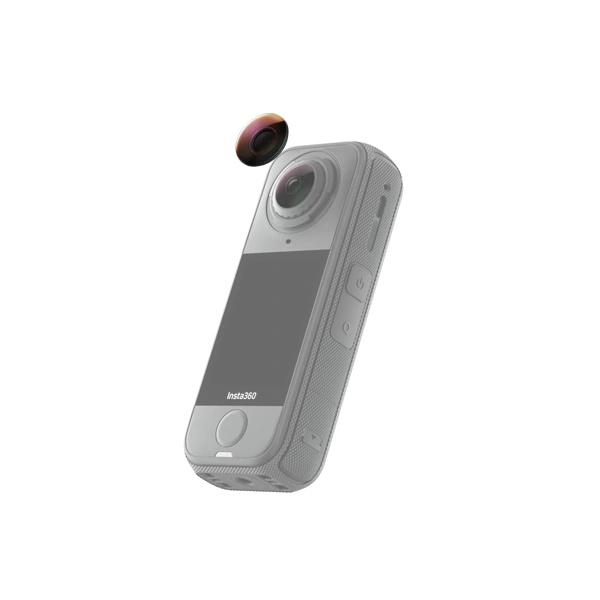
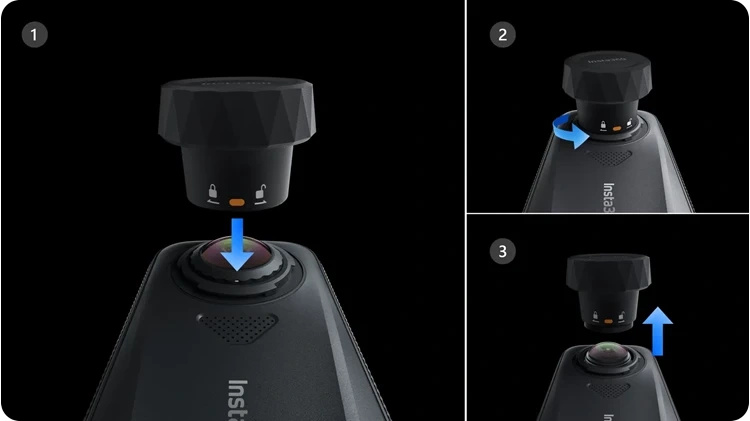
Use this single-lens kit to replace one damaged outer lens on the Insta360 X4 Air. Insta360 recommends working indoors in a clean, dust-free environment below 60% humidity and following the exact procedure in the manual. Align the marks carefully after fitting the new lens, then run stitching calibration. Designed only for the Insta360 X4 Air.
Single-lens kit • Insta360 X4 Air
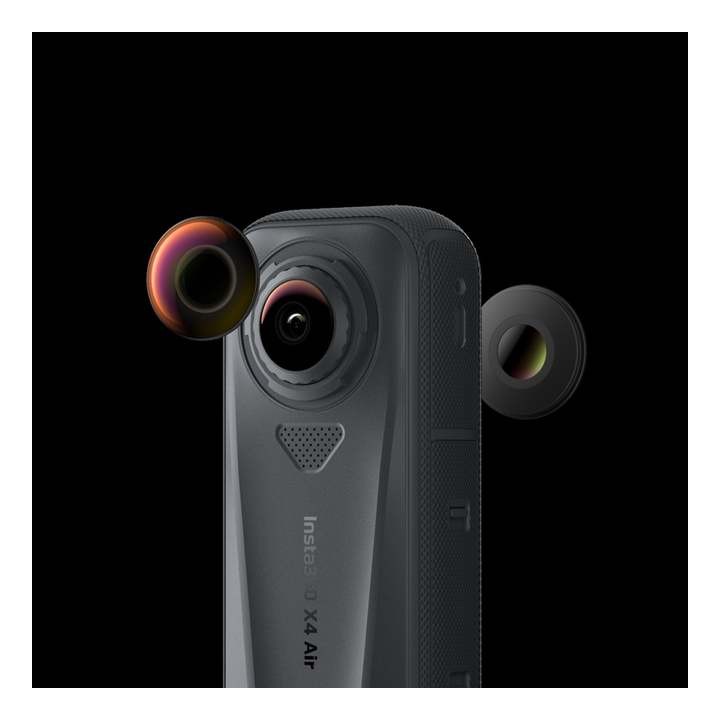
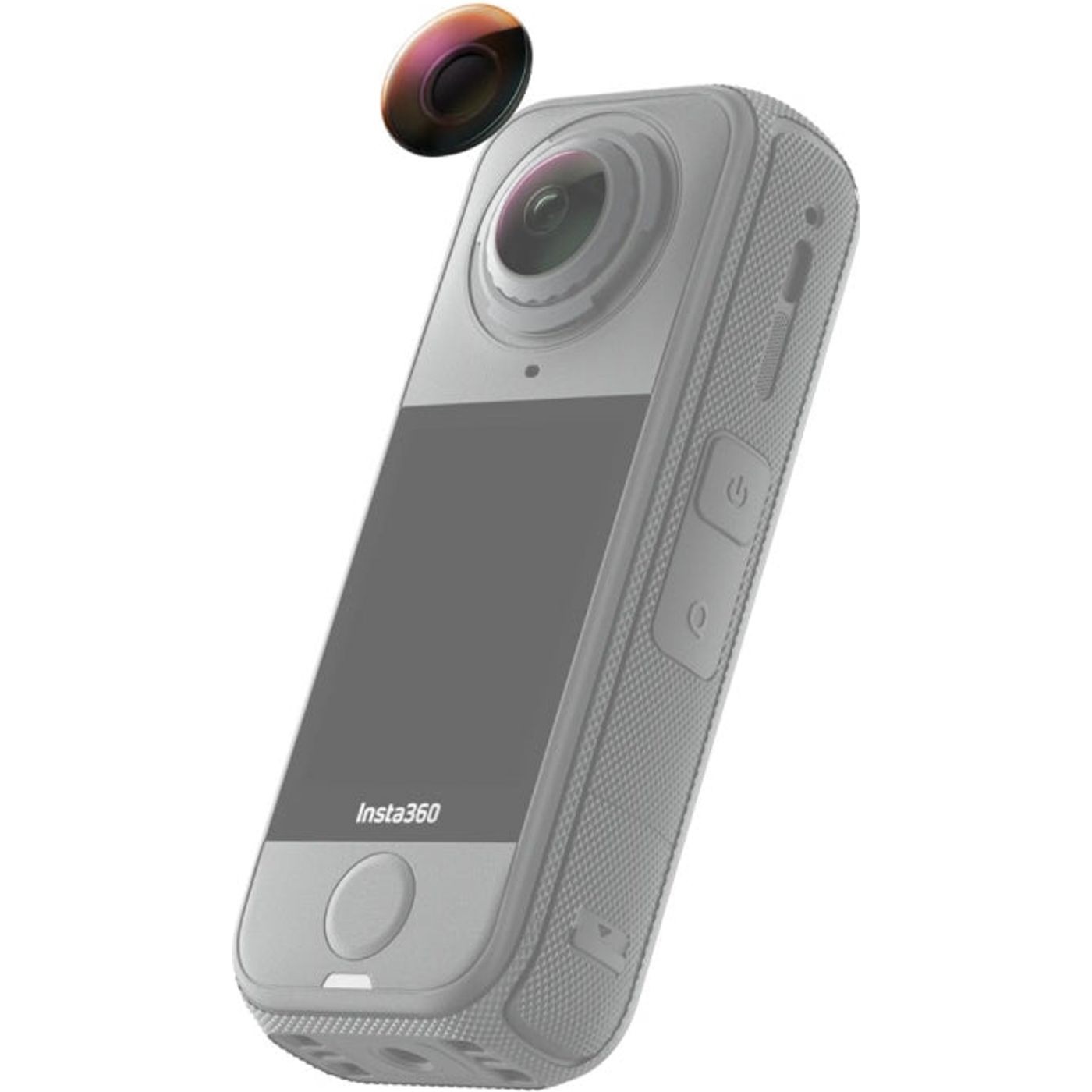
Get your X4 Air back in action
Replace one damaged outer lens with this single-lens kit. Follow the official instructions so the new lens is seated and aligned correctly for image stitching.
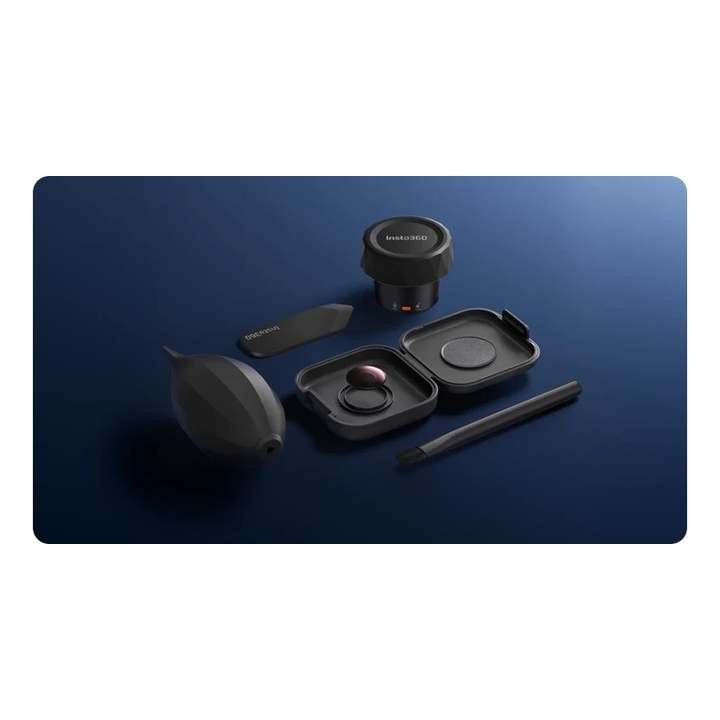
Tools for lens replacement and cleaning
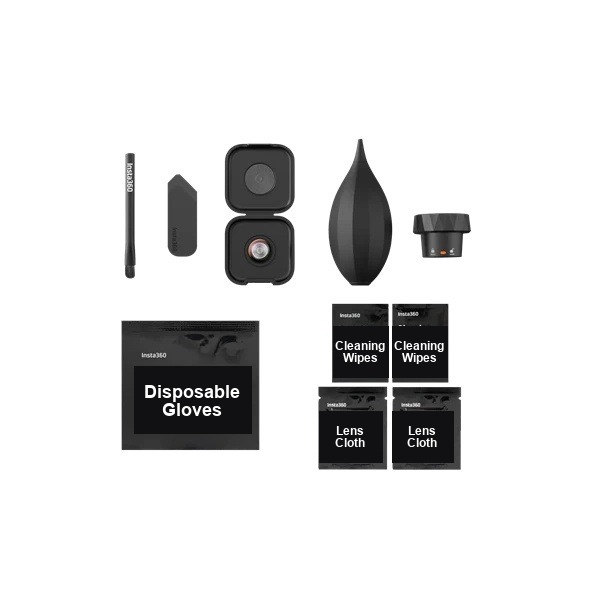
The illustration shows the lens grip tool and cleaning supplies. Follow the Insta360 guide and work in a dust-free environment.
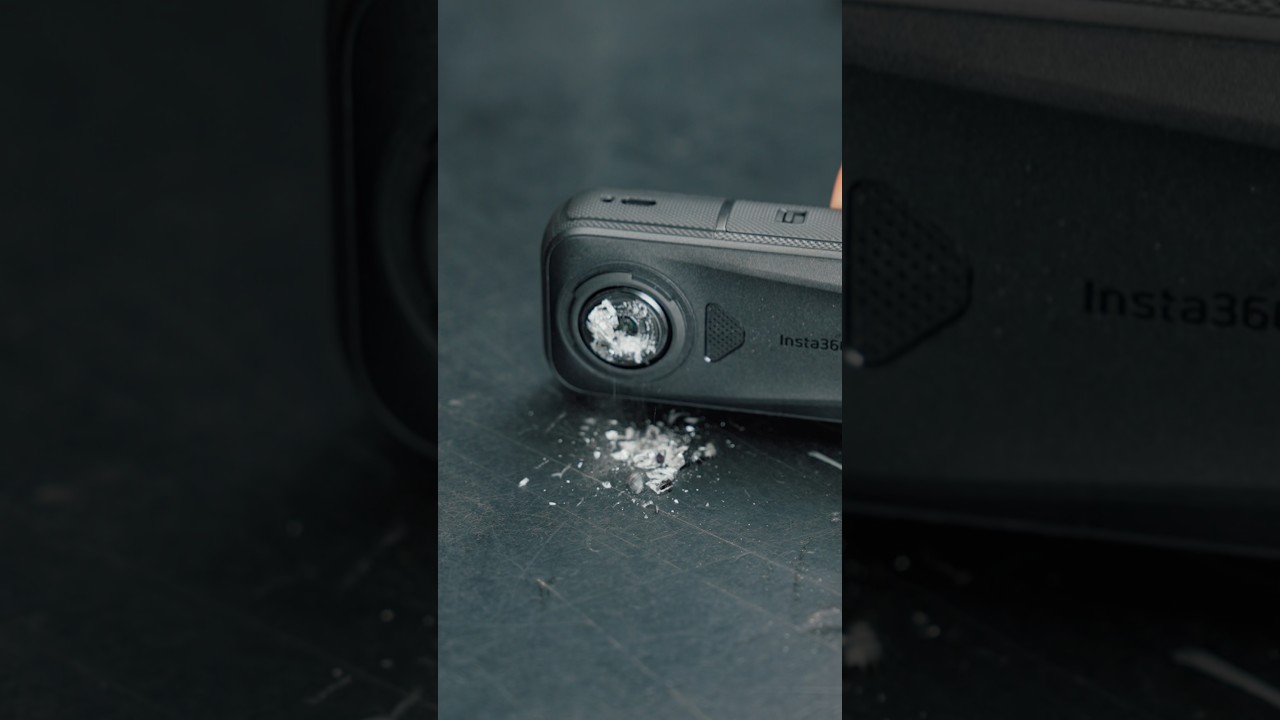
Work in a clean environment
Insta360 recommends a dust-free indoor area with humidity below 60%. Remove debris during disassembly and follow the manual's steps carefully.
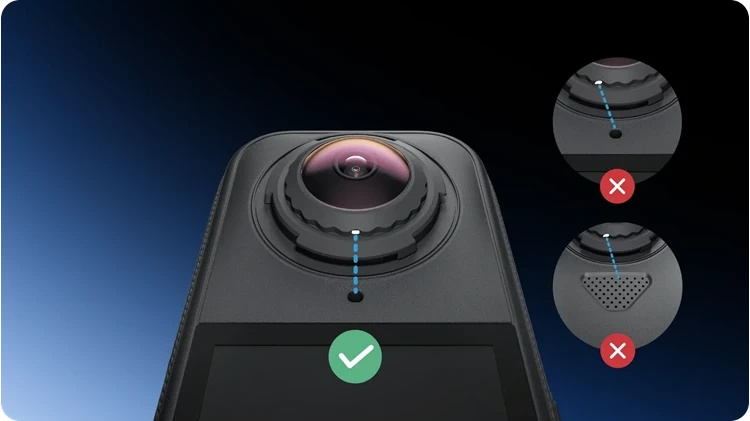
Align carefully and calibrate
Align the marks on the lens and camera during installation. After replacement, run stitching calibration as described in the Insta360 manual.
PACKAGE CONTENT
- 1× replacement outer lens
- 1× lens grip tool
- 1× lens blower
- 2× lens cleaning cloth
- 2× cleaning wipe
- 1× pair of disposable gloves
- 1× lens removal tool
- 1× brush
- 1× lens replacement guide
SPECIFICATIONS
- Compatibility: Insta360 X4 Air
- Version: single replaceable outer lens kit
- Dimensions: 16 × 16 × 4.2 mm
- Weight: 2.59 g
- Material: glass, plastic and silicone
Parameters
Parameters
| Manufacturer: | Insta360 |
| Category: | Accessories |
Main parameters
| Materials | Plastic · Silicone |
| For camera | Insta360 X4 Air |
| Materials | Glass |
ACCESSORIES (3)
ACCESSORIES (3)
Insta360 Standard Lens Protectors for X4 Air
Standard lens guards for the Insta360 X4 Air cover both lenses against scratches
28 €
on request
Insta360 X4 Air Lens Cap
Protect your Insta360 X4 Air camera lenses from scratches, dust, and everyday wear
8 €
on request
Insta360 X4 Air Premium Lens Guards
Insta360 X4 Air Premium Lens Guards protect both lenses from bumps and scratches.
40 €
on request
Alternative (1)
Alternative (1)
Insta360 Lens Replacement Kit for X4 Air, 2-pack
This genuine Insta360 X4 Air kit contains two replacement outer lenses for replacing
46 €
on request
DOCUMENTS (1)
DOCUMENTS
News, training, and discounts from Syntex
Special offers and discounts for subscribers only · Free audio & video workshops · News and tips from the world of filmmaking
- Show all
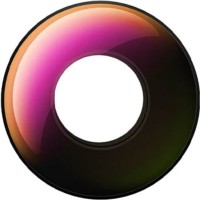
Insta360 X4 Air Single-Lens Replacement Kit
Use this single-lens kit to replace one damaged outer lens on the Insta360 X4 Air.28 €on request
Ulanzi OMBRA VIDEO II XIANG Tripod
Ulanzi OMBRA XIANG II T154 is a compact travel tripod with a fluid head for stable133 €In stock 4 pcs