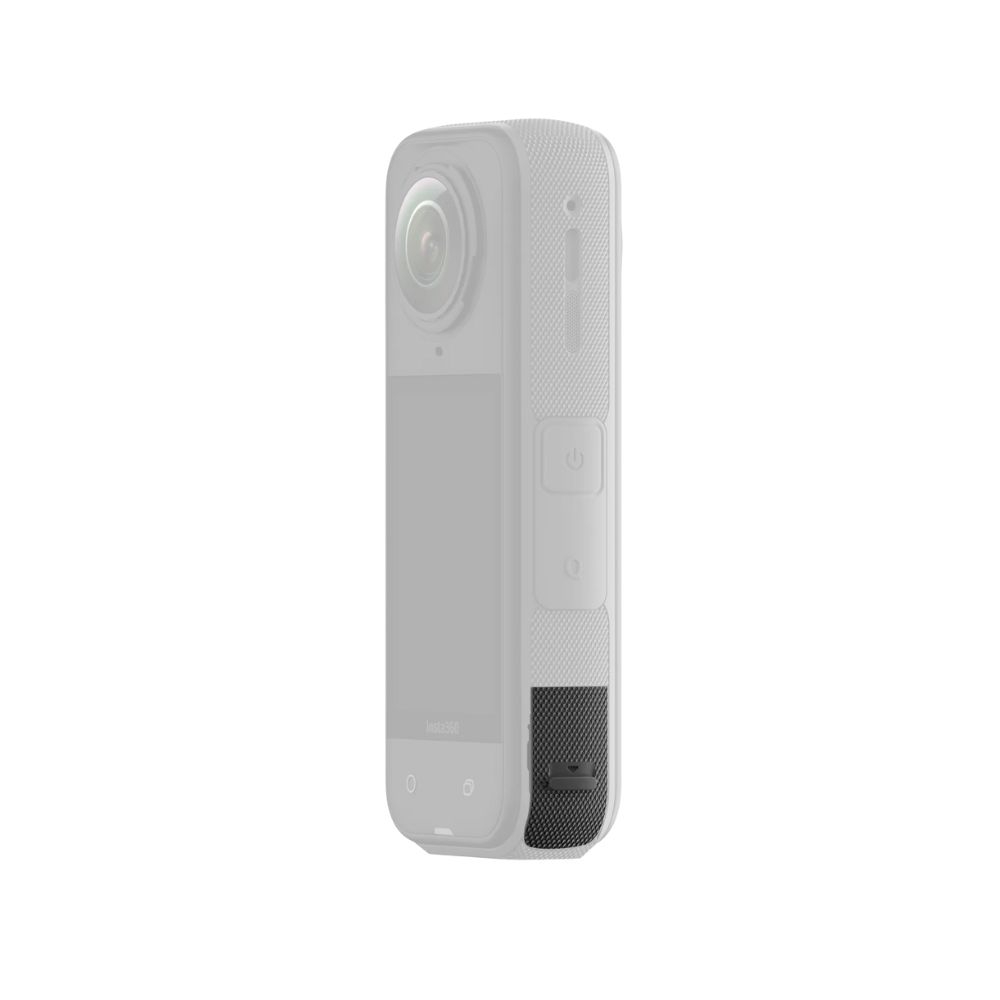
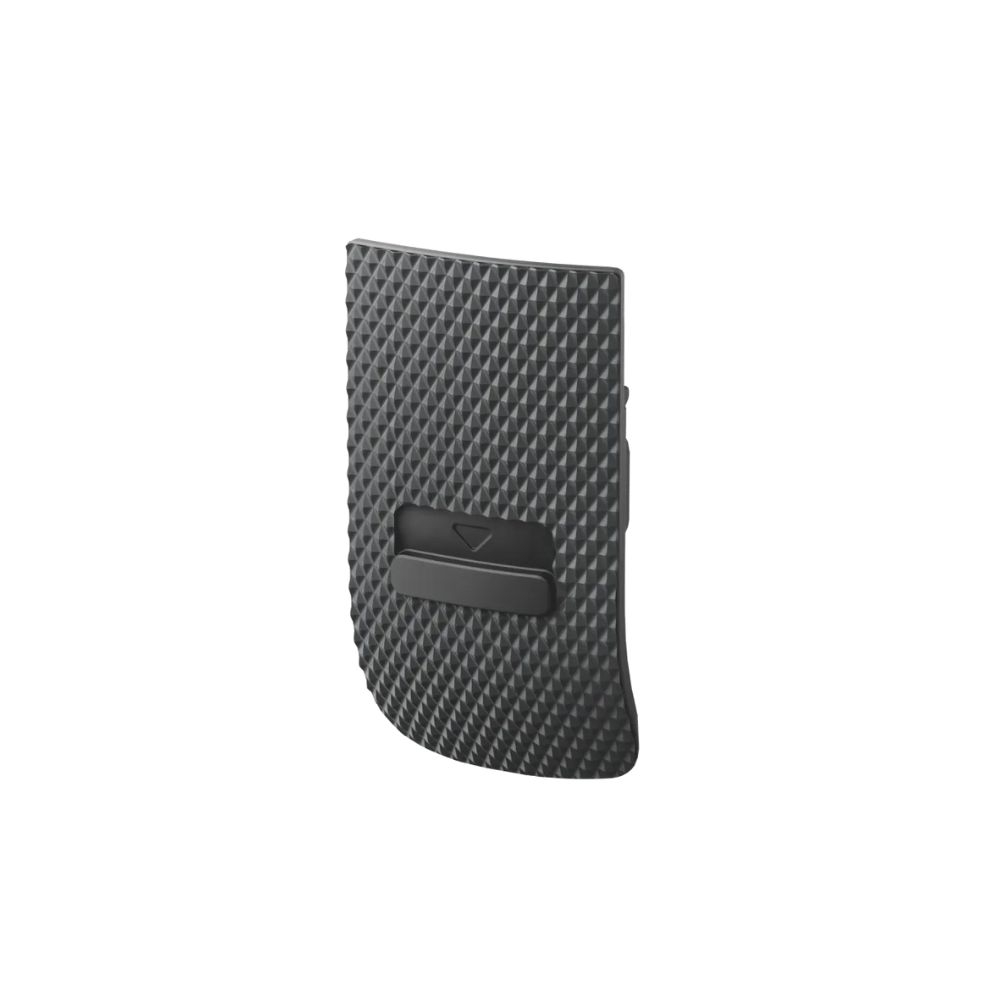
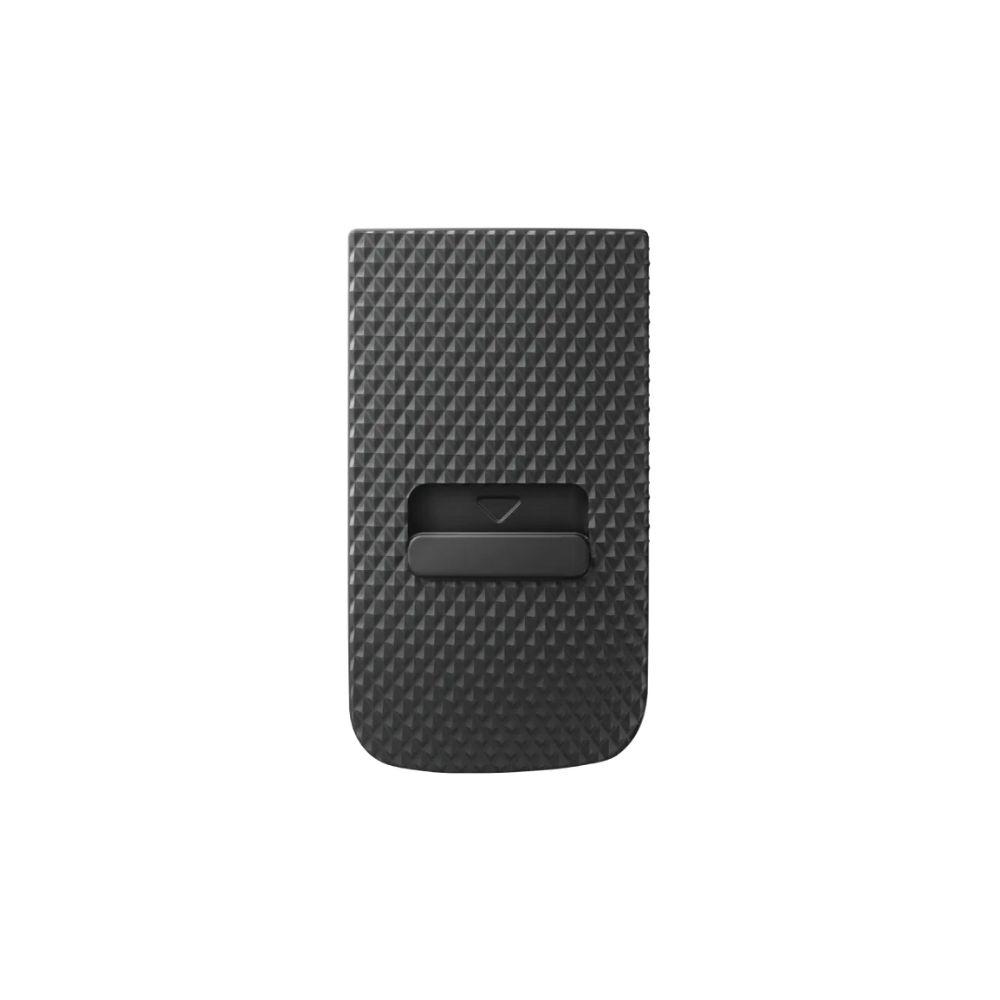
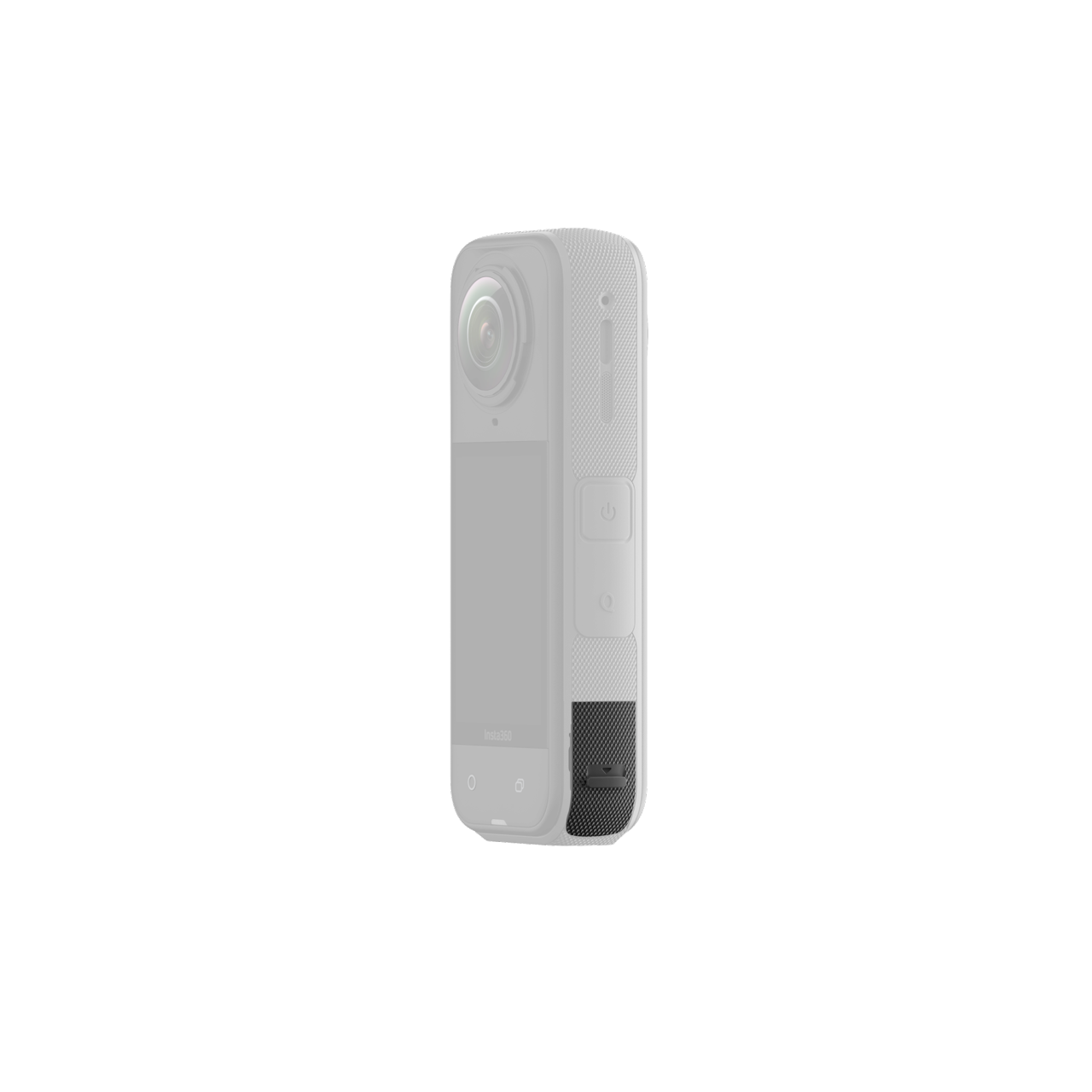
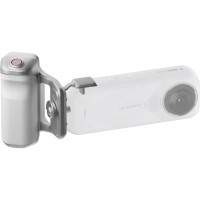
The replacement Insta360 X5 USB cover closes the port when no cable is connected. When properly secured, it helps maintain the camera’s IP6X dust and IPX8 water protection. Make sure the port is clean and dry before closing it. For charging while filming in rain or humidity, use the Insta360 X5 All-Weather USB Charging Cover.
The replacement Insta360 X5 USB cover closes the port when no cable is connected. When properly secured, it helps maintain the camera’s IP6X dust and IPX8 water protection. Make sure the port is clean and dry before closing it. For charging while filming in rain or humidity, use the Insta360 X5 All-Weather USB Charging Cover.
INST750-09 · INSTA360 X5
USB port protection, correctly sealed
This replacement cover closes the X5 USB-C port when no cable is connected. When fitted and closed correctly, it maintains the camera’s specified IPX8 water and IP6X dust protection.
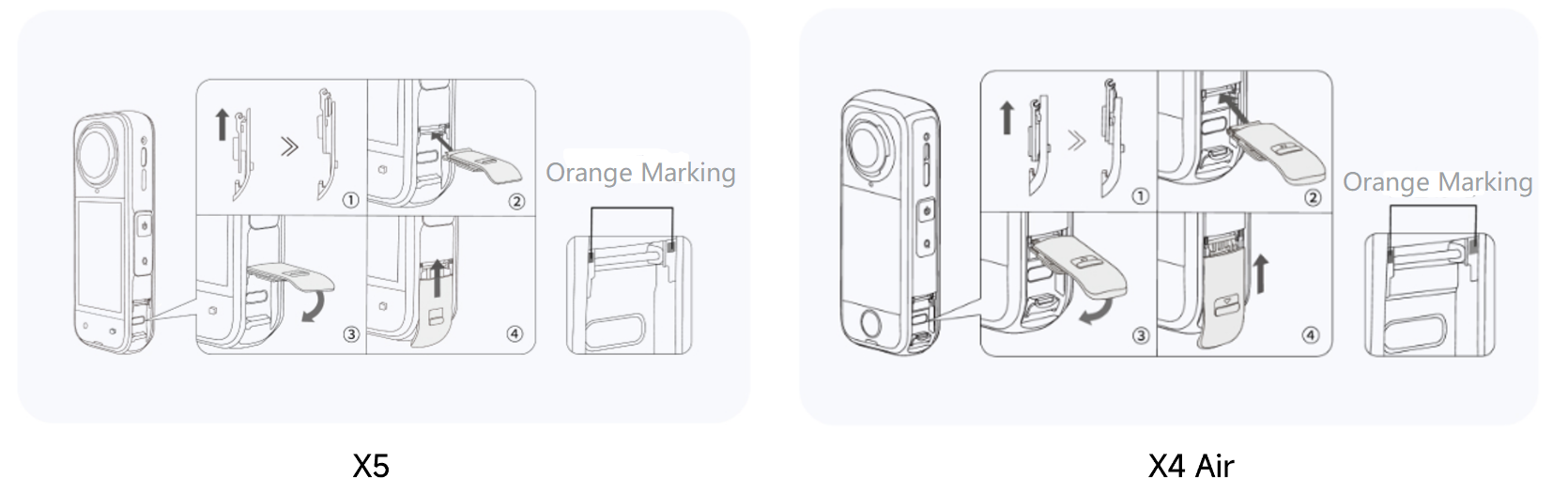
Fit the cover and check the seal
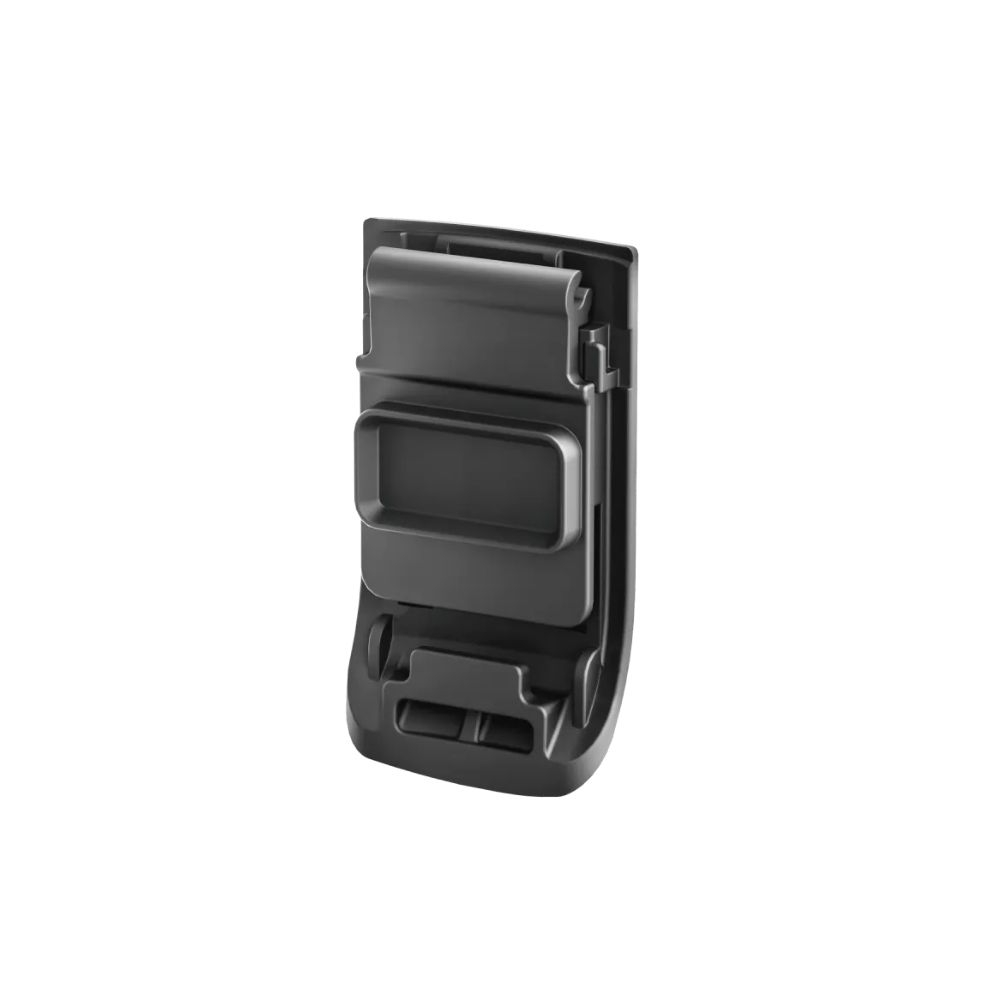
Push the inner slider upward, align the cover with the camera’s guide rod, close it and slide it into place until the orange marking is no longer visible. The USB port must be clean and fully dry before closing. For simultaneous charging and filming in rainy or humid conditions, use the X5 All-Weather USB Charging Cover instead.
PACKAGE CONTENT
Insta360 X5 USB Cover ×1
SPECIFICATIONS
Compatibility: Insta360 X5
Ingress protection: IPX8 water and IP6X dust protection when correctly closed

 CZ
CZ SK
SK HU
HU AT
AT DE
DE ES
ES SI
SI HR
HR