
 CZ
CZ SK
SK HU
HU AT
AT DE
DE ES
ES SI
SI HR
HR
Nothing in the basket.

- Search
-
Login

-
0
Comparison
Add products to compare, then they will appear here and you can compare parameters.
-
0
0 €
Insta360 Photography Grip pro X5 – bílá
SKU: INST750-32
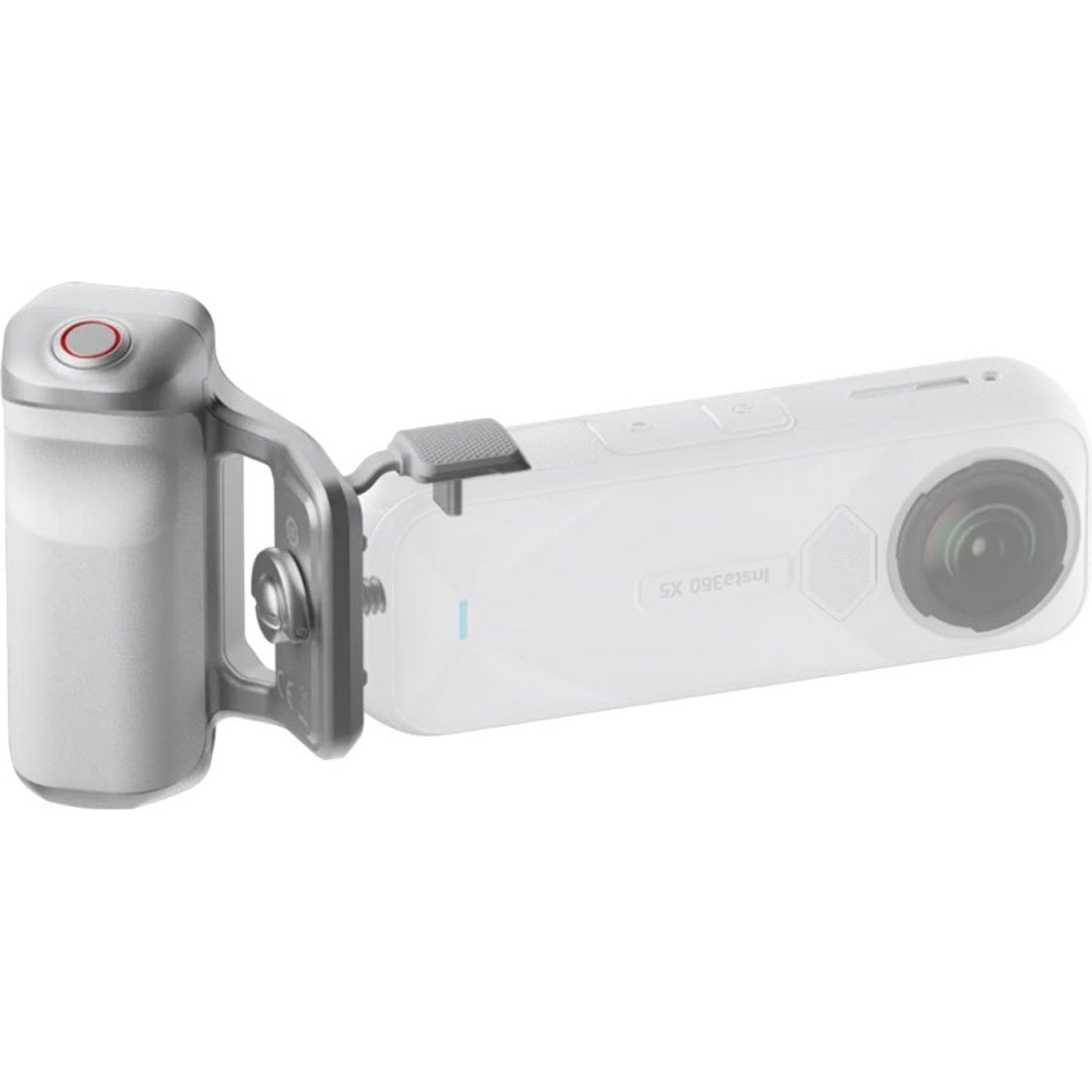
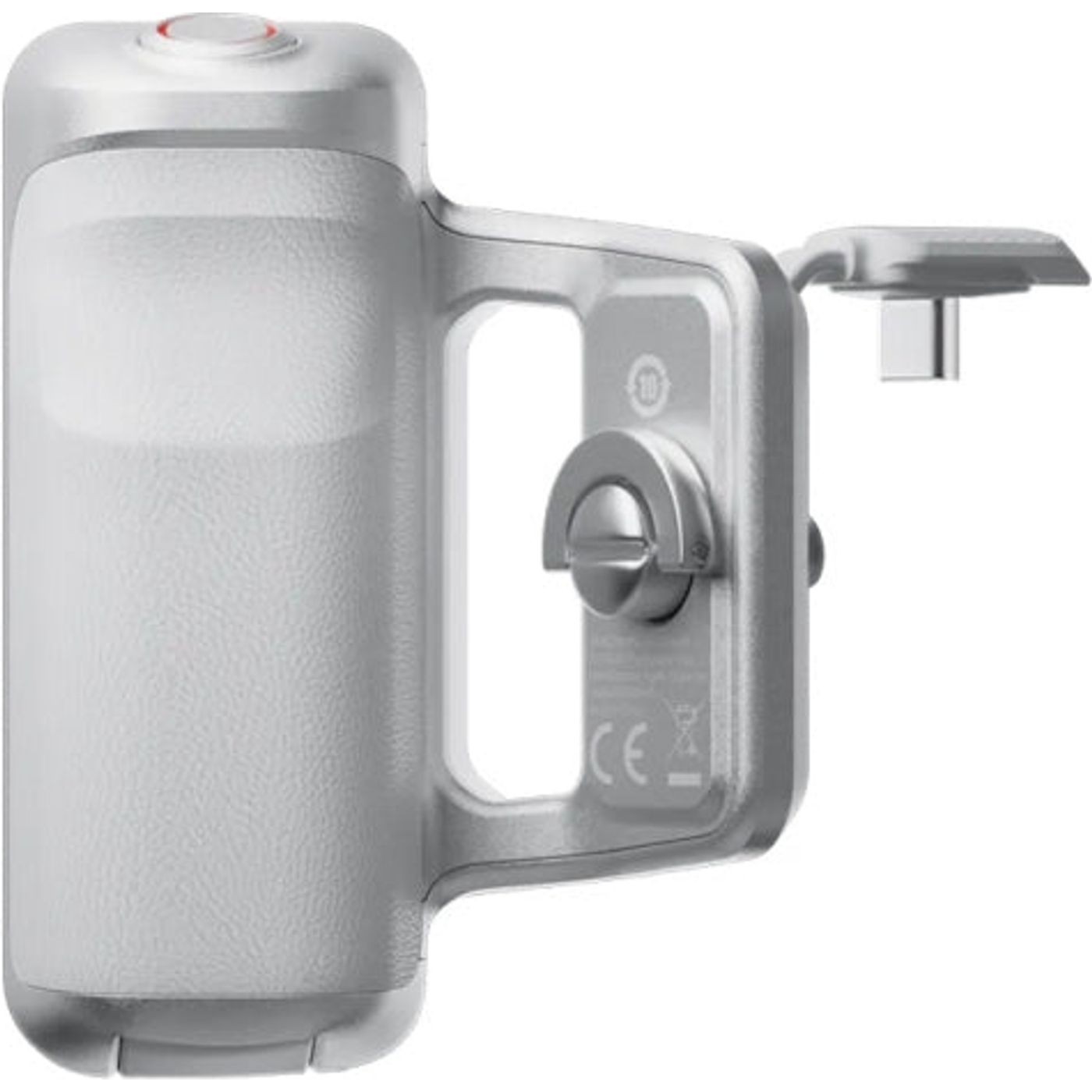
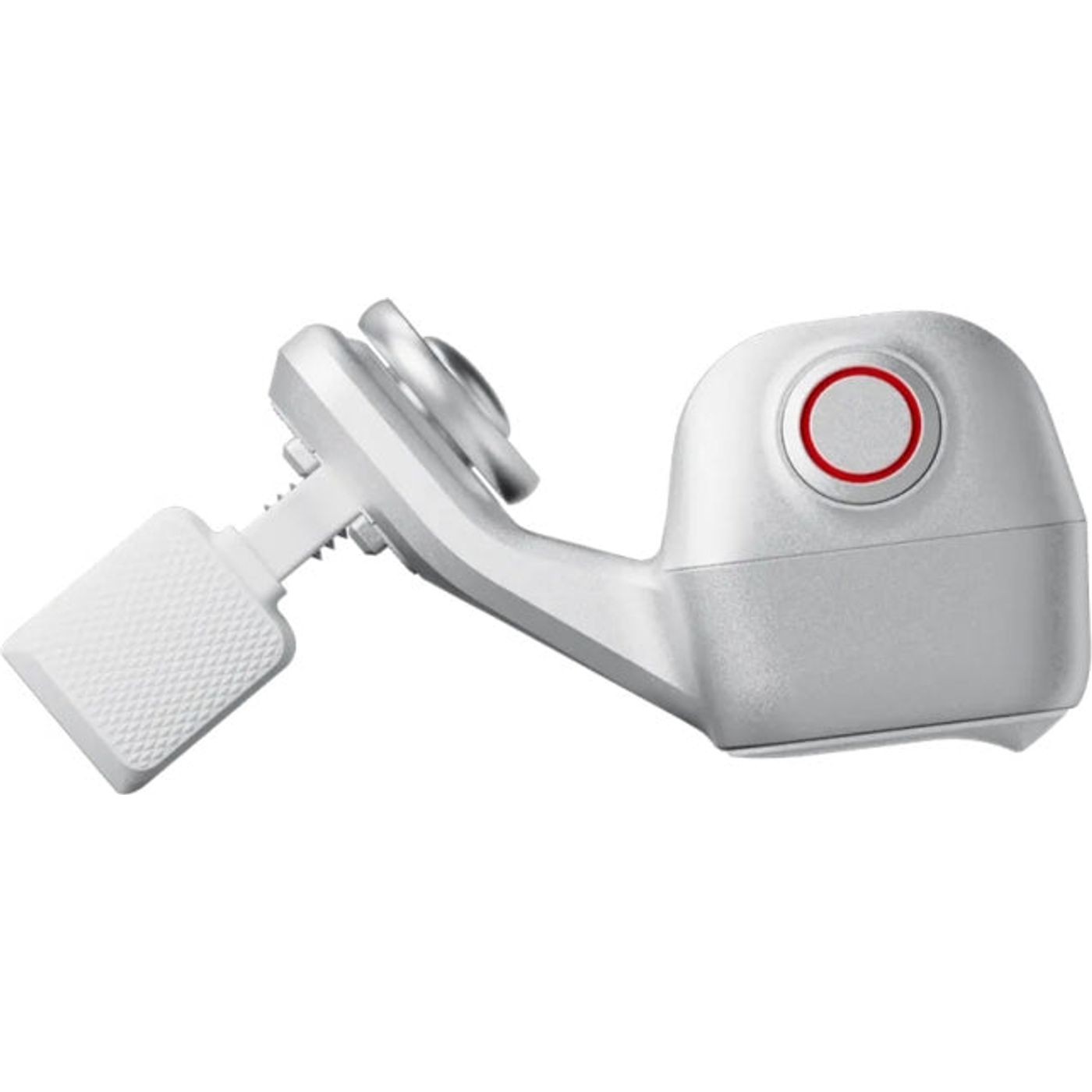
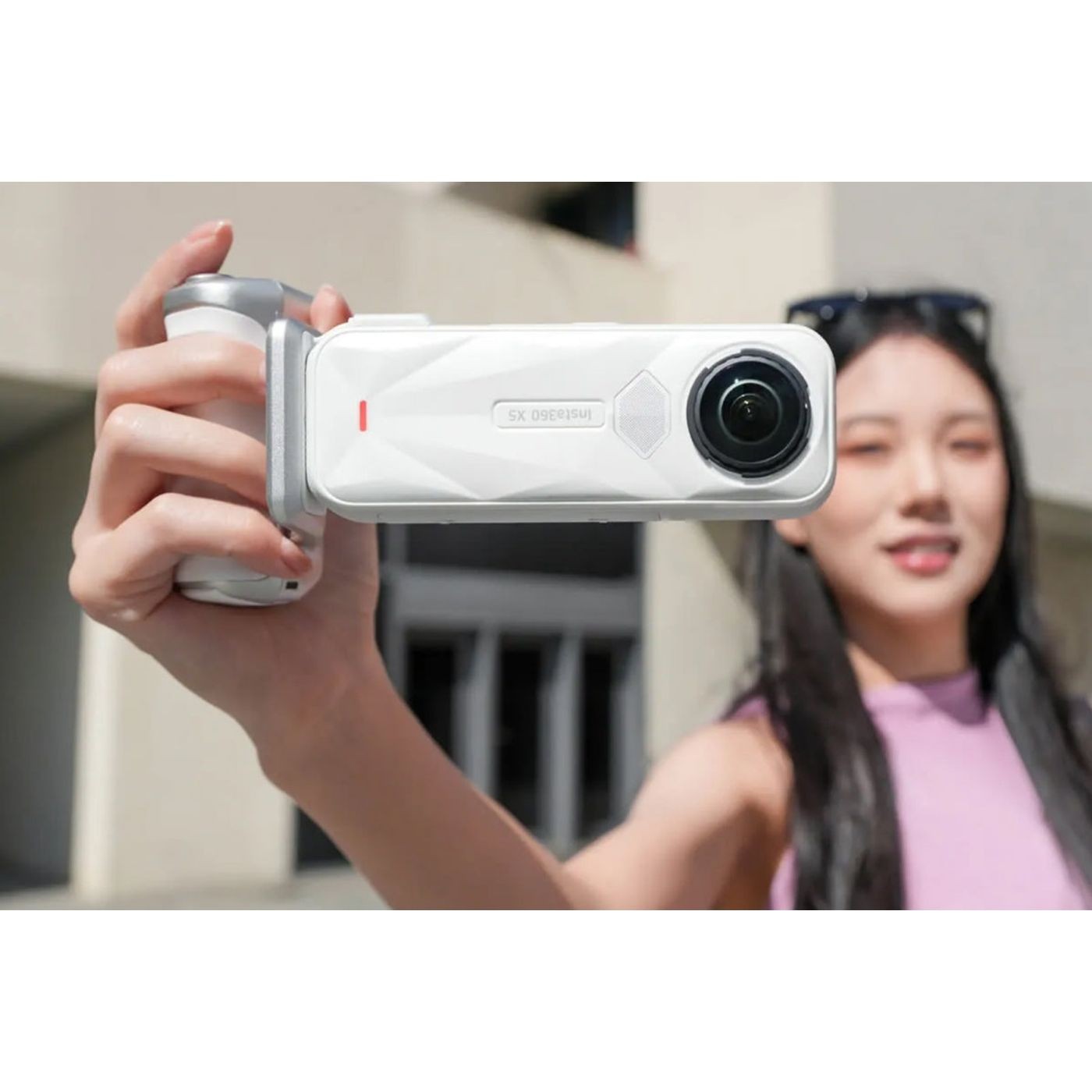
The white Insta360 X5 Photography Grip makes handheld shooting more comfortable. Its tactile shutter button sits under your finger, while the USB-C connection controls the camera without a separate battery or charging routine for the grip.
57 € with VAT
47.11 € without VAT
Availability
on request
Product description
SPECIFICATIONS
PACKAGE CONTENT
Product description
The white Insta360 X5 Photography Grip makes handheld shooting more comfortable. Its tactile shutter button sits under your finger, while the USB-C connection controls the camera without a separate battery or charging routine for the grip.
- Designed for Insta360 X5 with firmware version 1.7.43 or later
- Enables 2.35:1 widescreen photos, film filters and in-camera borders
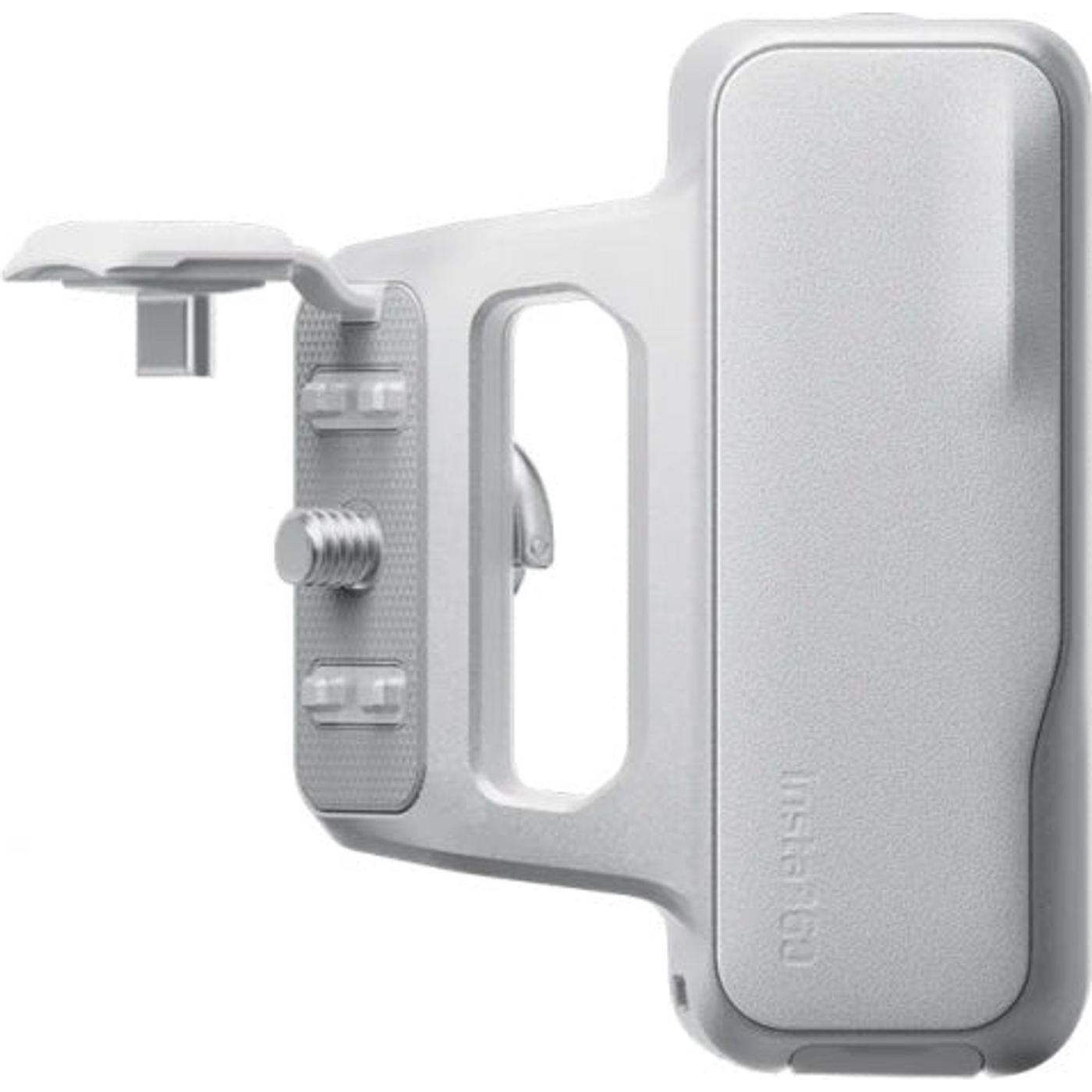
- Built-in 1/4″ tripod thread
Insta360 Photography Grip · white
A confident grip for handheld photography
The grip for Insta360 X5 adds a tactile shutter and a more natural way to take photos. It sends commands over USB-C and needs no battery or charging of its own.
Widescreen photos in X5
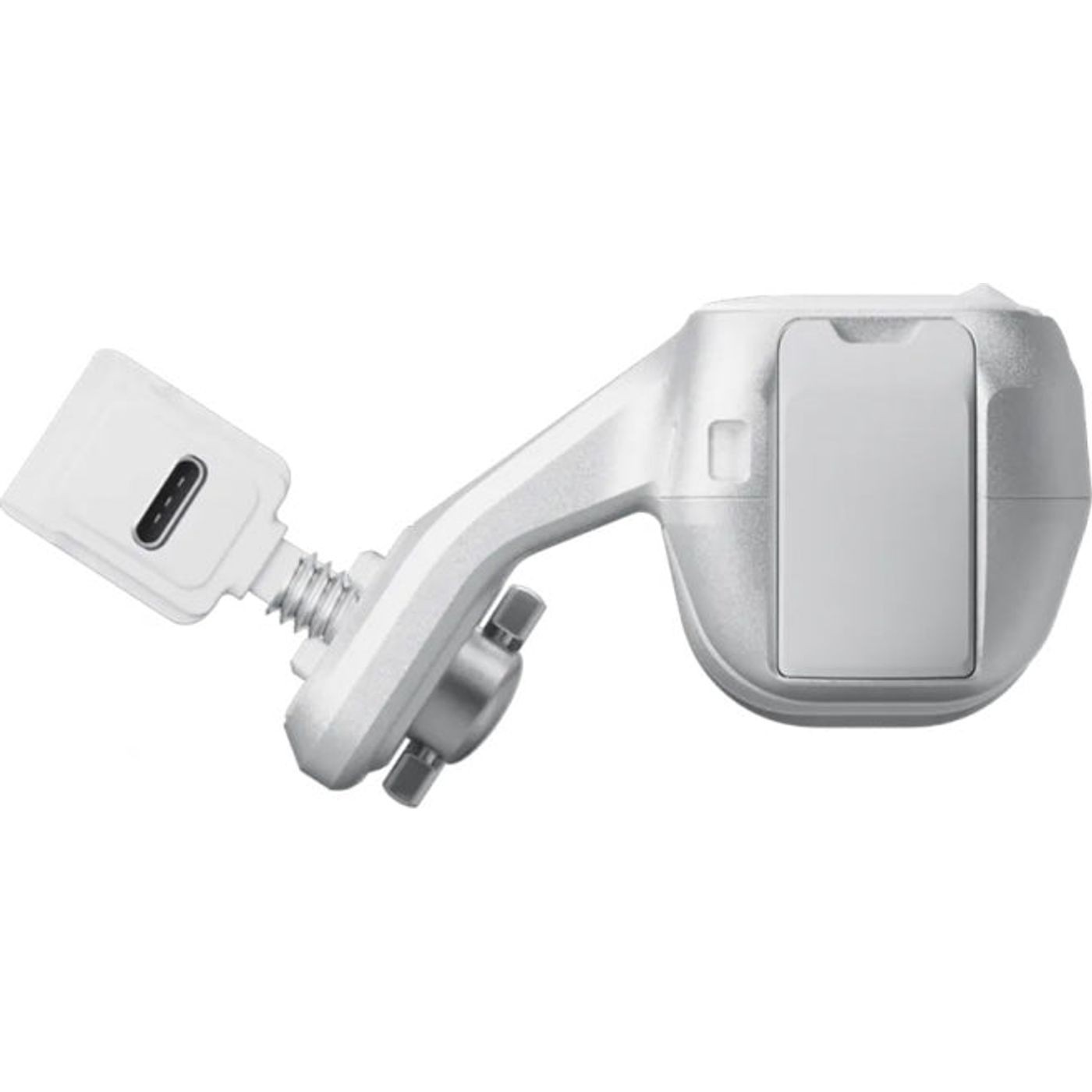
With compatible firmware, you can use X5’s 2.35:1 aspect ratio, film filters and in-camera borders. Attach the grip at the bottom quick-release point using its 1/4″ screw, then connect its USB plug to the camera’s side port.
Before connecting
Remove the X5 USB-port cover by pulling it straight out without twisting. The grip is not waterproof. Its button cannot power the camera on or off; it can start or stop capture only after the camera is on. According to the manufacturer, X4 Air can start or stop recording, but features such as 2.35:1 and Style Border are not supported. Full Photography Grip functionality is for X5 on firmware 1.7.43 or later.
PACKAGE CONTENT
- 1× Insta360 Photography Grip for X5, white
- 1× wrist strap
SPECIFICATIONS
- Compatibility: Insta360 X5 (full functionality from firmware 1.7.43)
- Limited use: X4 Air – start/stop recording only
- Connection: USB-C
- Mount: quick-release point and 1/4″ screw
- Photo aspect ratio: 2.35:1 with supported X5 firmware
- Dimensions: 84 × 62.6 × 33.8 mm
- Weight: approx. 135 g
- Material: aluminium alloy and silicone
- Colour: white
- Water resistance: not waterproof; do not use in rain
Parameters
Parameters
| Manufacturer: | Insta360 |
| Category: | Handles |
Main parameters
| Material | Hliníková slitina · Silikon |
| Colour | White |
| For camera | Insta360 X5 |
Alternative (1)
Alternative (1)
Insta360 Photography Grip for X5 – Black
The Photography Grip for the Insta360 X5 in black gives the camera a comfortable
57 €
on request
News, training, and discounts from Syntex
Special offers and discounts for subscribers only · Free audio & video workshops · News and tips from the world of filmmaking
- Show all
Insta360 Photography Grip pro X5 – bílá
The white Insta360 X5 Photography Grip makes handheld shooting more comfortable.57 €on request