
 CZ
CZ SK
SK HU
HU AT
AT DE
DE ES
ES SI
SI HR
HR
Nothing in the basket.

- Search
-
Login

-
0
Comparison
Add products to compare, then they will appear here and you can compare parameters.
-
0
0 €
EdelKrone Controller v2 (for Moco)
SKU: EDSBX
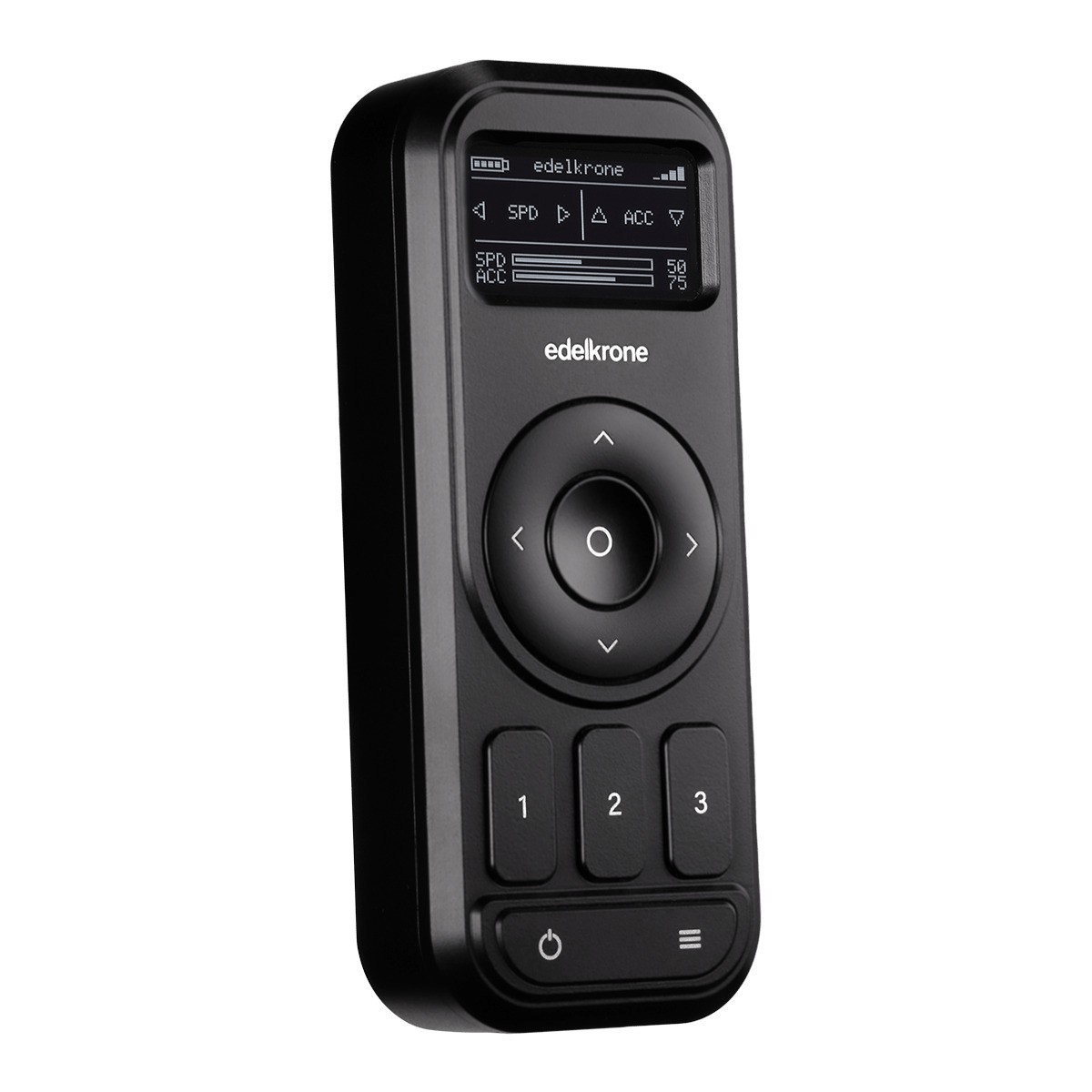
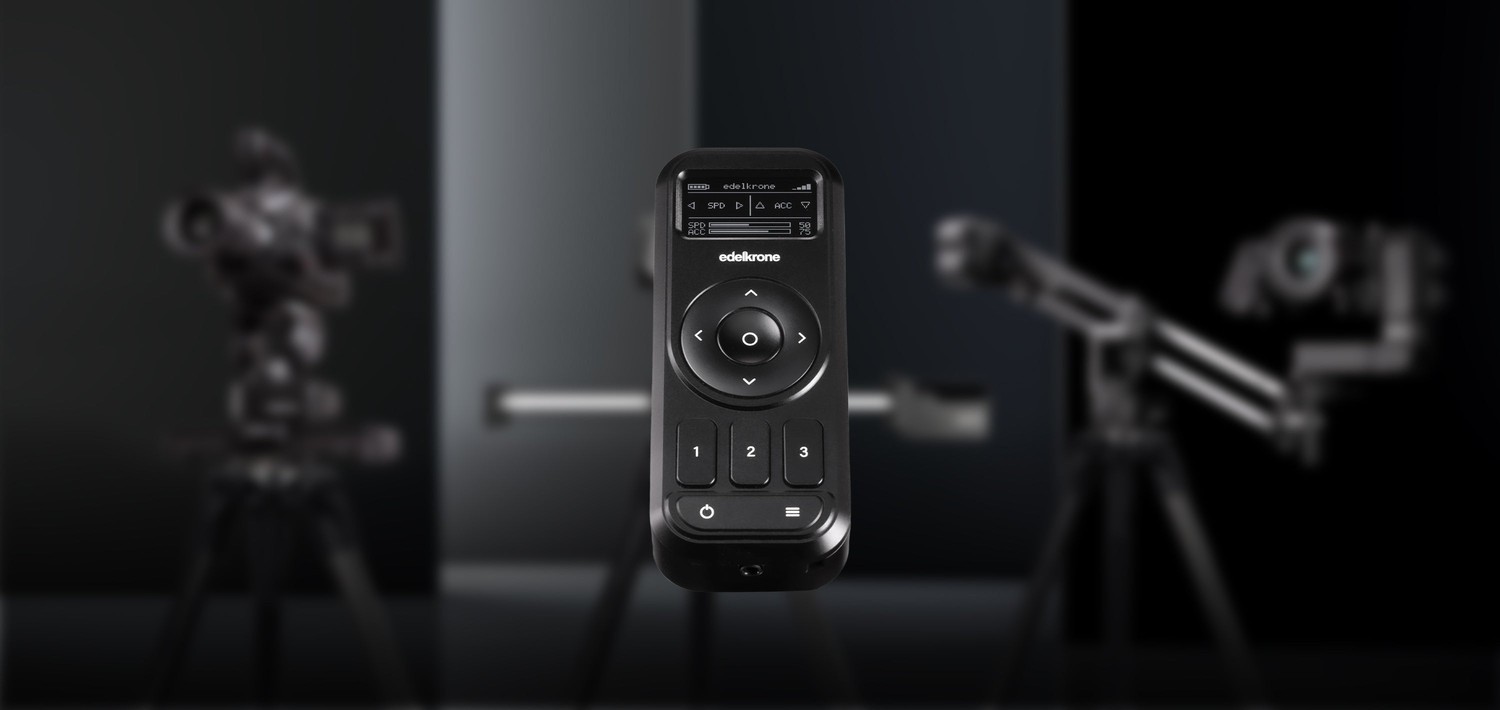
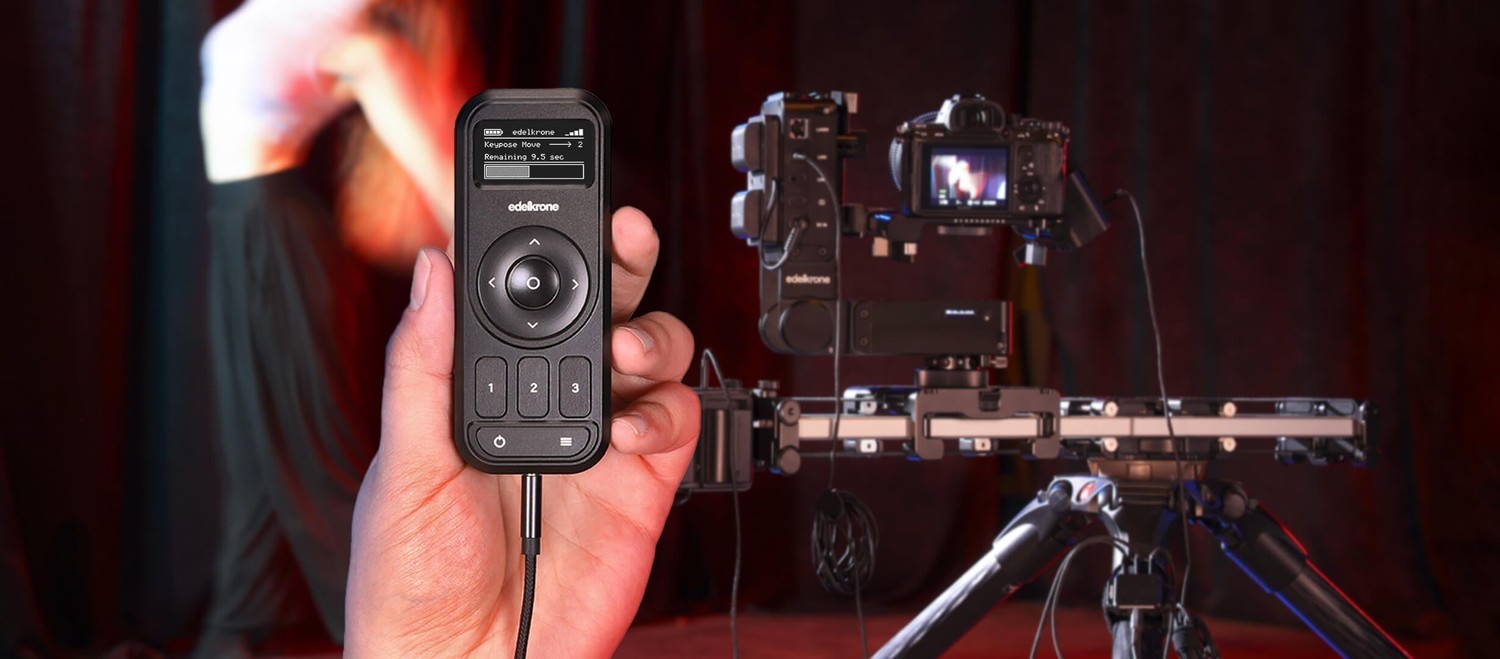
The Edelkrone Controller v2 is a pocket-sized remote for the whole edelkrone Moco ecosystem – sliders, jibs, heads, dollies and their combinations. Compared to the previous generation it offers double the battery life, a larger screen and a Link port for a fully wired connection through the Wired Signal Hub. It saves positions with three keypose buttons, programs…
230 € with VAT
190.08 € without VAT
Personal pickup: 26. 10. from 09:00
Shipment day: 26. 10.
Shipment day: 26. 10.
In stock 3 pcs
Praha 3 pcs
Praha 3 pcs
Top accessories for EdelKrone Controller v2 (for Moco)
EdelKrone Wired Signal Hub v1 (for Moco)
The Edelkrone Wired Signal Hub connects several edelkrone motion control devices
164 €
In stock 5 pcs
EdelKrone Gold Mount Power Module v1 (for Moco)
The Edelkrone Power Module for Gold Mount batteries powers up to four edelkrone devices
329 €
In stock 1 pcs
EdelKrone V-Mount Power Module v1 (for Moco)
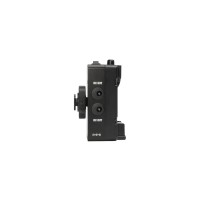
The Edelkrone Power Module for V-Mount batteries powers up to four edelkrone devices
329 €
In stock 1 pcs
EdelKrone CineAction Bundle - Complete (Dual HeadONE v2)
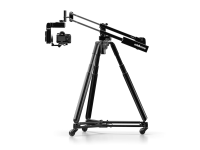
Set includes: JibONE v3, HeadONE v2, Tilt Module, HeadOne v2, Tripod X Rapid, Tripod
5 719 €
on request
Product description
SPECIFICATIONS
PACKAGE CONTENT
Product description
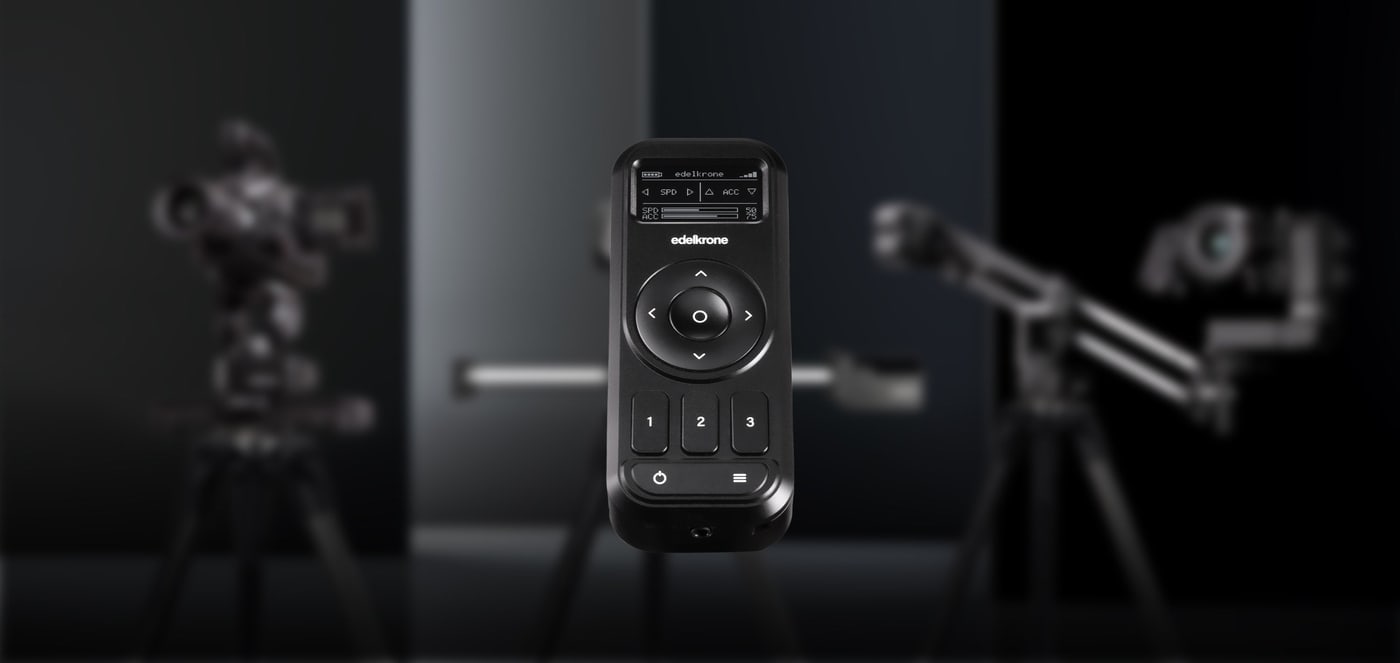
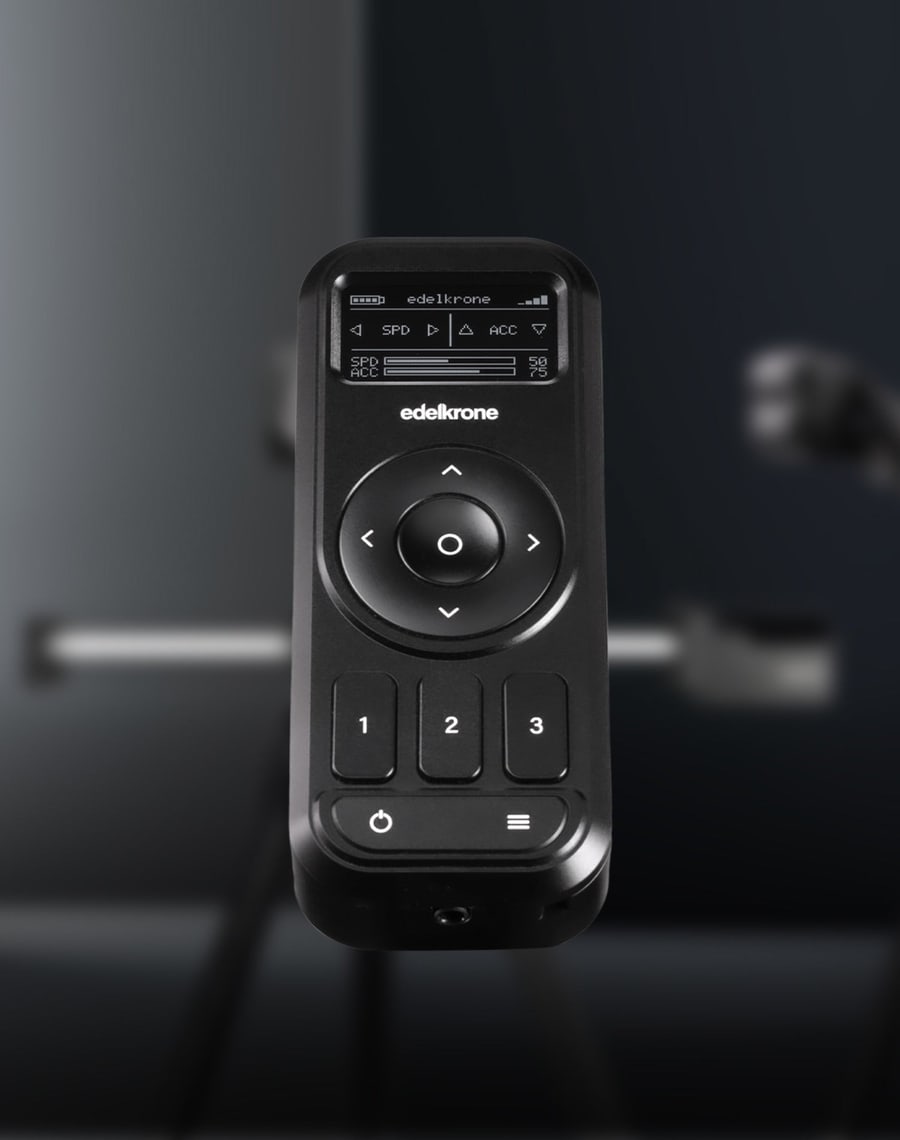
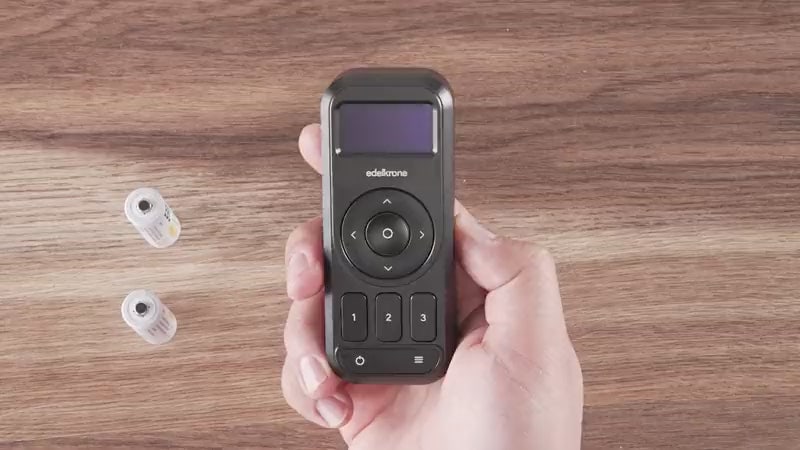
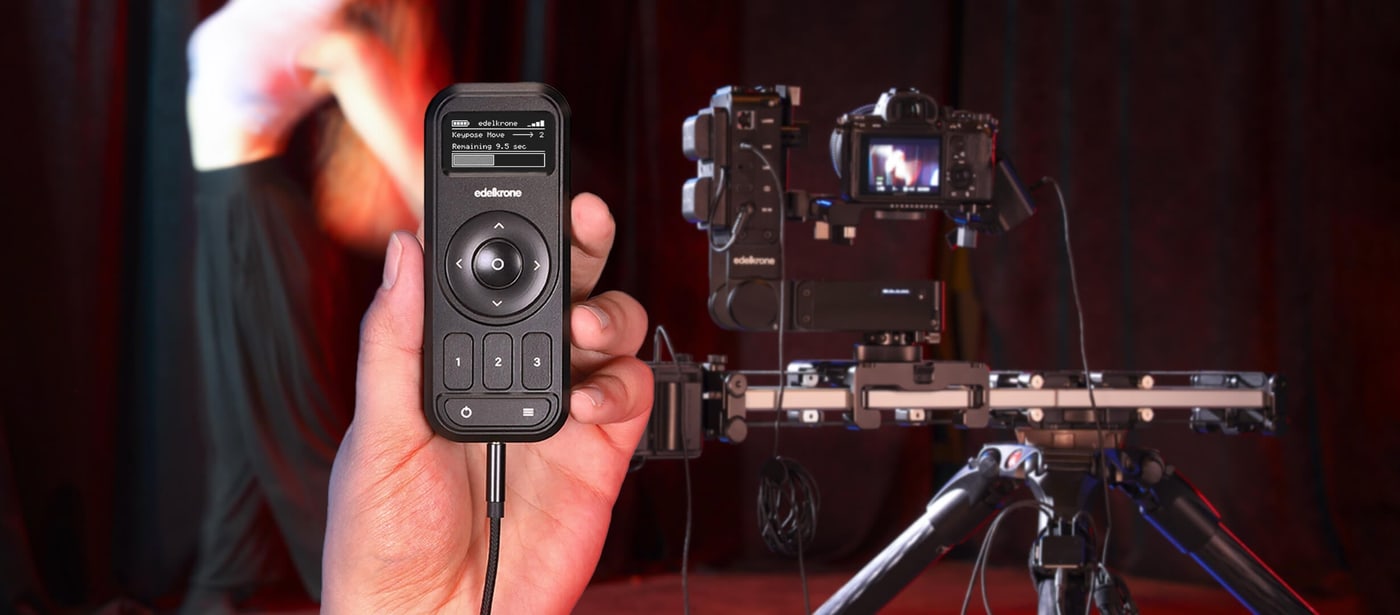
The Edelkrone Controller v2 is a pocket-sized remote for the whole edelkrone Moco ecosystem – sliders, jibs, heads, dollies and their combinations. Compared to the previous generation it offers double the battery life, a larger screen and a Link port for a fully wired connection through the Wired Signal Hub. It saves positions with three keypose buttons, programs time-lapses and runs on two AA batteries.
edelkrone Controller v2: the whole Moco system in your pocket
A pocket controller for keyposes, time-lapses and fully wired control – no phone in hand.
If you prefer wired connections and will be using only keyposes, the edelkrone Controller is the ideal choice. This remote controls any combination of motorized edelkrone systems and keeps your mobile device free while you film.
At a glance
Controls the whole ecosystemFully wired operation25 m wireless rangePocket-sized, lightweightCNC machined aluminumHand strap included
The entire edelkrone ecosystem at your fingertips
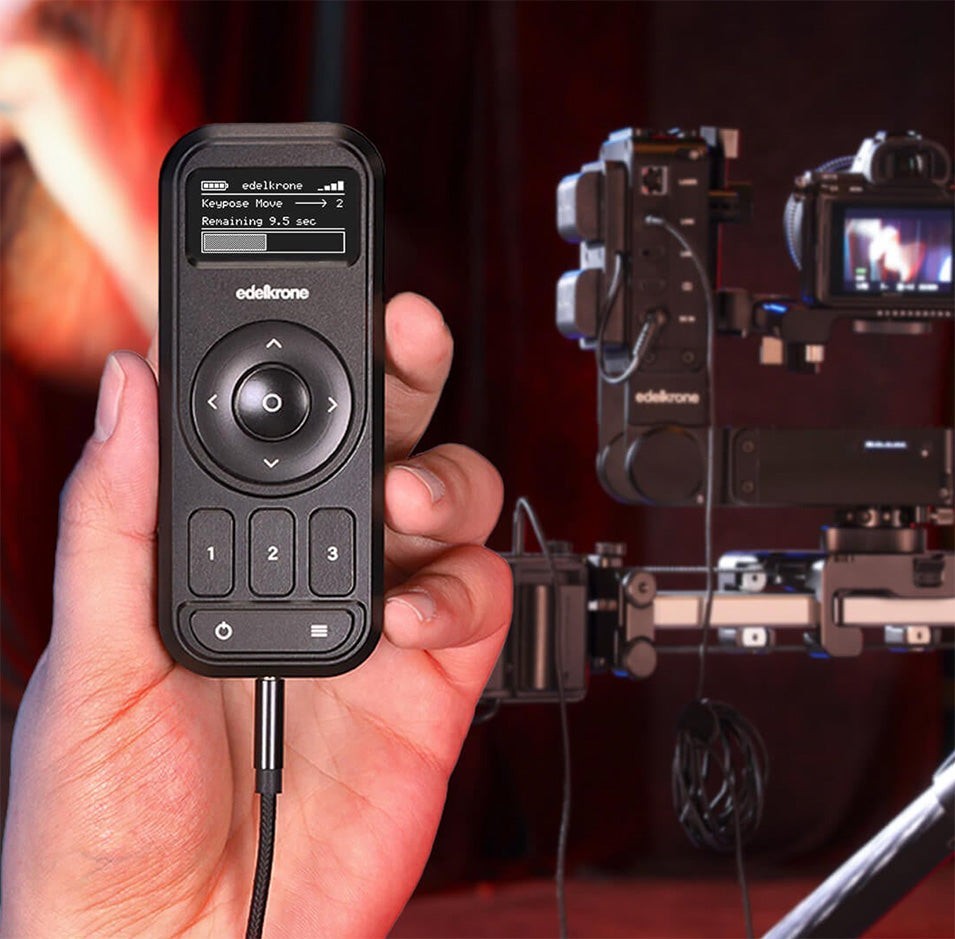
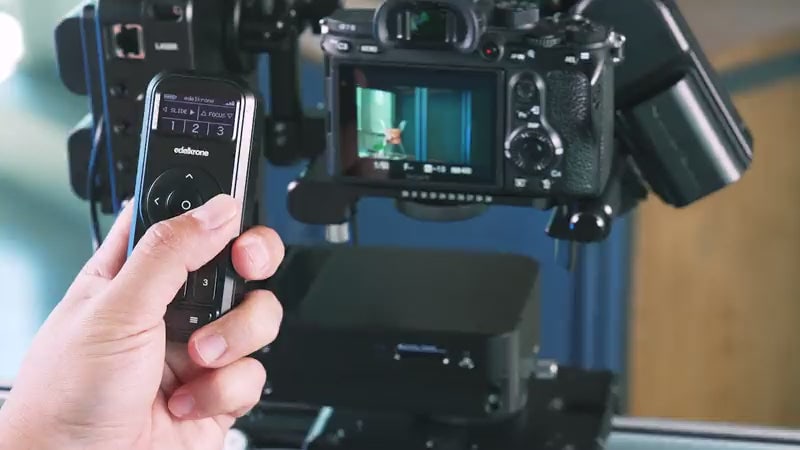
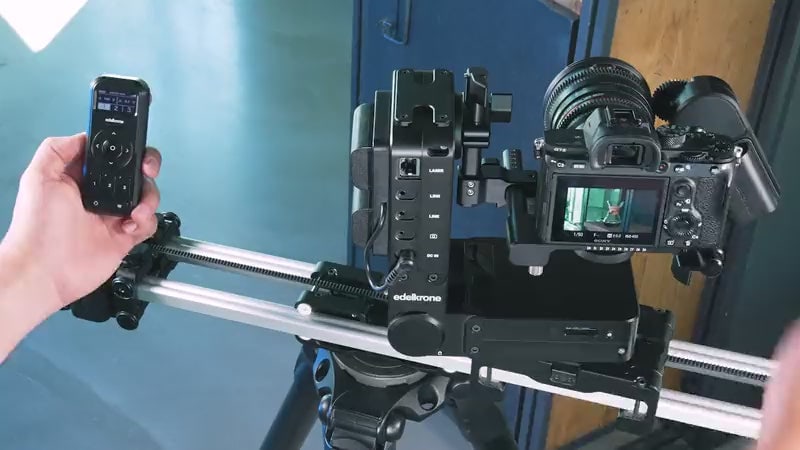
The edelkrone Controller works with any motorized edelkrone motion control system, including sliders, jibs, heads, dollies and combinations.
It includes the essential features of the edelkrone App, freeing up your mobile device as you film. It does not include every feature of the app – it focuses on the most used one, keyposes.
Controls
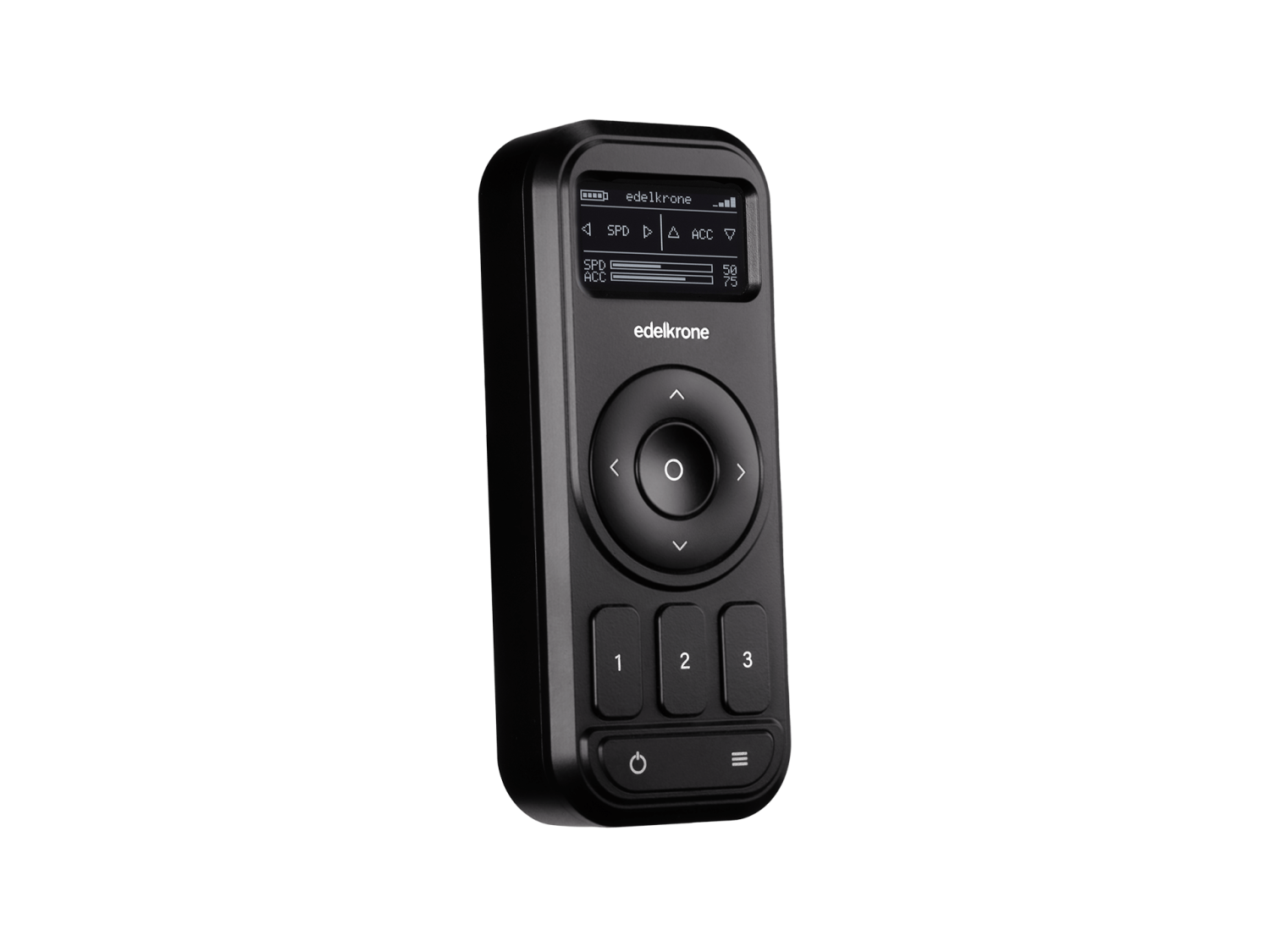
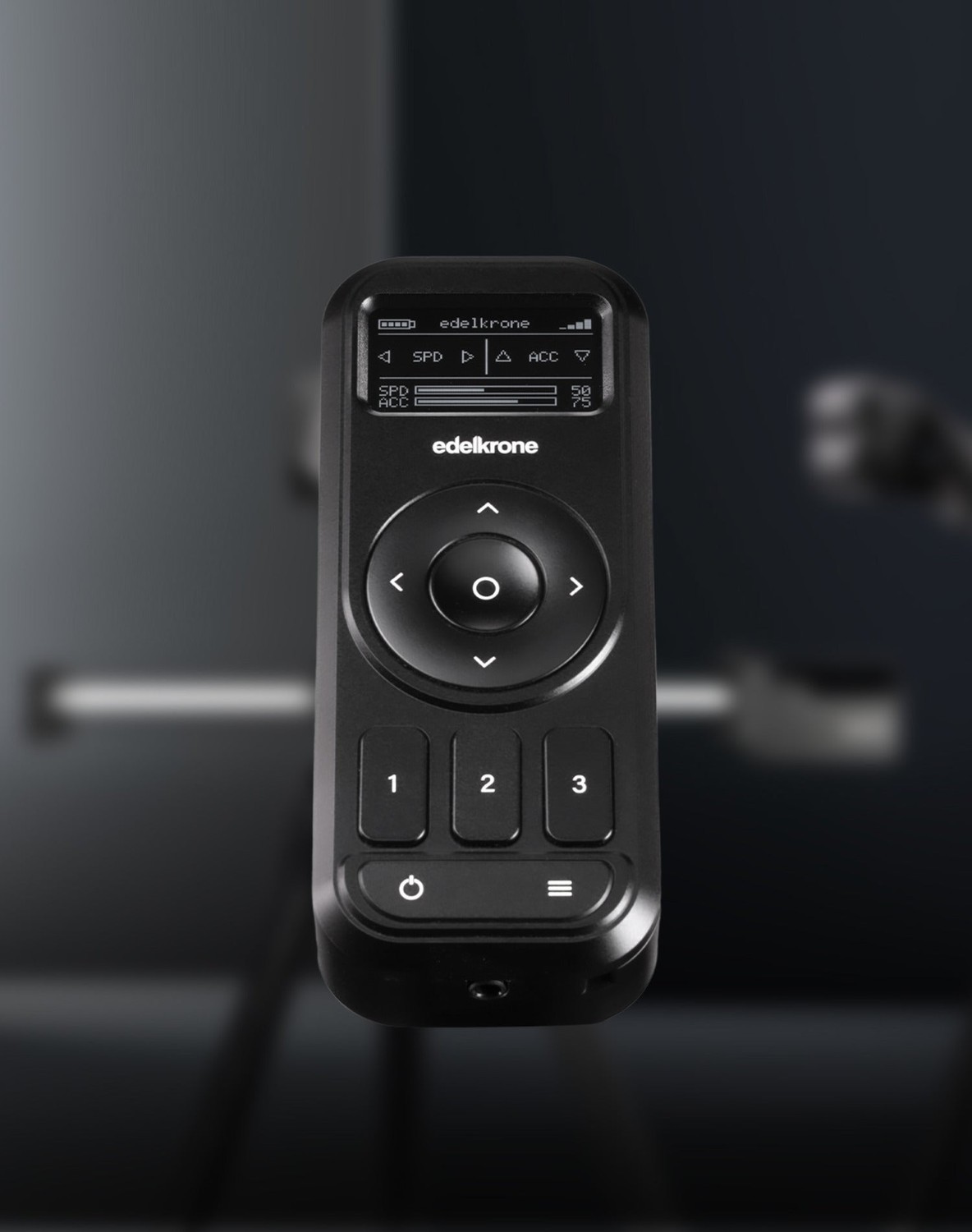
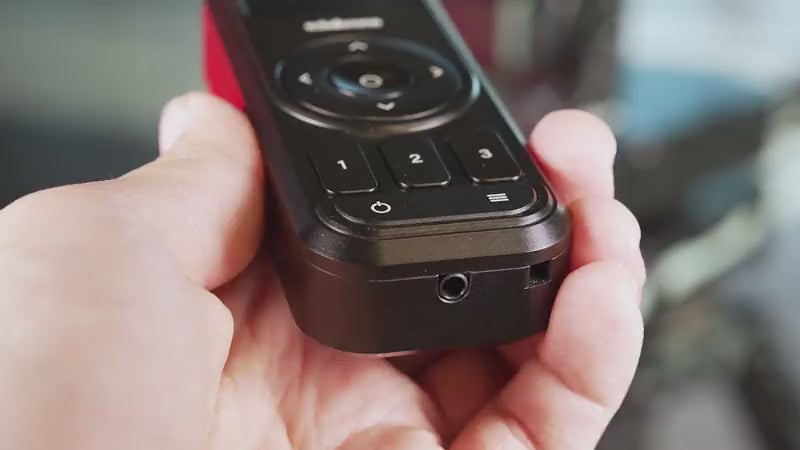
- Navigation pad – speed, acceleration and movement on each axis
- Select button
- Three keypose buttons
- Menu button
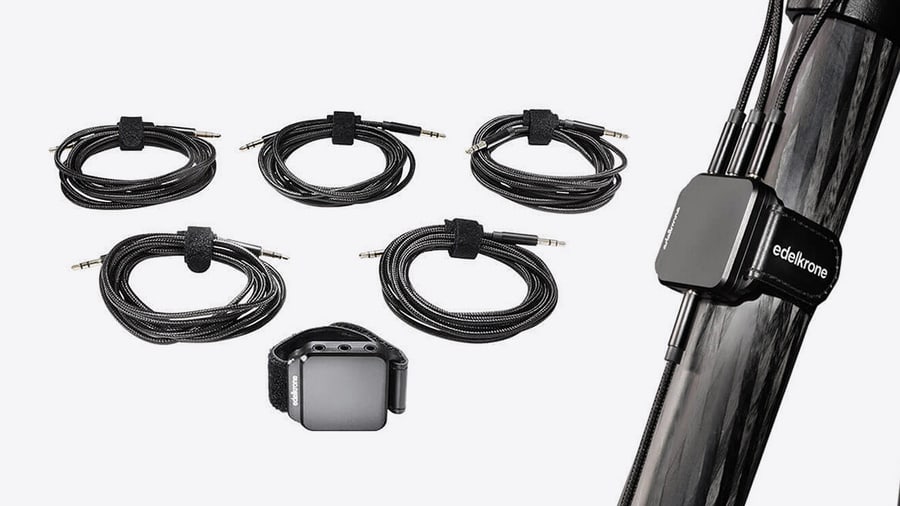
- Link port for the wired connection
Easy to control, quick to operate
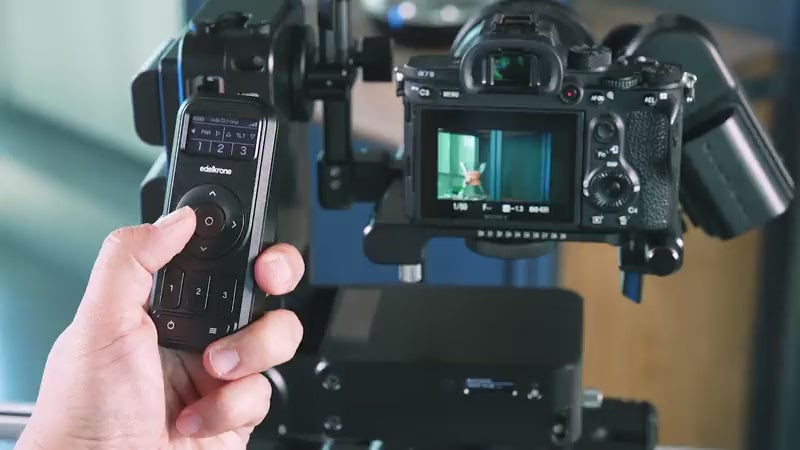
Use the navigation pad to adjust speed, acceleration and any axis of your edelkrone devices, including slide, swing, pan, tilt and focus.
Simply set desired motions
There are three keypose buttons on the controller. Use the navigation pad to move your edelkrone device into position, then press and hold a keypose button to save it.
Even faster with hand-controlled devices
edelkrone devices with hand-control ability (such as SliderPLUS, JibONE and HeadPLUS) are even quicker to program: just move the device into position by hand and press and hold a keypose button to save it instantly.
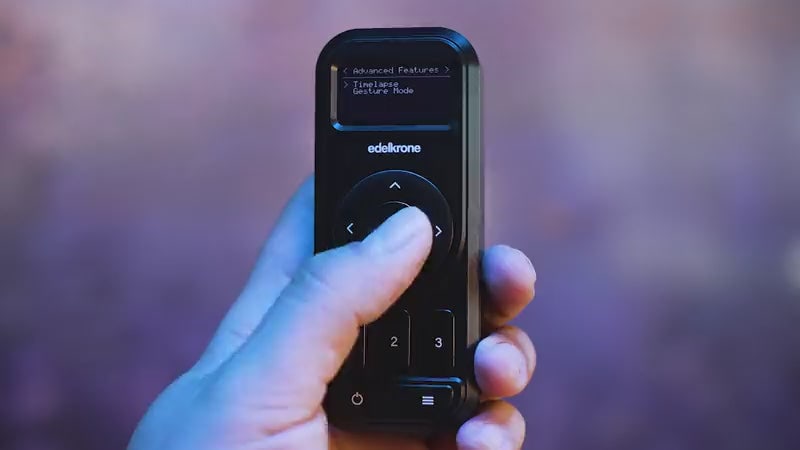
Gesture Control Mode
The controller looks like a simple remote but comes with a next-level feature to further streamline your workflow: with Gesture Control Mode, you simply move the controller to control pan, tilt, swing or slide.
Gesture Control Mode works with JibONE, Pan PRO, HeadONE, HeadPLUS, SliderPLUS with Motor Module, SliderONE, DollyONE and DollyPLUS.
Fully wired connection
The controller works seamlessly with the Wired Signal Hub for edelkrone Moco (sold separately) to provide a fully wired connection to your edelkrone motion control systems. This is perfect for environments with high wireless interference, ensuring a stable connection between the controller and devices.
Link cables are not included with the controller.
Hub ready
The edelkrone Controller is best with the Wired Signal Hub, which lets you interconnect by cable all devices that have Link ports and the controller.
Two AA batteries and double the battery life
The controller doubles the battery life of the previous generation, increasing it from 4.5 hours to 10+ hours of continuous wireless use, and 23+ hours with a wired connection when paired with the Wired Signal Hub.
That is long enough for most productions, but even if the batteries run out, your programmed motions are kept saved to be recalled when the batteries are replaced, so you can resume where you left off.
Small, durable and powerful
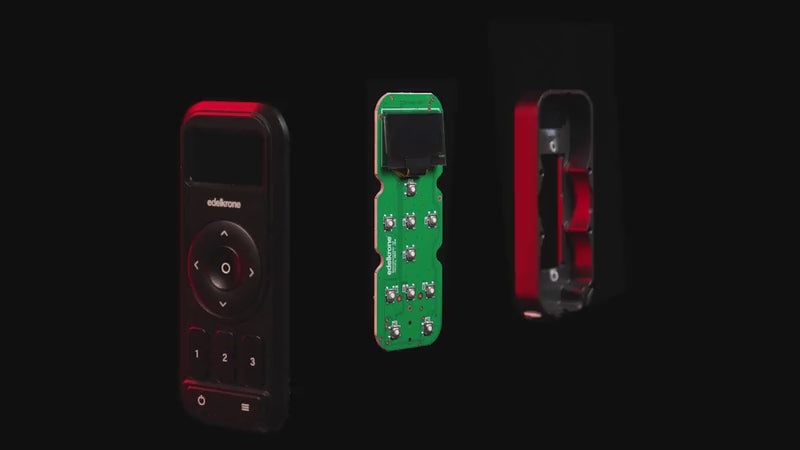
Like all edelkrone devices, the controller is made of CNC machined aluminum for lifetime durability. It offers a larger screen than the previous generation while remaining as light as a smartphone and small enough to fit in your pocket.
Effortless time-lapse programming
Select two keyposes for the start and end positions of your time-lapse, then fine-tune the duration, shutter speed and interval.
PACKAGE CONTENT
- edelkrone Controller v2 — 1×
- Hand strap — 1×
SPECIFICATIONS
- Version: V2
- Size (L × W × H): 110 × 45 × 23 mm
- Weight: 113 g
- Power input: 2× AA batteries (batteries not included)
- Battery life (continuous operation): 11 h wireless and 23 h wired with 2800 mAh rechargeable AA batteries; 9 h wireless and 28 h wired with alkaline AA batteries; 19 h wireless and 50 h wired with lithium AA batteries
- Operation range: up to 25 m
- Wireless connection compatibility: Motor Module v2 & v3, JibONE (all versions), JibPLUS, SliderONE v2 & v3, SliderONE PRO, HeadONE (all versions), Pan Module, HeadPLUS v2 & v3, Focus/Zoom Module v2 & v3, DollyONE, DollyPLUS v1 & v2, SliderPLUS v6
- Wired connection compatibility: Motor Module v3, JibONE v2, Pan Module, HeadPLUS v2 & v3, Focus/Zoom Module v2, DollyPLUS v2, JibPLUS, SliderPLUS v6
- Link cable socket: 3.5 mm (Link cable sold separately)
- Wireless connection: 2.4 GHz direct link for inter-device communication, BLE for pairing and phone connection
- Materials: CNC machined aluminum, stainless steel components
ACCESSORIES (4)
ACCESSORIES (4)
EdelKrone Wired Signal Hub v1 (for Moco)
The Edelkrone Wired Signal Hub connects several edelkrone motion control devices
164 €
In stock 5 pcs
EdelKrone Gold Mount Power Module v1 (for Moco)
The Edelkrone Power Module for Gold Mount batteries powers up to four edelkrone devices
329 €
In stock 1 pcs
EdelKrone V-Mount Power Module v1 (for Moco)
The Edelkrone Power Module for V-Mount batteries powers up to four edelkrone devices
329 €
In stock 1 pcs
EdelKrone CineAction Bundle - Complete (Dual HeadONE v2)
Set includes: JibONE v3, HeadONE v2, Tilt Module, HeadOne v2, Tripod X Rapid, Tripod
5 719 €
on request


News, training, and discounts from Syntex
Special offers and discounts for subscribers only · Free audio & video workshops · News and tips from the world of filmmaking
- Show all
EdelKrone Controller v2 (for Moco)
The Edelkrone Controller v2 is a pocket-sized remote for the whole edelkrone Moco230 €In stock 3 pcs