
 CZ
CZ SK
SK HU
HU AT
AT DE
DE ES
ES SI
SI HR
HR
Nothing in the basket.

- Search
-
Login

-
0
Comparison
Add products to compare, then they will appear here and you can compare parameters.
-
0
0 €
Blackmagic Design GPI and Tally Interface
SKU: SWTALGPI8
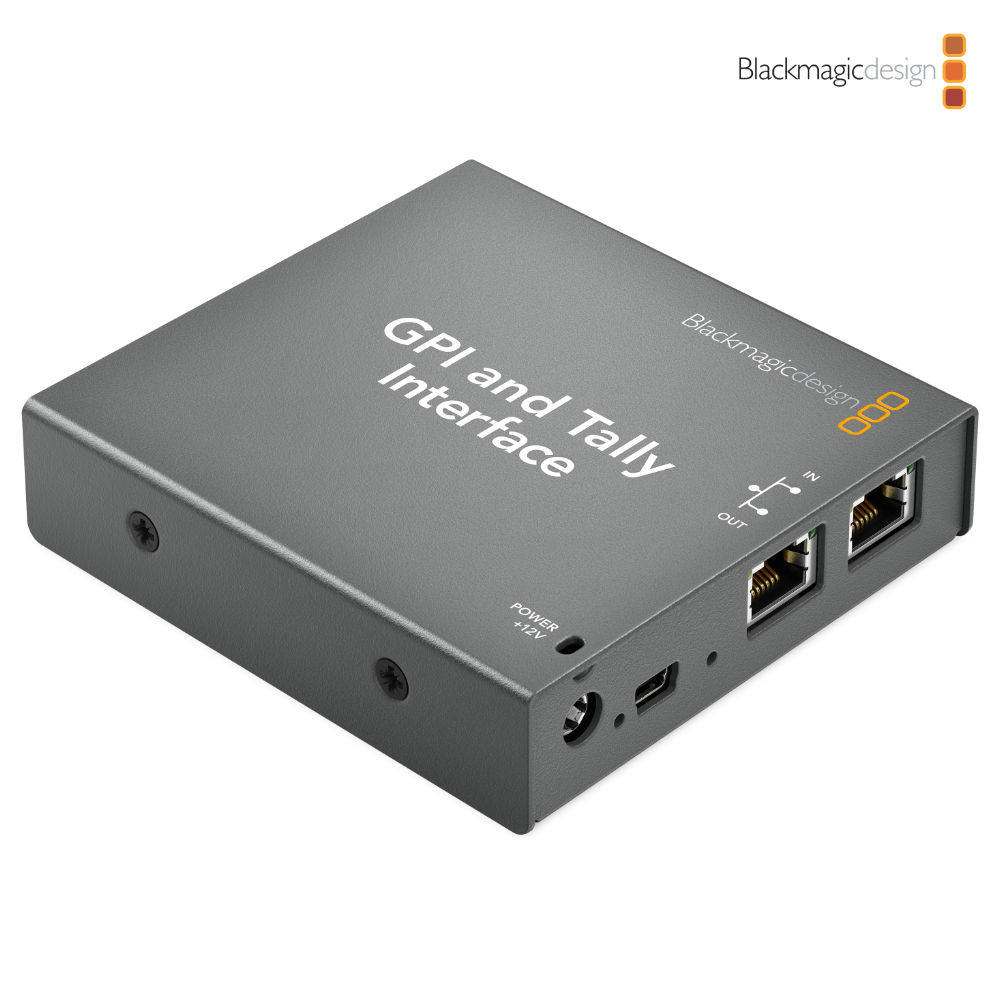
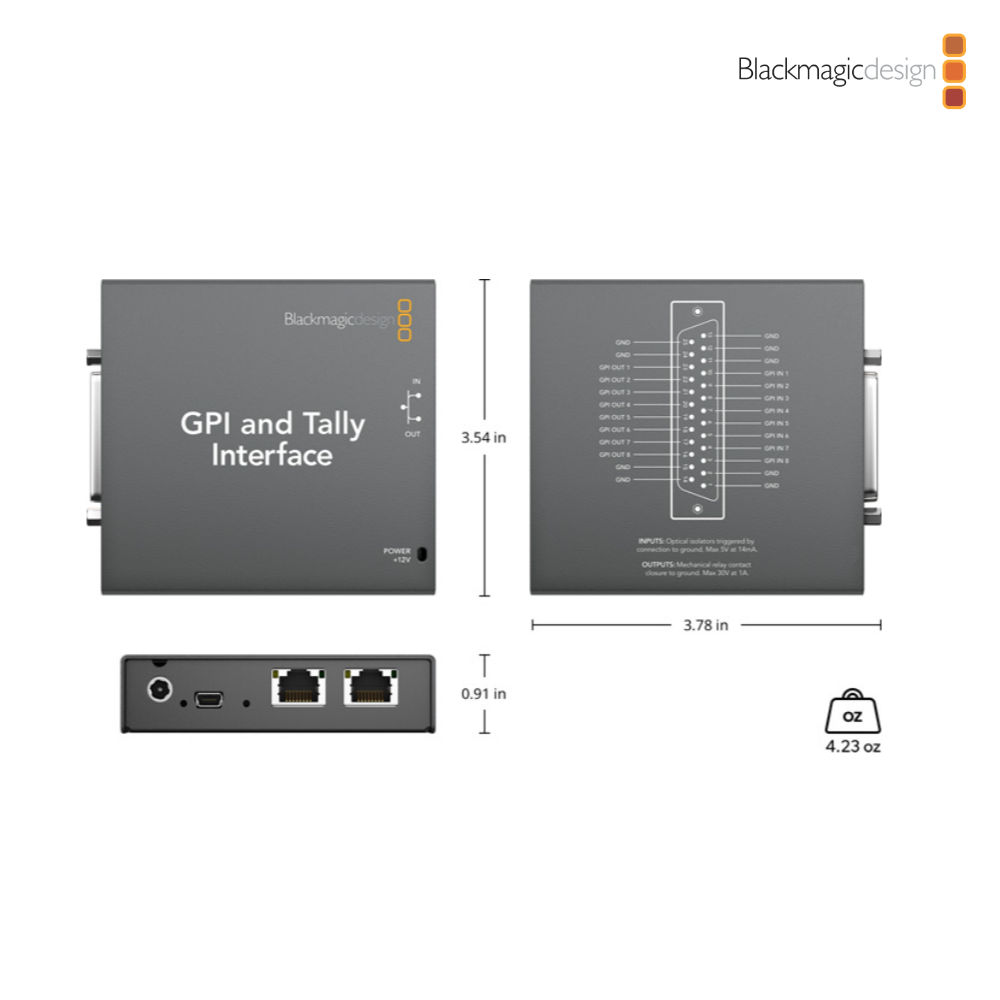
Add tally to your ATEM switcher with the Blackmagic Design GPI and Tally Interface. Eight relay tally outputs send the on-air status to cameras, replay machines and monitors, so every operator knows which camera is on air. If you need more outputs, simply connect more GPI and Tally Interface units over Ethernet.
539 € with VAT
445.45 € without VAT
Availability
on request
Top accessories for Blackmagic Design GPI and Tally Interface
Blackmagic Design ATEM 2 M/E Constellation HD
ATEM 2 M/E Constellation HD is a professional 2 M/E live production switcher for
1 989 €
In stock 1 pcs
Datavideo ITC-100 8-Channel Wired Intercom System
Datavideo ITC-100 is a wired 8-channel production intercom for communication between
1 659 €
14-30 days
Blackmagic Design ATEM 1 M/E Constellation HD
ATEM 1 M/E Constellation HD is a professional 1 M/E live production switcher for
1 169 €
To be sent 1 pcs
PremiumCord CAT6 UTP patch cable RJ45-RJ45, 5 m, blue
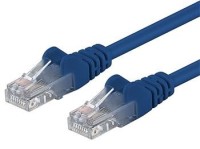
A category 6 UTP network patch cable with RJ45 connectors at both ends and straight-through
3 €
In stock 1 pcs
Blackmagic Design ATEM 4 M/E Constellation HD
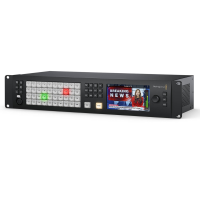
ATEM 4 M/E Constellation HD is a professional 4 M/E live production switcher for
4 429 €
on request
Blackmagic Design ATEM 4 M/E Constellation 4K Plus
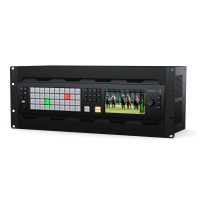
ATEM 4 M/E Constellation 4K Plus is a professional 4 M/E live production switcher
14 459 €
on request
Syntex Blackmagic ATEM to Datavideo ITC-100/300 GPI & Tally Cable, 50cm
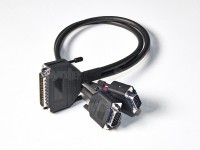
Custom made connection Y cable for Blackmagic Design ATEM switchers and Datavideo
91 €
7-14 days
Product description
SPECIFICATIONS
PACKAGE CONTENT
Product description
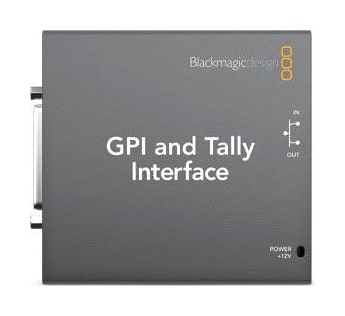
Add tally to your ATEM switcher with the Blackmagic Design GPI and Tally Interface. Eight relay tally outputs send the on-air status to cameras, replay machines and monitors, so every operator knows which camera is on air. If you need more outputs, simply connect more GPI and Tally Interface units over Ethernet.
Tally and GPI for ATEM switchers
The network interface links an ATEM switcher with tally lights, cameras, replay machines or monitors. Eight opto-isolated inputs and eight relay outputs can be extended with more units.
8× GPI input8× relay outputEthernetD-sub 25
More outputs? Add a unit
The interface receives tally from the ATEM switcher over Ethernet and has a loop-through port, so more GPI and Tally Interface units simply join the same network.
Opto-isolated inputs
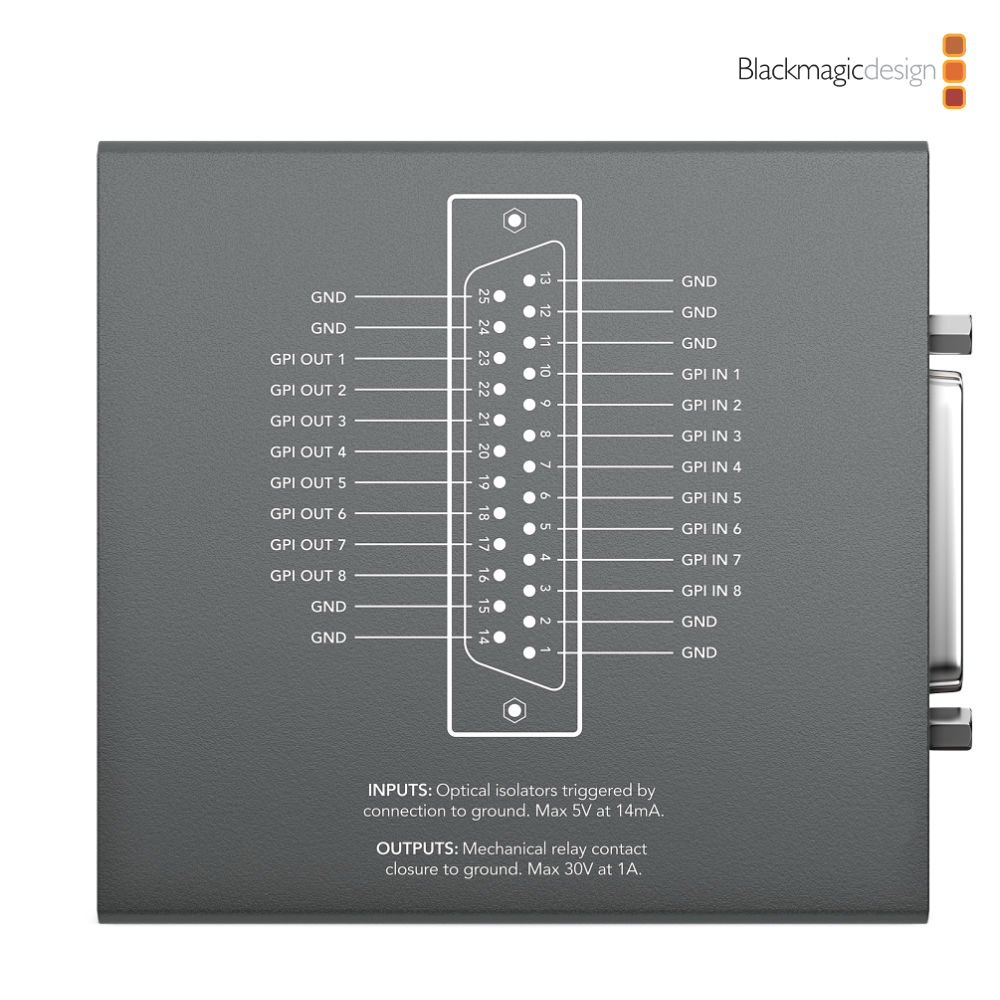
The GPI inputs trigger by connection to ground and take a maximum of 5 V at 14 mA.
Relay outputs
Mechanical relay contacts switch up to 30 V at 1 A – for tally lights, monitors and cameras. Up to eight devices connect to one unit.
Connection via the 25-pin connector
Equipment that signals by contact closure, such as studio monitors or camera chains, connects through a breakout cable to the 25-pin D-sub connector. Configuration is done in ATEM Switcher Utility over USB.
Connections
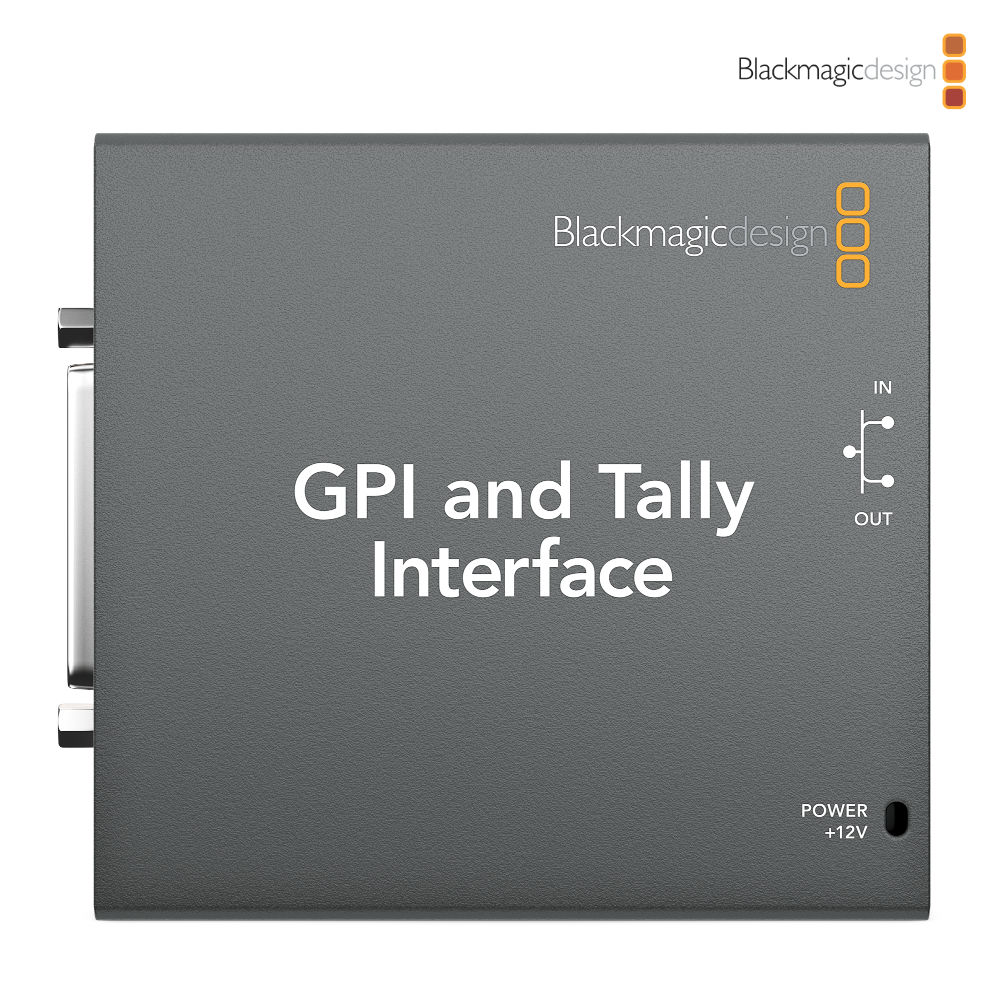
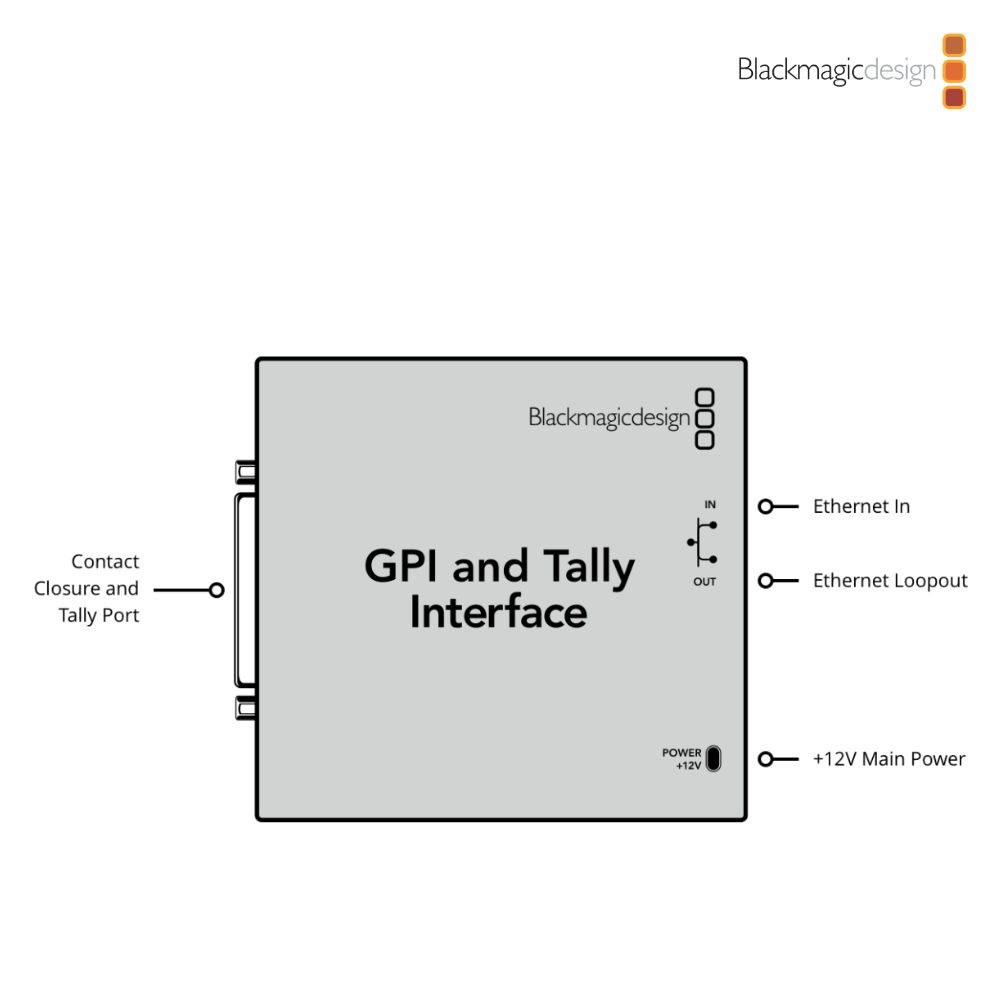
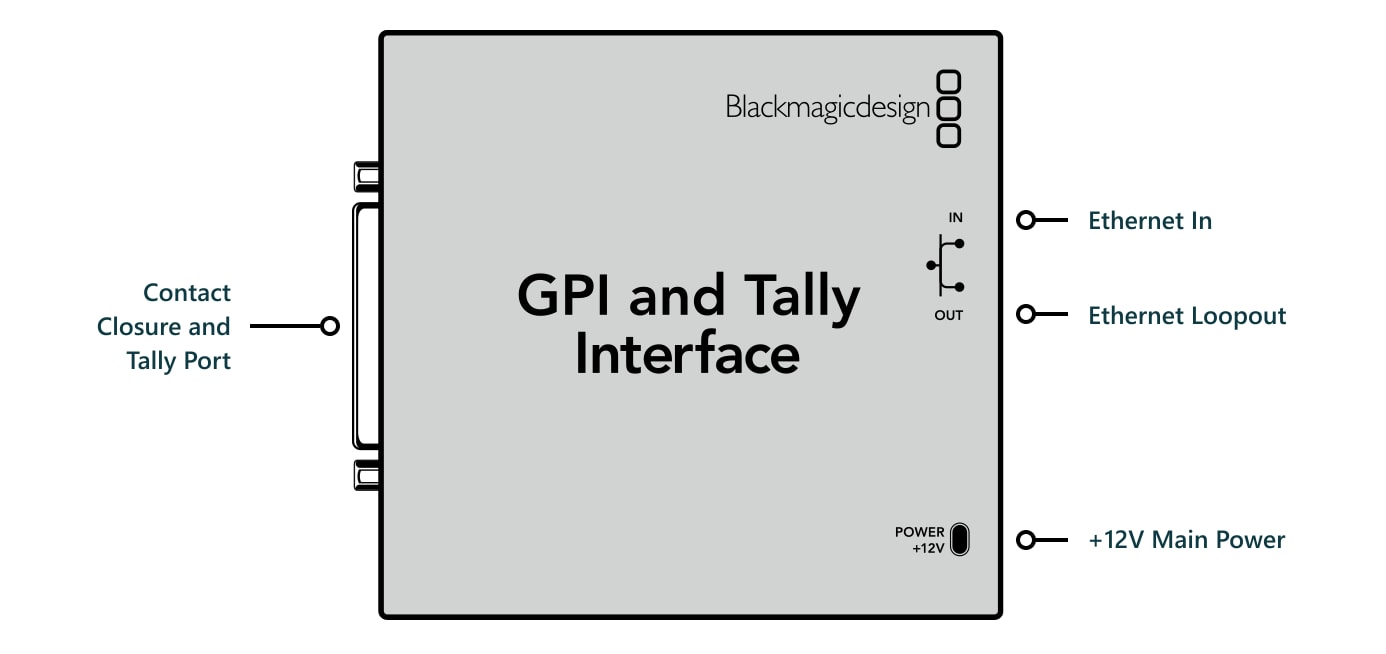
The left side has the 25-pin contact closure and tally port; the right side has the Ethernet input and loop output and the +12V power input.
PACKAGE CONTENT
- GPI and Tally Interface
- Software CD
- Power supply
SPECIFICATIONS
- Contact closure: 25 pin D-type connector providing 8 opto isolated inputs and 8 relay contact closure outputs
- Computer interface: 1× USB 2.0 high speed interface for configuration and firmware updates
- Inputs: Optical isolators triggered by connection to ground, max 5 V at 14 mA
- Outputs: Mechanical relay contact closure to ground, max 30 V at 1 A
- Ethernet: 10/100 BaseT with loop through for connecting to other Ethernet enabled equipment
- Software: Configured via ATEM Switcher Utility
- Internal software upgrade: Firmware built into software driver, loaded at system startup or via updater software
- Operating systems: Mac 13.0 Ventura, Mac 14.0 Sonoma or later; Windows 10 and 11
- Power: 12V power supply with international socket adaptors
- Operating temperature: 0 to 40 °C (32 to 104 °F)
- Storage temperature: −20 to 60 °C
- Relative humidity: up to 95 %
- Warranty: 1 year limited manufacturer's warranty
WE RECOMMEND
GPI and Tally Interface receives tally from the ATEM switcher over Ethernet and passes it on through relay contacts – to cameras, monitors or an intercom. It suits ATEM Constellation switchers and Datavideo ITC systems.
ATEM switchers – Switchers the interface takes tally from over the network.
- Blackmagic Design ATEM 1 M/E Constellation HD
- Blackmagic Design ATEM 2 M/E Constellation HD
- Blackmagic Design ATEM 4 M/E Constellation HD
- Blackmagic Design ATEM 4 M/E Constellation 4K Plus
Datavideo intercom and tally – The ITC-100 system and a cable linking GPI and tally with the ATEM switcher.
Network – A patch cable for connecting to the switcher network.
Parameters
| Manufacturer: | Blackmagic Design |
| Category: | Signal converters |
Main parameters
| Source | GPI/Tally · Ethernet |
ACCESSORIES (7)
ACCESSORIES (7)
Blackmagic Design ATEM 2 M/E Constellation HD
ATEM 2 M/E Constellation HD is a professional 2 M/E live production switcher for
1 989 €
In stock 1 pcs
Datavideo ITC-100 8-Channel Wired Intercom System
Datavideo ITC-100 is a wired 8-channel production intercom for communication between
1 659 €
14-30 days
Blackmagic Design ATEM 1 M/E Constellation HD
ATEM 1 M/E Constellation HD is a professional 1 M/E live production switcher for
1 169 €
To be sent 1 pcs
PremiumCord CAT6 UTP patch cable RJ45-RJ45, 5 m, blue
A category 6 UTP network patch cable with RJ45 connectors at both ends and straight-through
3 €
In stock 1 pcs
Blackmagic Design ATEM 4 M/E Constellation HD
ATEM 4 M/E Constellation HD is a professional 4 M/E live production switcher for
4 429 €
on request
Blackmagic Design ATEM 4 M/E Constellation 4K Plus
ATEM 4 M/E Constellation 4K Plus is a professional 4 M/E live production switcher
14 459 €
on request
Syntex Blackmagic ATEM to Datavideo ITC-100/300 GPI & Tally Cable, 50cm
Custom made connection Y cable for Blackmagic Design ATEM switchers and Datavideo
91 €
7-14 days
News, training, and discounts from Syntex
Special offers and discounts for subscribers only · Free audio & video workshops · News and tips from the world of filmmaking
- Show all
Blackmagic Design GPI and Tally Interface
Add tally to your ATEM switcher with the Blackmagic Design GPI and Tally Interface.539 €on request