
 CZ
CZ SK
SK HU
HU AT
AT DE
DE ES
ES SI
SI HR
HR
Nothing in the basket.

- Search
-
Login

-
0
Comparison
Add products to compare, then they will appear here and you can compare parameters.
-
0
0 €
Ulanzi AU05 Vibe Key Voice-Powered Coding Keypad


SKU: I018
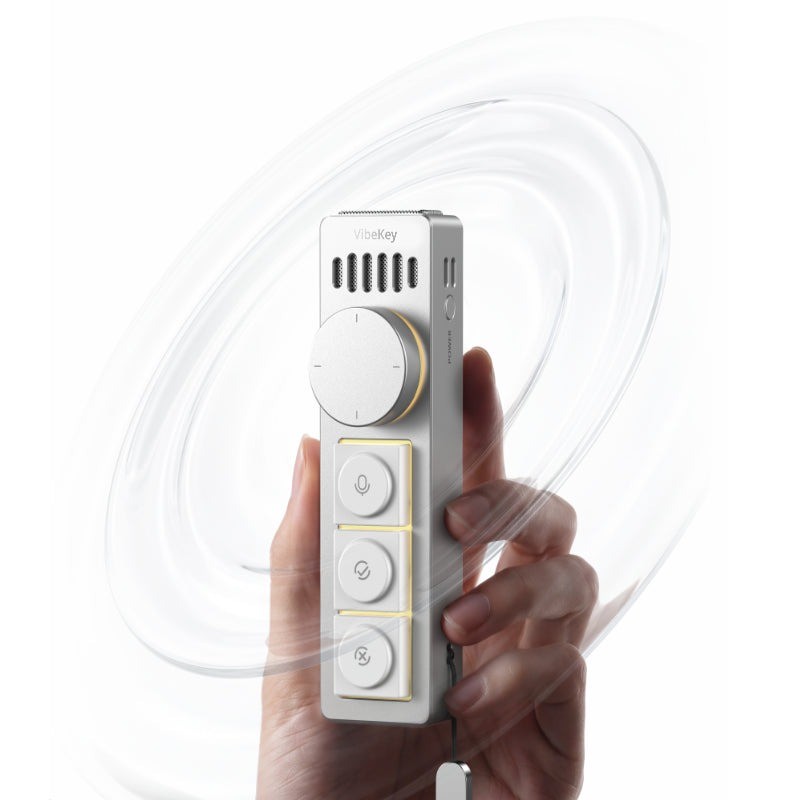
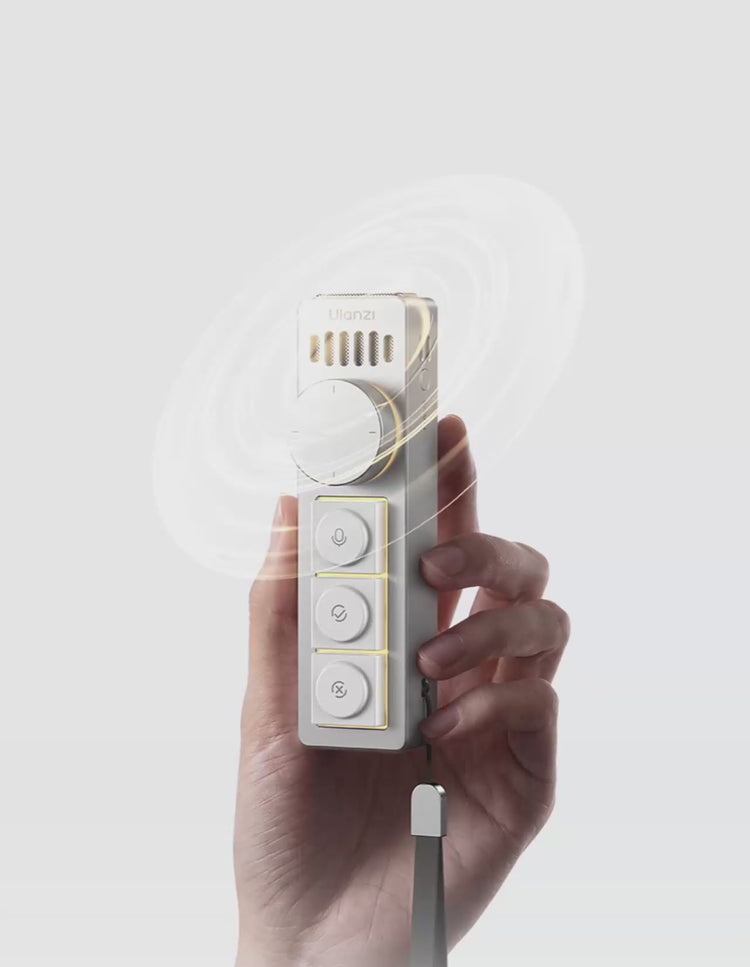
Ulanzi AU05 Vibe Key is an aluminium voice-input keypad for AI work. Hold the key and speak – even in a whisper. Physical keys and a knob confirm, reject or start a new session; three lighting modes, USB-C dongle, 84 g.
85 € with VAT
70.25 € without VAT
Availability
Backordered > 5 pcs
Product description
SPECIFICATIONS
PACKAGE CONTENT
Product description
Ulanzi AU05 Vibe Key is an aluminium voice-input keypad for AI work. Hold the key and speak – even in a whisper. Physical keys and a knob confirm, reject or start a new session; three lighting modes, USB-C dongle, 84 g.
Press. Speak. Stay in the flow.
A voice-input keypad for working with AI agents, coding and writing. Dictate your prompts instead of typing them and keep the most common actions under one hand.
Press-to-talk voice keyWorks with a whisperMultifunction knobCNC aluminium, 84 gUp to 5 days battery
Less typing, less switching between keyboard and mouse
Vibe Key combines a microphone, physical keys, a multifunction knob, status lighting and a compact magnetic body machined from aluminium. Dictate, confirm, reject and scroll without hunting for shortcuts.
AI coding
Dictate tasks and approve agent steps with one press.
Writing
Voice input straight into the active text field.
Meetings
Mute, camera or next page without reaching for the laptop.
Shared offices
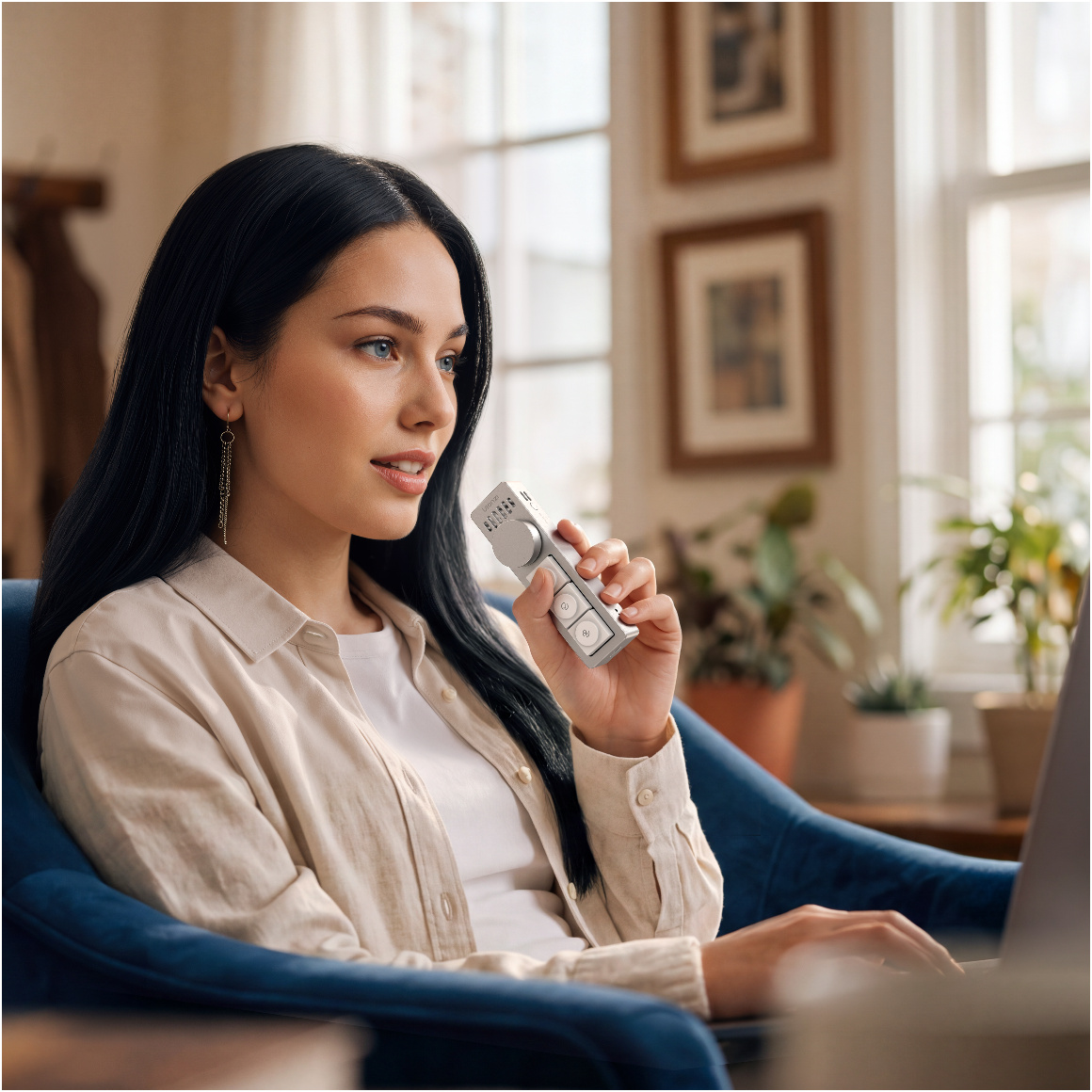
Dictate in a whisper without disturbing others.
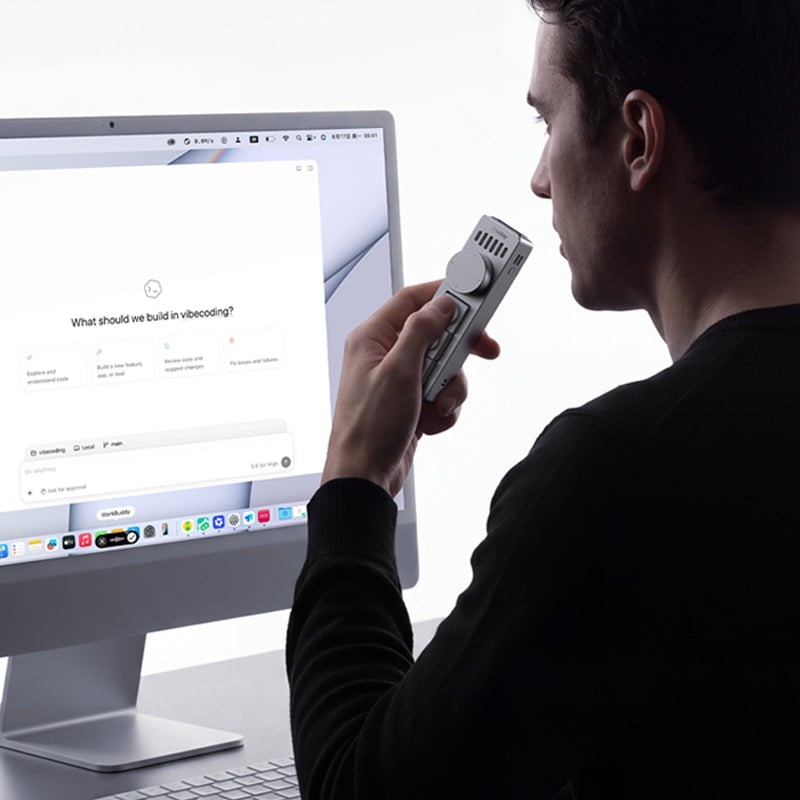
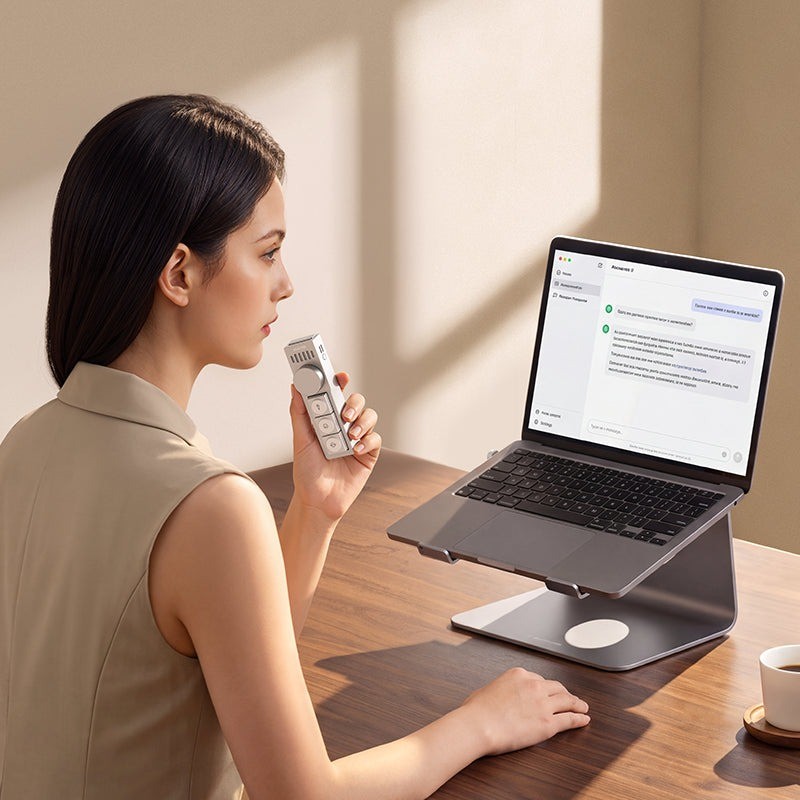
Hold and speak
One press starts voice input and the omnidirectional microphone picks up what you say. Your words appear in the active input field, so you can instruct AI without breaking your flow. Speech recognition is handled by compatible software on your computer that supports shortcut activation.
Dictate in a whisper
Voice input works even at a whisper, so you can give AI instructions in a shared office, late at night or anywhere you need to stay quiet.
AI controls under one hand
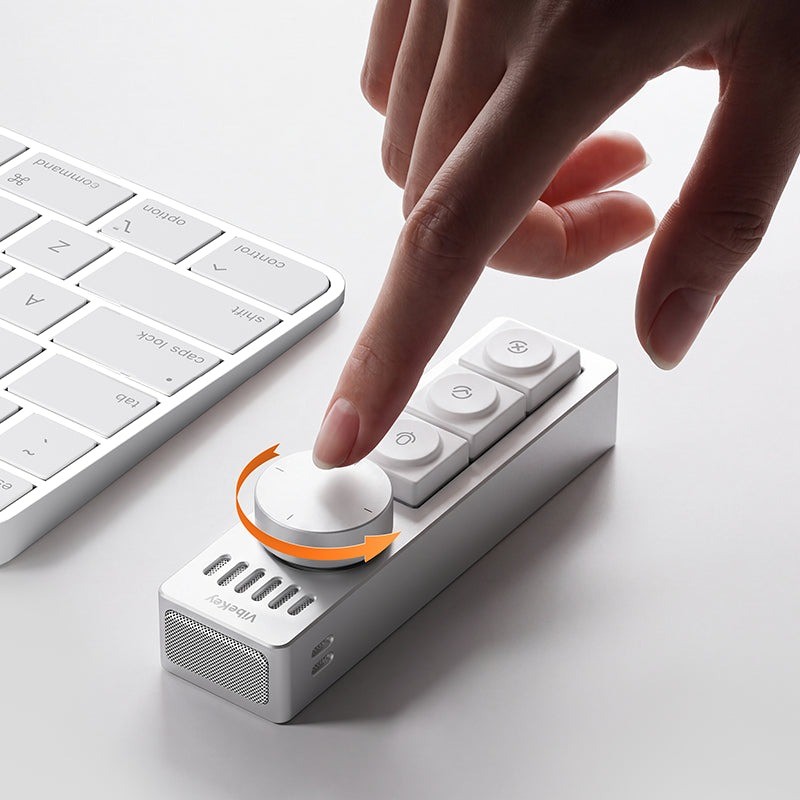
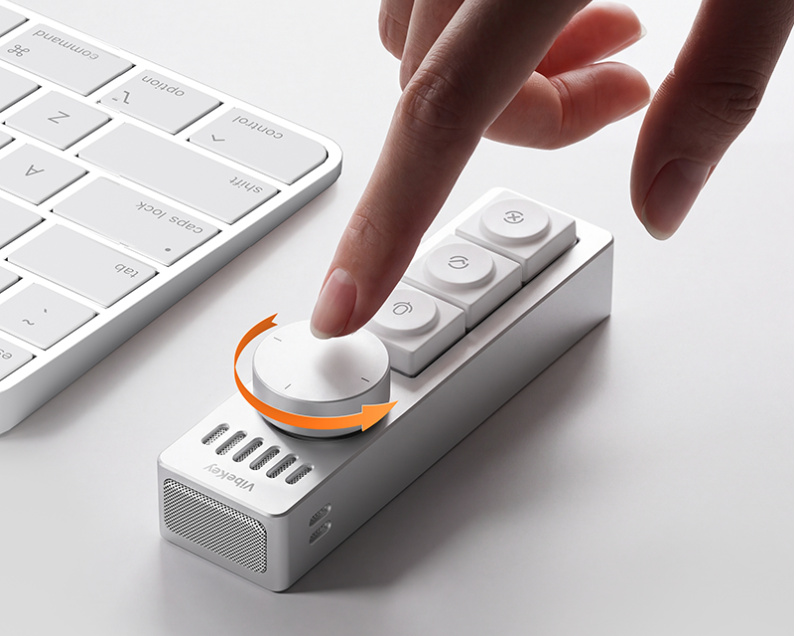
Physical keys and a multifunction knob carry the most frequent actions: confirm, reject, new session or open sidebar. Turn the knob to scroll or switch sessions, press it to refresh.
Three ready-made modes
AI Coding mode: voice input, confirm, reject, cancel, new session and open sidebar. Daily mode for writing and desk work: search, undo, screenshot, dictation, copy and paste. Meeting mode: notes, next page, leave, mute, camera and raise hand. Vibe Key remembers the latest preset.
Hot-swap switches and keycaps
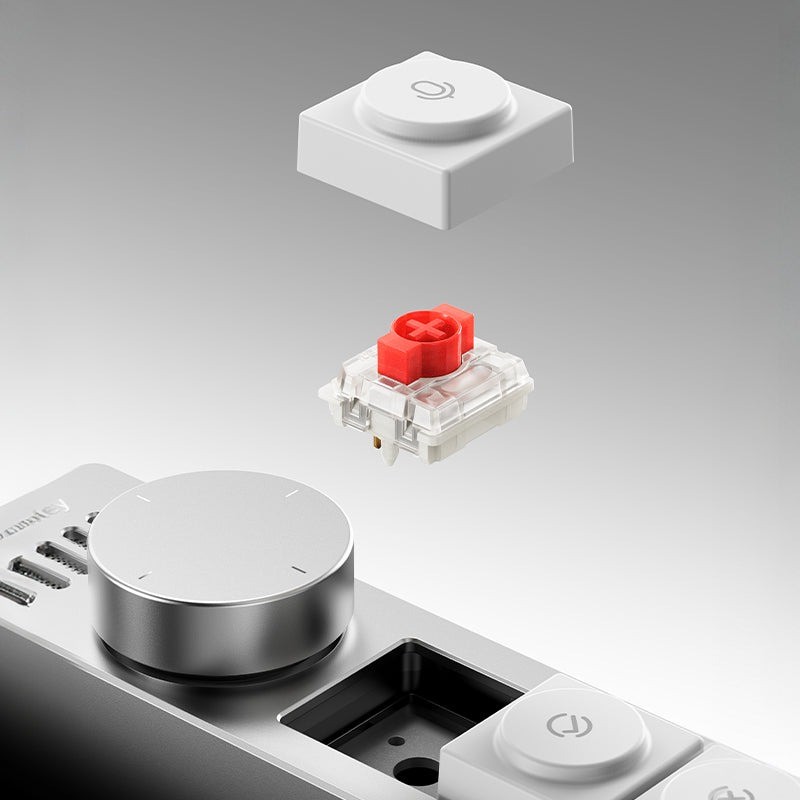
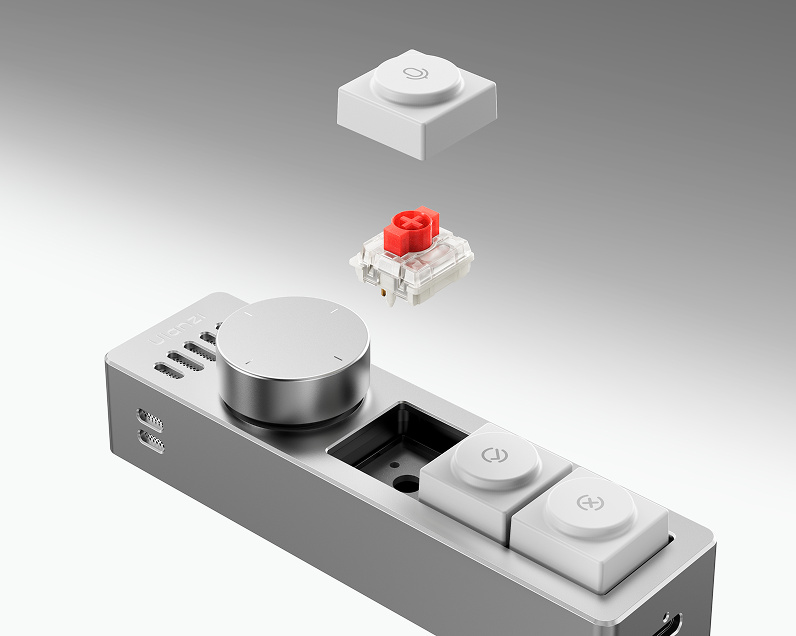
The Gateron low-profile switches are hot-swappable and work with cross-stem DDL keycaps, so you can tune both the typing feel and the look.
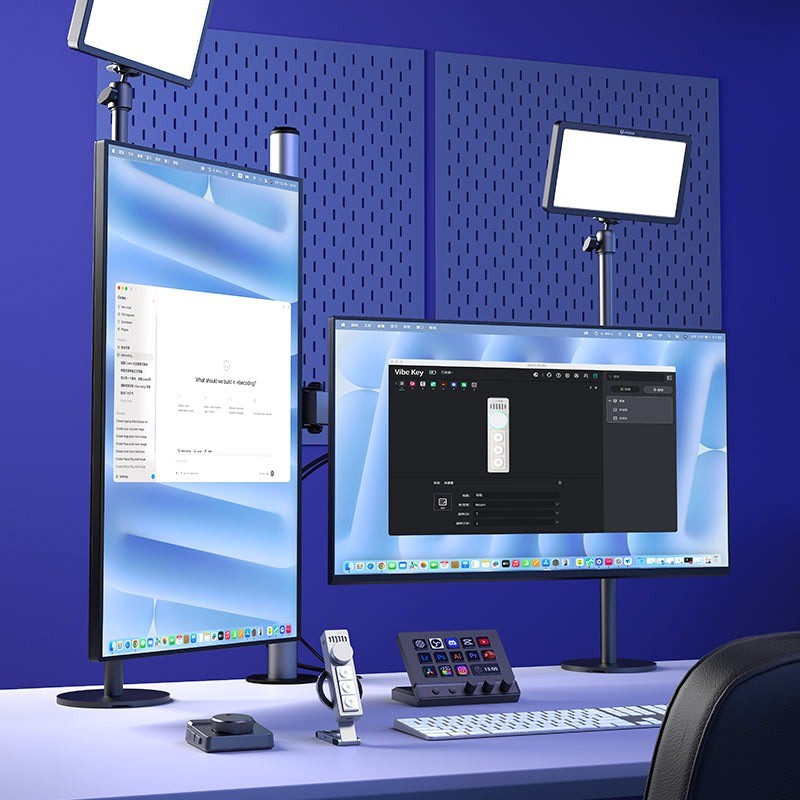
Custom shortcuts in Ulanzi Studio
Remap every key and the knob in Ulanzi Studio. Presets work out of the box and the last layout used stays stored on the device, so your shortcuts keep running even when the app is closed.
Light aluminium with a lanyard
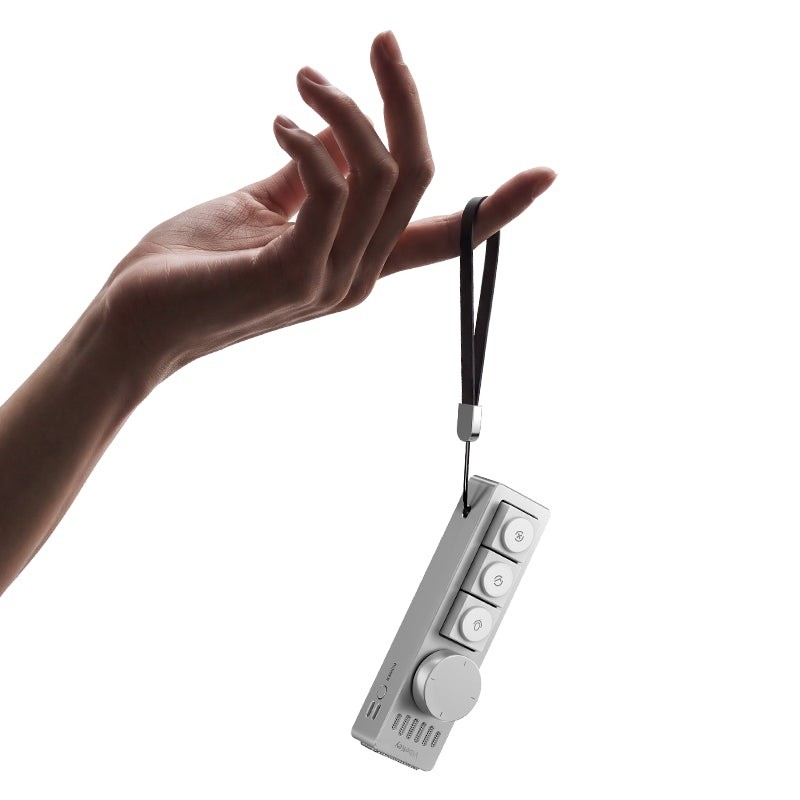
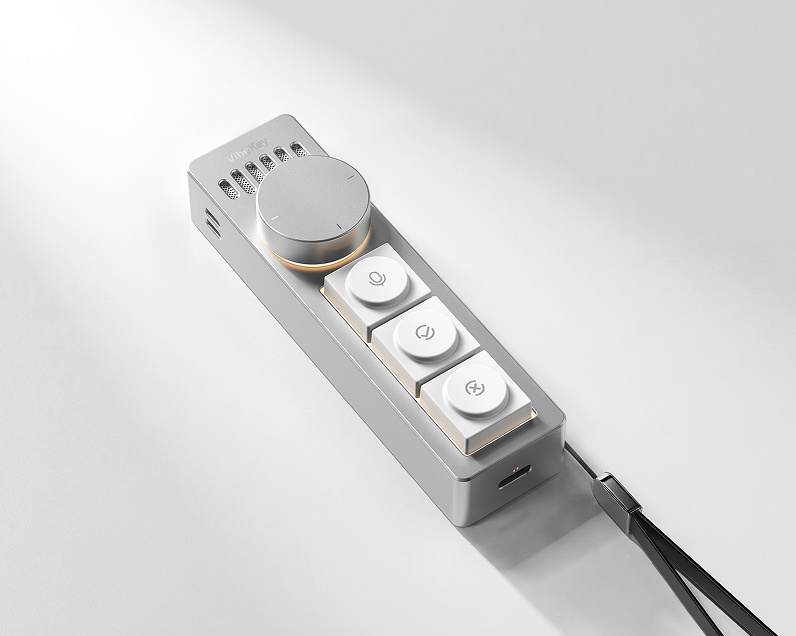
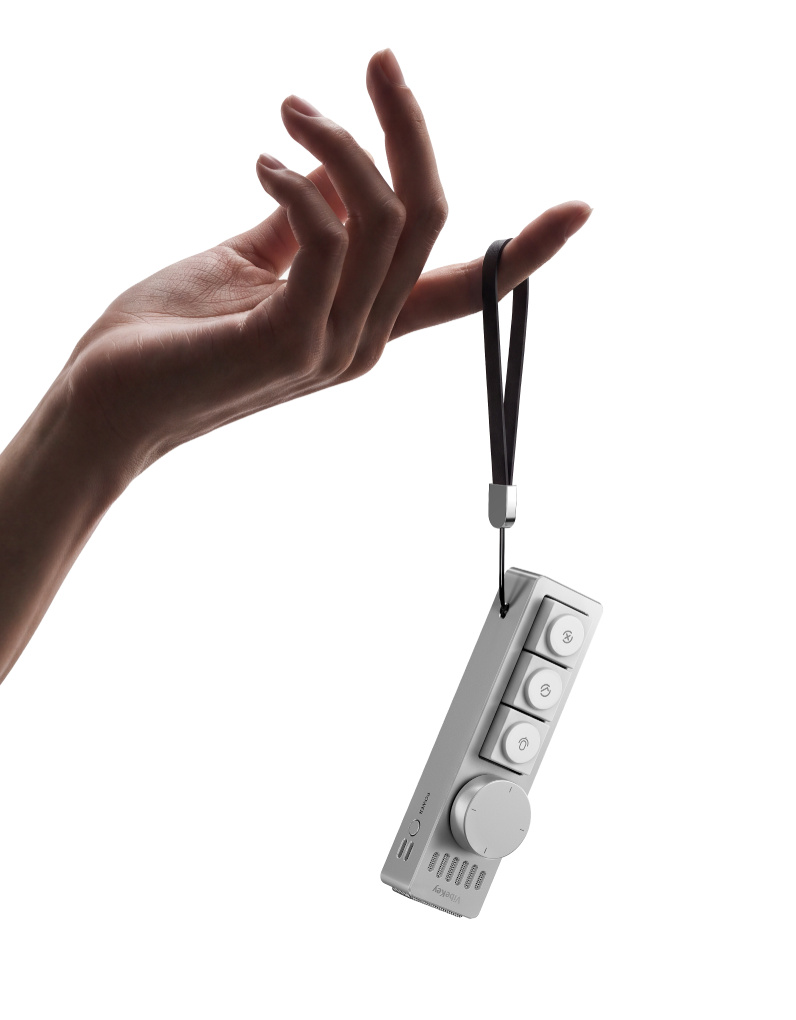
The CNC-machined aluminium alloy body weighs about 84 g and is 11.2 cm long. The lanyard and magnetic design make it easy to take from your desk to a meeting.
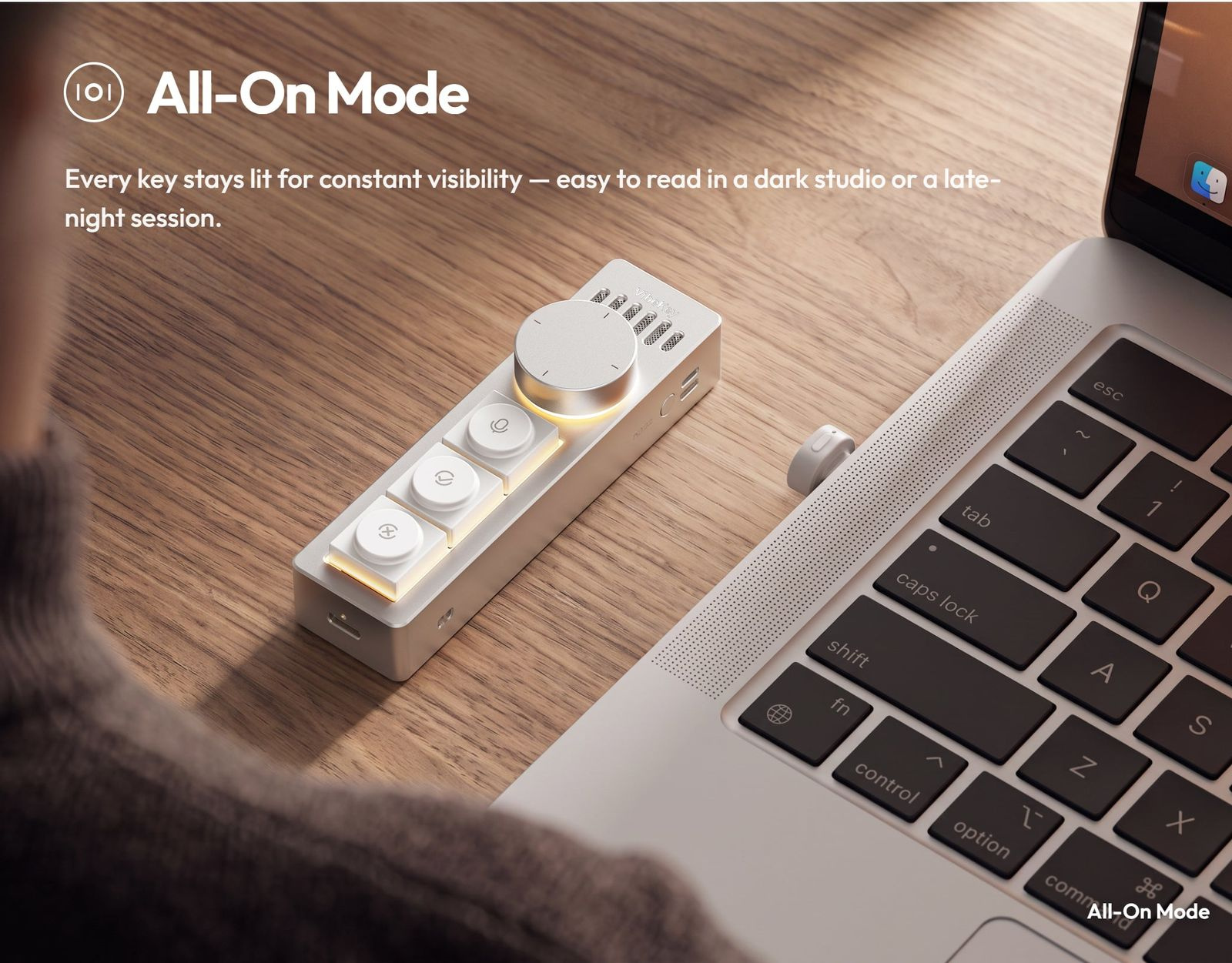
All-On Mode
Three lighting modes show the device status at a glance. In All-On Mode every key stays lit – easy to read in a dark studio.
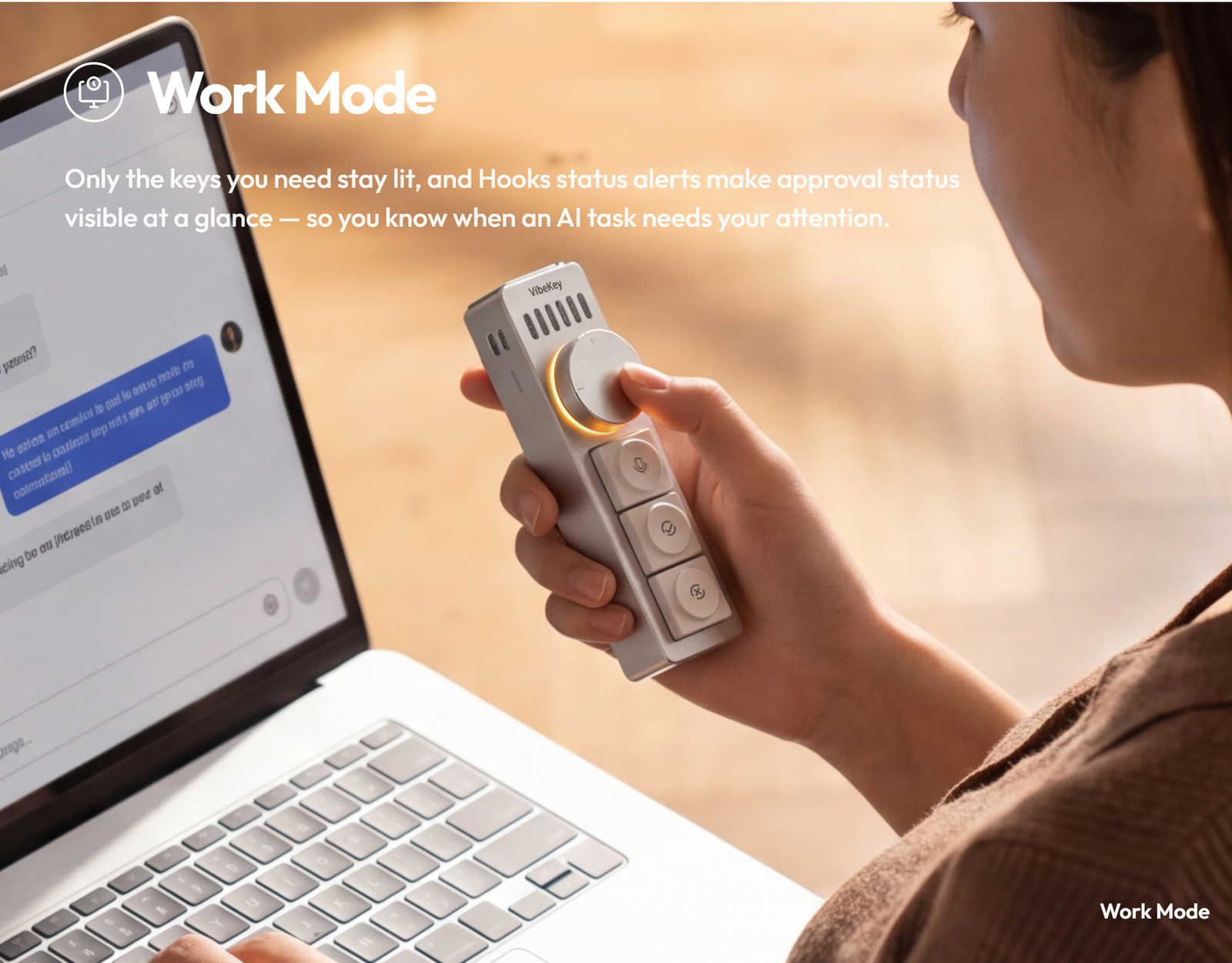
Work Mode
Only the keys you need stay lit. With supported Codex or Claude Code hooks, the lighting shows AI task status and tells you when your approval is needed.
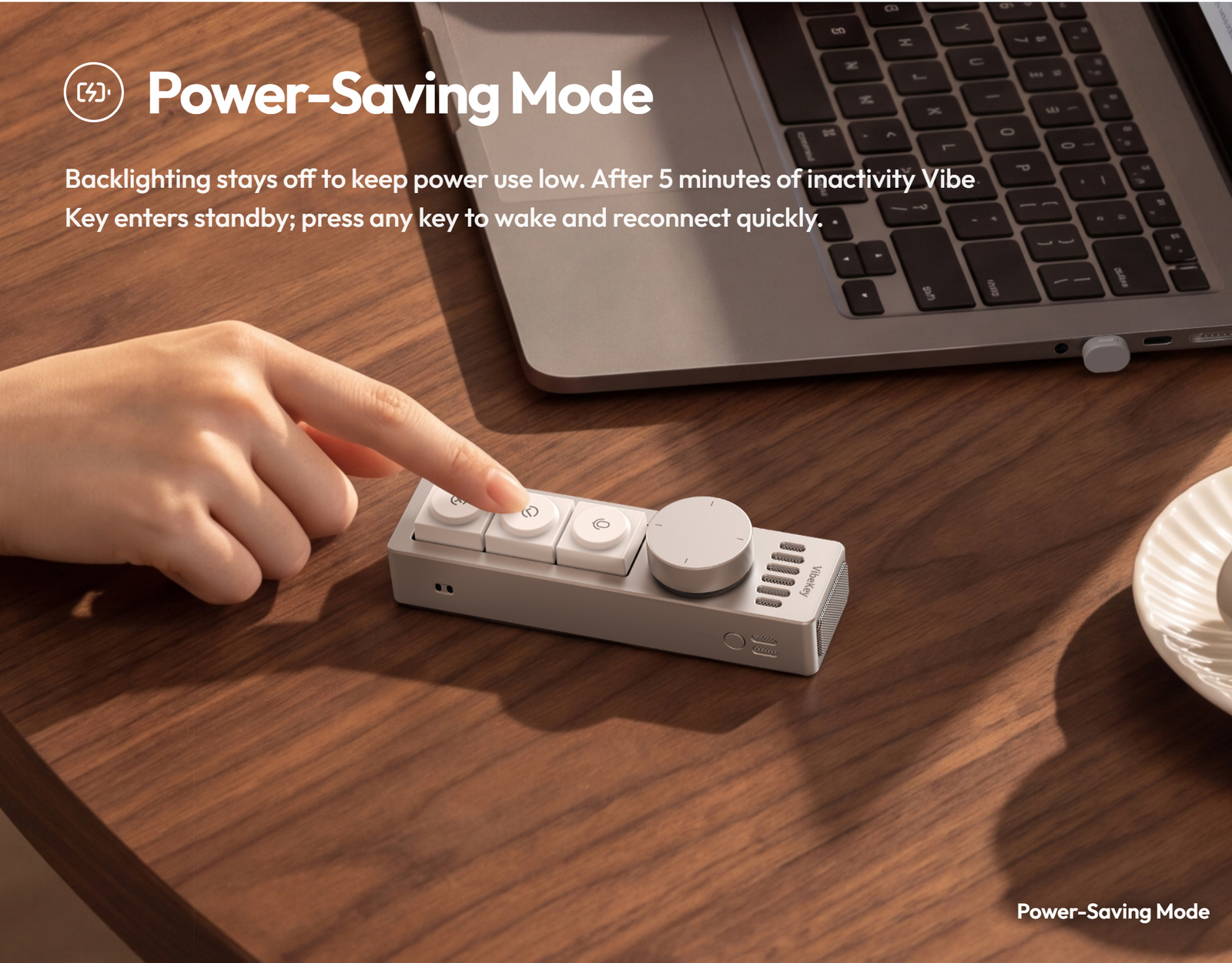
Power-Saving Mode
Backlighting stays off. After 5 minutes of inactivity Vibe Key goes to standby; press any key to wake it and reconnect quickly.
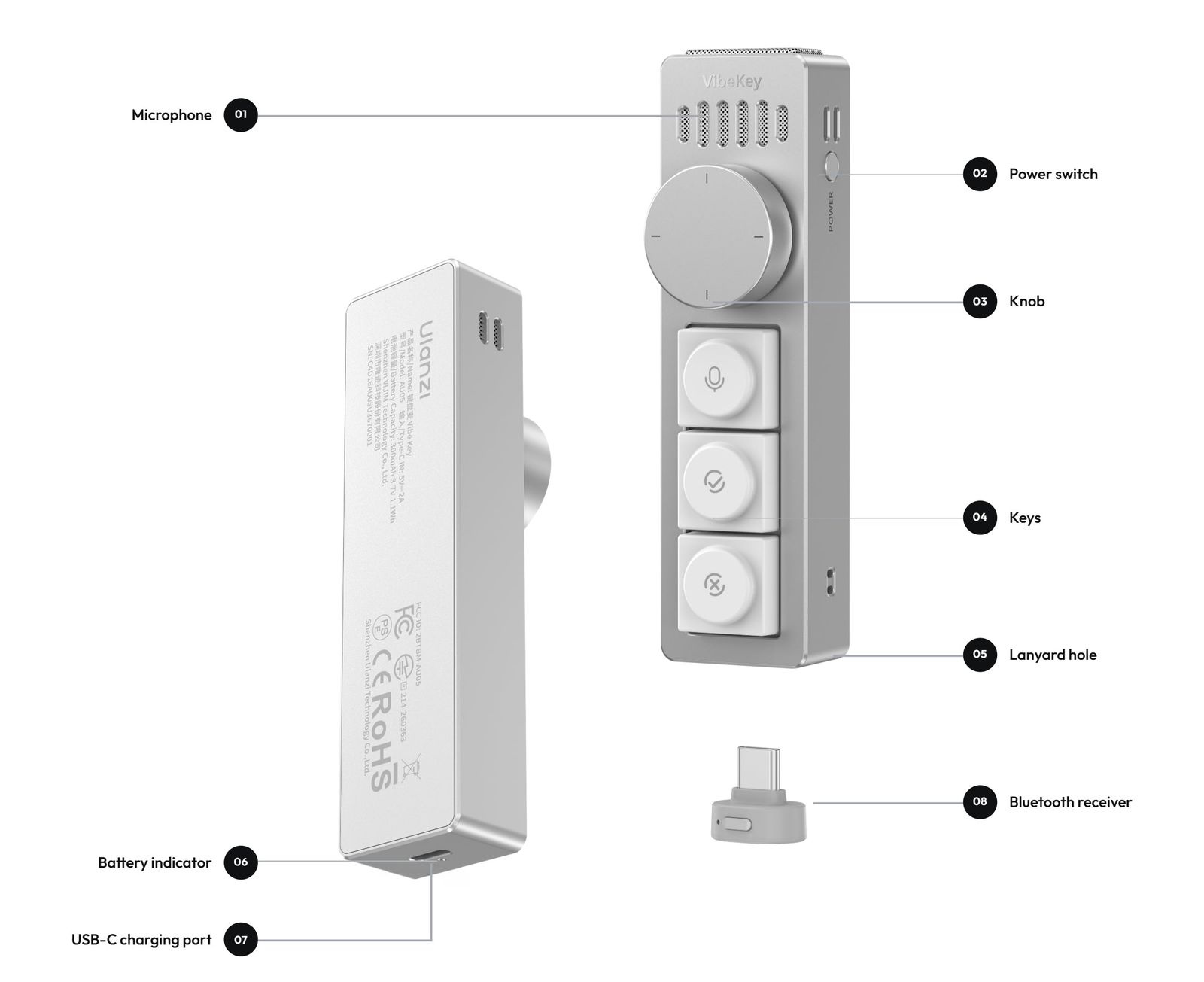
Controls at a glance
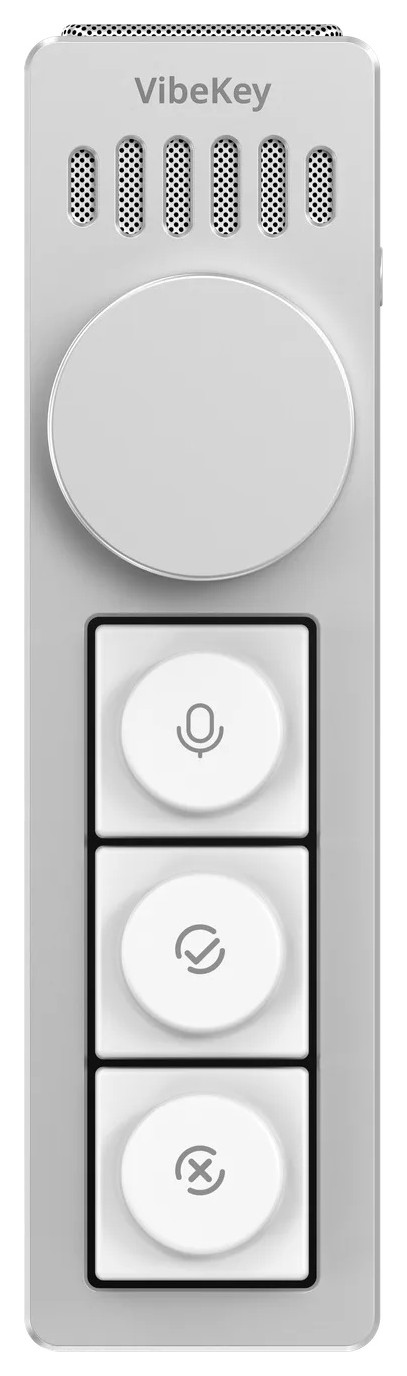
Microphone, power switch, knob, keys, lanyard hole, battery indicator, USB-C charging port and the receiver that connects Vibe Key to your computer.
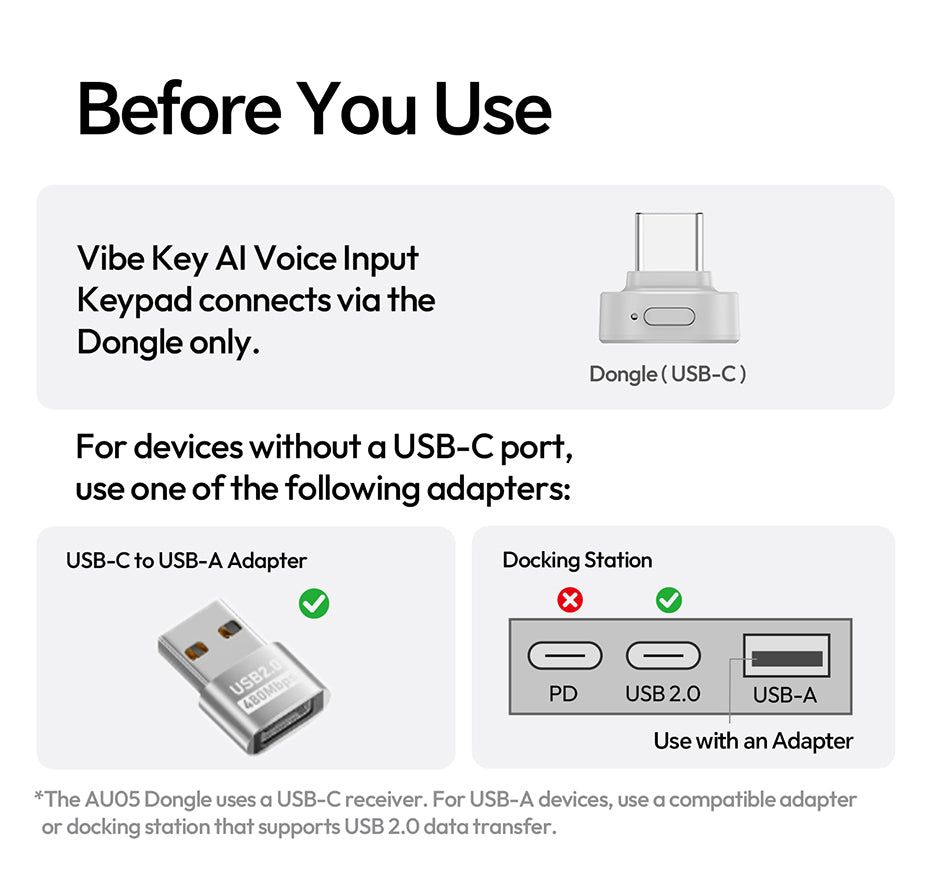
Before you start
Vibe Key connects only through the included USB-C receiver. On a computer with USB-A only, use a compatible adapter or a docking station with USB 2.0 data transfer. Allow microphone access during first-time setup.
More information
A voice keypad for AI workflows
The Ulanzi AU05 Vibe Key (I018) is a hardware voice-input and shortcut controller, not a standalone AI assistant. It works with mainstream tools such as ChatGPT, Claude, Codex, AI coding tools and productivity apps; actual behaviour depends on the app, system permissions and the shortcuts you configure. It is set up in Ulanzi Studio V3.2.0 or later. The 300 mAh battery charges via USB-C in about 4 hours and lasts up to 5 days in Work Mode at 3 hours of use per day (Ulanzi test conditions).
PACKAGE CONTENT
- Ulanzi AU05 Vibe Key with lanyard ×1
- USB-C receiver (dongle) ×1
- Charging cable ×1
- User manual ×1
SPECIFICATIONS
- Brand: Ulanzi
- Model: AU05 Vibe Key (I018)
- Material: aluminium alloy, CNC-machined
- Weight: approx. 84 g
- Dimensions: 112 × 30 × 28 mm
- Connection: USB-C receiver (dongle)
- Battery: 300 mAh, 3.7 V, 1.1 Wh
- Input: 5 V / 2 A
- Charging port: USB-C
- Charging time: approx. 4 h
- Battery life: up to 5 days at 3 h per day (Work Mode)
- Software: Ulanzi Studio V3.2.0 or later
- System: Windows 10 or later, macOS 12.0 or later (Apple Silicon and Intel)
Parameters
Parameters
News, training, and discounts from Syntex
Special offers and discounts for subscribers only · Free audio & video workshops · News and tips from the world of filmmaking
- Show all
Ulanzi AU05 Vibe Key Voice-Powered Coding Keypad
Ulanzi AU05 Vibe Key is an aluminium voice-input keypad for AI work. Hold the key85 €Backordered > 5 pcs