
 CZ
CZ SK
SK HU
HU AT
AT DE
DE ES
ES SI
SI HR
HR
Nothing in the basket.

- Search
-
Login

-
0
Comparison
Add products to compare, then they will appear here and you can compare parameters.
-
0
0 €
SmallRig FilMov Photography Grip Kit for iPhone 17 Pro Max 5554

SKU: 5554
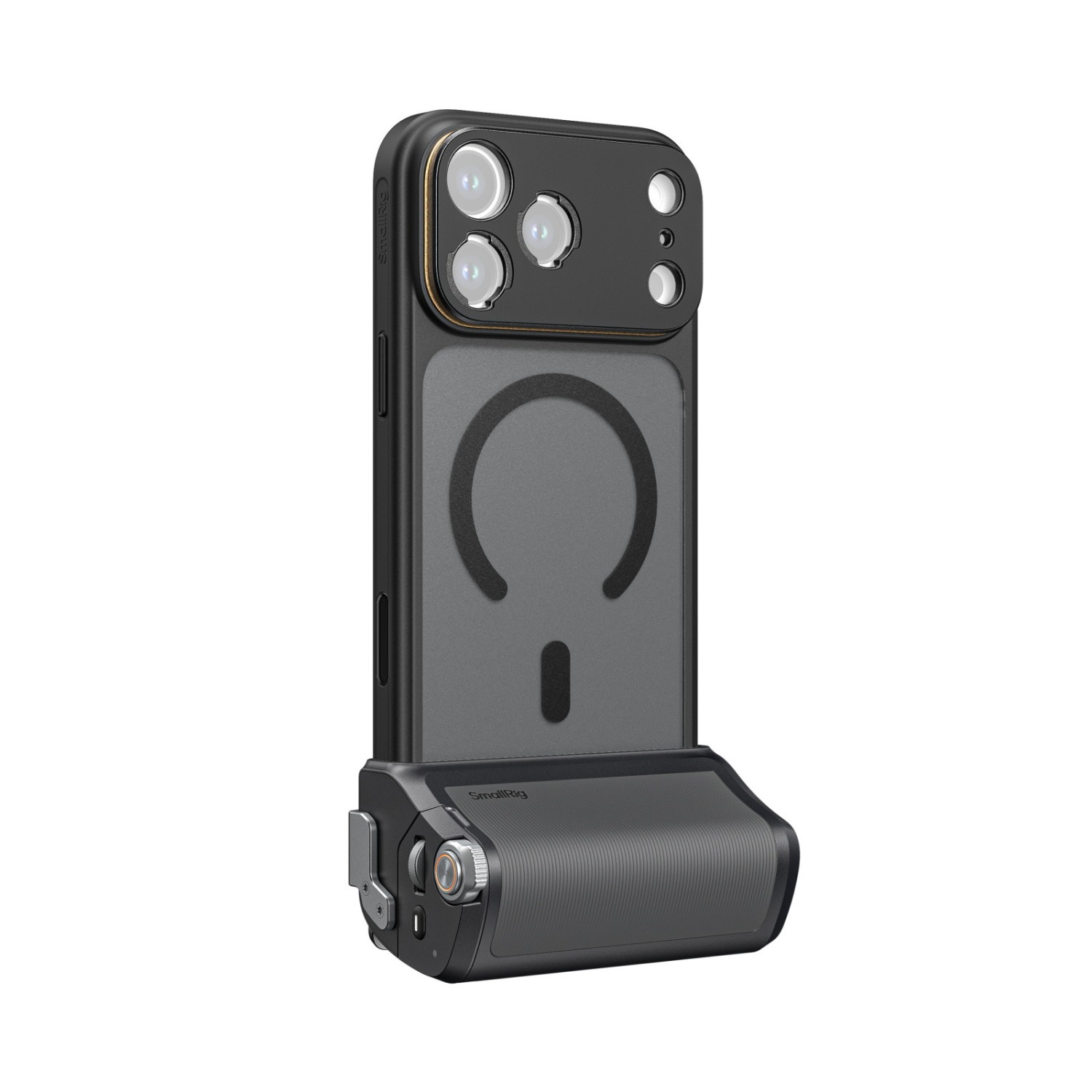
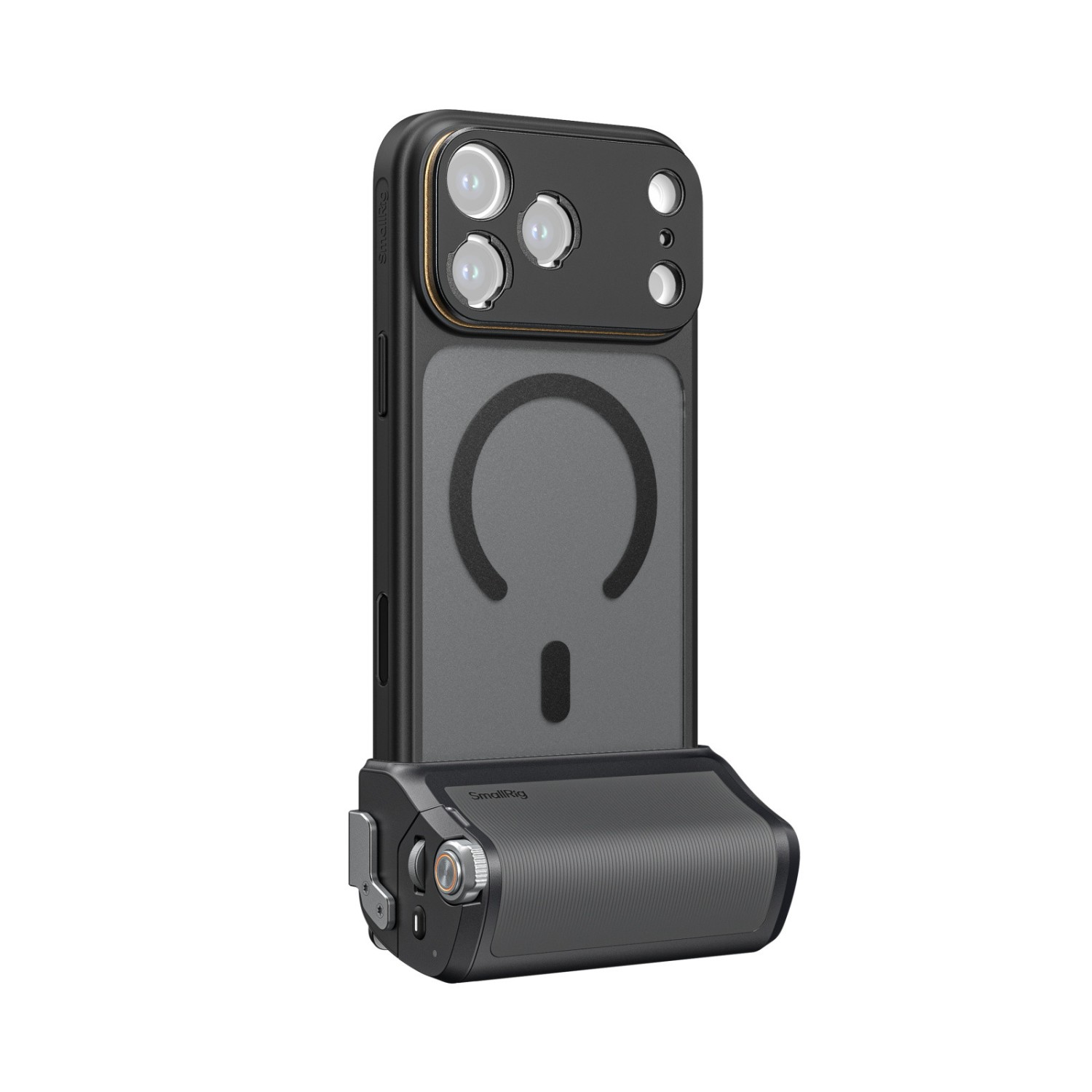
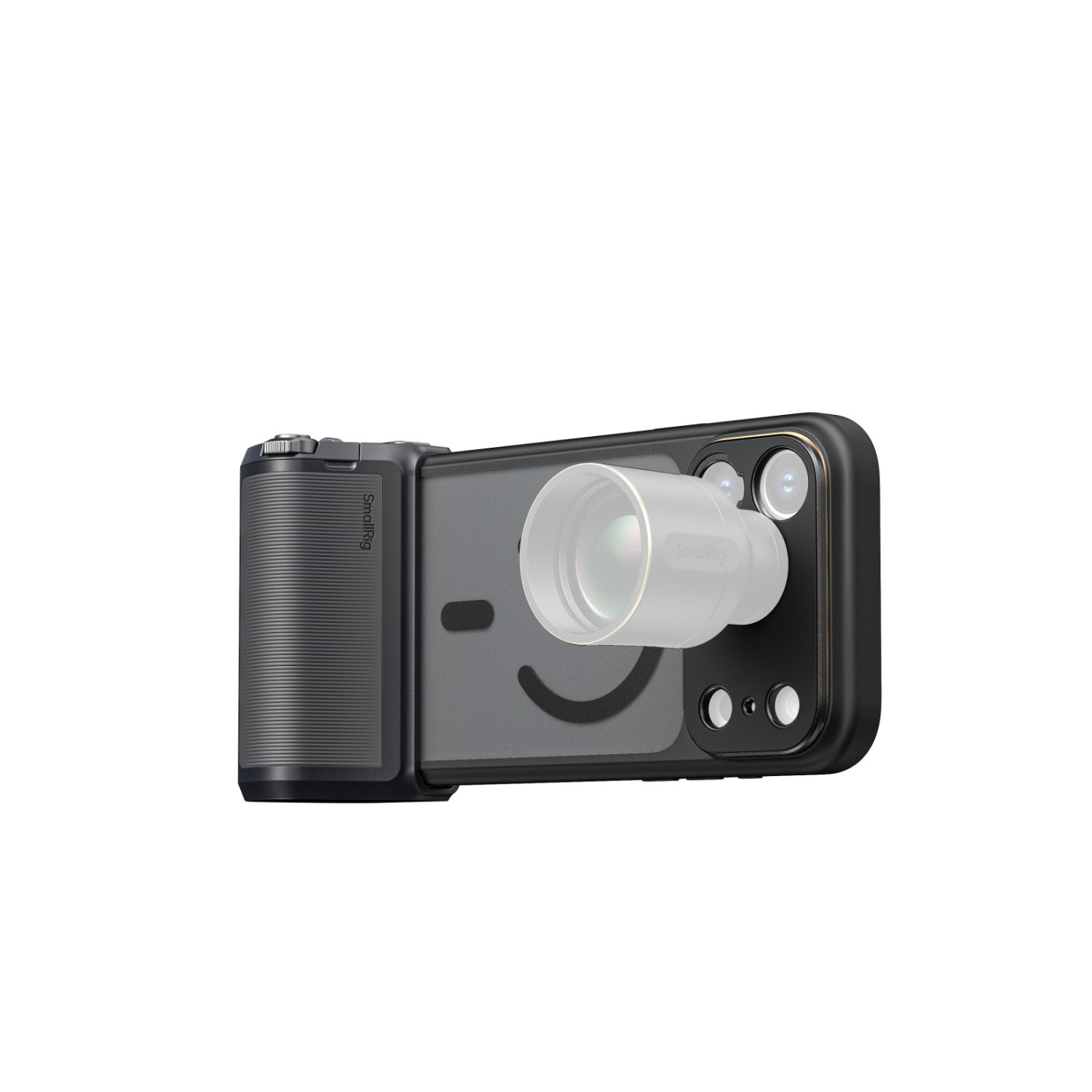
The SmallRig FilMov 5554 kit turns an iPhone 17 Pro Max into a real camera: a comfortable grip with its own shutter button, zoom lever and built-in battery. Made for creators and travellers who film one-handed.
141 € with VAT
116.53 € without VAT
Personal pickup: Tomorrow from 09:00
Shipment day: Tomorrow
Shipment day: Tomorrow
In stock > 5 pcs
Praha > 5 pcs
Praha > 5 pcs
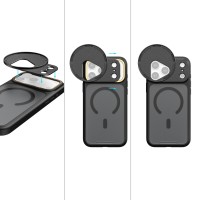
SmallRig FilMov Photography Grip Kit with Filter for iPhone 17 Pro Max 6301
In stock > 5 pcs235 €without VAT 194.21 €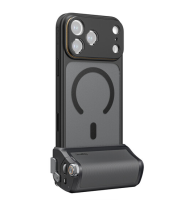
SmallRig FilMov Photography Grip Kit for iPhone 17 Pro 5553
In stock > 5 pcs141 €without VAT 116.53 €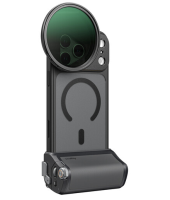
SmallRig FilMov Photography Grip Kit with Filter for iPhone 17 Pro 6300
In stock > 5 pcs235 €without VAT 194.21 €
Product description
SPECIFICATIONS
PACKAGE CONTENT
Product description
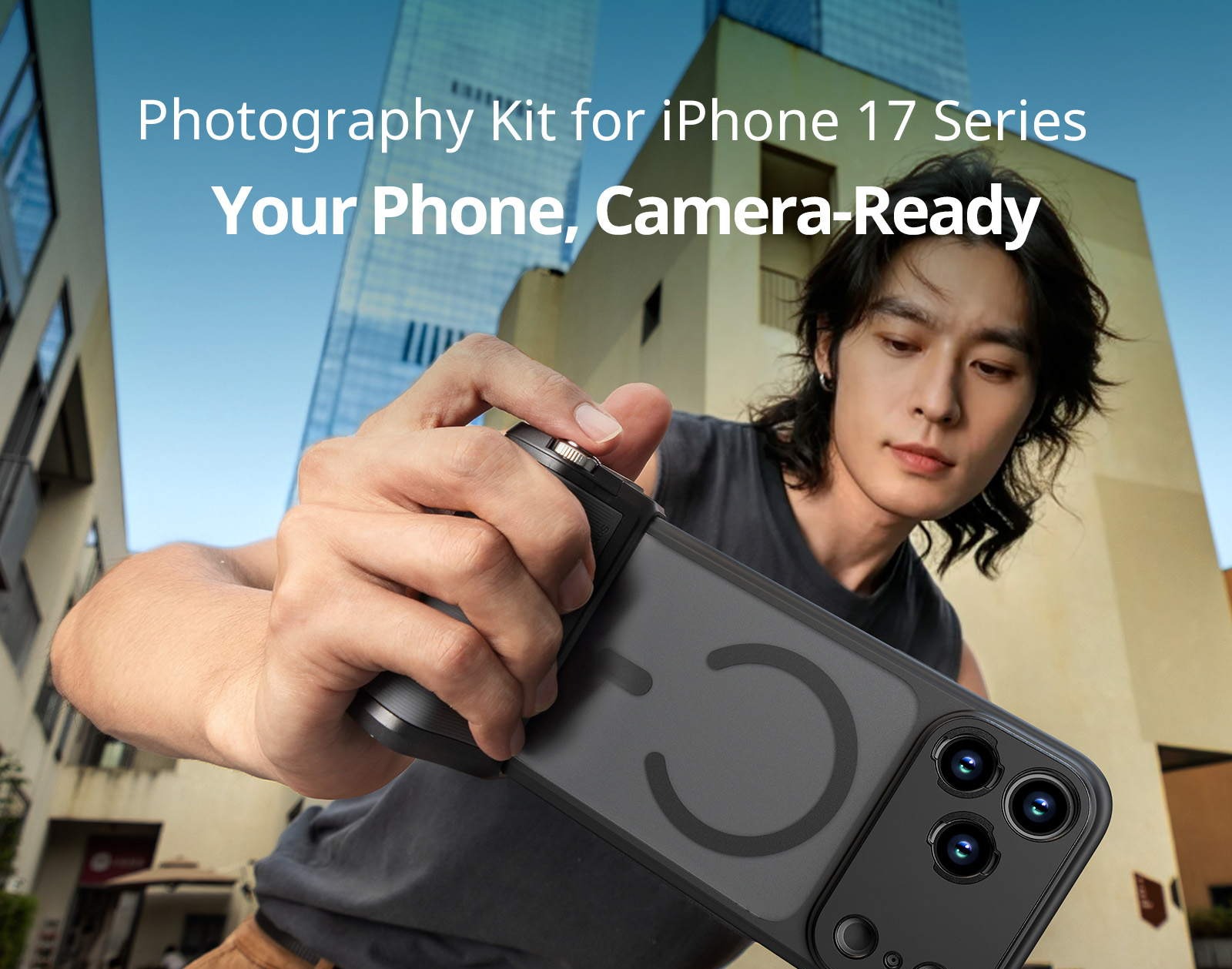
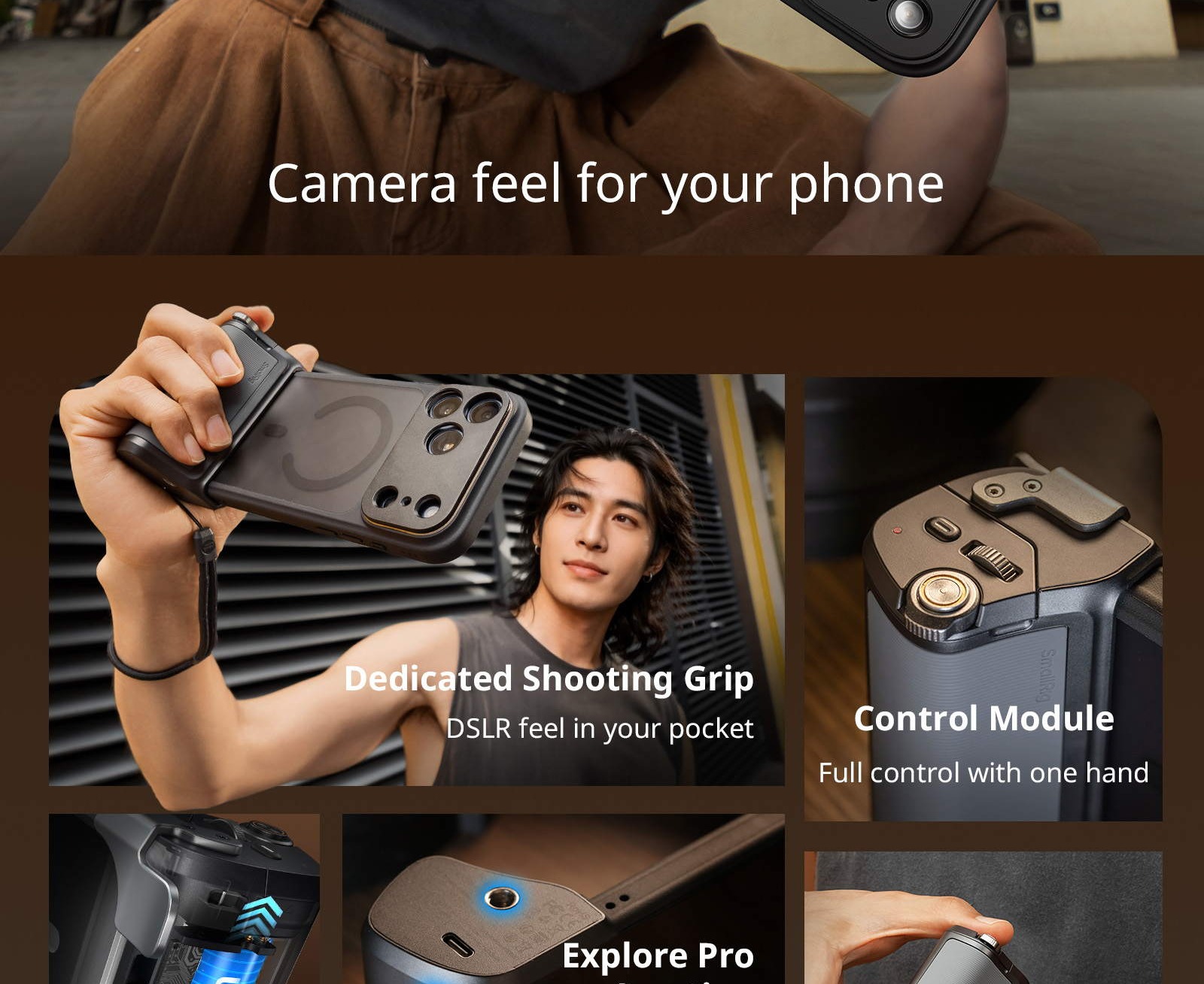
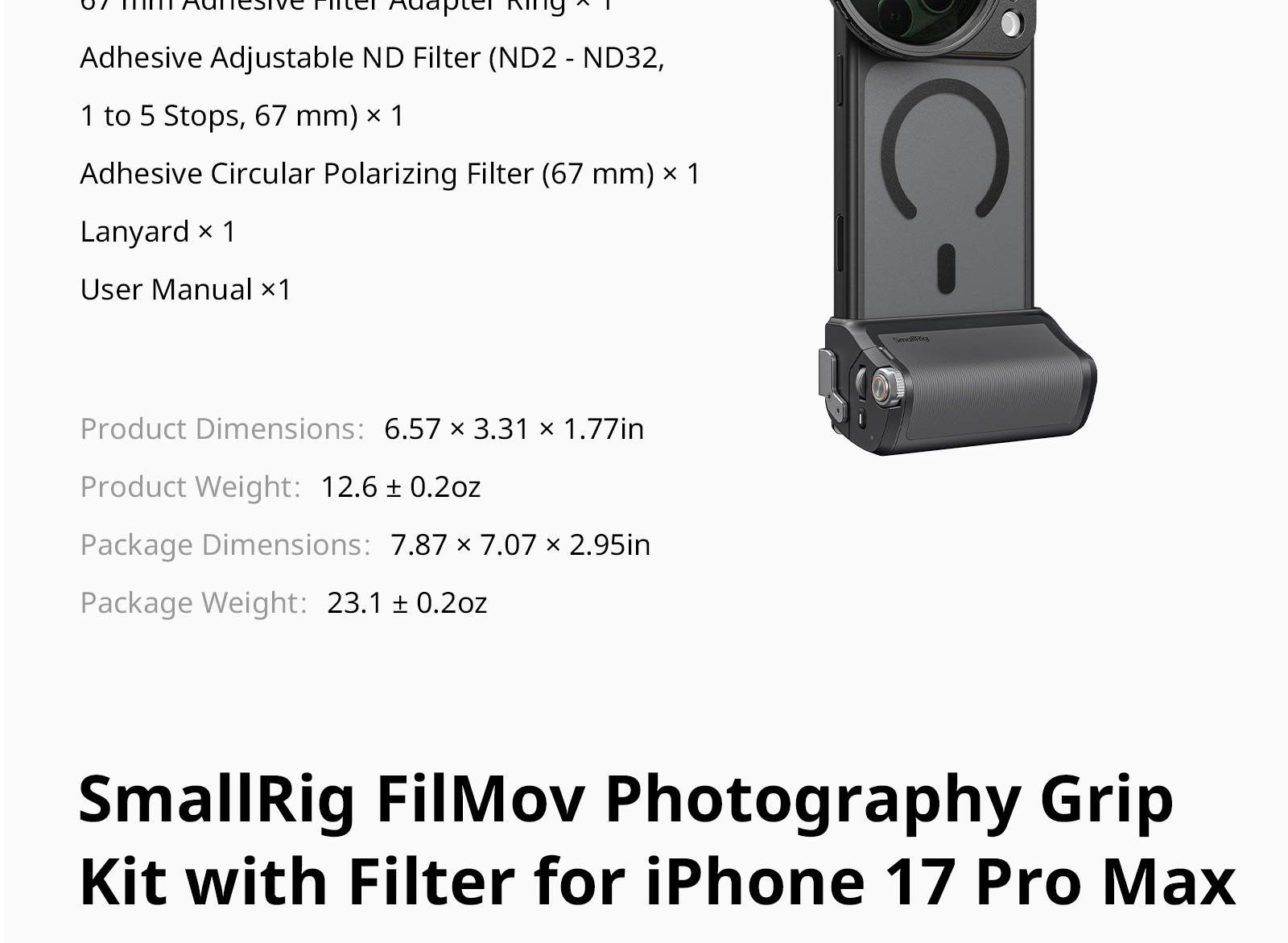
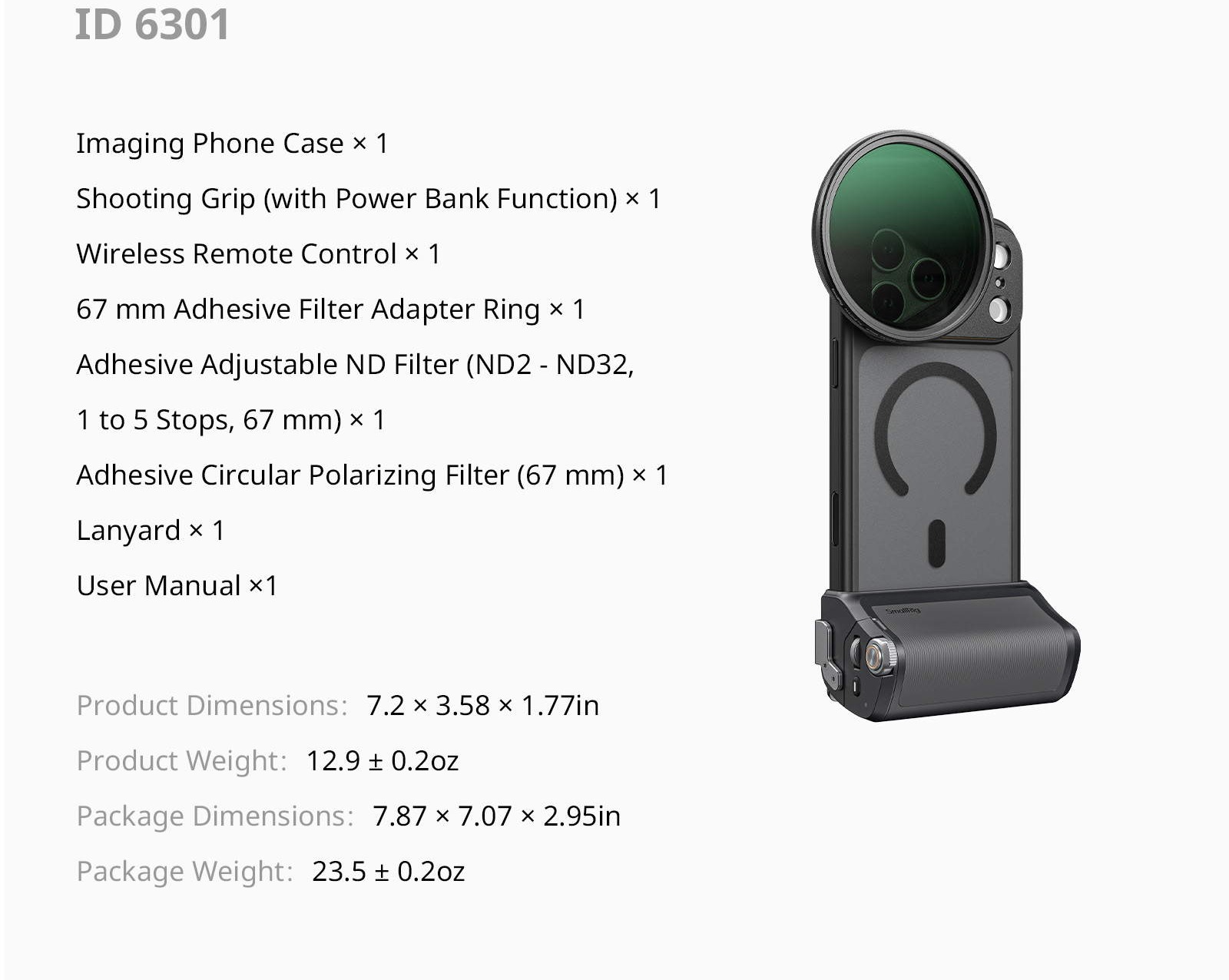
The SmallRig FilMov 5554 kit turns an iPhone 17 Pro Max into a real camera: a comfortable grip with its own shutter button, zoom lever and built-in battery. Made for creators and travellers who film one-handed.
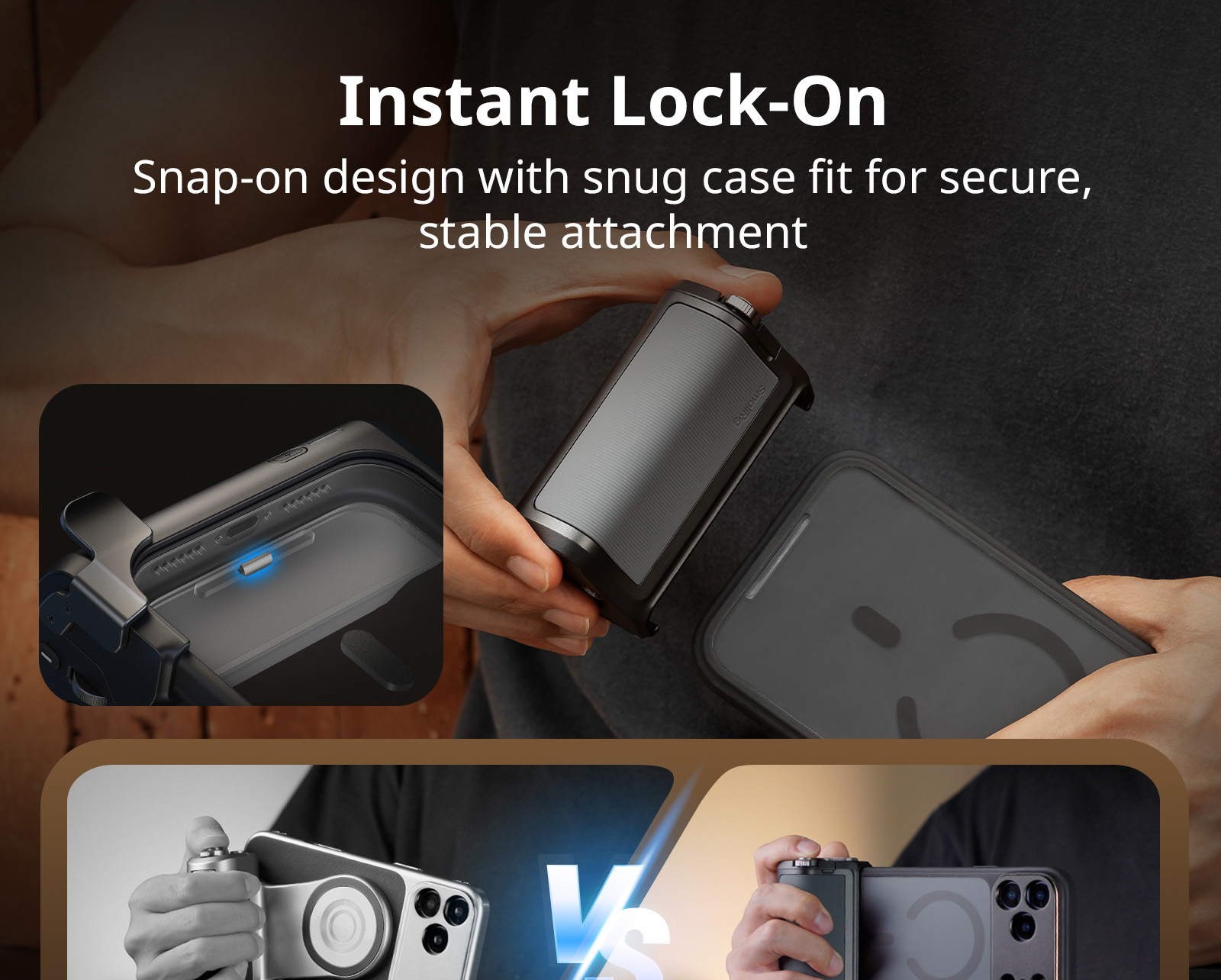
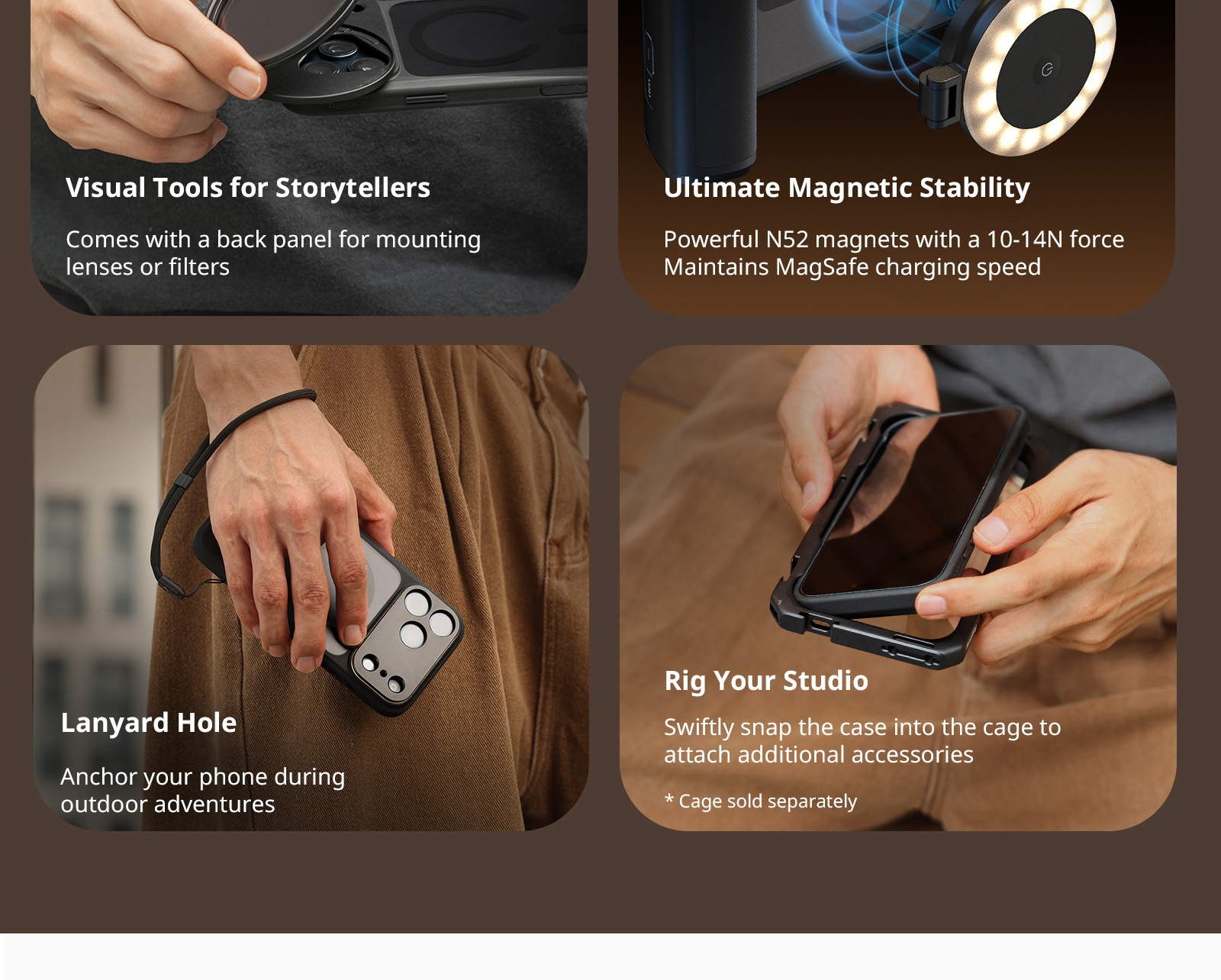
1. Designed for iPhone: A dedicated quick release lock ensures a rock-solid assembly for stable footage.
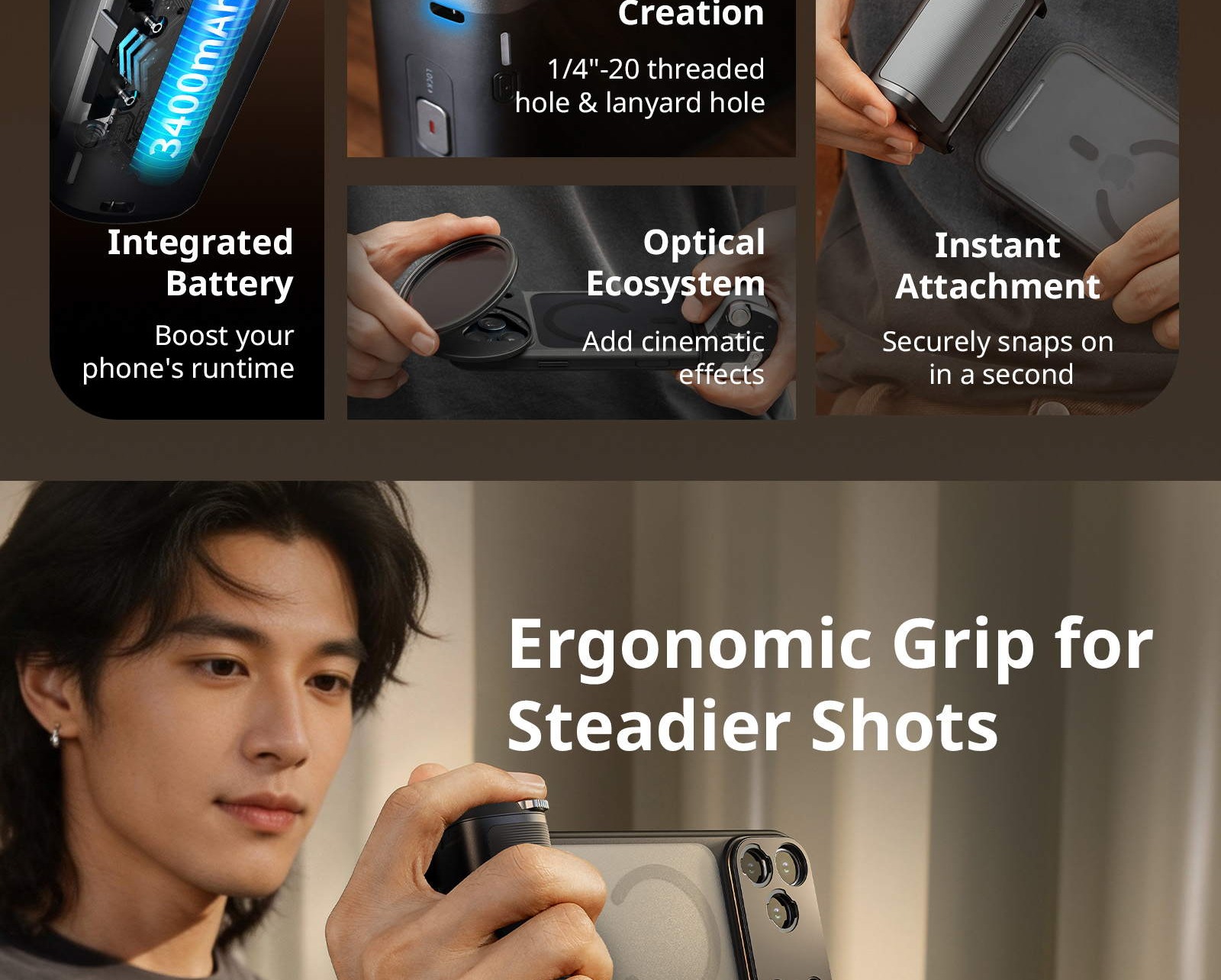
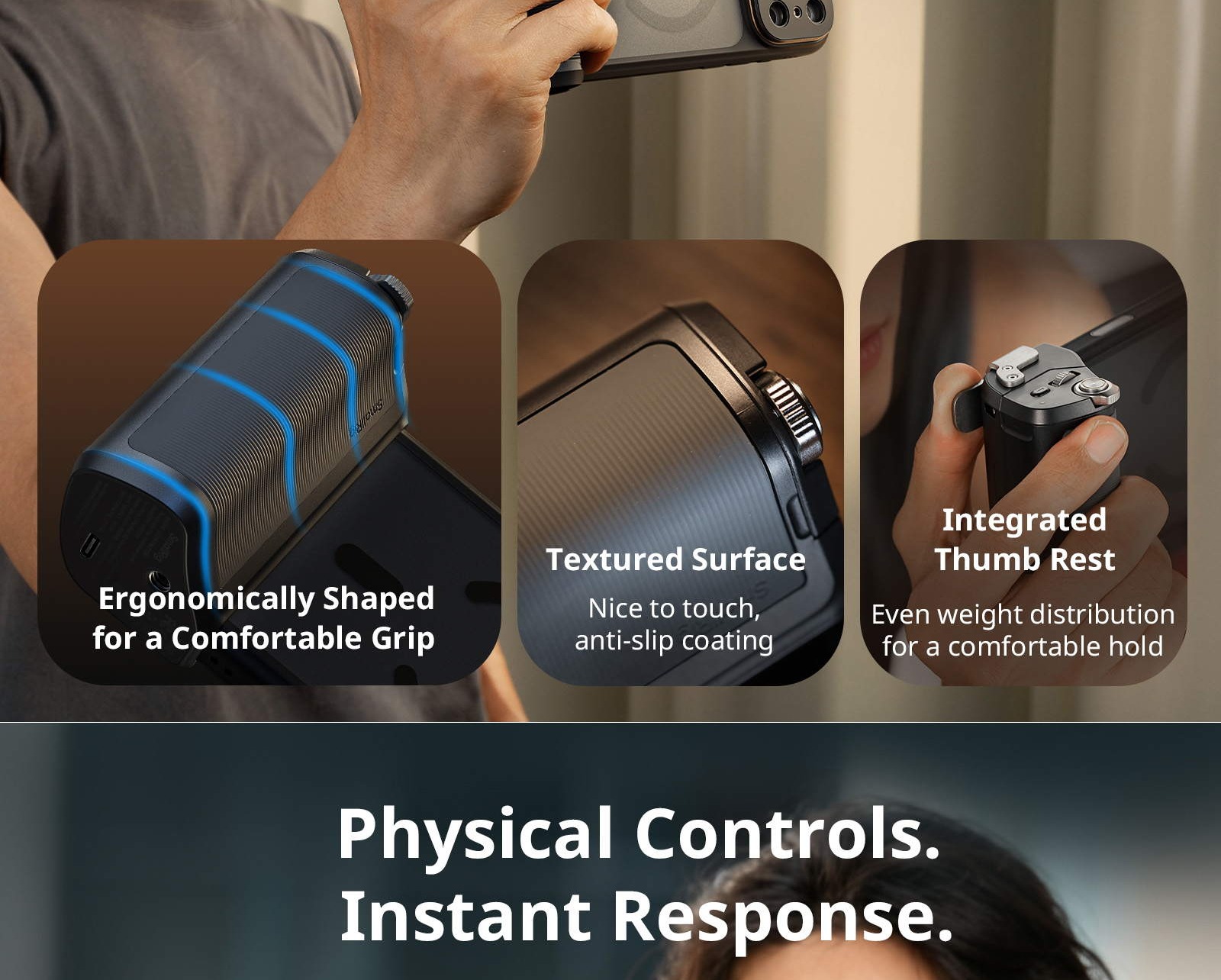
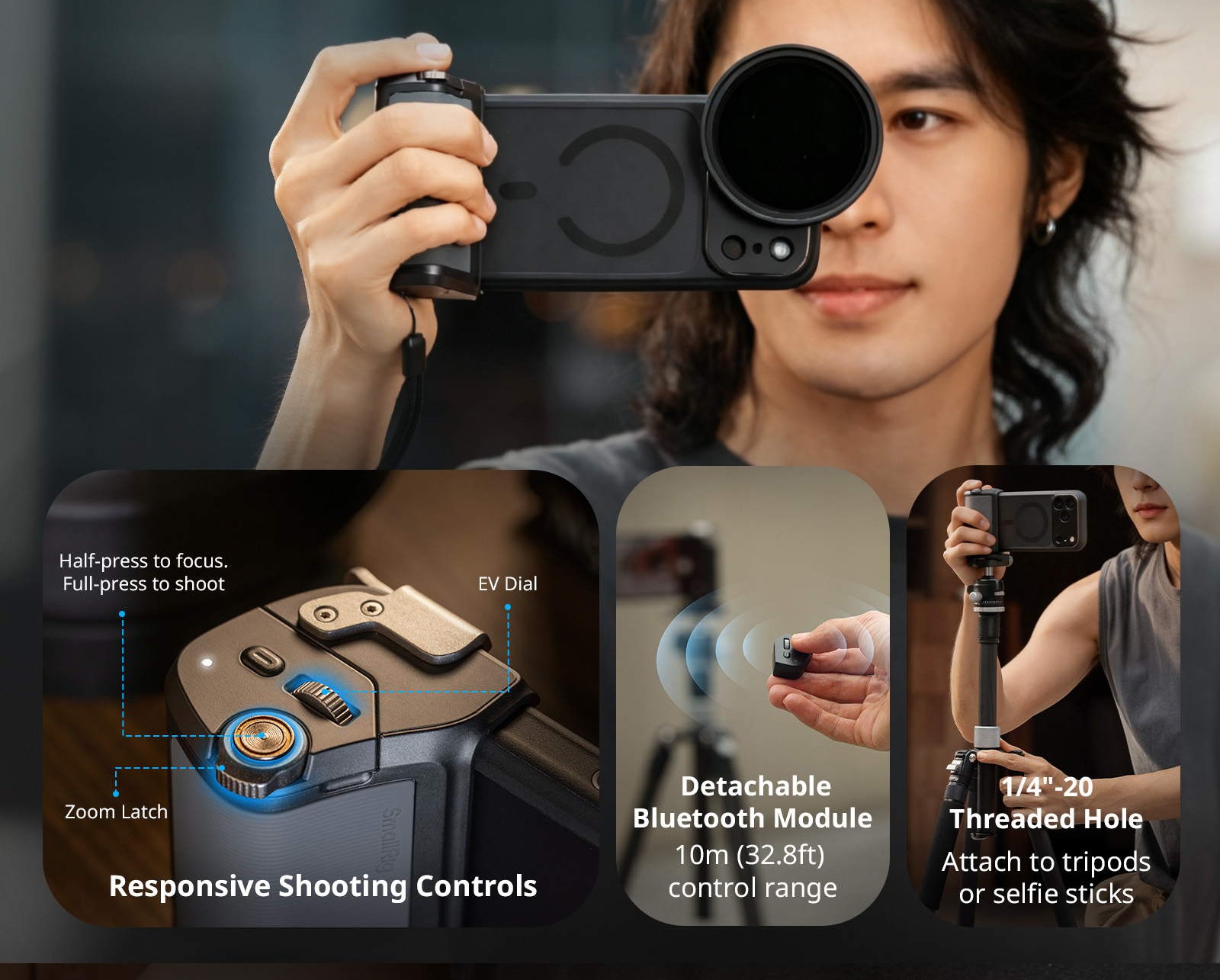
2. Ergonomic & Expandable: Palm-contoured grip with a thumb rest. Features a strap hole and 1/4"-20 threaded hole for accessory expansion.
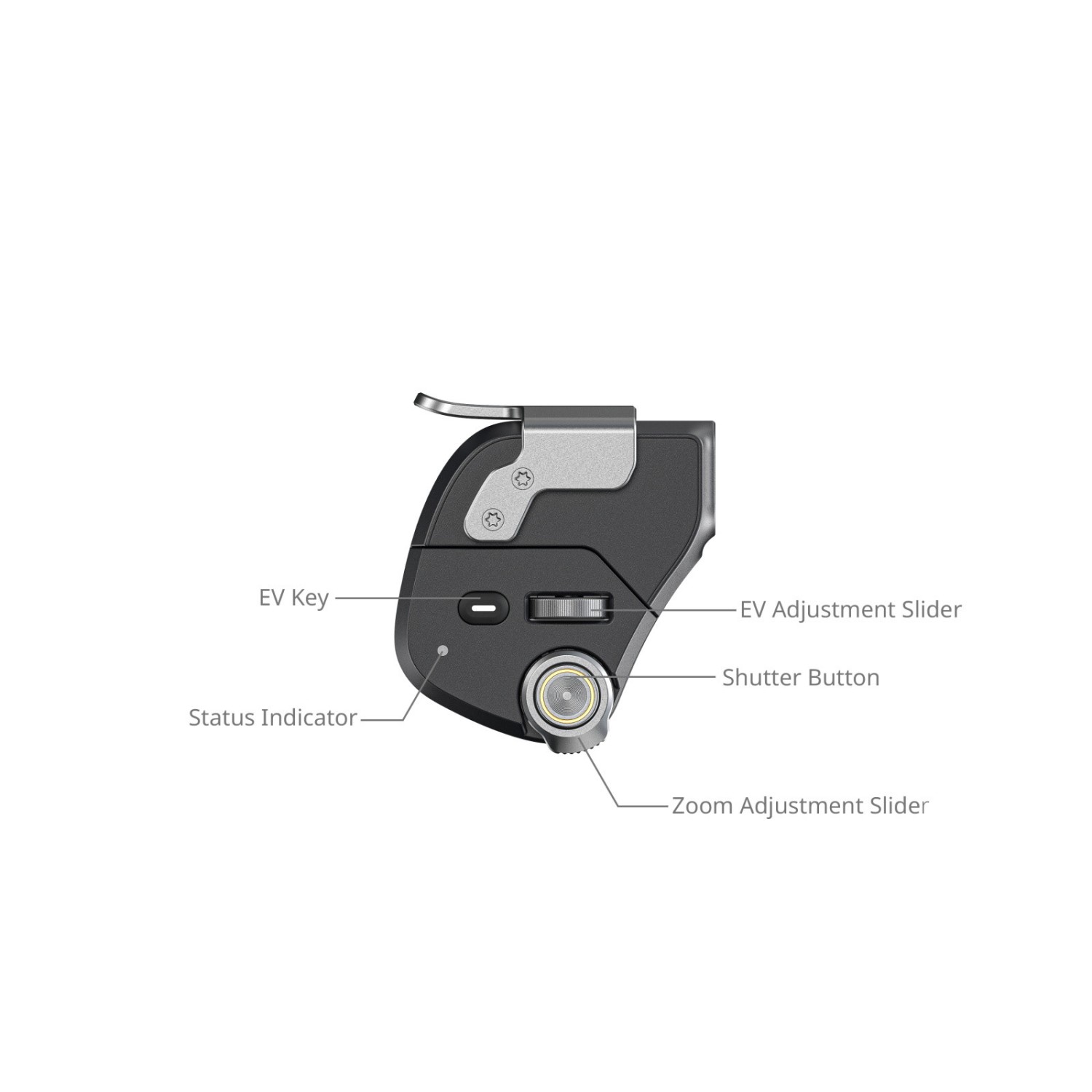
3. Camera-Grade Controls: Physical shutter button, zoom lever, and tactile controls for precise, intuitive operation.
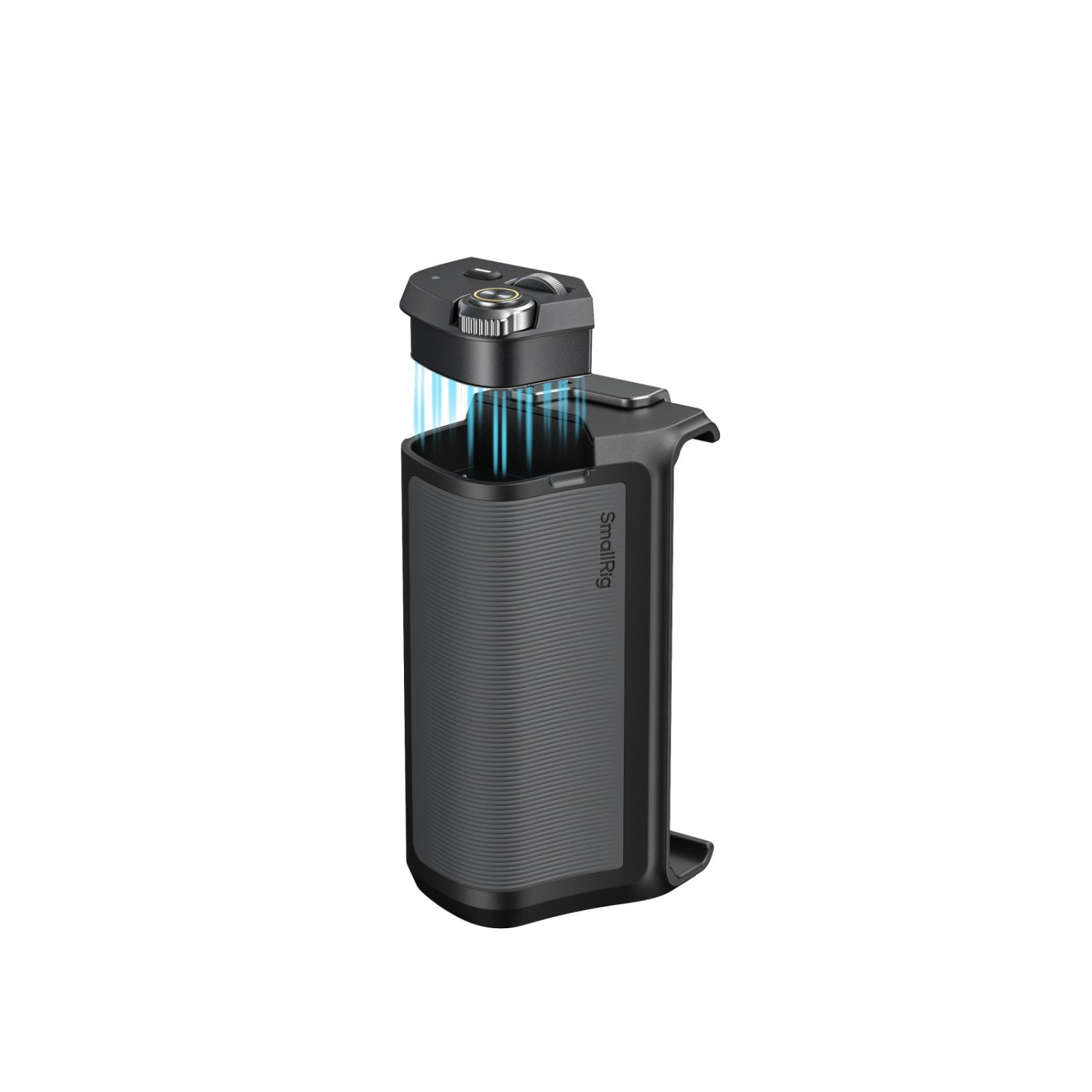
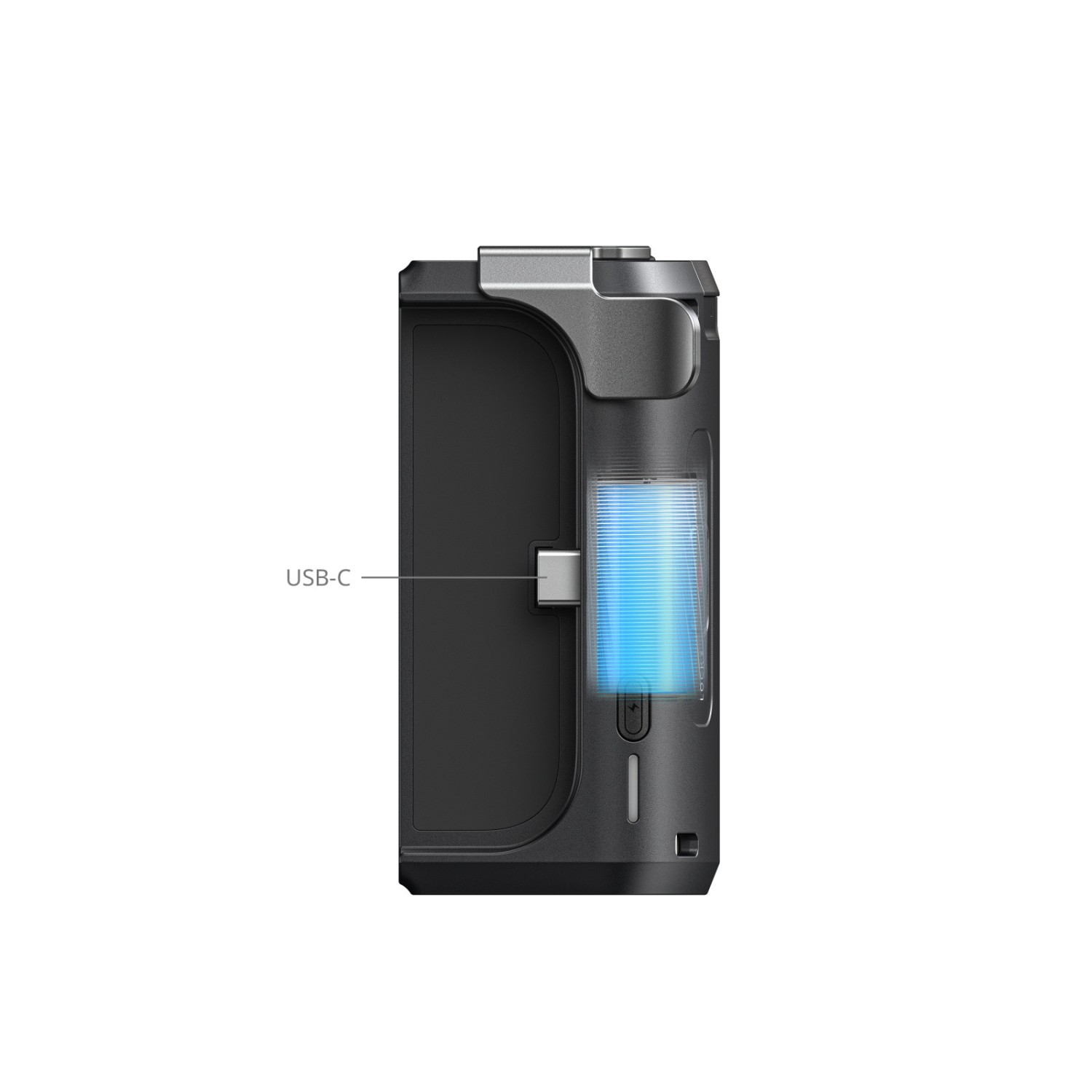
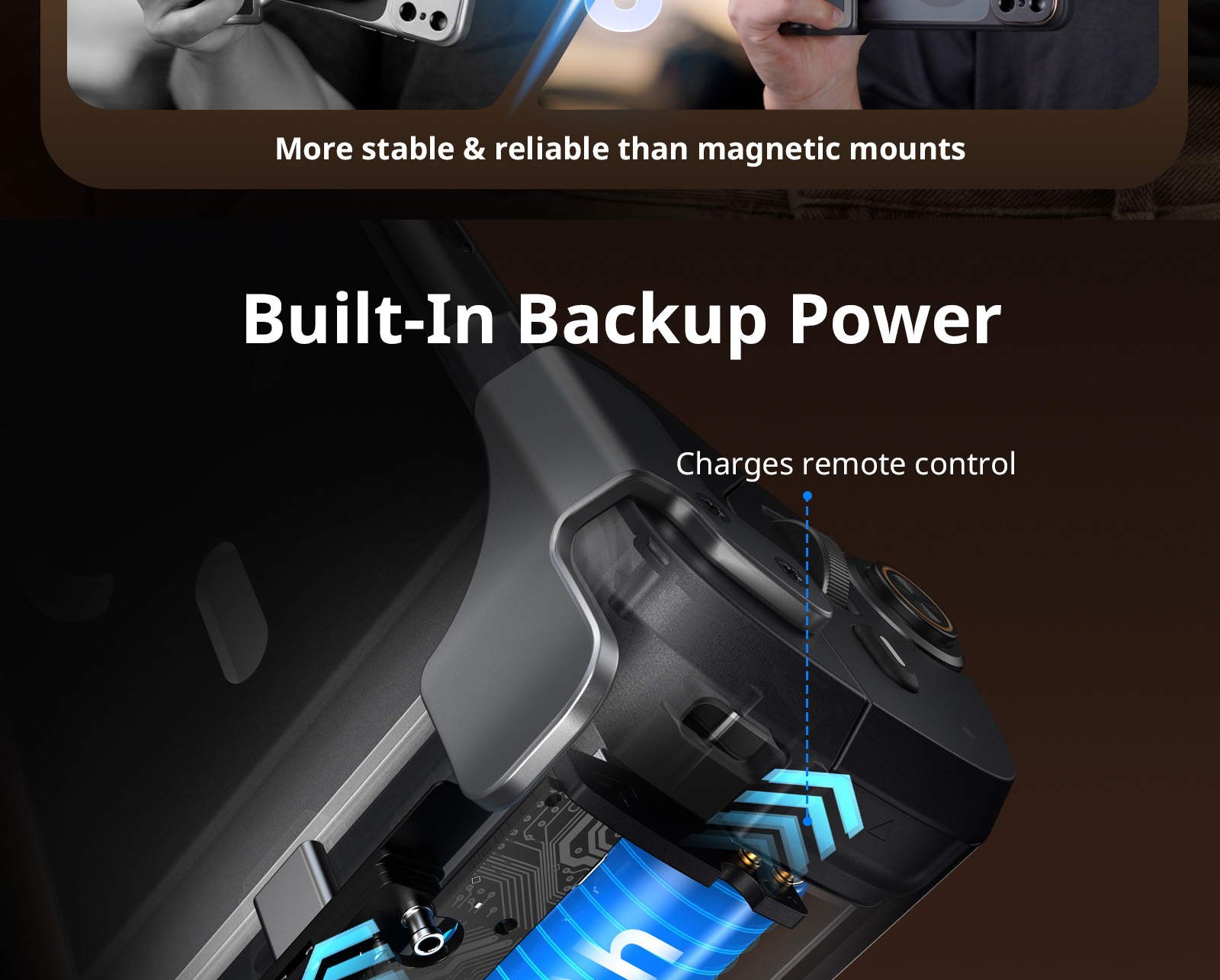
4. Built-in Power: Integrated battery powers the grip and provides emergency phone charging.
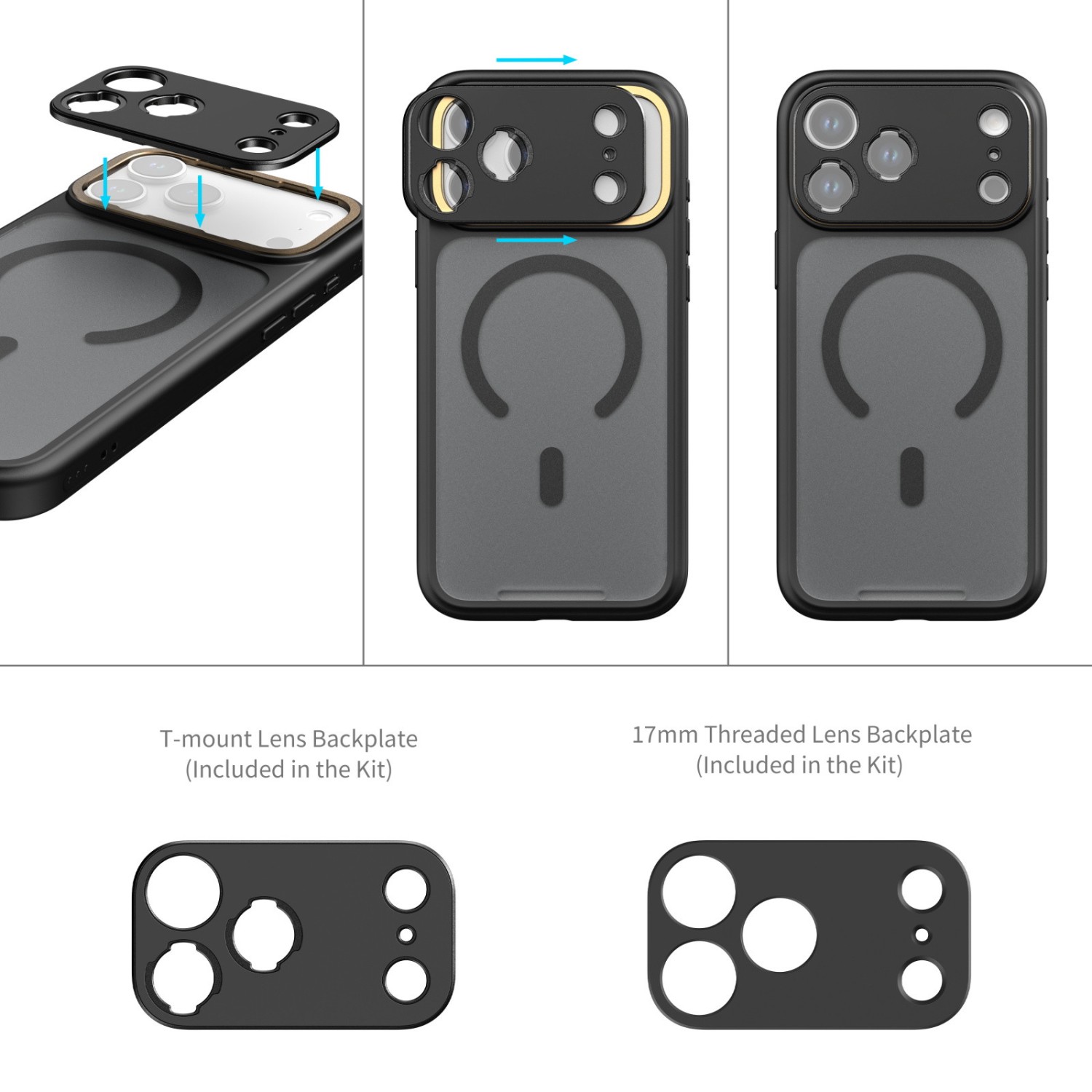
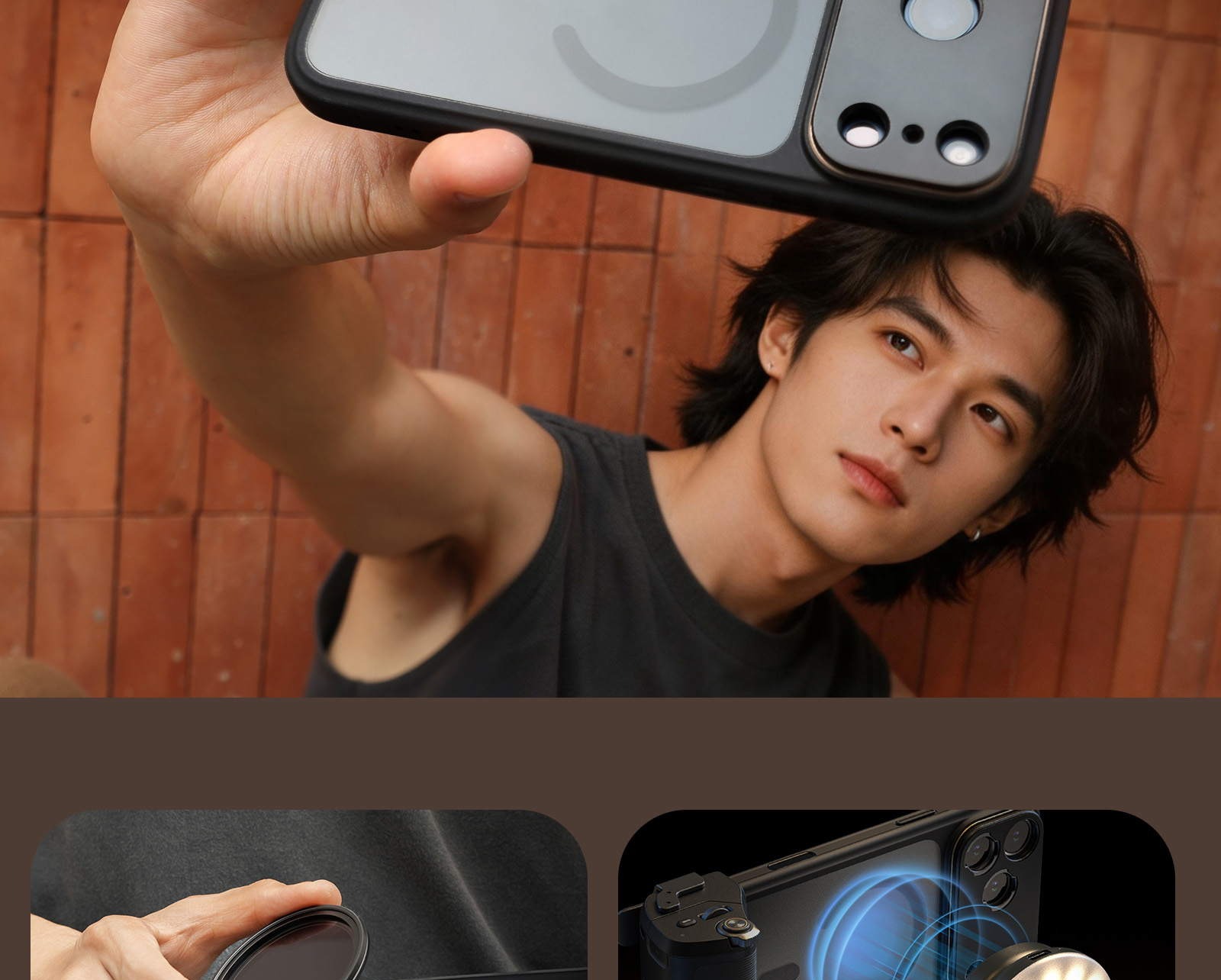
5. Modular & Fast to Adapt: Case with a quick release system allows instant lens and filter swaps to adapt to any scene.
SmallRig FilMov Kit is engineered for smartphone filmmaking enthusiasts. The kit includes a photography phone case and an assistive shooting grip.
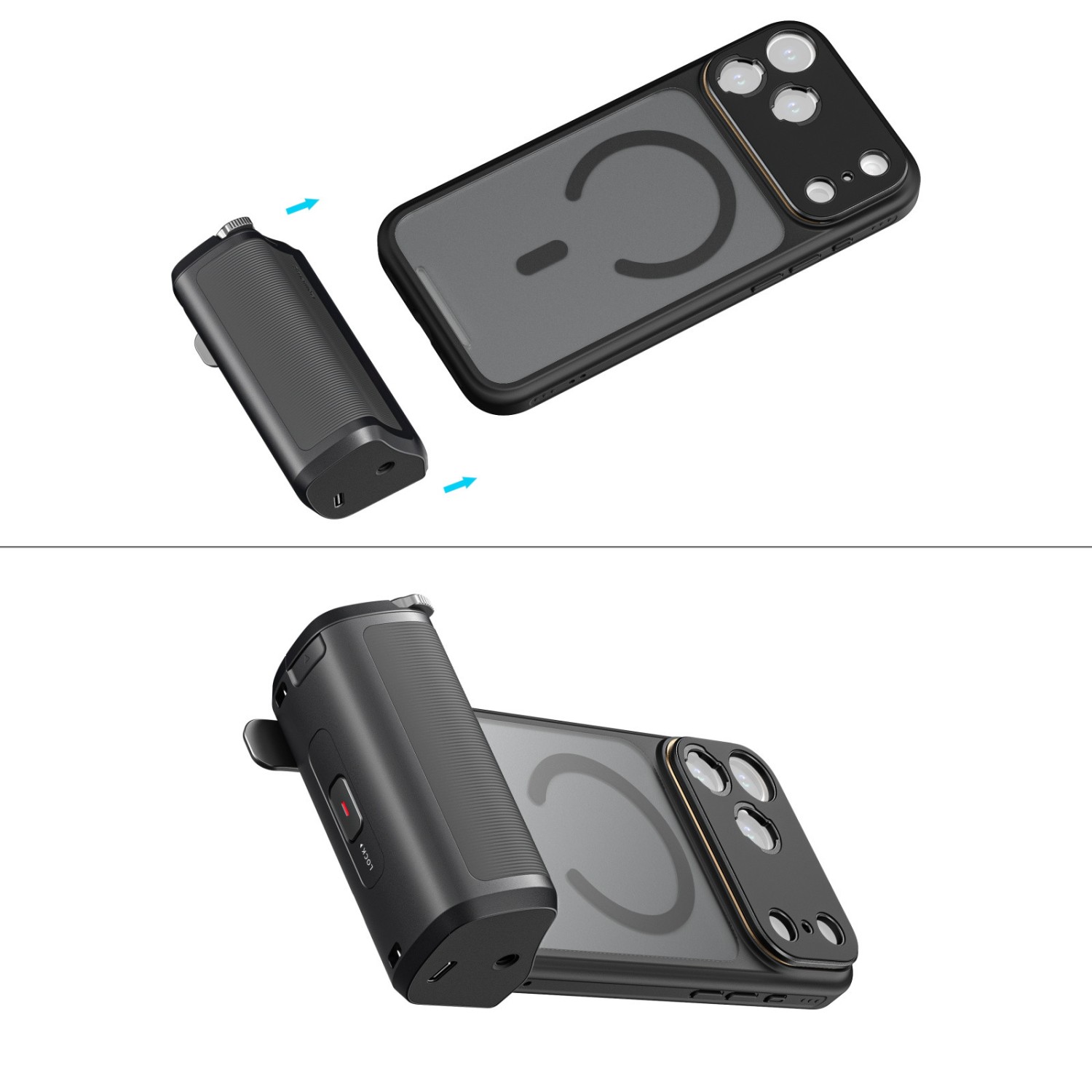
The grip utilizes a quick release locking structure to attach securely to the case. It combines the functions of a wireless remote and a power bank, delivering camera-like precision control while also providing emergency phone charging to keep your creative flow uninterrupted.
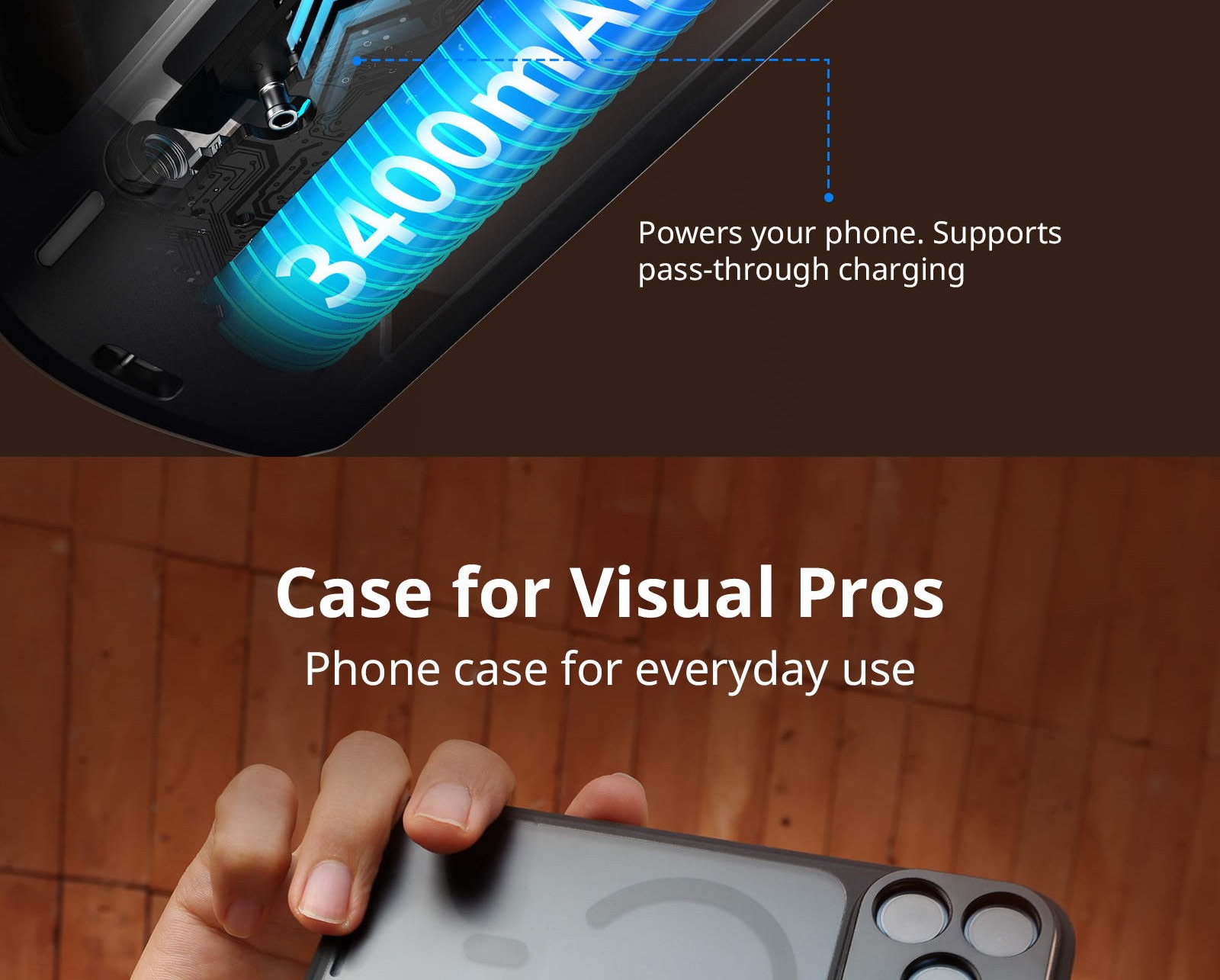
The phone case features a modular quick release design, allowing you to switch between filter mounts or lens backp lates in seconds for maximum flexibility across diverse shooting scenarios.
Note:
1. Remote Control Setup: To use the wireless remote, enable the following phone setting: Go to Settings > Accessibility > Zoom. Ensure "Zoom Region" is set to Full Screen Zoom, then turn Zoom on. The screen will magnify; double-tap with three fingers to return to normal view.
2. First-Time Use: Remove the insulating sticker from the bottom of the remote to activate the battery.
3. EV Control Modes: The grip defaults to horizontal screen mode for EV adjustment. To switch to vertical screen EV mode, press and hold the corresponding button.
4. Attachment & Detachment: The grip attaches to the case via a quick release lock. To detach, press the lock button and slide the grip out horizontally.

Work With
iPhone 17 Pro Max
PACKAGE CONTENT
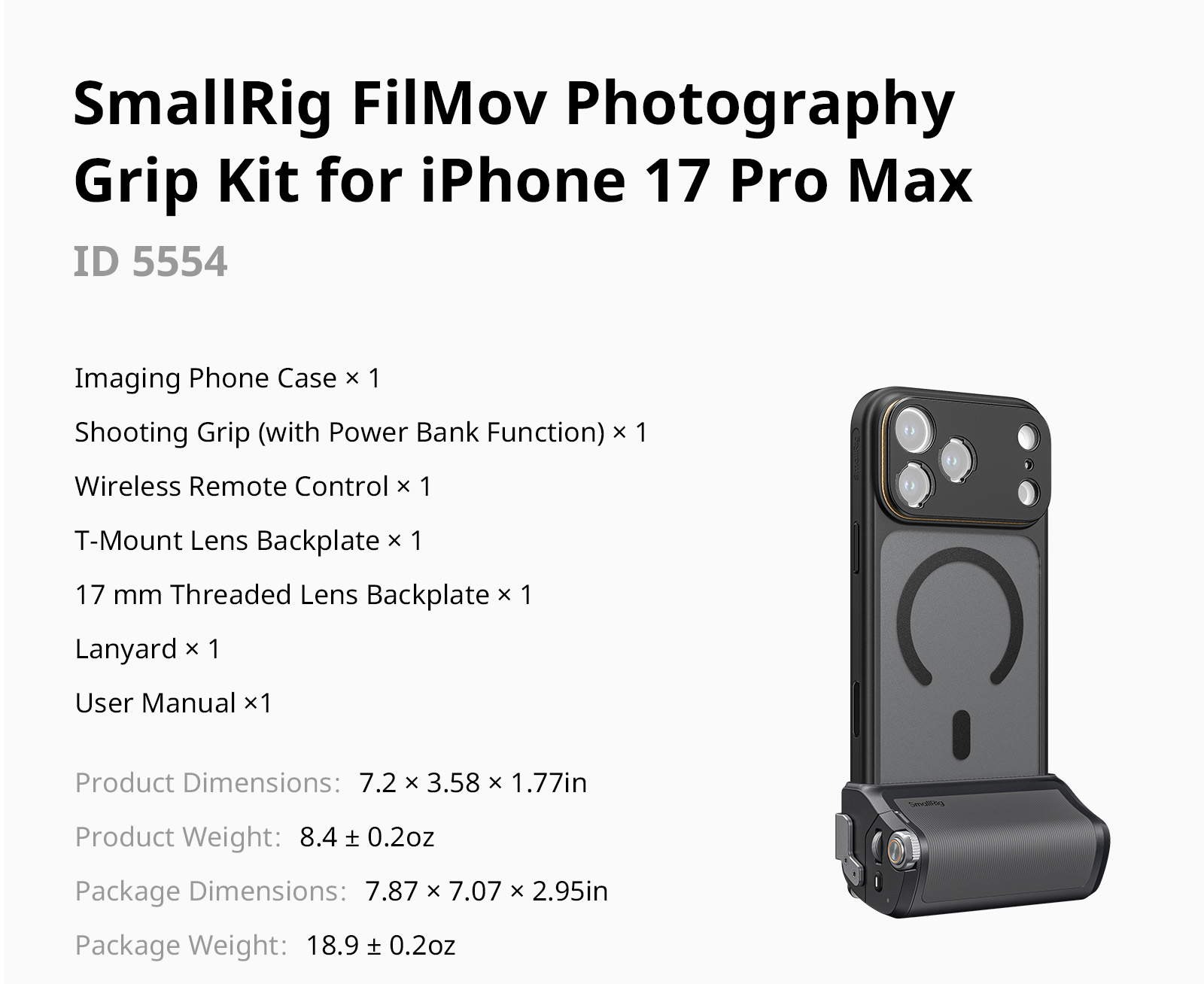
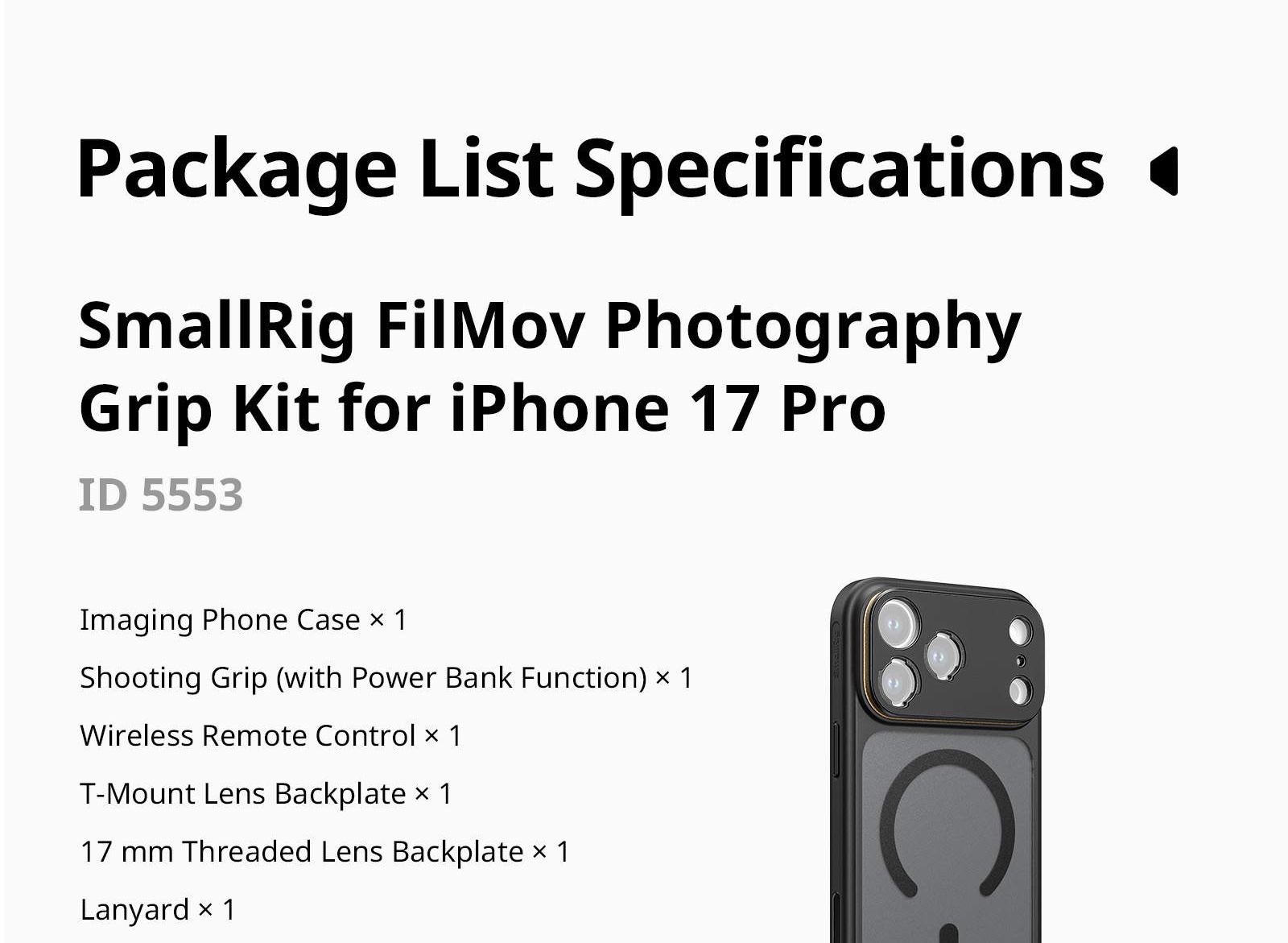
- 1× Imaging Phone Case
- 1× Shooting Grip (with Power Bank Function)
- 1× Wireless Remote Control
- 1× T-Mount Lens Backplate
- 1× 17 mm Threaded Lens Backplate
- 1× Lanyard
- 1× User Manual
SPECIFICATIONS
- Shooting Grip (with Power Bank):
- Battery: 3.635V / 3400mAh / 12.359 Wh
- Input: 5V⎓2A
- Output: 5V⎓1.6A
- Material(s): ABS+PC, Silicone, Aluminum Alloy
- Wireless Remote:
- Battery: 3.7V / 30mAh / 0.111 Wh
- Input: 5.0V⎓50mA
- Charging Port: Pogo Pin
- Bluetooth Name: SmallRig WR-07
- Material(s): PC+ABS
Parameters
Parameters
| Manufacturer: | SmallRig |
| Category: | Rigs for mobiles |
Main parameters
| For phone | iPhone 17 Pro Max |
GPSR
GAVIMOSA CONSULTORIA,
SOCIEDAD LIMITADA,
CASTELLANA 9144,
28046 Madrid, Jorge Wilson
Alternative (3)
Alternative (3)
SmallRig FilMov Photography Grip Kit for iPhone 17 Pro 5553
The SmallRig FilMov 5553 kit turns an iPhone 17 Pro Max into a proper camera. It
141 €
In stock > 5 pcs
SmallRig FilMov Photography Grip Kit with Filter for iPhone 17 Pro 6300
The SmallRig FilMov 6300 kit for the iPhone 17 Pro Max: a quick-release case, a grip
235 €
In stock > 5 pcs
SmallRig FilMov Photography Grip Kit with Filter for iPhone 17 Pro Max 6301
A kit that makes shooting on an iPhone 17 Pro Max feel like using a camera: a quick-release
235 €
In stock > 5 pcs
News, training, and discounts from Syntex
Special offers and discounts for subscribers only · Free audio & video workshops · News and tips from the world of filmmaking
- Show all
SmallRig FilMov Photography Grip Kit for iPhone 17 Pro Max 5554
The SmallRig FilMov 5554 kit turns an iPhone 17 Pro Max into a real camera: a comfortable141 €In stock > 5 pcs