
 CZ
CZ SK
SK HU
HU AT
AT DE
DE ES
ES SI
SI HR
HR
Nothing in the basket.

- Search
-
Login

-
0
Comparison
Add products to compare, then they will appear here and you can compare parameters.
-
0
0 €
Roland GO:LIVECAST
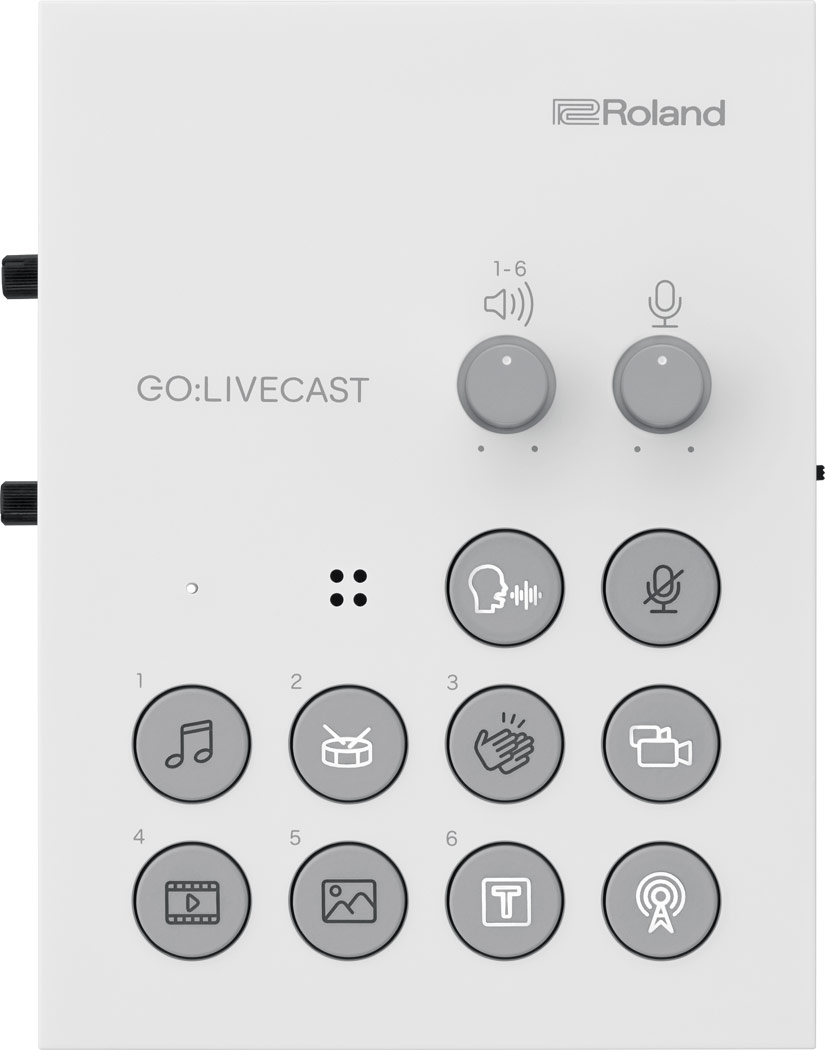
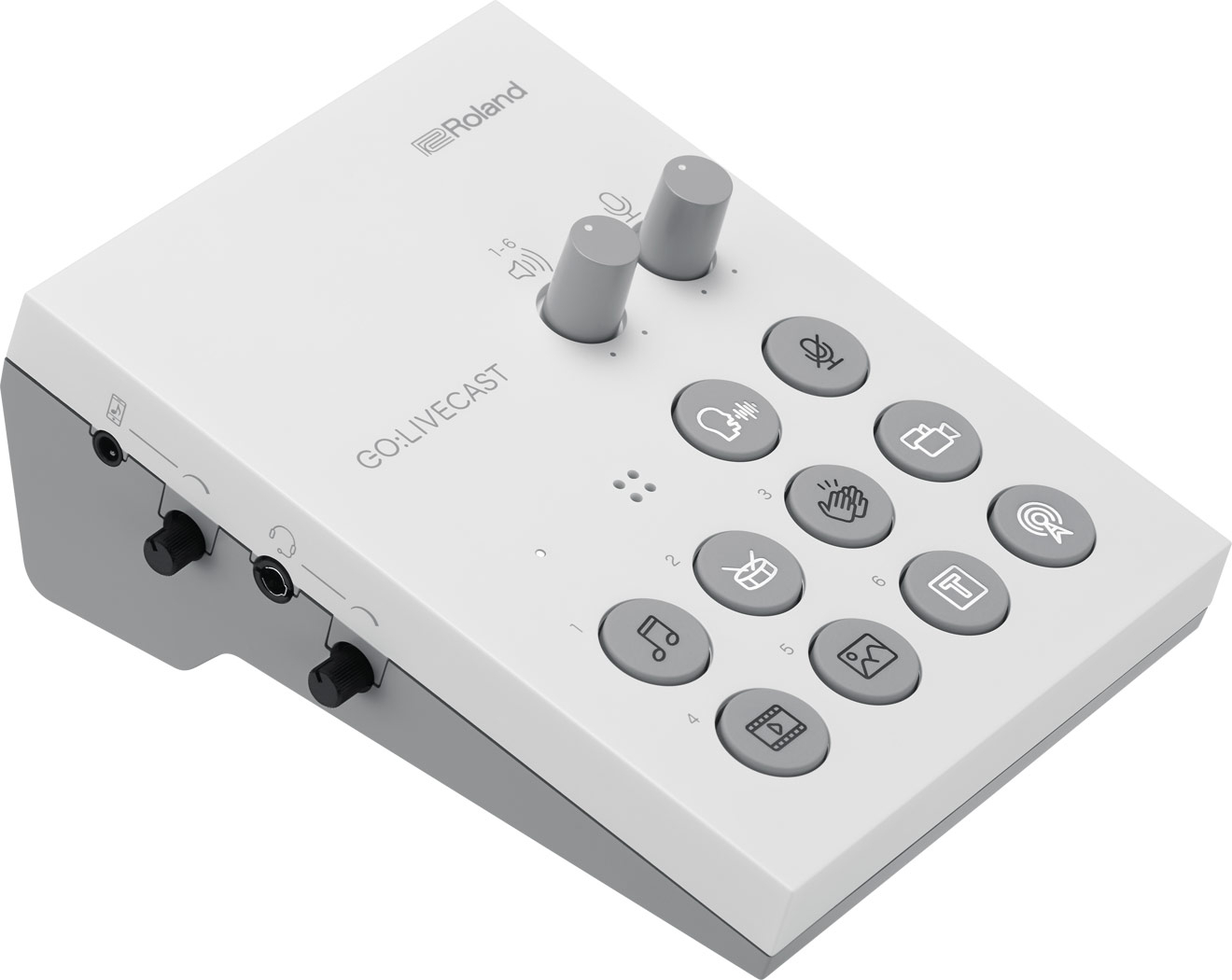
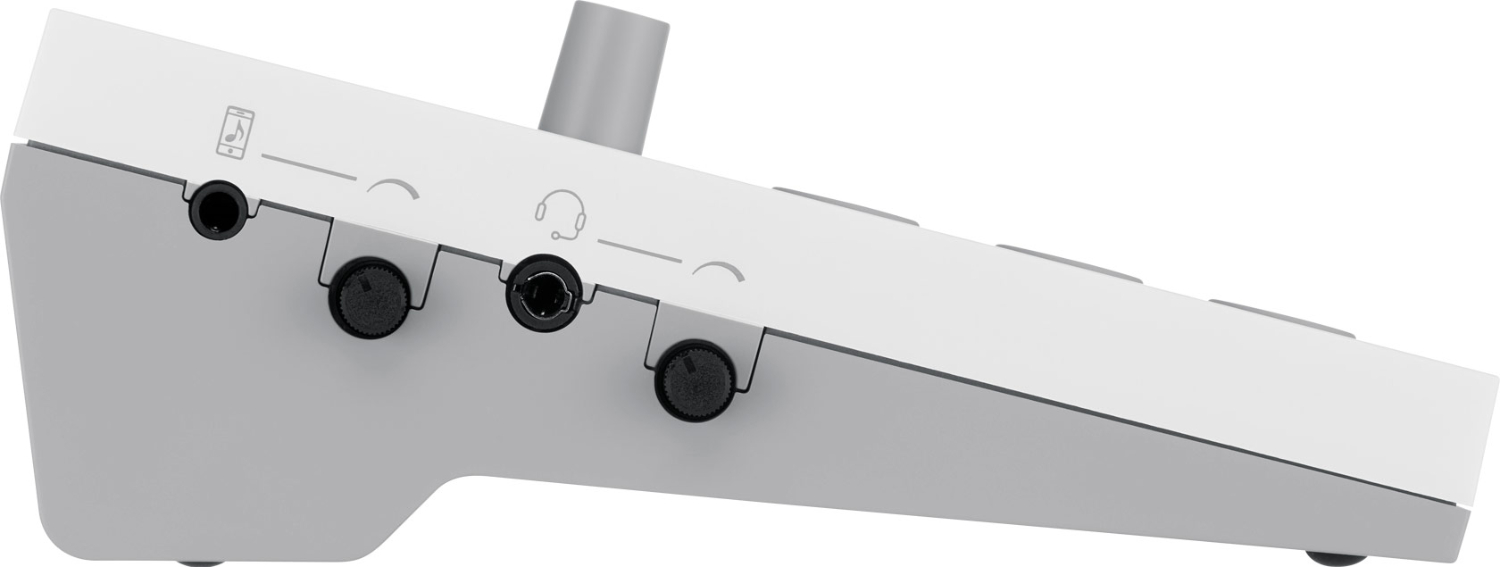
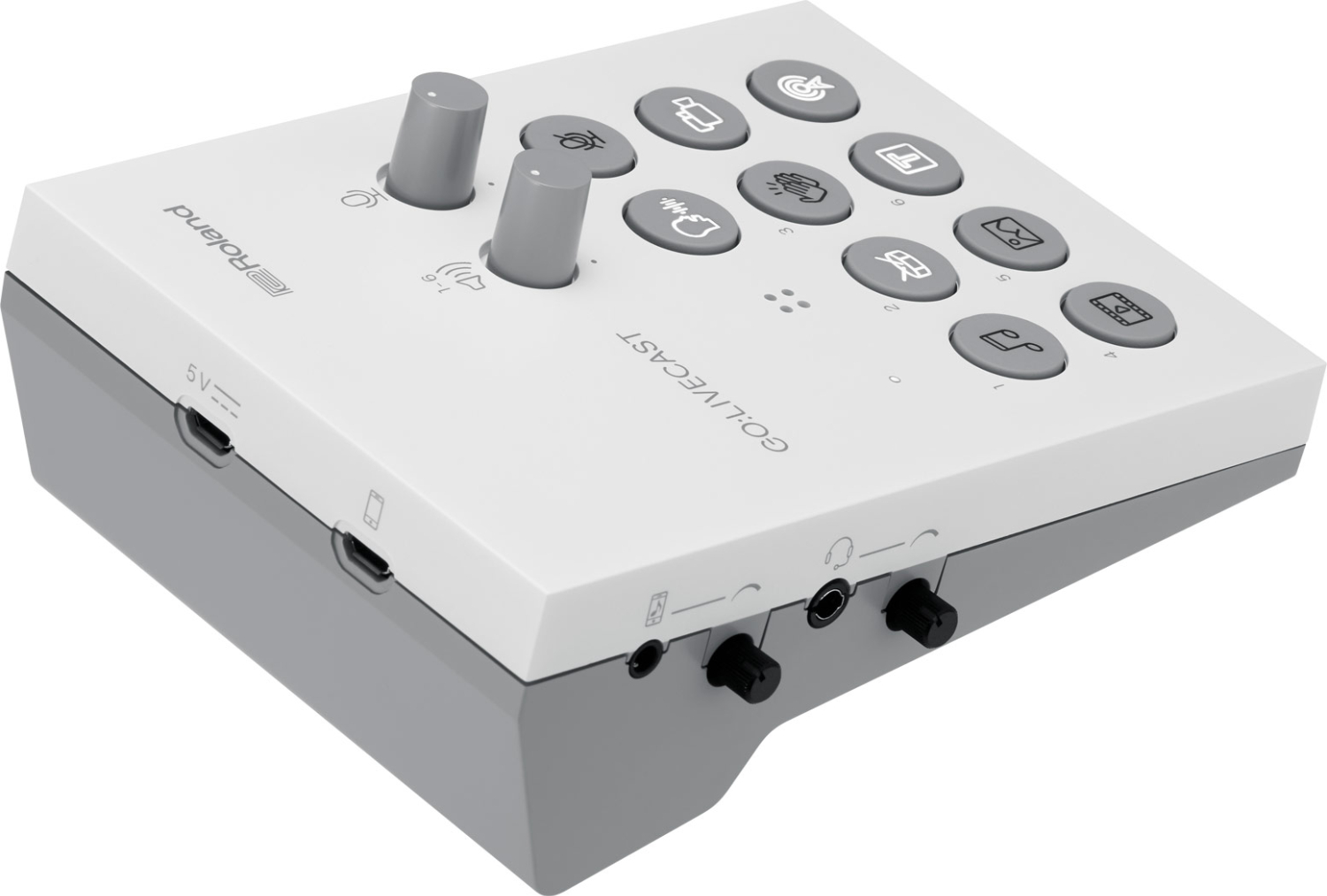
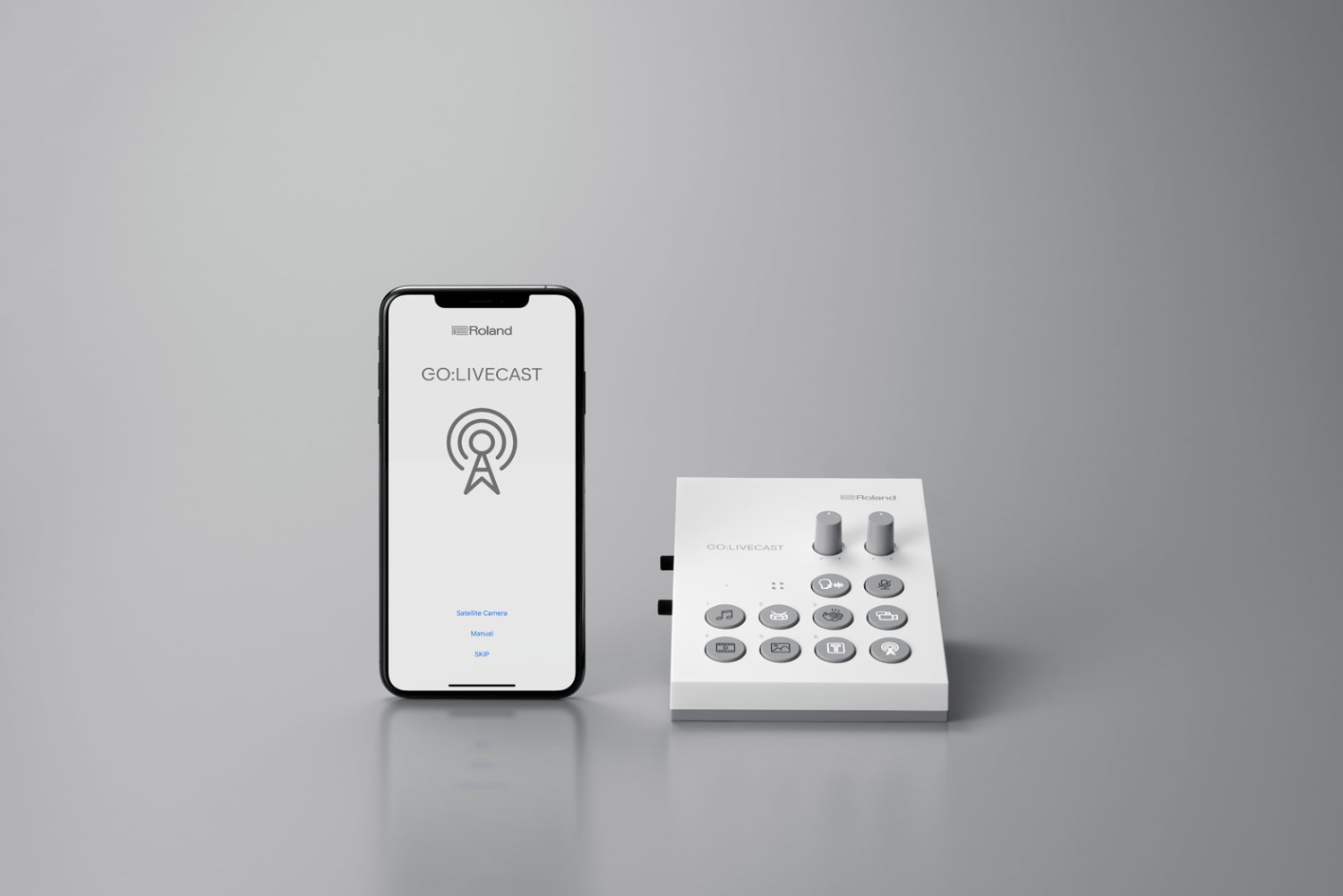
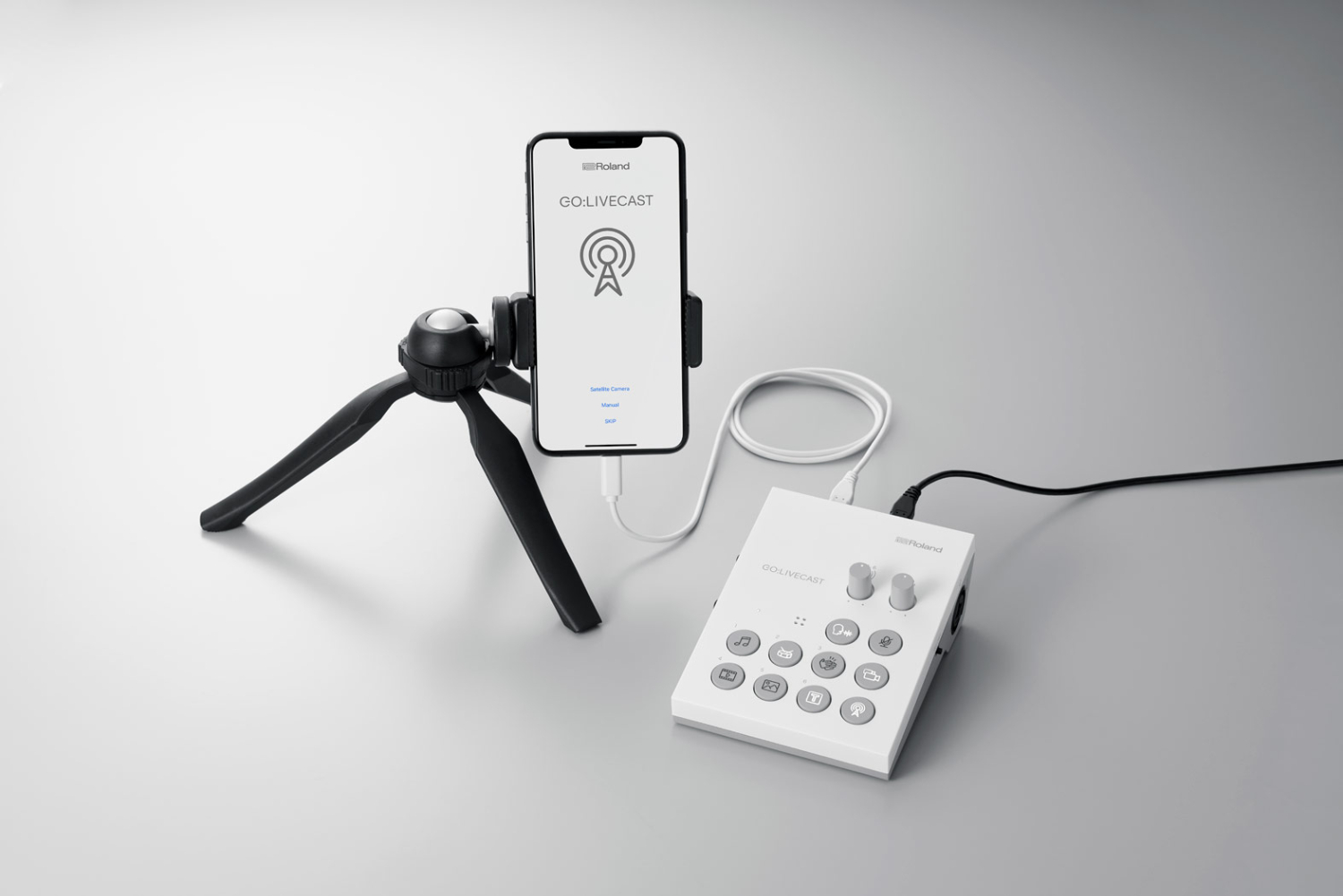
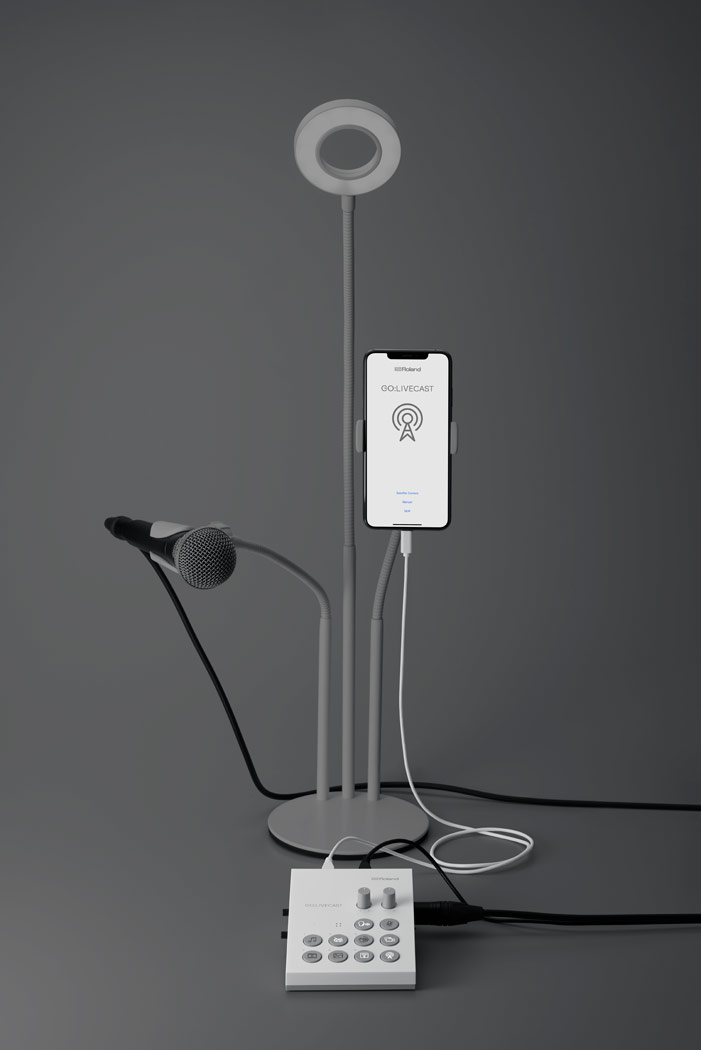
SKU: GO:LIVECAST
Although it’s easy to stream live content with your smartphone, making your broadcasts look professional takes more effort. That’s why you need GO:LIVECAST, the simple and affordable way to bring superior production values to your webcasting. This hardware/app combo is a fully featured streaming studio that lets you mix sound, display titles, play media, trigger…
307 € with VAT
253.72 € without VAT
Availability
on request
Top accessories for Roland GO:LIVECAST
Roland RMC-B20
The Roland RMC-B20 is a 6 m (20 ft) Black Series balanced microphone cable with heavy-duty
35 €
In stock 2 pcs
Roland RMC-B25
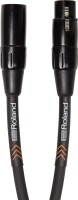
The Roland RMC-B25 is a 7.5 m (25 ft) Black Series balanced microphone cable with
38 €
In stock 2 pcs
Roland RMC-B15
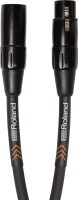
The Roland RMC-B15 is a 4.5 m (15 ft) Black Series balanced microphone cable with
29 €
In stock 2 pcs
Roland RMC-B10
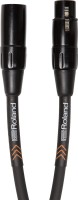
The Roland RMC-B10 is a 3 m (10 ft) Black Series balanced microphone cable with heavy-duty
27 €
In stock 2 pcs
Roland RMC-B3
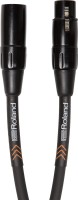
The Roland RMC-B3 is a 1 m (3 ft) Black Series balanced microphone cable with heavy-duty
20 €
In stock 1 pcs
Roland RMC-B50
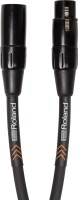
The Roland RMC-B50 is a 15 m (50 ft) Black Series balanced microphone cable with
52 €
In stock 1 pcs
Roland RMC-B5
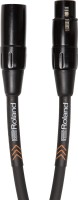
The Roland RMC-B5 is a 1.5 m (5 ft) Black Series balanced microphone cable with heavy-duty
25 €
In stock 1 pcs
Product description
SPECIFICATIONS
PACKAGE CONTENT
Product description
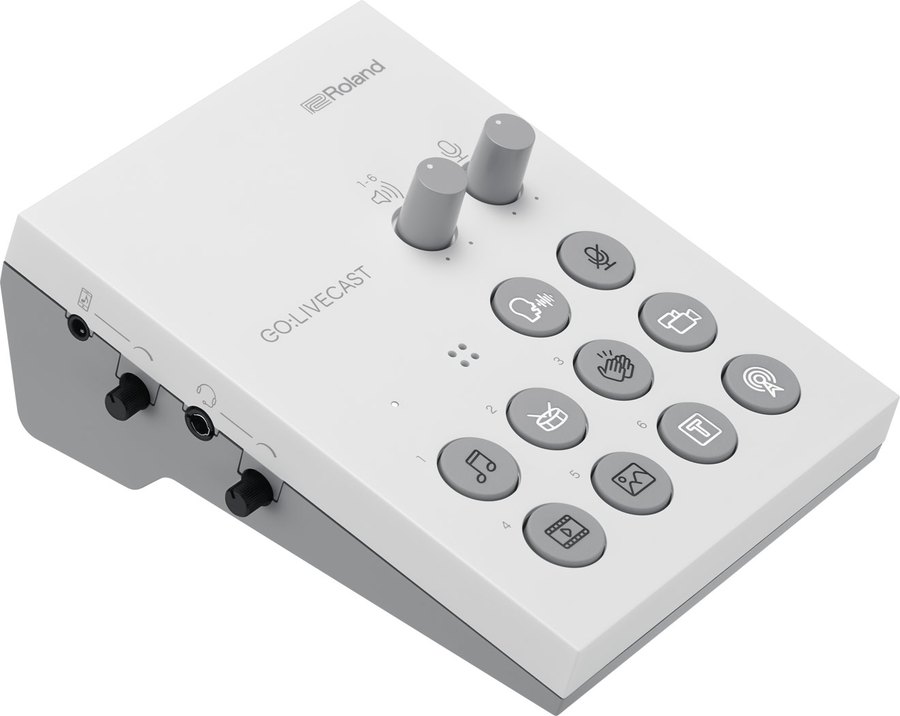
Although it’s easy to stream live content with your smartphone, making your broadcasts look professional takes more effort. That’s why you need GO:LIVECAST, the simple and affordable way to bring superior production values to your webcasting. This hardware/app combo is a fully featured streaming studio that lets you mix sound, display titles, play media, trigger sound effects, and more—without needing a computer or costly dedicated A/V gear. With just the GO:LIVECAST hardware, companion app, and your smartphone, you have all the tools you need to present engaging live web shows that will rival the most advanced creators on social media.
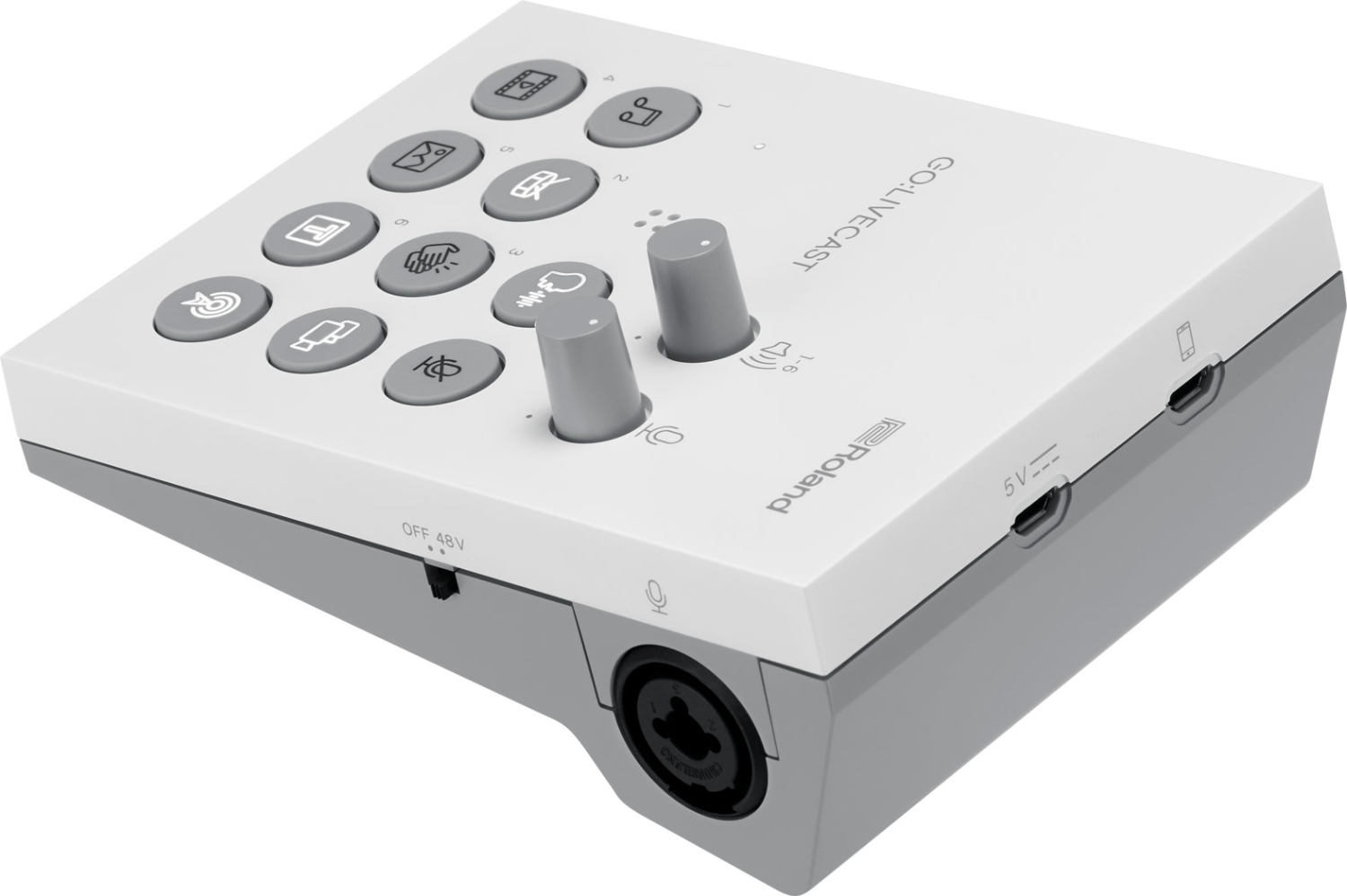
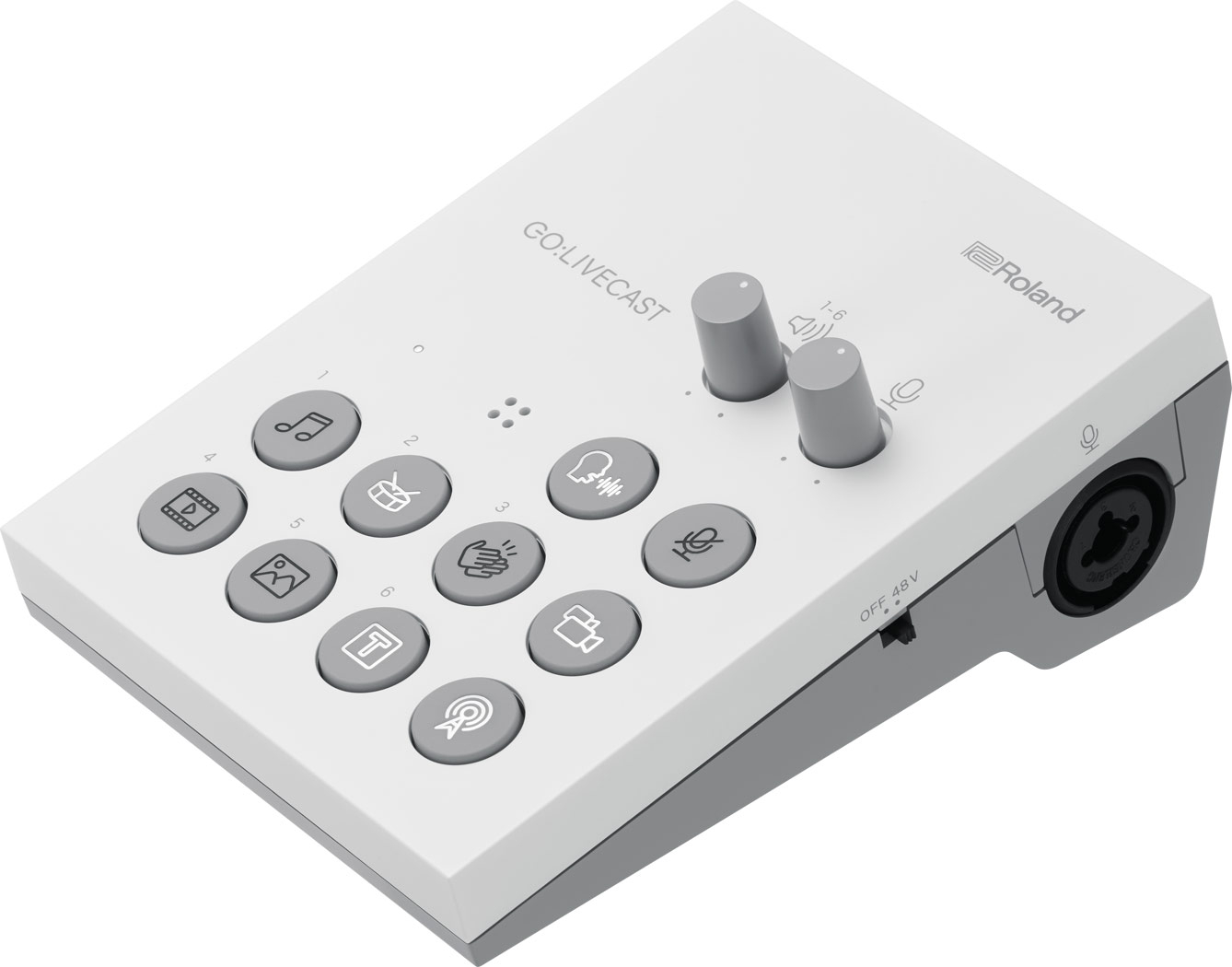
GO:LIVECAST is a compact livestreaming studio for smartphones. The hardware with pads and knobs works with the app to mix sound, display titles, play music, photos and videos and trigger sound effects, without a computer or costly AV gear. All you need is GO:LIVECAST, the app and your phone.
Pro livestreaming from your phone
Built-in mic with reverb, XLR input with phantom power, line input, headphone output and pads for media, titles and even applause.
For iOS and AndroidXLR with phantomBuilt-in micFacebook, Twitch, YouTubeSecond camera via Wi-Fi180 g
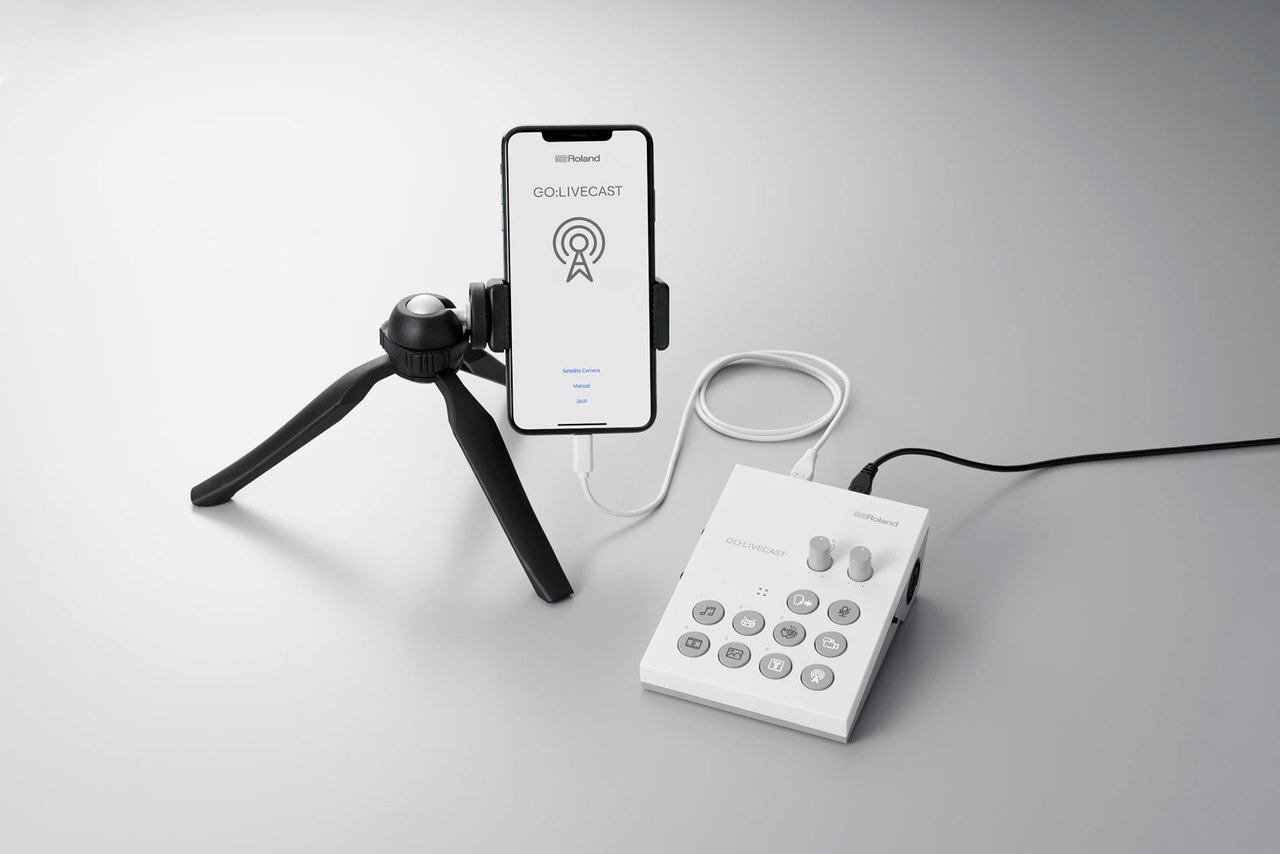
On the tripod and live
Phone on a tripod, GO:LIVECAST beside it and a single cable in between. The whole studio fits on a desk or in a backpack.
Mics and instruments
Besides the built-in mic, connect a professional XLR mic with phantom power and plug a guitar preamp, synth or mixer into the stereo line input.
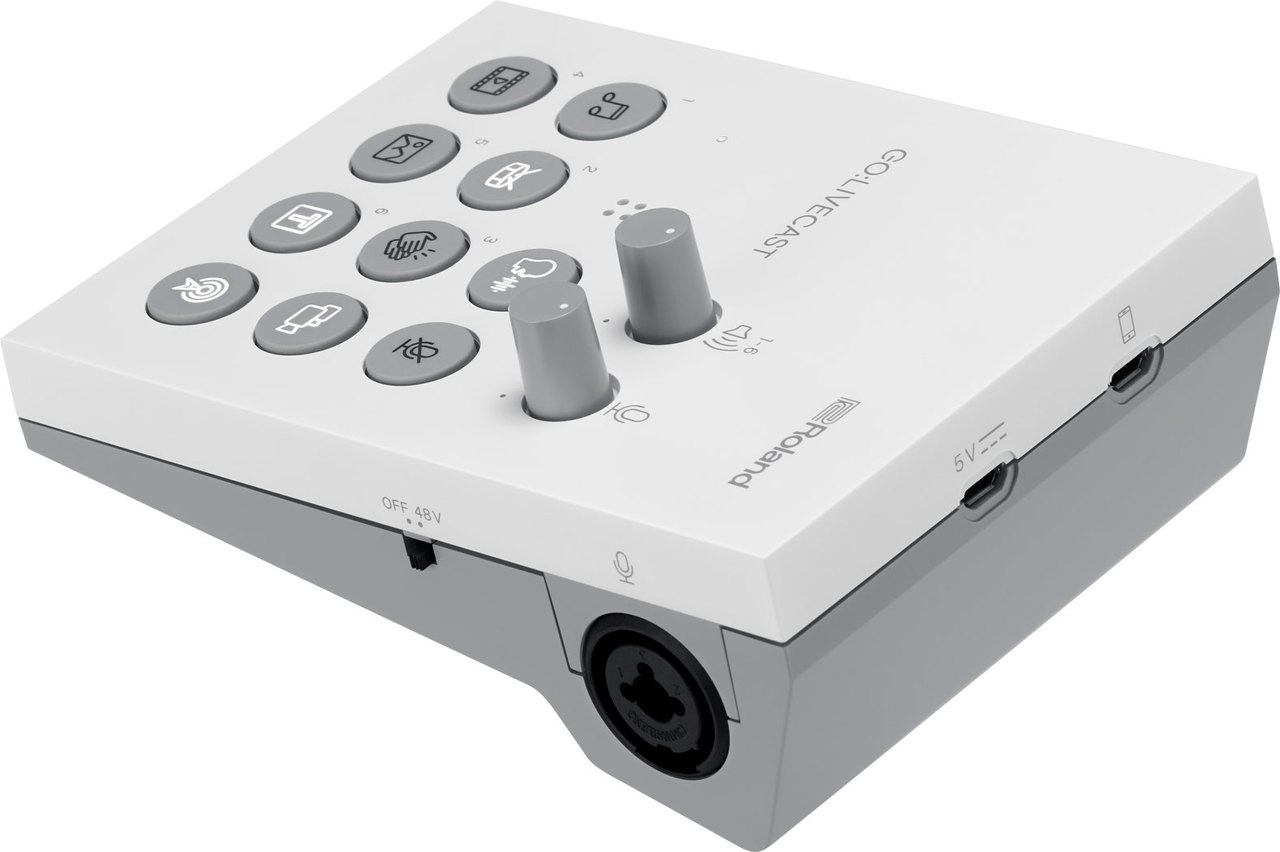
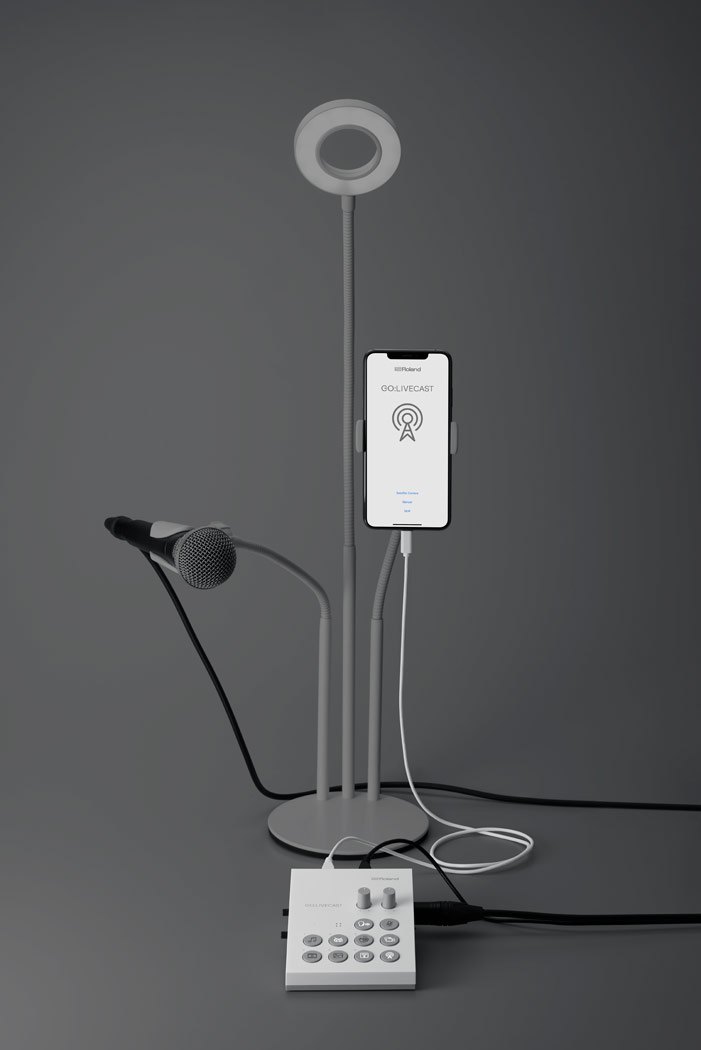
A complete studio
Add a mic and a light, and your phone and GO:LIVECAST become a fully featured broadcast station for web shows.
Go live with one tap
The GO:LIVECAST app logs in to your accounts on Facebook Live, Twitch, YouTube and other platforms. Select a platform, tap and you are live, while viewer comments scroll in a window in the app.
Media libraries
Your own music, sound effects, photos, videos and titles, queued in Live Sets for each show.
Three mic options
Built-in mic with reverb, XLR input with phantom power and a combo jack for a headset.
Phone camera
Front or rear camera, skin filter, mirroring and automatic portrait/landscape switching.
Second phone
Add a second camera over Wi-Fi, and from version 1.10 stream its screen recording for gaming.
- A complete pro production studio for webcasting with a smartphone or tablet
- Compatible with Twitch, Facebook Live, YouTube, and other major streaming platforms
- Integrated system combining a compact desktop hardware interface with an interactive app
- Control smartphone cameras, trigger media, and adjust levels as you stream with intuitive, hands-on controls
- Large, customizable media libraries for onscreen titles, music, videos, photos, and sound effects
- Three microphone input options for great vocal sound: onboard microphone with reverb effect, plus XLR input with phantom power and combo jack for using the microphone on your headphones
- Headphones jack for sound monitoring
- Line input for connecting a musical instrument, mixer, or other external audio device
- Check viewer comments directly in the app while streaming
- Skin filter, in-camera mirroring, automatic portrait/landscape switching, and more
- Add a second smartphone camera via wi-fi and switch camera views with the hardware or app
- With Version 1.10 of the GO:LIVECAST app, gamers can now stream sound and live images from a second smartphone via its screen recording function
Plug-and-Play Setup. Using GO:LIVECAST is quick and easy—just plug in your smartphone and connect earbuds or headphones for sound monitoring. A built-in mic is ready to capture high-quality sound, complete with onboard reverb if you like to sing. An external professional mic is also supported via the XLR input, and there’s even a stereo line input for plugging in a guitar preamp, synth, mixer, or other sound source.
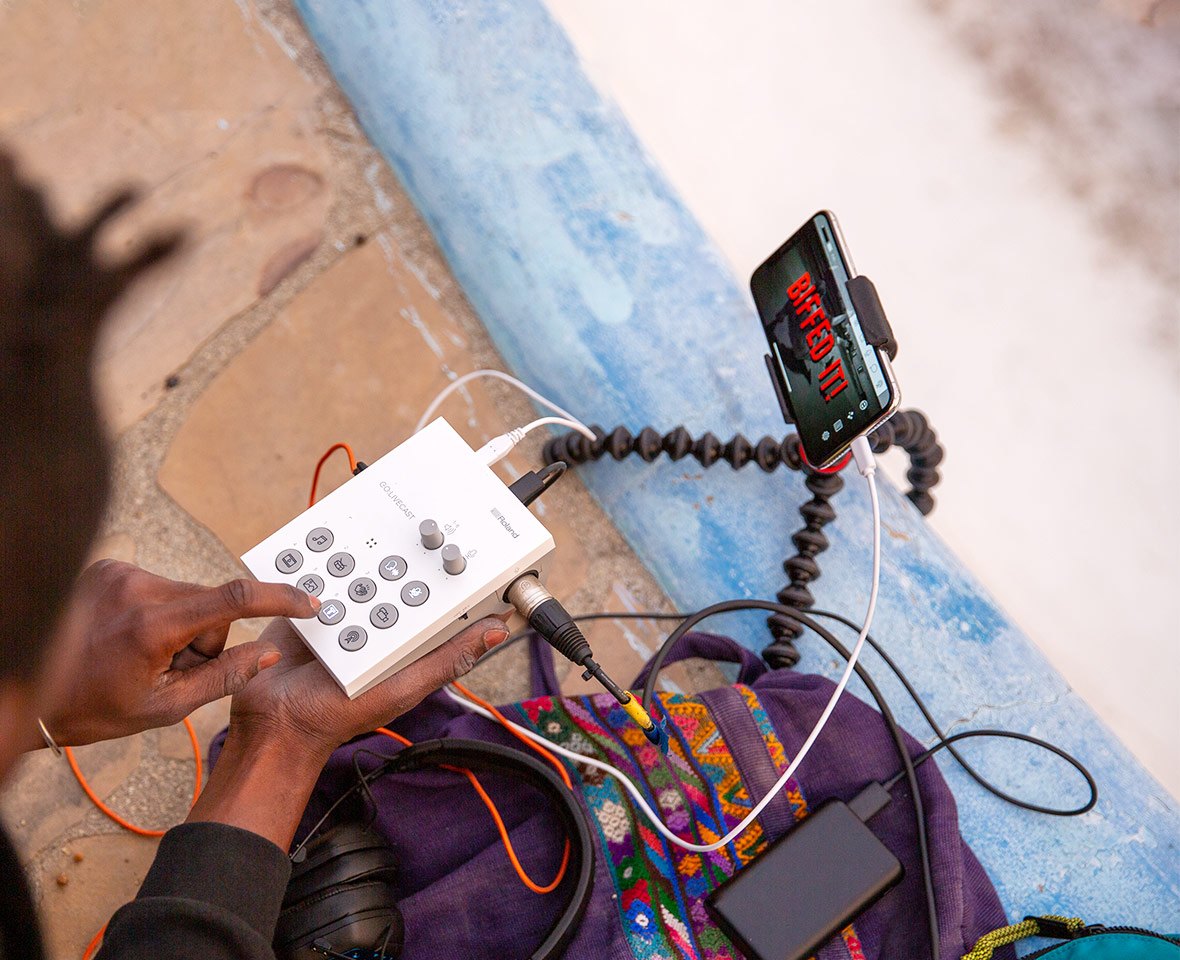
Add Your Content to Your Livestream. The GO:LIVECAST app includes easy-to-use media tools that bring premium production values to your web shows. Create your own personalized libraries for music, sound effects, photos, and videos, or start creating with a variety of pre-installed options. Custom titles and text are also available, enhancing your productions even further. Media elements for different shows can be stored in Live Sets, all queued up and ready for when it’s time to go live.
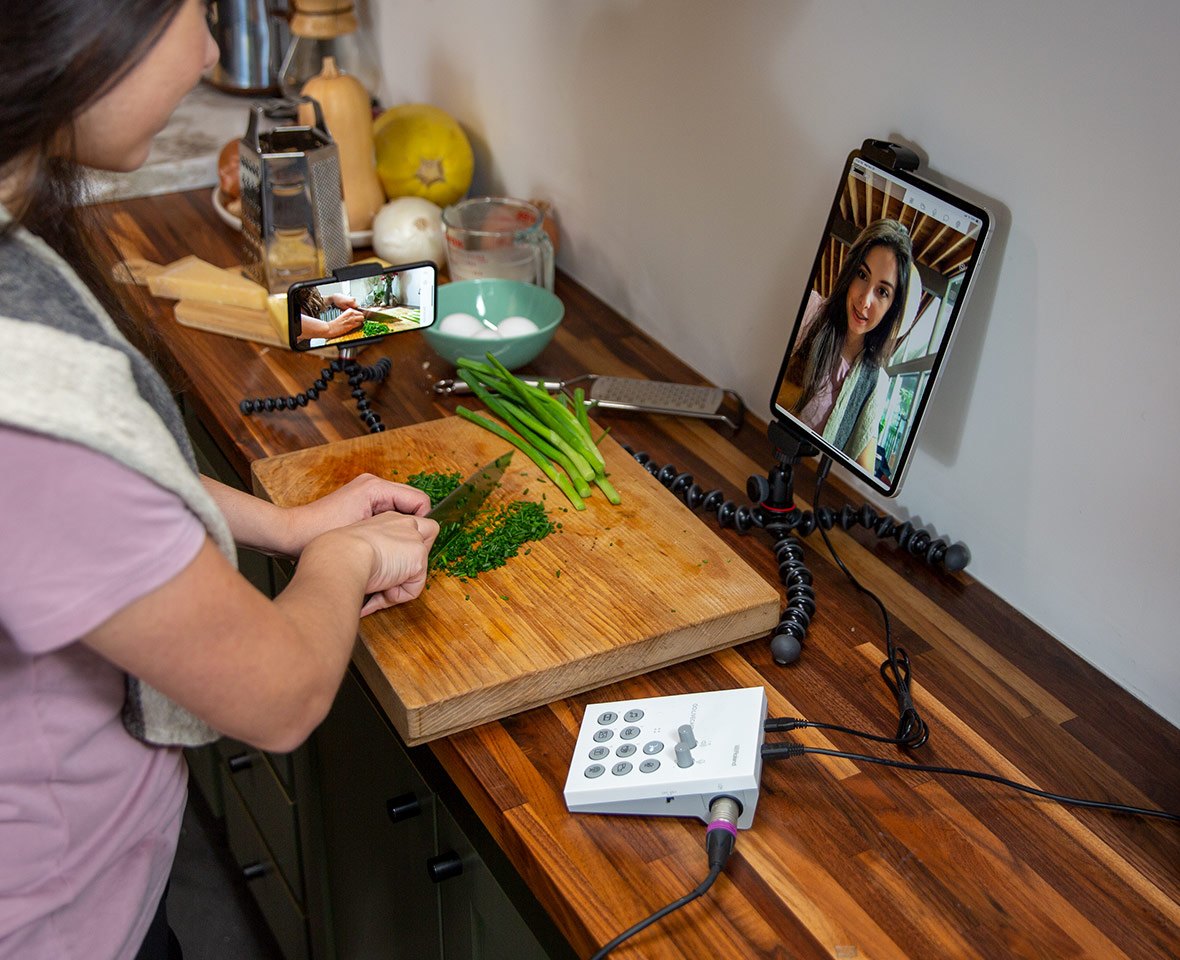
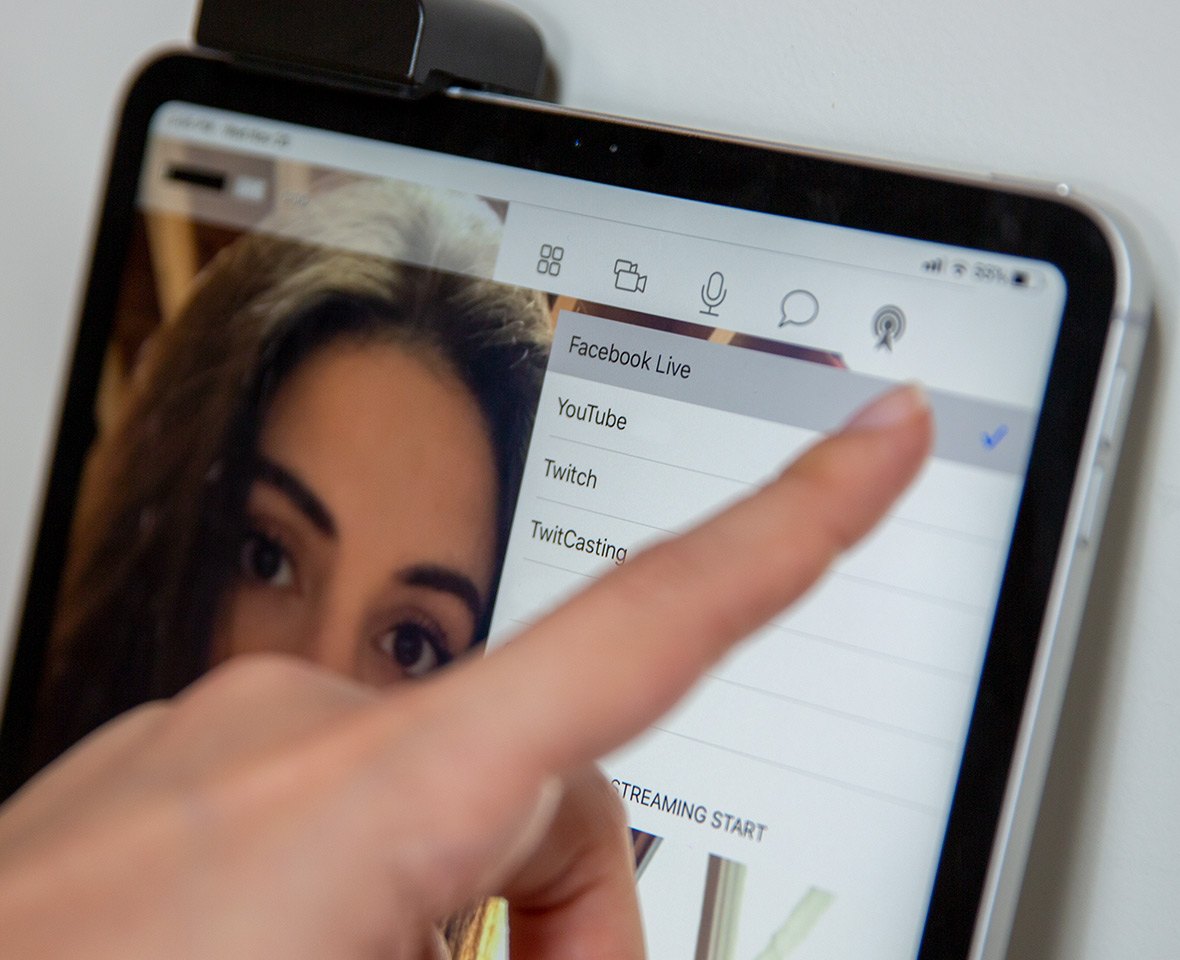
Direct Connection with Streaming Platforms. The GO:LIVECAST app logs in to your accounts on Facebook Live, Twitch, YouTube, and other major streaming services.* Just select a platform and tap to start webcasting! And as you livestream, comments from your viewers can be monitored via a scrolling window in the app.
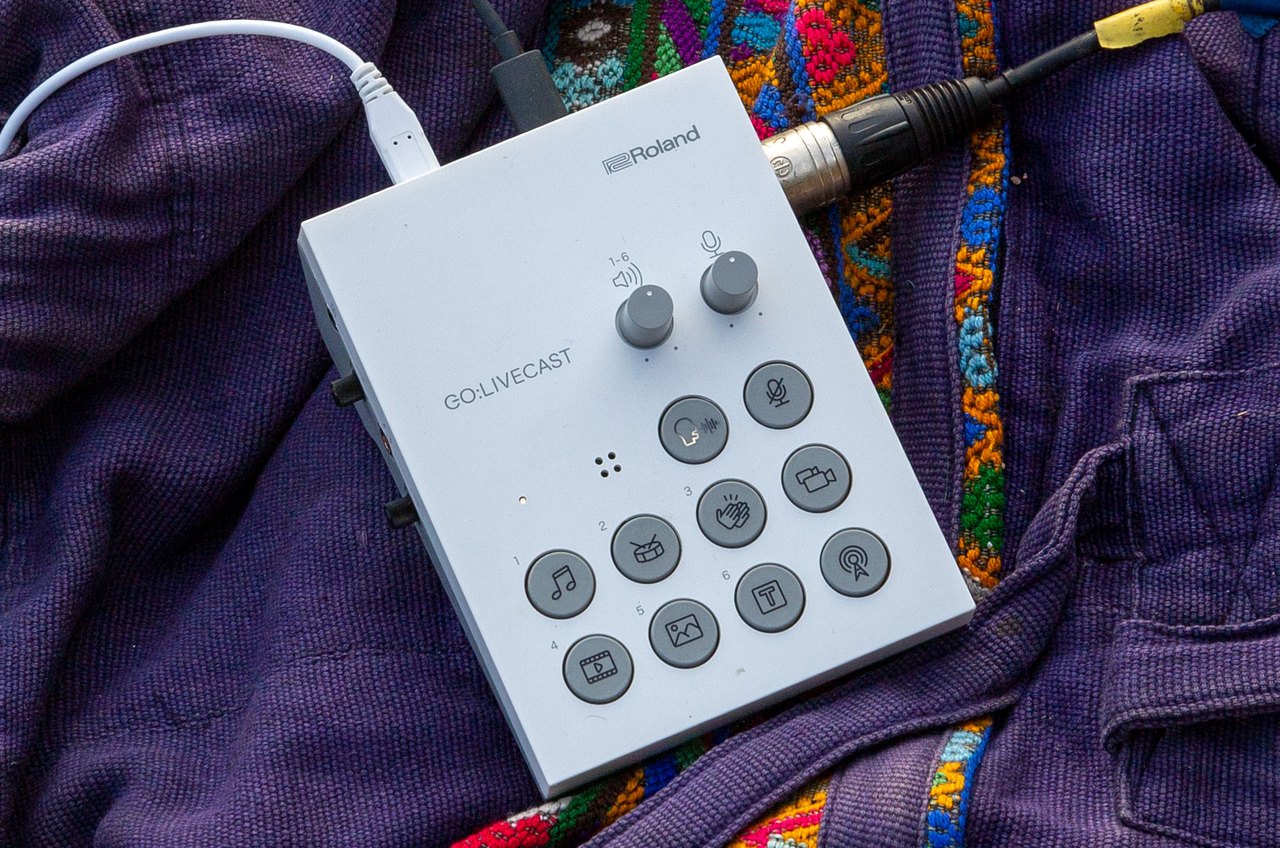
A Mini Broadcast Studio at Your Fingertips. Via a simple, customizable control layout, the GO:LIVECAST hardware lets you direct your live presentations and stay fully engaged with your audience. All it takes is a touch to start broadcasting, play music, display titles, launch photos and videos—or even trigger some applause at the end of the show! Knobs provide quick control of mic and media volumes, while the mic-mute button will keep coughs and unwanted sounds out of your livestream.
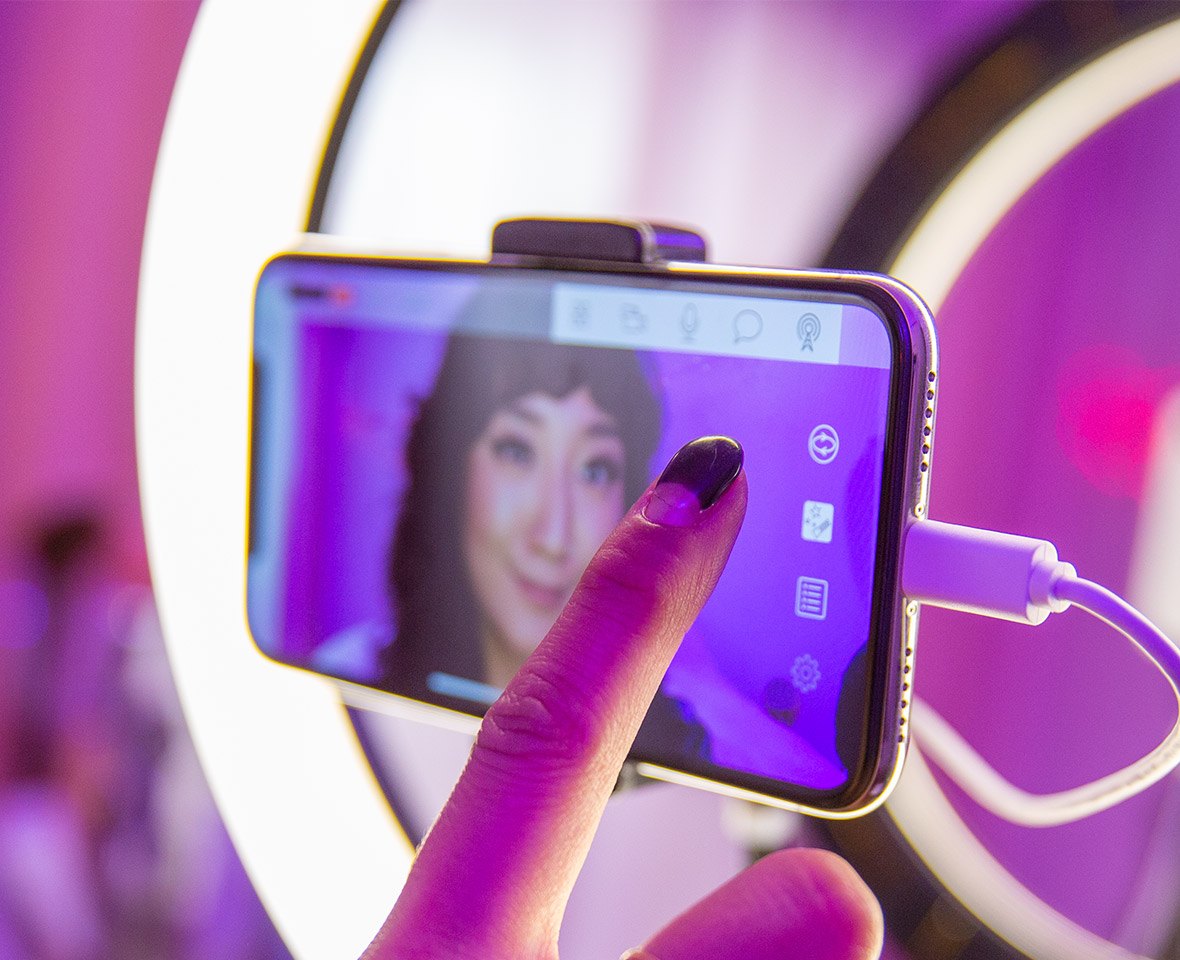
Get the Best Out of Your Smartphone Camera. Select your smartphone’s front or rear camera within the app and add a skin filter, if needed, to soften the look. Portrait or landscape mode is automatically set by your phone’s positioning, while in-camera mirroring displays the proper left/right perspective to your audience. It’s even possible to connect a second smartphone camera over wi-fi, with one-touch switching and support for split-screen views. Version 1.10* of the GO:LIVECAST app supports streaming sound and images from a second phone via its screen record function. This allows gamers to stream live feeds from the second phone while overlaying picture-in-picture from its front-facing camera.
PACKAGE CONTENT
- GO:LIVECAST ×1
- Lightning to USB Micro-B cable ×1
- USB Type-C to USB Micro-B cable ×1
- USB Type-A to USB Micro-B cable ×1
- Leaflet “Quick Start” ×1
- Leaflet “Using the Unit Safely” ×1
SPECIFICATIONS
- Brand: Roland
- Model: GO:LIVECAST
- Type: livestreaming studio for smartphones
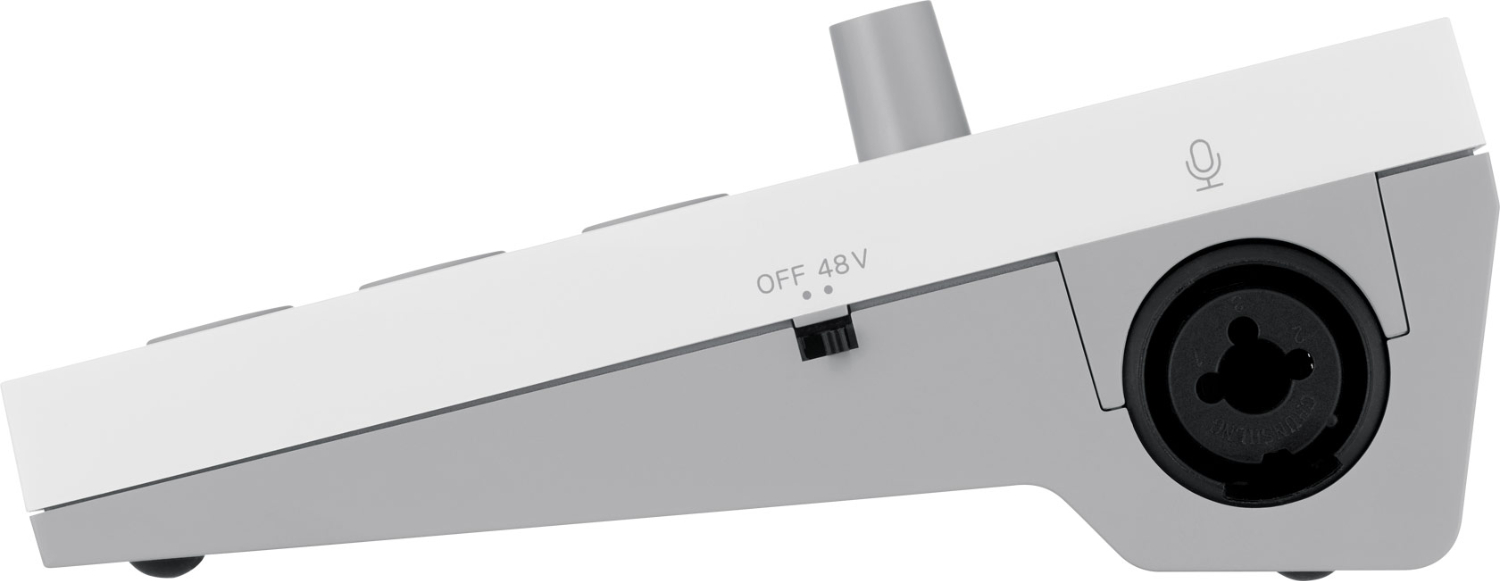
- Mic input: XLR / 1/4″ TRS combo, 48 V phantom
- Line input: 3.5 mm stereo mini jack
- Headphones / headset: 3.5 mm stereo mini jack (CTIA)
- Built-in mic: yes, with reverb
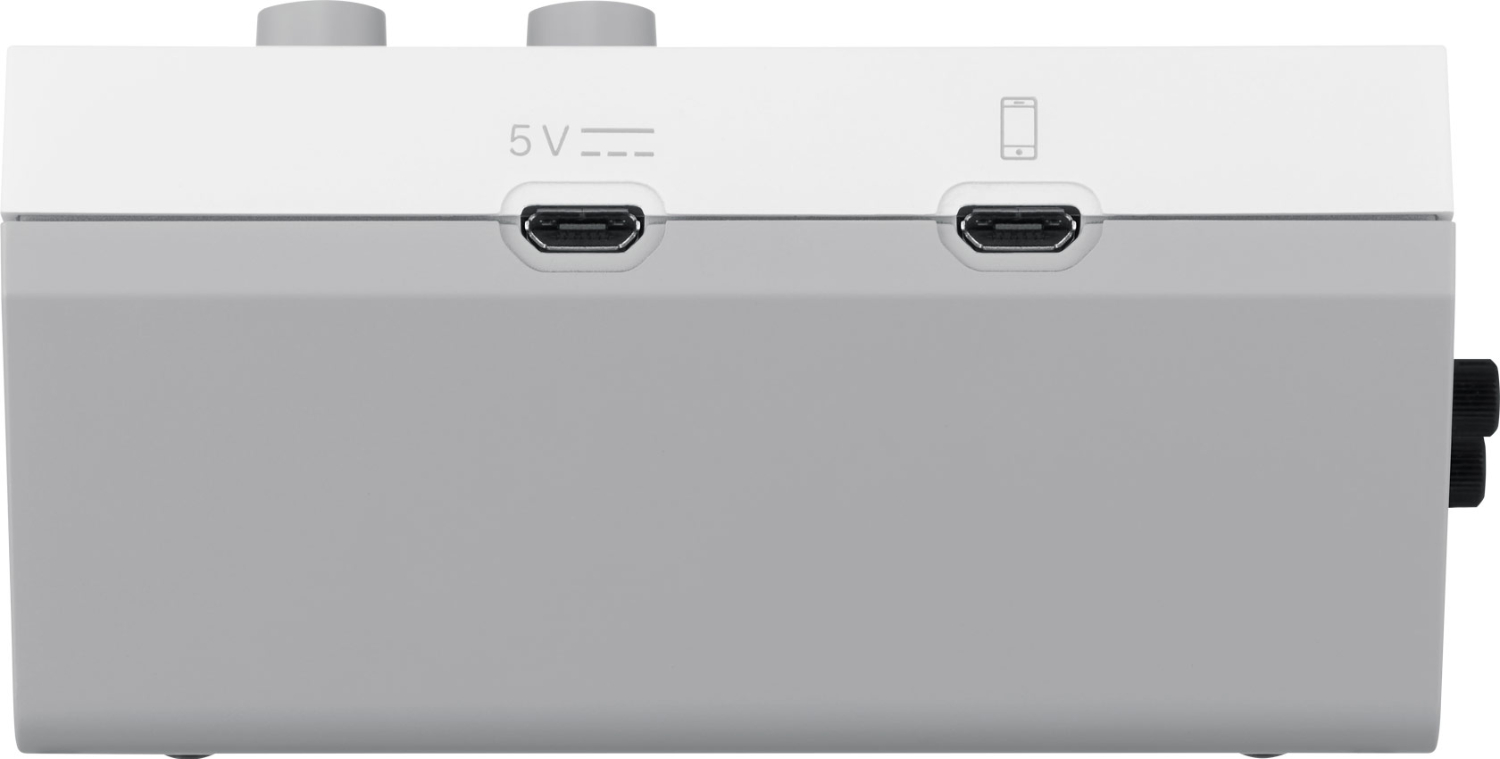
- USB: USB Micro-B ×2 (power, smartphone)
- Controls: MIC, PAD, LINE IN and HEADPHONE knobs, media pads
- Platforms: Facebook Live, Twitch, YouTube and more
- Current draw: 330 mA
- Dimensions: 107 × 138 × 53 mm
- Weight: 180 g (excluding cables)
ACCESSORIES (7)
ACCESSORIES (7)
Roland RMC-B20
The Roland RMC-B20 is a 6 m (20 ft) Black Series balanced microphone cable with heavy-duty
35 €
In stock 2 pcs
Roland RMC-B25
The Roland RMC-B25 is a 7.5 m (25 ft) Black Series balanced microphone cable with
38 €
In stock 2 pcs
Roland RMC-B15
The Roland RMC-B15 is a 4.5 m (15 ft) Black Series balanced microphone cable with
29 €
In stock 2 pcs
Roland RMC-B10
The Roland RMC-B10 is a 3 m (10 ft) Black Series balanced microphone cable with heavy-duty
27 €
In stock 2 pcs
Roland RMC-B3
The Roland RMC-B3 is a 1 m (3 ft) Black Series balanced microphone cable with heavy-duty
20 €
In stock 1 pcs
Roland RMC-B50
The Roland RMC-B50 is a 15 m (50 ft) Black Series balanced microphone cable with
52 €
In stock 1 pcs
Roland RMC-B5
The Roland RMC-B5 is a 1.5 m (5 ft) Black Series balanced microphone cable with heavy-duty
25 €
In stock 1 pcs
News, training, and discounts from Syntex
Special offers and discounts for subscribers only · Free audio & video workshops · News and tips from the world of filmmaking
- Show all
Roland GO:LIVECAST
Although it’s easy to stream live content with your smartphone, making your broadcasts307 €on request