
 CZ
CZ SK
SK HU
HU AT
AT DE
DE ES
ES SI
SI HR
HR
Nothing in the basket.

- Search
-
Login

-
0
Comparison
Add products to compare, then they will appear here and you can compare parameters.
-
0
0 €
Insta360 X5 / X4 Air Quick Reader
SKU: INST750-22
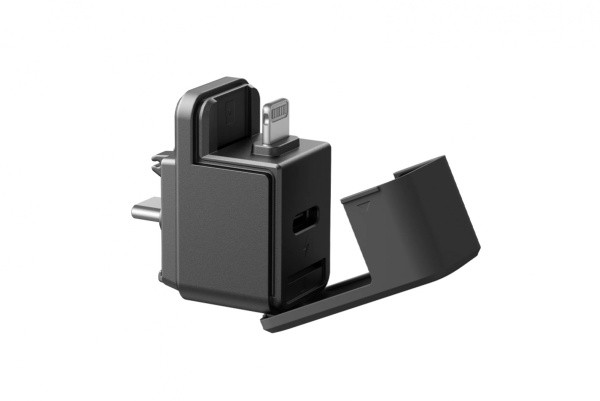
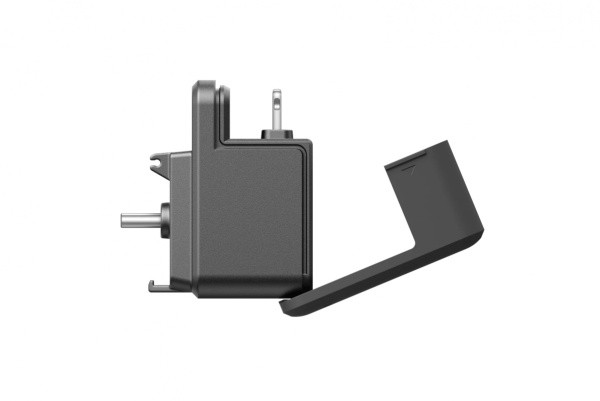
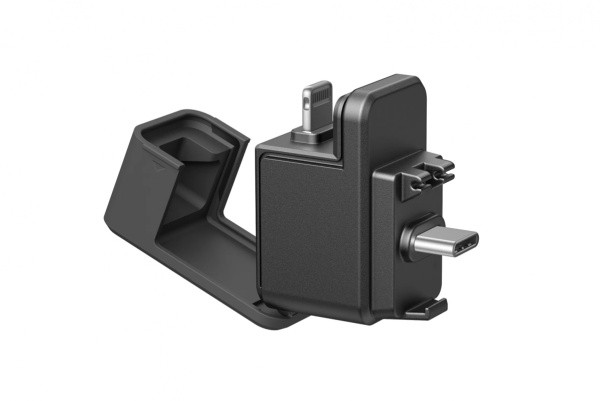
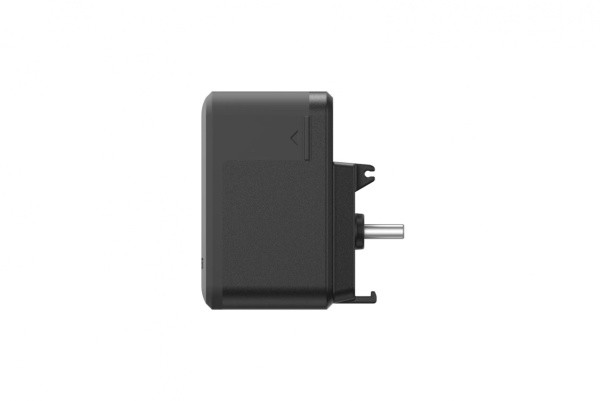
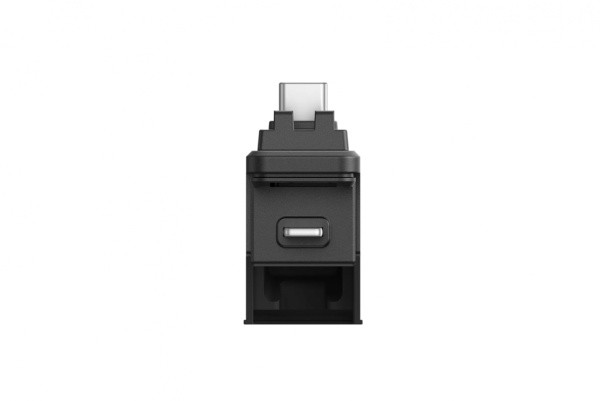
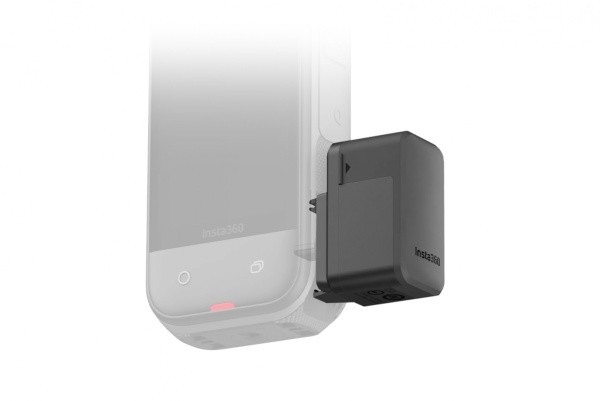
The Insta360 X5/X4 Air Quick Reader plugs into the camera's USB-C port and lets you record footage to an inserted microSD card while filming. Turn on the X5 or X4 Air before connecting; the camera recognizes the reader automatically. To work with a phone or tablet, connect its USB-C or Lightning plug and open files in the Insta360 app without Wi-Fi. The reader's…
28 € with VAT
23.14 € without VAT
Personal pickup within 90 minutes
Shipment day: Today
Shipment day: Today
In stock 1 pcs
Praha 1 pcs
Praha 1 pcs
Top accessories for Insta360 X5 / X4 Air Quick Reader
Exascend Catalyst UHS-I microSD card A2 (V30) 64GB
The Catalyst microSDXC UHS-I card with V30 speed class and A2 application class reads
41 €
In stock > 5 pcs
SanDisk Extreme Pro MicroSD 256GB V30 UHS-I
The SanDisk Extreme PRO microSDXC 256GB delivers ultra‑fast performance with read
86 €
To be sent 4 pcs
Exascend Catalyst UHS-I microSD card A2 (V30) 512GB (with Adapter)
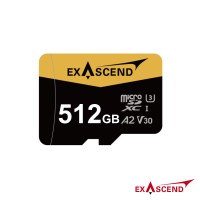
The Catalyst microSDXC UHS-I card with V30 speed class and A2 application class reads
221 €
In stock 2 pcs
Insta360 256GB MicroSDXC Memory Card
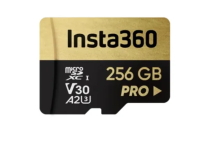
Expand the storage capacity of your Insta360 camera with the Insta360 256GB Memory
35 €
Backordered > 5 pcs
Exascend Catalyst UHS-I microSD card A2 (V30) 1TB
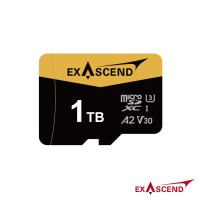
The Catalyst microSDXC UHS-I card with V30 speed class and A2 application class reads
449 €
In stock 1 pcs
Exascend Element UHS-I microSD card(V30) 128GB
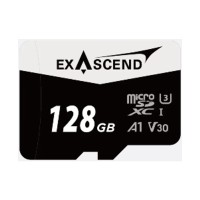
The Element microSDXC UHS-I card with V30 speed class and A1 application class reads
41 €
on request
Product description
SPECIFICATIONS
PACKAGE CONTENT
Product description
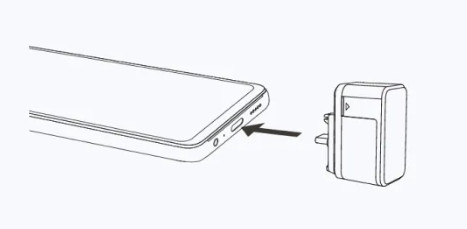
The Insta360 X5/X4 Air Quick Reader plugs into the camera's USB-C port and lets you record footage to an inserted microSD card while filming. Turn on the X5 or X4 Air before connecting; the camera recognizes the reader automatically. To work with a phone or tablet, connect its USB-C or Lightning plug and open files in the Insta360 app without Wi-Fi. The reader's second USB-C port is for phone charging only and does not transfer data. It also has a slot for an additional memory card.
MOBILE TRANSFER AND EXTRA STORAGE
TAKE YOUR FOOTAGE STRAIGHT TO YOUR PHONE
After filming, connect the reader directly to a phone or tablet through USB-C or Lightning and access the card in the Insta360 app. Transfer works without Wi-Fi. The extra USB-C port can charge the phone at the same time, but it does not transfer files.
DIRECT CAMERA CONNECTION FOR X5 AND X4 AIR
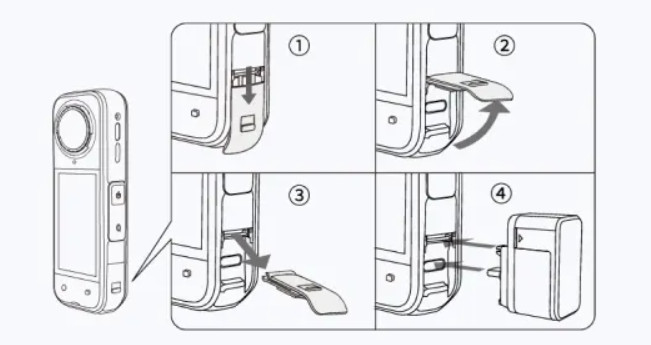
Turn on the camera and open its USB port cover before connecting the reader. The X5 and X4 Air recognize it automatically when inserted. A microSD card in the reader can store footage while recording; disconnecting the reader during recording stops the camera, so leave it connected while filming.
PACKAGE CONTENT
- 1× Insta360 X5/X4 Air Quick Reader
SPECIFICATIONS
- Compatibility: Insta360 X5 and Insta360 X4 Air.
- Phone connection: USB-C or Lightning; the device must support exFAT to access files in the Insta360 app.
- USB-C charging port: charges a phone; it does not transfer files.
- Supported card: microSD UHS-I, V30 or higher, exFAT, up to 1 TB. UHS-II and UHS-III cards are not recommended for the X5.
- Reference read speed: approximately 60–85 MB/s on a phone and 70–80 MB/s on a computer through USB-C 3.0; actual speed depends on the device and card.
Parameters
Parameters
| Manufacturer: | Insta360 |
| Category: | Accessories |
Main parameters
| Colour | Black |
| For camera | Insta360 X5 · Insta360 X4 Air |
| Functions | Memory card reader |
ACCESSORIES (6)
ACCESSORIES (6)
Exascend Catalyst UHS-I microSD card A2 (V30) 64GB
The Catalyst microSDXC UHS-I card with V30 speed class and A2 application class reads
41 €
In stock > 5 pcs
SanDisk Extreme Pro MicroSD 256GB V30 UHS-I
The SanDisk Extreme PRO microSDXC 256GB delivers ultra‑fast performance with read
86 €
To be sent 4 pcs
Exascend Catalyst UHS-I microSD card A2 (V30) 512GB (with Adapter)
The Catalyst microSDXC UHS-I card with V30 speed class and A2 application class reads
221 €
In stock 2 pcs
Insta360 256GB MicroSDXC Memory Card
Expand the storage capacity of your Insta360 camera with the Insta360 256GB Memory
35 €
Backordered > 5 pcs
Exascend Catalyst UHS-I microSD card A2 (V30) 1TB
The Catalyst microSDXC UHS-I card with V30 speed class and A2 application class reads
449 €
In stock 1 pcs
Exascend Element UHS-I microSD card(V30) 128GB
The Element microSDXC UHS-I card with V30 speed class and A1 application class reads
41 €
on request
DOCUMENTS (1)
DOCUMENTS
News, training, and discounts from Syntex
Special offers and discounts for subscribers only · Free audio & video workshops · News and tips from the world of filmmaking
- Show all
Insta360 X5 / X4 Air Quick Reader
The Insta360 X5/X4 Air Quick Reader plugs into the camera's USB-C port and lets you28 €In stock 1 pcs