
 CZ
CZ SK
SK HU
HU AT
AT DE
DE ES
ES SI
SI HR
HR
Nothing in the basket.

- Search
-
Login

-
0
Comparison
Add products to compare, then they will appear here and you can compare parameters.
-
0
0 €
Insta360 X5 ND64 Filter Set (2 Pieces)


SKU: INST750-24
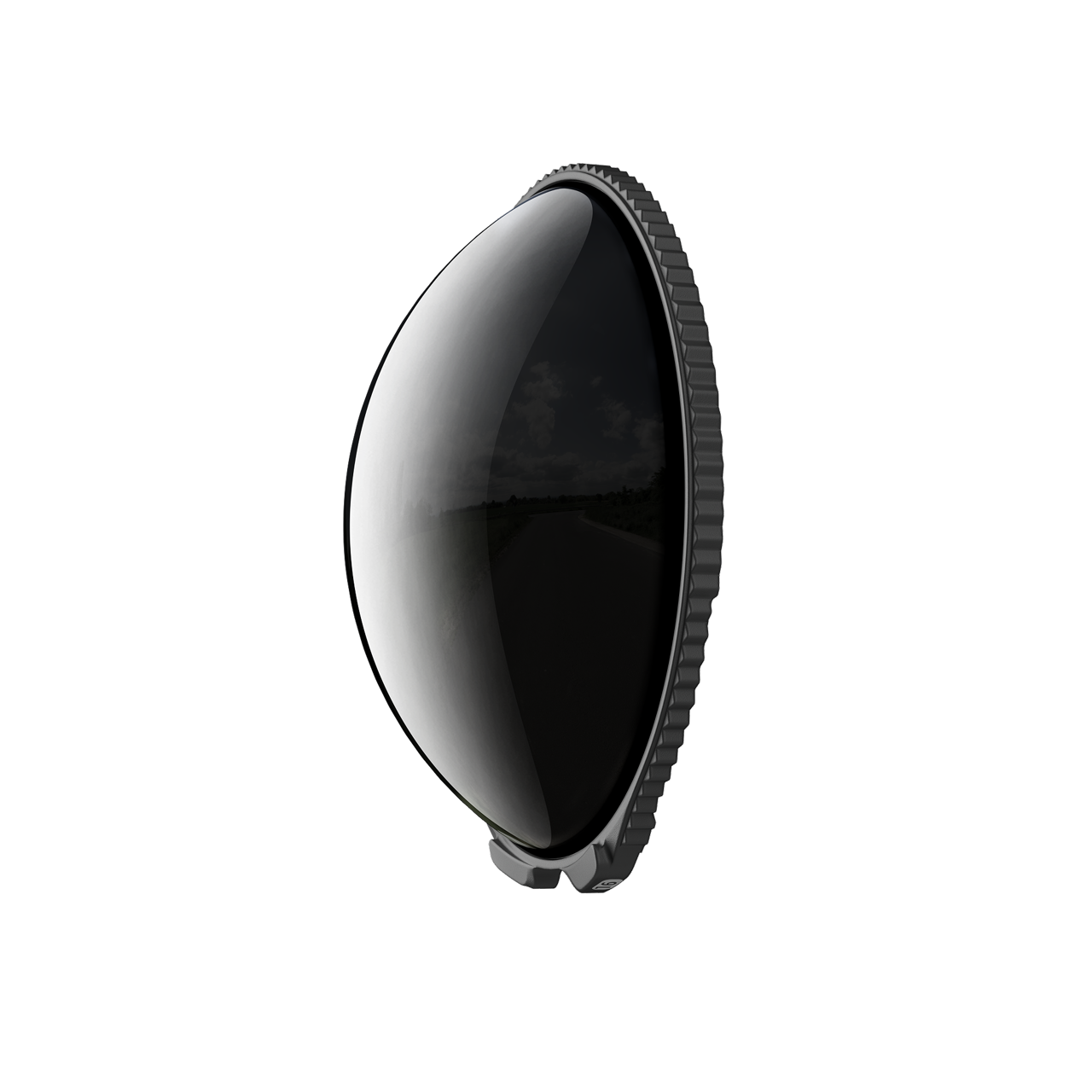
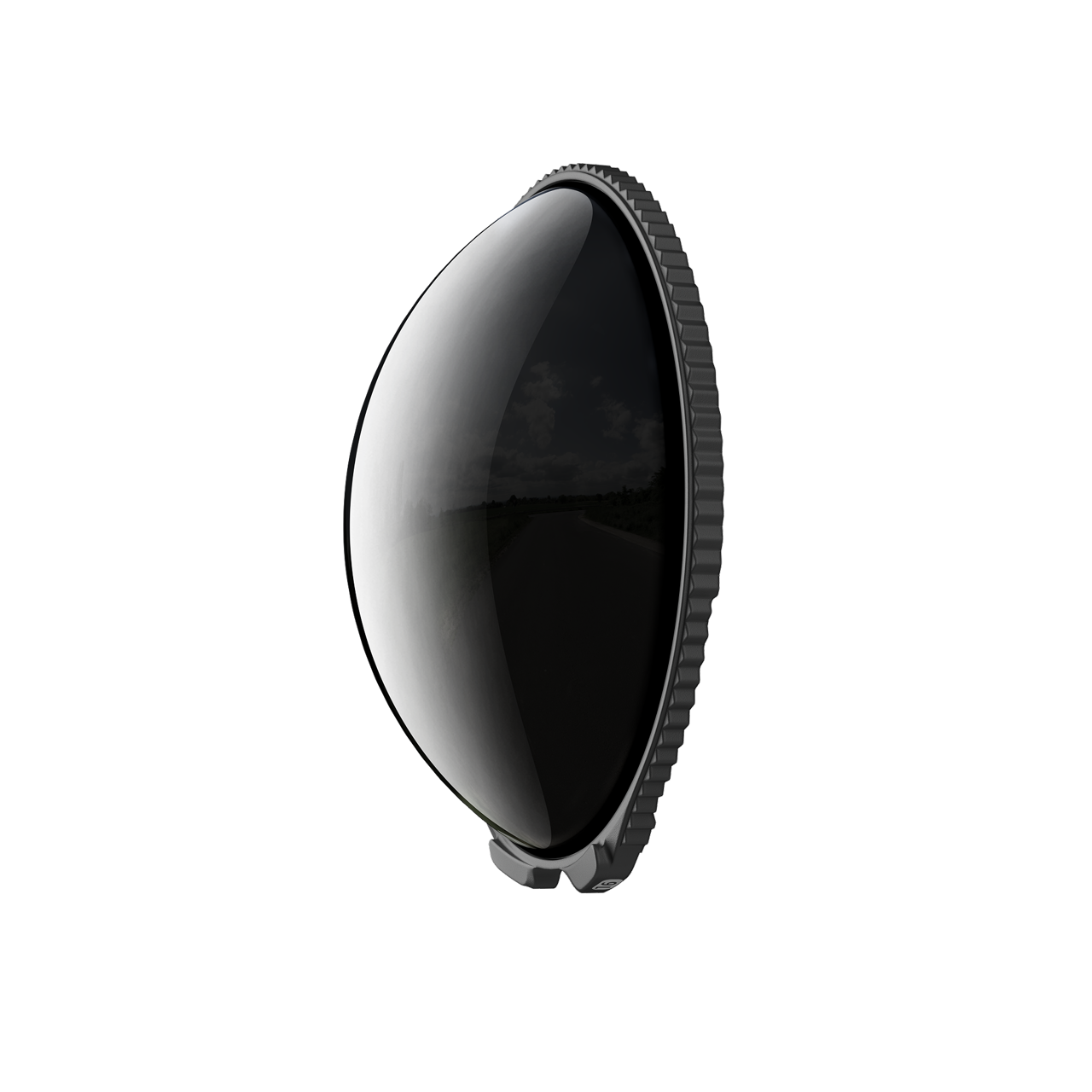
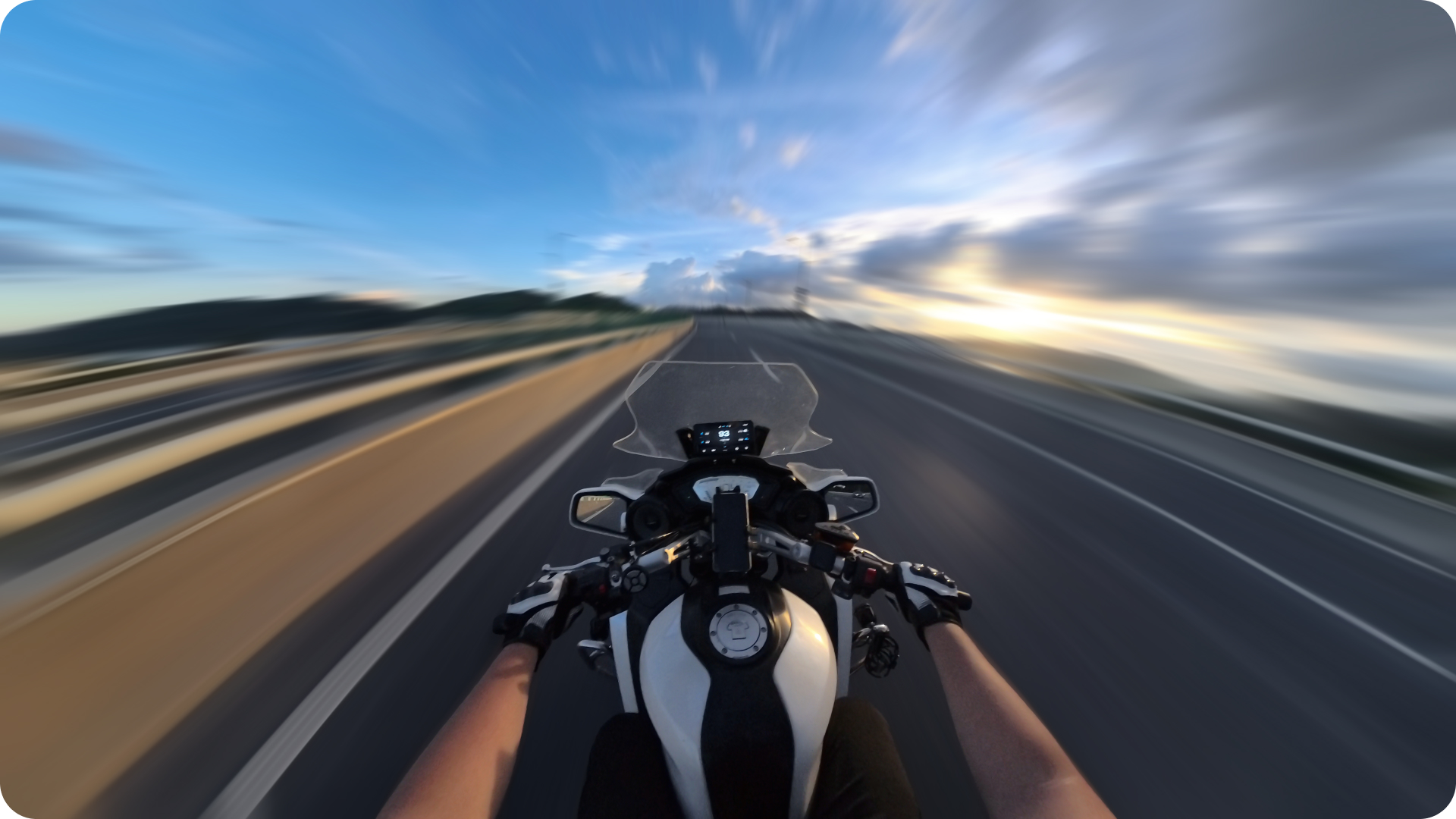
The pair of ND64 filters reduces incoming light by 6 stops. In bright daylight, this helps you use a longer shutter speed and capture more natural motion blur in 360° footage.
68 € with VAT
56.2 € without VAT
Availability
on request
Product description
SPECIFICATIONS
PACKAGE CONTENT
Product description
The pair of ND64 filters reduces incoming light by 6 stops. In bright daylight, this helps you use a longer shutter speed and capture more natural motion blur in 360° footage.
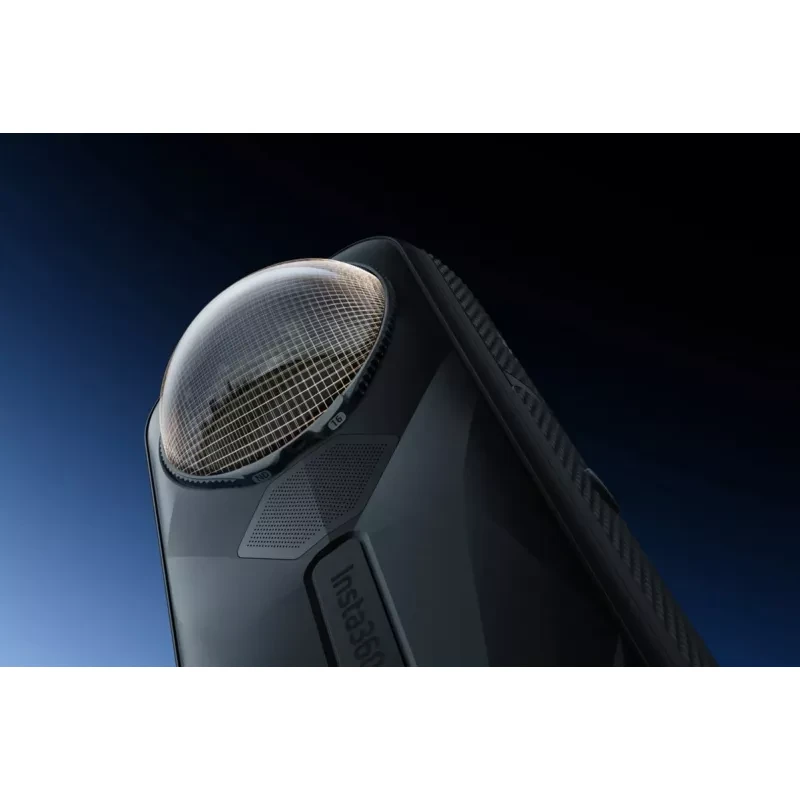
The filters are designed for Insta360 X5 and X4 Air, with one filter fitted to each lens.
ND64 FILTERS FOR X5
This pair of ND64 filters for Insta360 X5 and X4 Air reduces incoming light by six stops. In bright conditions, that lets you use a slower shutter speed to capture more natural motion blur. Fit one filter to each lens.
SIX STOPS FOR BRIGHT CONDITIONS
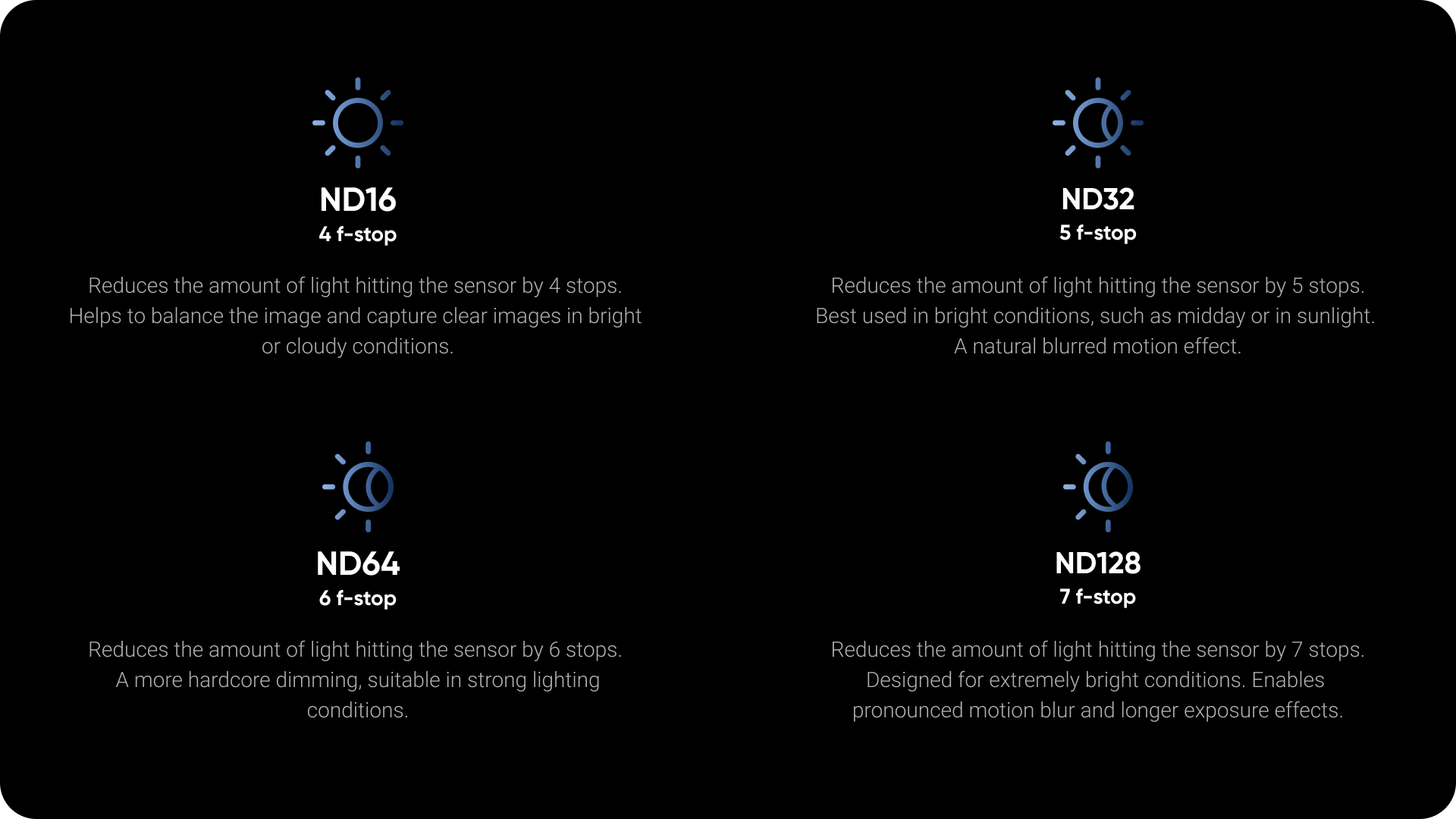
ND64 suits sunny and cloudy days. The comparison graphic shows how ND16, ND32, ND64 and ND128 differ; for very bright midday conditions, Insta360 recommends the stronger ND128 on X5.
USE AND CORRECT INSTALLATION
ND64 can create natural motion blur in moving footage. Fit the filter to a clean, dry lens and turn it clockwise until fully seated. After the camera detects it, manually select the matching filter model on screen for accurate image correction. The filter is not fully sealed: keep it dry and do not use it in rain or water.
PACKAGE CONTENT
- Insta360 X5 ND64 filter ×2
- Filter storage case ×1
- Lens cleaning cloth ×1
SPECIFICATIONS
- Compatibility: Insta360 X5, Insta360 X4 Air
- Density: ND64
- Light reduction: 6 stops
- Number of filters: 2
- Installation: turn clockwise until fully seated
- Image correction: manually select the filter model after detection
- Caution: not fully sealed; keep dry
- SKU: INST750-24
Alternative (2)
Alternative (2)
Insta360 Set of Two ND32 Filters for X5
The two-piece ND32 filter set for the Insta360 X5 cuts light by 5 stops. Suited to
68 €
on request
Insta360 Set of Two ND16 Filters for the X5
The two-piece ND16 filter set for the Insta360 X5 cuts light by 4 stops. A versatile
68 €
on request


News, training, and discounts from Syntex
Special offers and discounts for subscribers only · Free audio & video workshops · News and tips from the world of filmmaking
- Show all
Insta360 X5 ND64 Filter Set (2 Pieces)
The pair of ND64 filters reduces incoming light by 6 stops. In bright daylight, this68 €on request
Insta360 X3 Invisible Dive Case V2
The Insta360 X3 Invisible Dive Case V2 lets you capture 360° footage down to 50 m.113 €on request