
 CZ
CZ SK
SK HU
HU AT
AT DE
DE ES
ES SI
SI HR
HR
Nothing in the basket.

- Search
-
Login

-
0
Comparison
Add products to compare, then they will appear here and you can compare parameters.
-
0
0 €
Insta360 Ace Series Mic Adapter
SKU: INST120-07
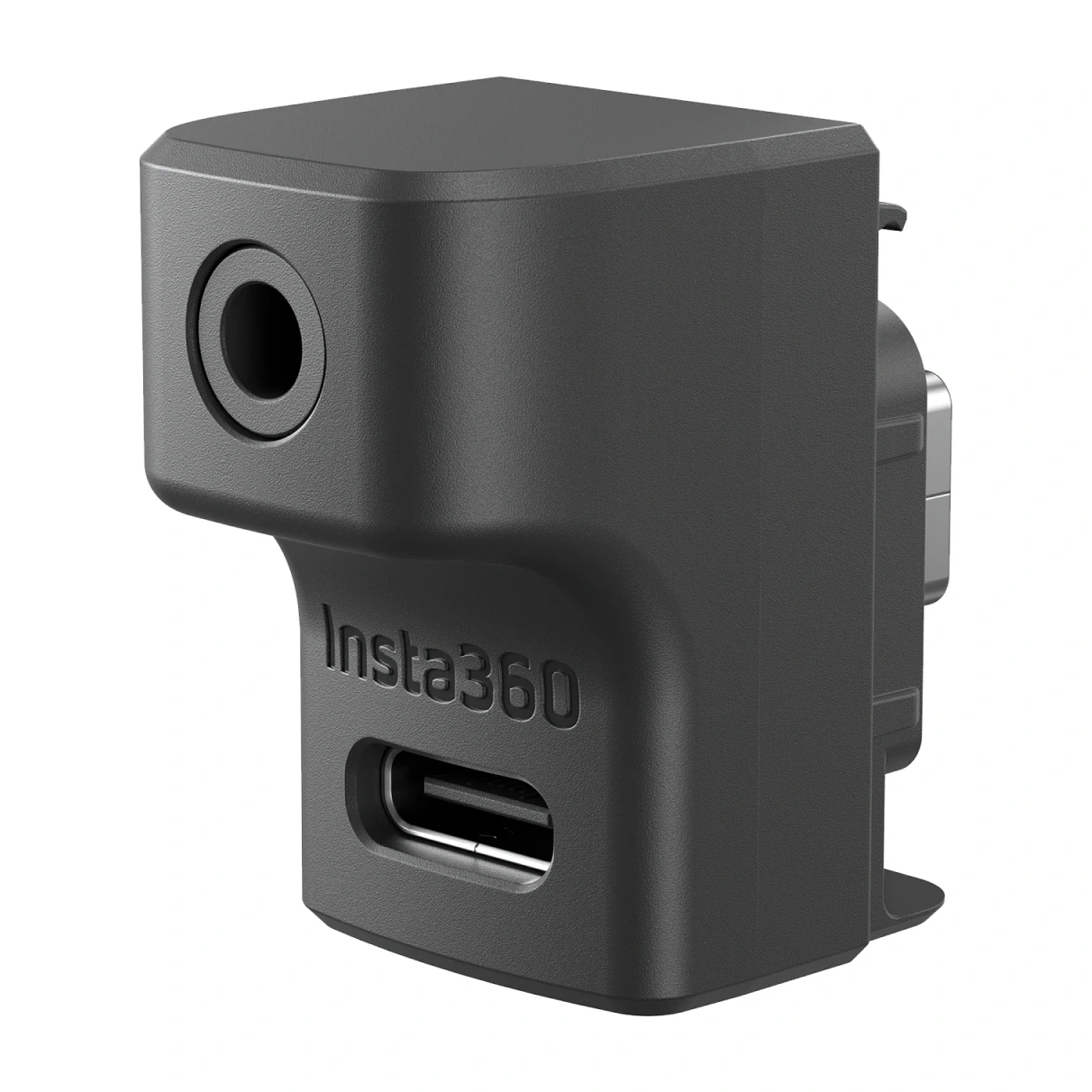
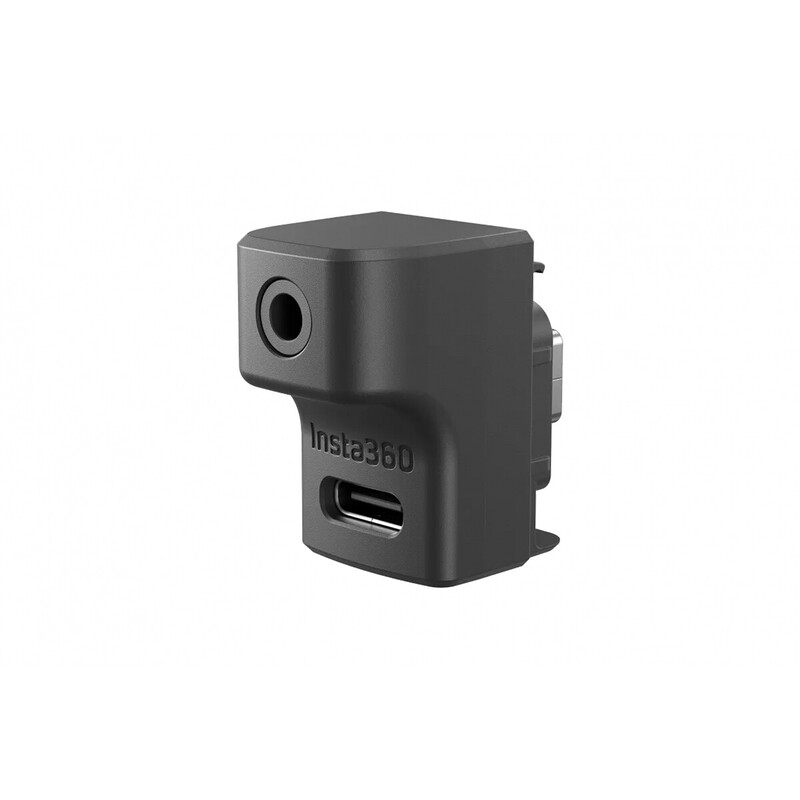
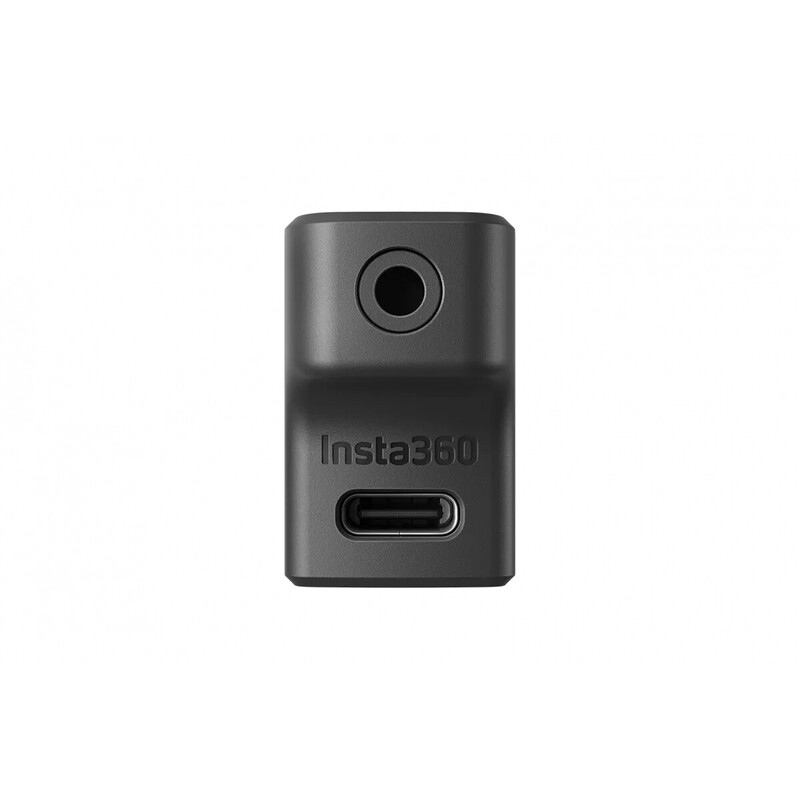
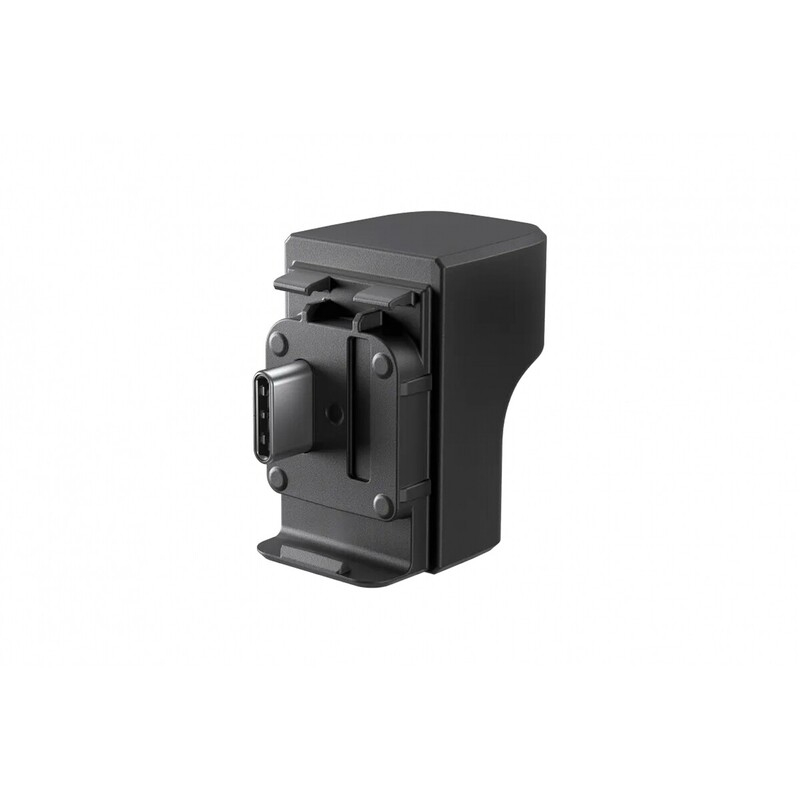
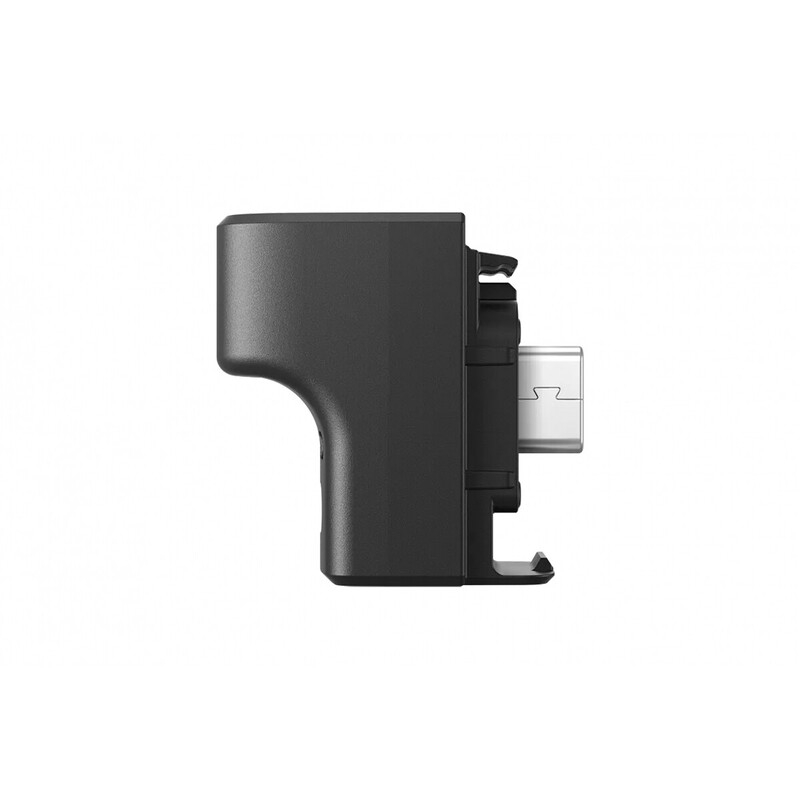
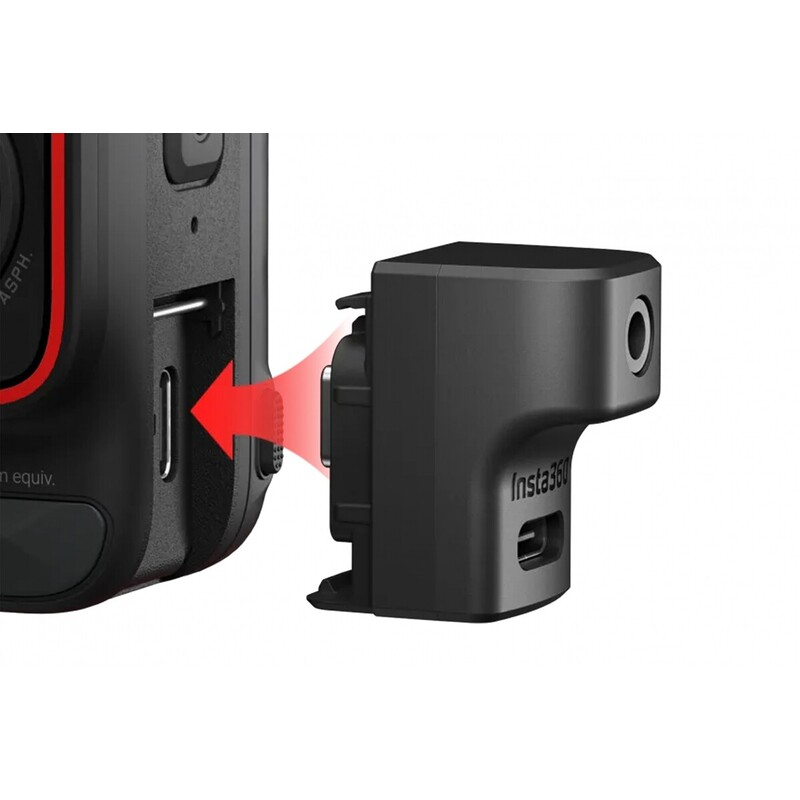
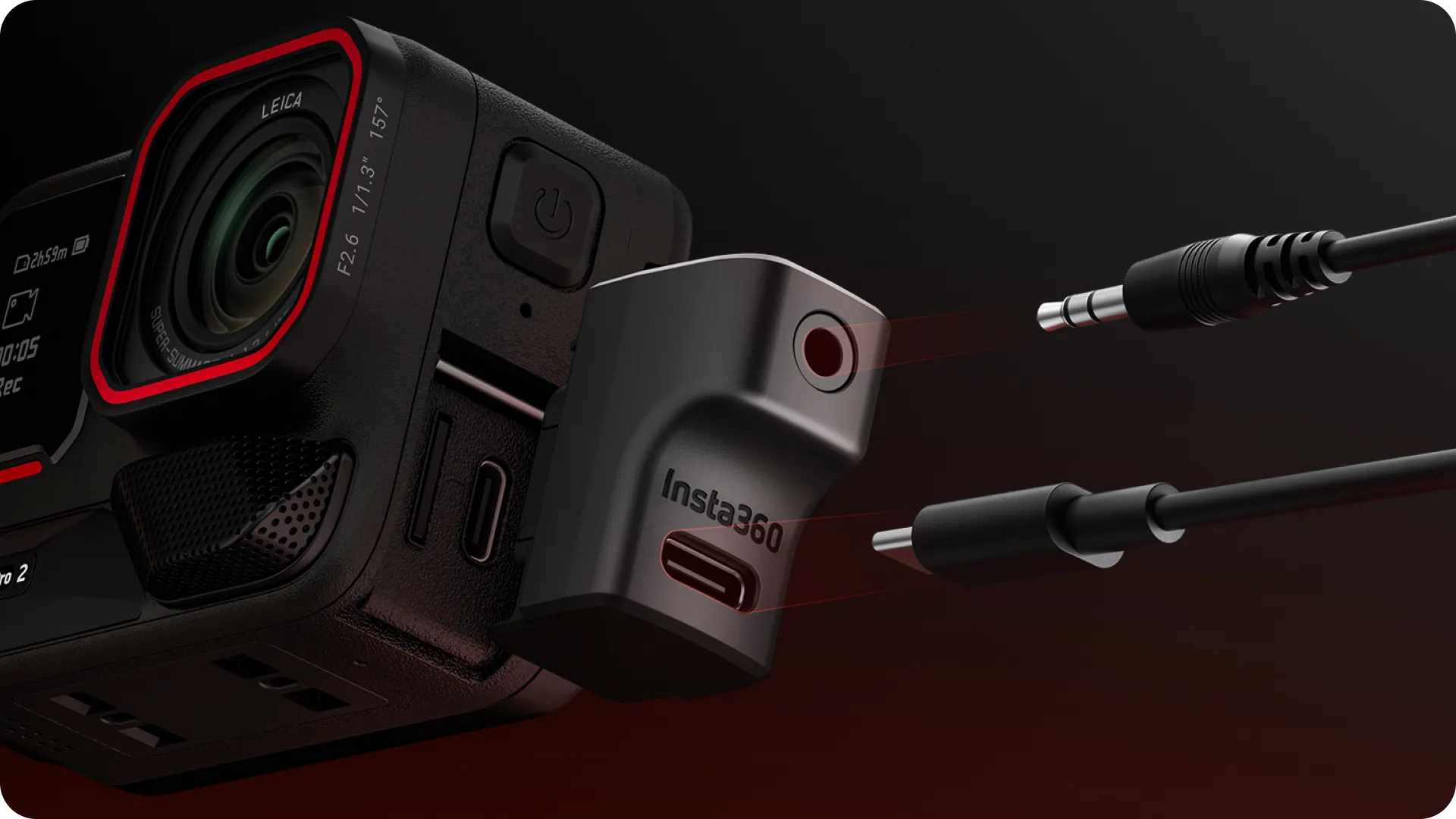
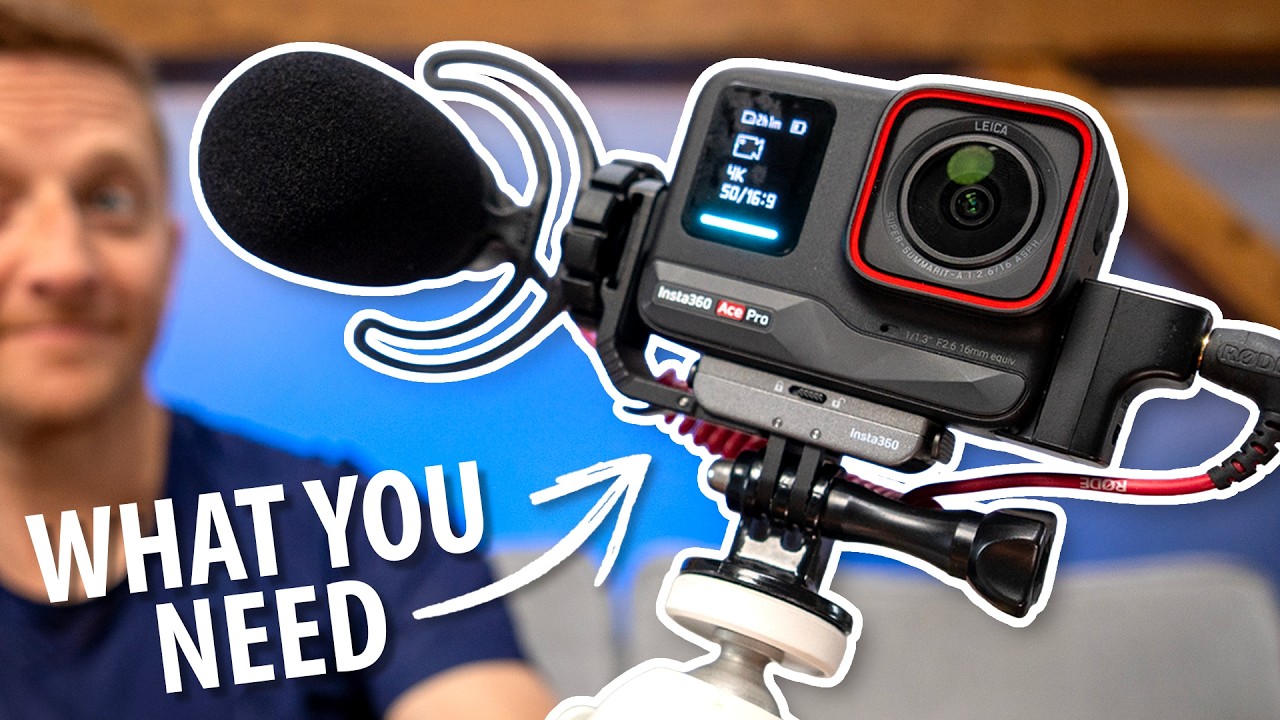
The Insta360 Ace Series Adapter connects an external microphone with a 3.5mm connector to the Insta360 Ace, Ace Pro, and Ace Pro 2 cameras. A separate USB-C port allows you to charge the camera while recording. Plug the adapter into the camera’s USB-C port and connect the microphone to the 3.5mm jack.
24 € with VAT
19.83 € without VAT
Personal pickup within 90 minutes
Shipment day: Today
Shipment day: Today
In stock 1 pcs
Praha 1 pcs
Praha 1 pcs
Product description
SPECIFICATIONS
PACKAGE CONTENT
Product description
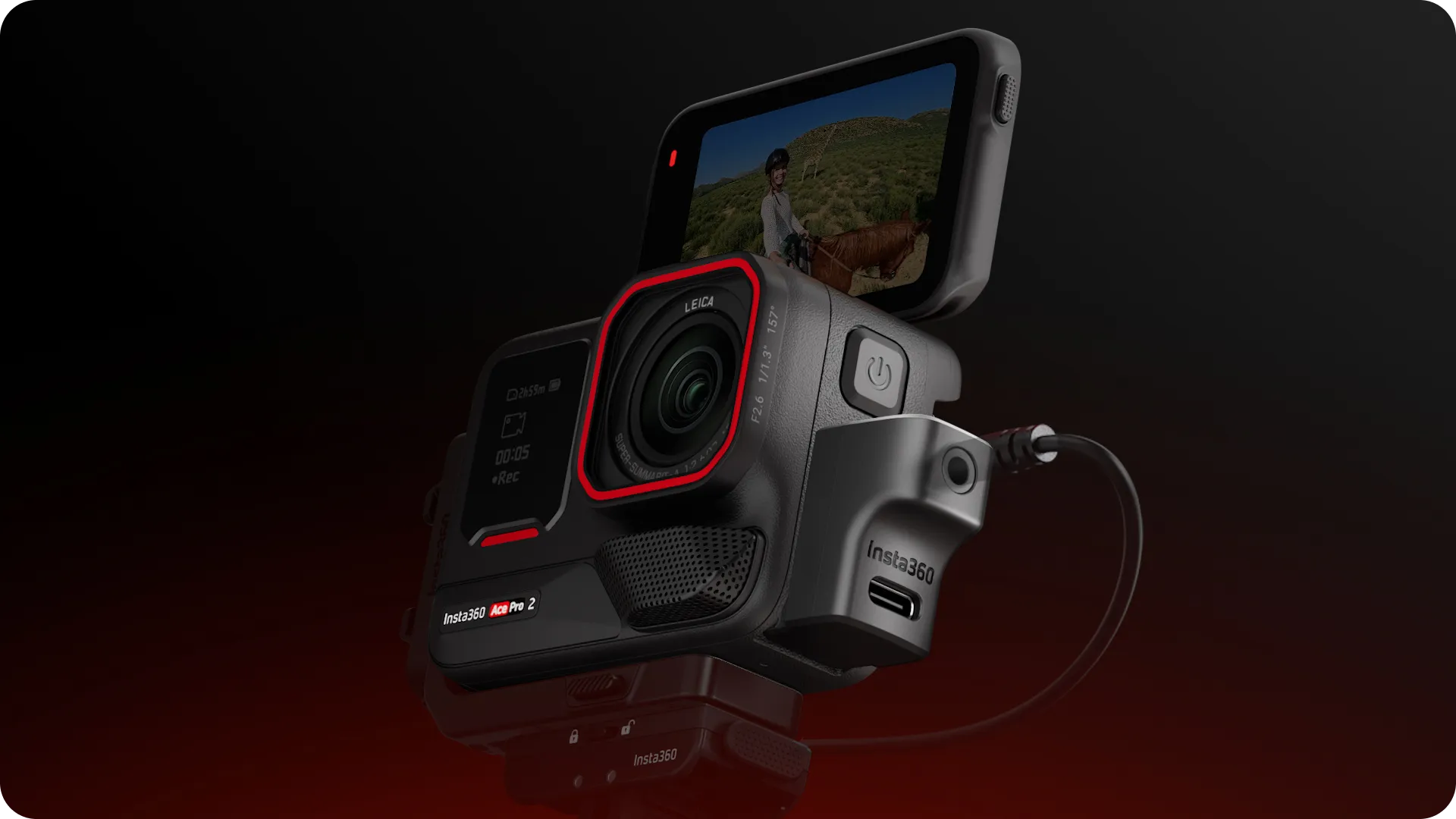
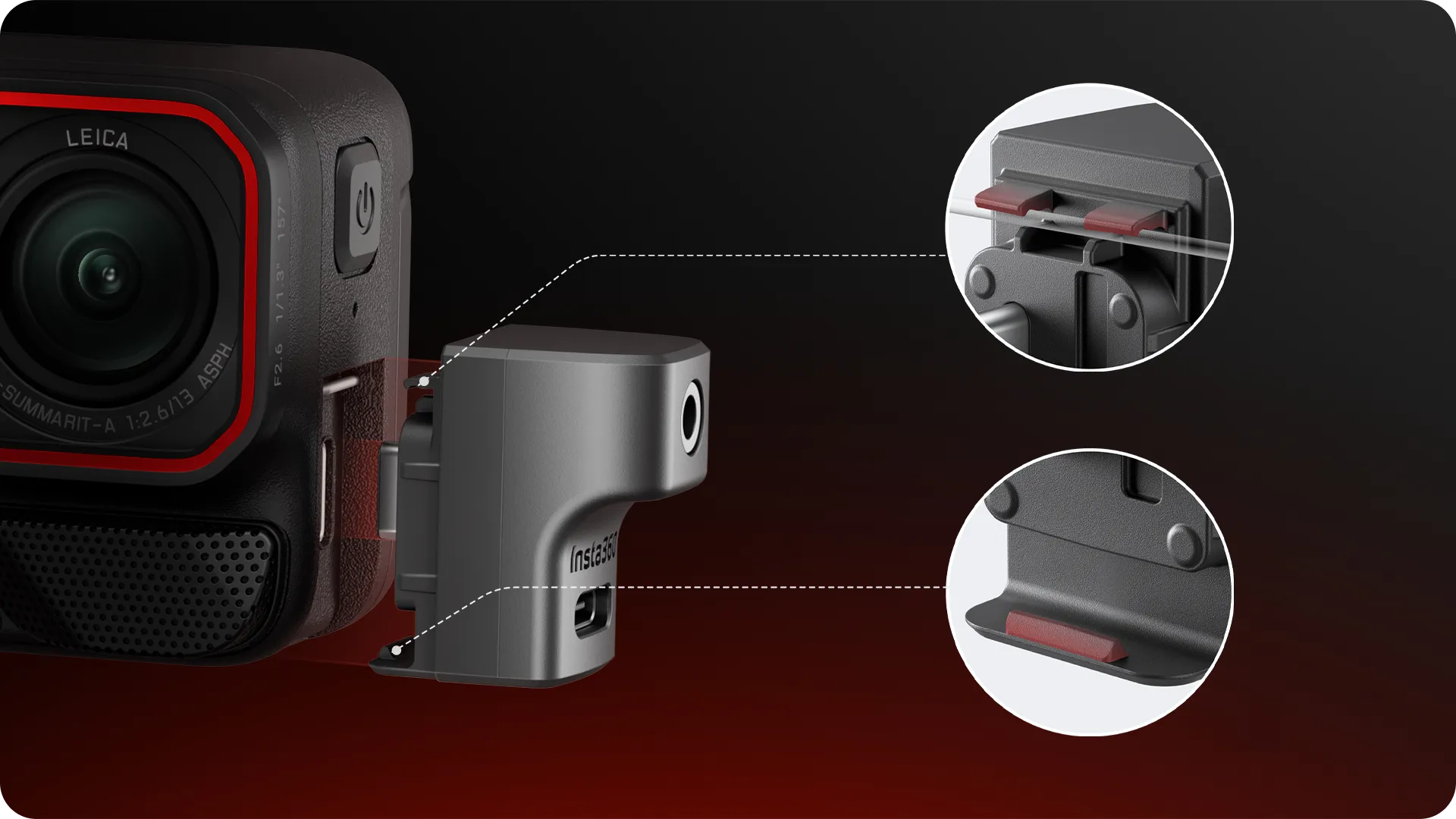
The Insta360 Ace Series Adapter connects an external microphone with a 3.5mm connector to the Insta360 Ace, Ace Pro, and Ace Pro 2 cameras. A separate USB-C port allows you to charge the camera while recording. Plug the adapter into the camera’s USB-C port and connect the microphone to the 3.5mm jack.
Insta360 Ace Series
External Microphone and Simultaneous Charging
The adapter adds a 3.5mm input for an external microphone and a separate USB-C port for charging the camera. It works with the Insta360 Ace, Ace Pro, and Ace Pro 2.
Two separate connectors
Plug the microphone into the 3.5mm audio jack. The USB-C port on the adapter is used to power the camera while using an external microphone.
Direct connection to the camera
Remove the camera’s USB-C cover, firmly insert the adapter into the connector, and make sure it’s secure. Then plug the microphone cable into the 3.5mm input.
PACKAGE CONTENT
- 1× Insta360 Ace Series Microphone Adapter
SPECIFICATIONS
- Compatibility: Insta360 Ace, Ace Pro, and Ace Pro 2
- Microphone input: 3.5mm audio jack
- Charging port: USB-C; charges the camera while the microphone is in use
- Material: Plastic
- Dimensions: 28.2 × 28.2 × 18.2 mm
- Weight: 7 g
Parameters
Parameters
| Manufacturer: | Insta360 |
| Category: | Accessories |
Main parameters
| Colour | Black |
| Materials | Plastic |
| For camera | Insta360 Ace Pro 2 · Insta360 Ace Pro · Insta360 Ace |
| Dimensions | 28.2x28.2x18.2mm |
| Weight | 7g |
| Functions | Microphone adapter |
Alternative (1)
Alternative (1)
Insta360 Ace Pro 2/ Ace Pro/ Ace - Microphone Adapter
The Insta360 Microphone Adapter (INST130-07) allows you to connect an external microphone
24 €
In stock 1 pcs
News, training, and discounts from Syntex
Special offers and discounts for subscribers only · Free audio & video workshops · News and tips from the world of filmmaking
- Show all
Insta360 Ace Series Mic Adapter
The Insta360 Ace Series Adapter connects an external microphone with a 3.5mm connector24 €In stock 1 pcs