
 CZ
CZ SK
SK HU
HU AT
AT DE
DE ES
ES SI
SI HR
HR
Nothing in the basket.

- Search
-
Login

-
0
Comparison
Add products to compare, then they will appear here and you can compare parameters.
-
0
0 €
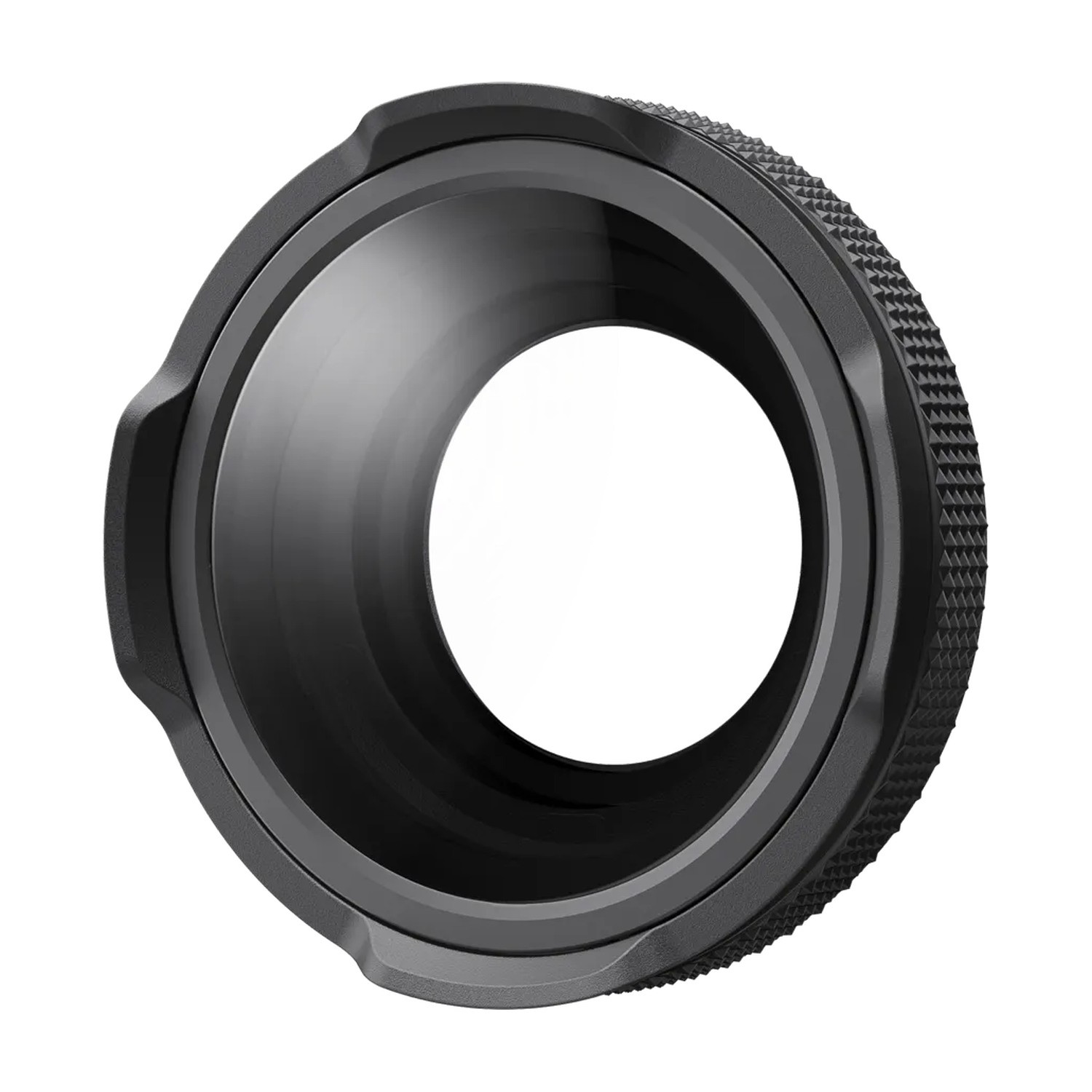
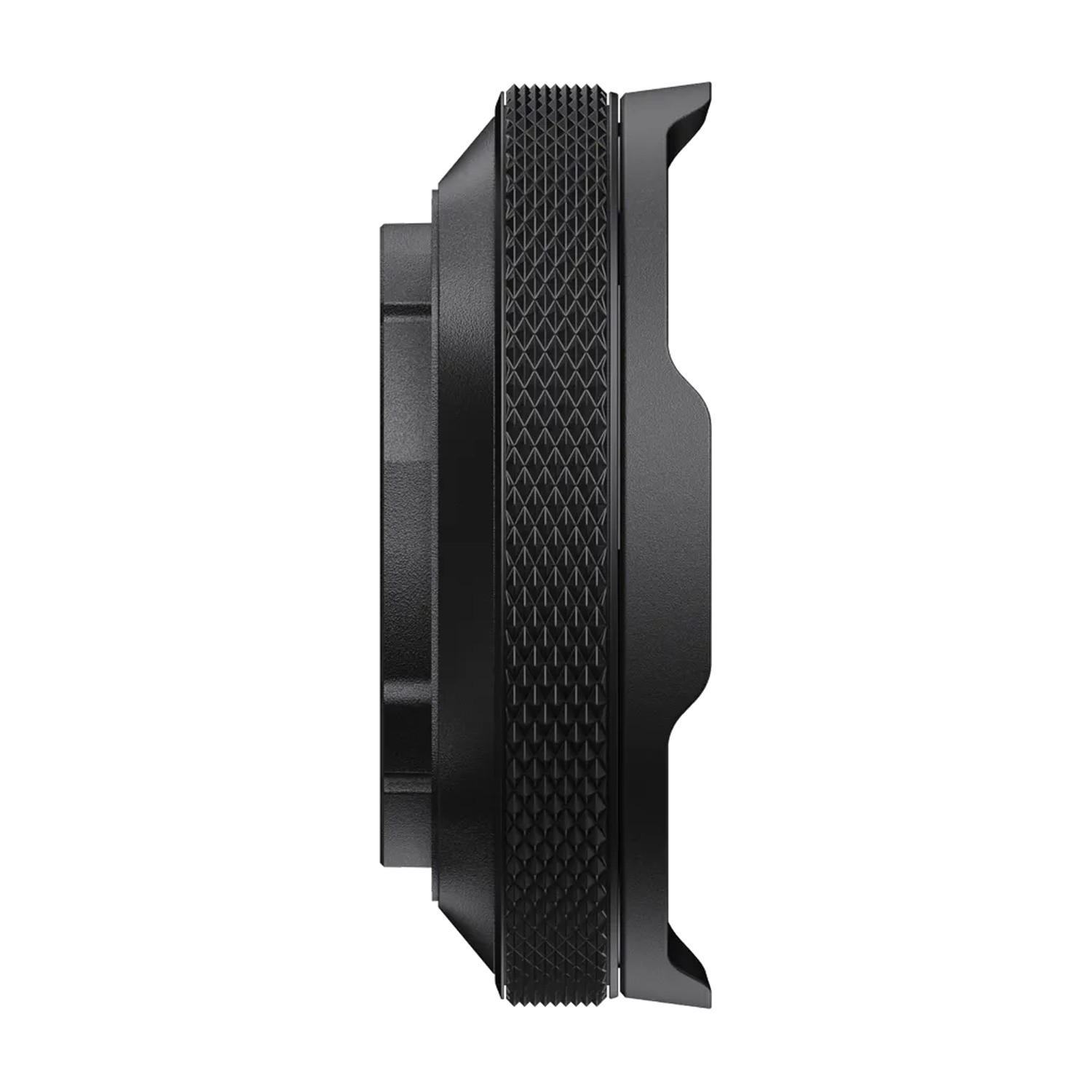
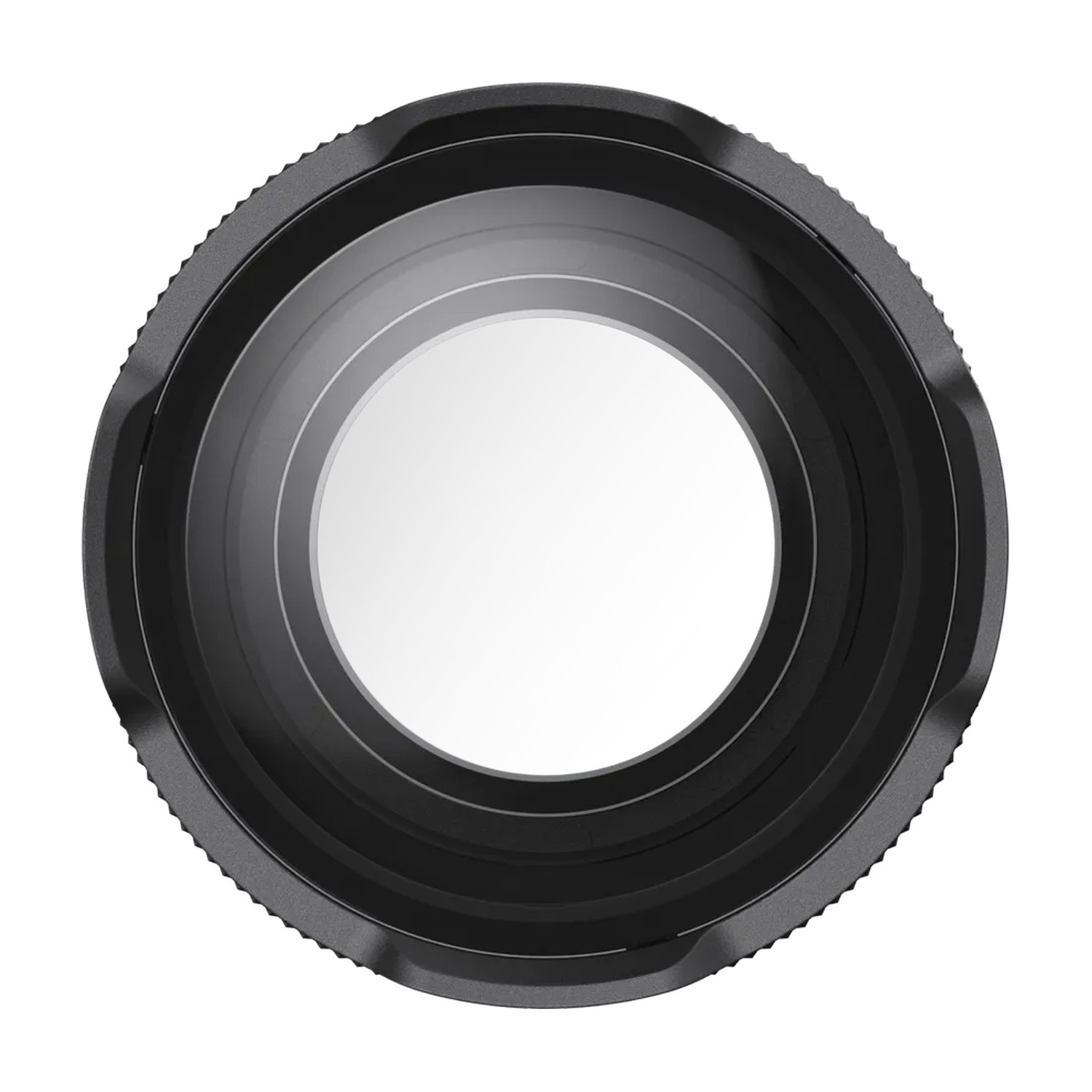
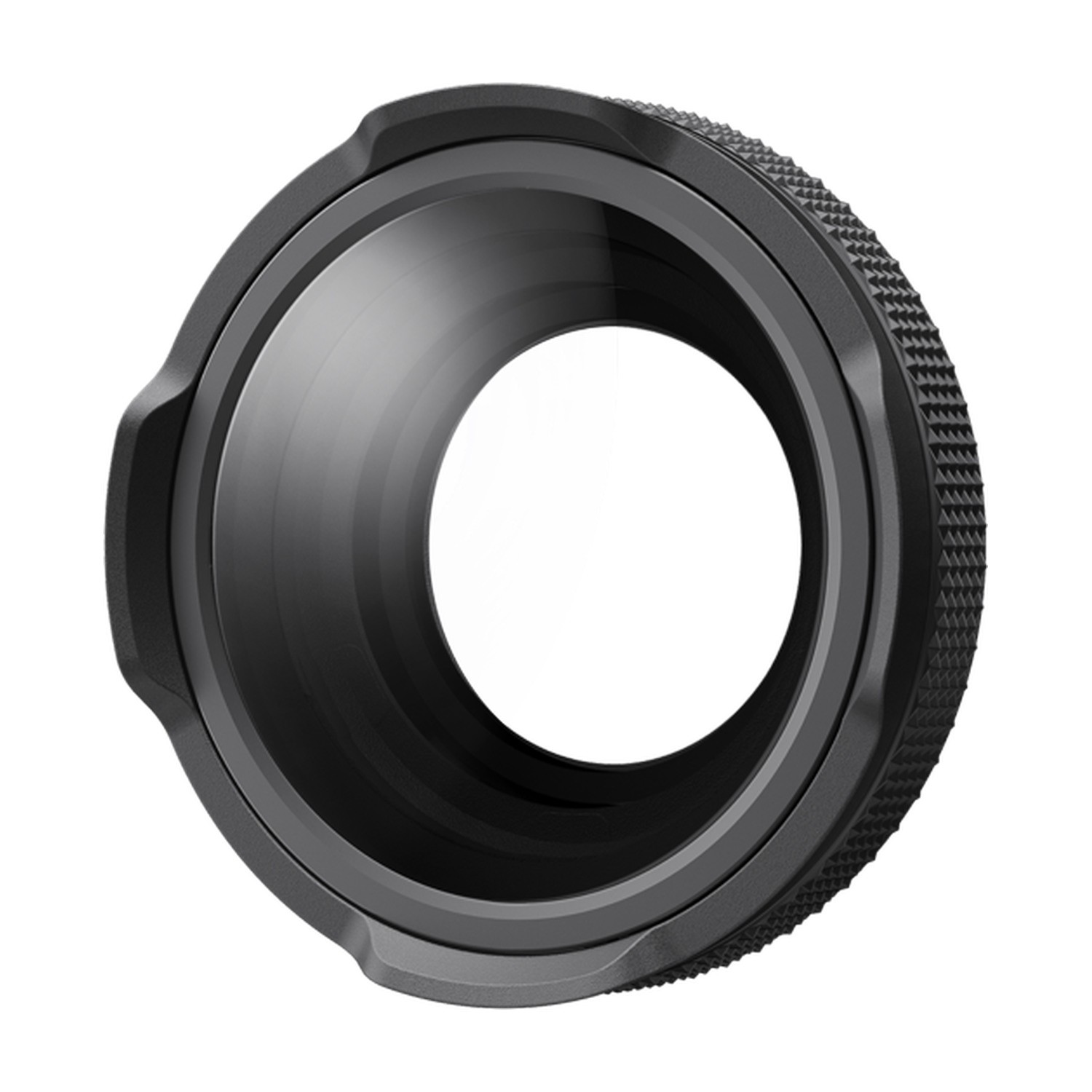
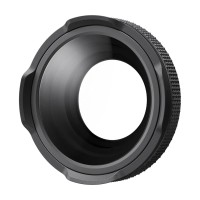
Insta360 Ace Pro 2 Macro Lens
SKU: INST130-30
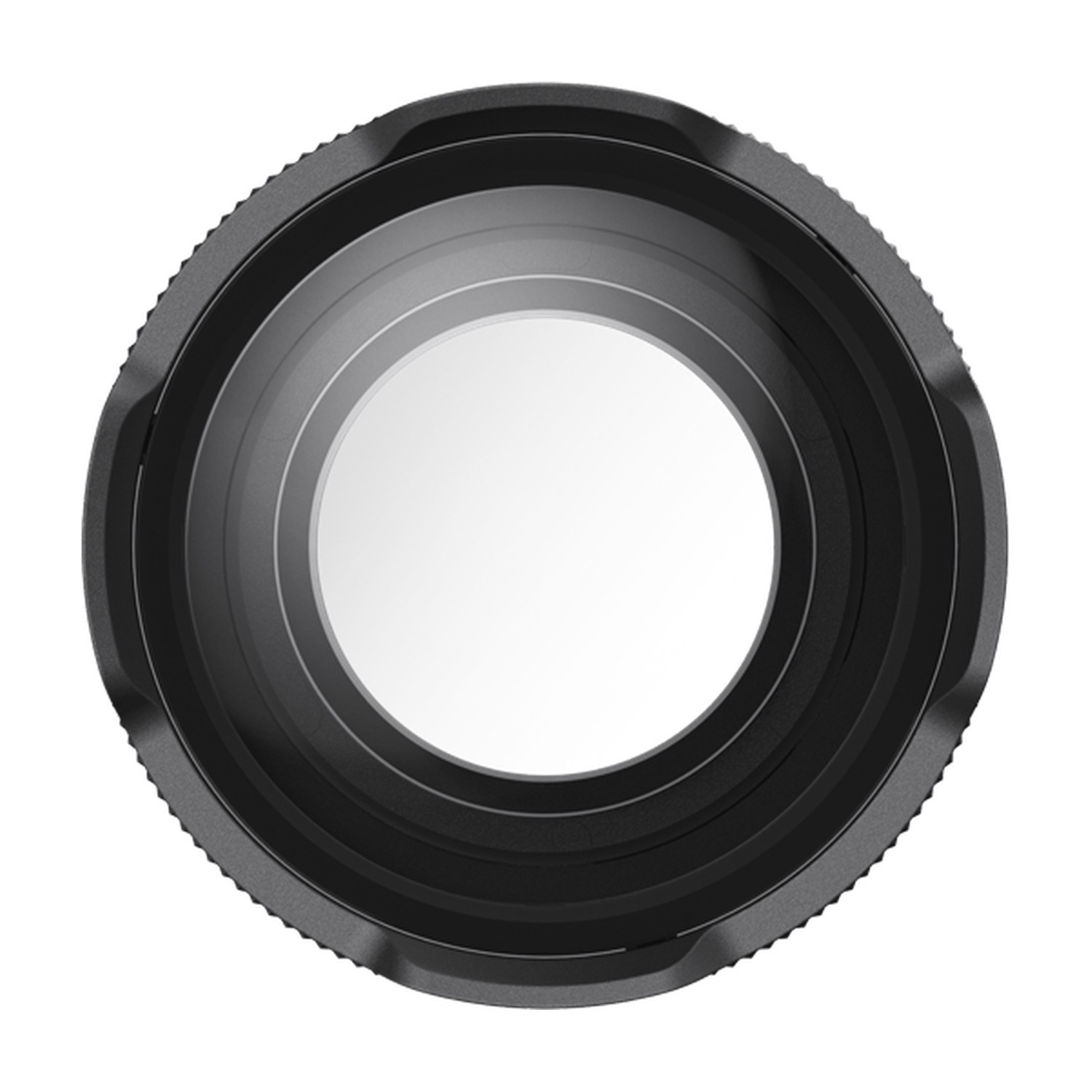
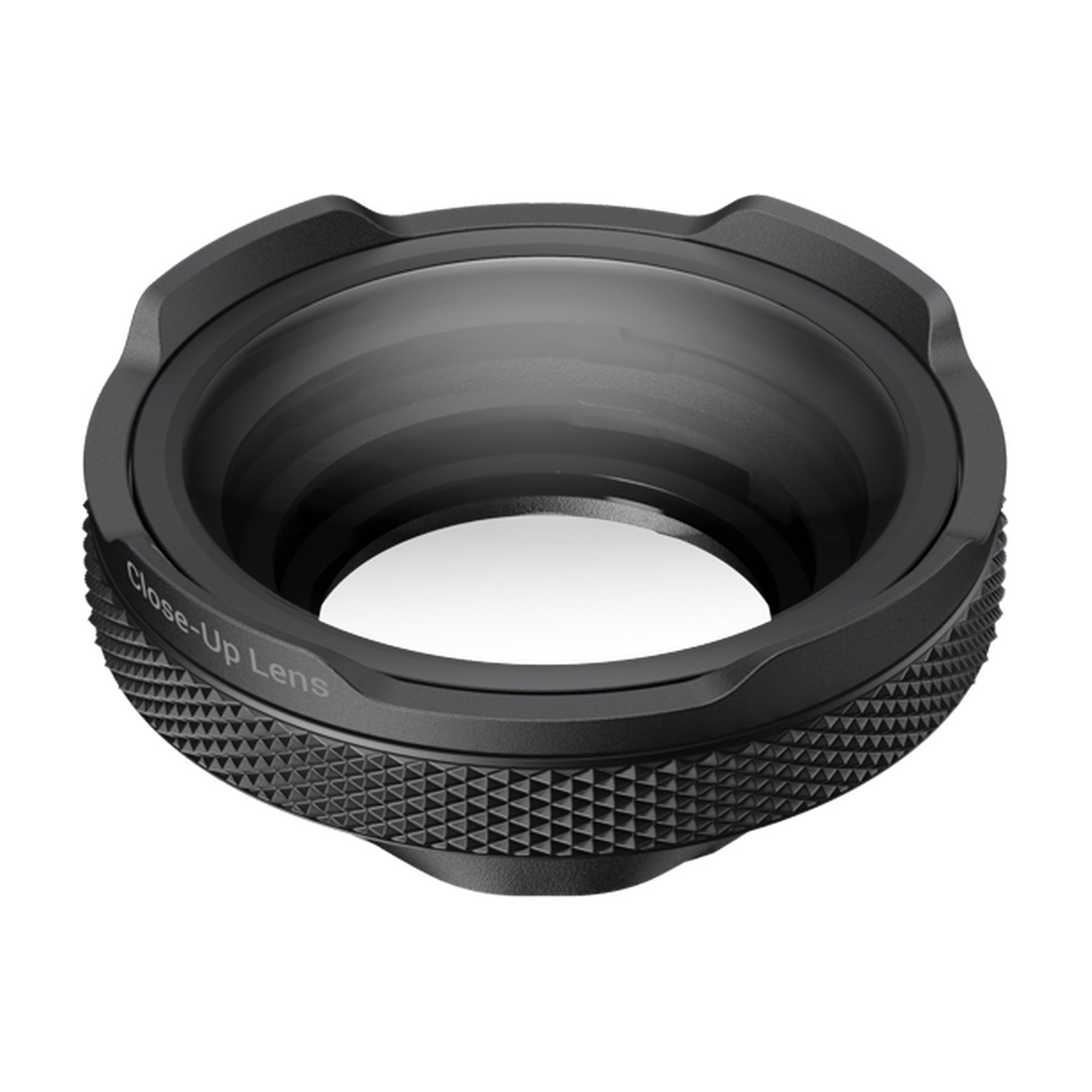
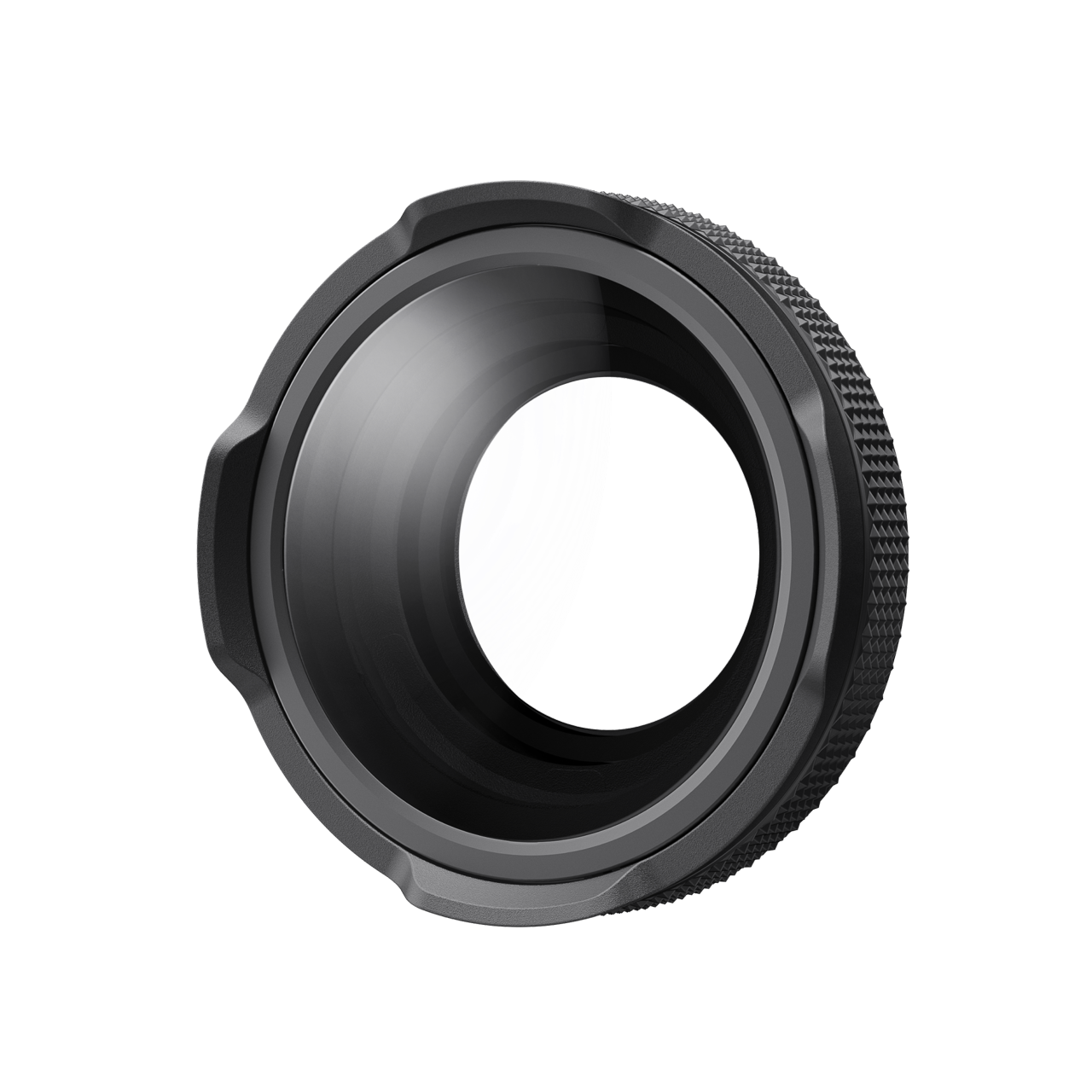
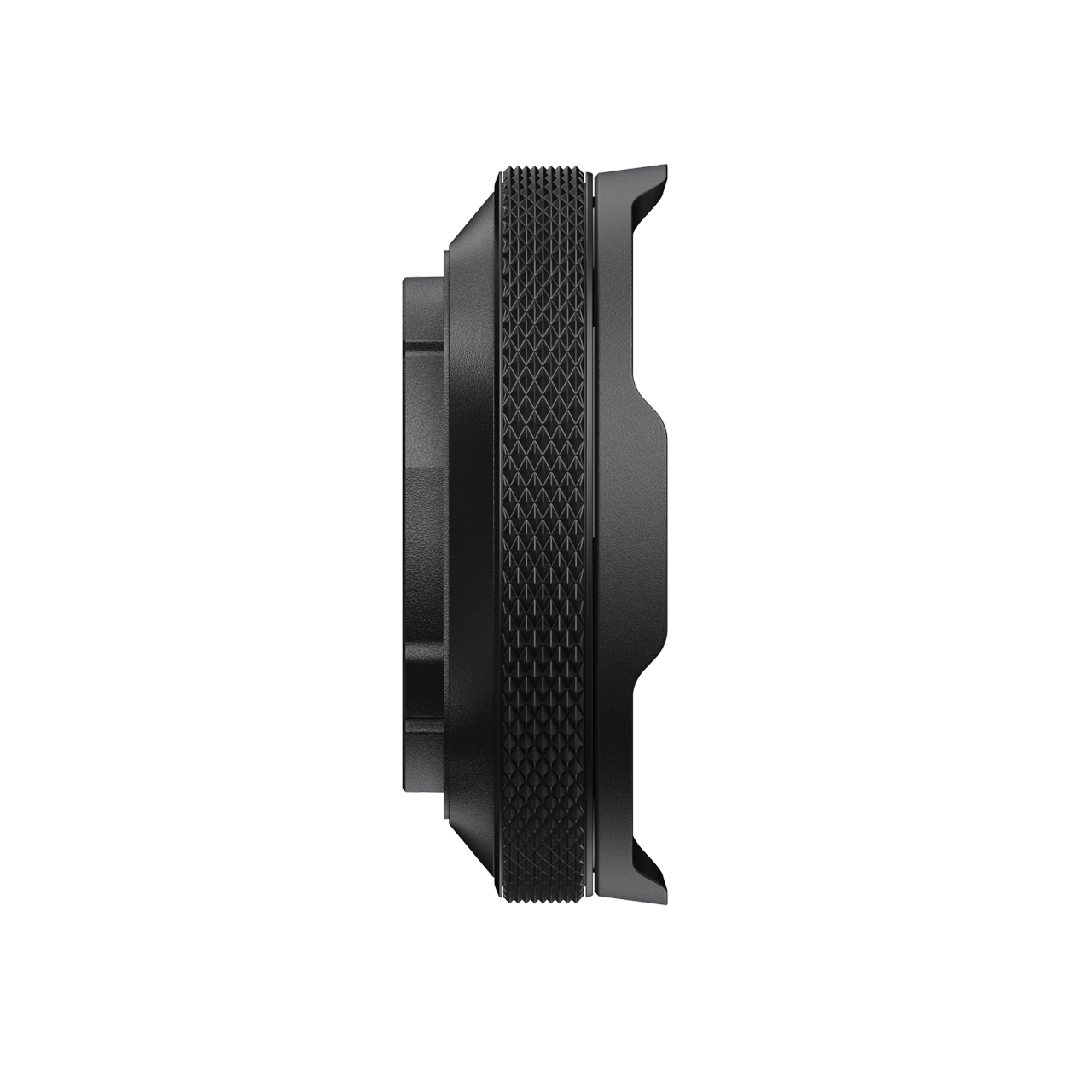
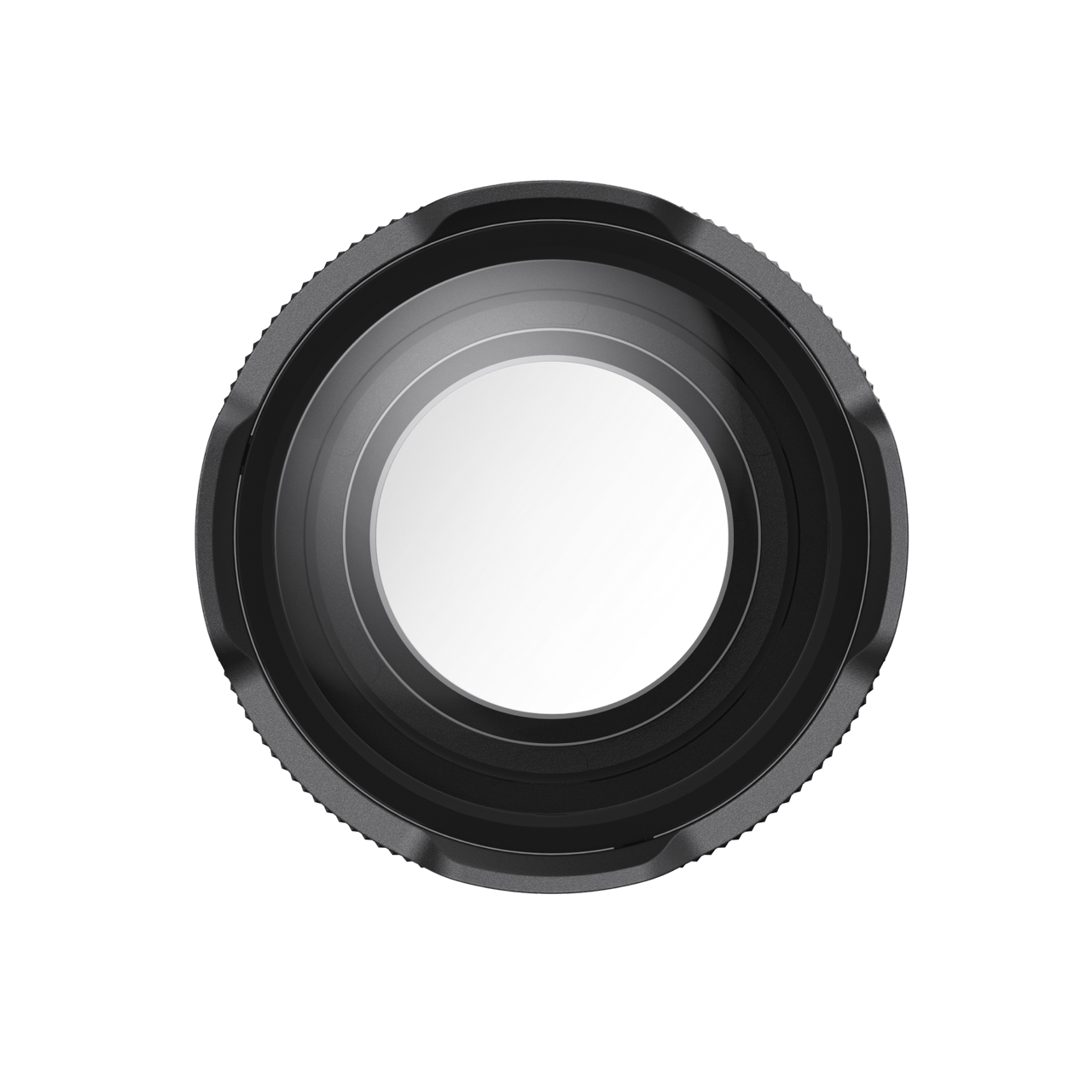
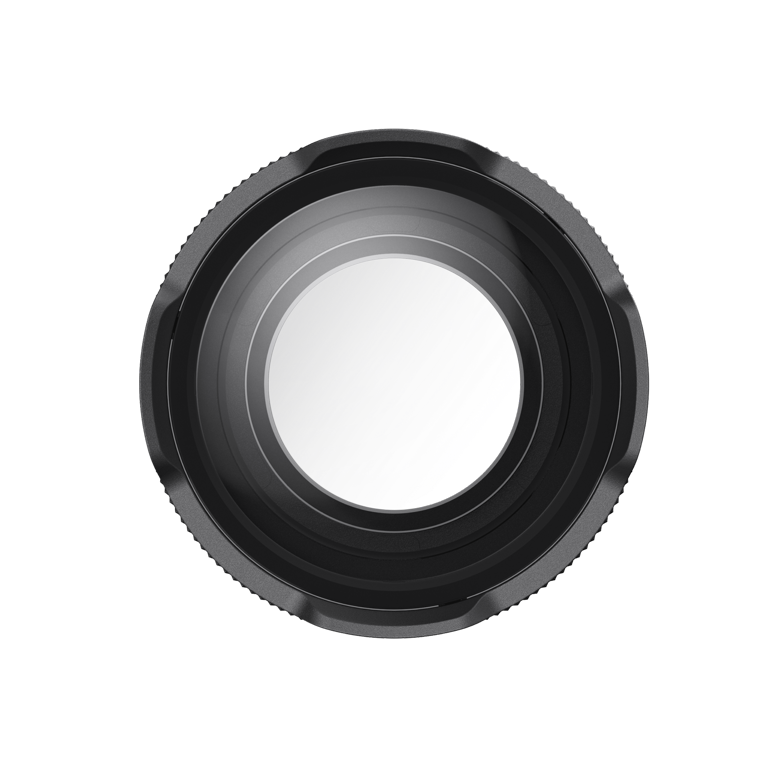
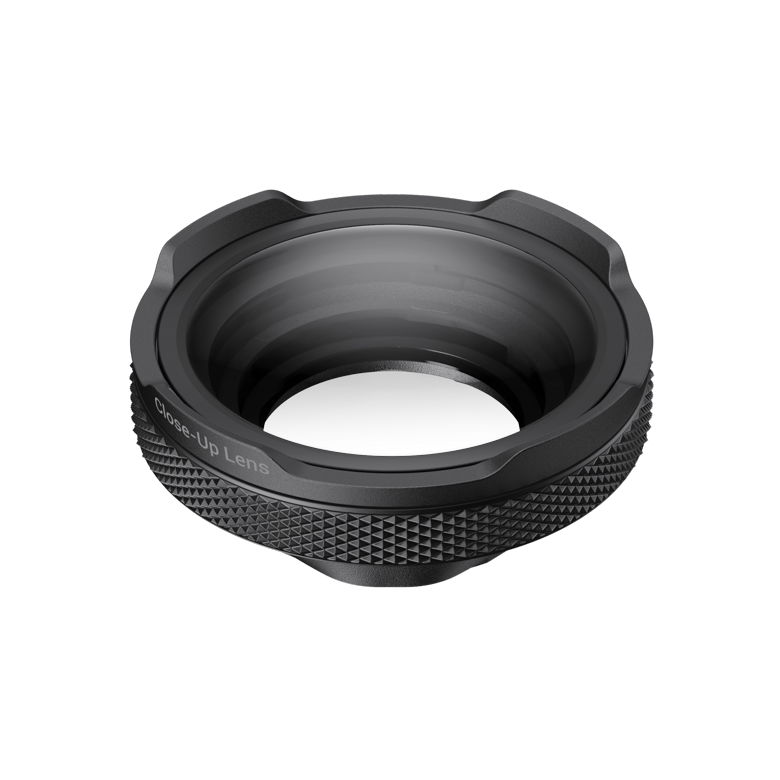
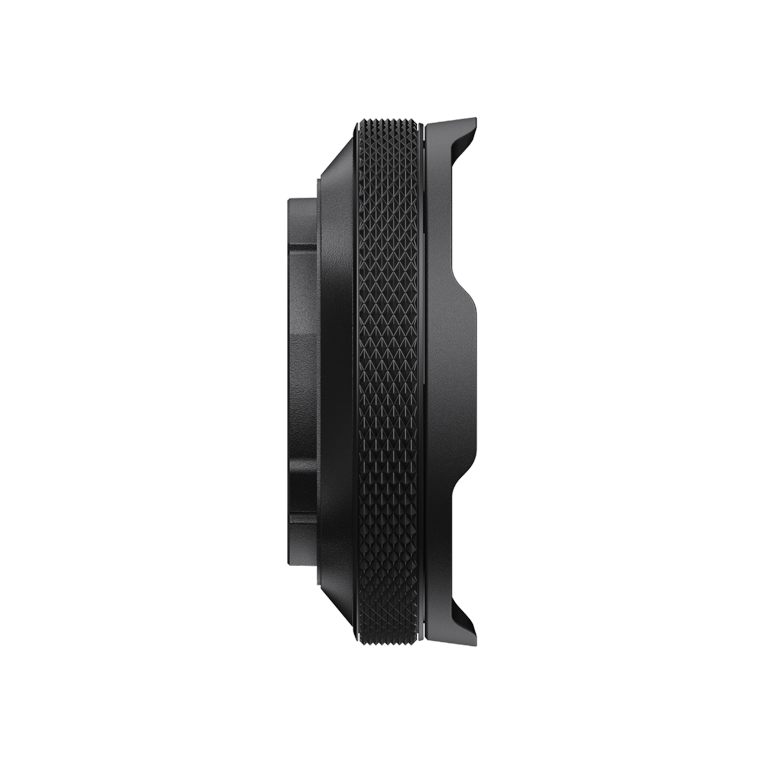
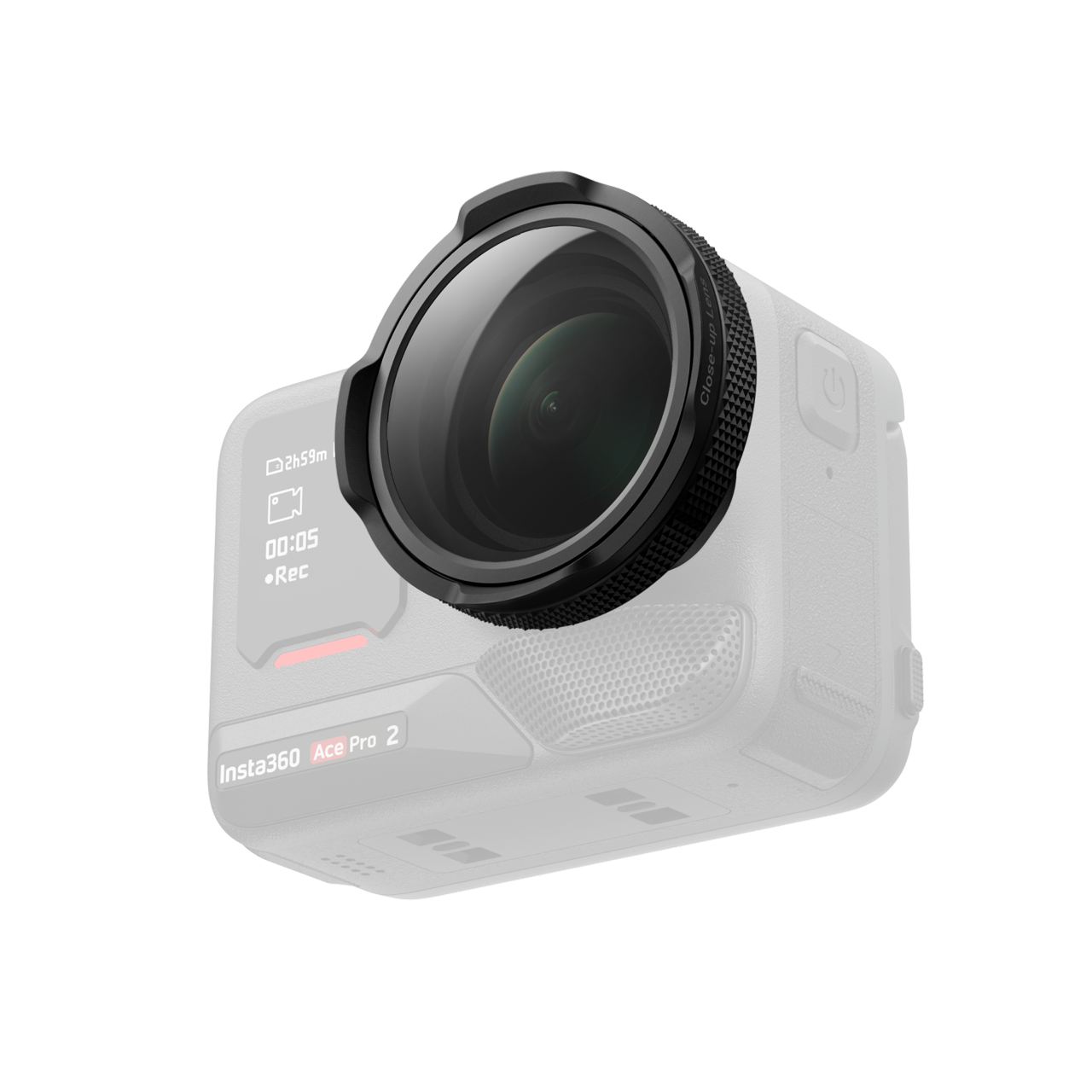
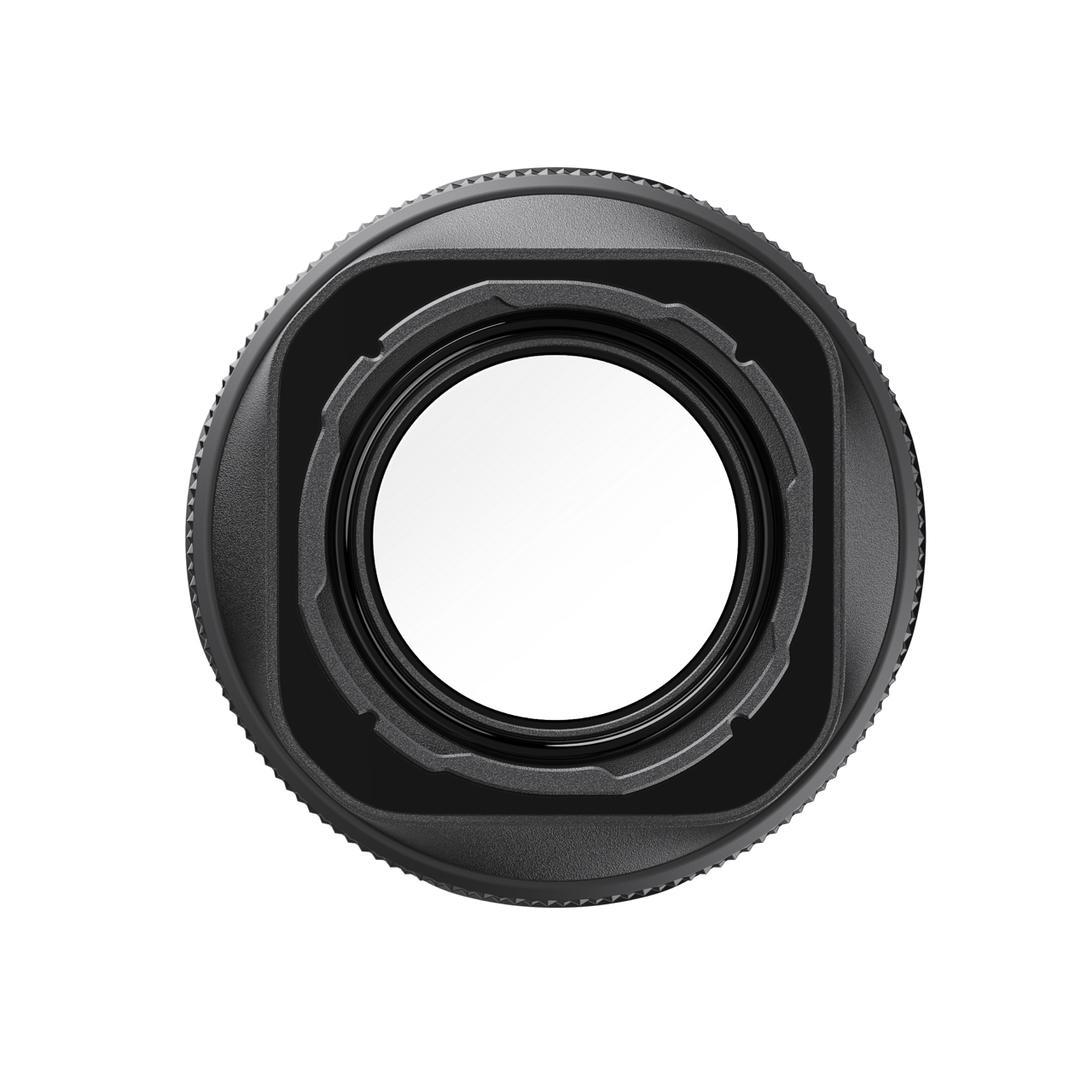
The Insta360 Ace Pro 2 Close-Up Lens enables focusing at approximately 10–75 cm. Rotate its focus ring to adjust the working distance, while Focus Peaking Display highlights in-focus edges on the camera screen. To install it, remove the lens guard with the included wrench, align and turn the lens 45° clockwise, then select Close-Up Lens under Shortcut >…
143 € with VAT
118.18 € without VAT
Availability
on request
Top accessories for Insta360 Ace Pro 2 Macro Lens
Insta360 Ace Pro 2 - ND Filter Set
The Insta360 Ace Pro 2 ND Filter Set (INST130-11) includes ND8, ND16, ND32, and a
112 €
on request
Insta360 Ace Pro 2 Black Mist filtr
The Black Mist filter for the Insta360 Ace Pro 2 softens the image – it tames hard
23 €
on request
Insta360 Ace Pro 2 Cinematic Lens
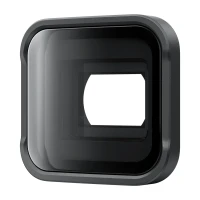
The Insta360 INST130-26 Cinematic Lens transforms your Ace Pro 2 footage into a professional
129 €
on request
Insta360 Ace Pro 2 Star filter
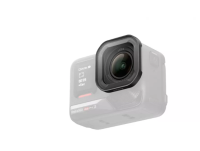
The Insta360 INST130-27 Ace Pro 2 Star Filter is a special-effect filter designed
22 €
on request
Product description
SPECIFICATIONS
PACKAGE CONTENT
Product description
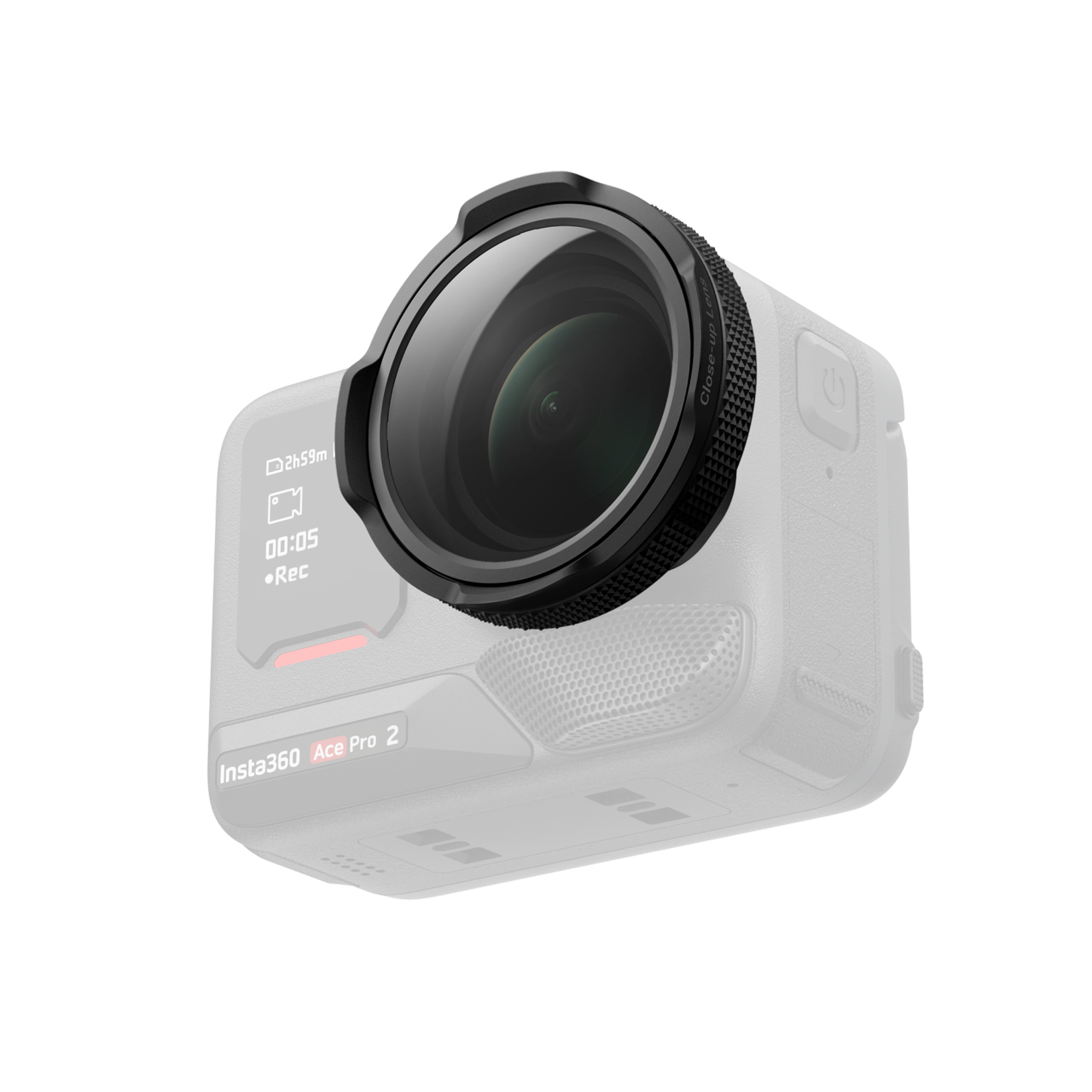
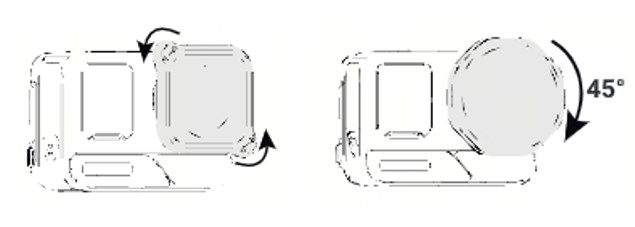
The Insta360 Ace Pro 2 Close-Up Lens enables focusing at approximately 10–75 cm. Rotate its focus ring to adjust the working distance, while Focus Peaking Display highlights in-focus edges on the camera screen. To install it, remove the lens guard with the included wrench, align and turn the lens 45° clockwise, then select Close-Up Lens under Shortcut > Accessories > Lens Master. Update the camera firmware and Insta360 app for full functionality.
Insta360 Ace Pro 2
Close-up focusing
The macro lens for Insta360 Ace Pro 2 enables focusing at approximately 10–75 cm. Turn the focus ring to set the working distance, while Focus Peaking Display highlights in-focus edges on the camera screen.
10–75 cmFocus Peaking Display
Adjust focus by hand
Rotate the ring to fine-tune the working distance for the subject. Focus Peaking helps you see which edges are currently in focus.
Fit and enable on Ace Pro 2
Made for the Insta360 Ace Pro 2. Installation requires removing the lens guard with the included wrench, fitting the macro lens with a 45° clockwise turn, then selecting Close-Up Lens in Lens Master. Update the camera firmware and Insta360 app for full support.
PACKAGE CONTENT
- Insta360 Ace Pro 2 Close-Up Lens ×1
- Silicone lens cap ×1
- Lens cleaning cloth ×1
- Wrench ×1
- Brush ×1
SPECIFICATIONS
- Compatibility: Insta360 Ace Pro 2
- Focusing: manual focus ring
- Focus range: 10–75 cm
- Focus aid: Focus Peaking Display
- Color: black
- Materials: plastic, glass, silicone and metal
- Dimensions: 45 × 45 × 16 mm
- Weight: 40.9 g
Parameters
Parameters
| Manufacturer: | Insta360 |
| Category: | Accessories |
Main parameters
| Colour | Black |
| Materials | Plastic · Silicone · Glass |
| For camera | Insta360 Ace Pro 2 |
| Functions | Macro lens |
ACCESSORIES (4)
ACCESSORIES (4)
Insta360 Ace Pro 2 - ND Filter Set
The Insta360 Ace Pro 2 ND Filter Set (INST130-11) includes ND8, ND16, ND32, and a
112 €
on request
Insta360 Ace Pro 2 Black Mist filtr
The Black Mist filter for the Insta360 Ace Pro 2 softens the image – it tames hard
23 €
on request
Insta360 Ace Pro 2 Cinematic Lens
The Insta360 INST130-26 Cinematic Lens transforms your Ace Pro 2 footage into a professional
129 €
on request
Insta360 Ace Pro 2 Star filter
The Insta360 INST130-27 Ace Pro 2 Star Filter is a special-effect filter designed
22 €
on request


News, training, and discounts from Syntex
Special offers and discounts for subscribers only · Free audio & video workshops · News and tips from the world of filmmaking
- Show all
Insta360 Ace Pro 2 Macro Lens
The Insta360 Ace Pro 2 Close-Up Lens enables focusing at approximately 10–75 cm.143 €on request