
 CZ
 SK
 HU
 AT
 DE
 ES
 SI
 HR

Nothing in the basket.

- Search
-
Login

-
0
Comparison
Add products to compare, then they will appear here and you can compare parameters.
-
0
0 €
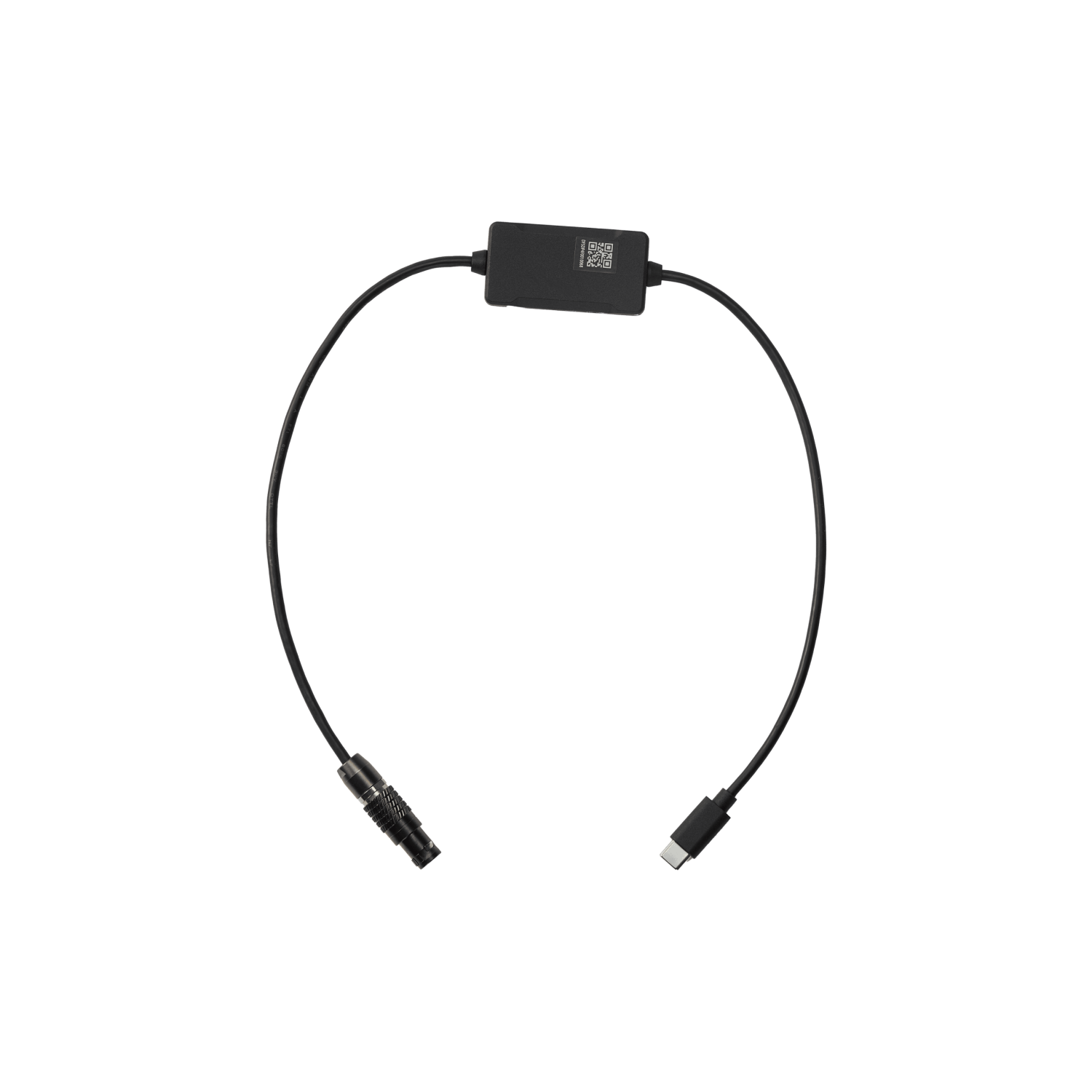
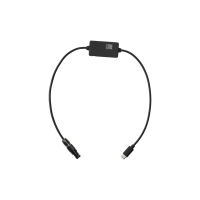
DJI SDR Transmission 2 Gimbal Control Cable(USB-C to 4-pin)
SKU: CP.TR.00000071.01
The DJI SDR Transmission 2 Gimbal Control Cable (USB-C to 4-pin) connects the SDR Transmission 2 transceiver to DJI Master Wheels and Ronin 2, letting Master Wheels control Ronin 2 while the gimbal powers the unit. With a compatible RS gimbal on the transmitter, Master Wheels can control it too and start or stop recording on the connected camera. Length 50…
51 € with VAT
42.15 € without VAT
Personal pickup within 90 minutes
Shipment day: Today
Shipment day: Today
In stock 2 pcs
Praha 2 pcs
Praha 2 pcs
Product description
SPECIFICATIONS
PACKAGE CONTENT
Product description
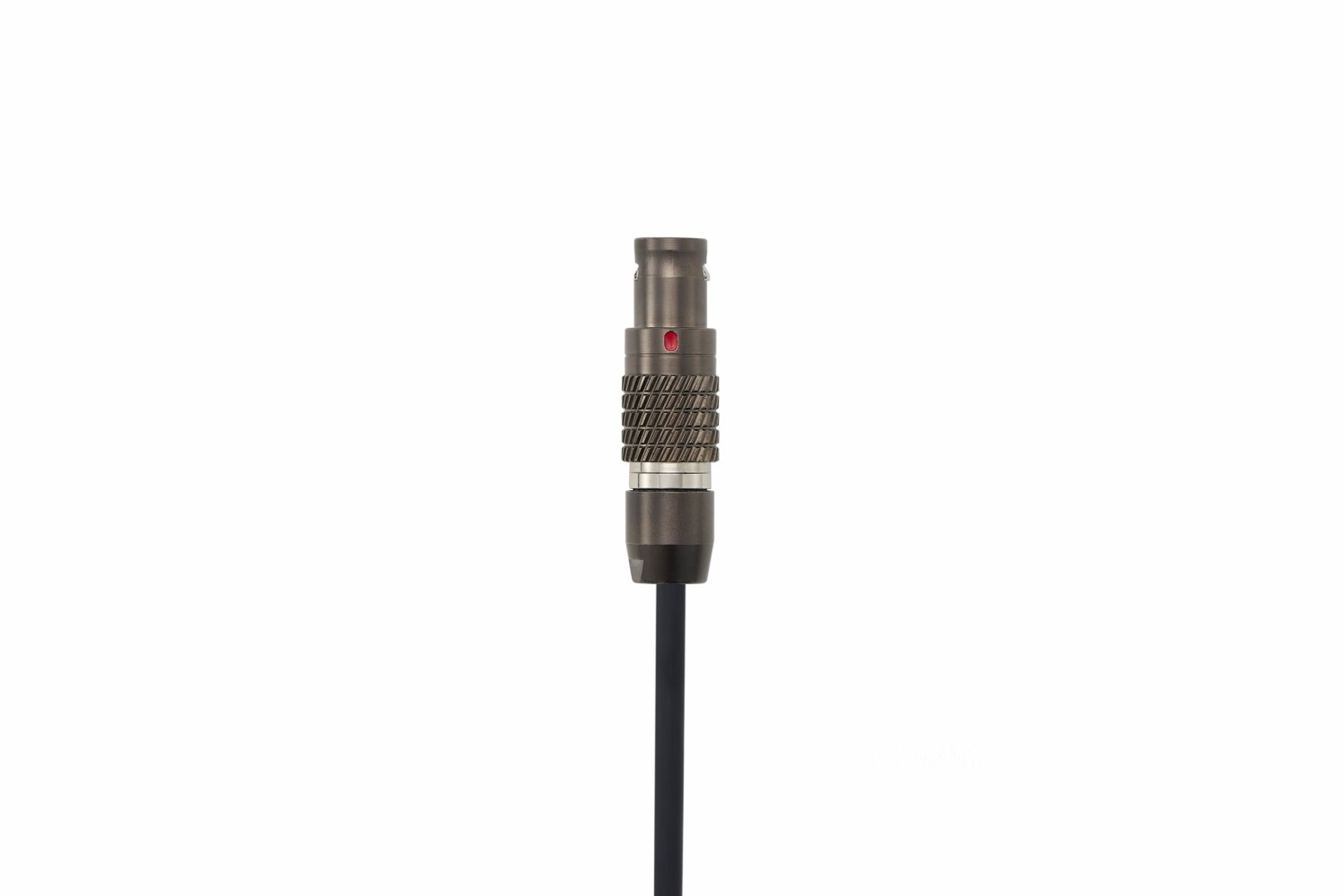
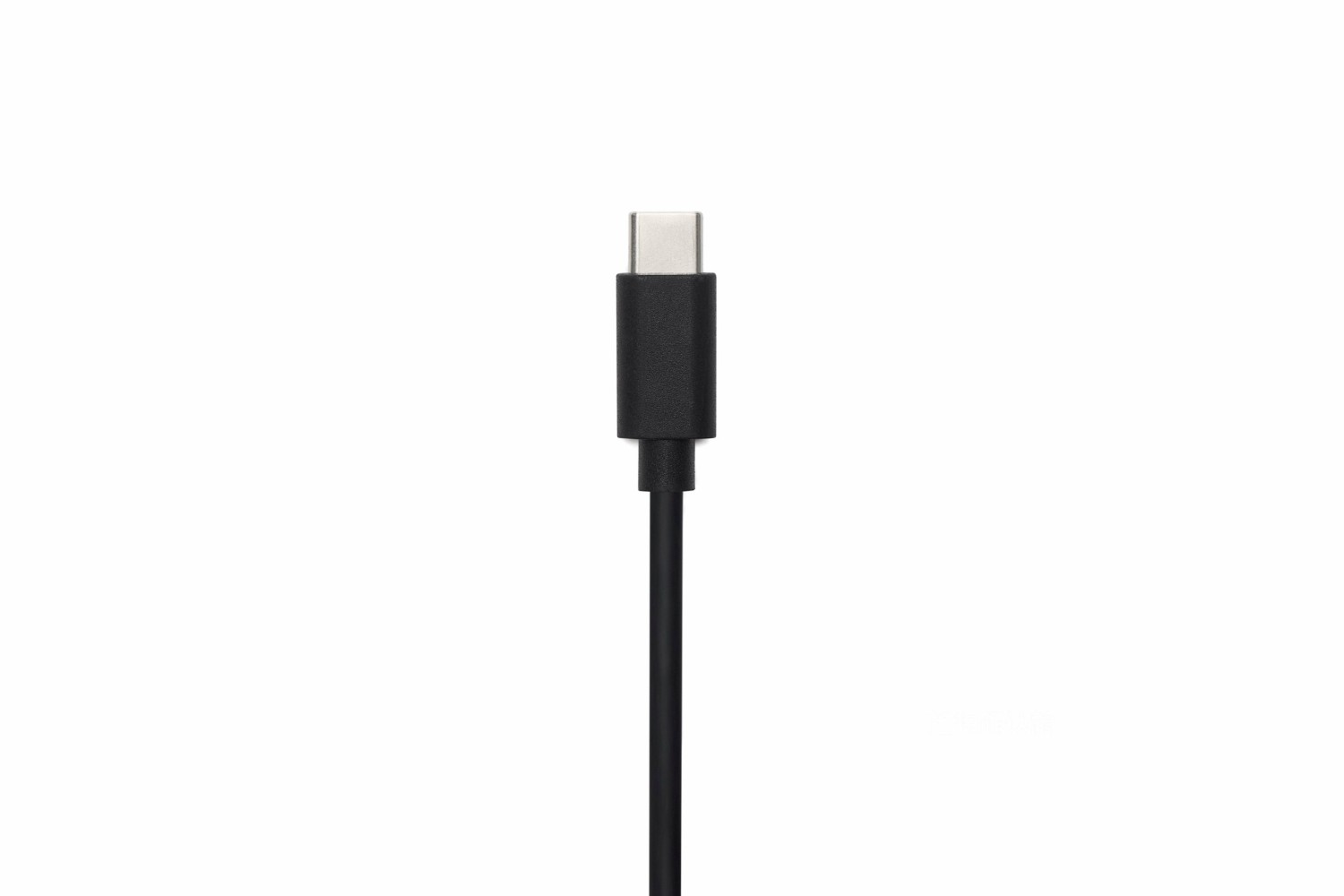
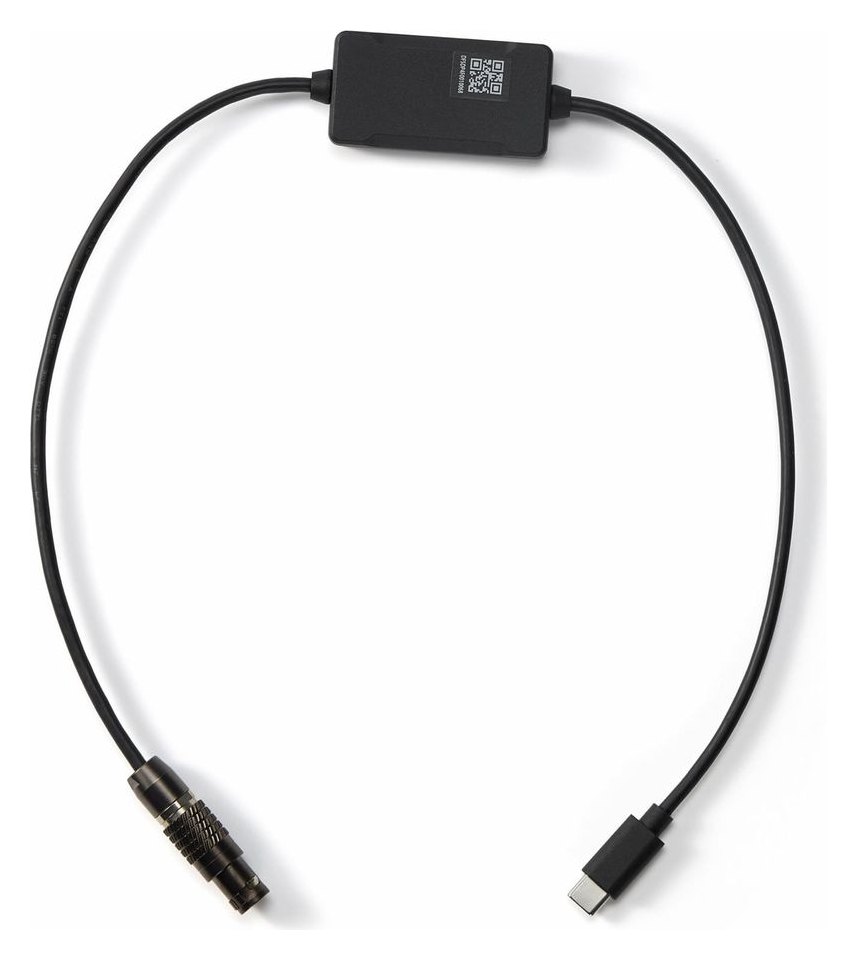
The DJI SDR Transmission 2 Gimbal Control Cable (USB-C to 4-pin) connects the SDR Transmission 2 transceiver to DJI Master Wheels and Ronin 2, letting Master Wheels control Ronin 2 while the gimbal powers the unit. With a compatible RS gimbal on the transmitter, Master Wheels can control it too and start or stop recording on the connected camera. Length 50 cm.
Link to Master Wheels and Ronin 2
The cable links the transceiver’s USB-C port to the 4-pin interface of Ronin 2 and DJI Master Wheels; the same connection lets the gimbal power the unit.
USB-C to 4-pin50 cm longGimbal powerMaster Wheels / Ronin 2
Gimbal and camera from Master Wheels
With a compatible RS gimbal (RS 5, RS 4 Pro, RS 4, RS 3 Pro) connected to the transmitter, Master Wheels can also control that gimbal and start or stop recording on the connected camera. RS 4 Pro, RS 4 and RS 3 Pro need the USB-C to CAN cable, sold separately.
Camera control
Remote camera control on an RS gimbal also requires a Multi-Camera Control Cable between gimbal and camera – the one included with the gimbal or a cable for your camera model.
No native vertical setup
When the transceiver is attached to a gimbal via the Quick-Release Plate, a native vertical shooting setup is not supported.
PACKAGE CONTENT
- 1× DJI SDR Transmission 2 Gimbal Control Cable (USB-C to 4-pin)
SPECIFICATIONS
- Brand: DJI
- Model: DJI SDR Transmission 2 Gimbal Control Cable (USB-C to 4-pin)
- Manufacturer code: CP.TR.00000071.01
- Type: control and power cable
- Connectors: USB-C to 4-pin
- Length: 50 cm
- Compatibility: DJI SDR Transmission 2, DJI Master Wheels, Ronin 2
Parameters
Parameters
| Manufacturer: | DJI |
| Category: | Other cables |
Main parameters
| Cable type | Power · Control |
| Length | 0.5m |
| Version | Flexible |
| Male / Female | Male - Male |
| Colour | Black |
| Connectors | USB-C |
| Input connector | USB-C (M) |
| Output connector | 4-pin |
| Cable length | 0.5m |
| Cable type | Power · Control / sync |
News, training, and discounts from Syntex
Special offers and discounts for subscribers only · Free audio & video workshops · News and tips from the world of filmmaking
- Show all
DJI SDR Transmission 2 Gimbal Control Cable(USB-C to 4-pin)
The DJI SDR Transmission 2 Gimbal Control Cable (USB-C to 4-pin) connects the SDR51 €In stock 2 pcs