
 CZ
 SK
 HU
 AT
 DE
 ES
 SI
 HR

Nothing in the basket.

- Search
-
Login

-
0
Comparison
Add products to compare, then they will appear here and you can compare parameters.
-
0
0 €
Contour Design ShuttlePro V2
SKU: CONSHTLPROV2
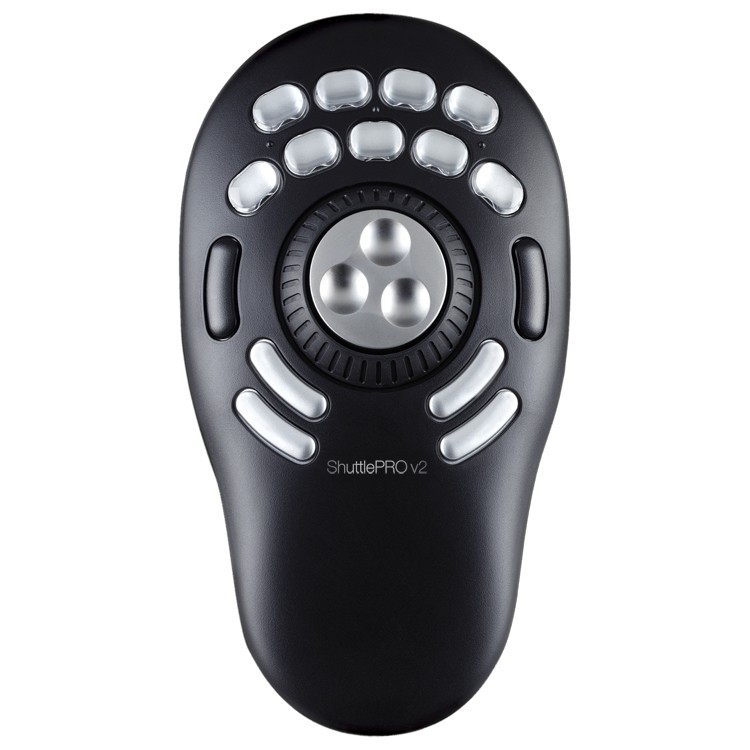
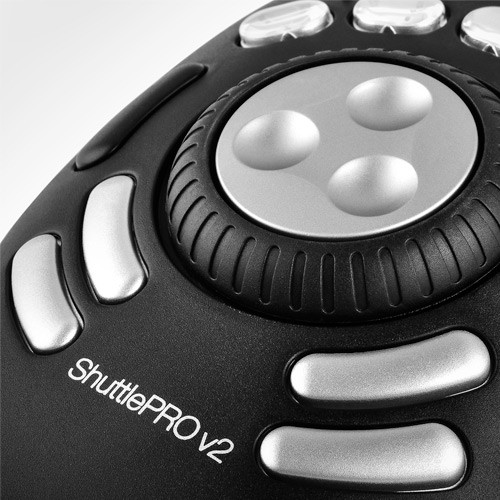
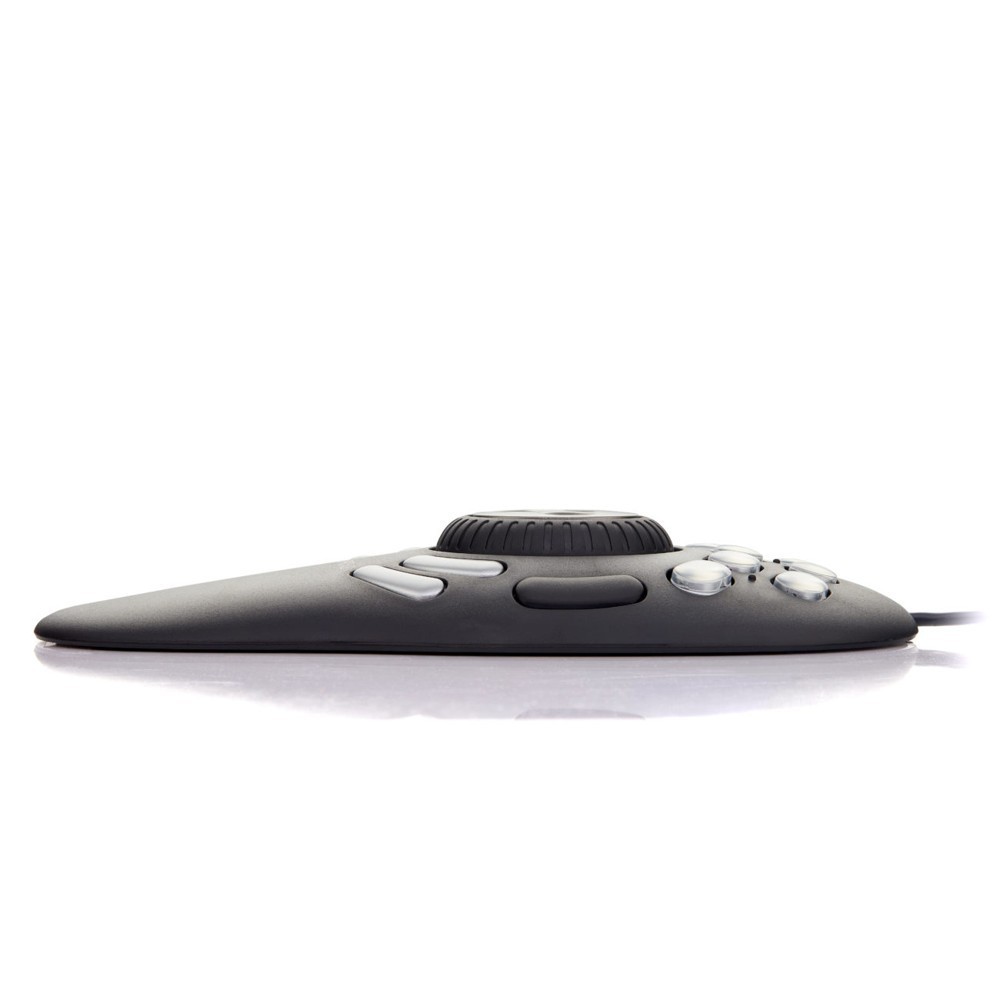
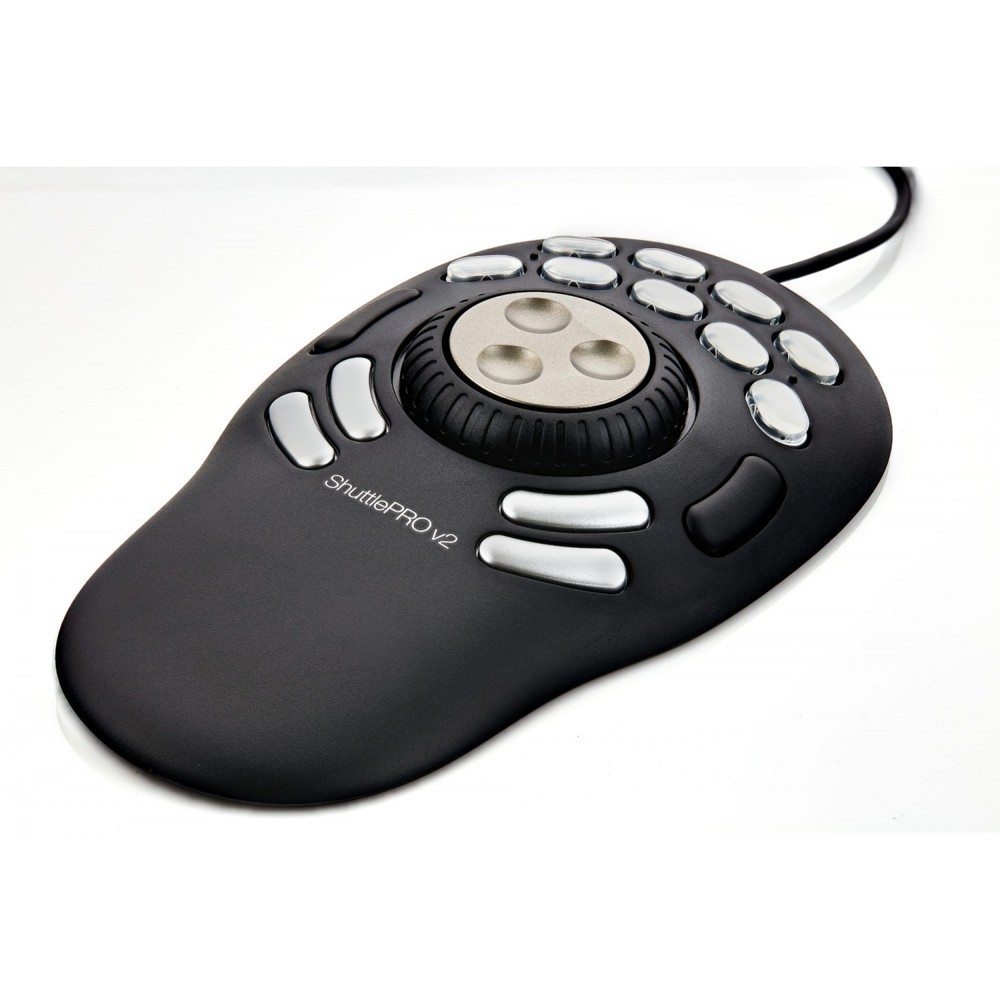
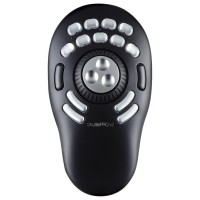
Contour Design ShuttlePro V2 is a USB controller for video editing, audio production and other multimedia applications. Its metal jog wheel provides precise timeline navigation, while the spring-loaded shuttle ring controls movement forwards and backwards. Fifteen programmable buttons put shortcuts and macros at your fingertips; nine removable caps accommodate…
103 € with VAT
85.12 € without VAT
Personal pickup: 09. 11. from 09:00
Shipment day: 09. 11.
Shipment day: 09. 11.
In stock > 5 pcs
Praha > 5 pcs, Bratislava 1 pcs, Budapest 1 pcs
Praha > 5 pcs, Bratislava 1 pcs, Budapest 1 pcs
Top accessories for Contour Design ShuttlePro V2
Blackmagic Design DaVinci Resolve Studio
Promotion: -20% ends in: 13d: 03h: 17m
DaVinci Resolve Studio by Blackmagic Design is a professional application for editing,
246.84 €
308.55 €
Backordered > 5 pcs
Blackmagic Design DaVinci Resolve Studio USB dongle version
DaVinci Resolve Studio by Blackmagic Design is a professional application for editing,
309 €
To be sent 1 pcs
Logic Keyboard BMD DaVinci Resolve - PC ASTRA 2 Backlit Keyboard
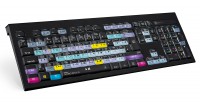
The ASTRA 2 backlit keyboard features an elegant, black keyboard with low-profile
169 €
To be sent 1 pcs
Logic Keyboard Presonus Studio One 4 PC Slim Line UK

Promotion: -14% ends in: 28d: 03h: 17m
The dedicated LogicKeyboard makes controlling Presonus Studio One a lot simpler and
134.9 €
157.18 €
In stock 1 pcs
Grass Valley ROBUSKEY

ROBUSKEY is a video plugin for EDIUS 6+, Adobe After Effects, Premiere Pro and Final
639 €
7-14 days
Logic Keyboard AVID Media Composer ASTRA Backlit ENG pre PC

The AVID Media Composer ASTRA Backlit Professional Logic Keyboard (also compatible
169 €
3-5 days
Logic Keyboard Adobe Grap. Des. Ps+Id+Ai Mac UK ASTRA 2

ASTRA 2 keyboard for Adobe Graphic DesignerThe Adobe Graphic Designer Shortcut Keyboard
169 €
3-5 days
Logic Keyboard XLPrint PC Slim Line White on Black UK

Logickeyboard LargePrint has been designed for individuals who suffer from visual
133 €
3-5 days
Product description
SPECIFICATIONS
PACKAGE CONTENT
Product description
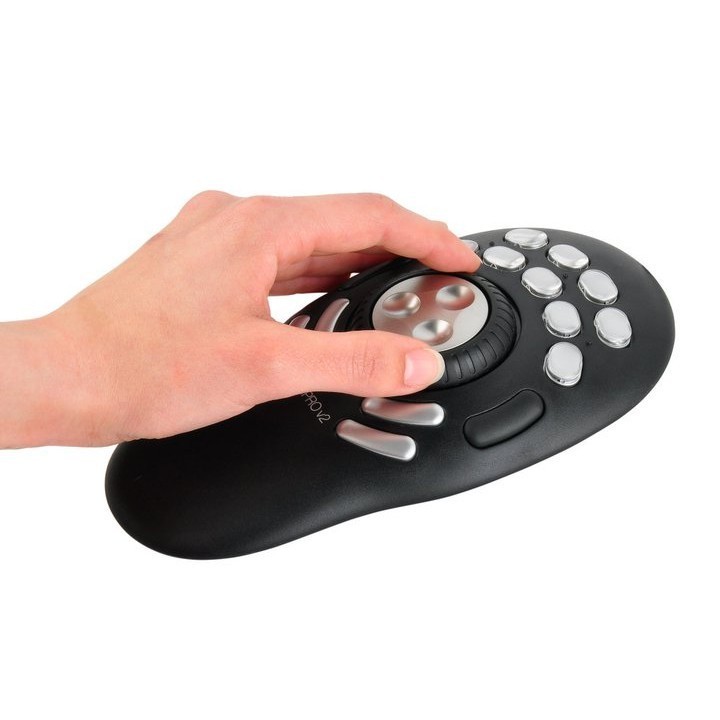
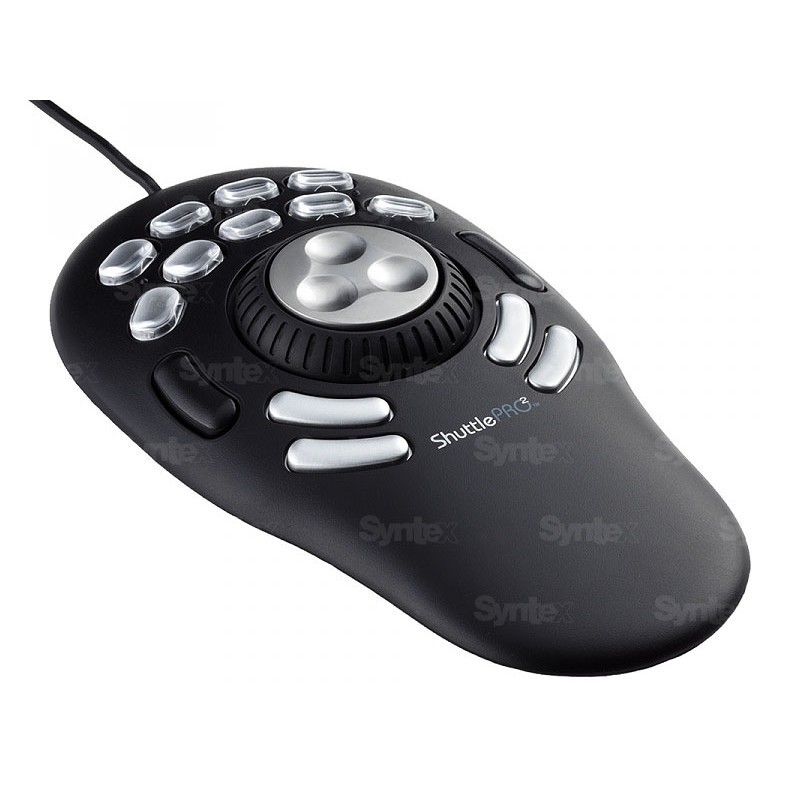
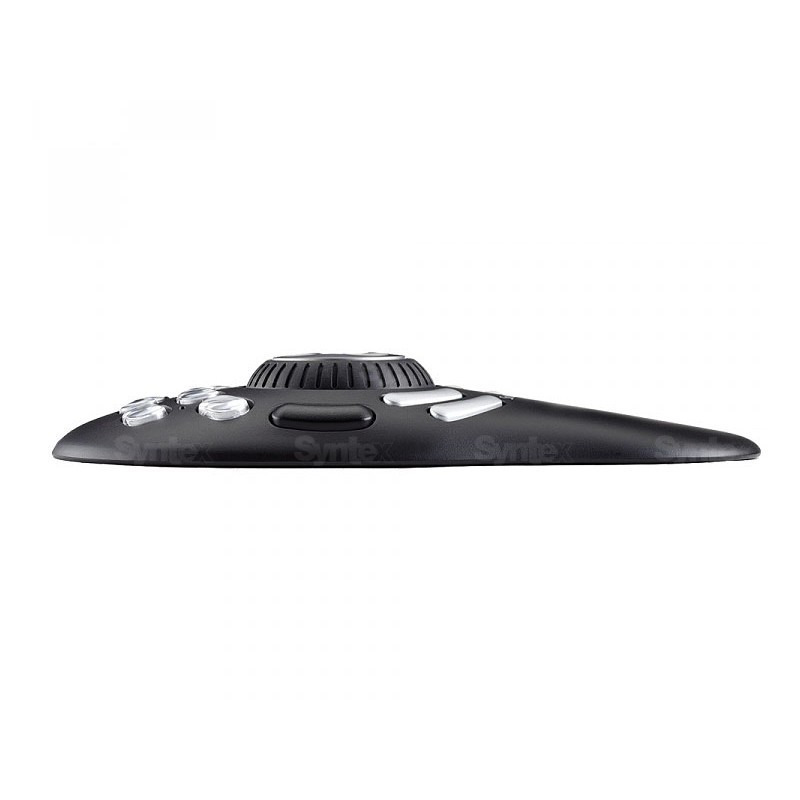
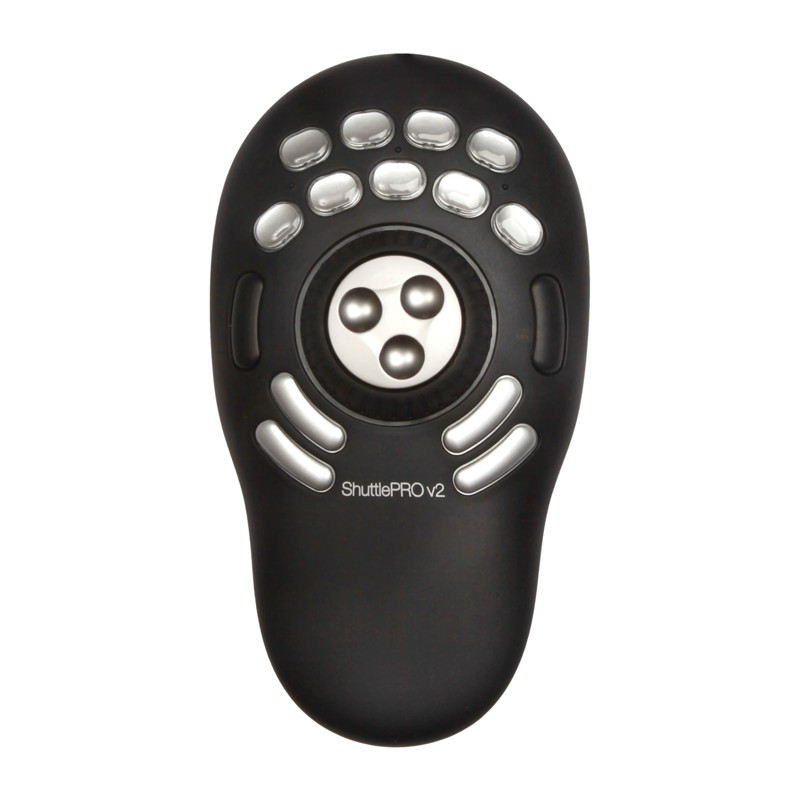
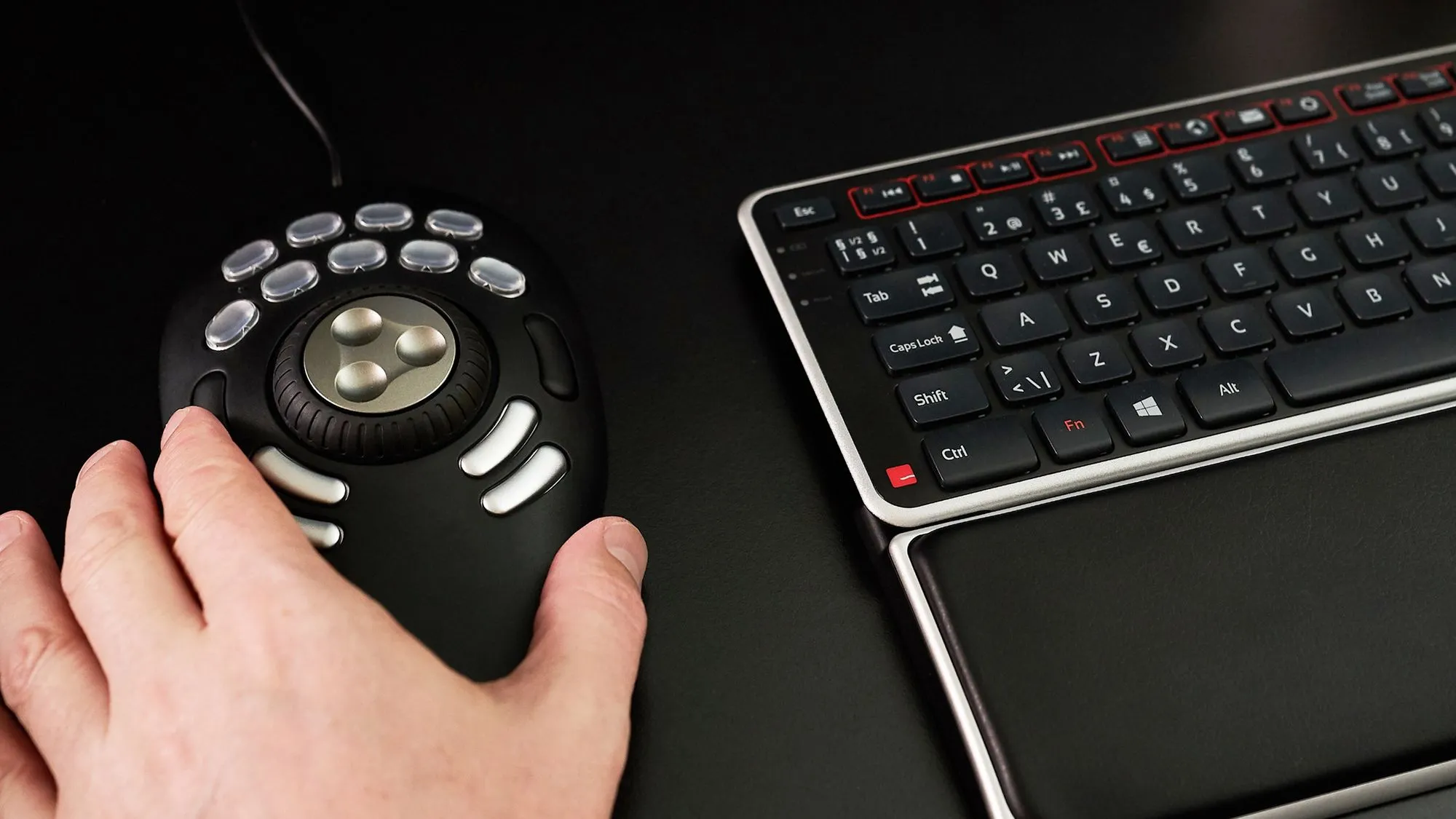
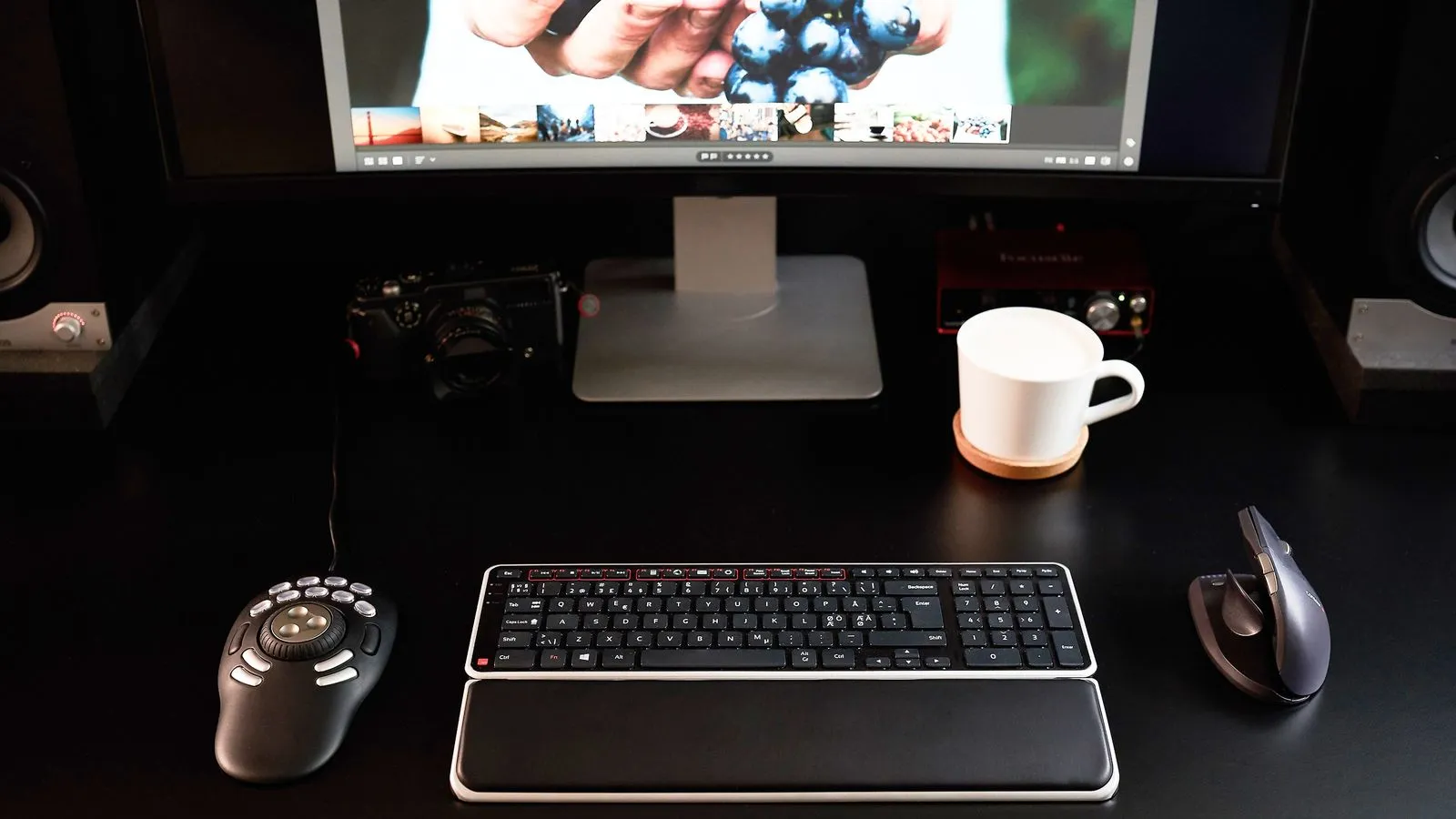
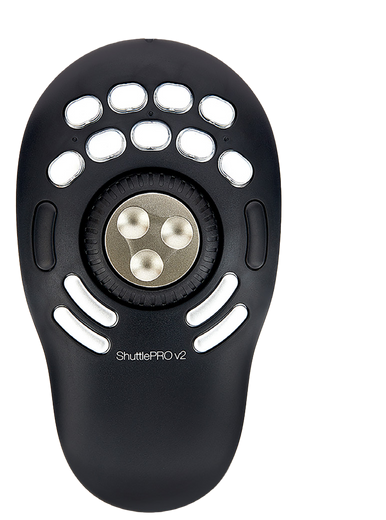
Contour Design ShuttlePro V2 is a USB controller for video editing, audio production and other multimedia applications. Its metal jog wheel provides precise timeline navigation, while the spring-loaded shuttle ring controls movement forwards and backwards. Fifteen programmable buttons put shortcuts and macros at your fingertips; nine removable caps accommodate custom labels. Profiles switch automatically with the active application. For Windows and macOS with the appropriate Contour Shuttle driver.
Contour Design · ShuttlePro V2
Editing at your fingertips
Navigate your video and audio timeline with tactile controls. ShuttlePro V2 combines a jog wheel, spring-loaded shuttle ring and 15 programmable buttons for the commands you use most.
15 buttons Jog & shuttle
Find the exact frame
Turn the metal jog wheel for precise movement, then use the rubberised shuttle ring to move forward or backward at variable speed. The ring returns to its centre when released. Keep playback and navigation under one hand while the other works with your mouse or keyboard.
Your commands, your workflow
Assign shortcuts and macros to 15 buttons, including nine with removable caps for custom labels. A single button can trigger a sequence of commands. Save application profiles and let the Contour software switch mappings when you change the active application.
One controller, 15 commands
Example assignments from the manufacturer. Every button can be remapped to suit your application:
Play / pause Save New recording Rewind Forward Go to start Go to end Export region Run macro Mark in Mark out Undo Redo Zoom in Zoom out
Set up once, adapt as you work
Use ready-made settings or create your own layouts for video, audio, graphics and everyday applications. Multiple layouts for the same application let you adapt the controller to different tasks. Functions depend on the shortcuts and profile available in your chosen software.
Connect the attached USB cable and install the appropriate Contour Shuttle driver for Windows or macOS. Choose the download for your exact operating-system version on the manufacturer’s driver page. The controller complements your keyboard and mouse; software licences are sold separately.
PACKAGE CONTENT
- Contour Design ShuttlePro V2 with attached USB cable ×1
- Button-label sheet ×1
SPECIFICATIONS
- Type: USB multimedia editing controller
- Programmable buttons: 15
- Removable button caps: 9
- Rotary controls: Jog wheel and shuttle ring
- Jog wheel: Metal, rotates through 360°
- Shuttle ring: Rubberised, spring return to centre
- Connection / power: Attached USB cable / powered over USB
- Platforms: Windows and macOS, compatible driver required
- Profiles: Customisable application settings and macros
- Colour: Black
Parameters
Parameters
| Manufacturer: | Contour Design |
| Category: | Drivers for software |
Main parameters
| Number of programmable buttons | 15 |
| Footprint (L × W) | 195.3x108mm |
| Operating system | Windows · macOS |
| Number of control dials | 2 |
| Integrated display | No |
| Colour | Black |
| Connection | USB |
| Compatible operating system | Windows · macOS |
Other parameters
| Compatibility | Premiere · Resolve · After Effects |
ACCESSORIES (8)
ACCESSORIES (8)
Blackmagic Design DaVinci Resolve Studio
Promotion: -20% ends in: 13d: 03h: 17m
DaVinci Resolve Studio by Blackmagic Design is a professional application for editing,
246.84 €
308.55 €
Backordered > 5 pcs
Blackmagic Design DaVinci Resolve Studio USB dongle version
DaVinci Resolve Studio by Blackmagic Design is a professional application for editing,
309 €
To be sent 1 pcs
Logic Keyboard BMD DaVinci Resolve - PC ASTRA 2 Backlit Keyboard
The ASTRA 2 backlit keyboard features an elegant, black keyboard with low-profile
169 €
To be sent 1 pcs
Logic Keyboard Presonus Studio One 4 PC Slim Line UK
Promotion: -14% ends in: 28d: 03h: 17m
The dedicated LogicKeyboard makes controlling Presonus Studio One a lot simpler and
134.9 €
157.18 €
In stock 1 pcs
Grass Valley ROBUSKEY
ROBUSKEY is a video plugin for EDIUS 6+, Adobe After Effects, Premiere Pro and Final
639 €
7-14 days
Logic Keyboard AVID Media Composer ASTRA Backlit ENG pre PC
The AVID Media Composer ASTRA Backlit Professional Logic Keyboard (also compatible
169 €
3-5 days
Logic Keyboard Adobe Grap. Des. Ps+Id+Ai Mac UK ASTRA 2
ASTRA 2 keyboard for Adobe Graphic DesignerThe Adobe Graphic Designer Shortcut Keyboard
169 €
3-5 days
Logic Keyboard XLPrint PC Slim Line White on Black UK
Logickeyboard LargePrint has been designed for individuals who suffer from visual
133 €
3-5 days
Alternative (1)
Alternative (1)
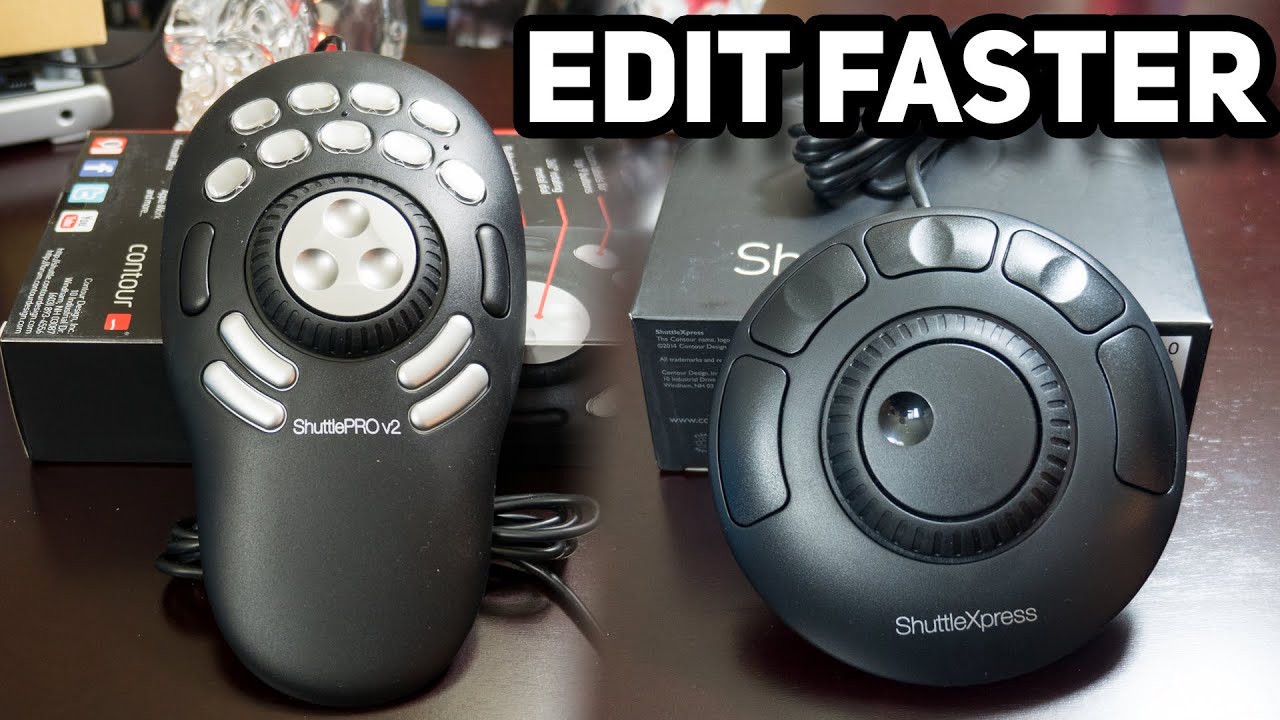
Contour Design ShuttleXpress
Contour Design ShuttleXpress is a compact USB controller for video editing, audio
71 €
In stock > 5 pcs


News, training, and discounts from Syntex
Special offers and discounts for subscribers only · Free audio & video workshops · News and tips from the world of filmmaking
- Show all
Contour Design ShuttlePro V2
Contour Design ShuttlePro V2 is a USB controller for video editing, audio production103 €In stock > 5 pcs