
 CZ
CZ SK
SK HU
HU AT
AT DE
DE ES
ES SI
SI HR
HR
Nothing in the basket.

- Search
-
Login

-
0
Comparison
Add products to compare, then they will appear here and you can compare parameters.
-
0
0 €
Blackmagic Design Fusion Studio
SKU: DV/STUFUS
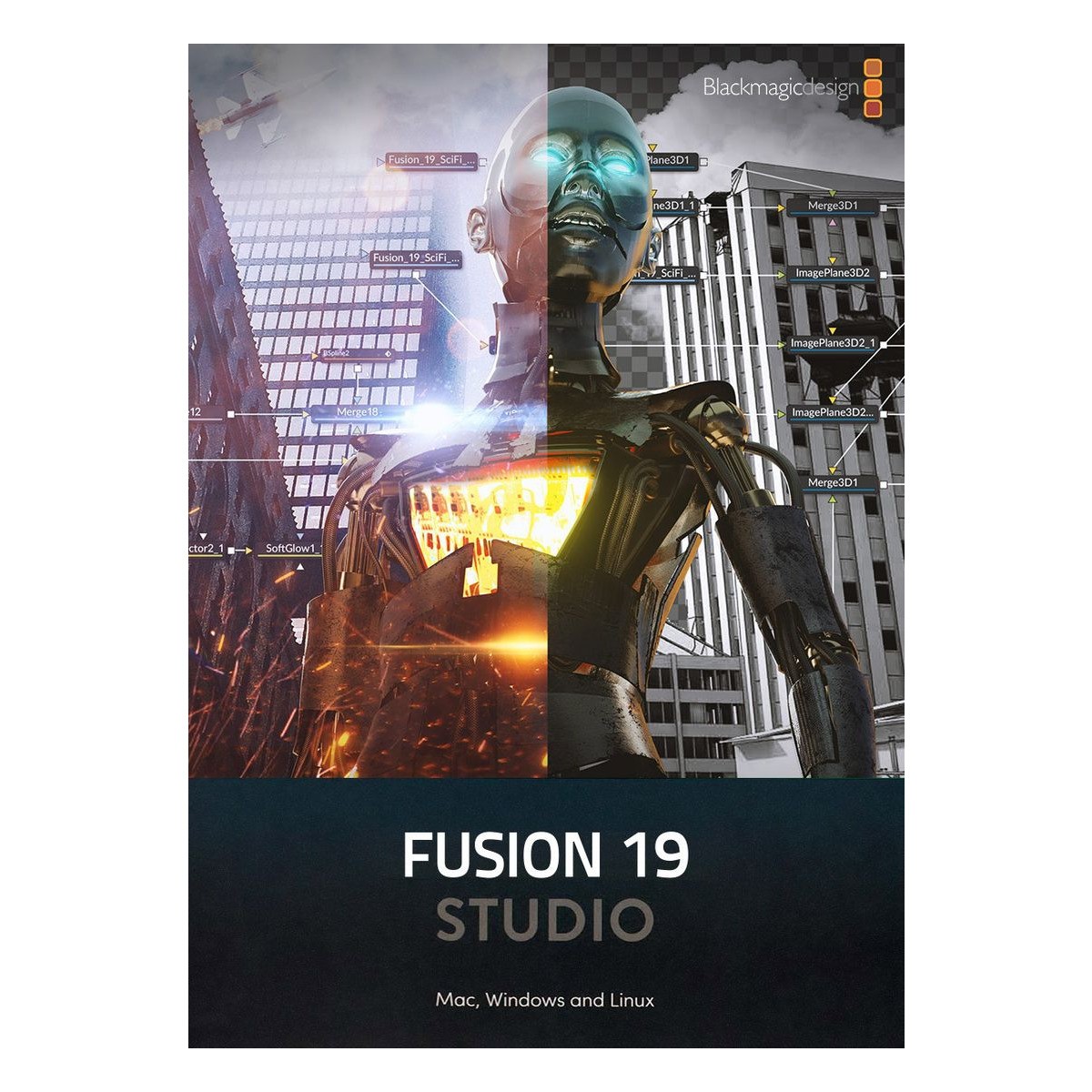
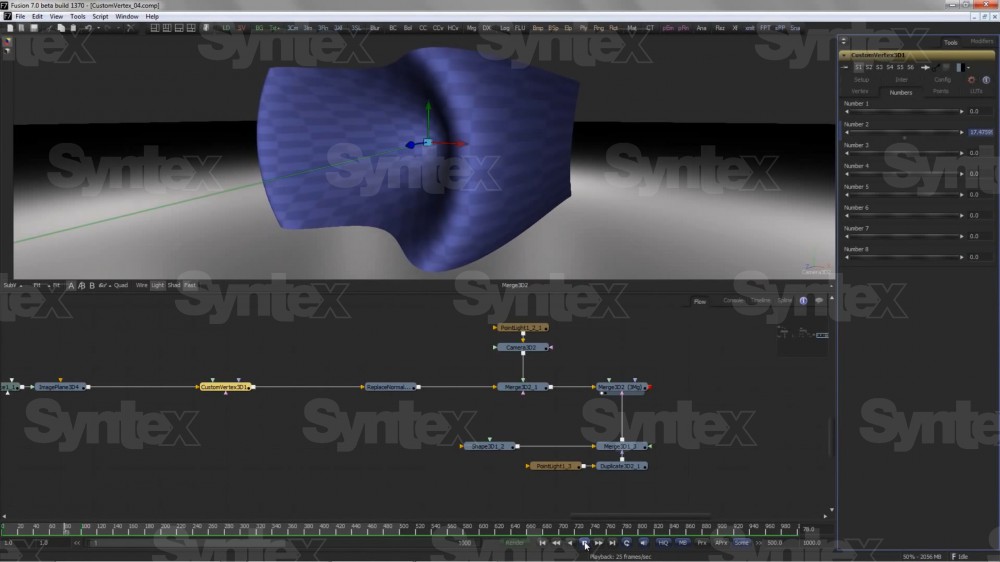
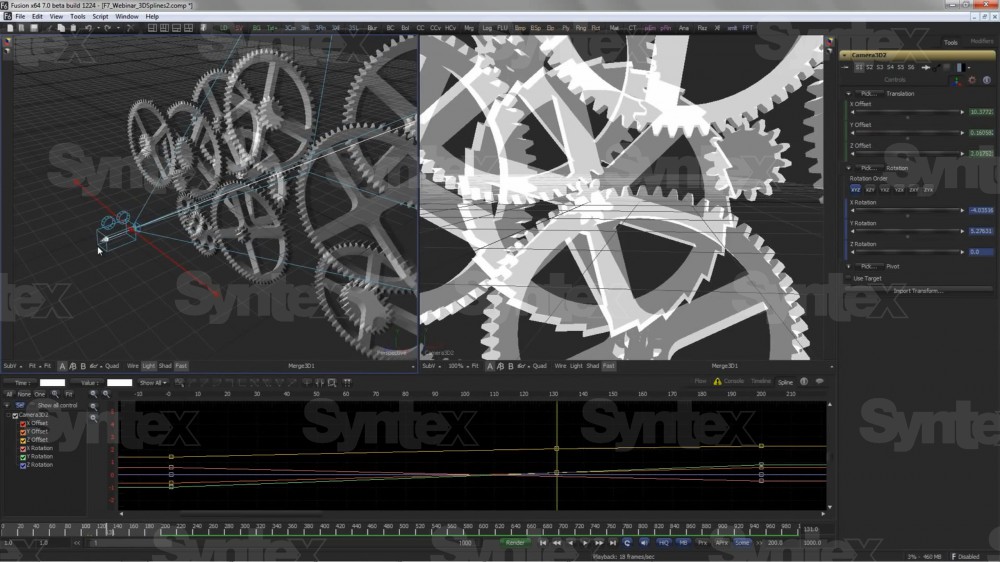
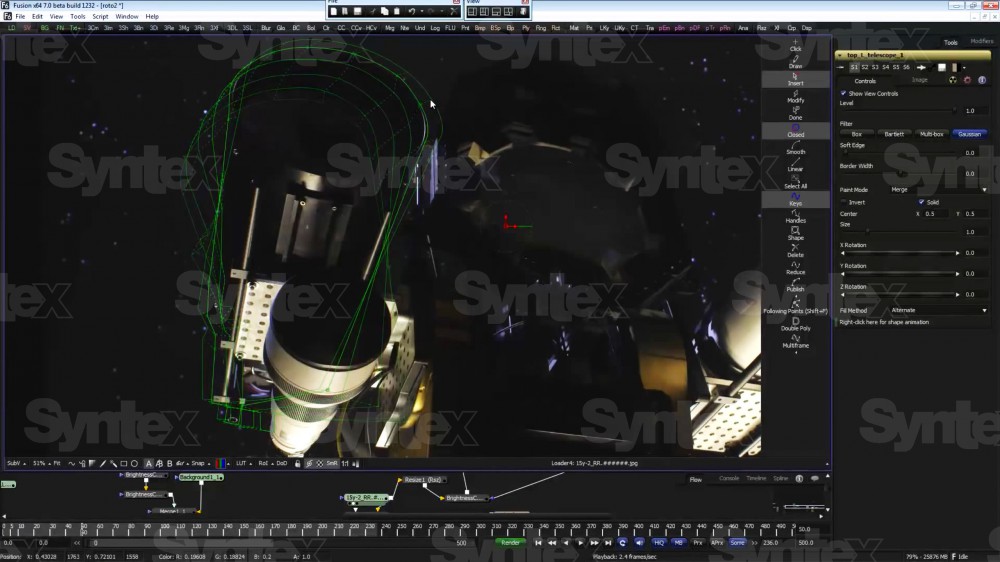
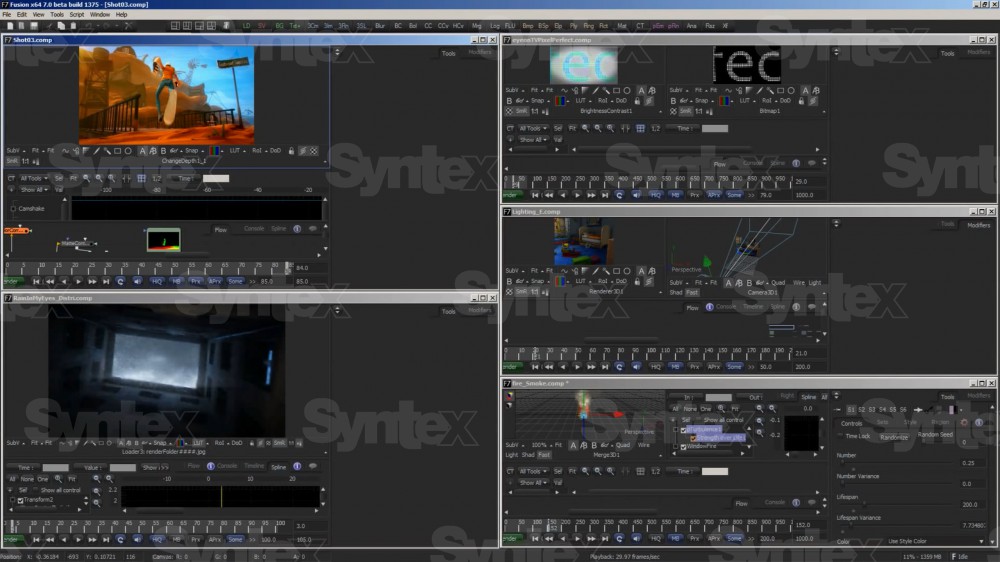
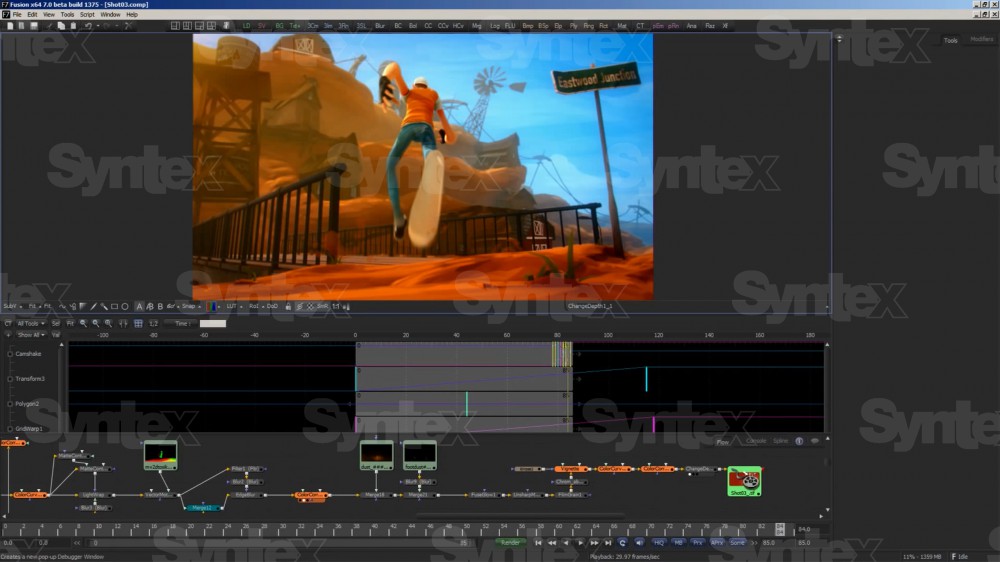
Fusion Studio is professional node based software for visual effects, 3D and motion graphics, used on thousands of Hollywood feature films and television shows. It offers hundreds of 2D and 3D tools, advanced animation curves, 3D particles, keyframe editors, 3D camera tracking, rotoscoping and keying. Compared with the free Fusion it adds unlimited network…
313 € with VAT
258.68 € without VAT
Availability
on request
Product description
SPECIFICATIONS
PACKAGE CONTENT
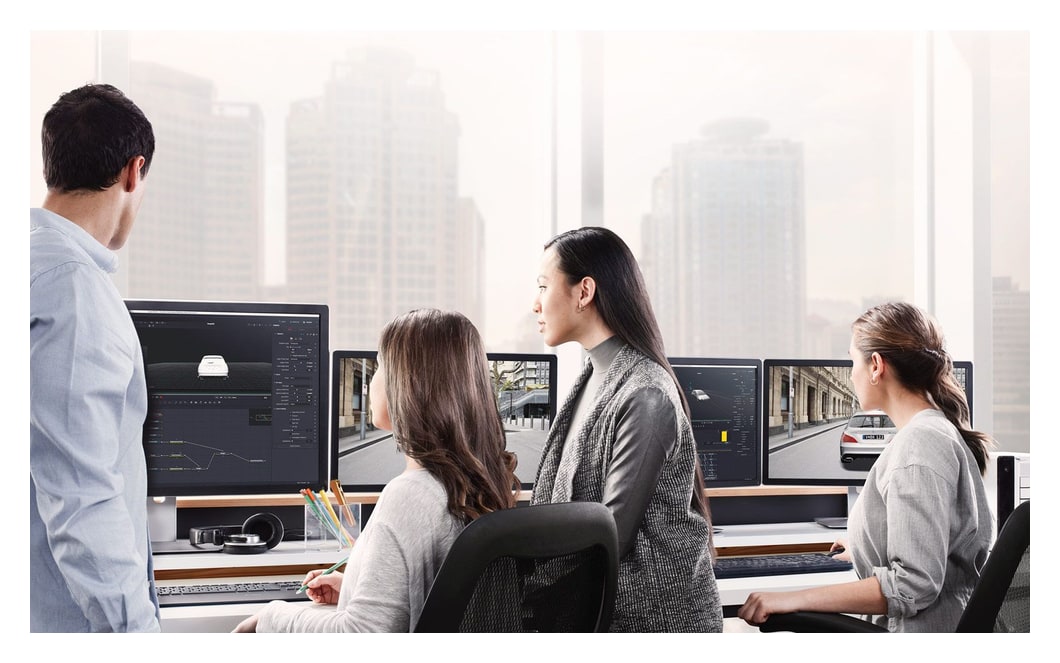
Product description
Fusion Studio is professional node based software for visual effects, 3D and motion graphics, used on thousands of Hollywood feature films and television shows. It offers hundreds of 2D and 3D tools, advanced animation curves, 3D particles, keyframe editors, 3D camera tracking, rotoscoping and keying. Compared with the free Fusion it adds unlimited network rendering, support for third party filters and a bin server for sharing assets. It is activated using a DaVinci Resolve licence.
The Hollywood tool for visual effects and motion graphics
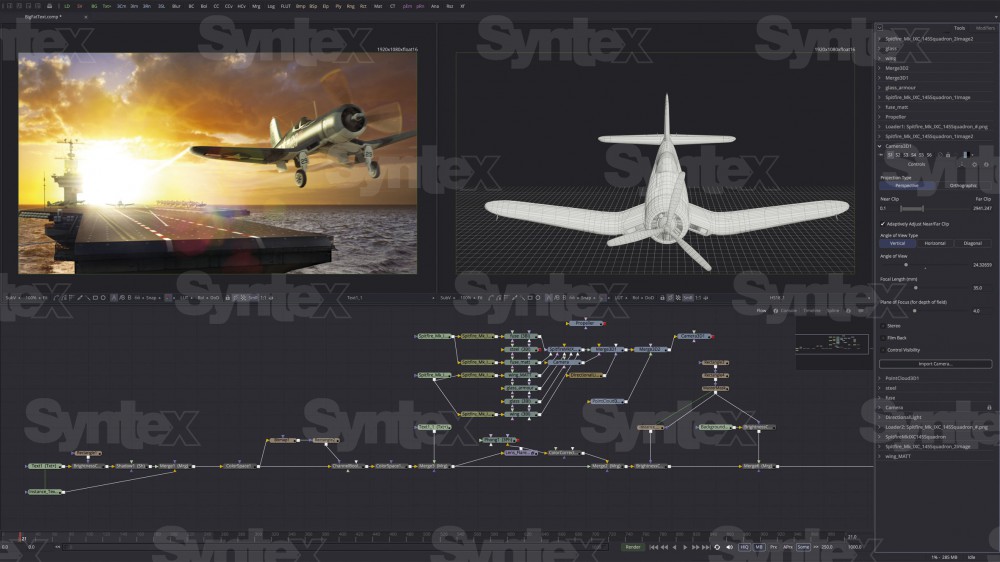
Fusion Studio combines 2D and 3D compositing, keying, tracking, particles and motion graphics in one node based environment and renders across an unlimited number of networked computers.
Node based compositing2D and 3D toolsGPU accelerationNetwork renderingLua and PythonActivated by Resolve licence
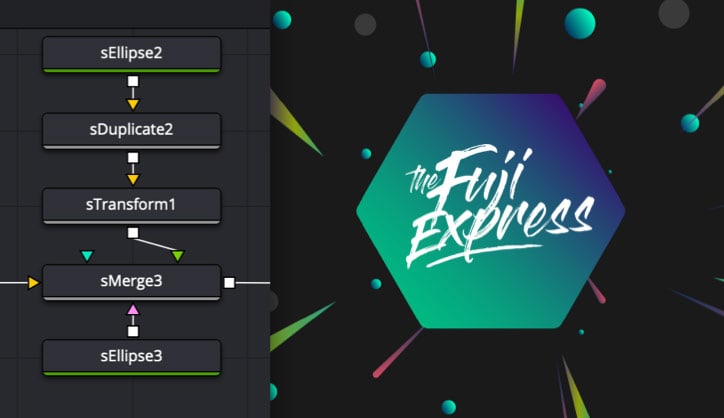
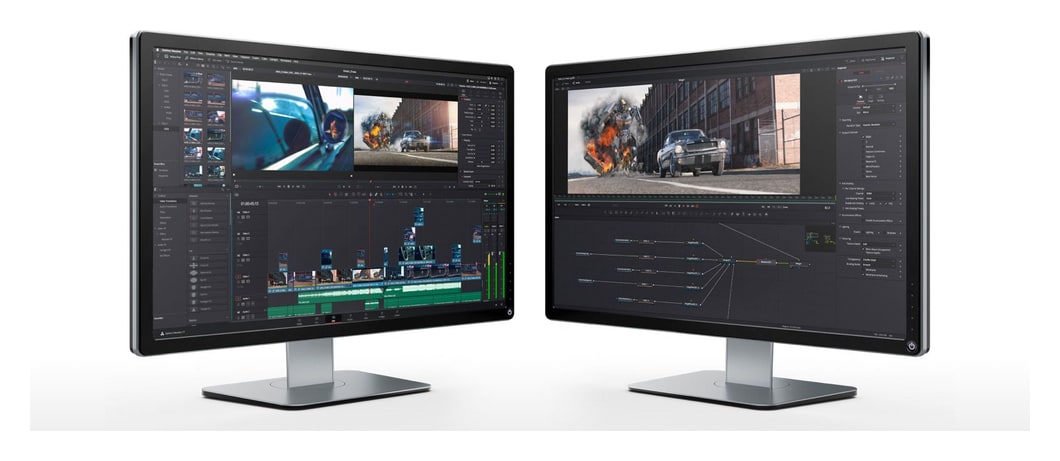
Nodes instead of layers
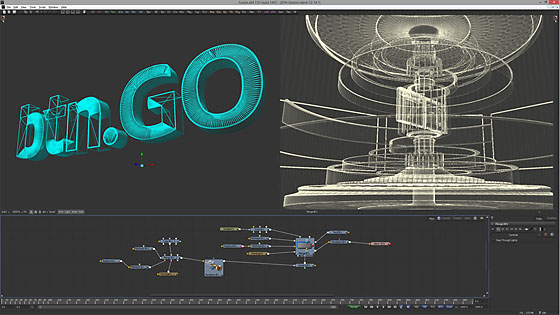
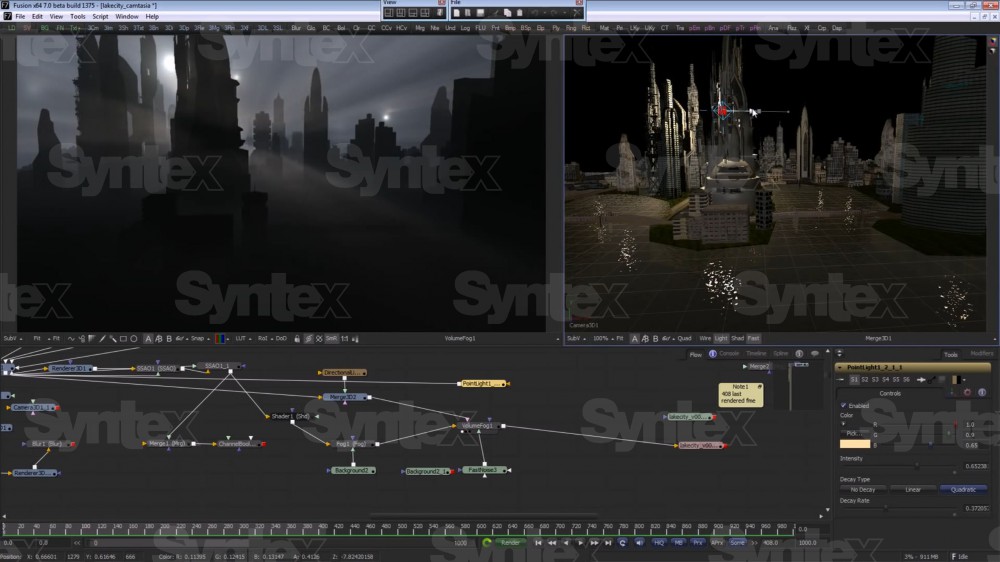
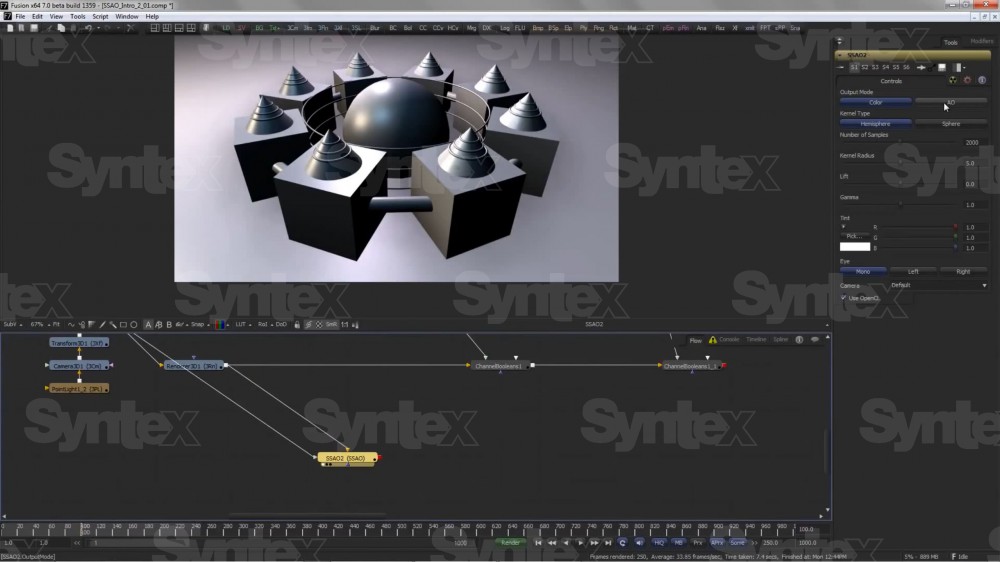
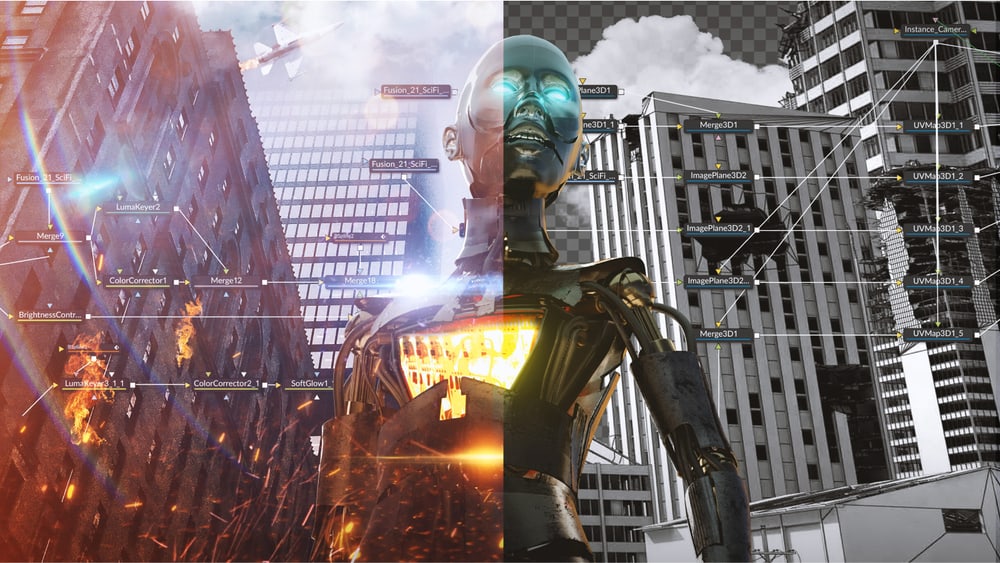
Nodes represent effects, filters and other operations and can be connected in any order. You reach any part of a project by clicking a node, with no hunting through nested stacks of layers and filters.
Rendering with no per node fees
Render jobs can be distributed across an unlimited number of networked computers, and there are no licence fees for individual render nodes.
Fusion Connect
Editors in DaVinci Resolve and Avid Media Composer send clips to Fusion straight from the timeline, and the finished composition returns to it automatically.
Bin server
Shared assets do not have to be copied and tracked in several places; everyone sees the same elements.
Scripting and custom tools
Fusion supports both Lua and Python, so you can write custom tools, pass data to other applications and automate repetitive tasks.
A true 3D workspace and tracking
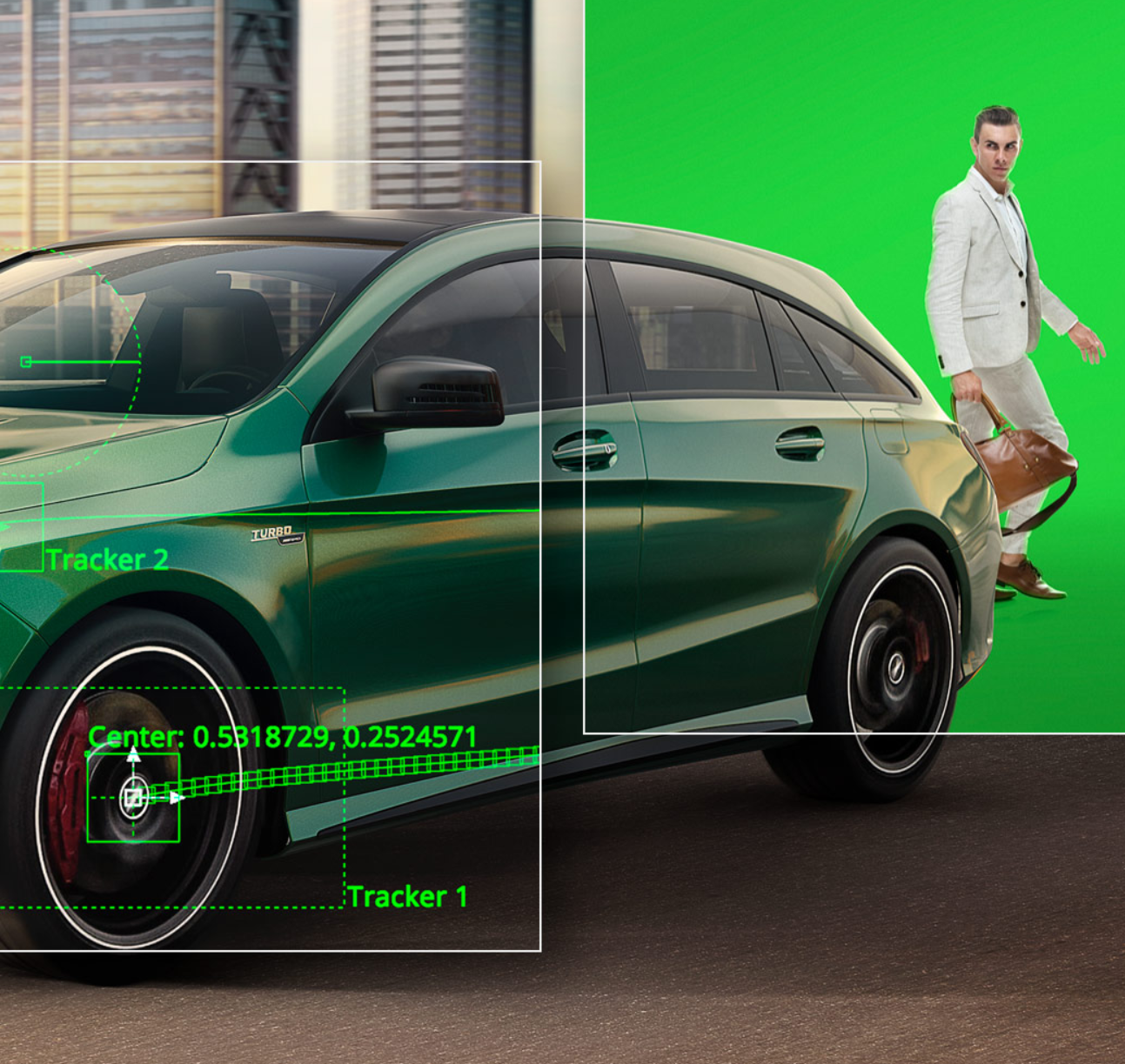
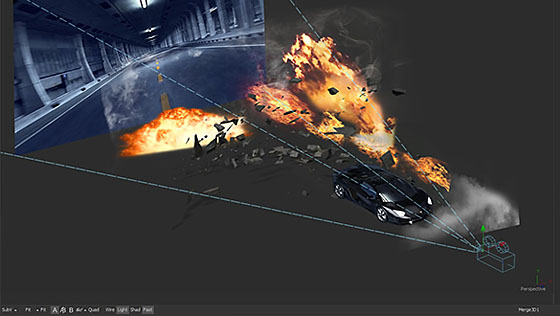
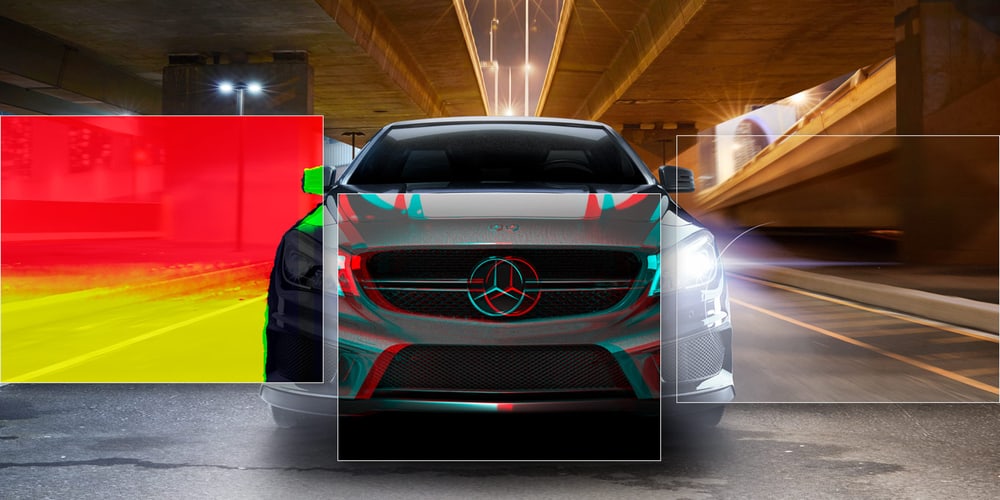
In a true 3D workspace you combine live action with 3D models, cameras and lights. Fast motion tracking follows movement, stabilizes cameras and tracks rotoscope points or paint strokes, so objects and effects blend with the shot perfectly.
Keying, rotoscoping and optical flow
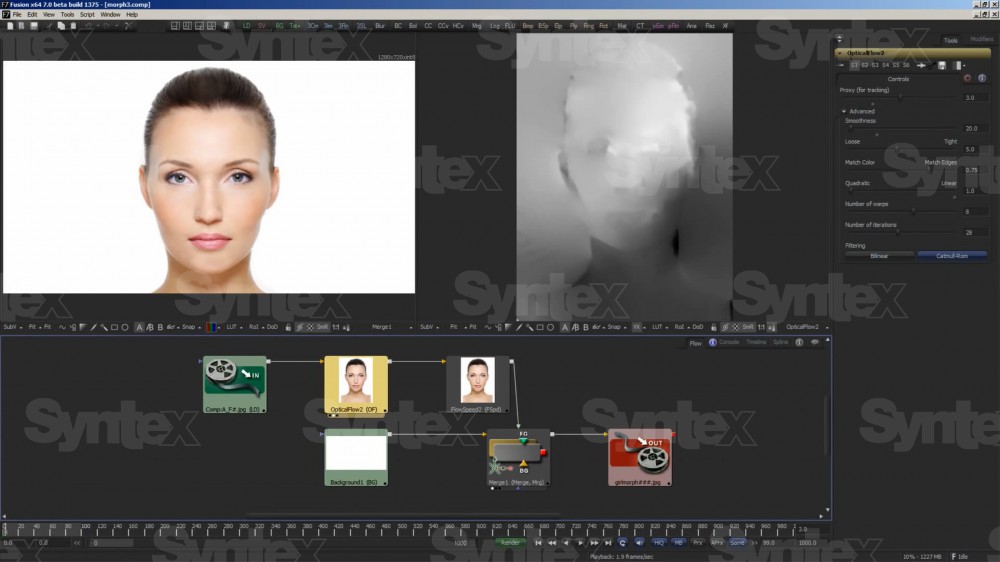
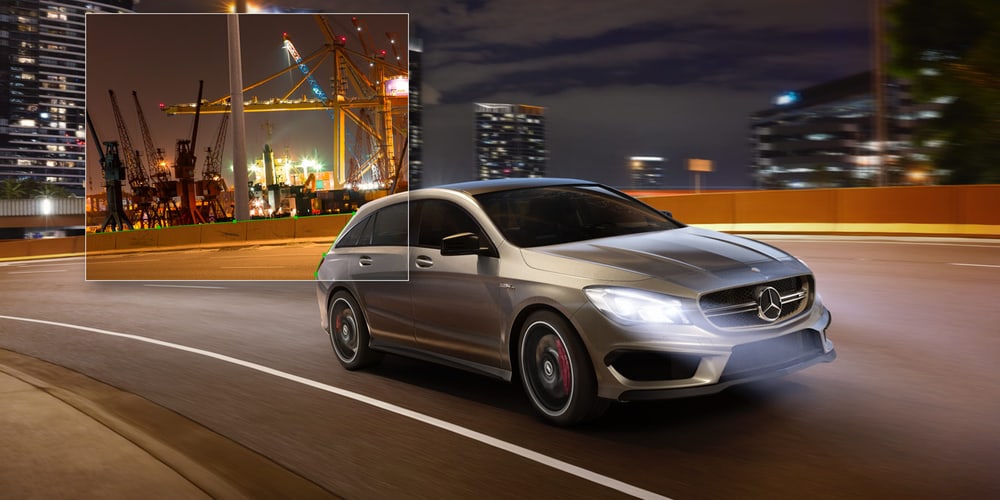
Keying is handled by the Delta Keyer, Ultra, Chroma, Luma and Differential keyers. Vector paint and rotoscoping create masks and mattes for adjusting part of an image, and optical flow generates motion vectors for fixing shots, retiming, stabilizing and morphing.
Titles and motion graphics
Character generators create animated 2D or 3D text and title sequences in any language, vector shapes and 3D particles with real world physics – gravity, wind and collisions – add depth to graphics.
Unlimited network rendering
Fusion has the fastest production quality render engine, and jobs can be distributed across an unlimited number of networked computers with no per node fees. Complex scenes render quickly even against intense deadlines.
Fusion Connect and collaboration
Fusion Connect sends selected clips from the DaVinci Resolve or Avid Media Composer timeline to Fusion, where a linked composition is created. In a larger team the bin server helps collaboration, and in DaVinci Resolve so do color management and API scripting.
GPU acceleration and scripting
GPU acceleration through Metal, CUDA and OpenCL gives instant feedback while you work, and the environment is responsive enough for client sessions. The extensible architecture supports scripting in Lua and Python.
More information
Fusion (formerly Digital Fusion) was first offered commercially in 1996, but was created in 1987 as a proprietary compositional tool by the Australian studio New York Production & Design. It is therefore one of the longest continuously developed visual effects and image composition software tools, which has earned a reputation for reliability and efficiency in working with video and film material. Fusion is popular not only with large post-production studios, but also with freelance artists - it includes an unprecedentedly extensive range of integrated tools (including, for example, the professional colour keying tool Primatte!). The quality of a professional software solution is most evident from its users. Fusion has shone in the following productions: Avatar, Journey 2: The Mysterious Island, Prometheus, Hugo, Anonymous, 2012, Expendables 2, Harry Potter and the Order of the Phoenix, The Hunger Games: Catching Fire, The Amazing Spider-Man, Alice in Wonderland, Underworld: Awakening and many more! Now, under the Blackmagic Design brand, Fusion software is offered in two versions, the basic free version and the Studio version, which is designed for post-production studios.
Fusion 19
The new uVolume feature allows direct import of VDB volumetric files, eliminating the time-consuming conversion of volumetric data from fluid dynamics simulators, etc. It also adds creative control over imported effects such as smoke, fire, clouds or explosions, including density, temperature and color parameters. Another new tool, MultiPoly, displays all masks in a single list, eliminating switching between nodes for faster and more accurate rotoscoping. It is ideal for complex projects: users can view, select, add and edit specific masks, switch their visibility and adjust other parameters from a single location.
PACKAGE CONTENT
- Activation using a DaVinci Resolve licence
SPECIFICATIONS
- Type: node based software for visual effects, 3D and motion graphics
- Platforms: macOS, Windows and Linux
- Tools: hundreds of 2D and 3D tools, animation curves, keyframe editors, 3D particles, tracking, rotoscoping, keying
- 3D and VR: import of 3D models from Maya, 3ds Max and Cinema 4D, deep pixel compositing, panoramic viewer
- Image: resolution independent (SD, HD and film resolutions), 32 bit floating point data, HDRI
- Acceleration: GPU through Metal, CUDA and OpenCL
- Scripting: Lua and Python
- Rendering: unlimited network rendering with no per node fees
- Activation: using a DaVinci Resolve licence
Parameters
Parameters
| Manufacturer: | Blackmagic Design |
| Category: | Video editing and editing |
Main parameters
| Operating system | Windows · macOS |
| Software type | Full version |
| Operating system | Linux |
Other parameters
| Compatibility | Avid · Resolve |
To this product (1)
To this product (1)
Blackmagic Design Pocket Cinema Camera 4K
Promotion
The Blackmagic Pocket Cinema Camera 4K is a handheld digital film camera with a 4/3
1 080.12 €
1 087.79 €
Backordered 1 pcs
News, training, and discounts from Syntex
Special offers and discounts for subscribers only · Free audio & video workshops · News and tips from the world of filmmaking
- Show all
Blackmagic Design Fusion Studio
Fusion Studio is professional node based software for visual effects, 3D and motion313 €on request