This software update adds faster loading of timelines with multiple markers and better handling of creation date metadata. It also adds improvements to the grab all stills function and audio scrubbing in the sync bin as well as support for monochrome decoding of ARRI RAW clips.

We've got one for you, and we have to say that it can handle a lot of music for how small it is.
Today we're taking a look at the Feelworld DH101 10.1-inch portable touchscreen.
What do we find in the package? When you unpack the box, you'll find plenty of protective materials to keep the display safe. The display is wrapped, with a manual underneath, USB-C to USB-C, USB-A to USB-C, and HDMI to mini-HDMI cables. You can use this touch and thin display for work, but also as a monitor for tablets and mobile phones. The portable display supports many laptop brands such as Apple, Huawei, Honor, Xiaomi, Asus, Dell, HP, as well as Microsoft. It can also connect to mobile phones and tablets from Huawei, Honor, Samsung, Razer, LG, Oppo, Asus, HTC and Smartisan. It also works on a plug and play basis, so it doesn't run on a charger, but takes power from the device it's connected to.
How does it work? After you unpack the display and set it up using the integrated 90-degree bracket; select the cable that matches your device and plug it into the display's input one or two. The display should turn on and transmit the screen within 10 seconds. And what do we find on the display?
The display features an IPS panel with a 1280x800 pixel resolution, 900:1 contrast ratio, 160° viewing angles and 280 candela per m2 brightness, as well as a Mini-HDMI input and a pair of USB-C ports. There's also a 3.5mm headphone jack and USB-C Type 3 for connecting video sources, power, mouse or keyboard. There's an off/on button, control arrows and a menu button.
To simplify things, you can also customize the display, meaning you can set the colors, brightness, contrast, sharpness, placement, and size yourself or leave it to the machine. Your user experience is then enhanced by the integrated adjustable stand and built-in speakers. And it all weighs in at just 650g. The DH101 also supports touch control via USB-C cable on compatible phones, tablets and laptops.
For us, it's a great product that we can use in both our work and personal lives. The fact that the price ranges from 3 800 CZK adds a plus to this product. You can buy it HERE.
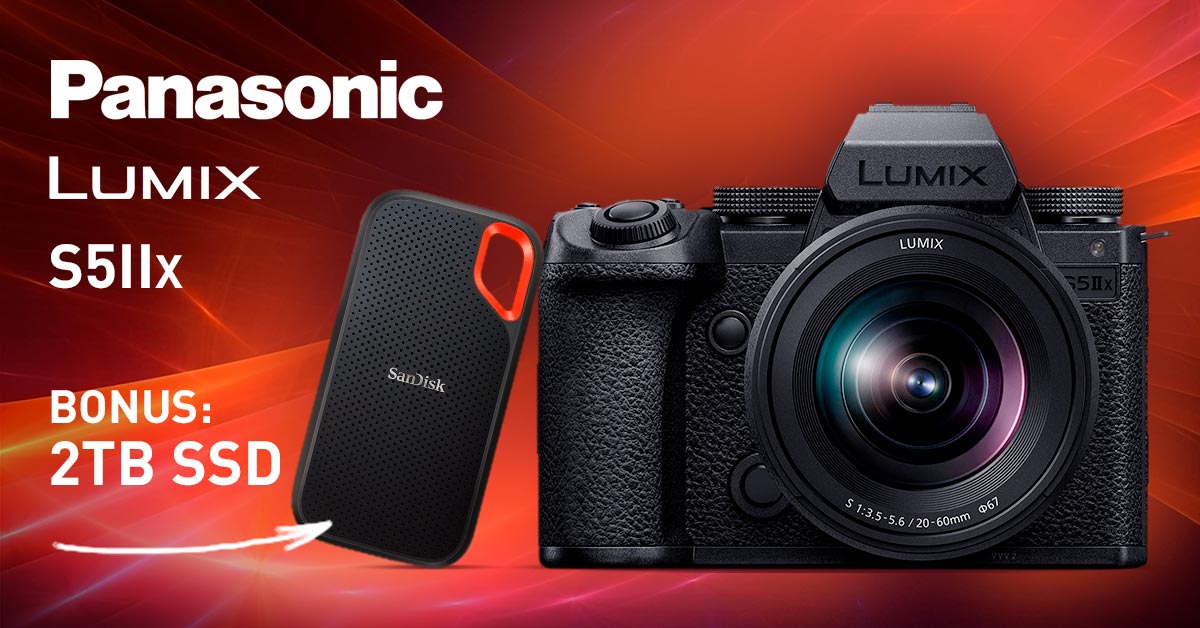
While SD cards are fine for storing smaller amounts of data, you usually need a more powerful calibre when shooting videos. And that's an SSD that can store large amounts of data quickly. What is it, what are its benefits and when is it worth choosing?
An SSD - solid-state drive - is a modern storage device that is the successor to magnetic hard disk drives (HDDs) that contain mechanical moving parts. However, SSD drives are nothing new, you would even find the first one back in 1976. But it's only in recent years that they've become so affordable that their use has spread massively among mainstream consumers; until then, only the military or space projects could reach them.
SSDs don't contain any moving parts, which makes them very resistant to mechanical influences and you don't have to worry about taking them out in the field. Instead, SSD cards have memory chips in them that make it easy and fast to write and erase data.
That being said, SSDs don't have mechanical moving parts that could be damaged by being carried around, so they're very durable. Another indisputable advantage is the fast transfer, read and write speeds, typically 550 MB/s, so you can work with 4k video without any worries. SSDs also don't have a motor and are up to three times more energy efficient than platter drives.
When considering external storage for video recording, you need to consider the following:
- Speed: External SSDs generally offer faster read and write speeds compared to SD cards, resulting in smoother writes and faster downloads.
- Capacity: External SSDs generally have a larger capacity compared to SD cards, so you can store more video footage without having to constantly replace memory cards.
- Cost: The main disadvantage of SSDs is their high price. However, if you require reliable, high-speed storage, they are worth investing in.
- Power consumption: SSDs can require more power compared to SD cards, which can have a negative effect on battery life, especially for longer recording sessions.
- Compatibility: Last but not least, it's also important to make sure your recording device is compatible with your chosen external storage device.
In conclusion, the choice between an external SSD and an SD card mainly depends on your specific needs and video recording requirements.
RED Digital Cinema has released the V-Raptor 8K S35 and V-Raptor XL 8K S35, featuring 8K S35 sensors. The new sensor features 16.5+ stops of dynamic range and the same scan time as the 8K VV version for stunning slow-motion imagery at 120 fps using the full 8K Super 35mm field of view, or up to 600 fps at 2K! V-Raptor 8K S35 will also continue to feature RED’s proprietary REDCODE RAW codec, allowing users to capture 16-bit RAW, and leverage RED’s latest IPP2 workflow and color management. Addtionally, the V-Raptor XL 8K S35 includes an integrated electronic-ND system for precise control of density in 1/4-, 1/3- and full-stop increments. The standard V-Raptor S35 is available in Body only, Starter Pack, and V-Lock or Gold Mount Production Pack configurations, and the XL is available in both V-Lock and Gold Mount versions of Body only or Production Pack configurations.

Need to choose a memory card and don't know how to do it? Let's navigate through SD cards so that you make the right choice. Find out the difference between SDHC vs SDXC, as well as what write speed to choose to get the best results.
The acronym SD stands for Secure Digital and under this name you will find memory cards for phones, laptops, digital cameras and camcorders. With a memory card, you can expand the capacity of your device by up to hundreds of GB, as well as transfer data from one device to another.
You will commonly come across classic SD cards and the smaller microSD size, which is, however, perfectly full-size. The choice between a classic and a micro card depends on what slot your camera/camcorder has and what slot your computer has. So often a microSD and a reduction to a large SD are sold together.
While there used to be multiple types of memory cards on the market, today SD cards (and their smaller microSD variants) are virtually synonymous with memory for most devices. This is despite the fact that the original SD cards had a relatively small capacity and are virtually unused.
- SD & microSD cards, which have a capacity of 8 MB to 2 GB, which is quite inadequate for today's needs.
- SDHC & microSDHC (SD High Capacity) cards, which have a capacity of 4 GB to 32 GB and are the successors to SD cards. You will find the minimum write speed markings already on them, which we will discuss later in the article.
- SDXC & microSDXC (SD eXtended Capacity) cards are the next generation of memory cards and have capacities of 64 GB to 2 TB.
So the fundamental difference between SDHC vs. SDXC and microSDHC vs. microSDXC is in their capacity as well as write speed.
To choose the right card, it depends on what you'll be using it for. Shooting video in 4K resolution and above (or even RAW) is the most demanding and requires the fastest cards. Shooting is less demanding, although even there you shouldn't skimp on the card. It's always better to choose a slightly faster and larger card than you think you'll use.
You'll find several indications on SD cards that give an indication of their speed. Let's break them down one by one.
For clarity, memory cards are divided into speed classes (Class). The class number lets you know the minimum guaranteed write speed. In terms of transfer speed, this is equal to or higher than the write speed on SD cards. For taking high-resolution photos, you should always get a card with a higher write speed to avoid delays.
The speed class doesn't stop there, you'll also find the UHS (Ultra High Speed) designation on the cards, which indicates that the card is suitable for cameras and camcorders with a USH bus. These cards are also compatible with cameras and camcorders without UHS, just not at their full speed.
What are the differences between them?
- SD without UHS can handle a maximum speed of 25 MB/s.
- UHS-I has a theoretical maximum speed of up to 104 MB/s.
- UHS-II supports a theoretical maximum speed of up to 312 MB/s.
- UHS-III supports a theoretical maximum speed of up to 624 MB/s.
When purchasing an SD card for camcorders, then also look at the video class (Video Speed Class), which is indicated from the lowest V6 to the highest V90.
To get a clearer picture, check out the table where you'll find all the information lined up side by side.
|
Class |
Minimum write speed |
UHS |
Video Class |
Suitable for |
|
Class 2 (C2) |
2 MB/s |
- |
- |
SD video recording (320p) |
|
Class 4 (C4) |
4 MB/s |
- |
- |
HD video recording (720p) |
|
Class 6 (C6) |
6 MB/s |
- |
V6 |
HD video recording (720p) |
|
Class 10 (C10) |
10 MB/s |
UHS-I |
V10 |
FullHD video recording (1080p) |
|
- |
30 MB/s |
UHS-III |
V30 |
4K video recording (2160p), 30 frames per second |
|
- |
60 MB/s |
- |
V60 |
Record 8K (4320p) or 4K (2160p) video, 120 fps
|
|
- |
90 MB/s |
- |
V90 |